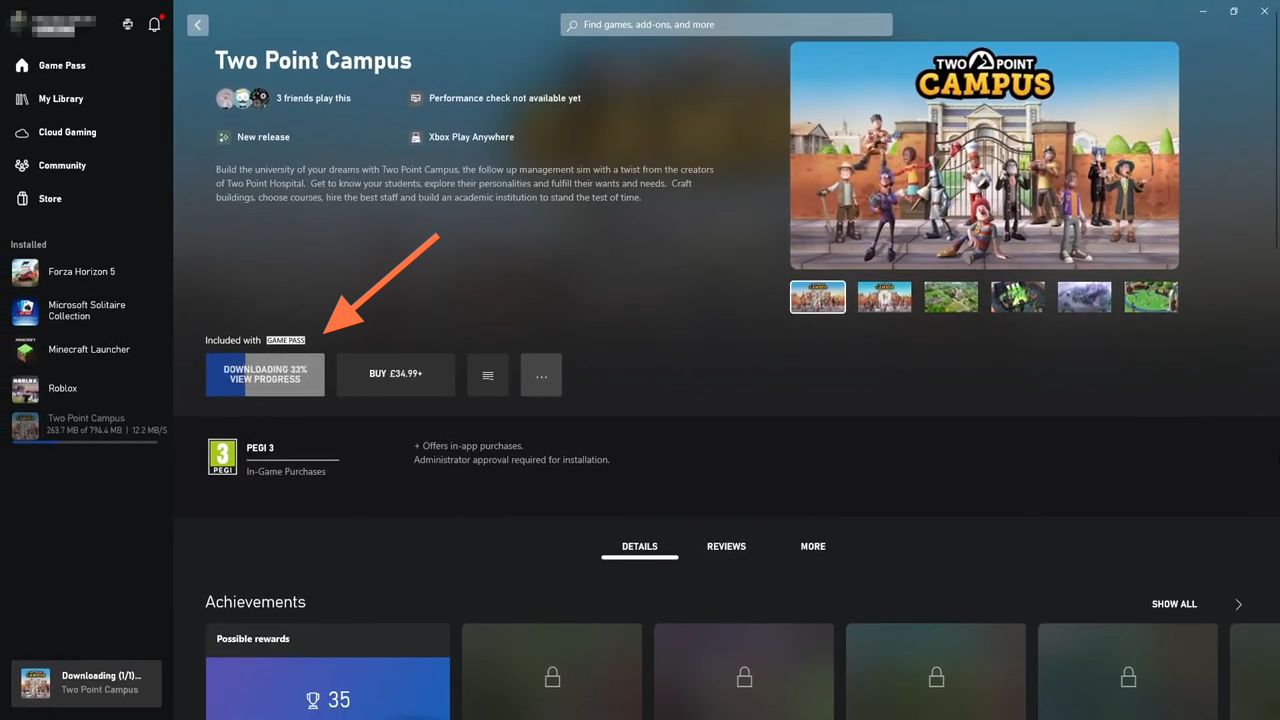
Xbox App Games Not Working In Windows (Fixed)
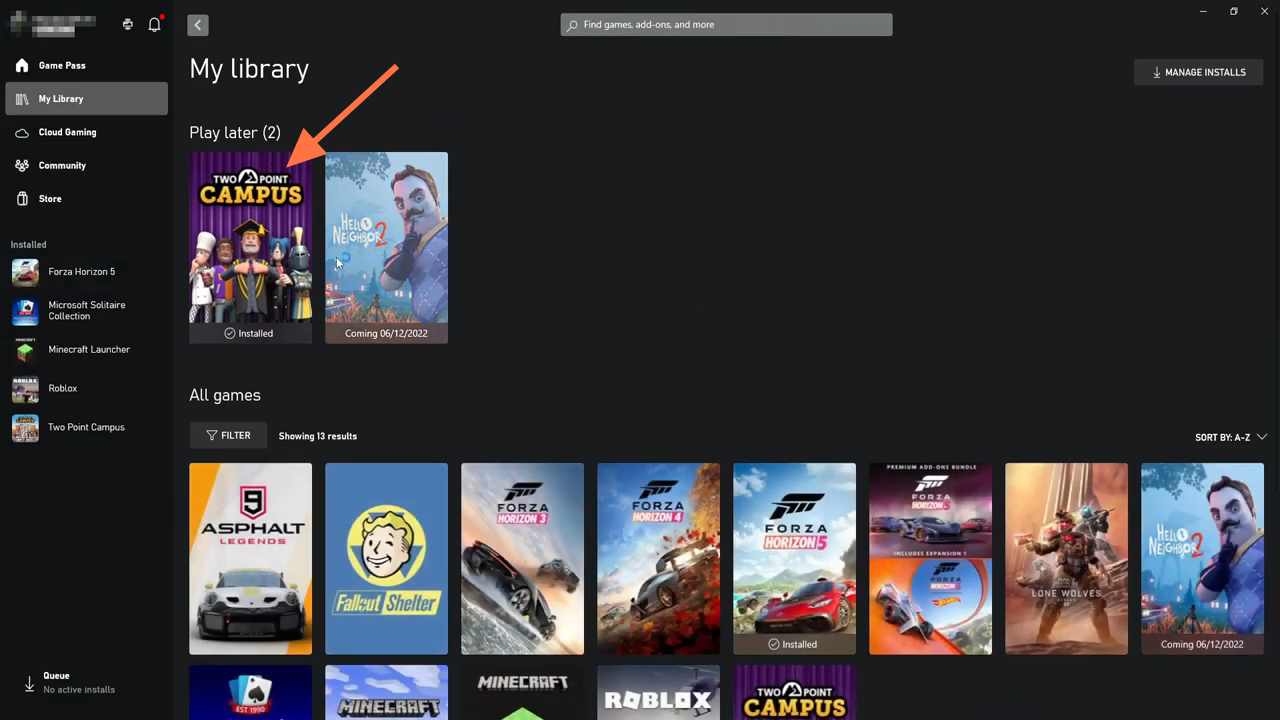
So the first thing that you need to do is open up the Xbox app and find the game that you're having the issue with. Go ahead, select the Library and find your game. Now for example; Two Point Campus, you need to click on the game simply.
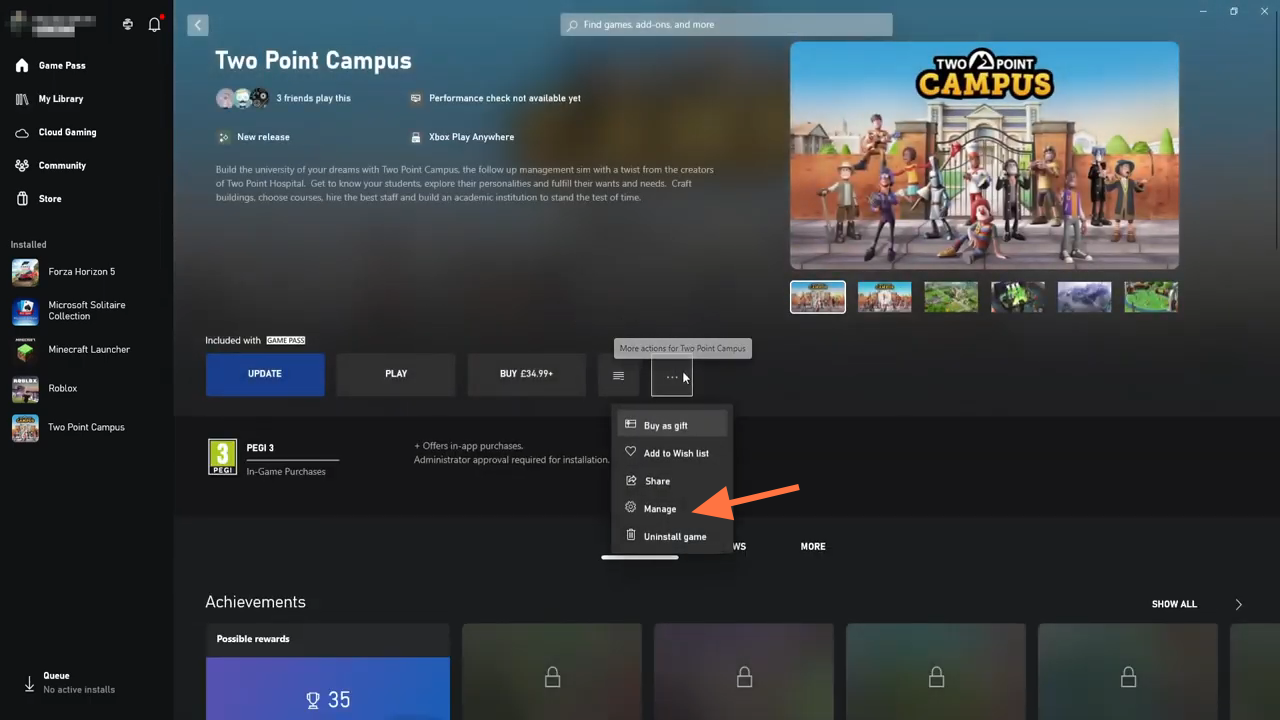
After that, click on the three dots on the right-hand side and you will find an option to Manage. You have to tap on it.
Then select files and you will find Verify and Repair at the bottom, you need to select this option.
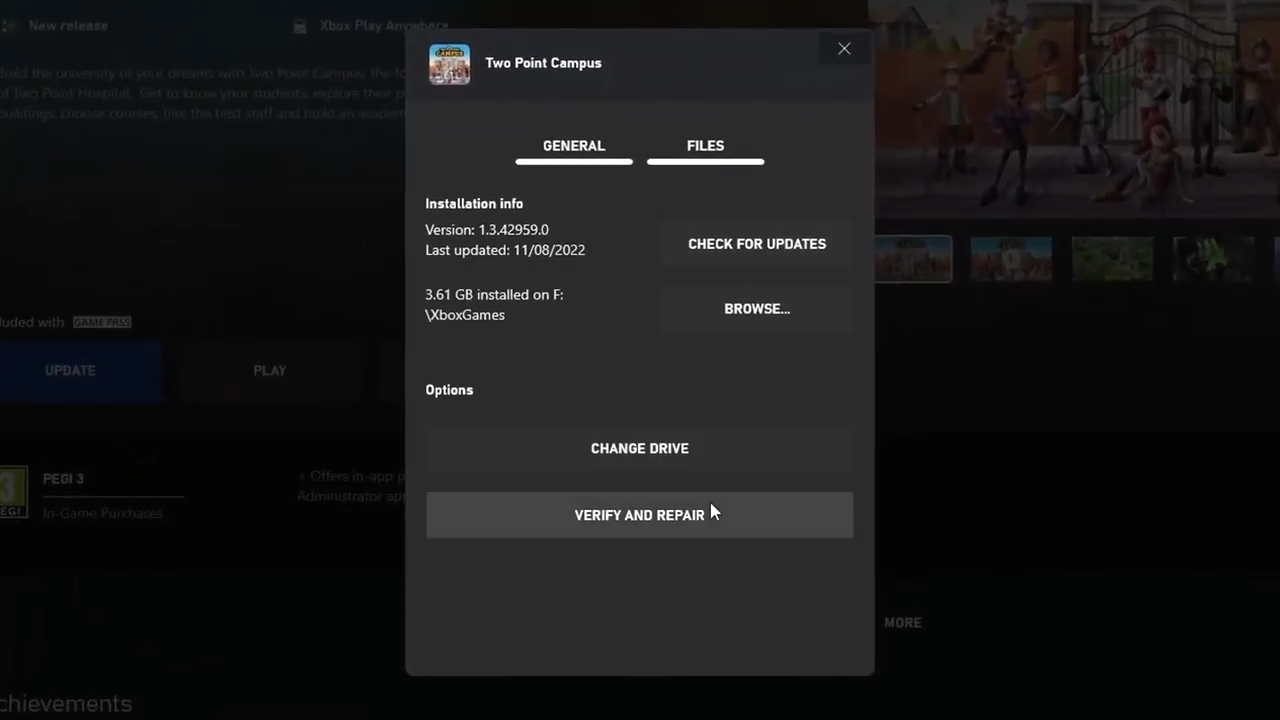
You can see it says choosing to verify and repair. Your files will reset this game to its original settings and you won't retain any mod files and the game saves that aren't backed up may also be lost.
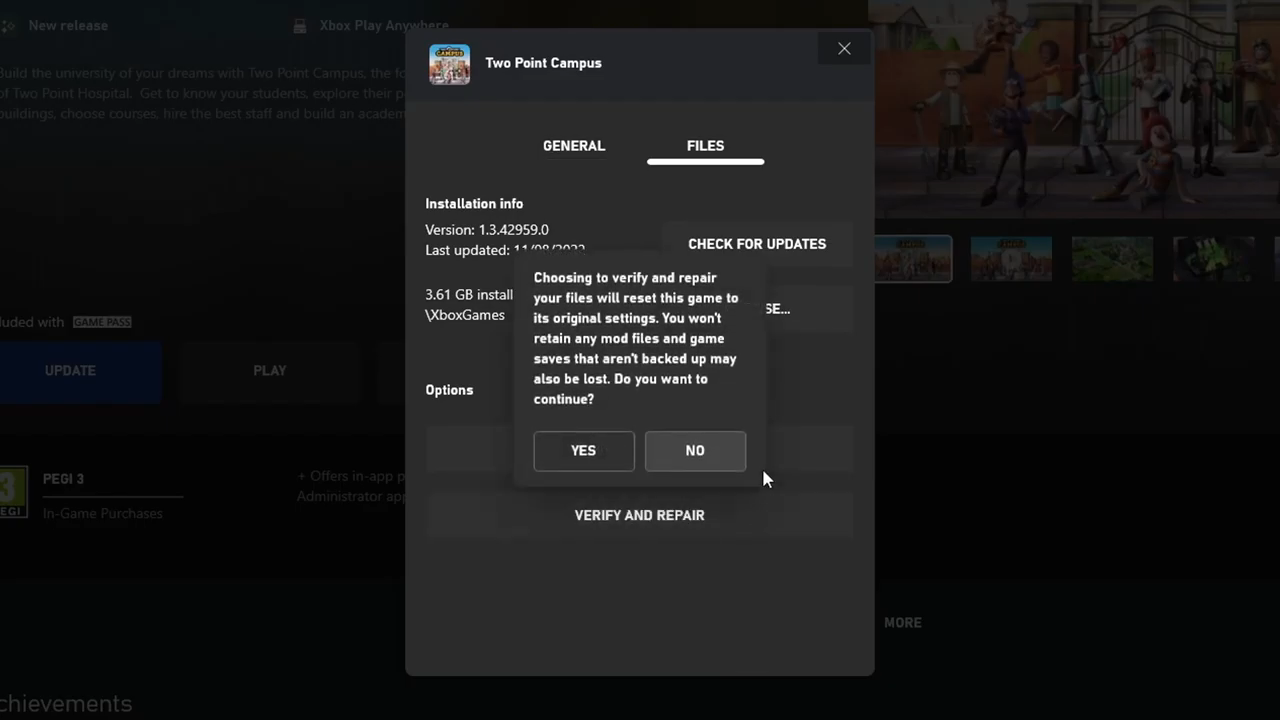
So if you're fine with that, you can go ahead and press Yes. The Xbox app will go ahead and check all the game files to see if there are any issues and fix them.