We are Experiencing Technical Difficulties Roblox 529 (Fixed)
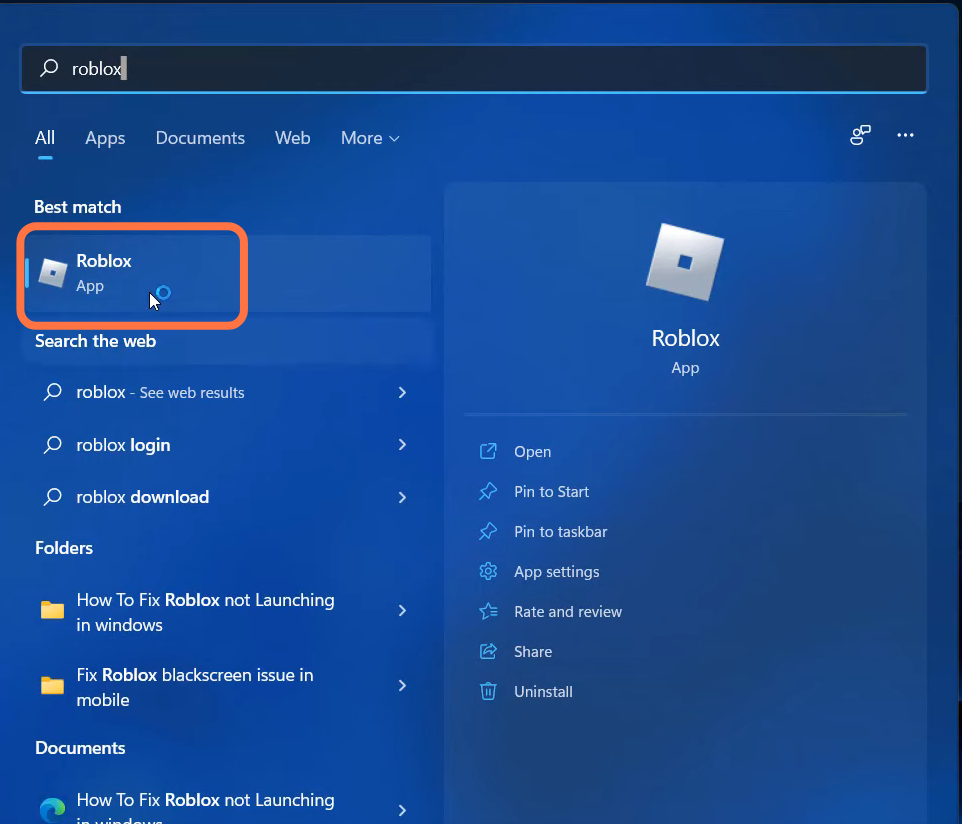
- Click on the setting at the top right side of the screen and logout of the game.

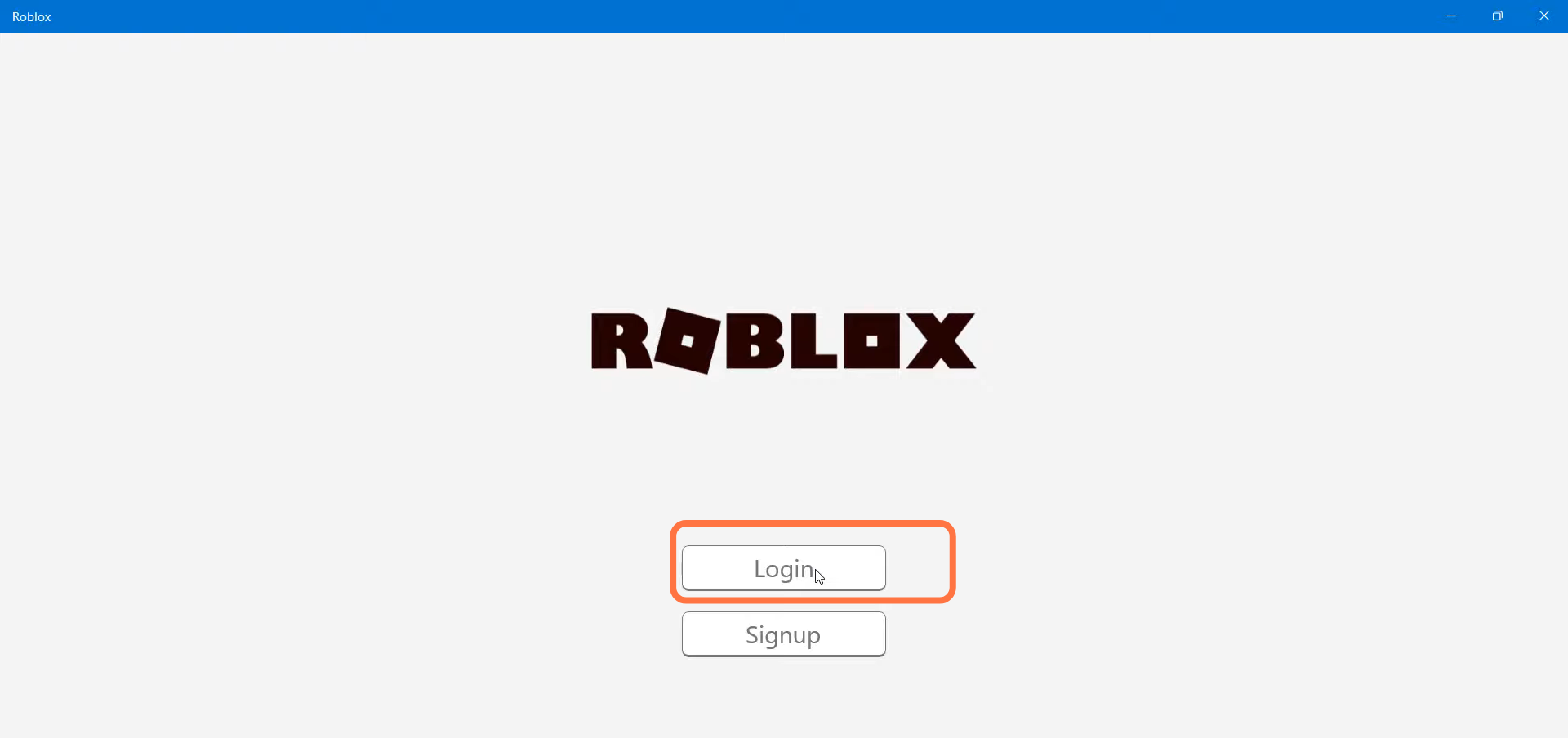
- After that, click on the Login button.
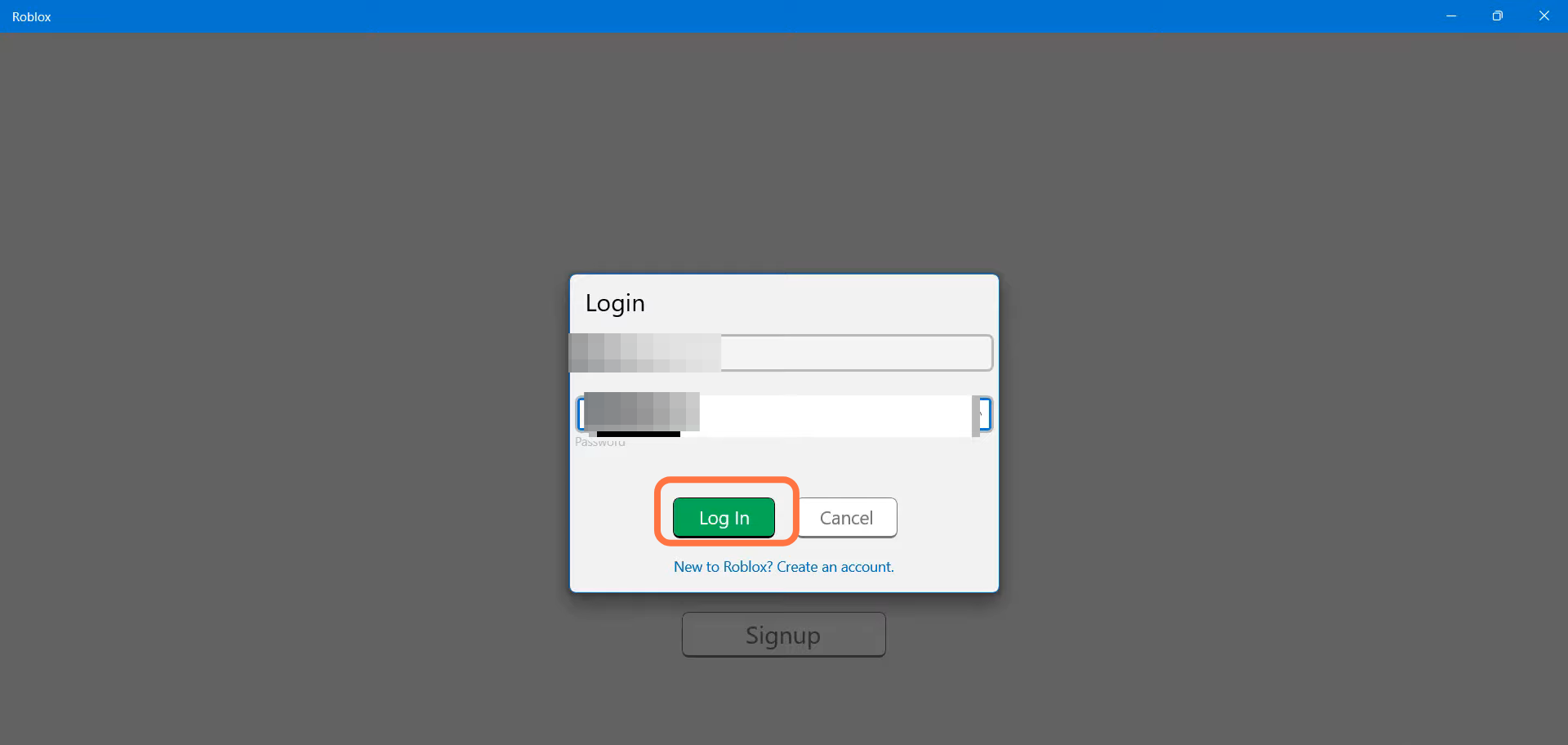
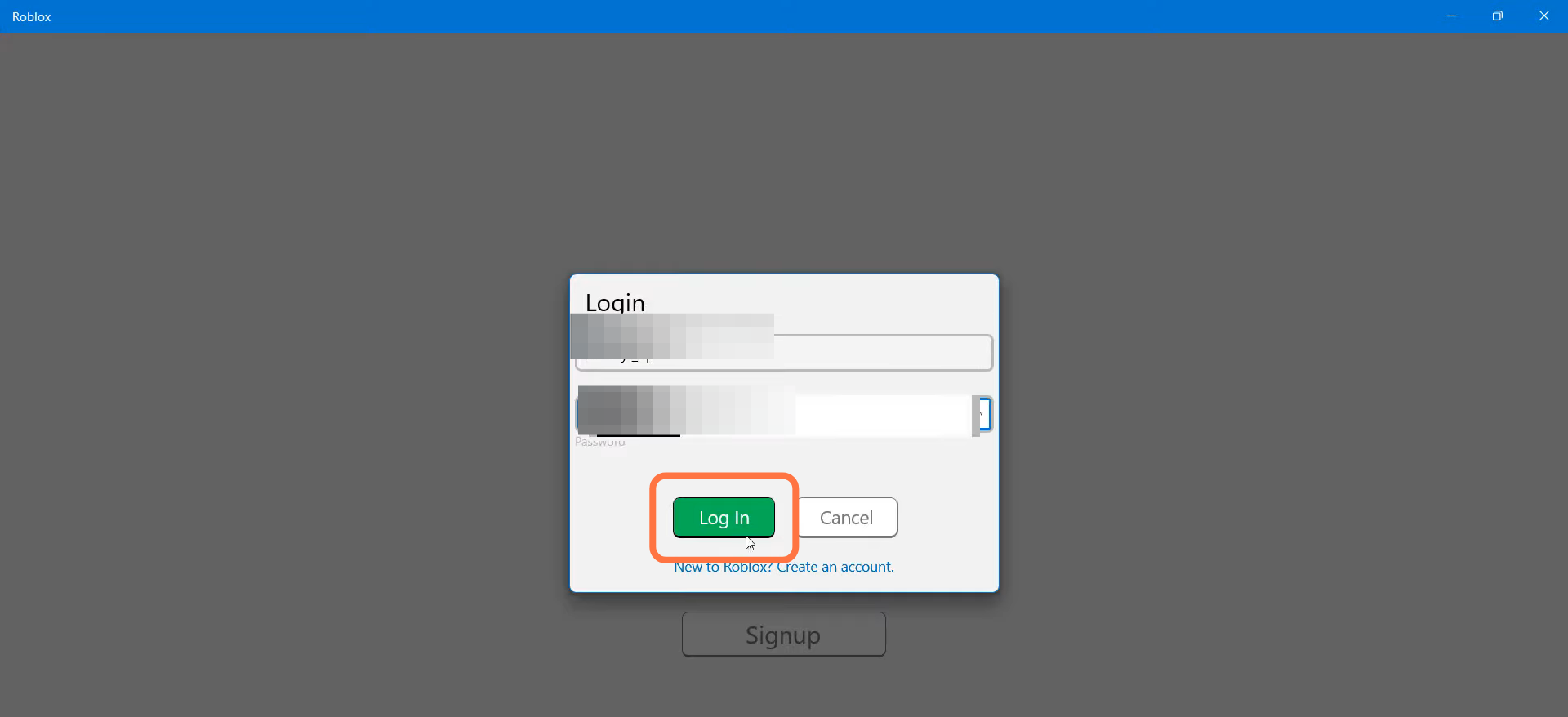
- You need to enter your username and password.
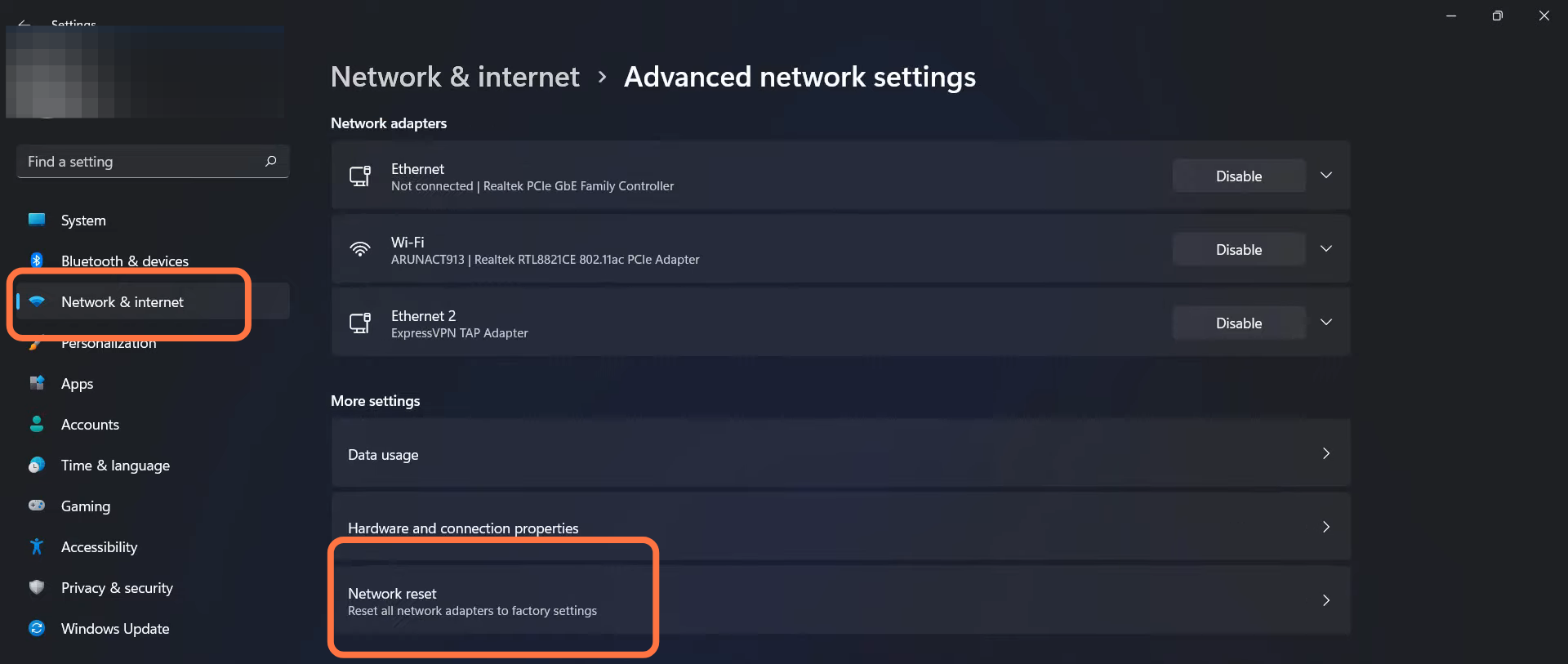
- After that, open the settings.

- Navigate to Network & Internet and tap on Network Reset.
- A new window will appear and you have to press the OK button.

- And then restart your PC.
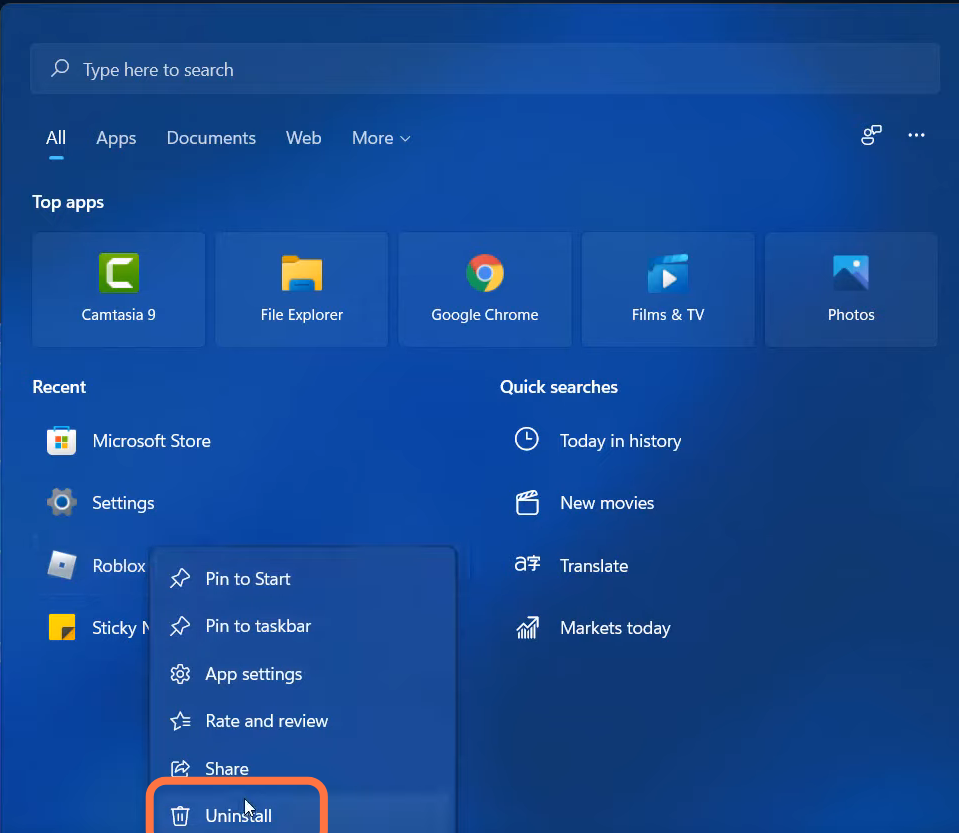
- Now you will need to right click on Roblox and tap on Uninstall.
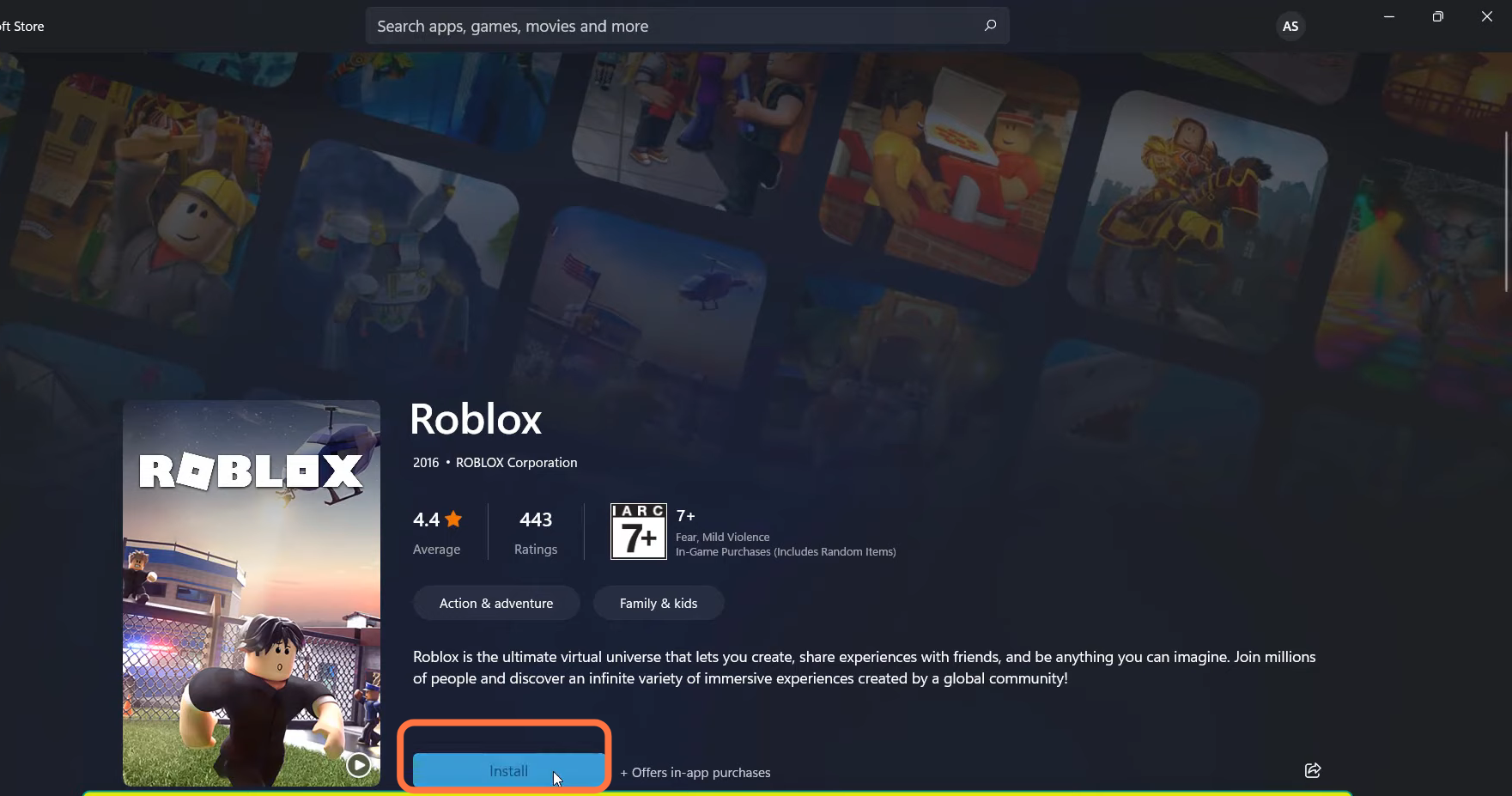
- Open the Microsoft store.

- And search for Roblox. Then click on Install > Play.
- You need to enter your username and password.
- Finally, the problem is solved now.