Valorant Error Code 39 - There Was An Error Connecting To The Platform
You have to follow the simple steps to fix this error.
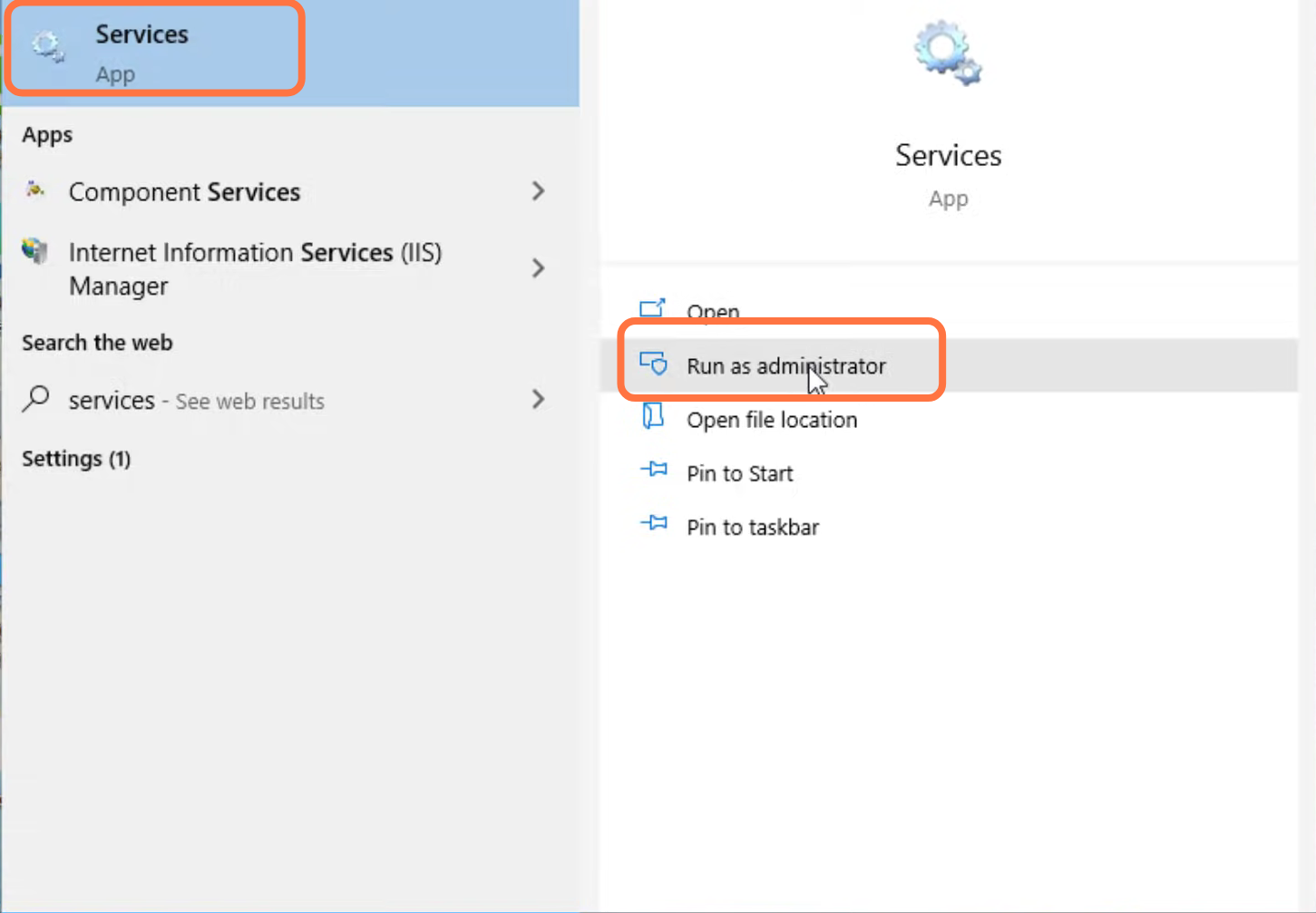
- First, you will need to search for Services and tap on "run as administrator".
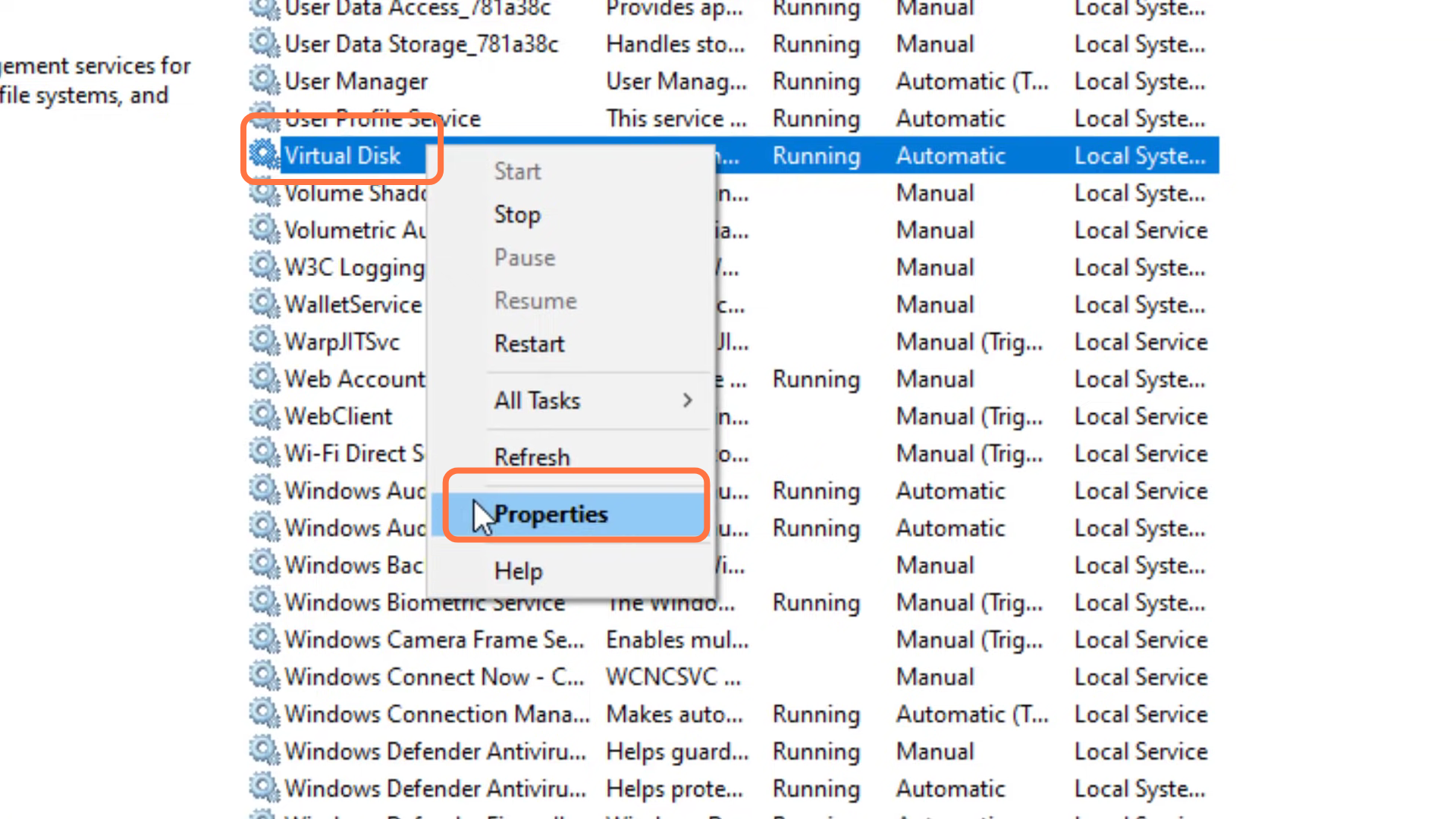
- After that, left click on virtual disk and go to its properties.
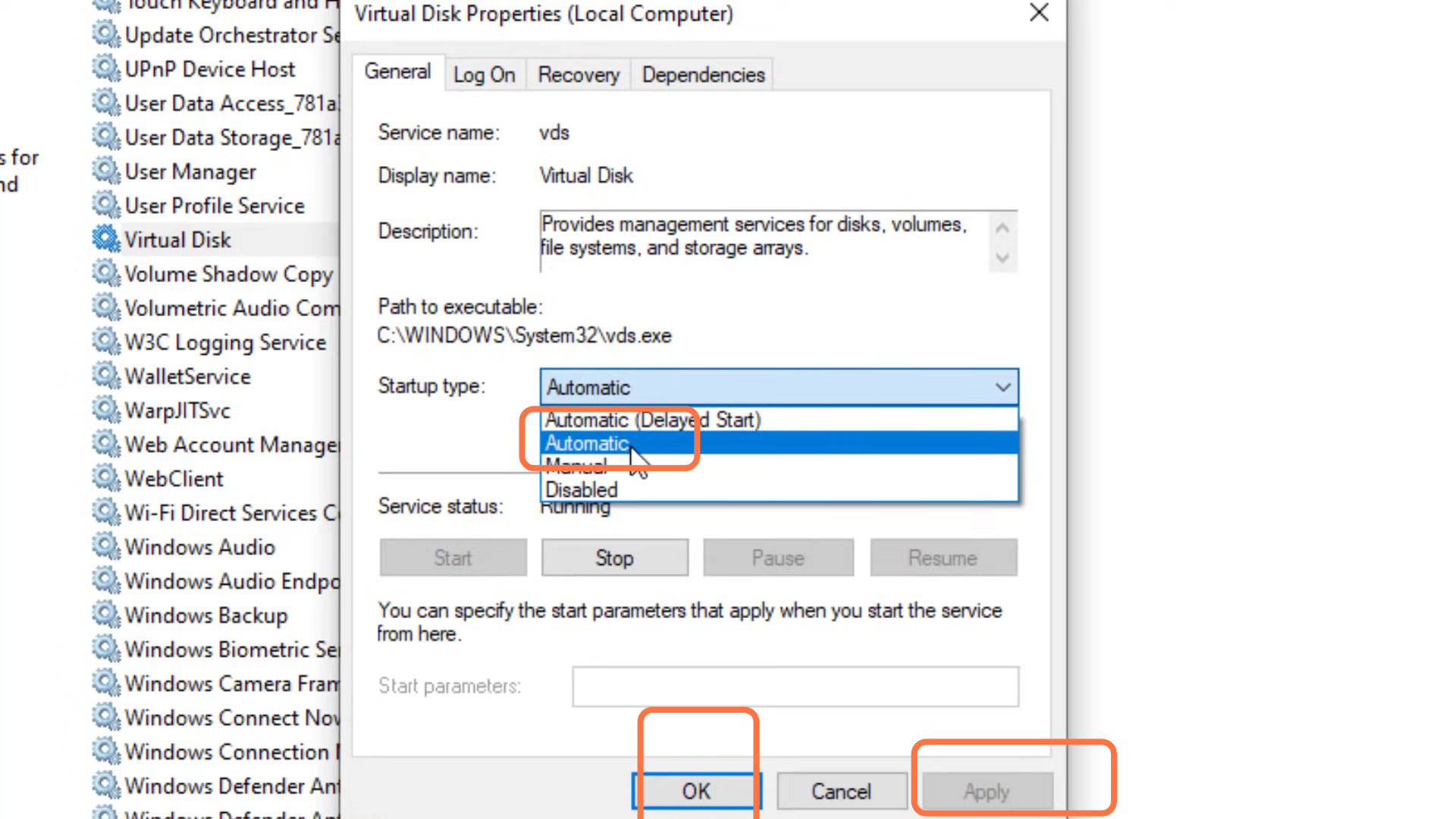
- Select automatic, click on the Apply button and then press OK.
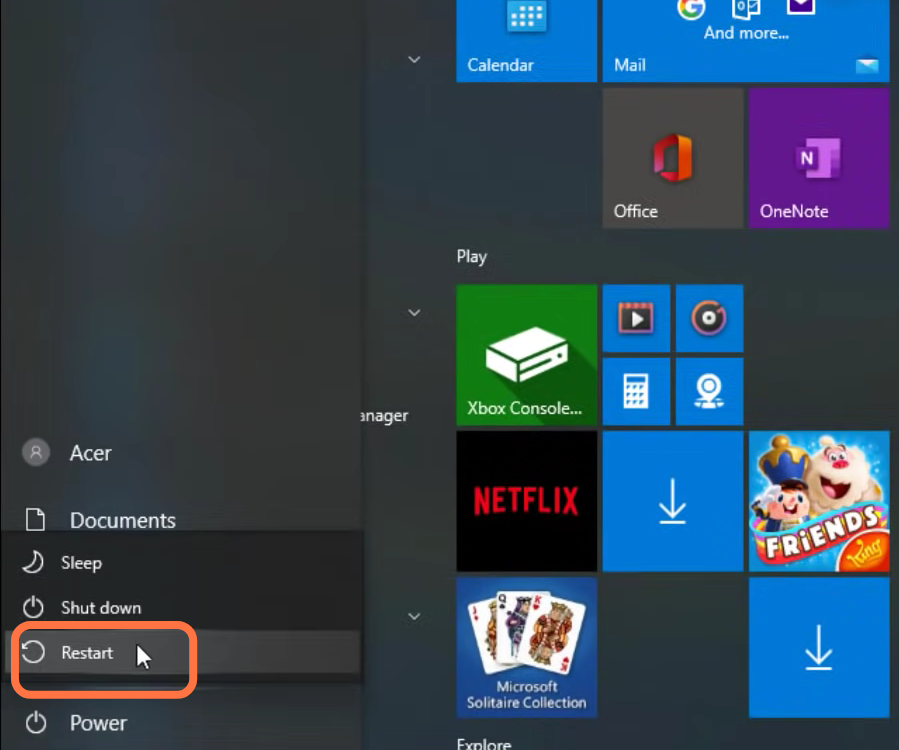
- Now you have to restart your device to resolve the issue.