The Following Components Are Required To Run This Program DirectX Runtime Error - VALORANT
You have to follow the step-by-step instructions to fix this error.
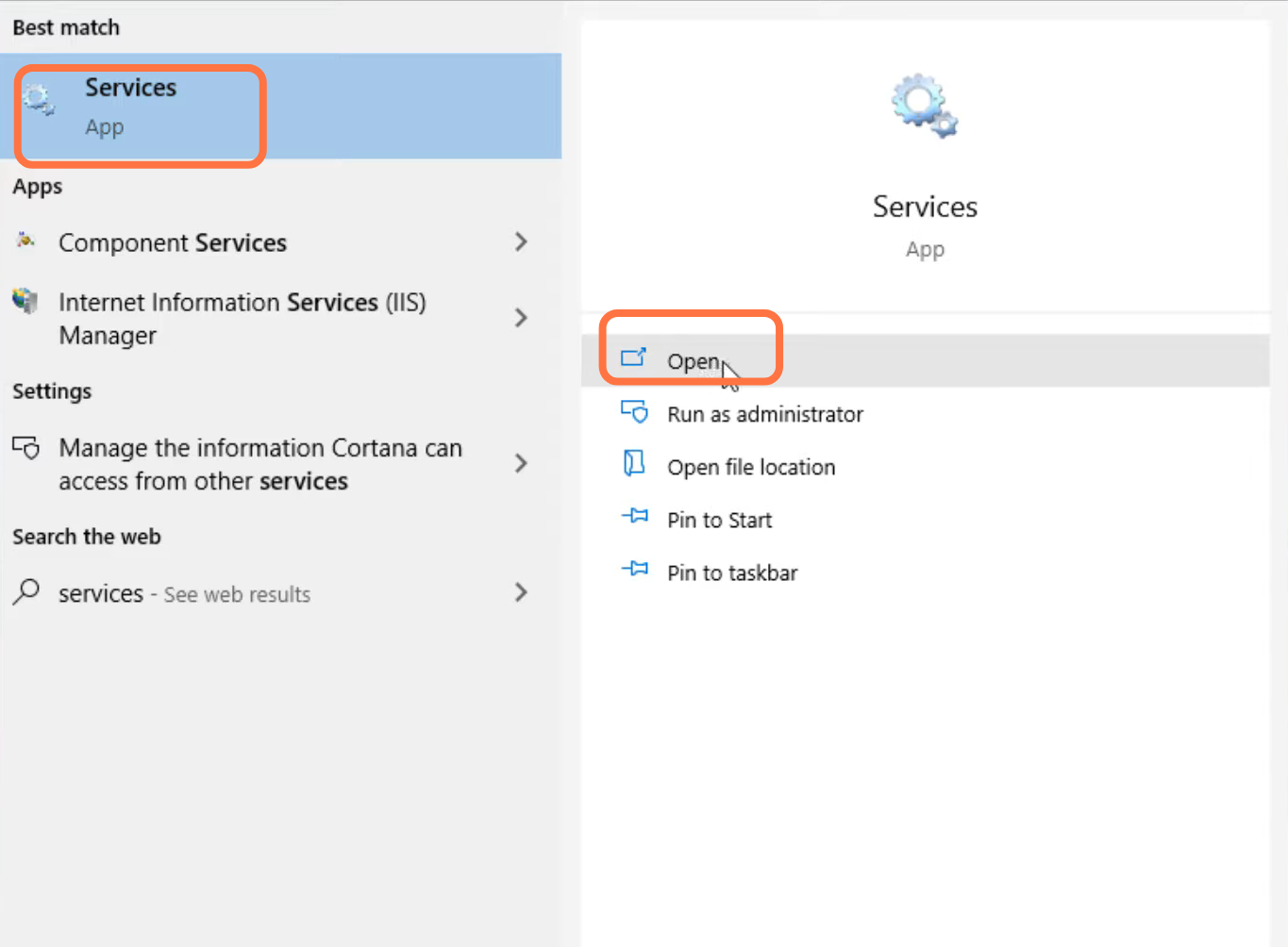
- First, you will need to search for "Services" and click on open.
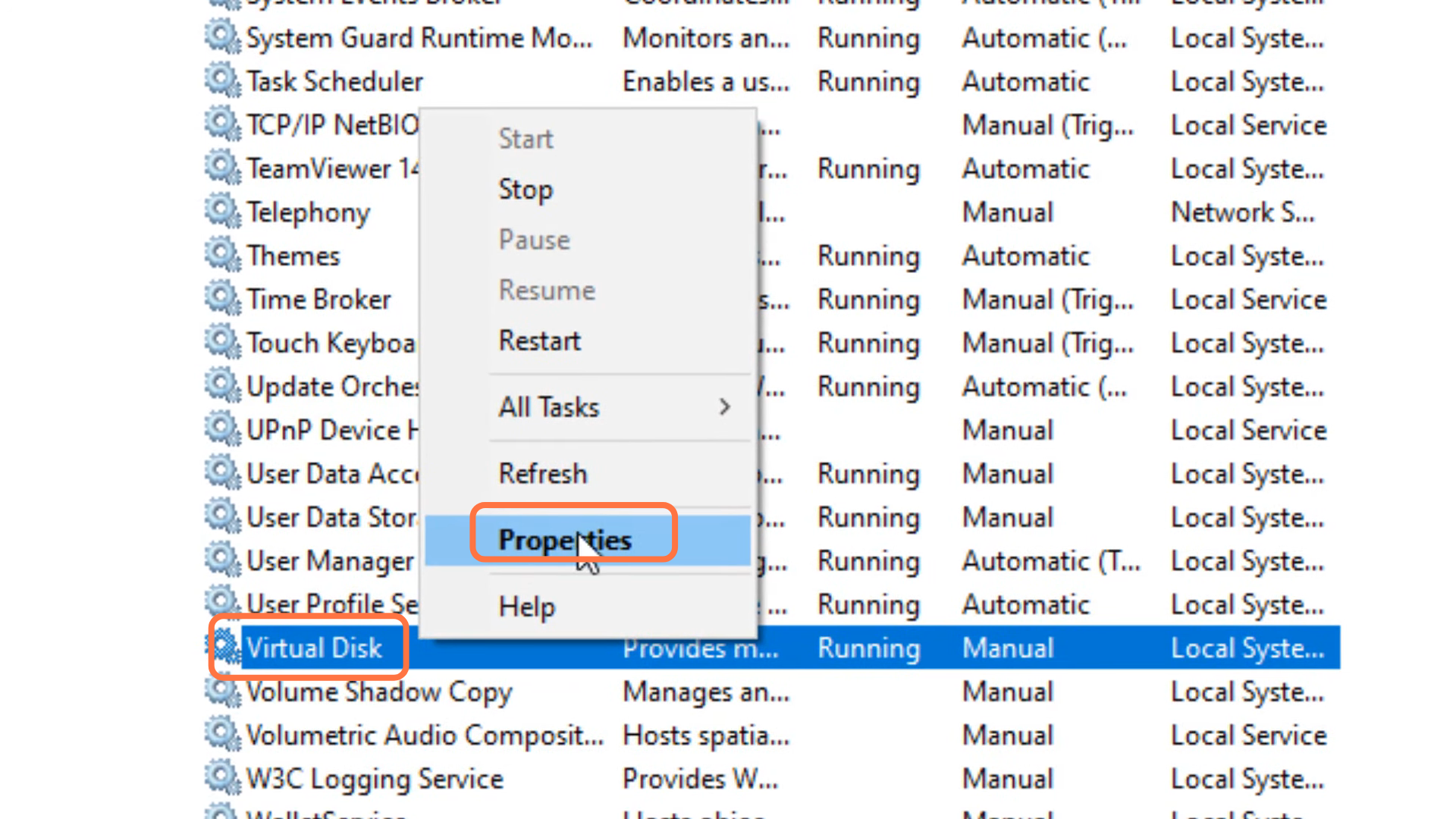
- After that, left click on "Virtual Disk" and go to Properties.
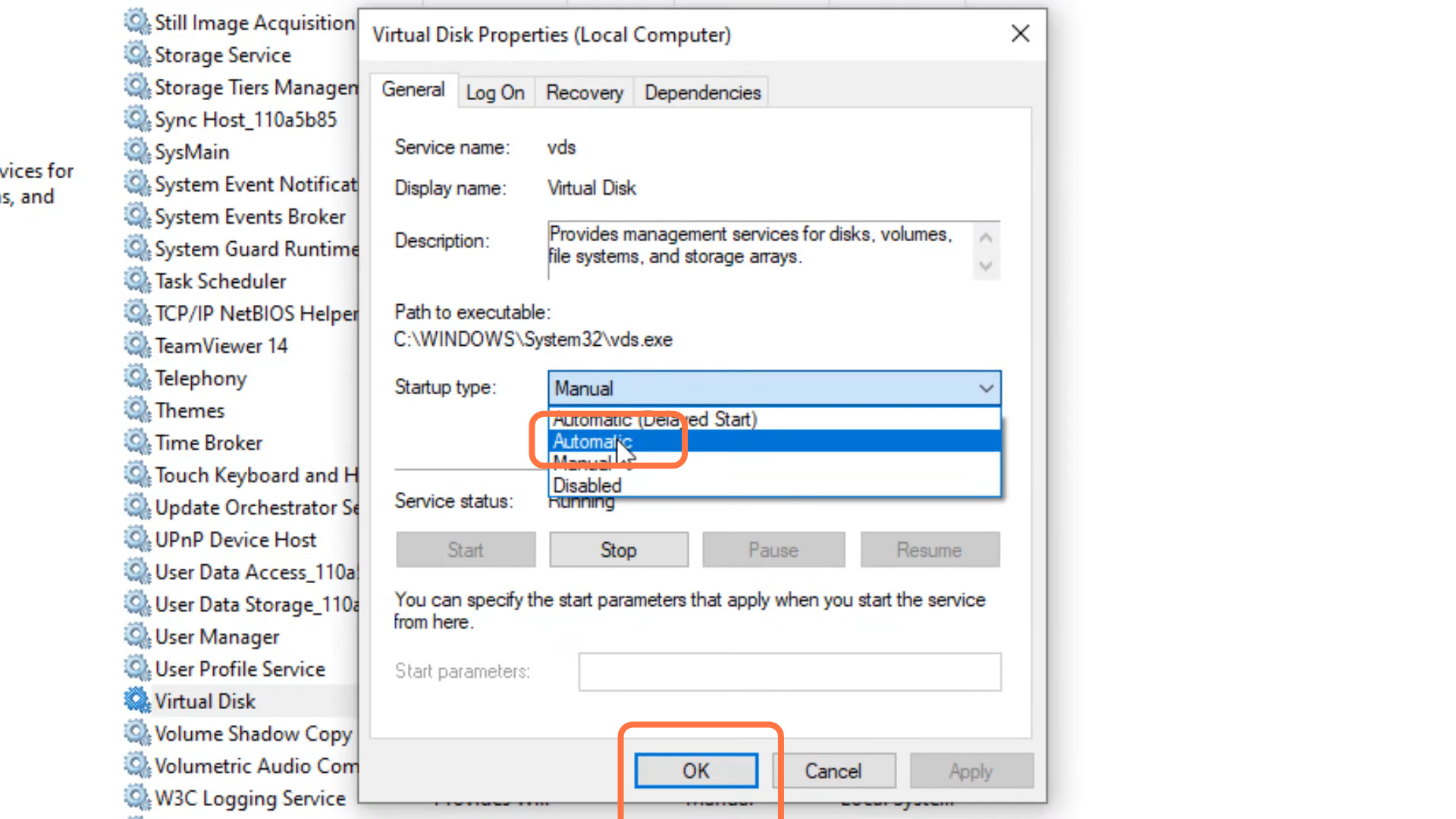
- Then you have to select Automatic and press the OK button.
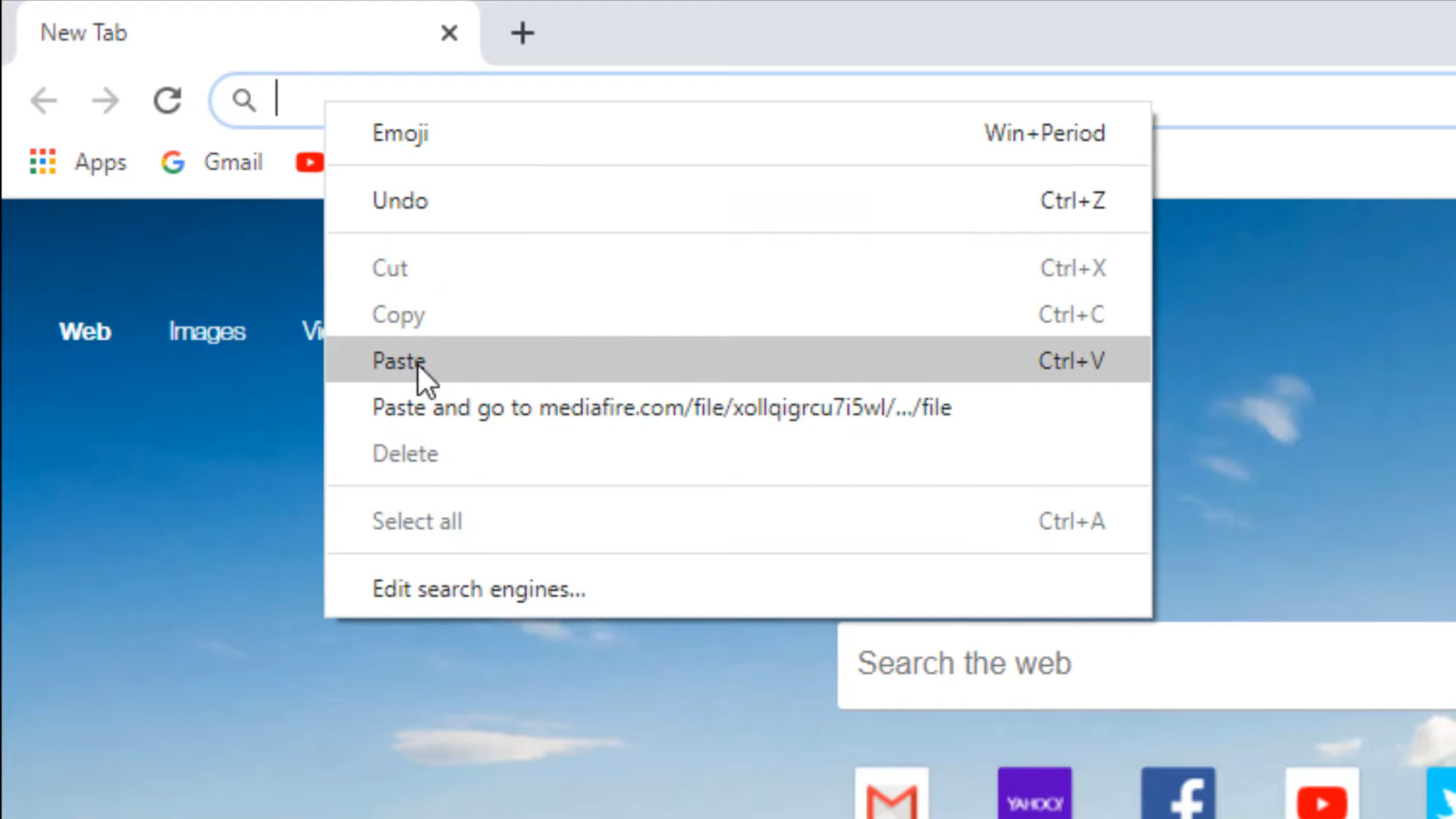
- Open up the following link: http://www.mediafire.com/file/xollqigrcu7i5wl/fix for_valorant.rar/filel
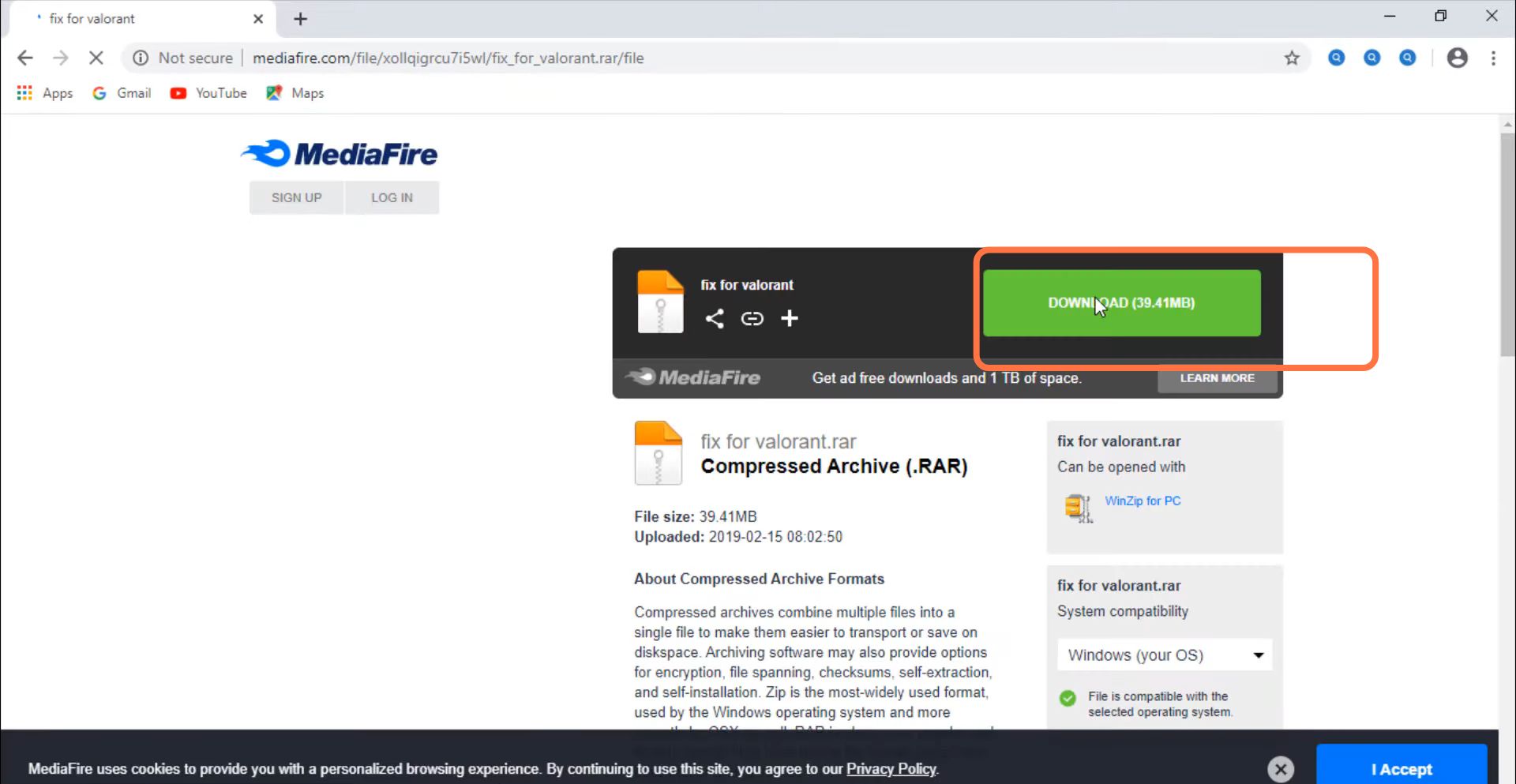
- And press the Download button.
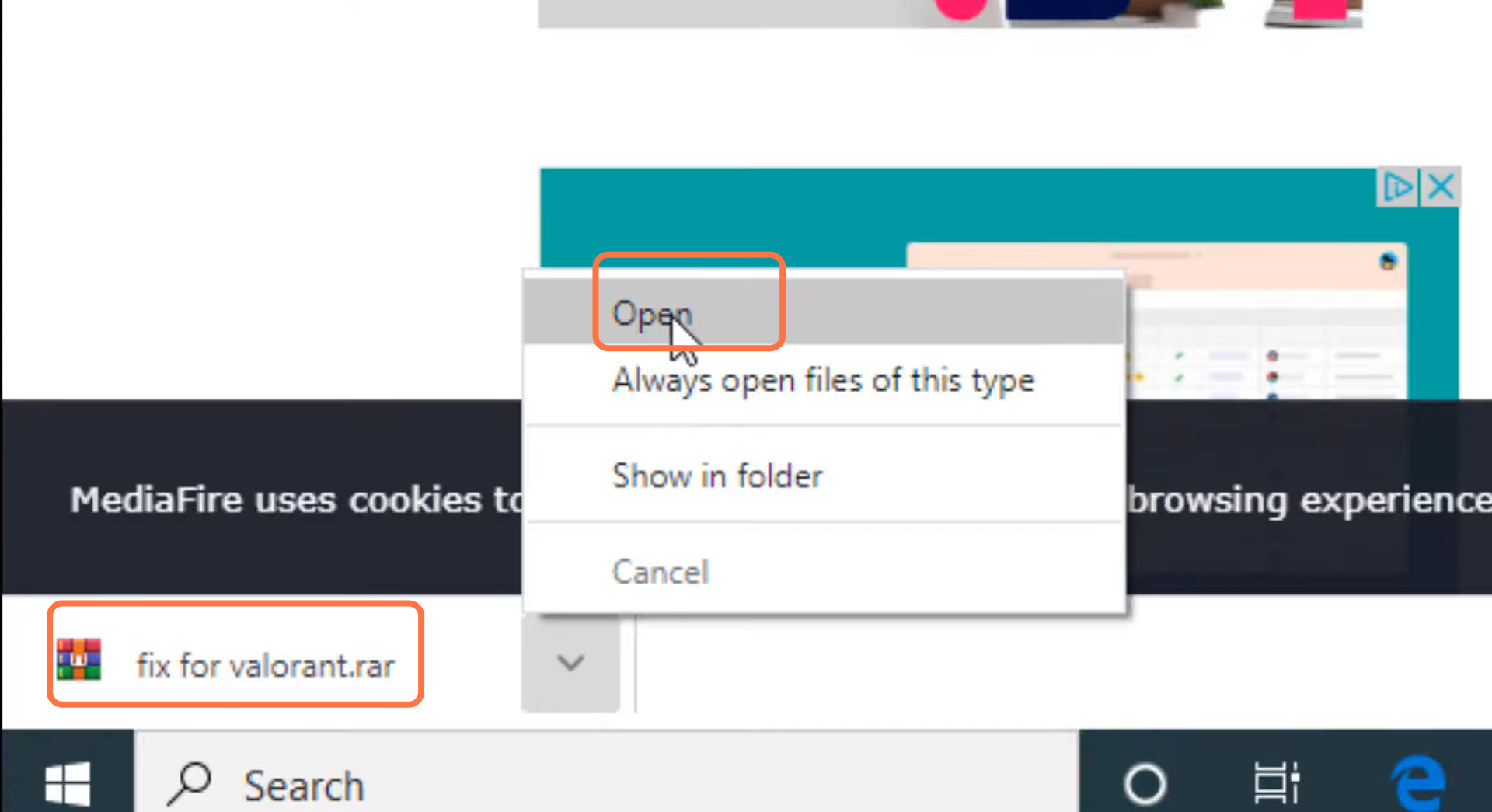
- You will need to open the downloaded file.
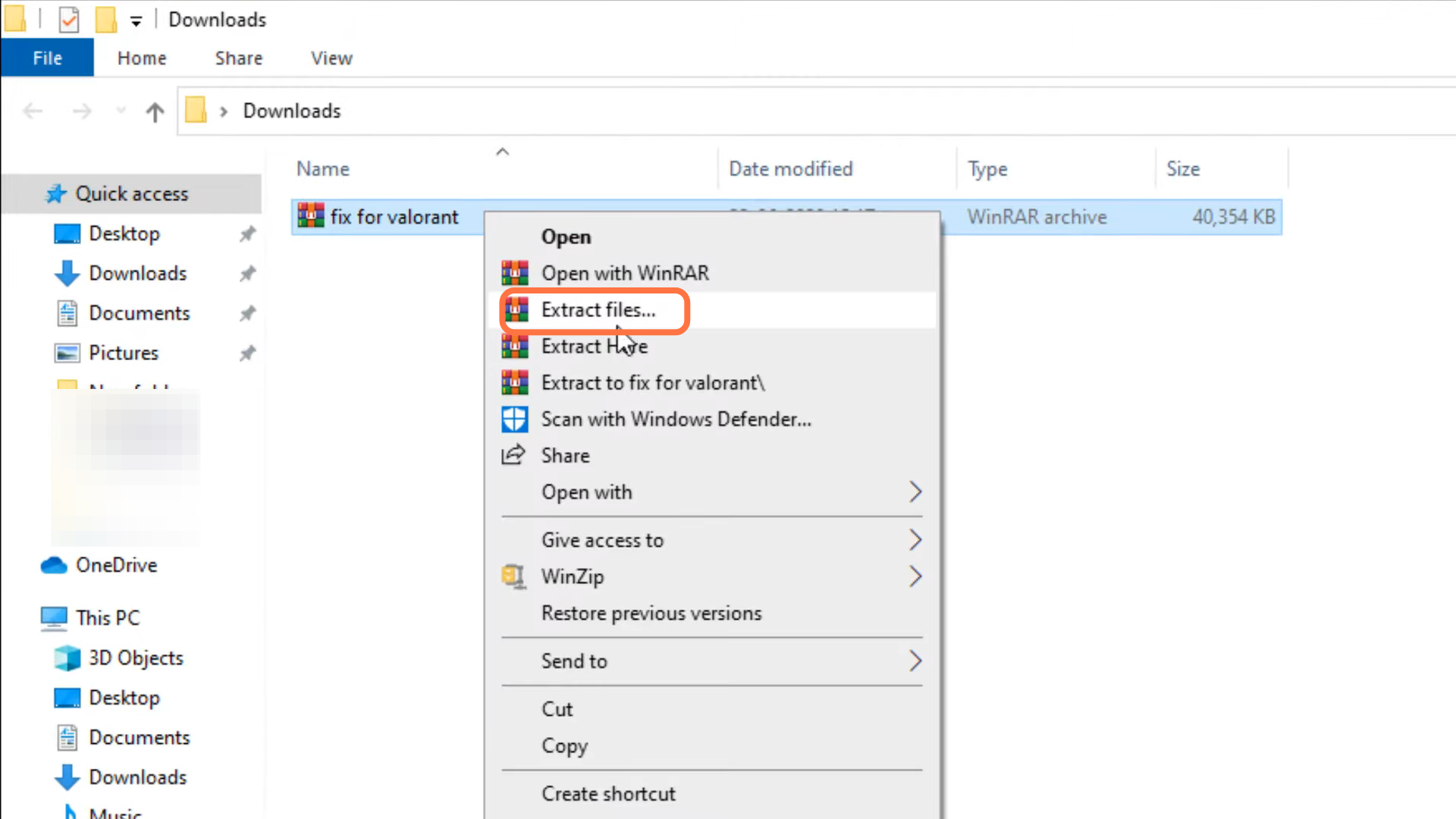
- And extract the zip file.
- After that, open up the extracted file "Error (0xc000007b).
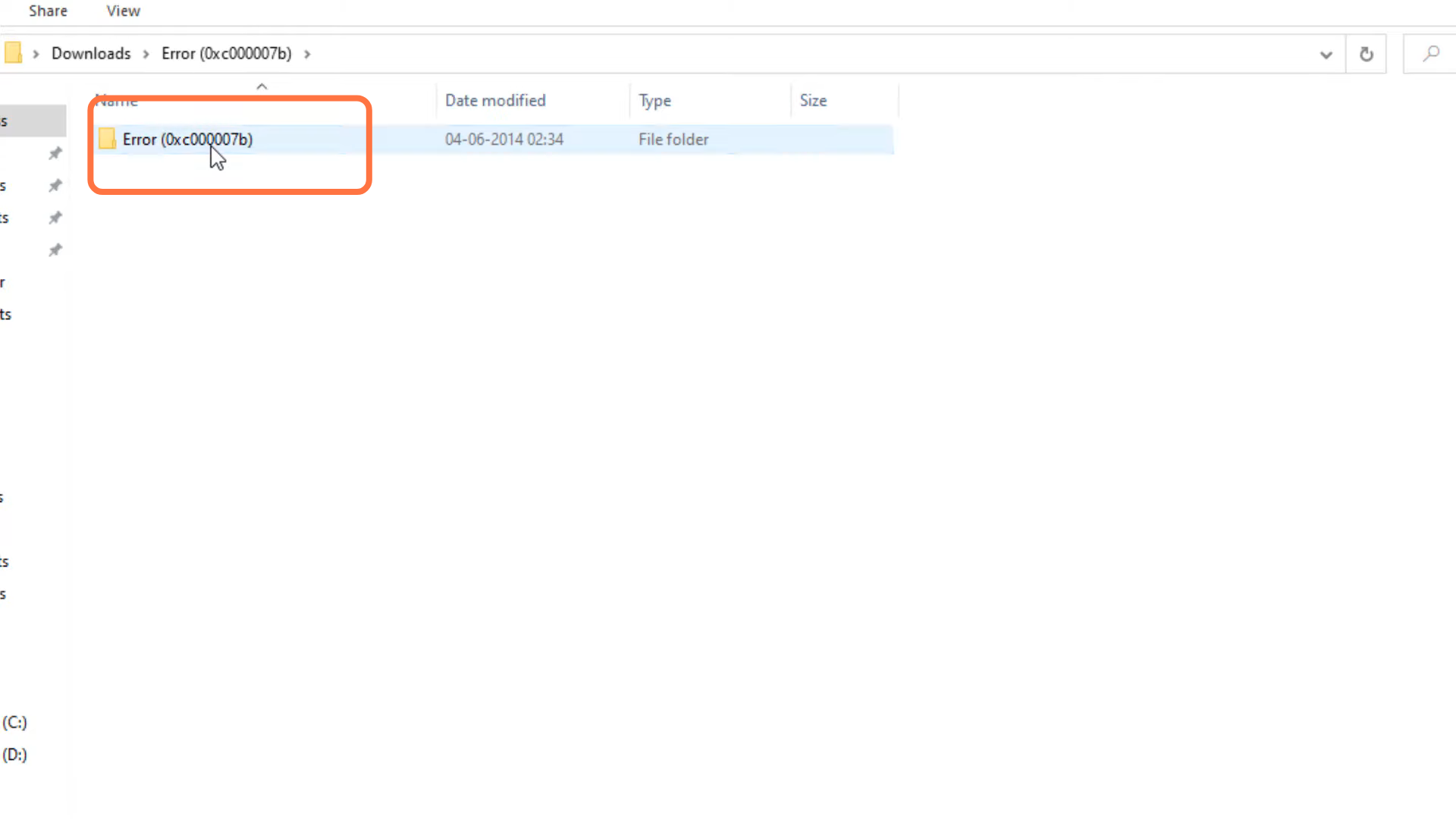
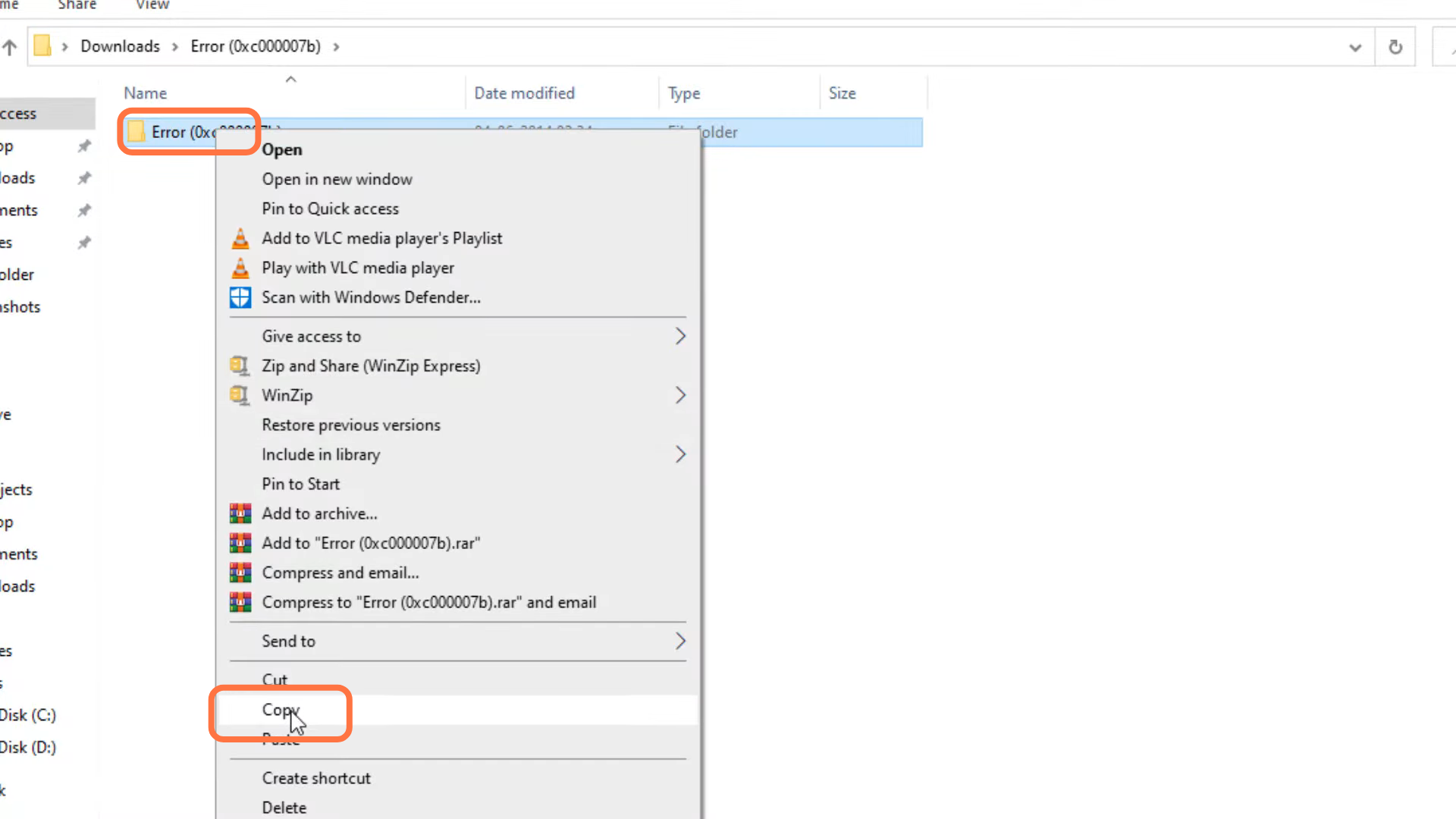
- Left click and copy the "Error (0xc000007b)" file.
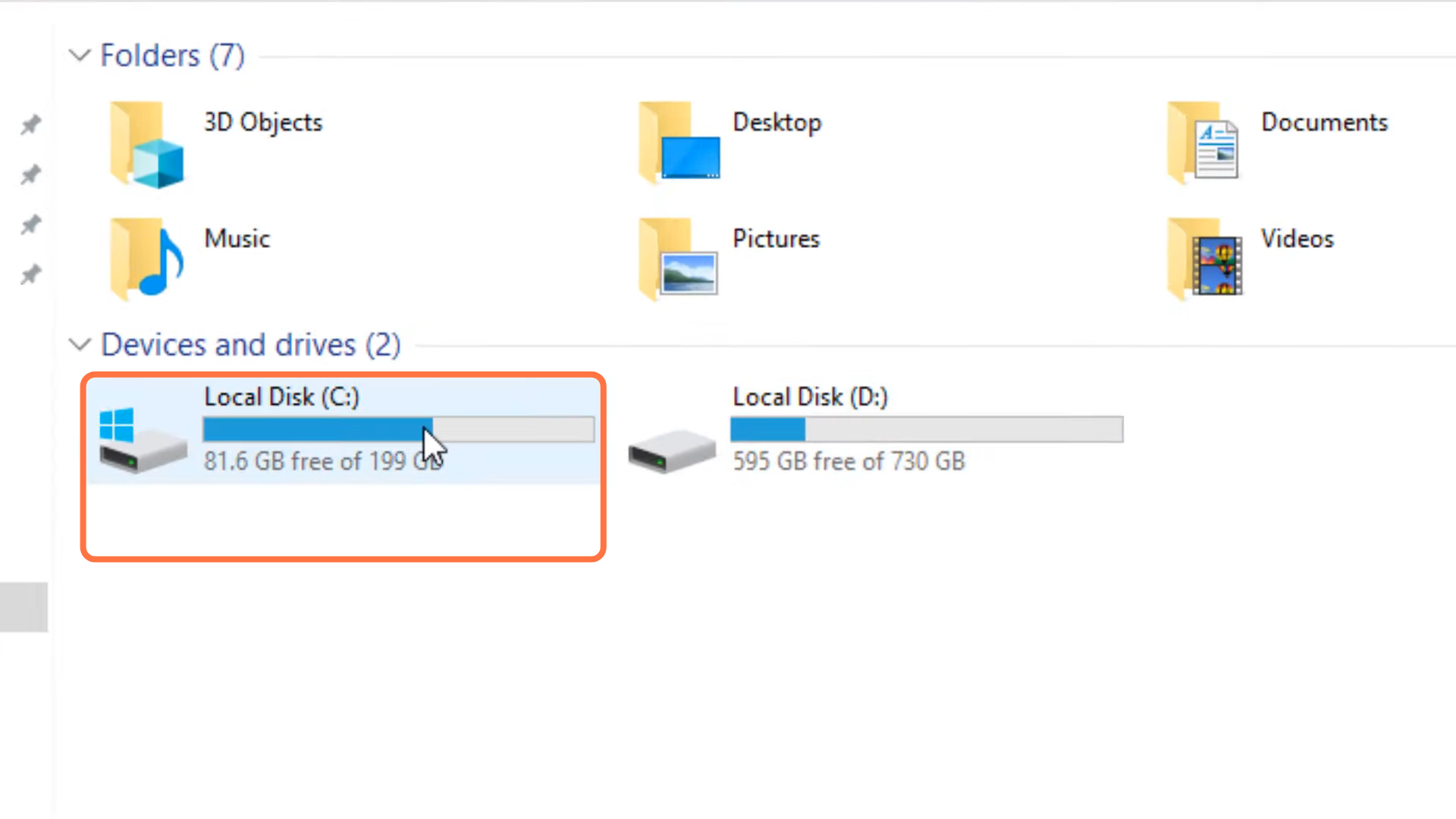
- Next, you will need to open the Windows drive.
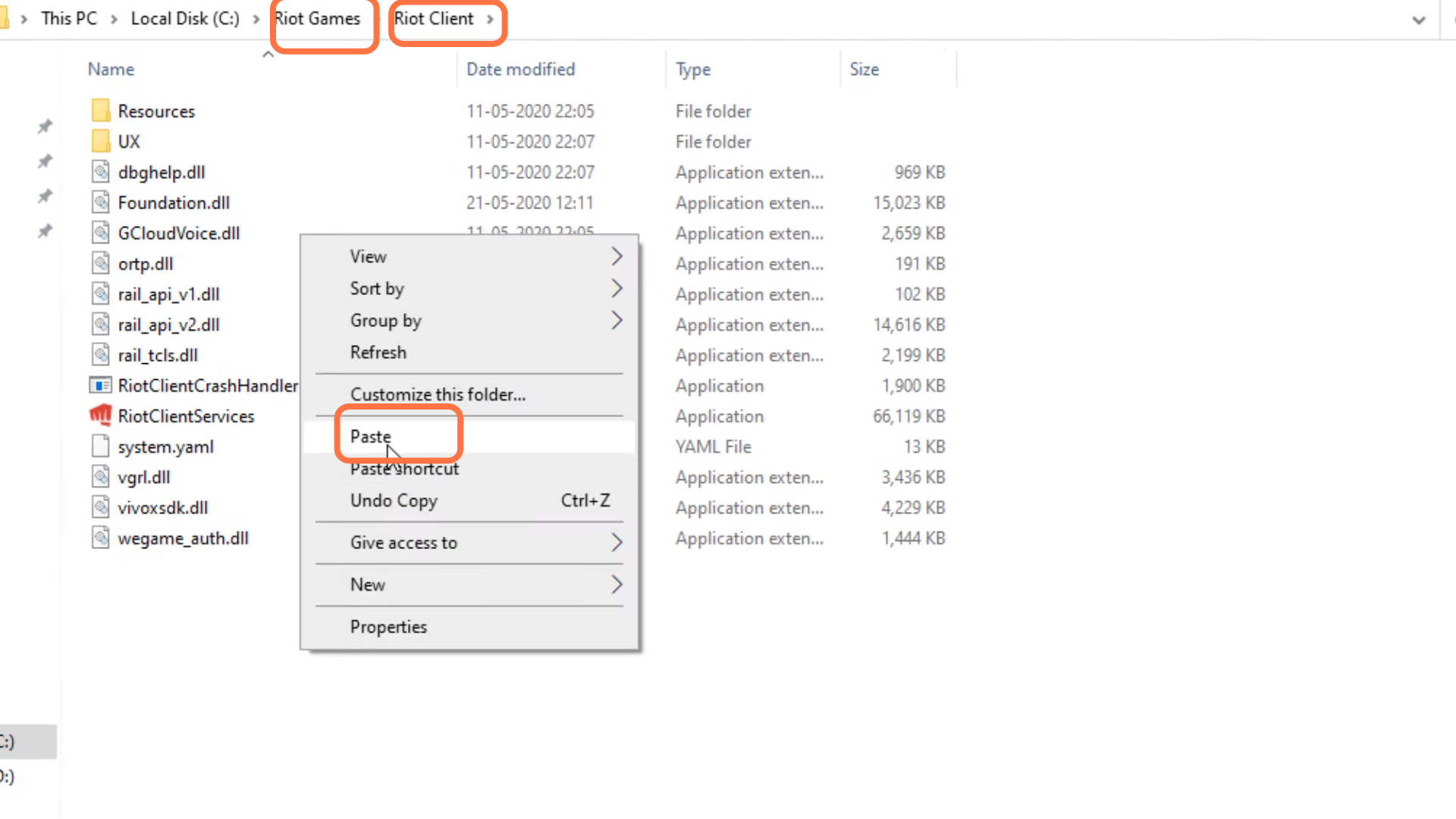
- Enter into Riot Games > Riot Client and paste the Error (0xc000007b) file there.
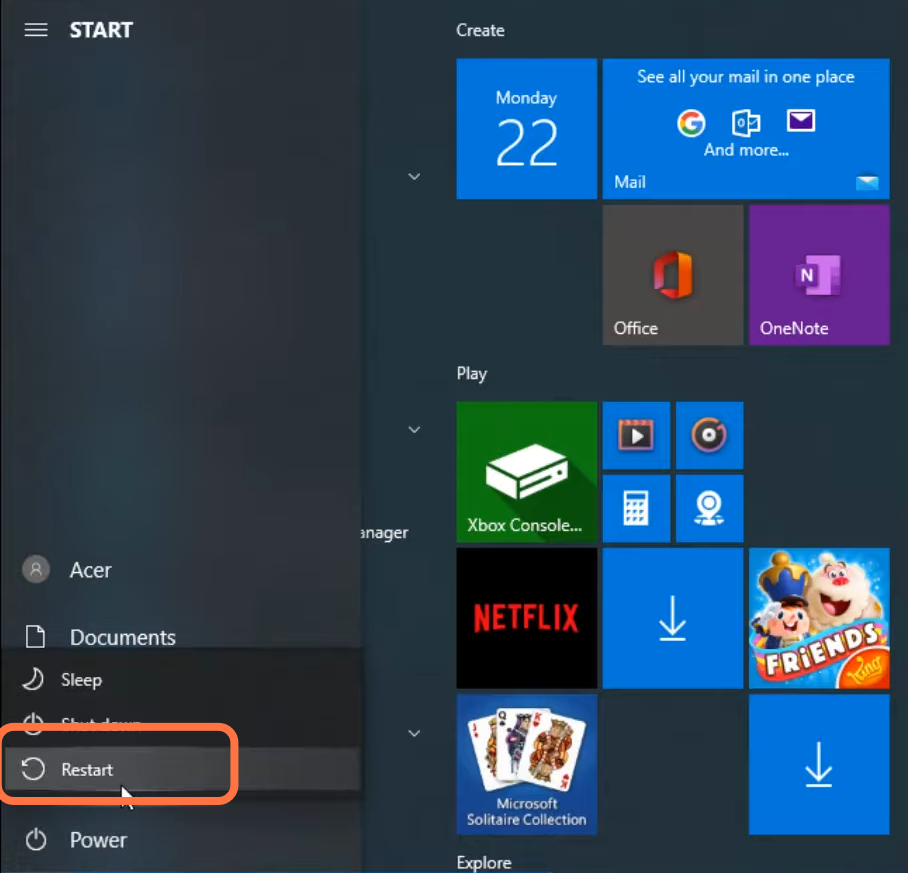
- And then restart your PC to check if the error is resolved.