*Swap Characters* RDR2 Save Editor (Red Dead Redemption 2) PS4
This guide explains how to use the new feature “Swap Characters” in Save Wizard. Follow the steps below carefully.
- Open Save Wizard, click on the marked arrow icon, then select Manual Save and click on Advanced Mode.
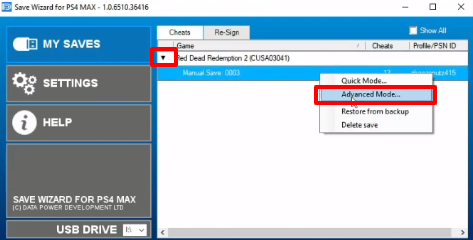
- Click on Export File.

- Select the file you want to export and click Save.
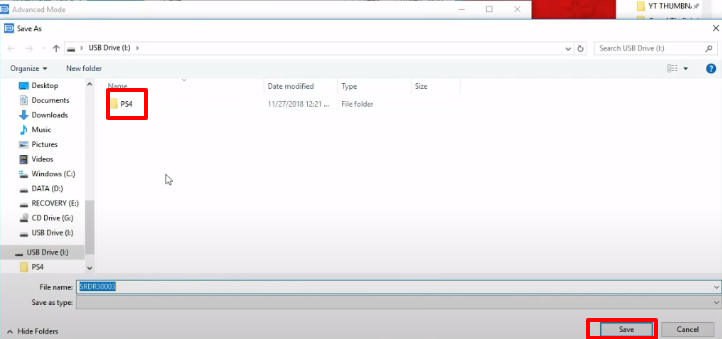
- Click on Save Editor and open the exported file that you want to edit.
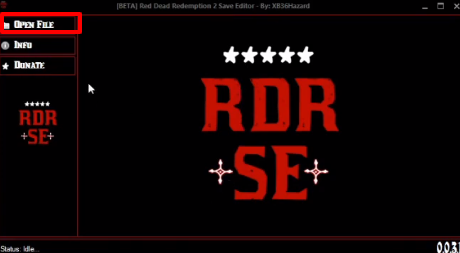
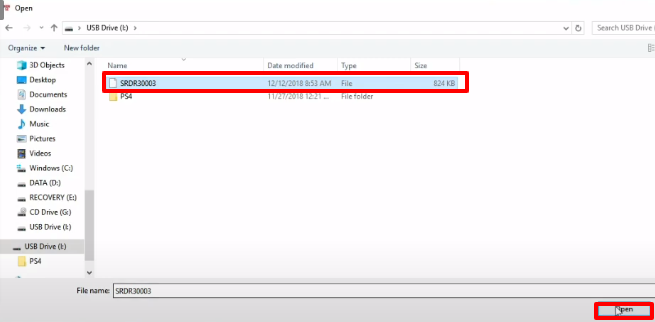
- Click on the file and then click Open.
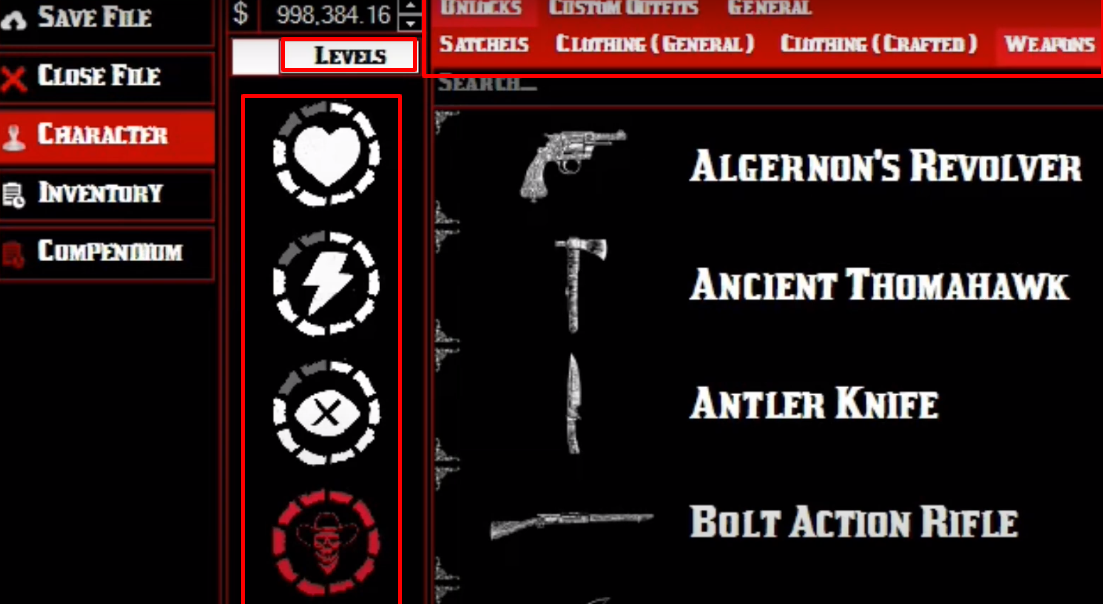
- Click on Character, unlock the features you want to apply, and click SAVE FILE to save the changes.
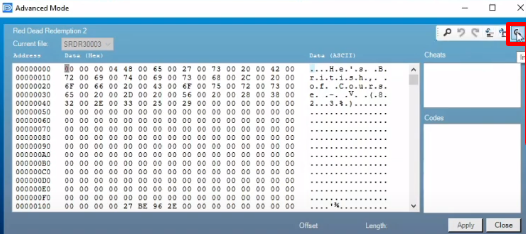
- Click on Import File.
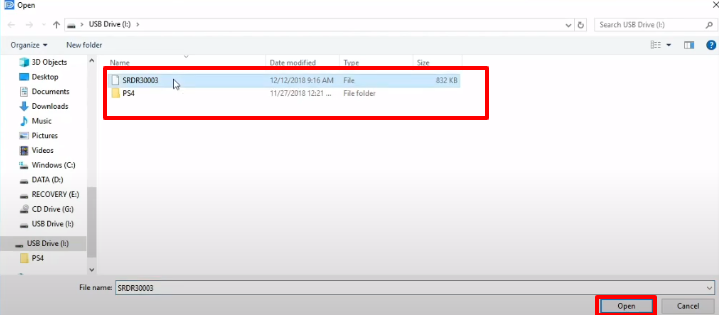
- Select the file and click Open.
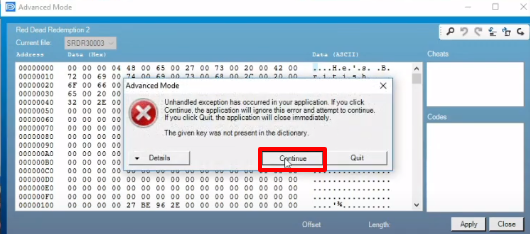
- As the file exports, press 0. When a pop-up window appears, click Continue.
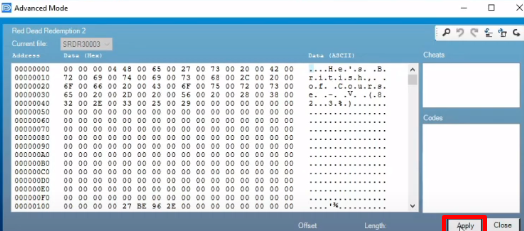
- Click on Apply to finalize the changes.
- Launch the game, explore the new character features, and enjoy!