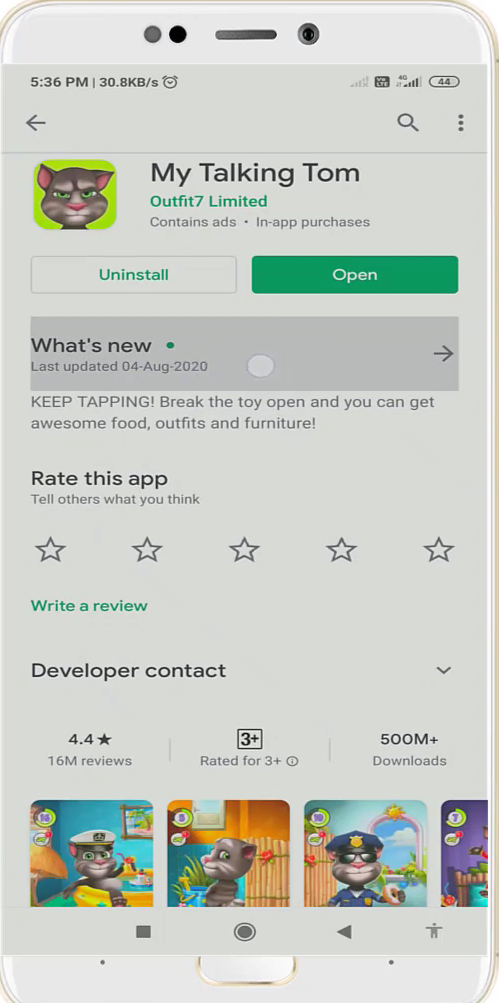
Steps to Fix My Talking Tom App Not Opening Problem in Android & IOS
Follow the step-by-step instructions below to fix this issue.
1. The first thing you will need to do is open the Settings of your mobile phone.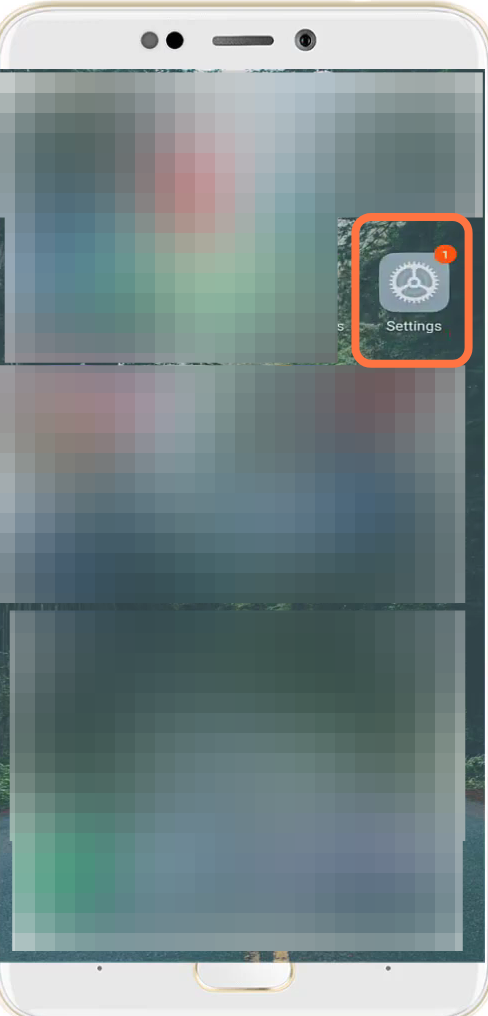
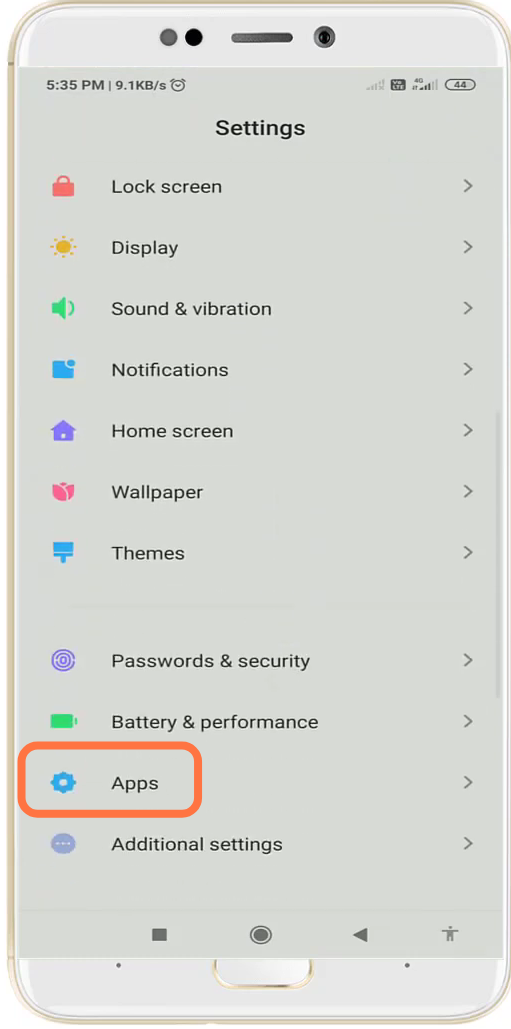
- And then navigate to Apps settings.
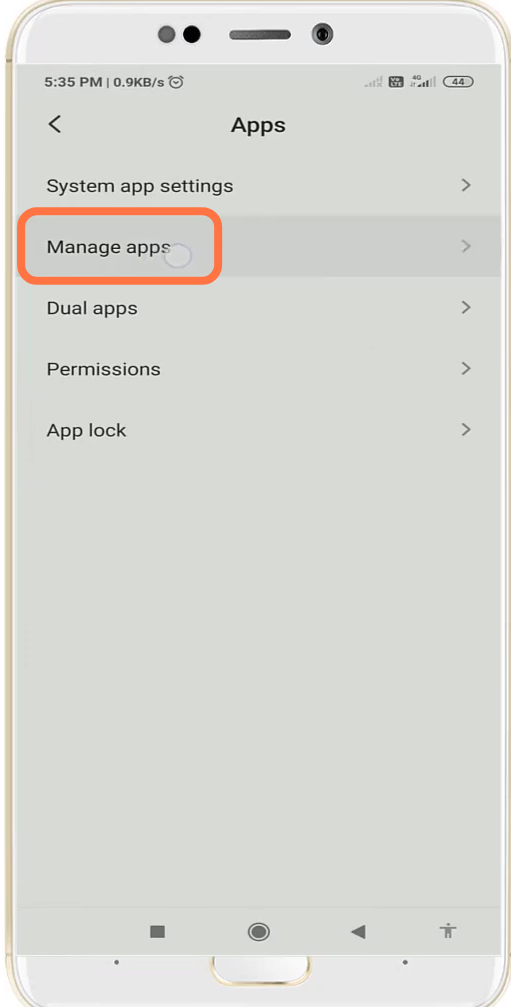
- Then you have to tap on Manage apps.
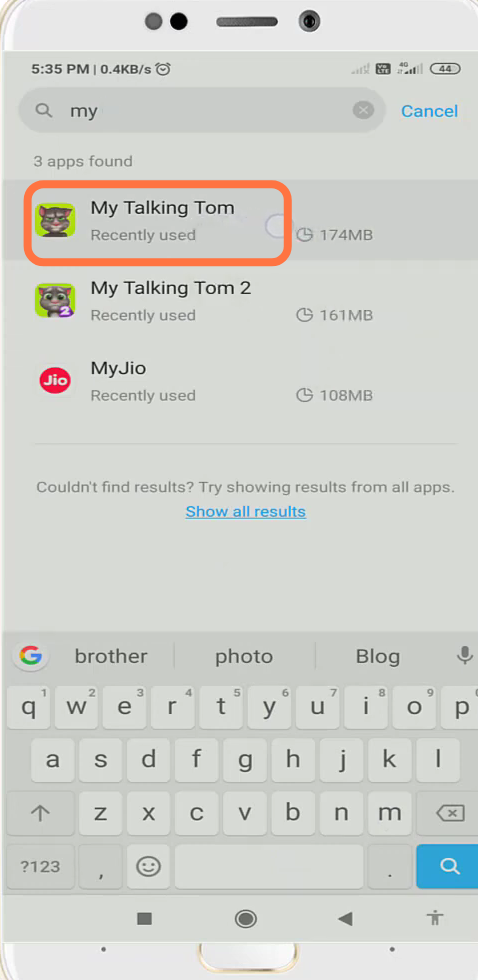
- Search "My talking Tom" and enter into it.
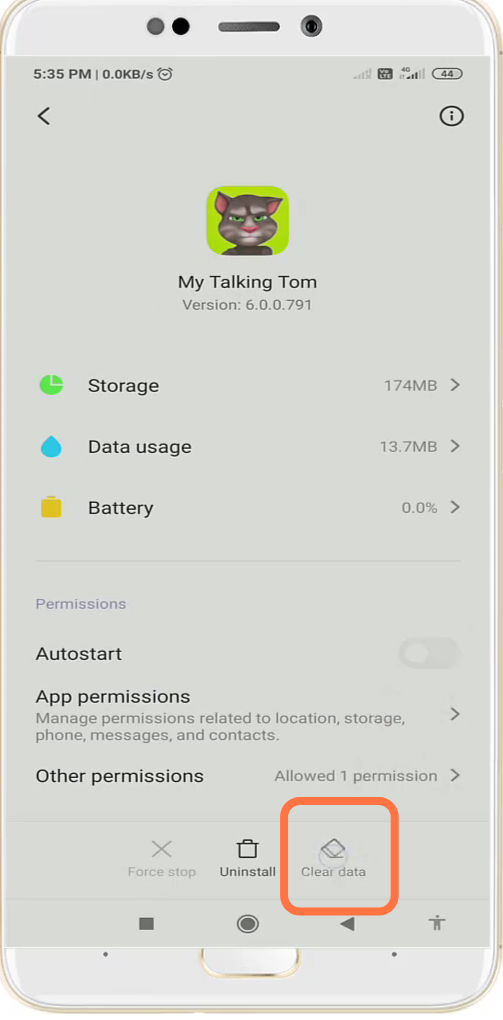
- After that, click on clear data.
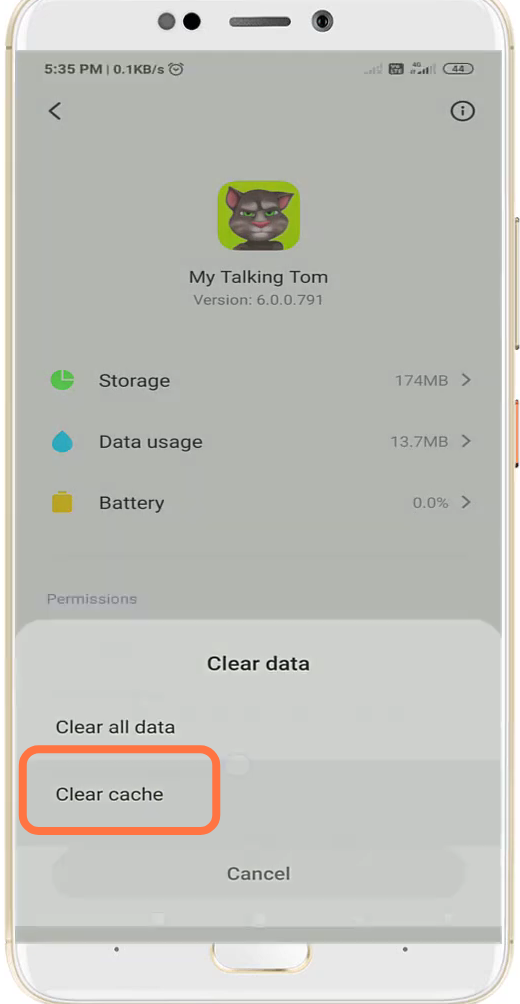
- And then tap on "clear cache".
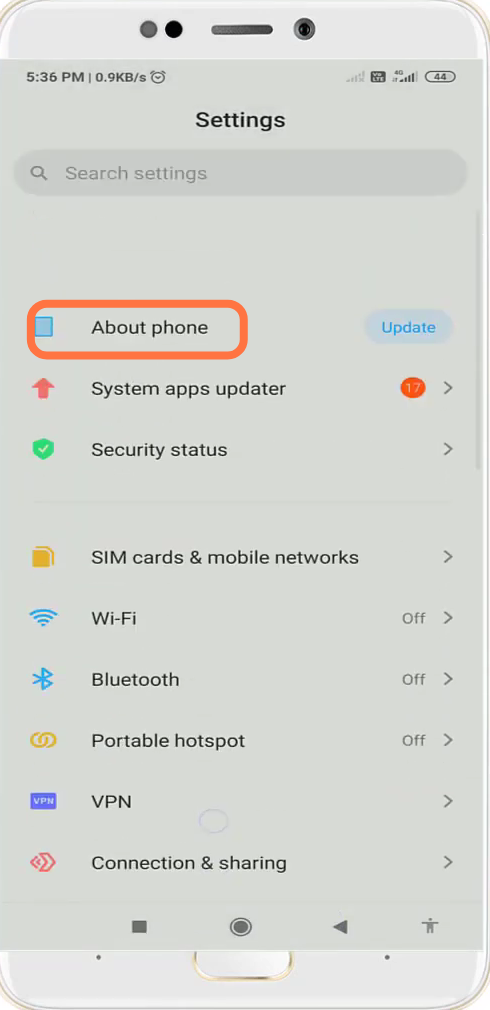
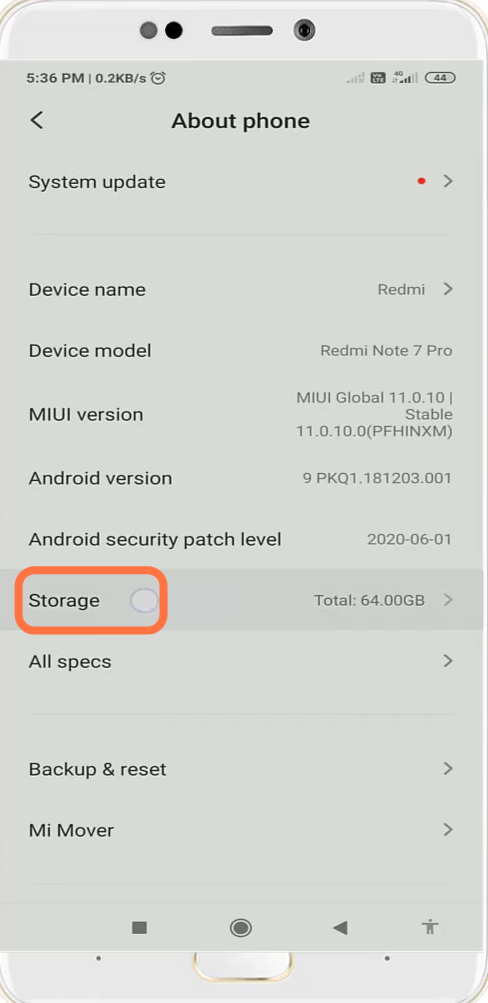
- Next, you will need to navigate to "About Phone" settings.
- Go to storage.
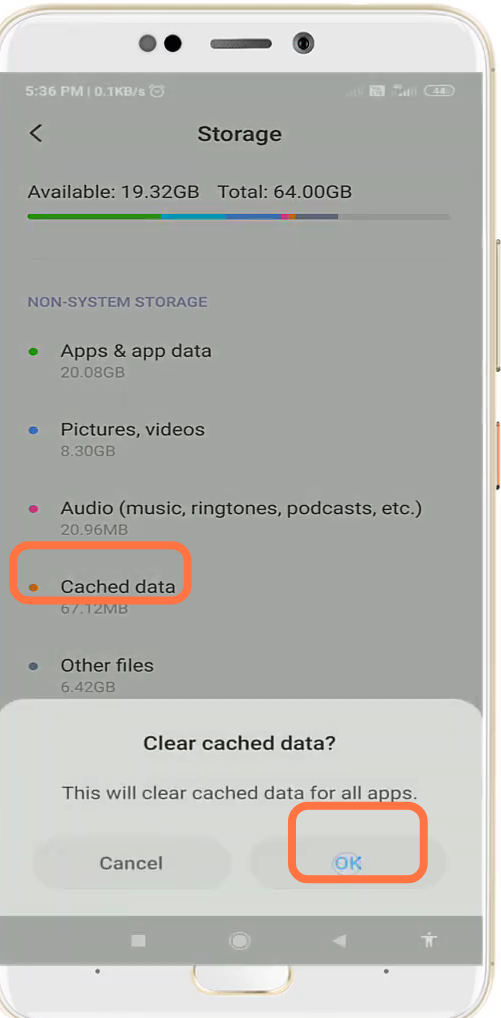
- Clear cached data and Press OK.
- After that, open up the Google Play Store & update it if required.