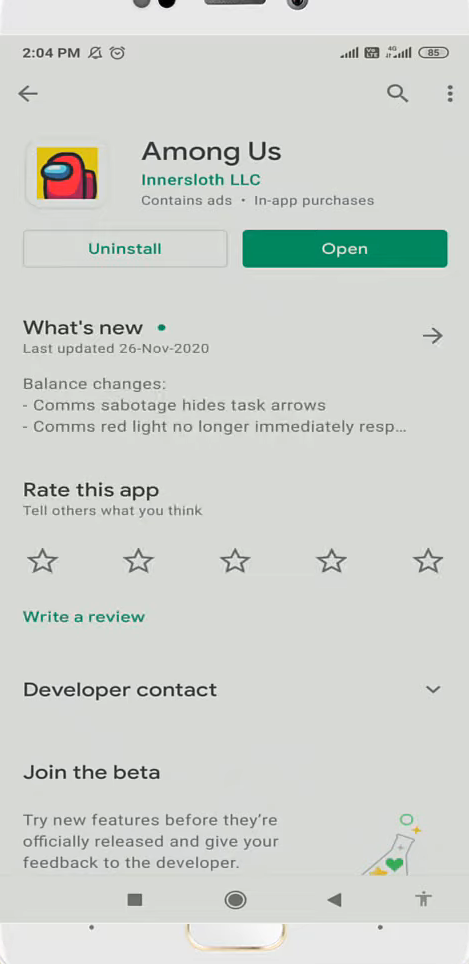
Steps To Fix Black Screen Problem in Among Us
You have to follow the step-by-step instructions to fix this problem.
- First, you will need to enter into the settings of your mobile phone.
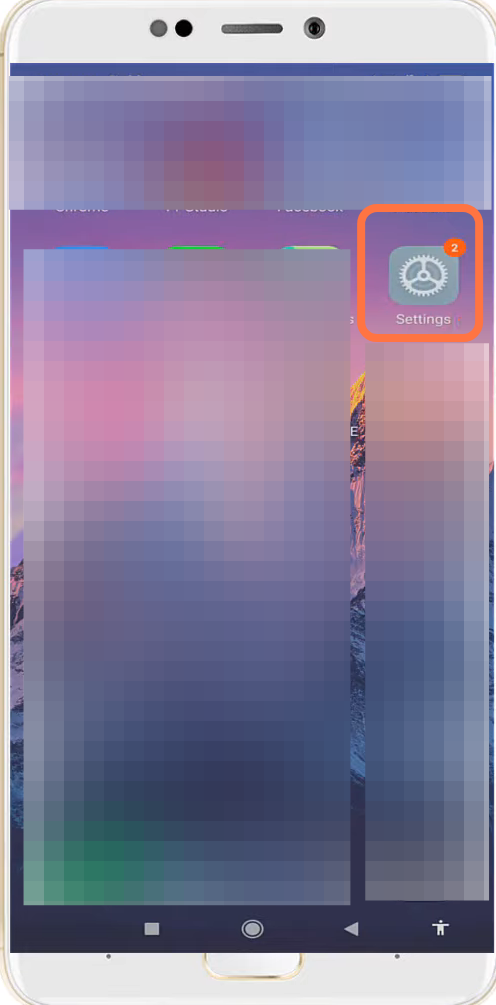
- And click on the Apps settings.
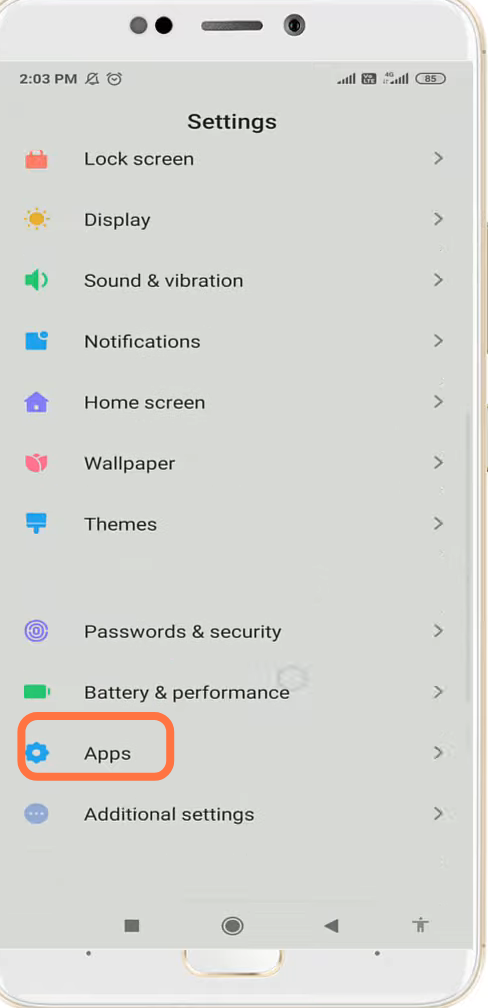
- After that, go to Manage apps.

- And search "Among us".
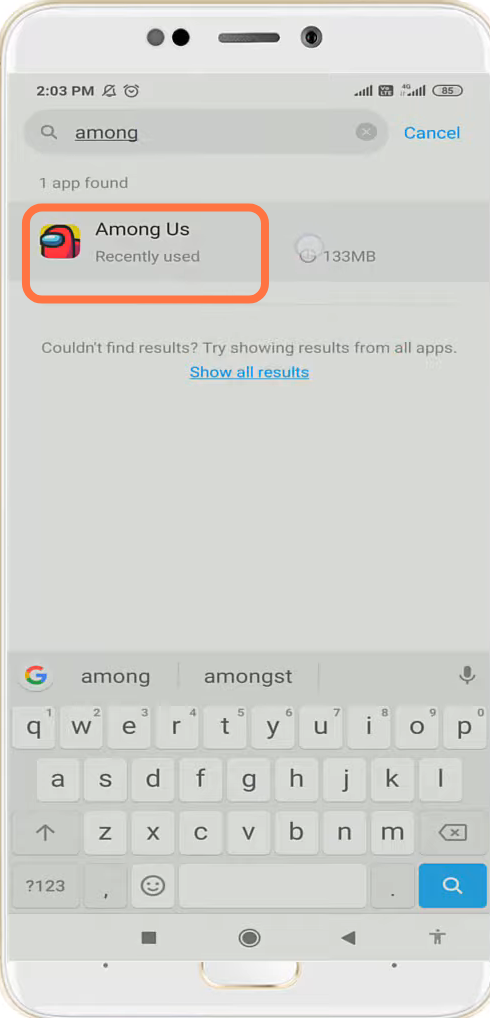
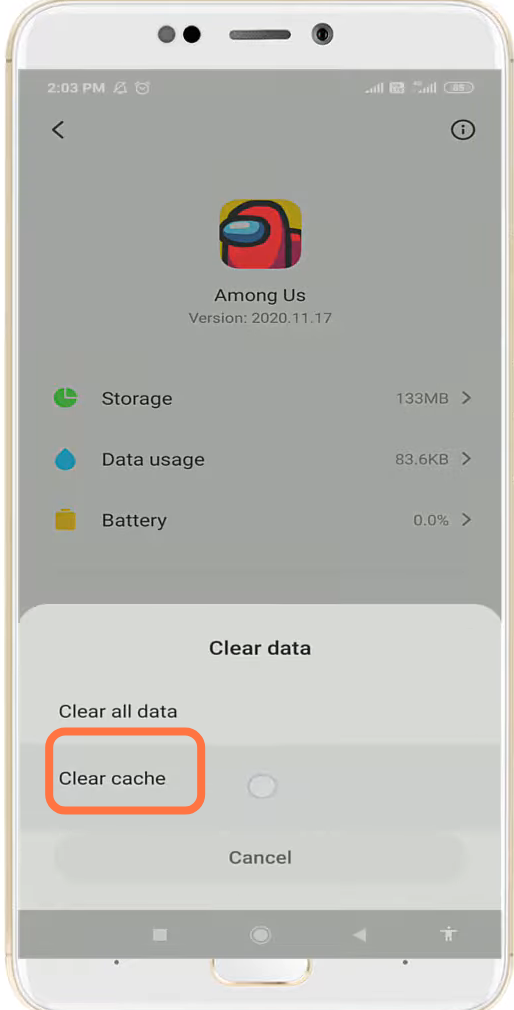
- You have to click on clear data.

- And then tap on clear cache.
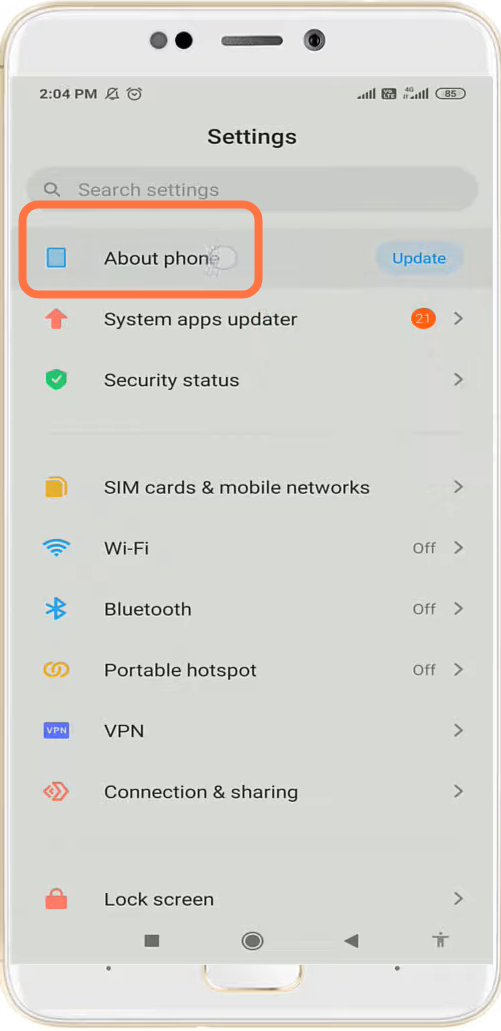
- After that, navigate to About phone.
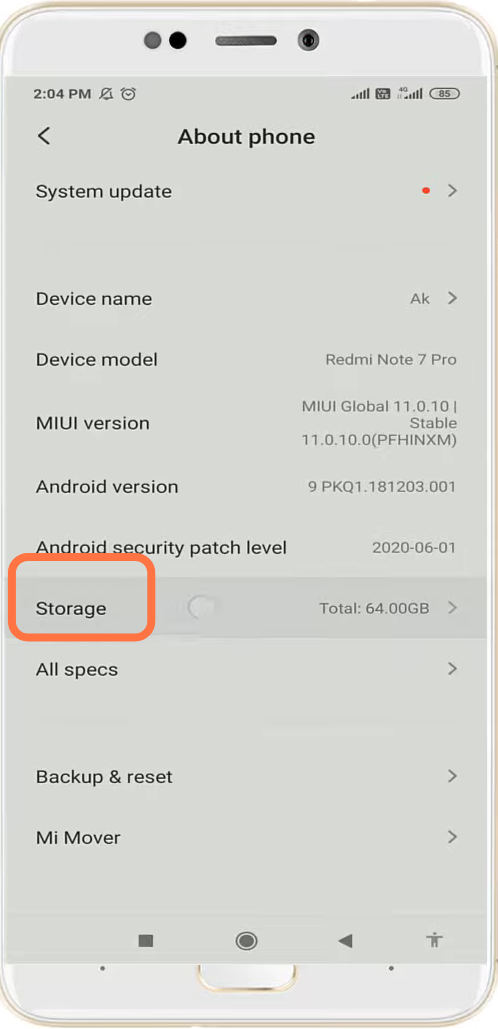
- Enter into storage.
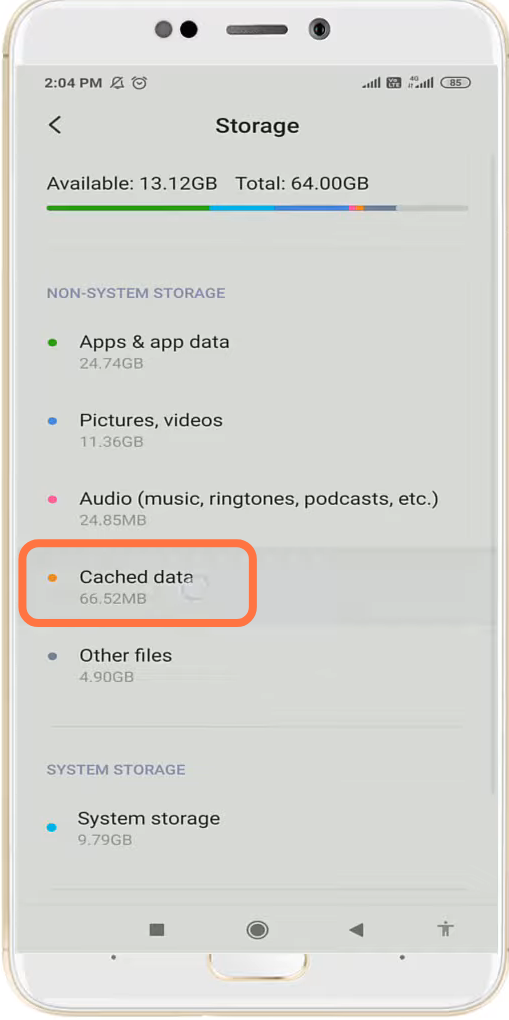
- And click on Cached data.
- Finally you have to open the Google Play Store & update the app if required.