Something Went Wrong. Please Try Again Later - Roblox (Fixed)
The "Something Went Wrong. Please Try Again Later Error" issue was caused by a minor glitch in the data center's basic technology.
Follow the simple steps below to get rid of this error.
1. You will need to go to your mobile phone's setting.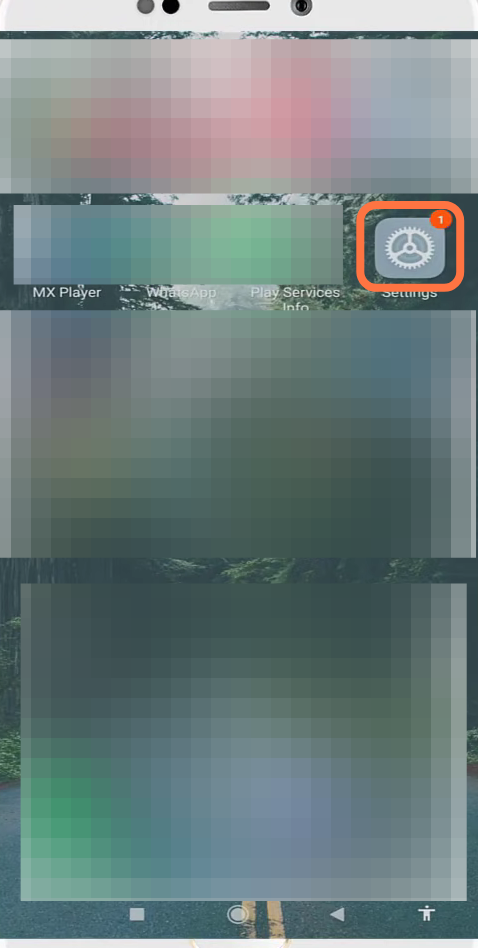
- And click on the App settings.
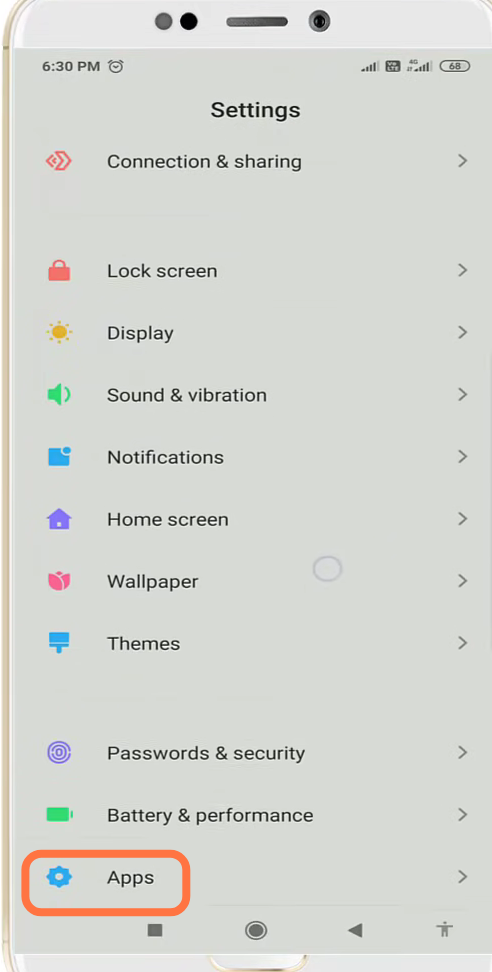
- After that, you need to tap on Manage apps.
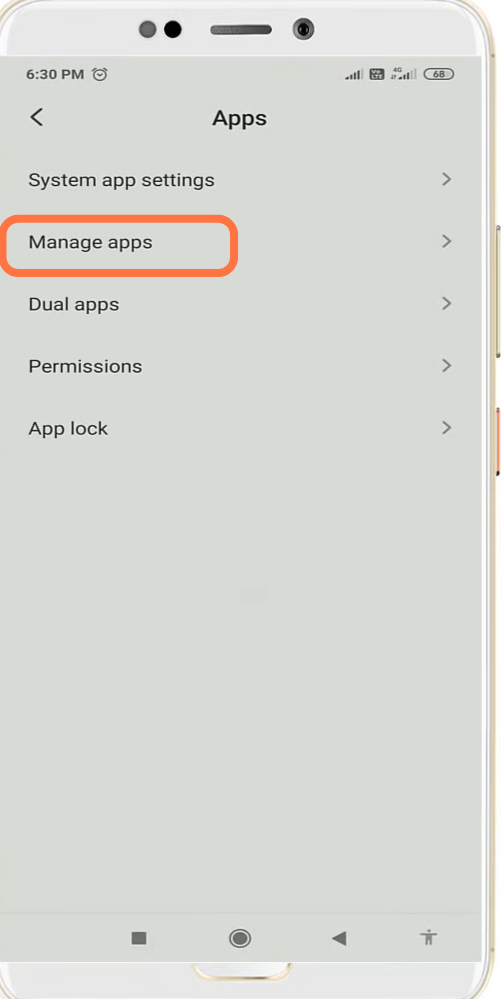
- And navigate to the Roblox app.
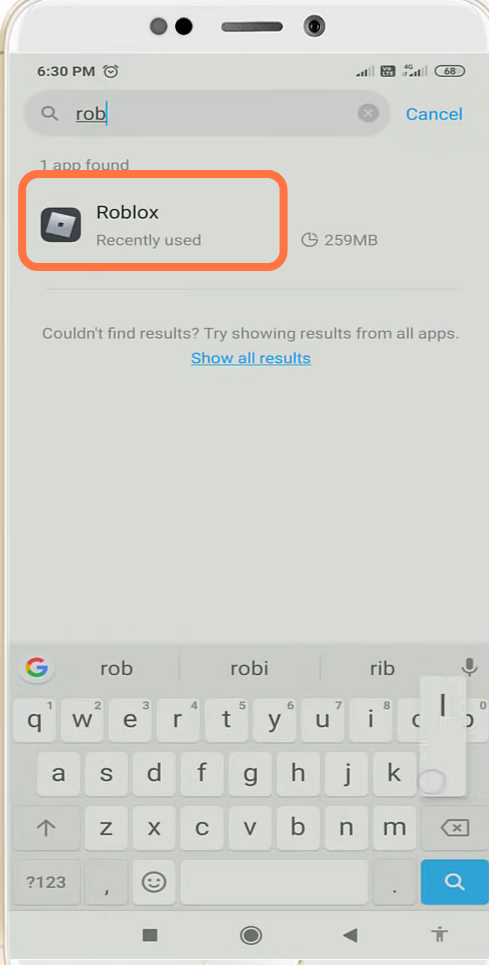
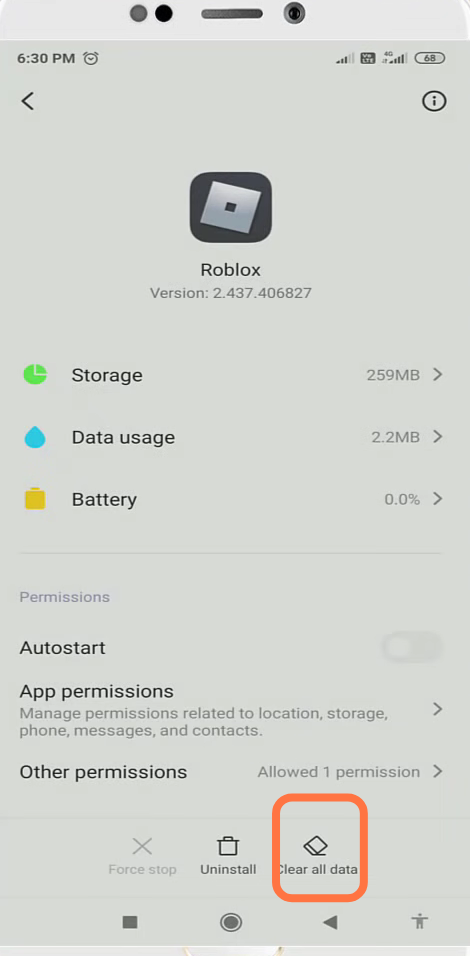
- You have to click on Clear all data.
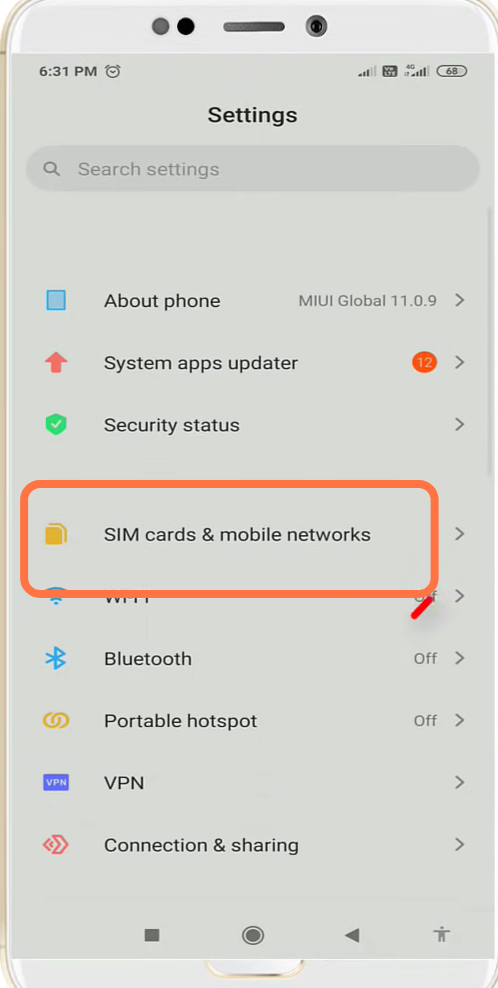
- After that, open up the "Sim Card & Mobile Network" settings.
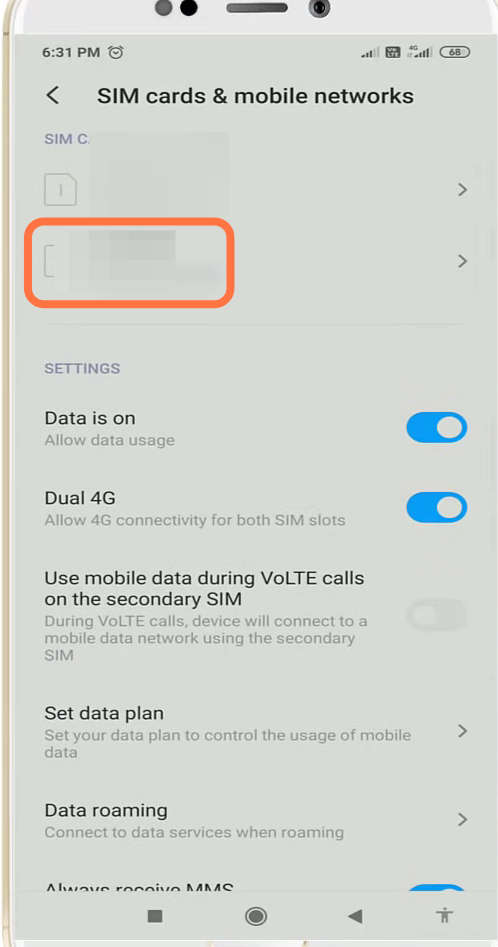
- And select your mobile network.
- Then you need to enter into access point names.
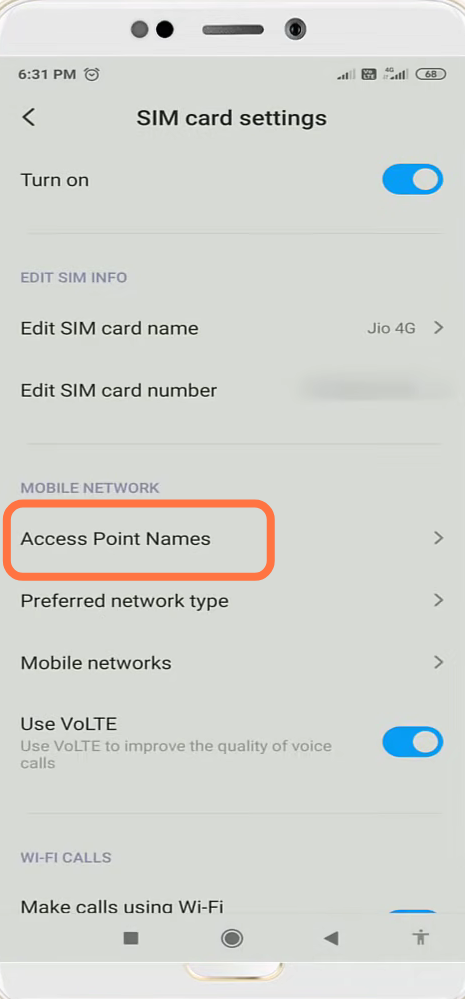
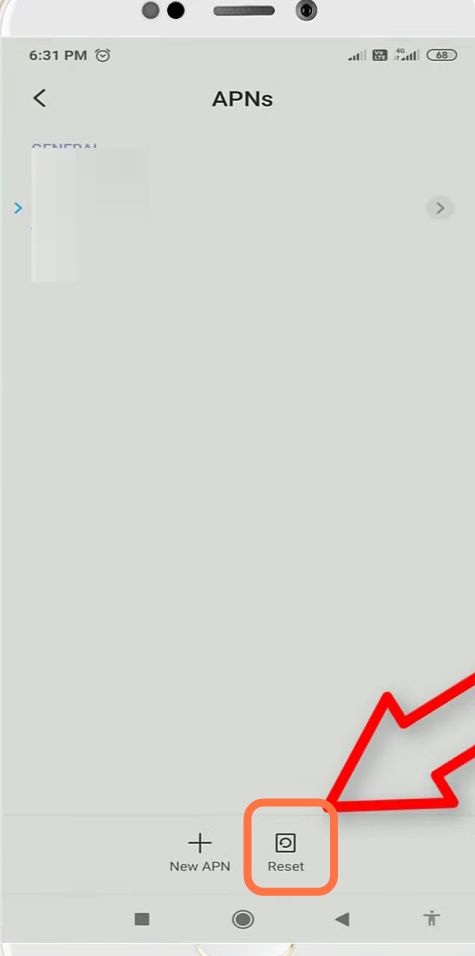
- Click on Reset.
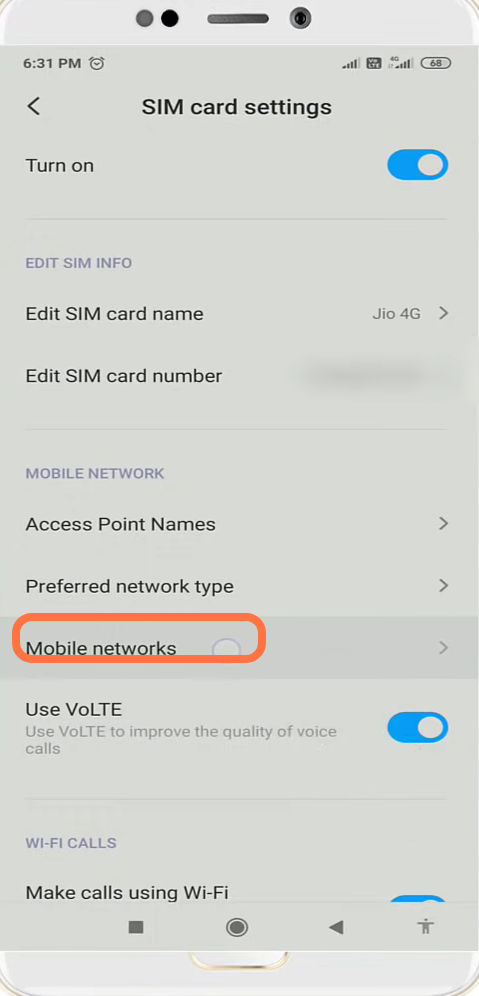
- And then go to mobile networks.
- You will need to enable the manual settings.
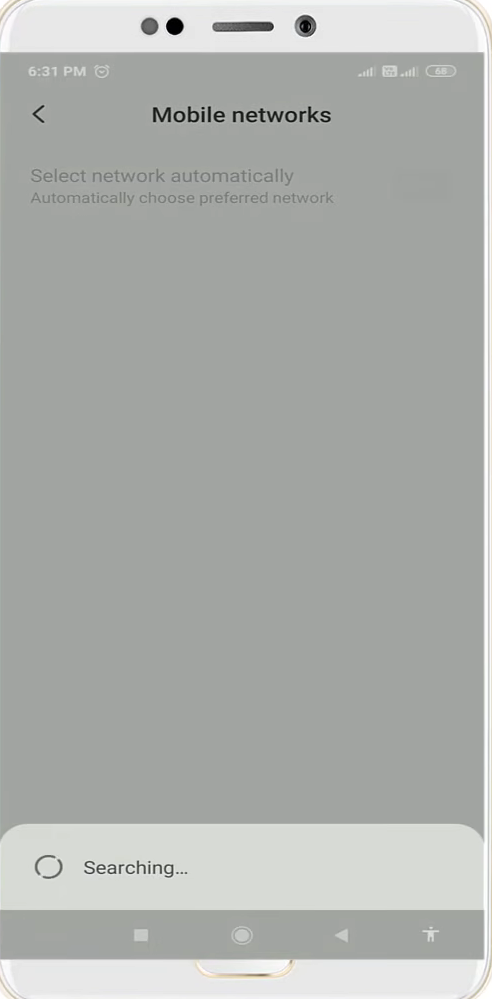
- You are now registered on the mobile network
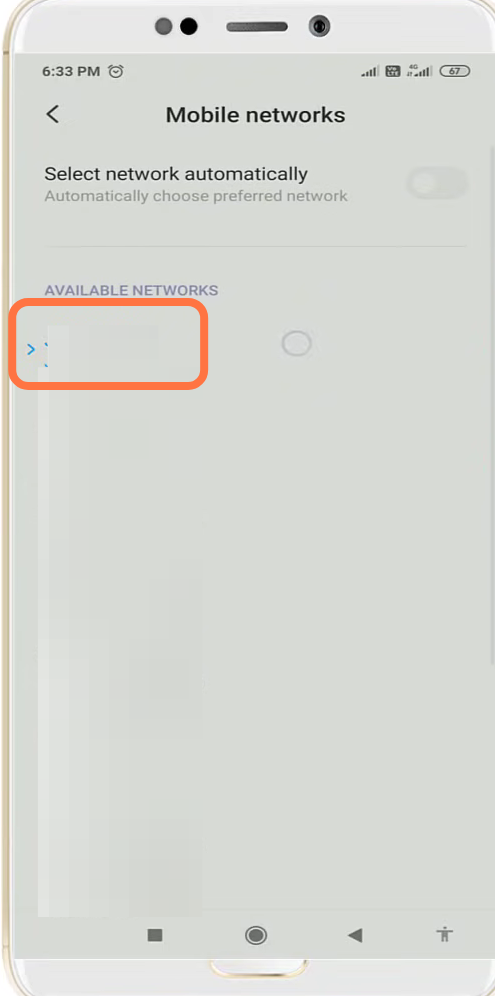
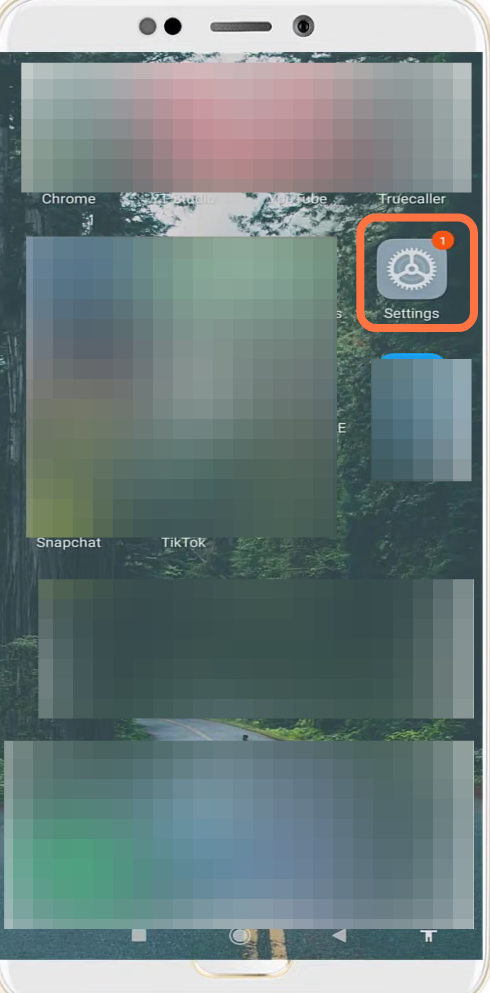
- Now you have to go to settings.
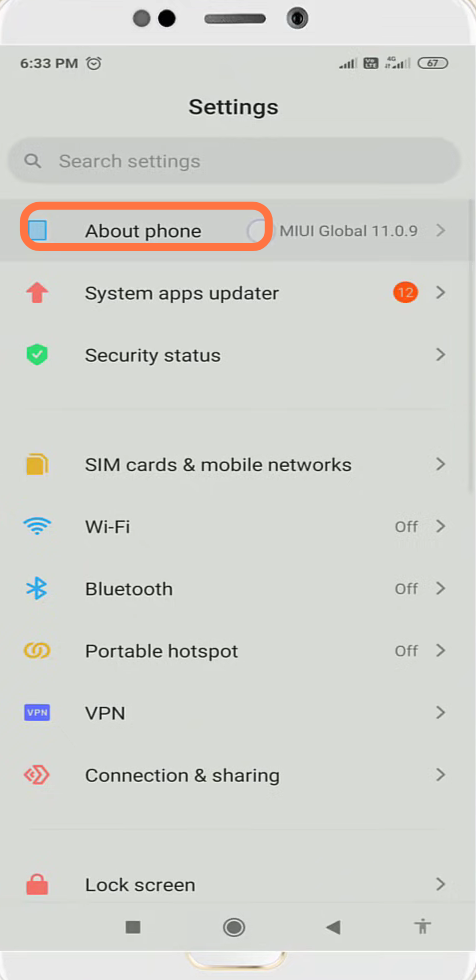
- And navigate to "About phone ".
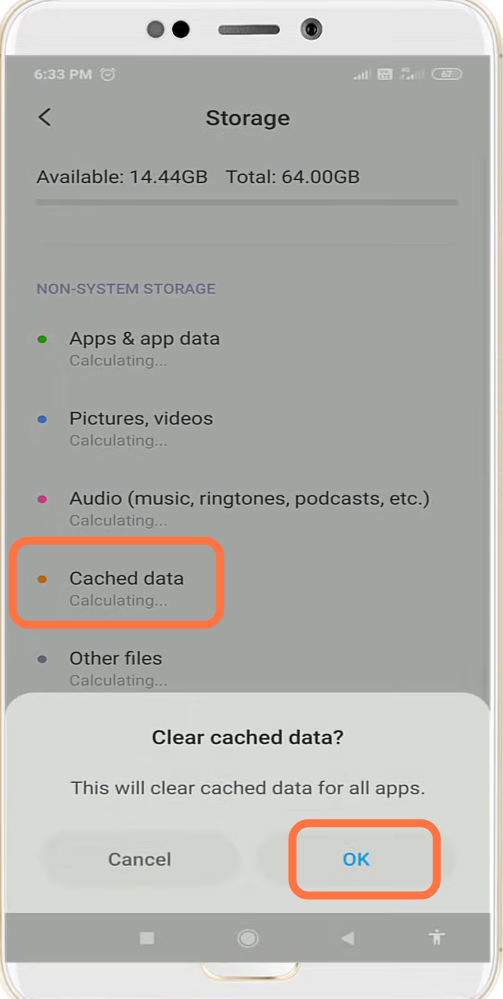
- After that, go to storage.
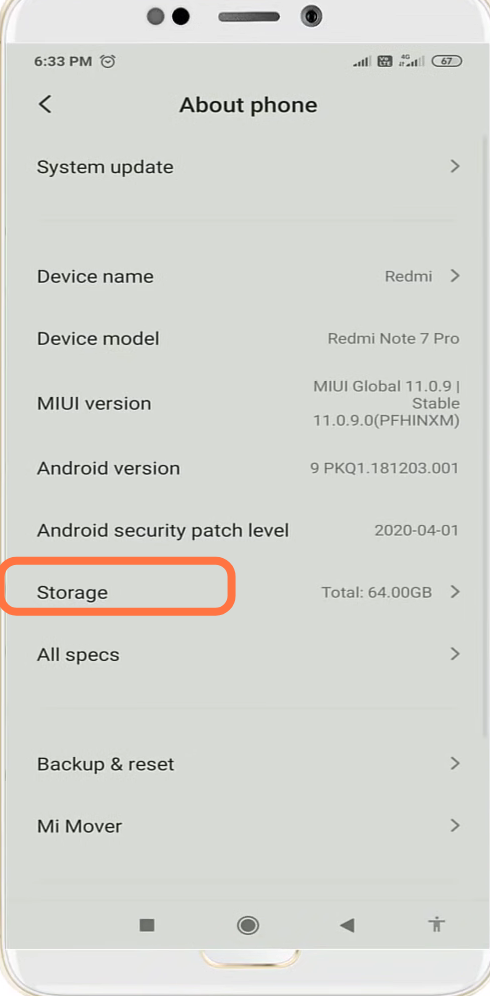
- Click on "clear cached data "and press OK.
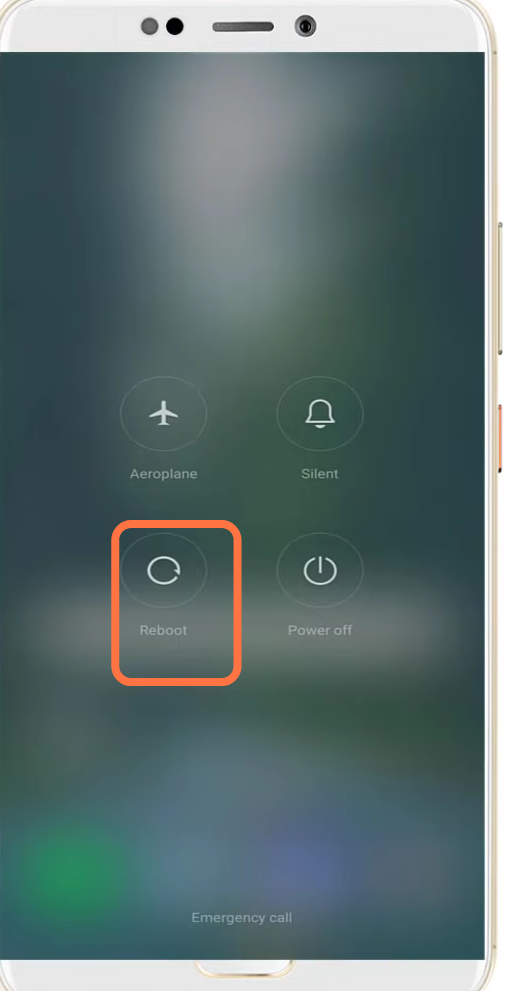
- Now restart your device to resolve the issue.