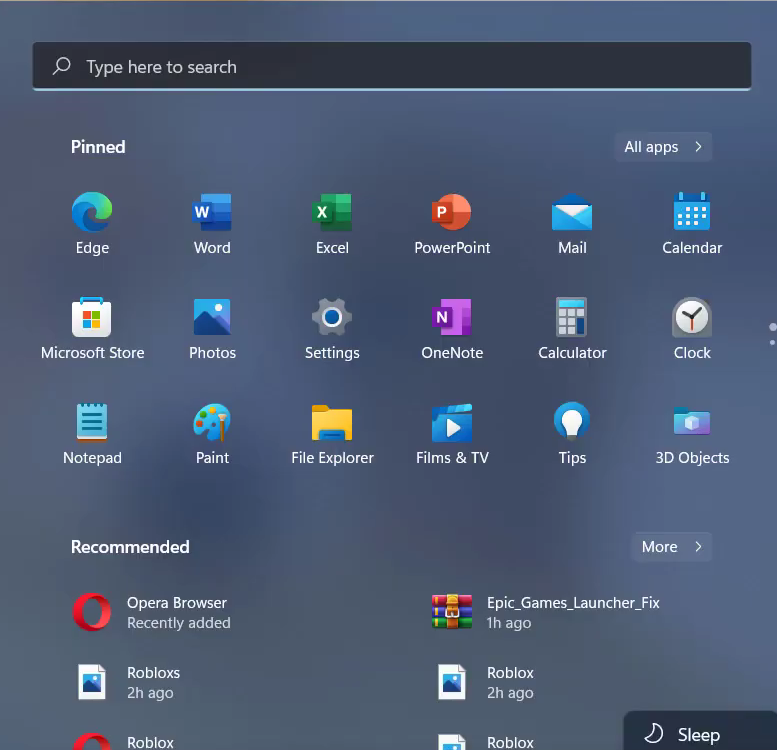
Roblox To Connect id =17 (Fixed)
You have to follow all the instructions carefully to fix this issue.
1. First, you will need to open the command prompt.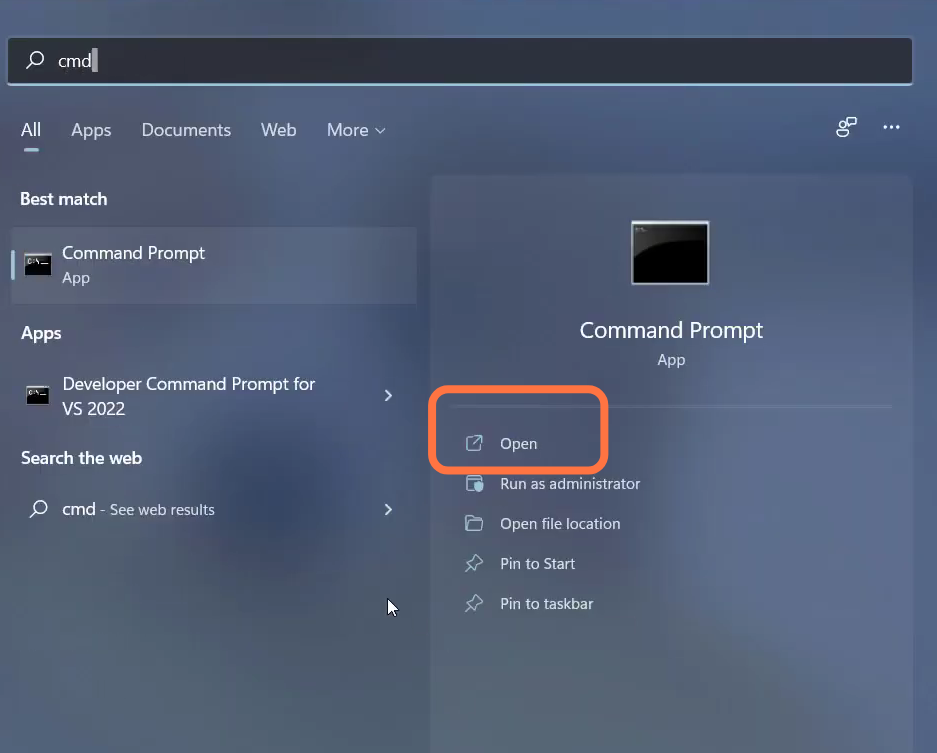
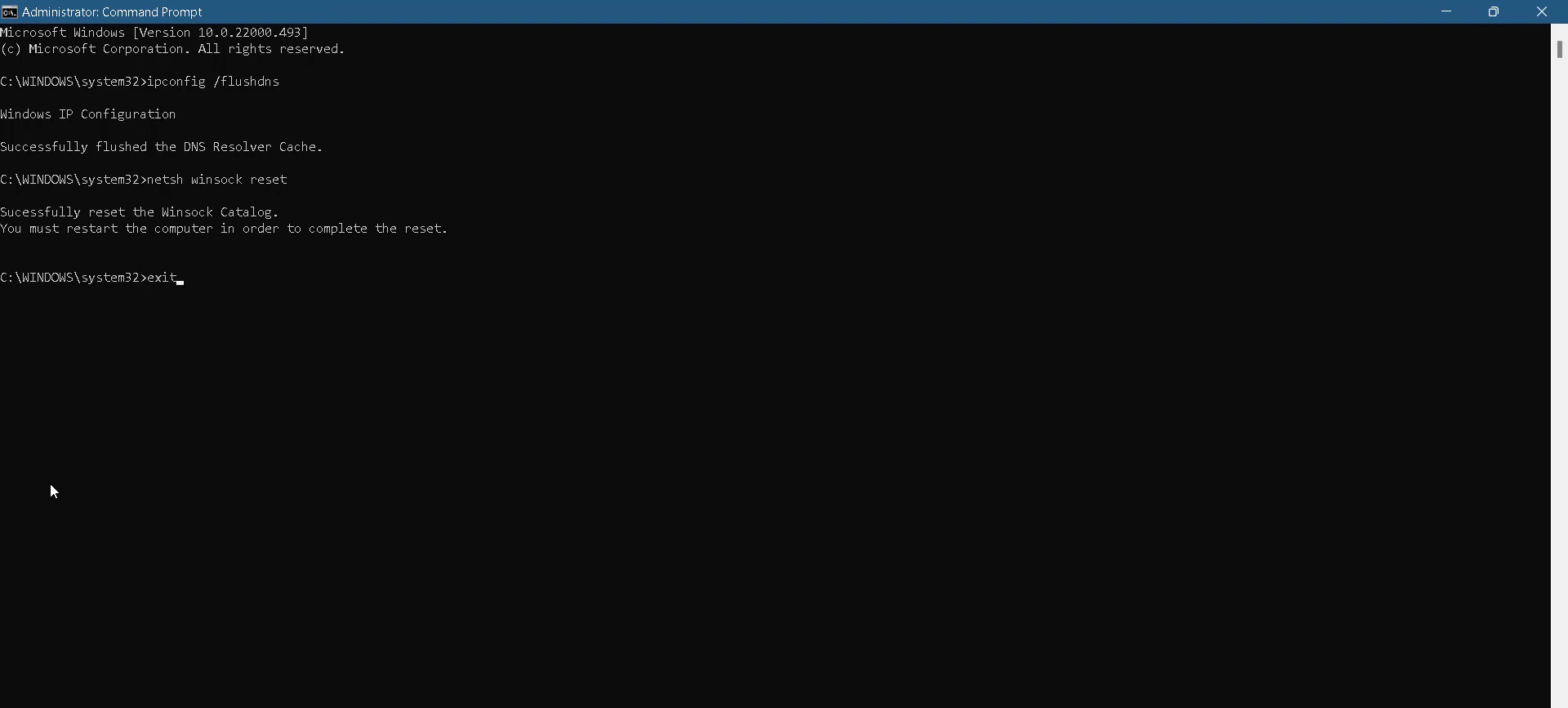
- Input the "ipconfig /flushdns" command and hit enter to execute it.
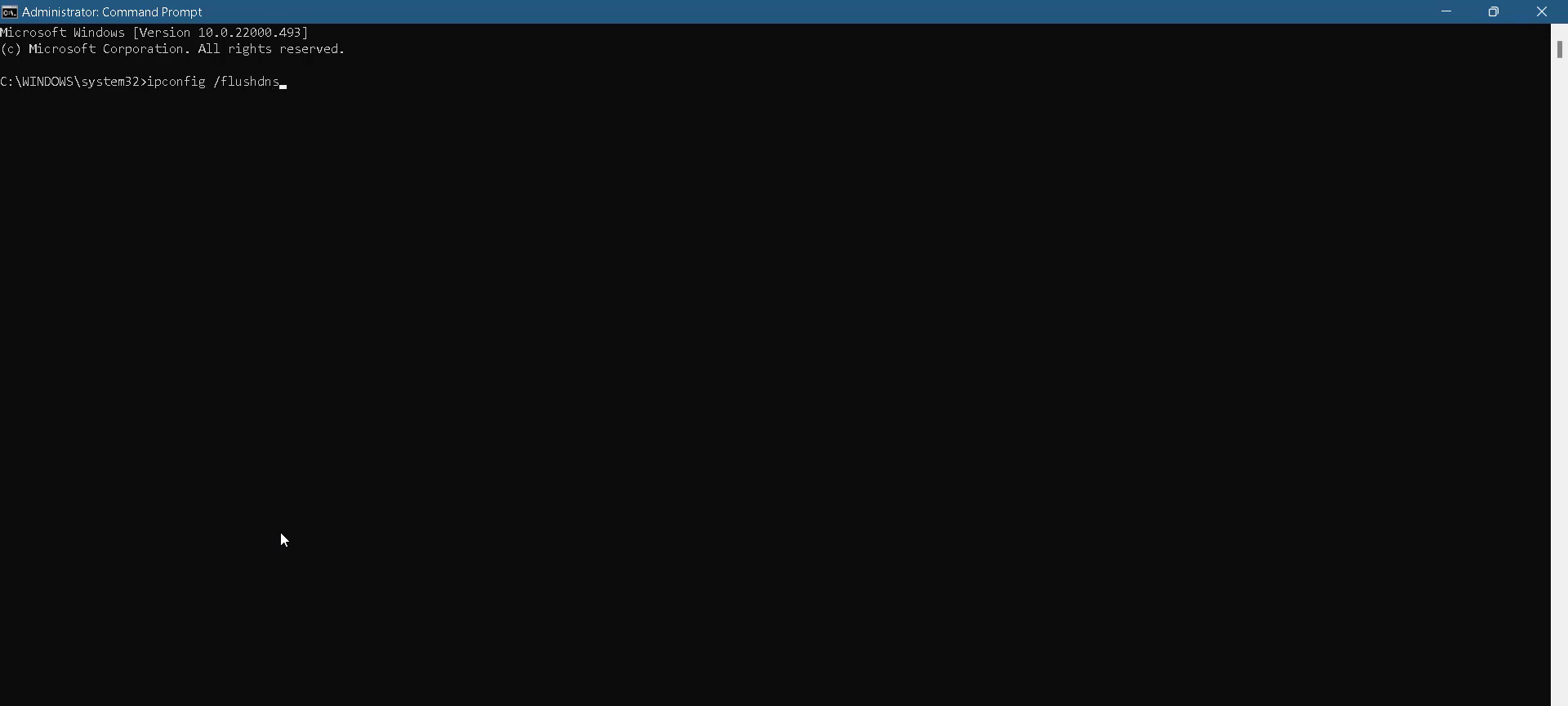
- Then input "ipconfig /flushdns".
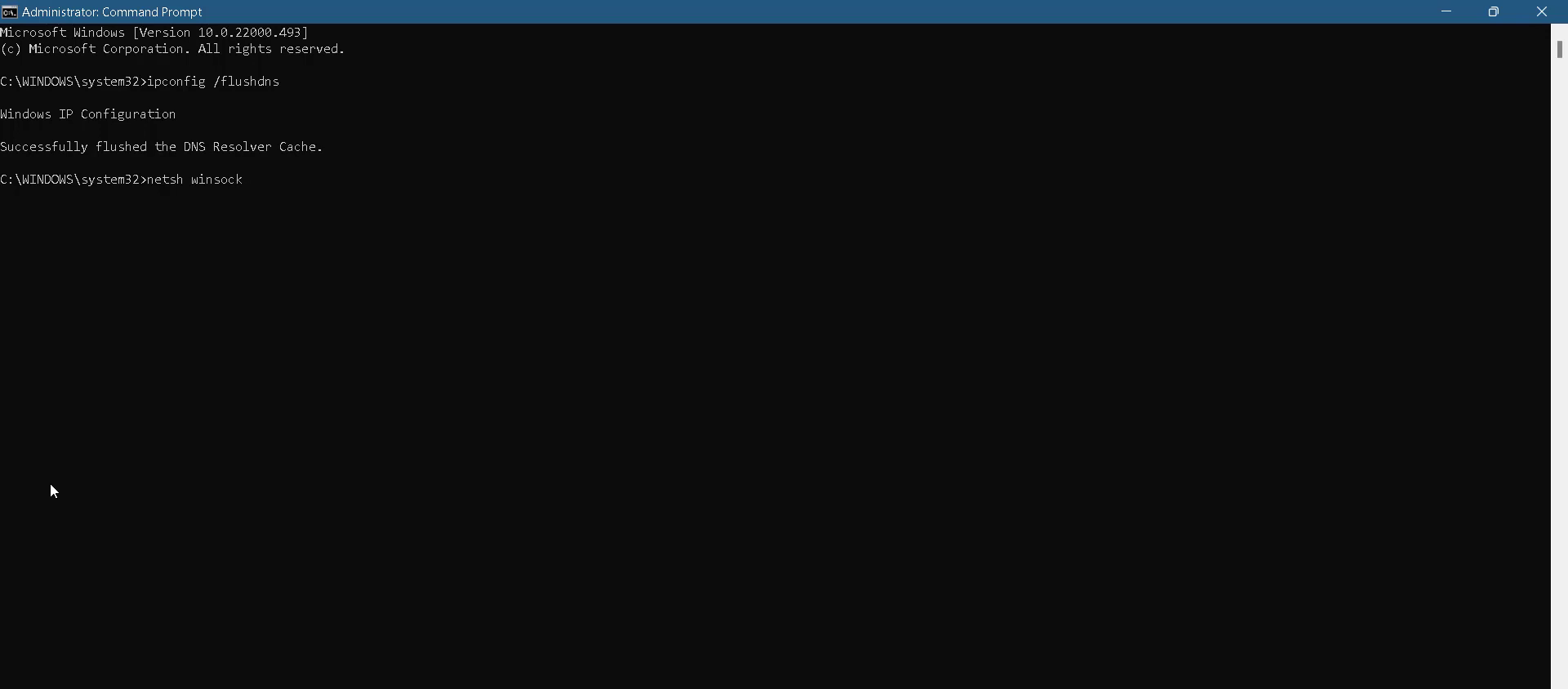
- After that, use the "exit" command to close the cmd interface.
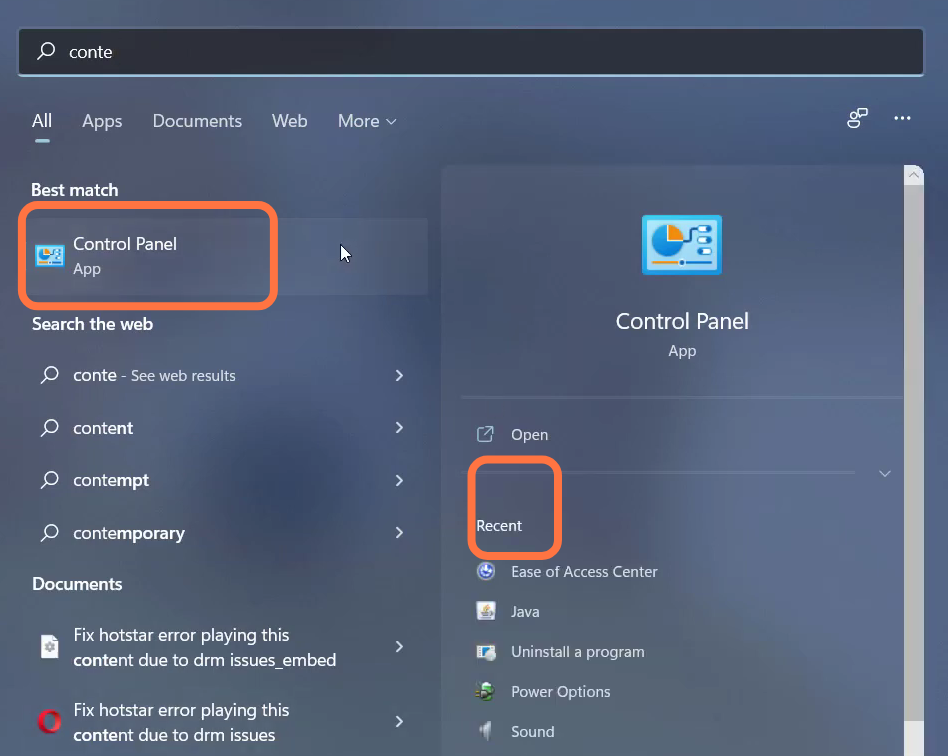
- Then you have to open the control panel.
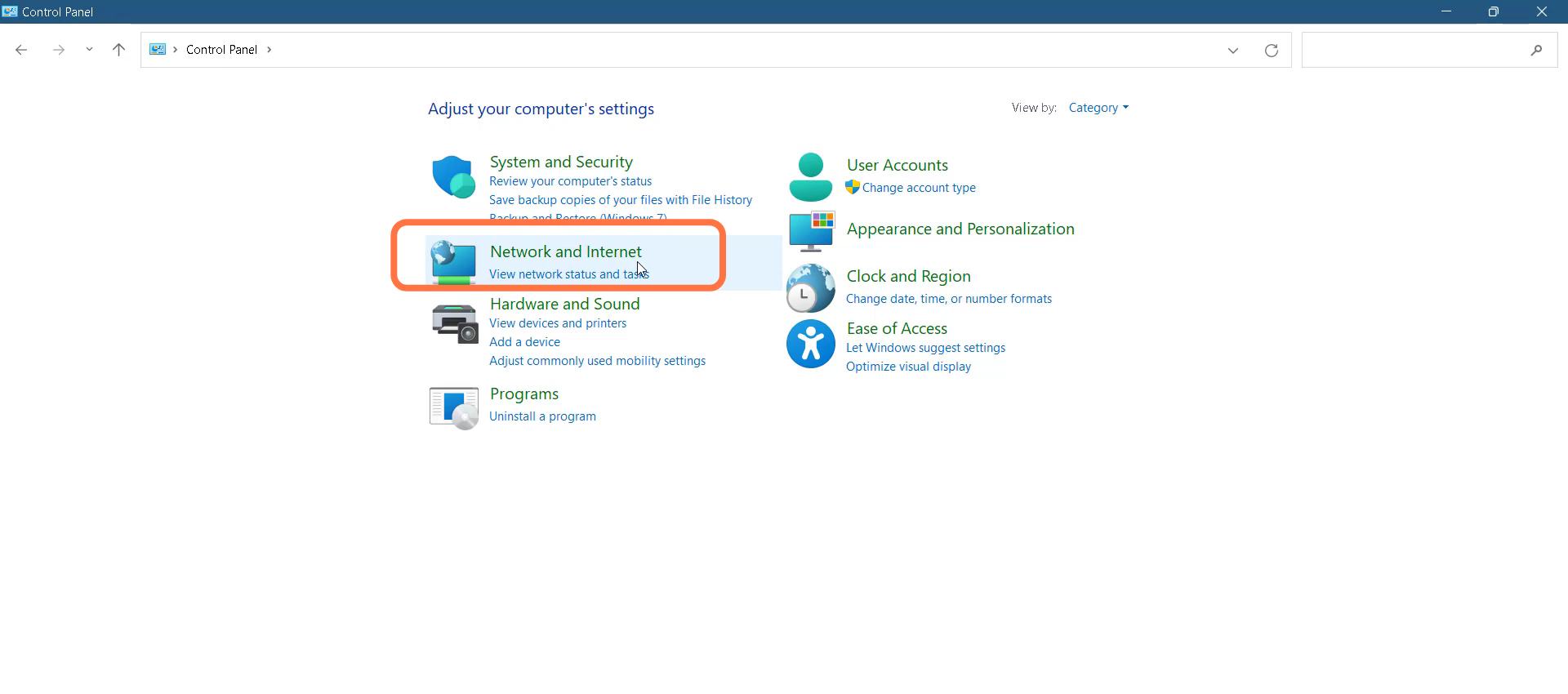
- Navigate to "Network and Internet".
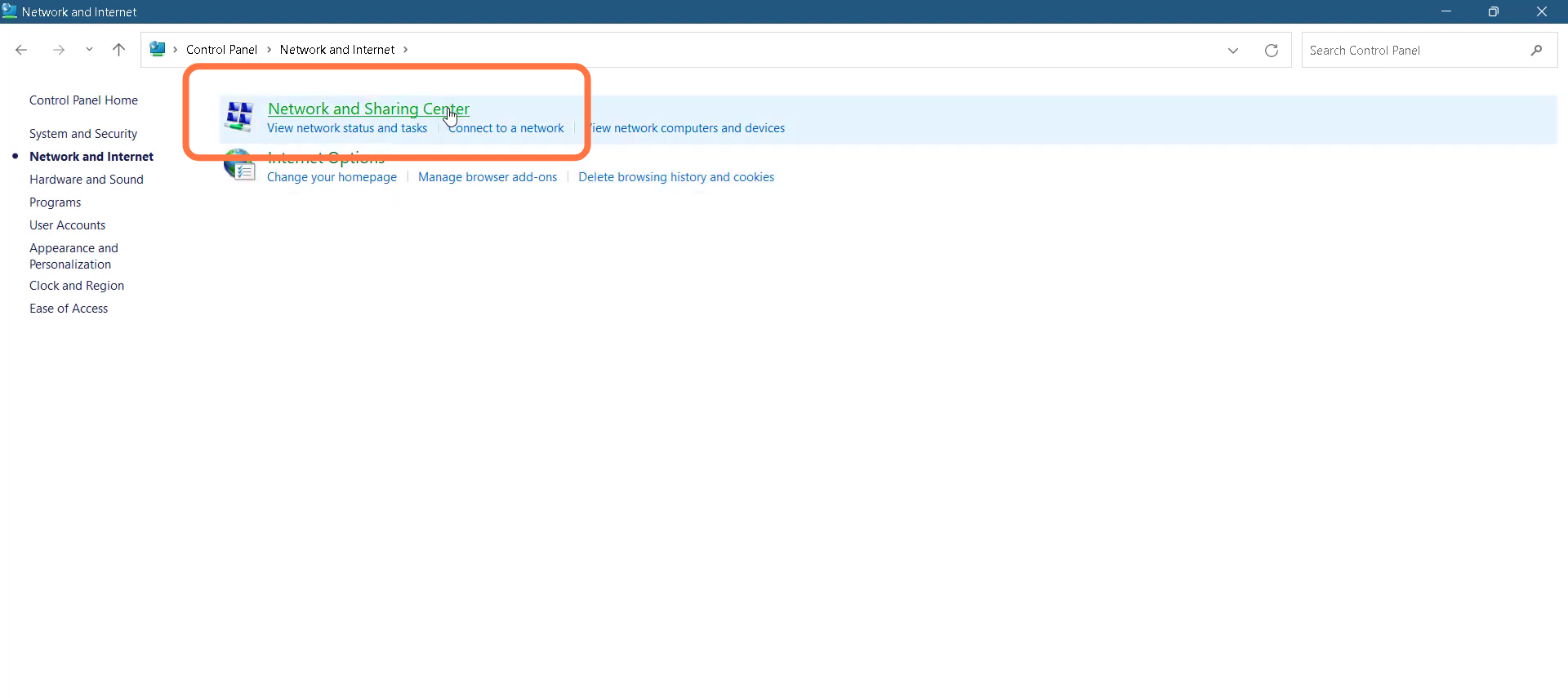
- Then double-click on "Network and Sharing Cente".
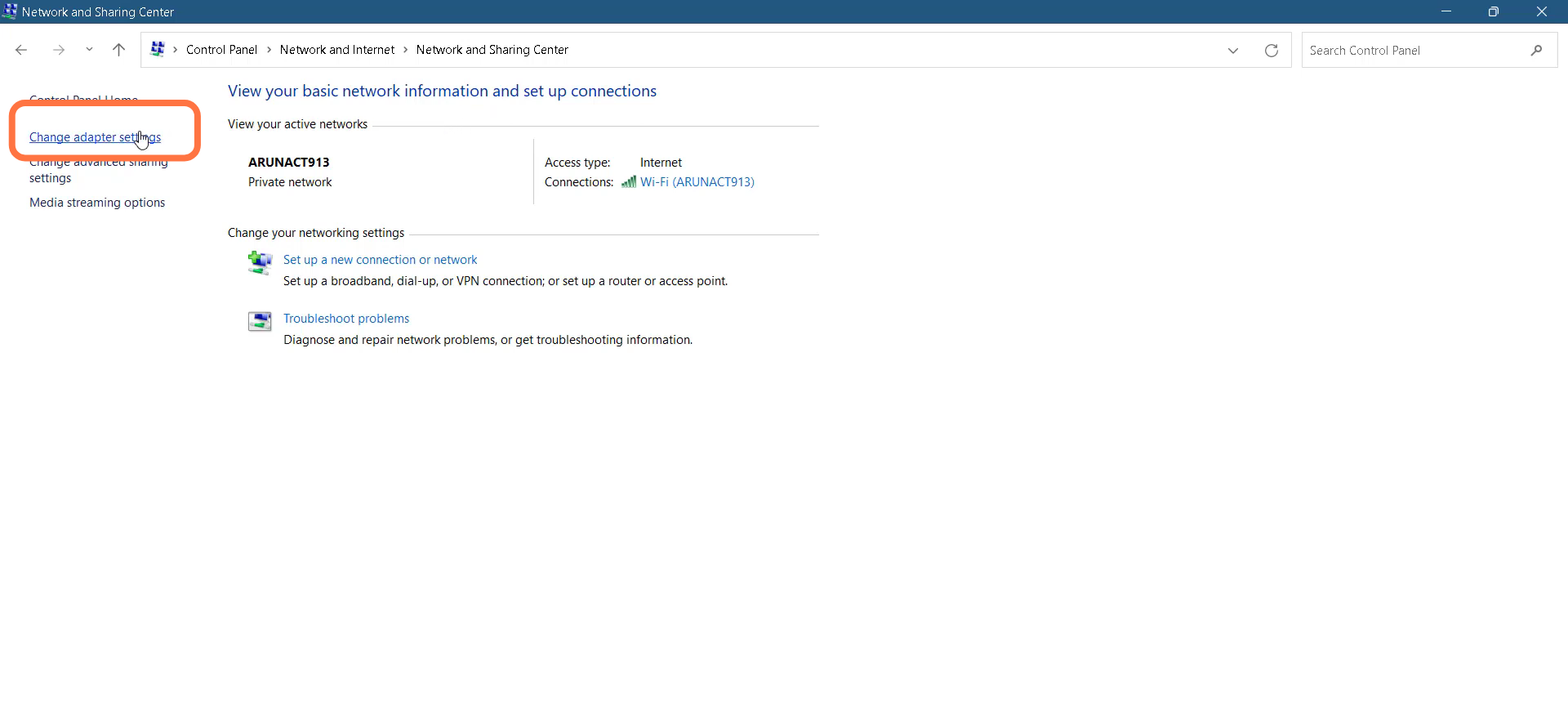
- Tap on Change adapter settings.
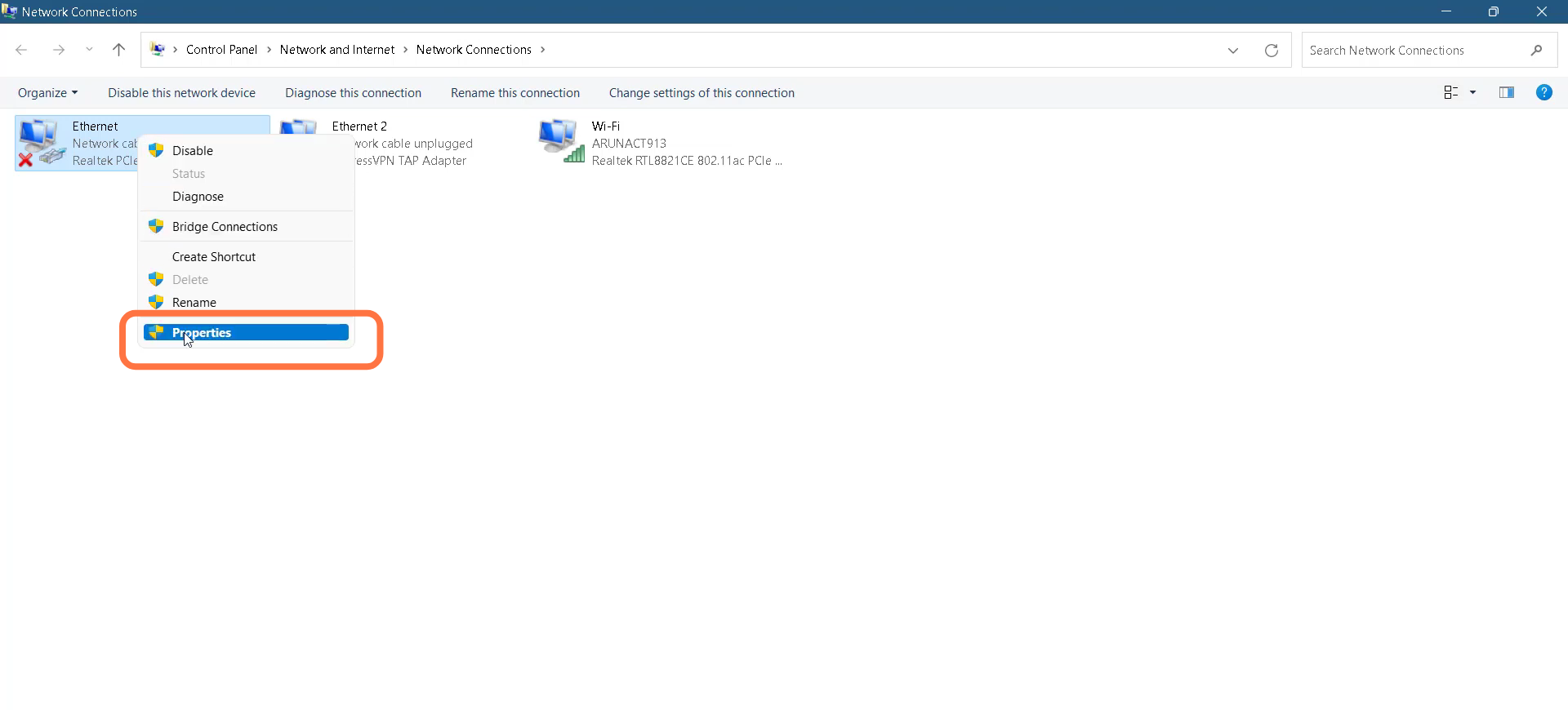
- Left click on Ethernet and go to its Properties.
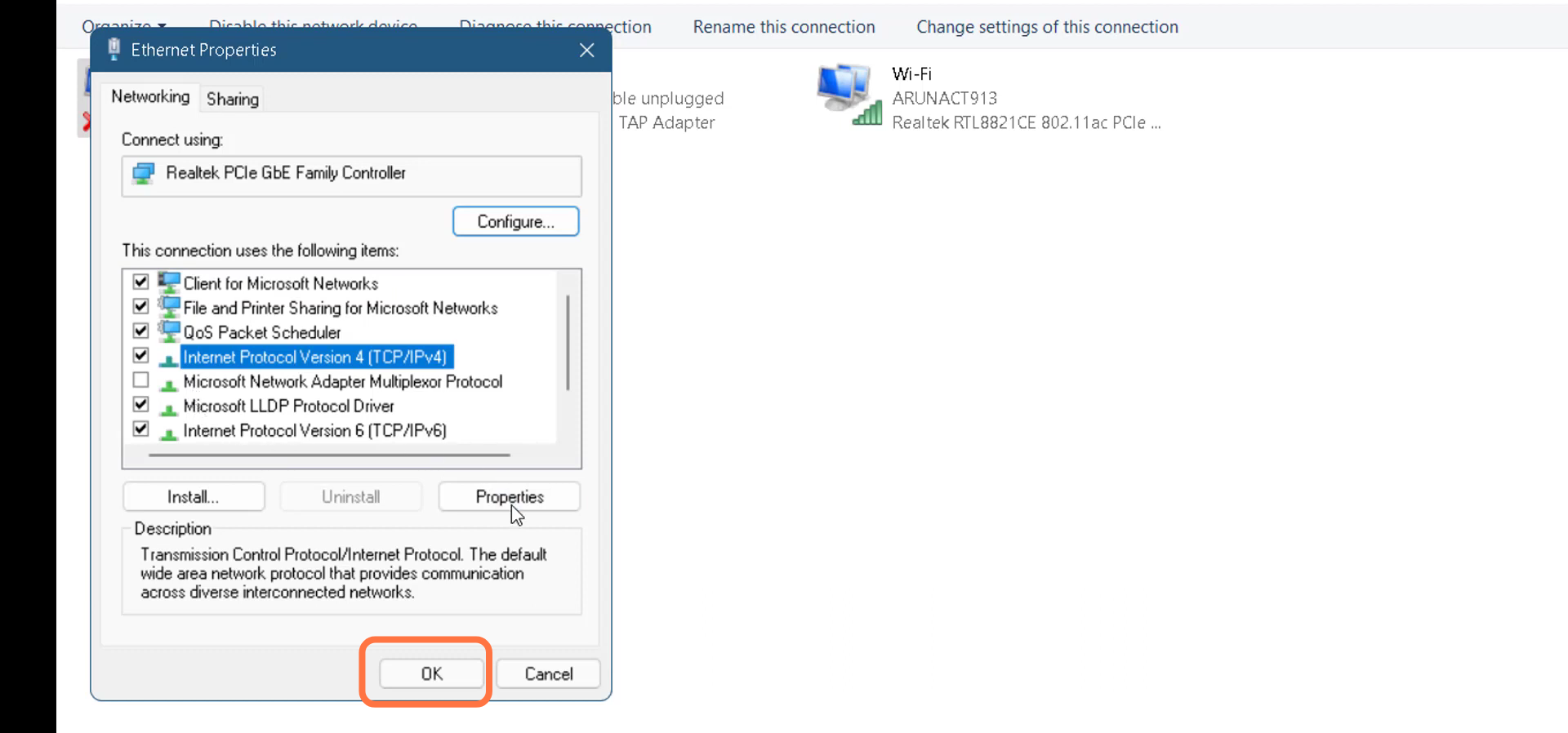
- Tap on Internet Protocol Version 4(TCP/1Pv4) and go to Properties.
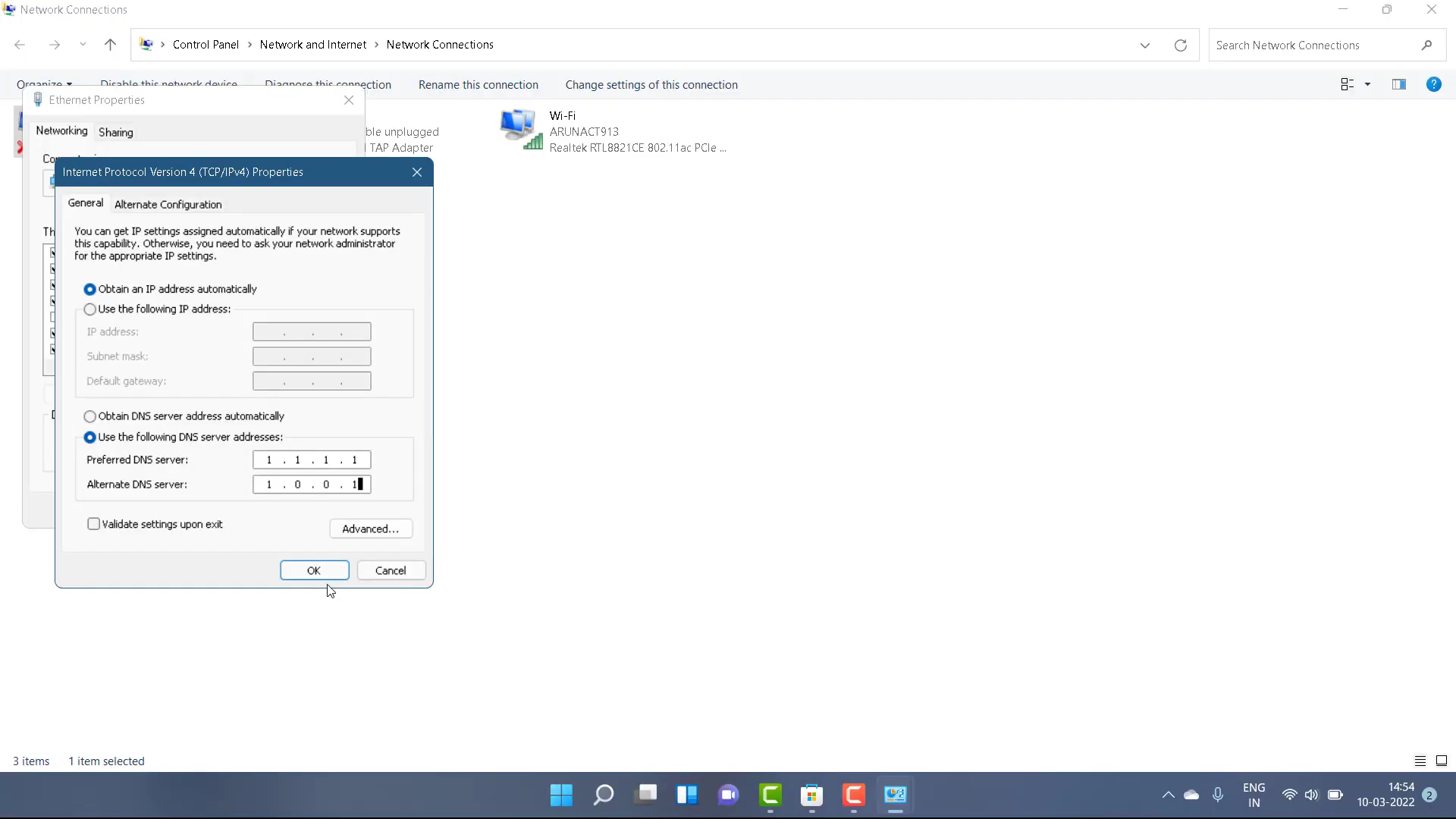
- You need to select the "use the following DNS server" option, input 1.1.1.1 in the Preferred DNS server, and 1.0.0.1 in the Alternate DNS server.
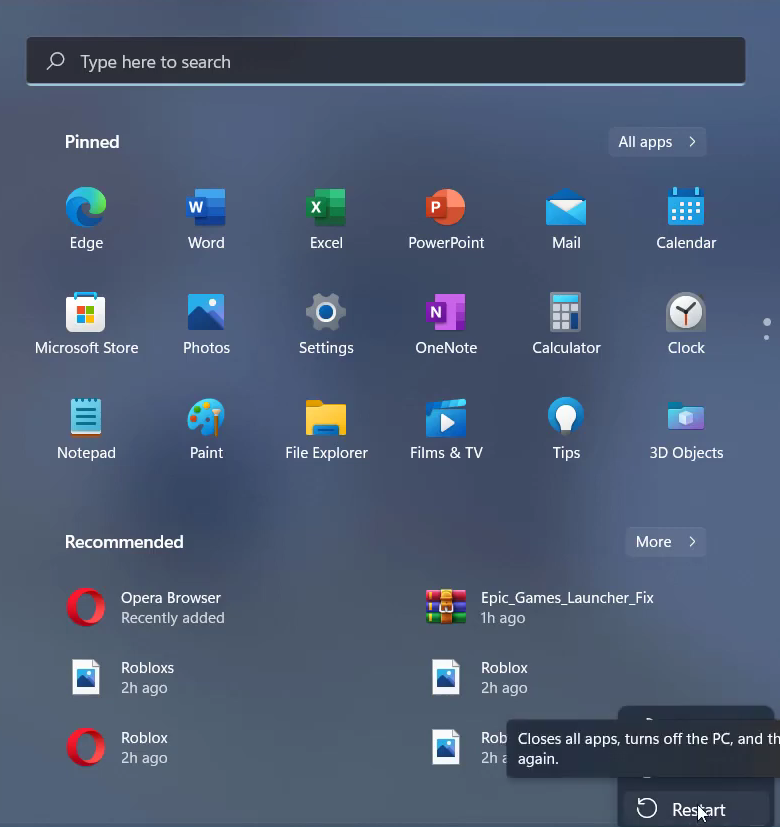
- After that, restart your PC.
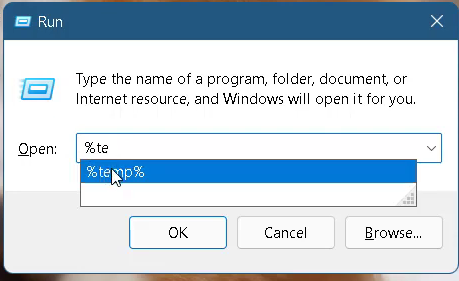
- Press Window key +R, type %temp% and hit OK.
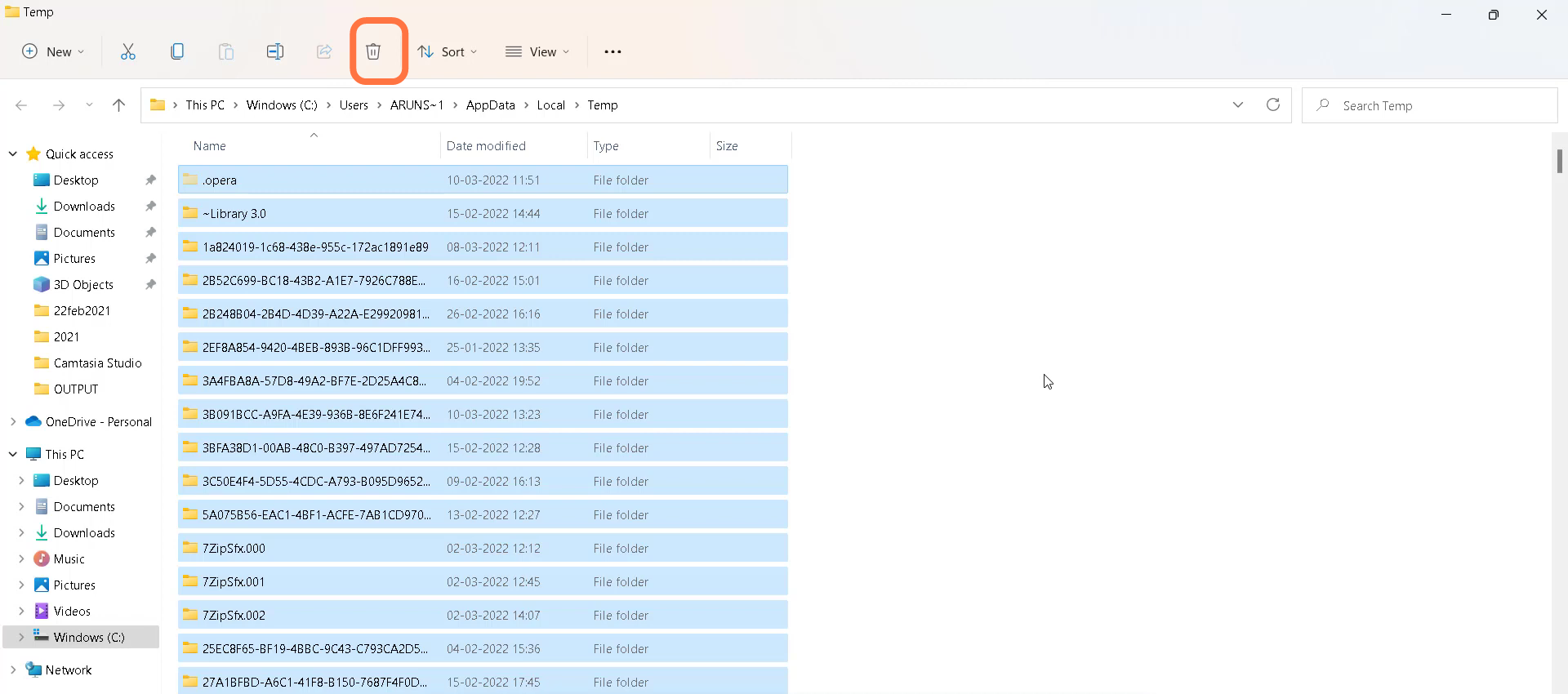
- You need to select all in this folder and delete them.
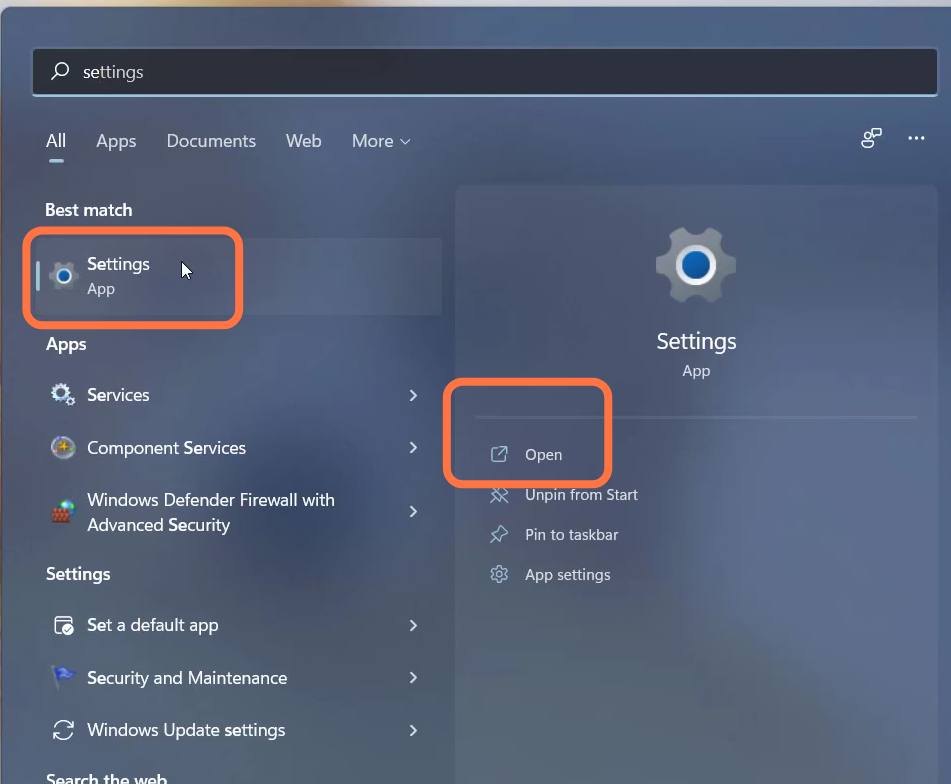
- Then you have to open the settings.
- Go to "Network & Internet" and then navigate to Advanced network settings.
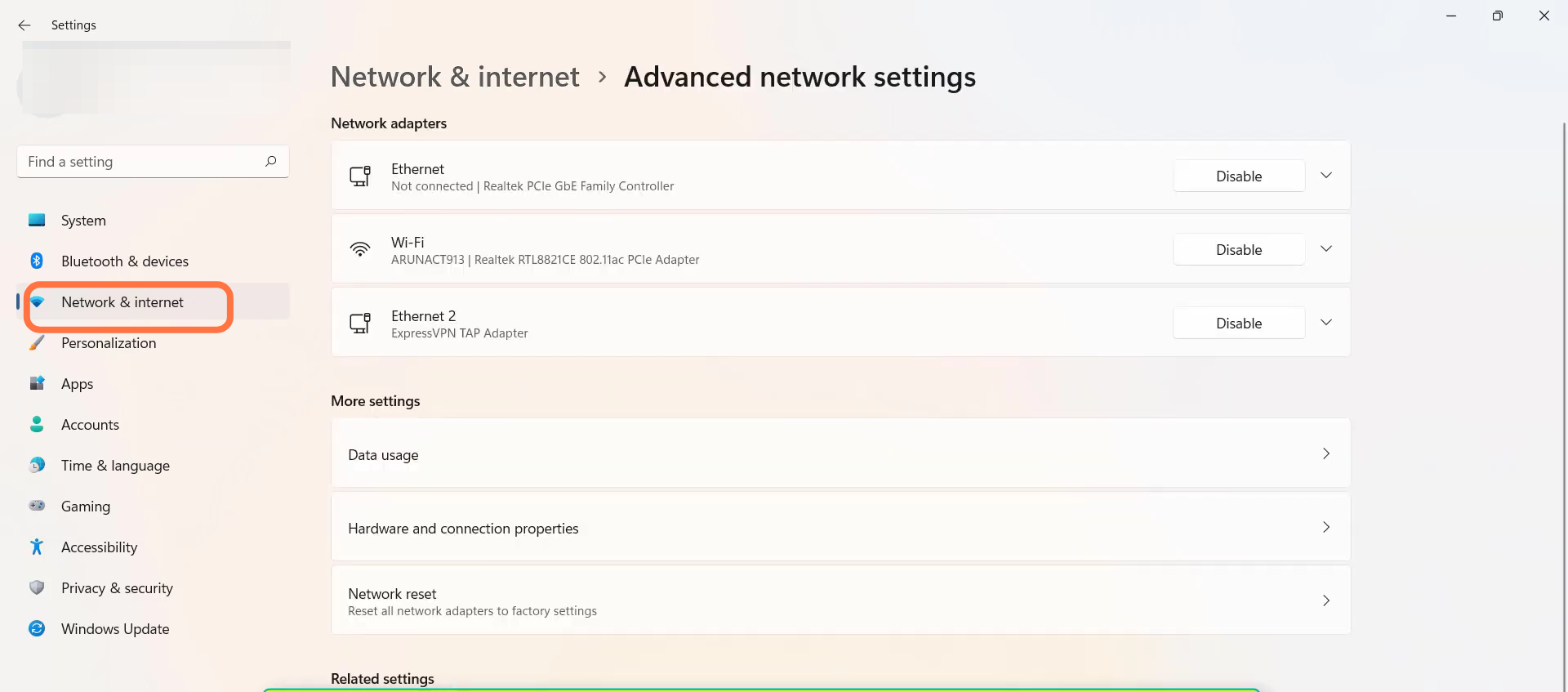
- Tap on Network reset.
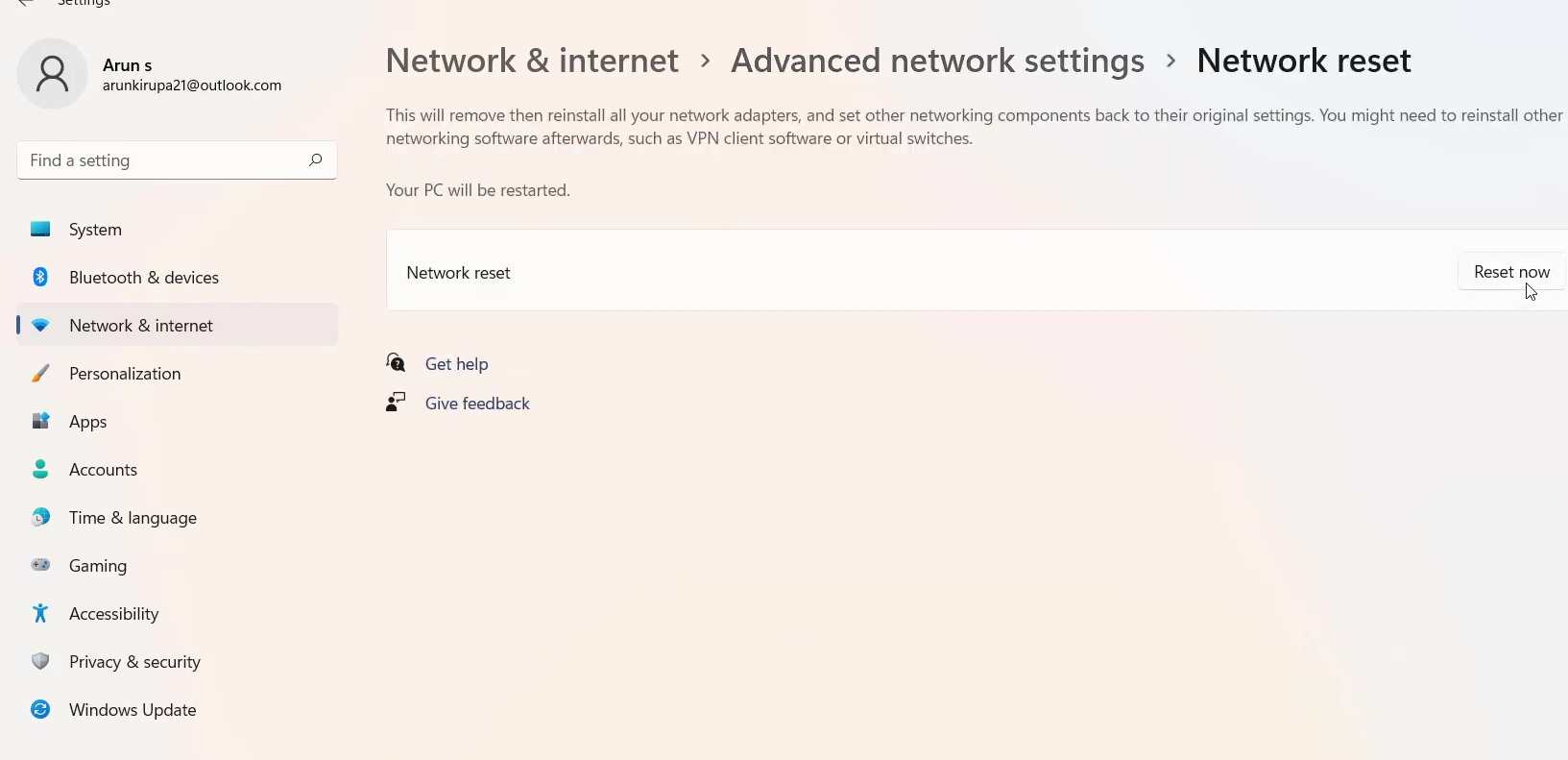
- And then restart your PC to check if the error is resolved.