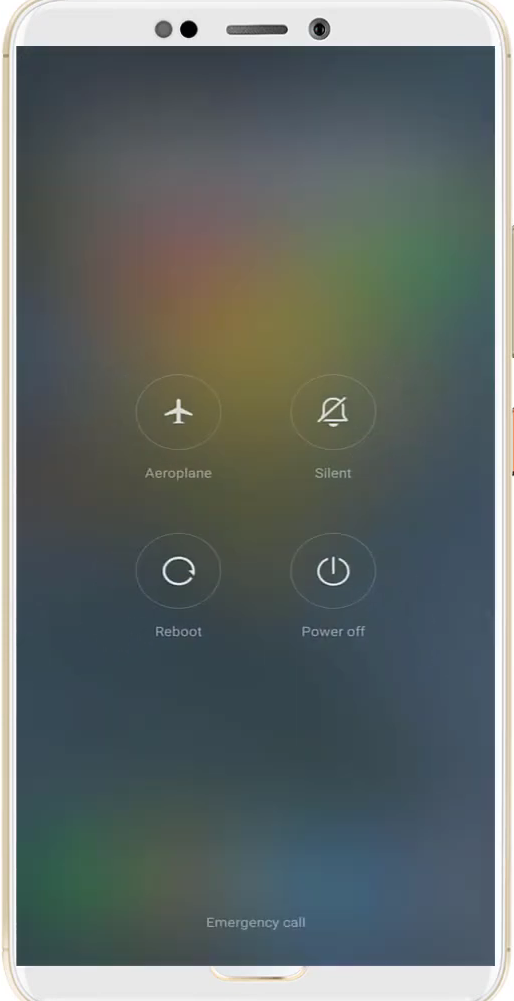
Roblox Network Disconnected Error - Fixed
- First, you have to enter into the Sim settings of your mobile phone.
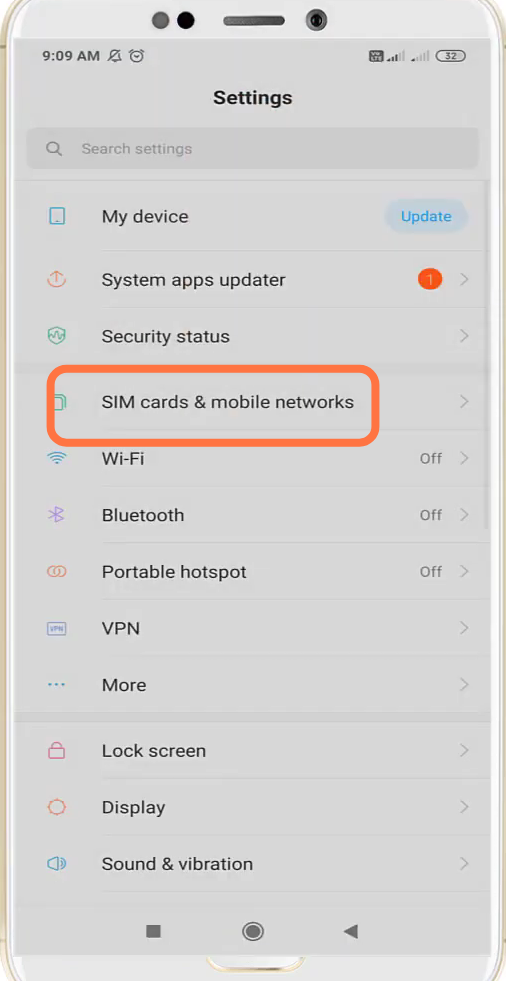
- And navigate to Mobile networks.
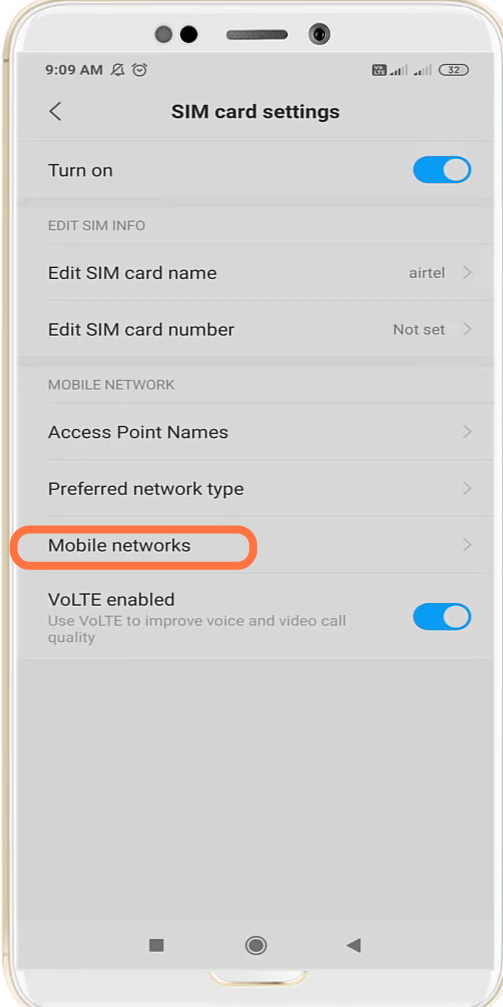
- You have to enable the Manual settings.
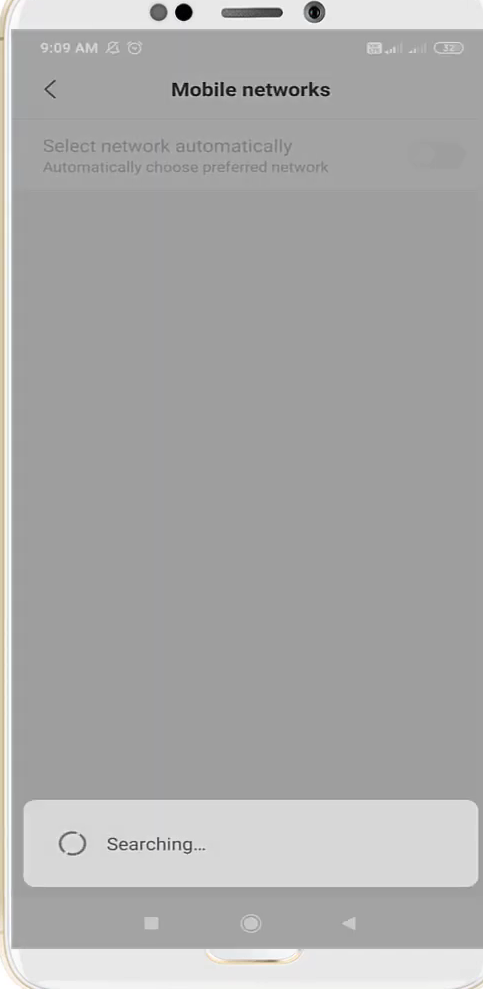
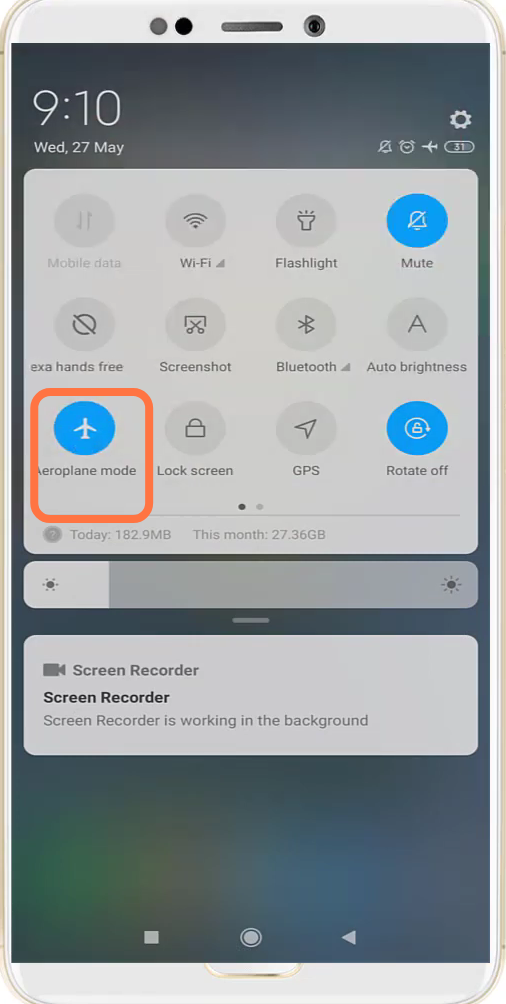
- After that, turn on & off the Aeroplane mode.
- Then go to the Google play store and update the Roblox app.

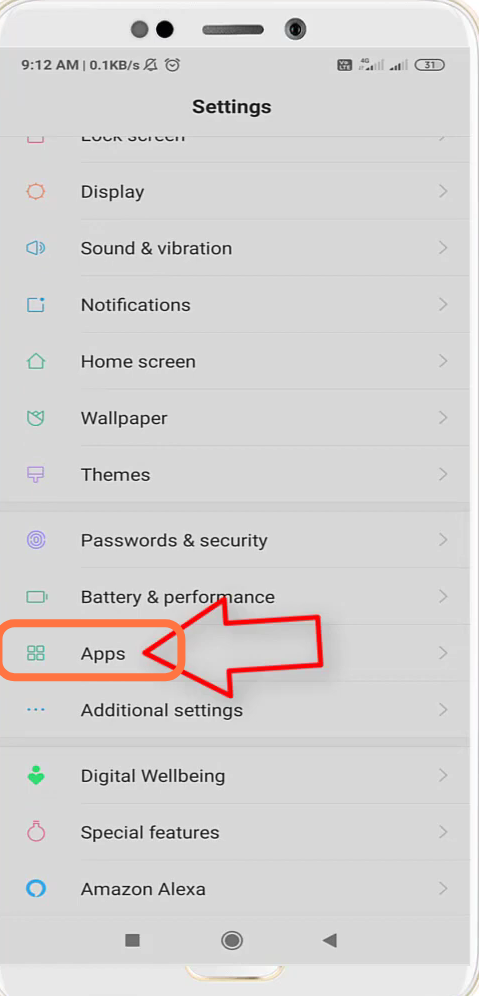
- Next, you will need to enter into the App settings.
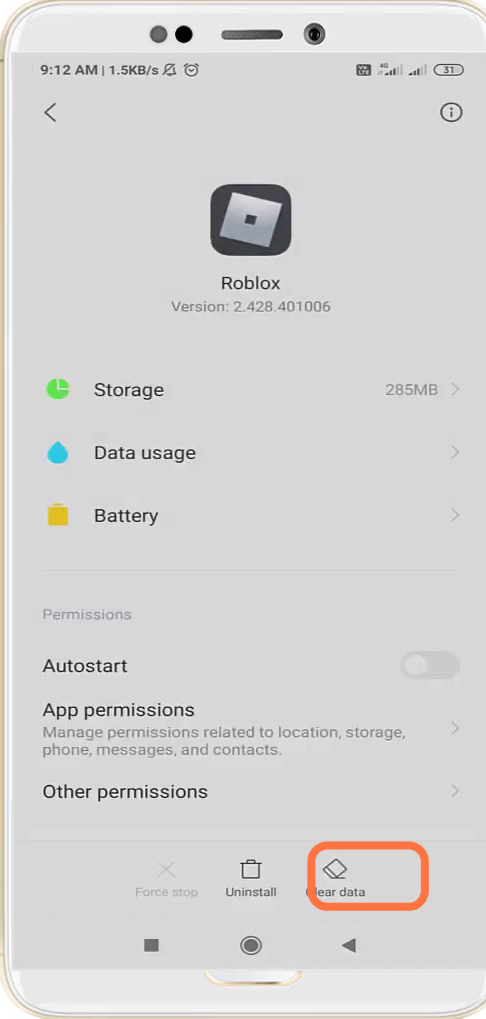
- Tap on the Roblox app and Clear Data.
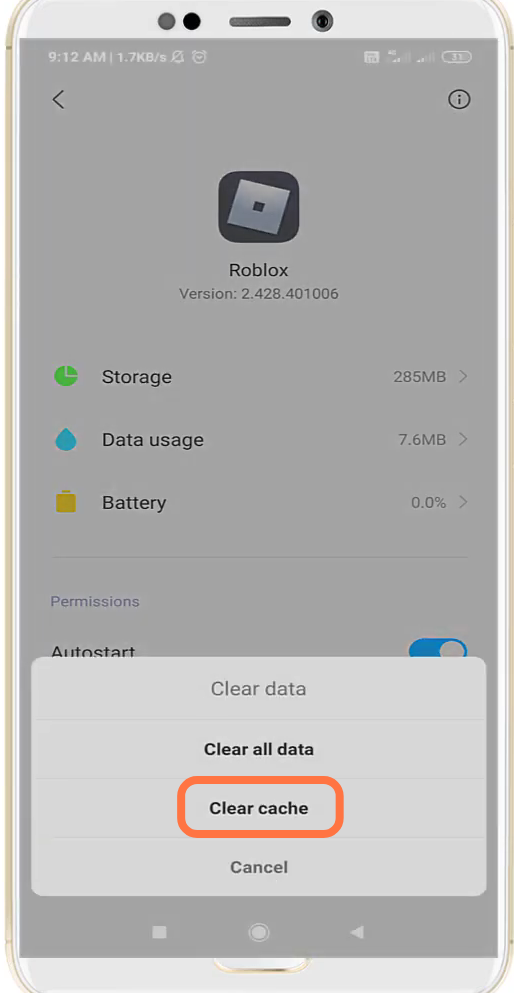
- Now you will need to click on Clear cache.
- And then re-enable the Restrict Data.
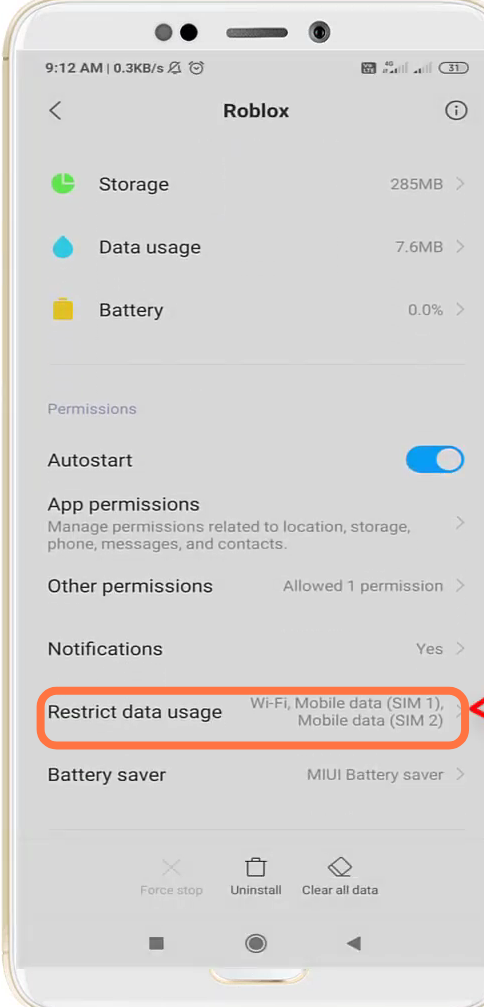
- Now reboot your device to resolve the error.