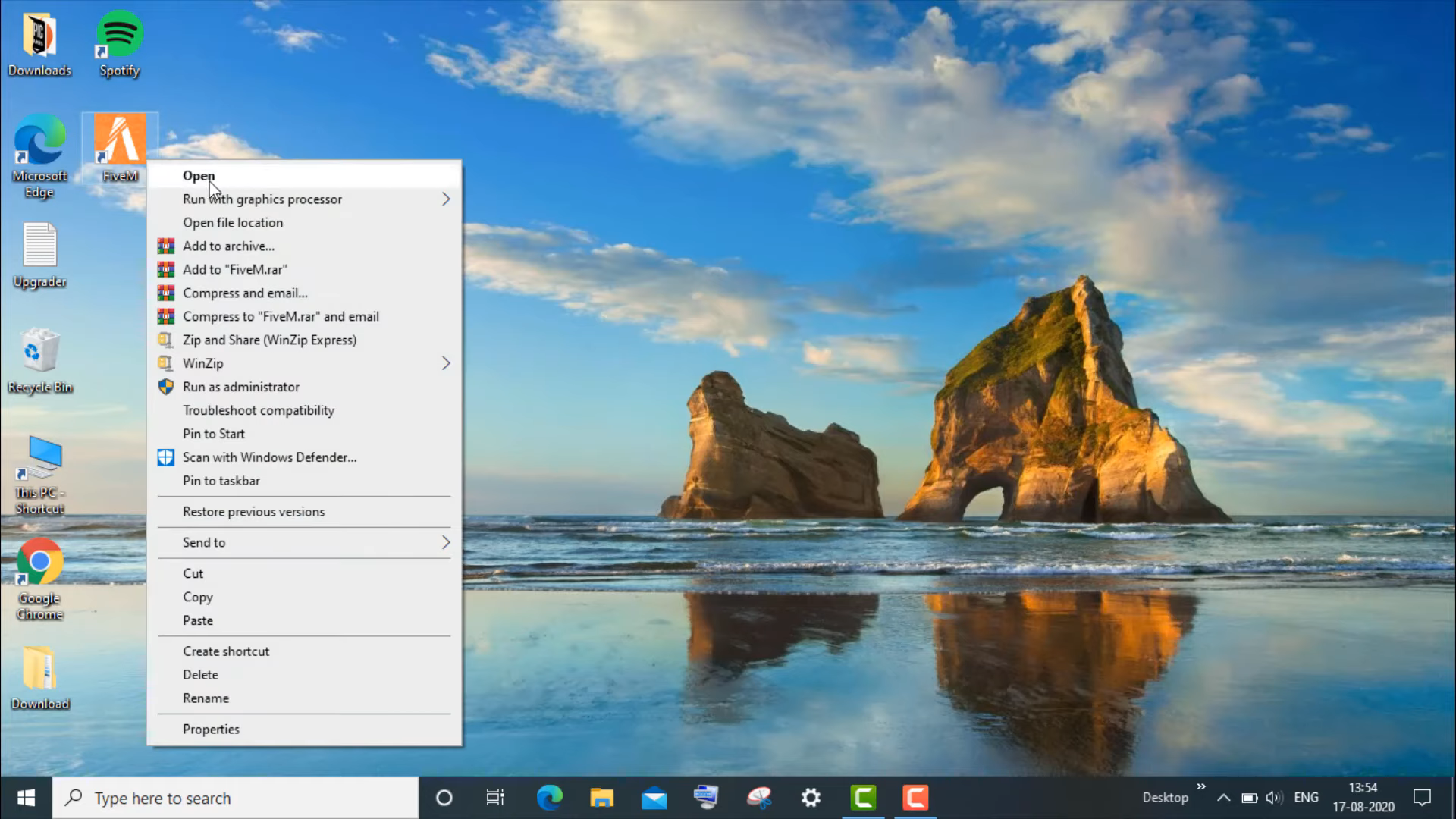
Nvidia GPU Drivers Encountered A Problem - Fivem Crash (Fixed)
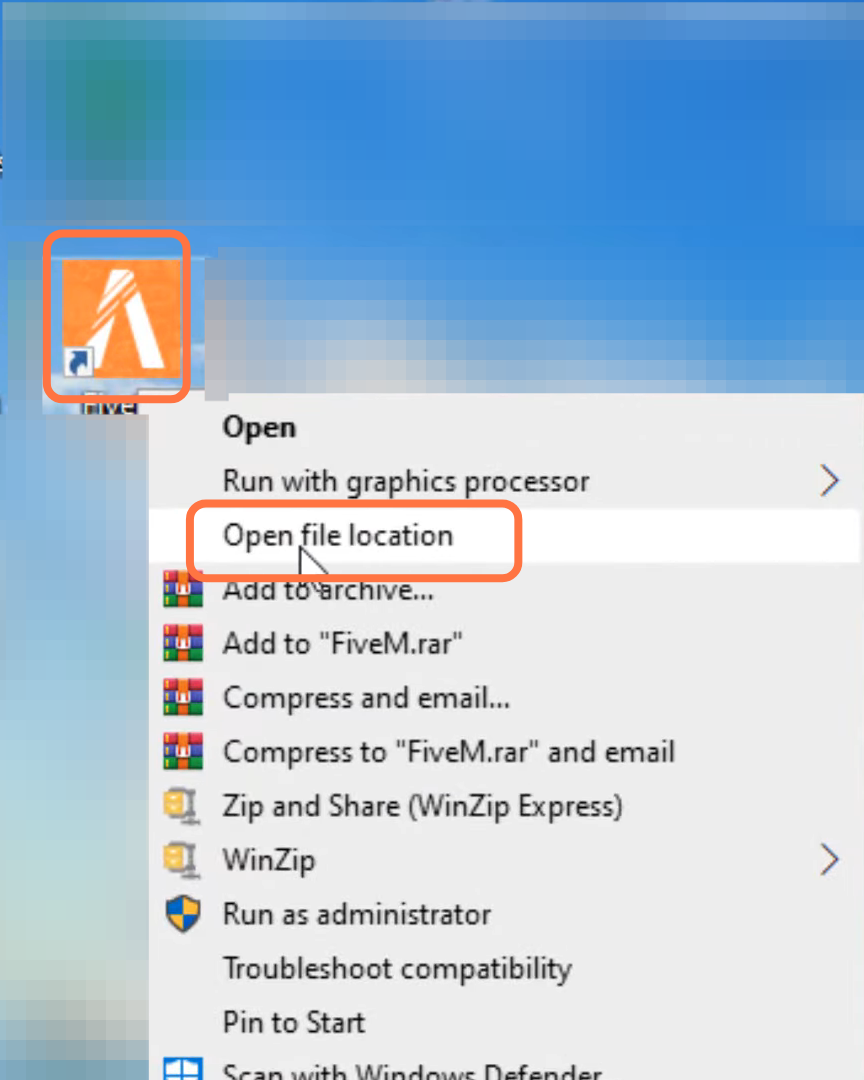
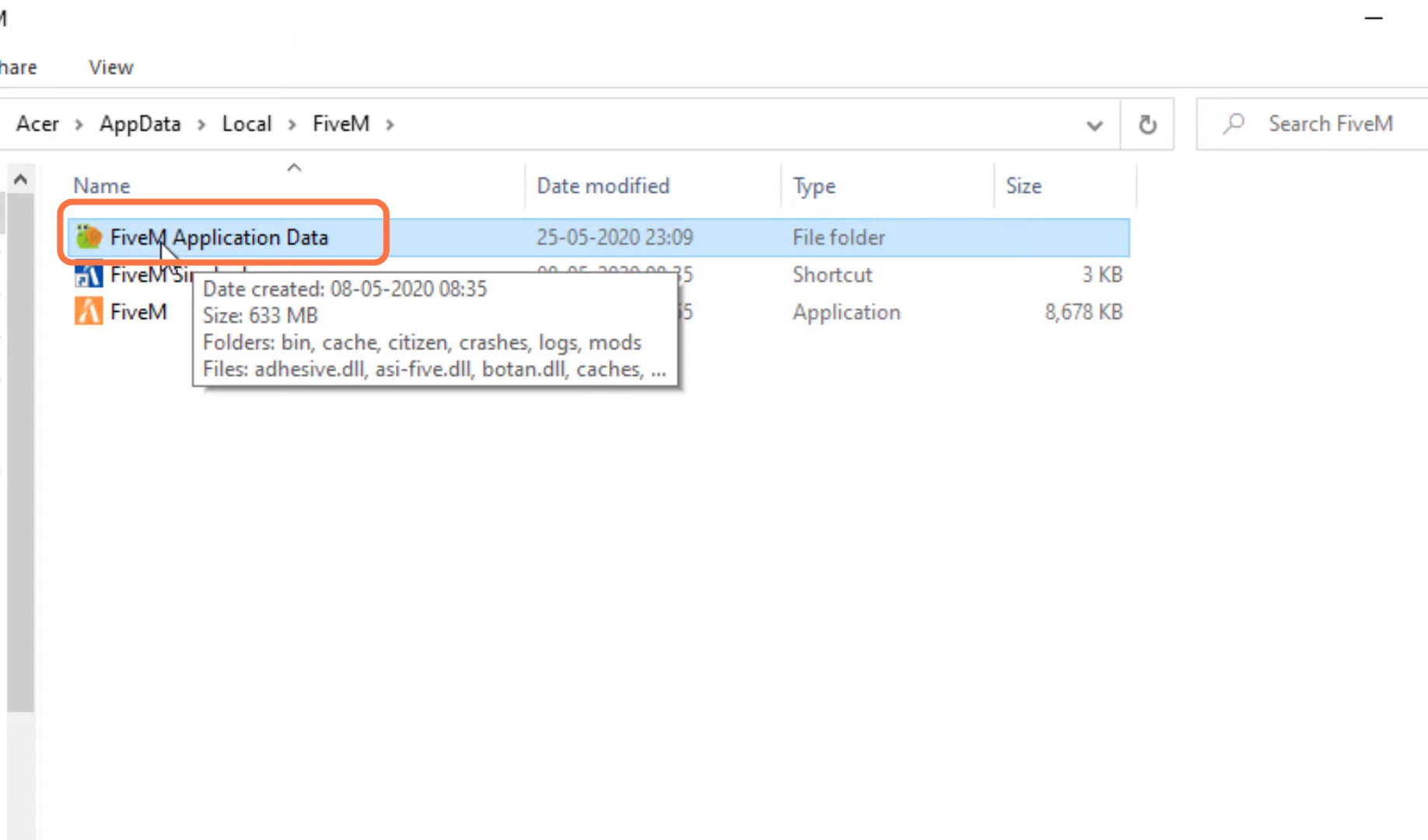
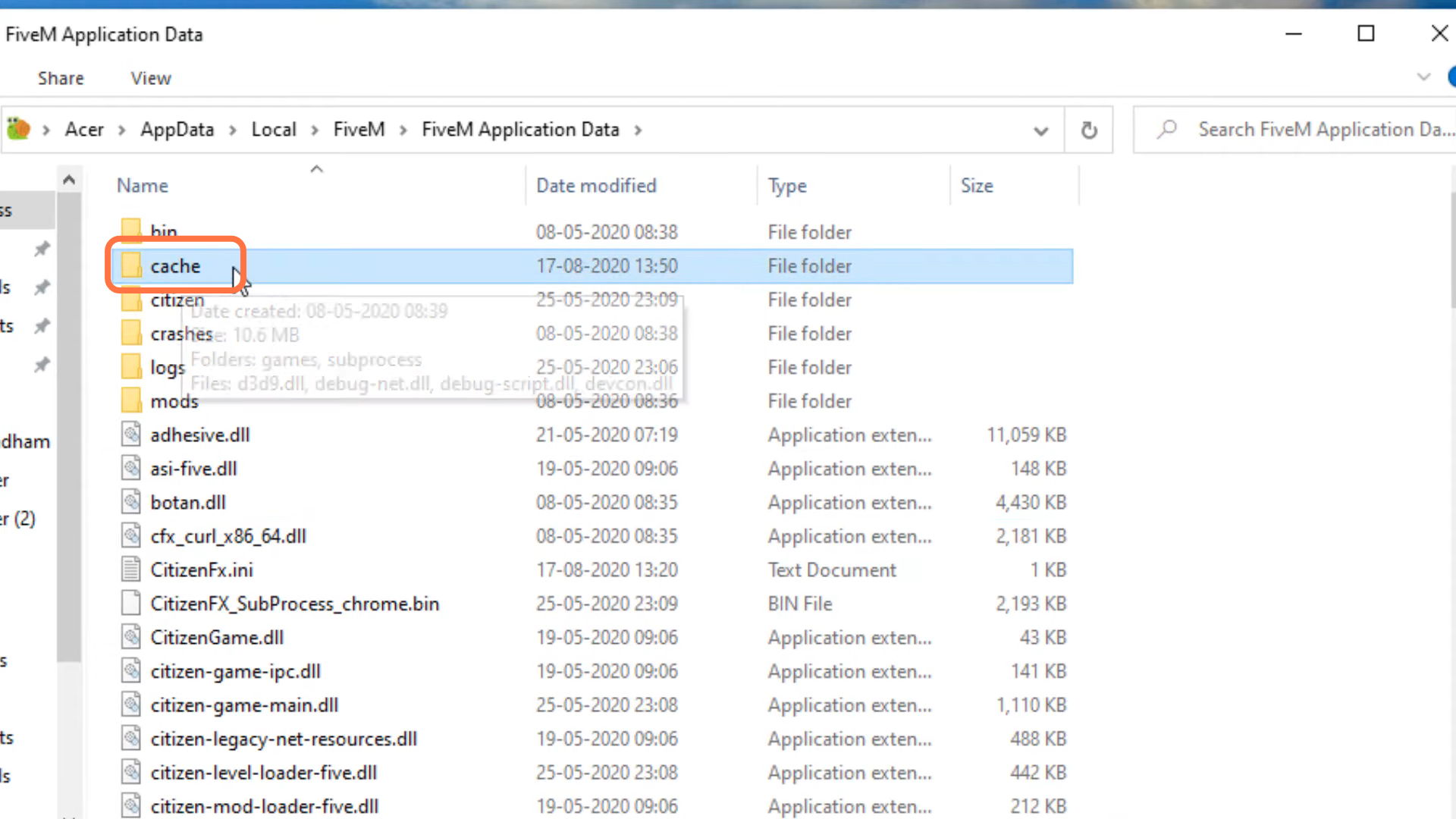
- Go to FiveM application data.
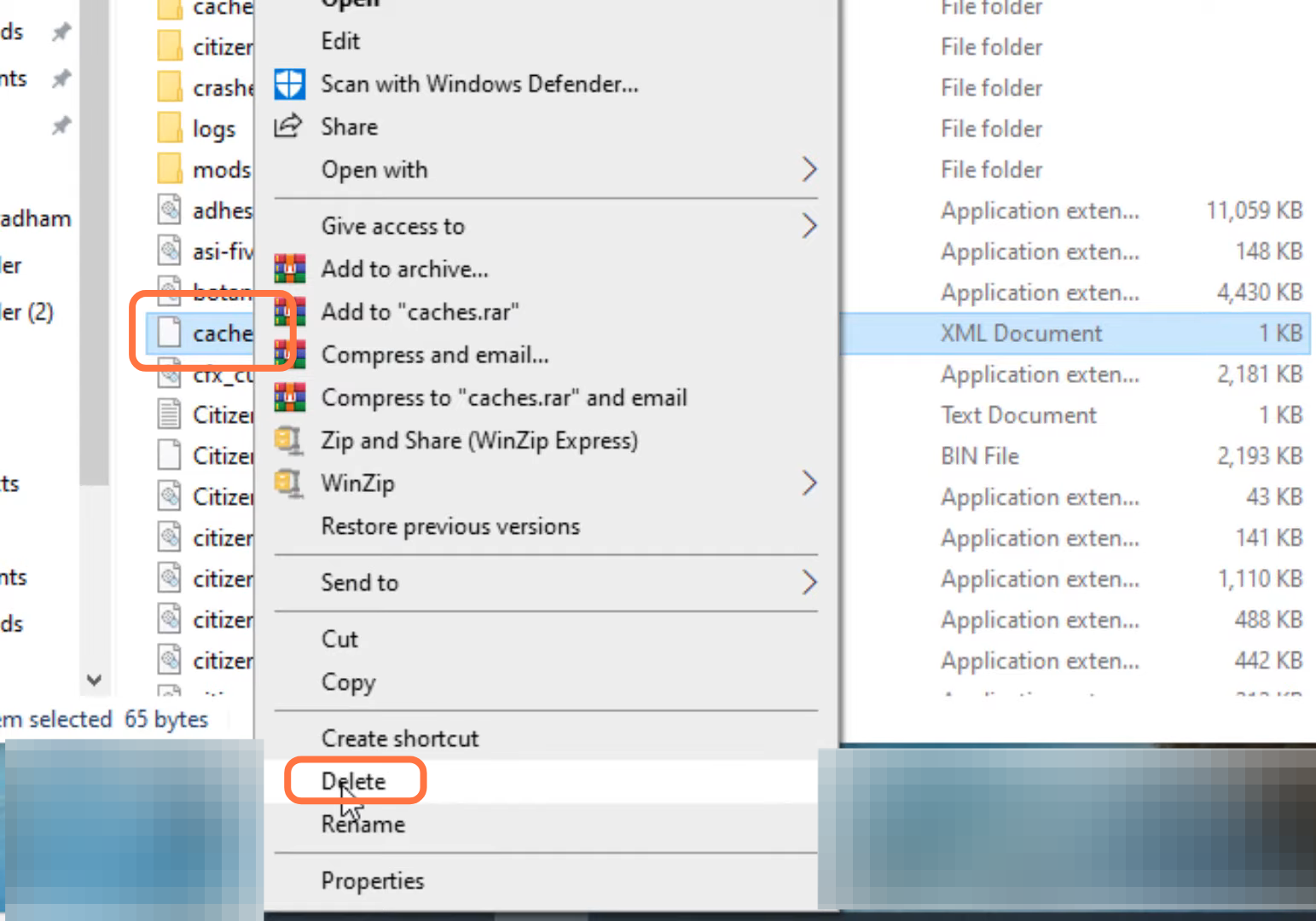
- After that, left click on Caches and click on the delete button to delete it.
- Now you need to go to the caches folder.
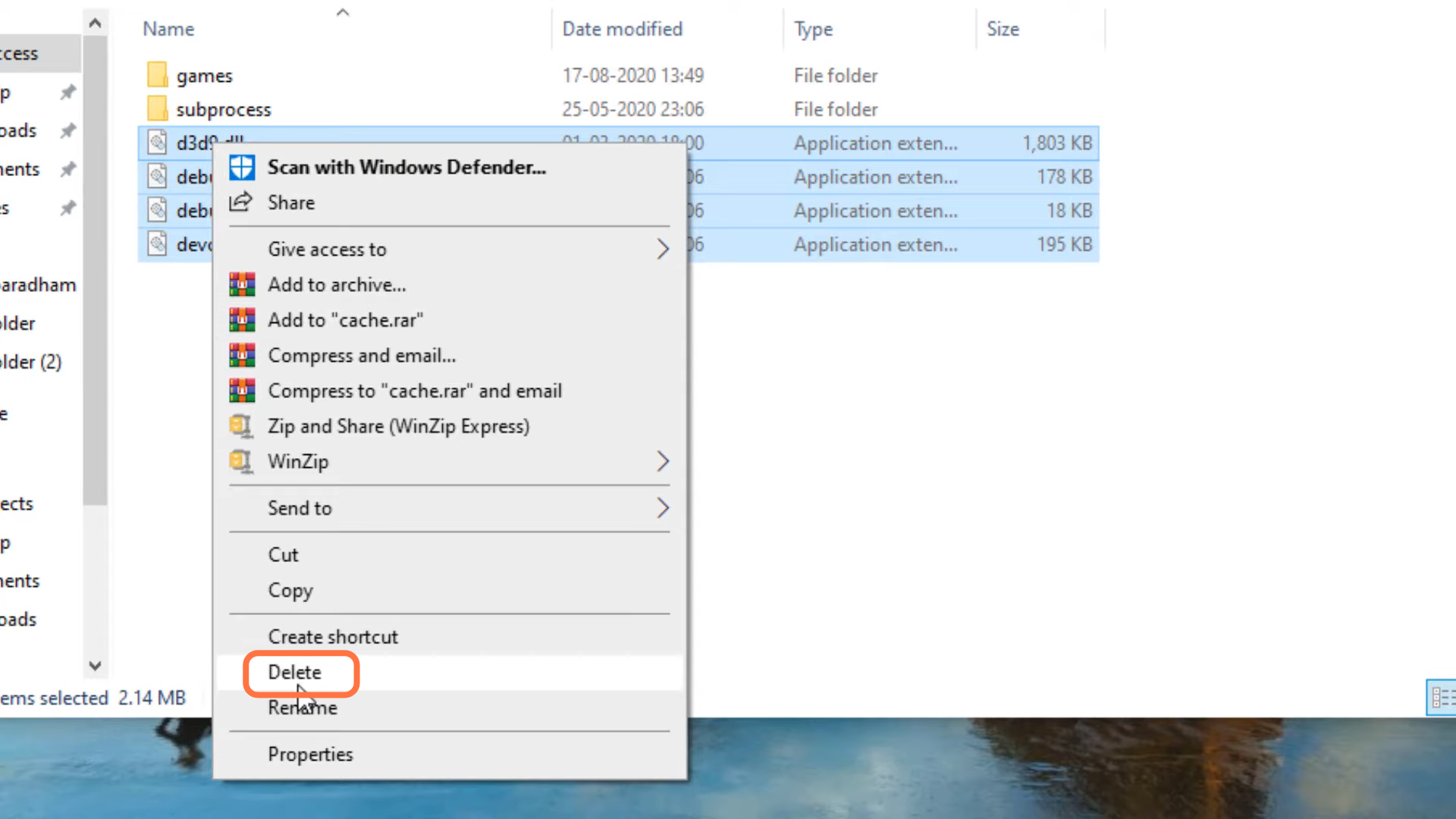
- Select the .dlll files and delete them.
- Now open FiveM and finally the problem is solved.