Not Authenticated With Minecraft.net TLauncher (Fixed)
Minecraft.net
TLauncher " error appears because of an account obtained from McLeaks or a similar website.You have to follow all the instructions carefully to get rid of this error.
1. First, you will need to open the settings.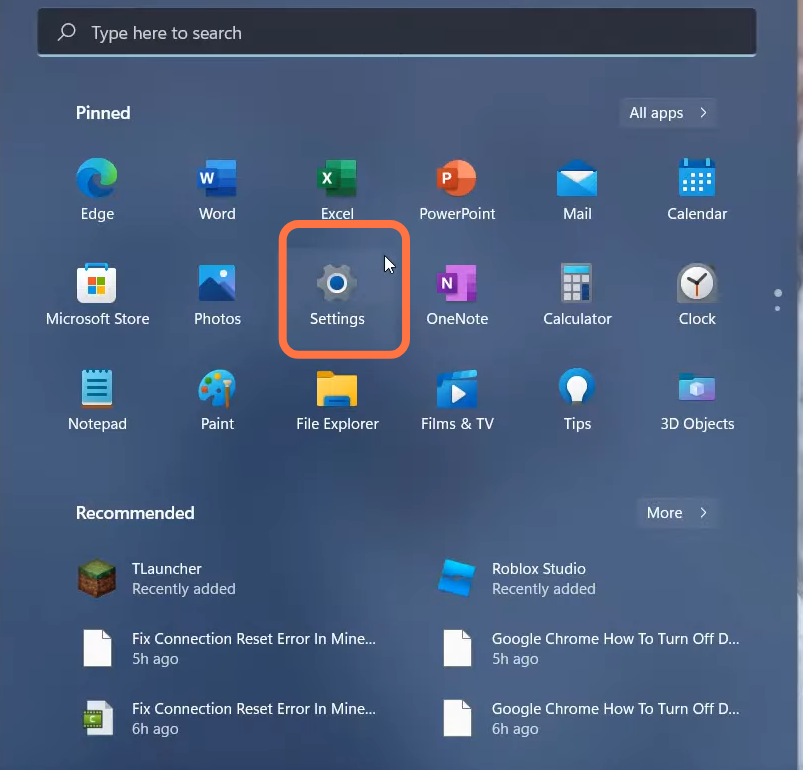
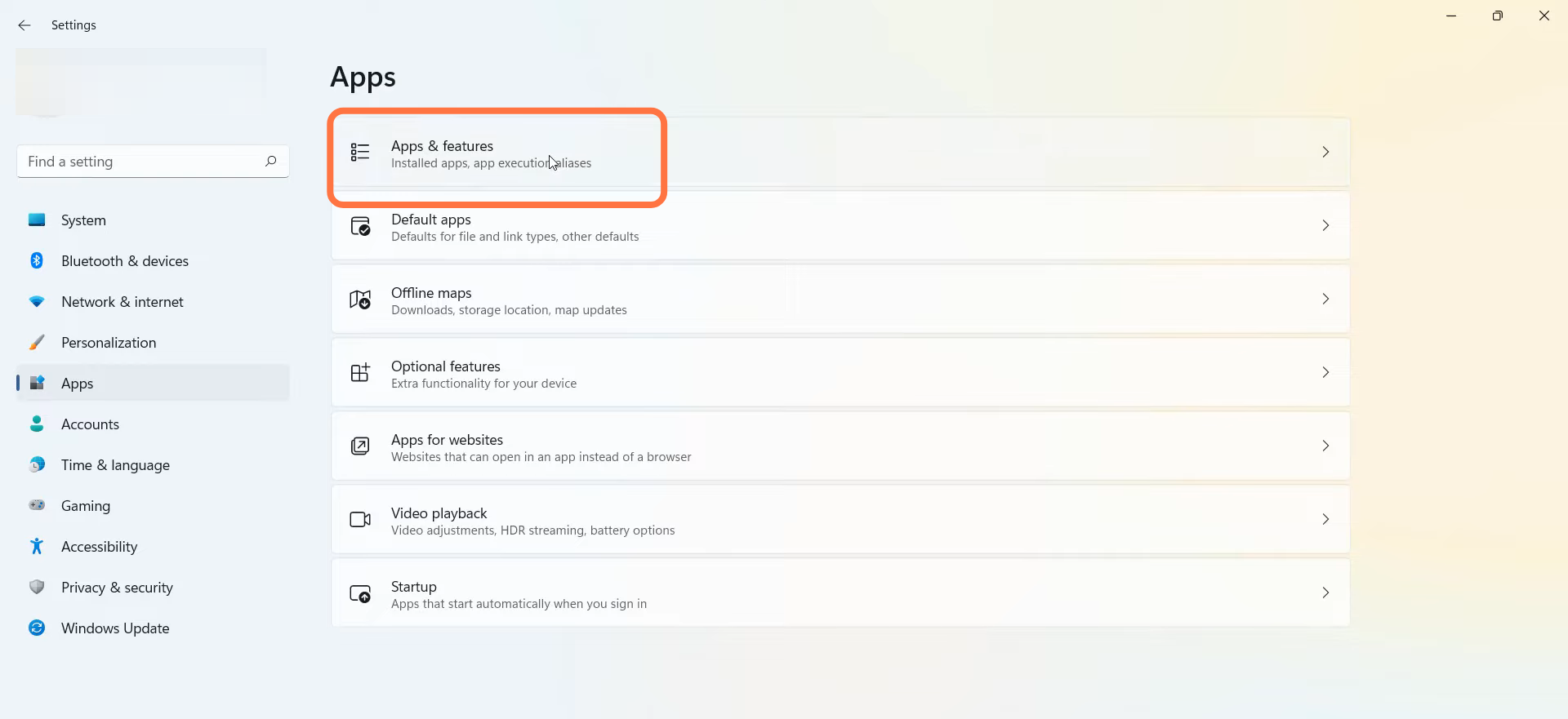
- Go to App and then navigate to "App & Features".
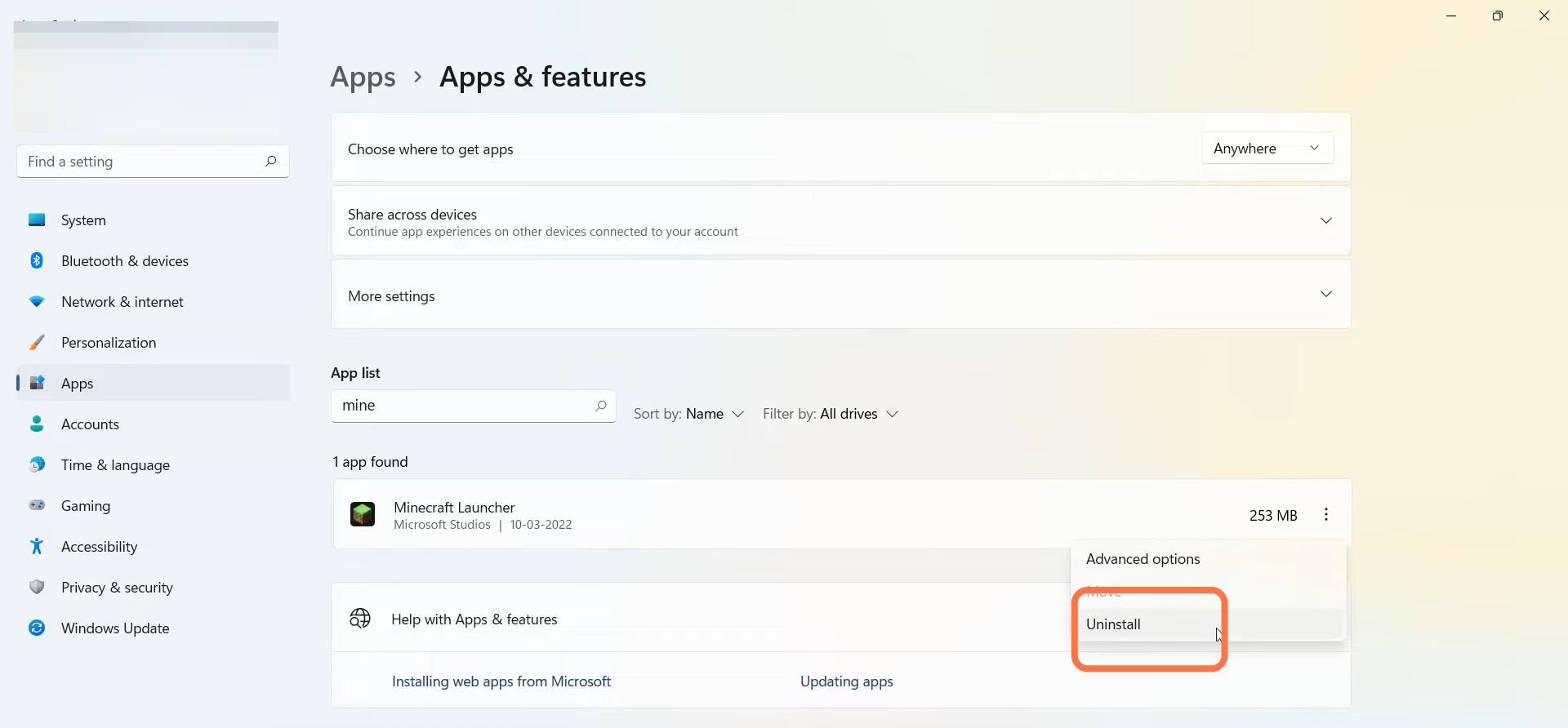
- Search Minecraft and simply uninstall it.
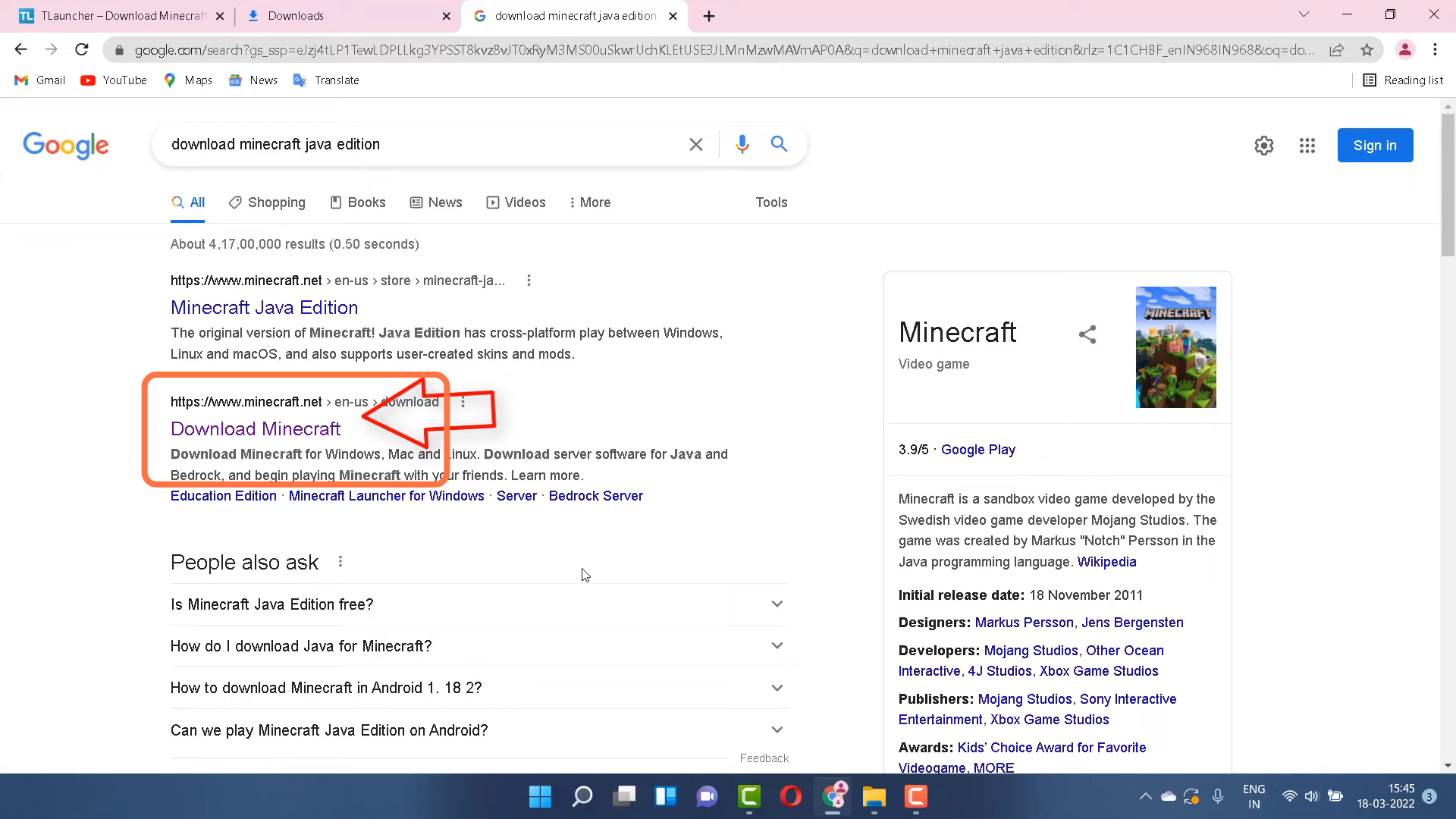
- After that, open the Google Chrome and download the Minecraft Java Edition .
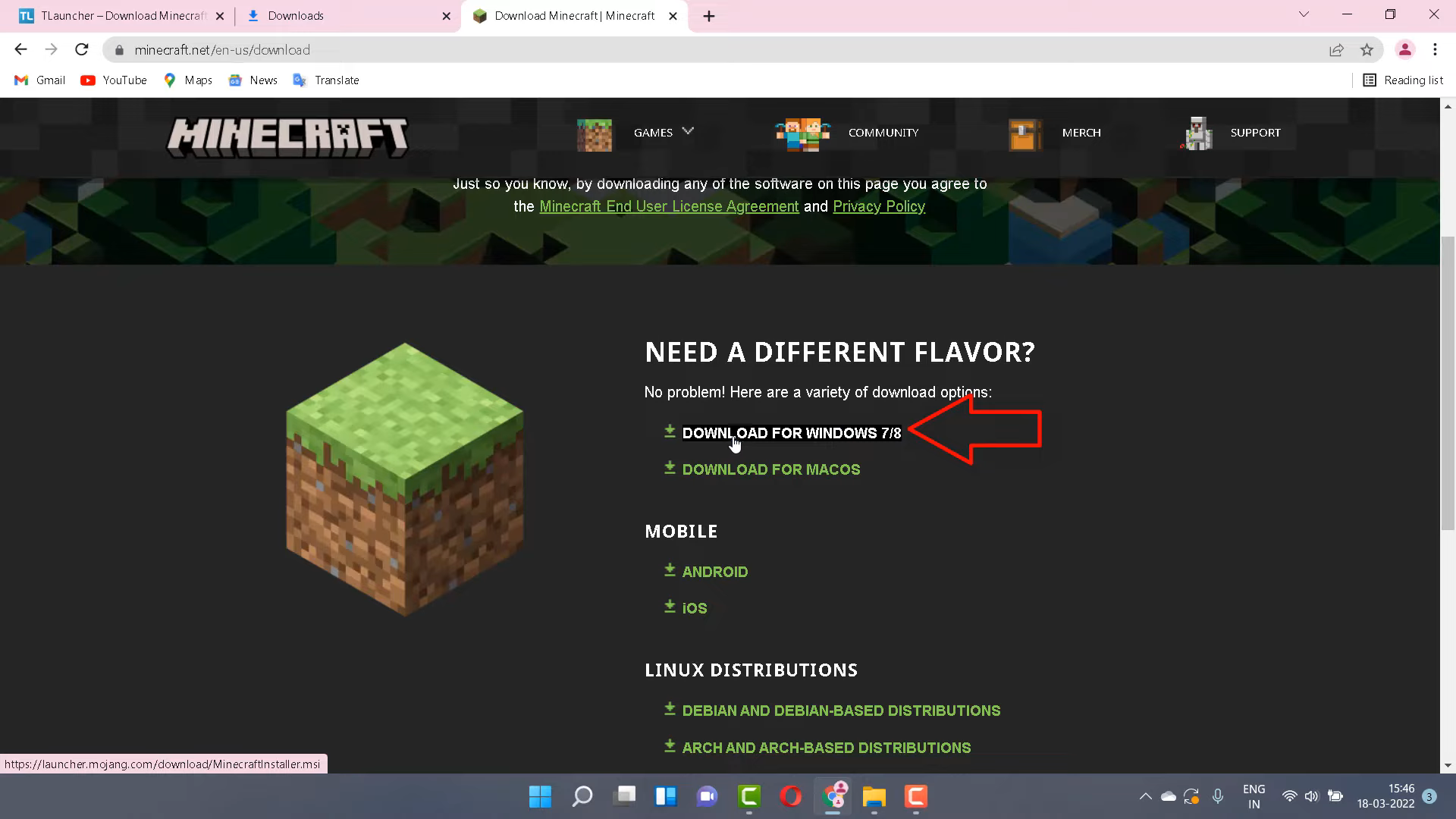
- Select "Download for Windows 7/8."
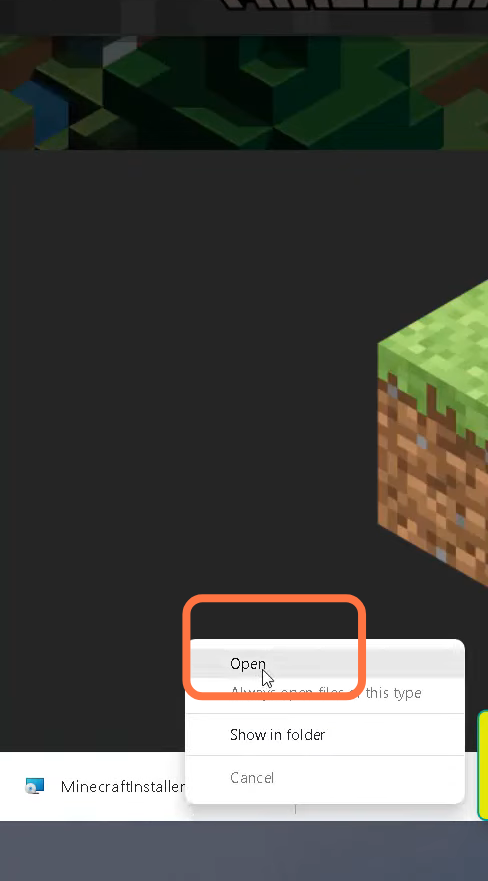
- Then you have to open the downloaded file "minecraftinstaller".
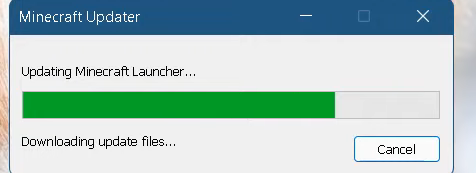
- Install it.
- And the problem will be solved.