No Internet Connection Detected - Fortnite Error
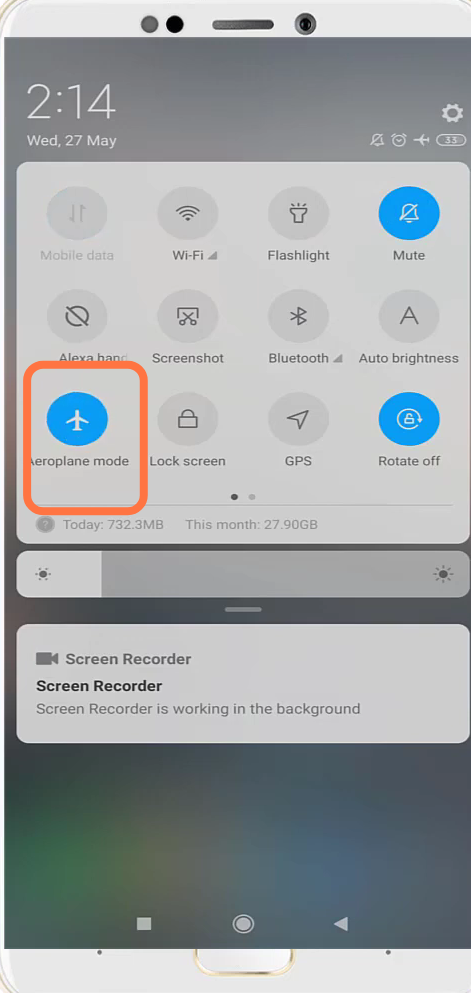
- You will need to turn on & Off the Aeroplane mode.
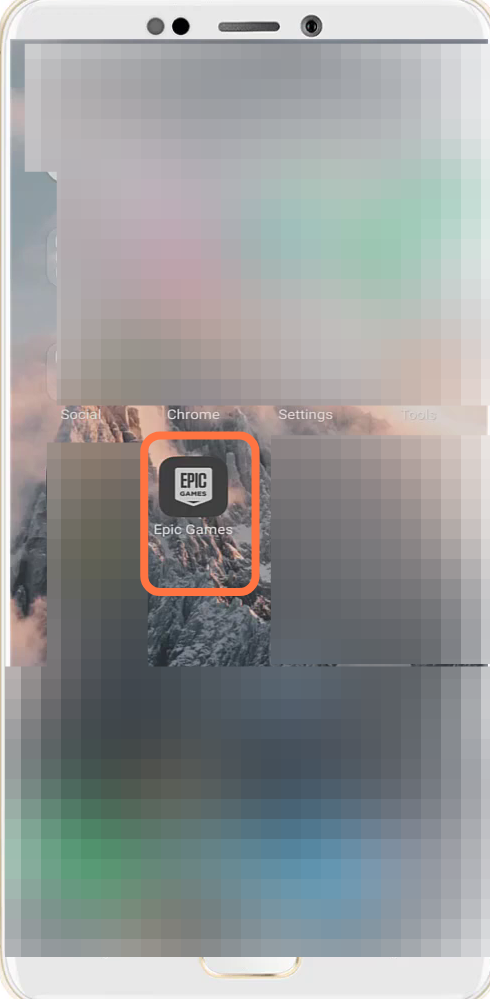
- After that, navigate to the Epic Games launcher.
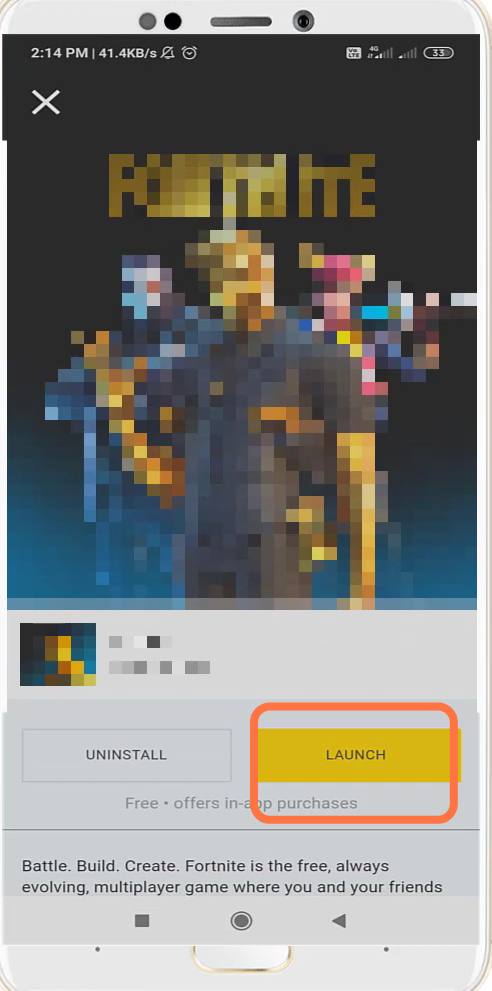
- Update if it has an update and then relaunch it.
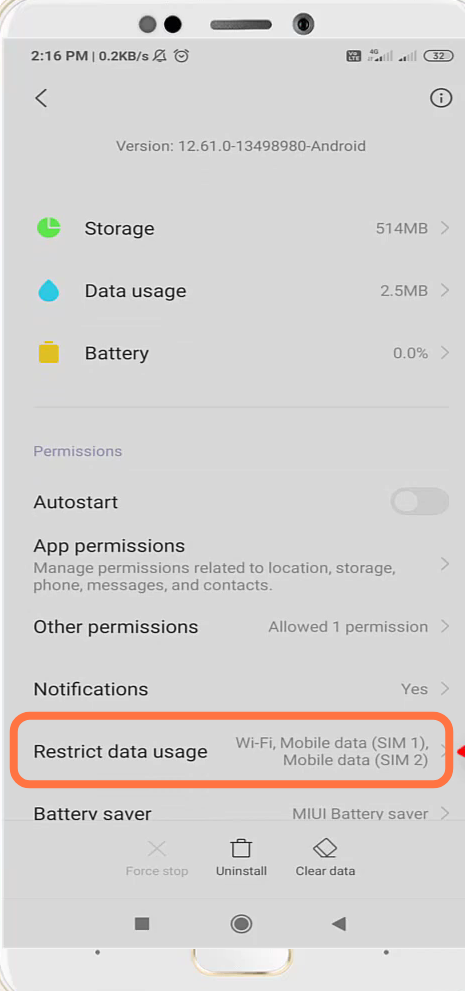
- Then you will need to go to the App settings.
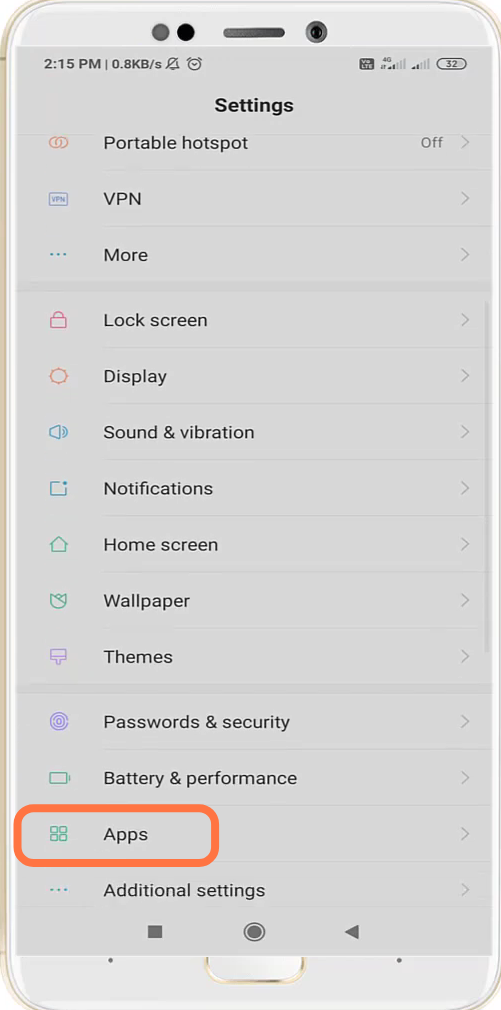
- Go to the Fortnite app and tap on Clear Data.
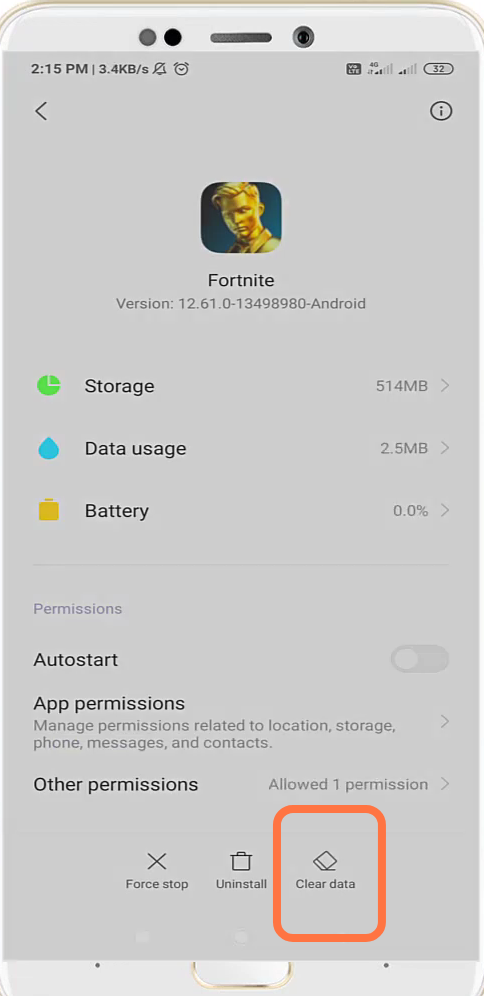
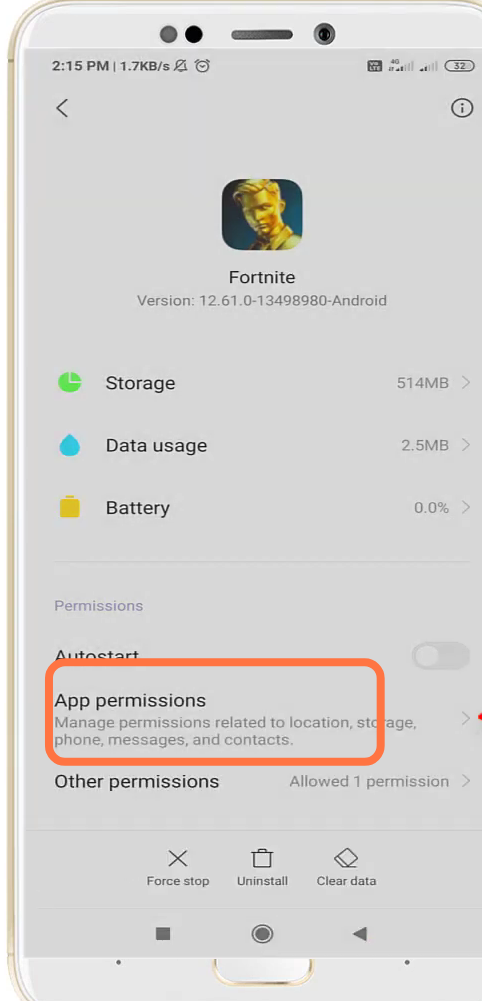
- You have to re-enable the required app permissions.
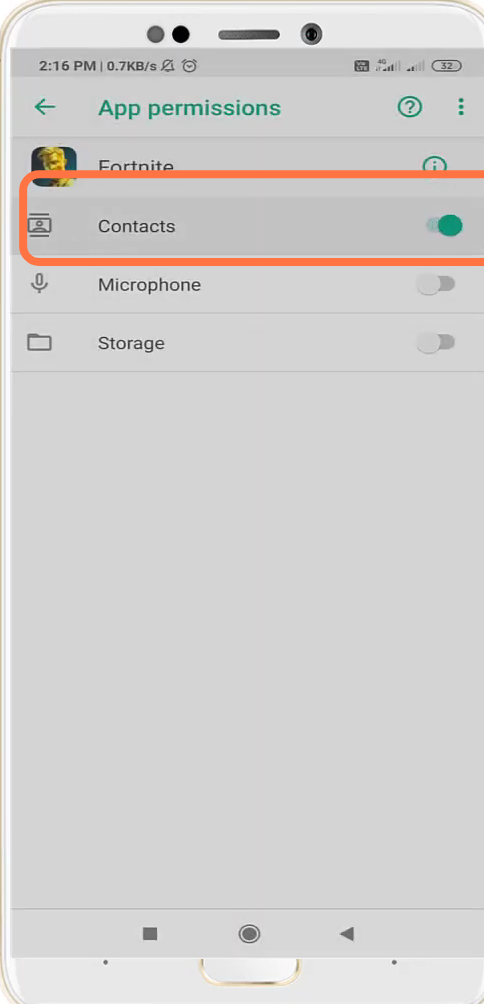
- Navigate to Contacts and re-enable it.
- You also have to re-enable the restricted data.
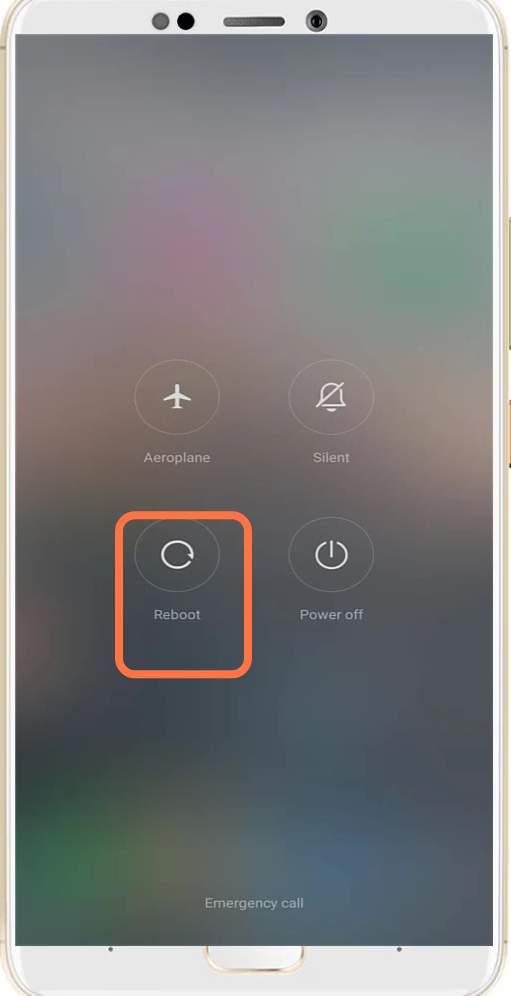
- Finally reboot your phone to check if the issue is resolved.