Minecraft's existing connection was forcibly closed by the Remote Host - Fixed
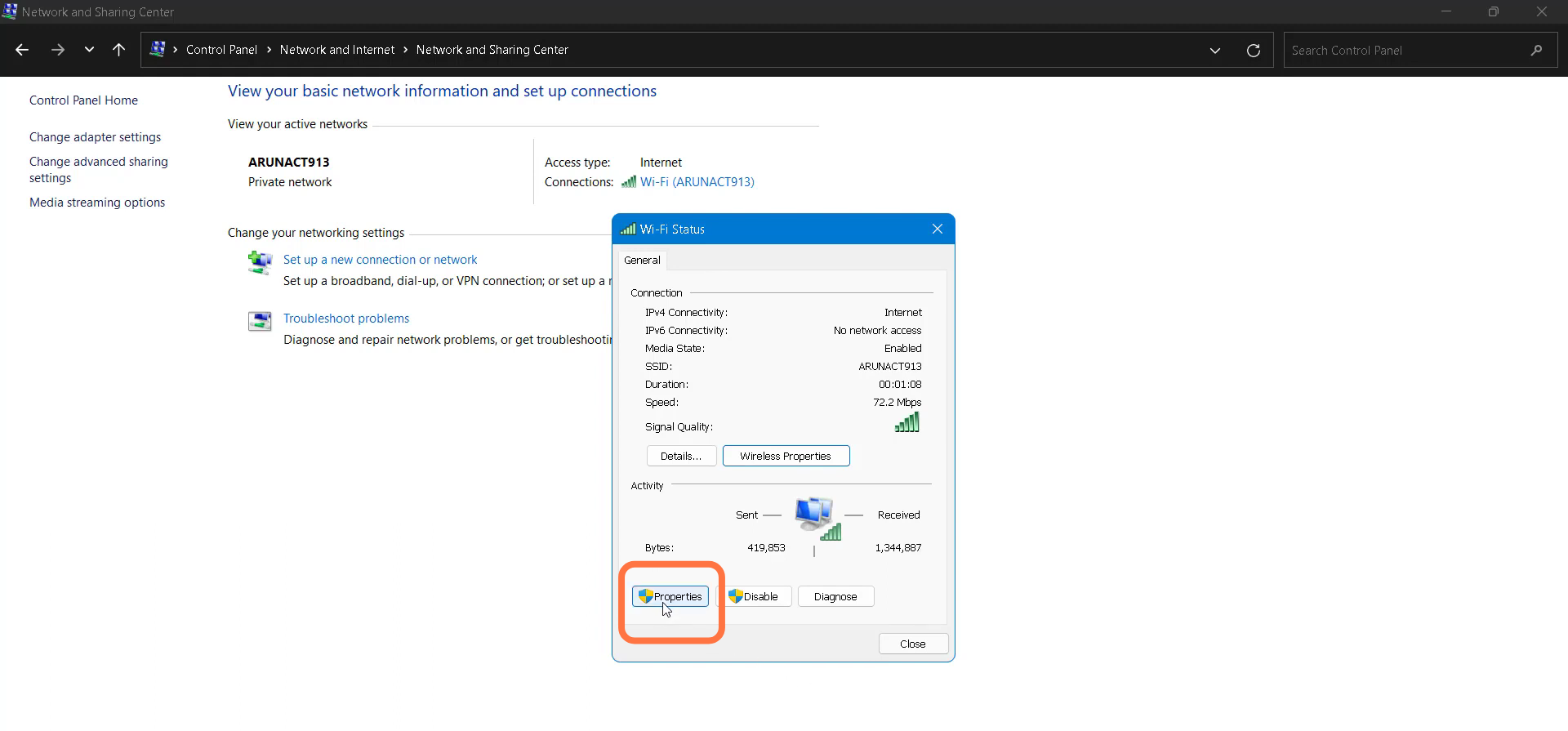
- Click on "View network status and tasks" under Network and Internet. You need to go to the properties of Wifi connection.
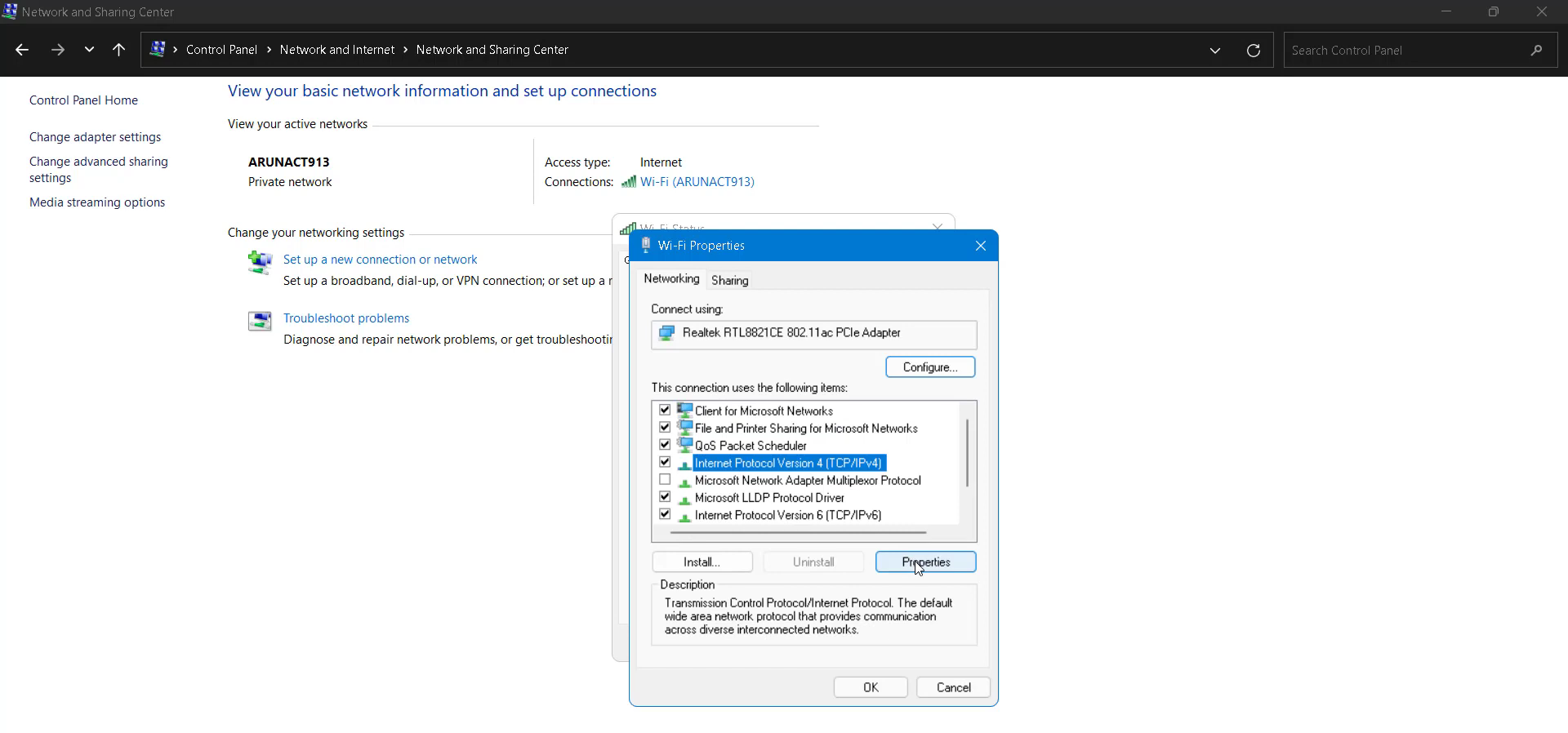
- Change the internet protocol properties.
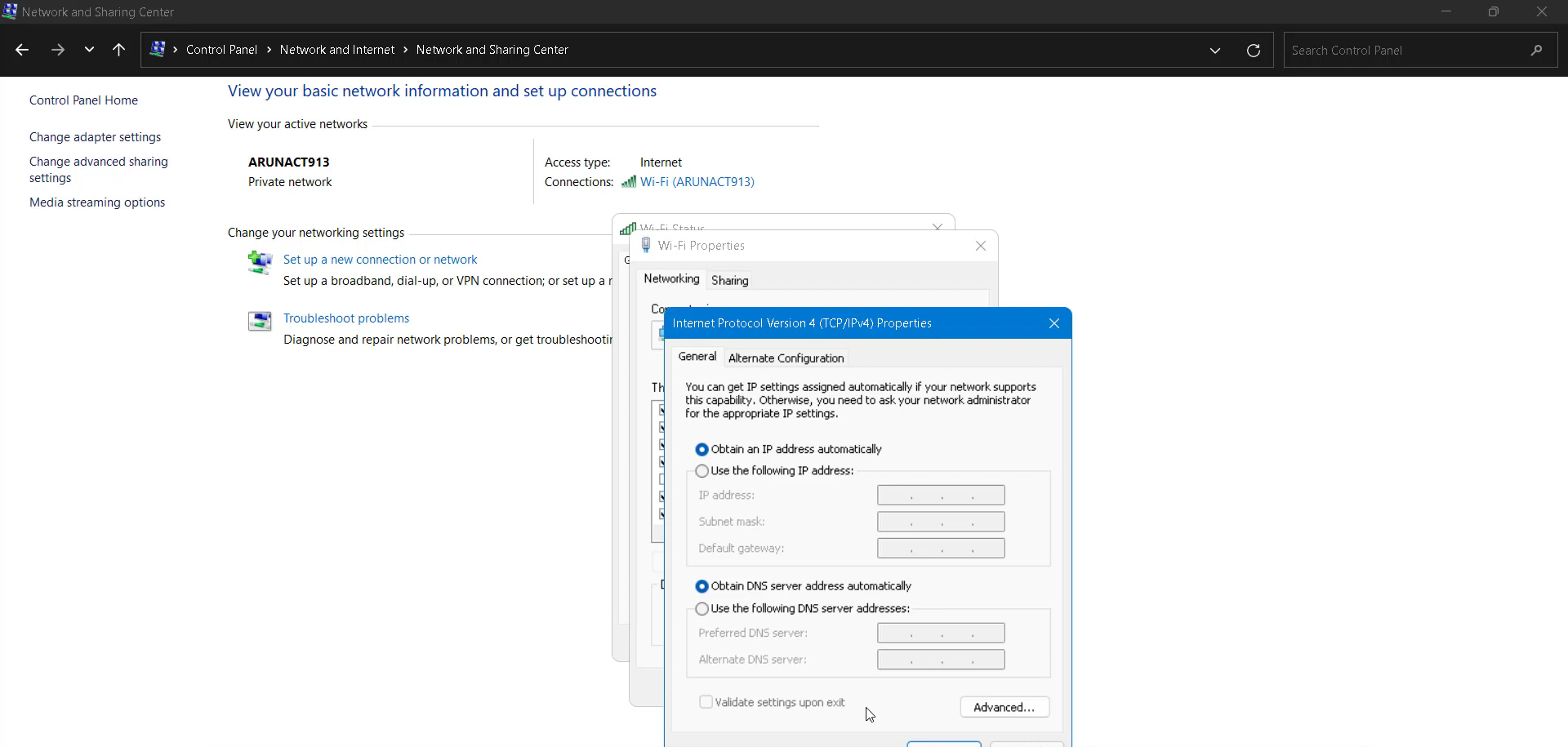
- Enable DNS Automatically
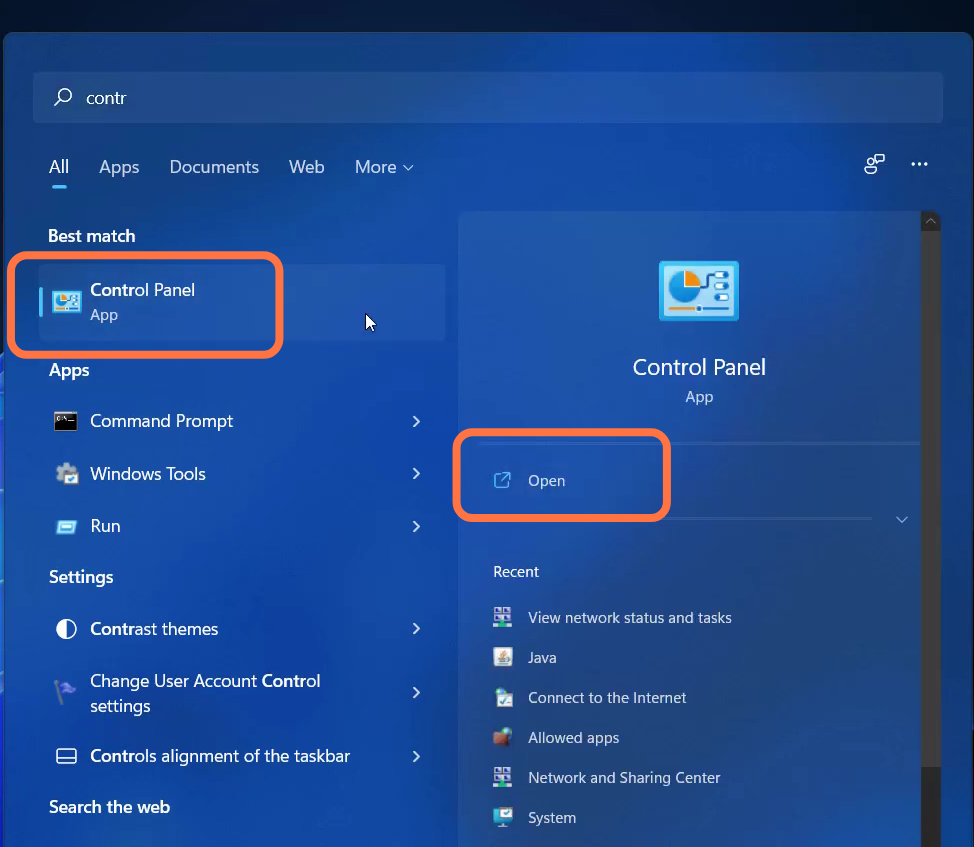
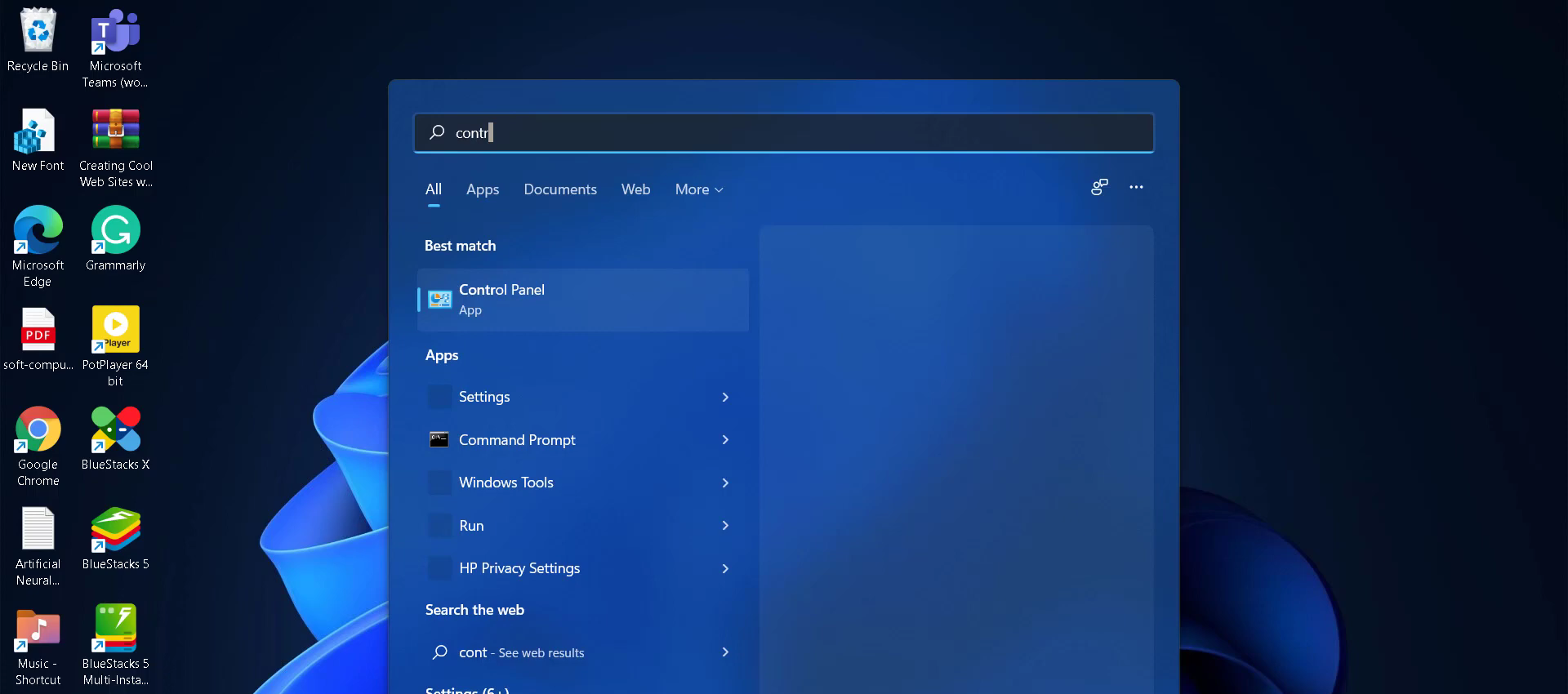
- After that, you need to search for the control panel.
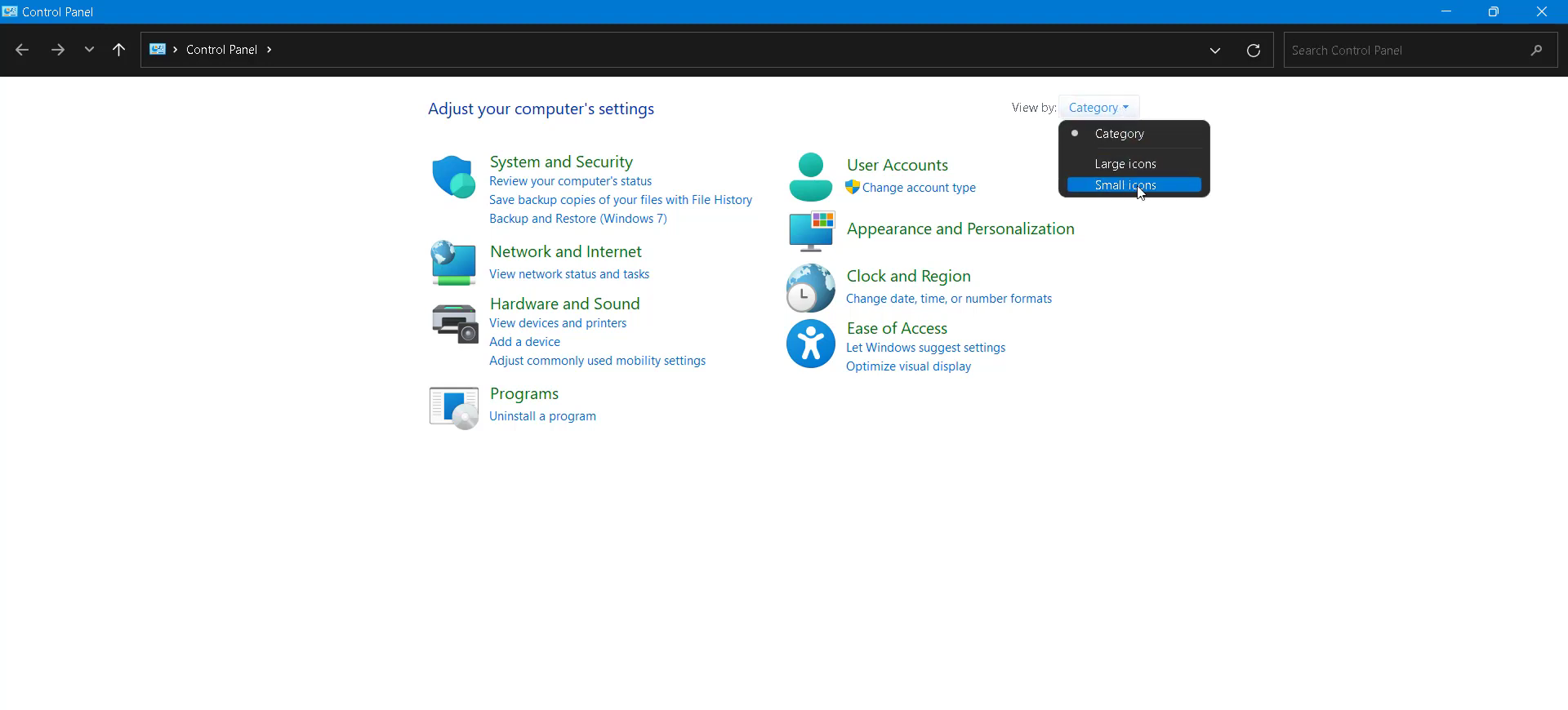
- Click on "View by:" at the top right and choose Small icons.
- Navigate to JAVA and update it.
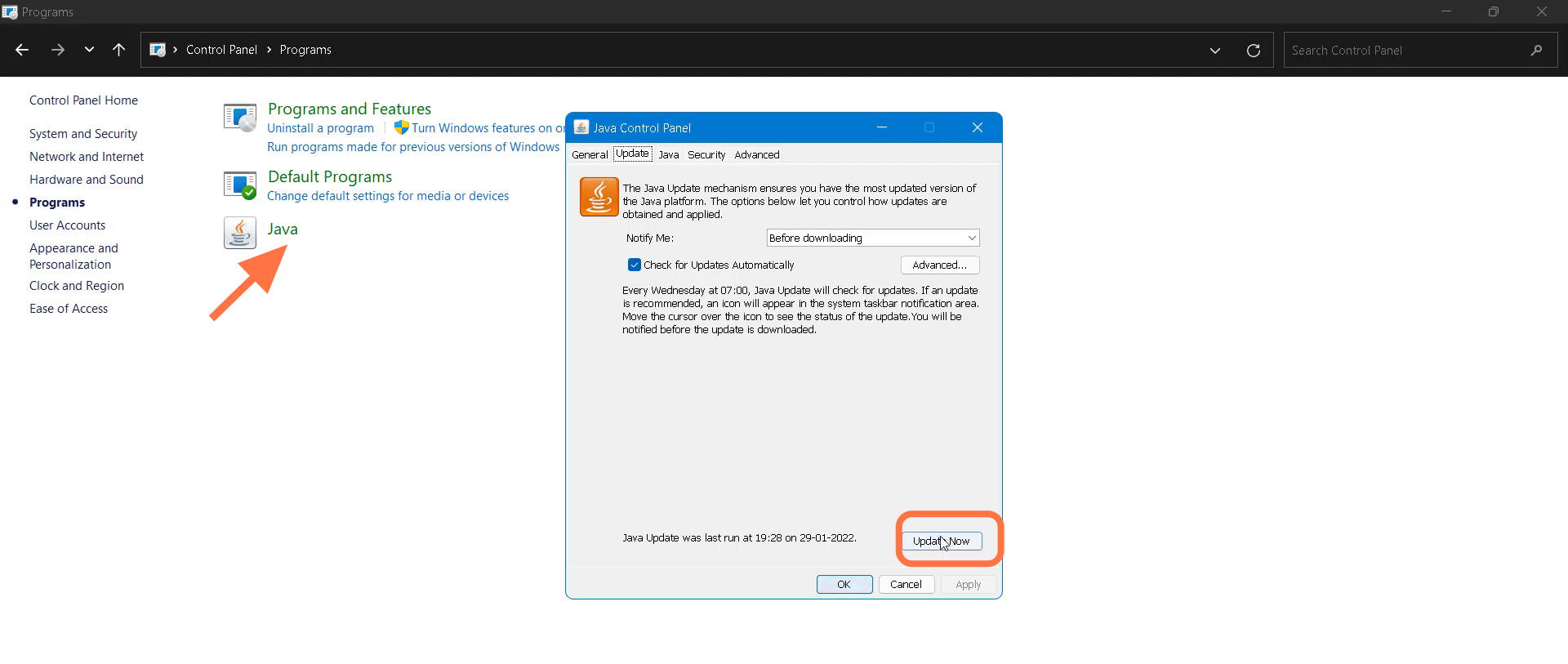
- If the problem is not solved, just uninstall and install Java again and restart your PC.