Minecraft Launcher Is Currently Not Available In Your Account (0x803F8001)
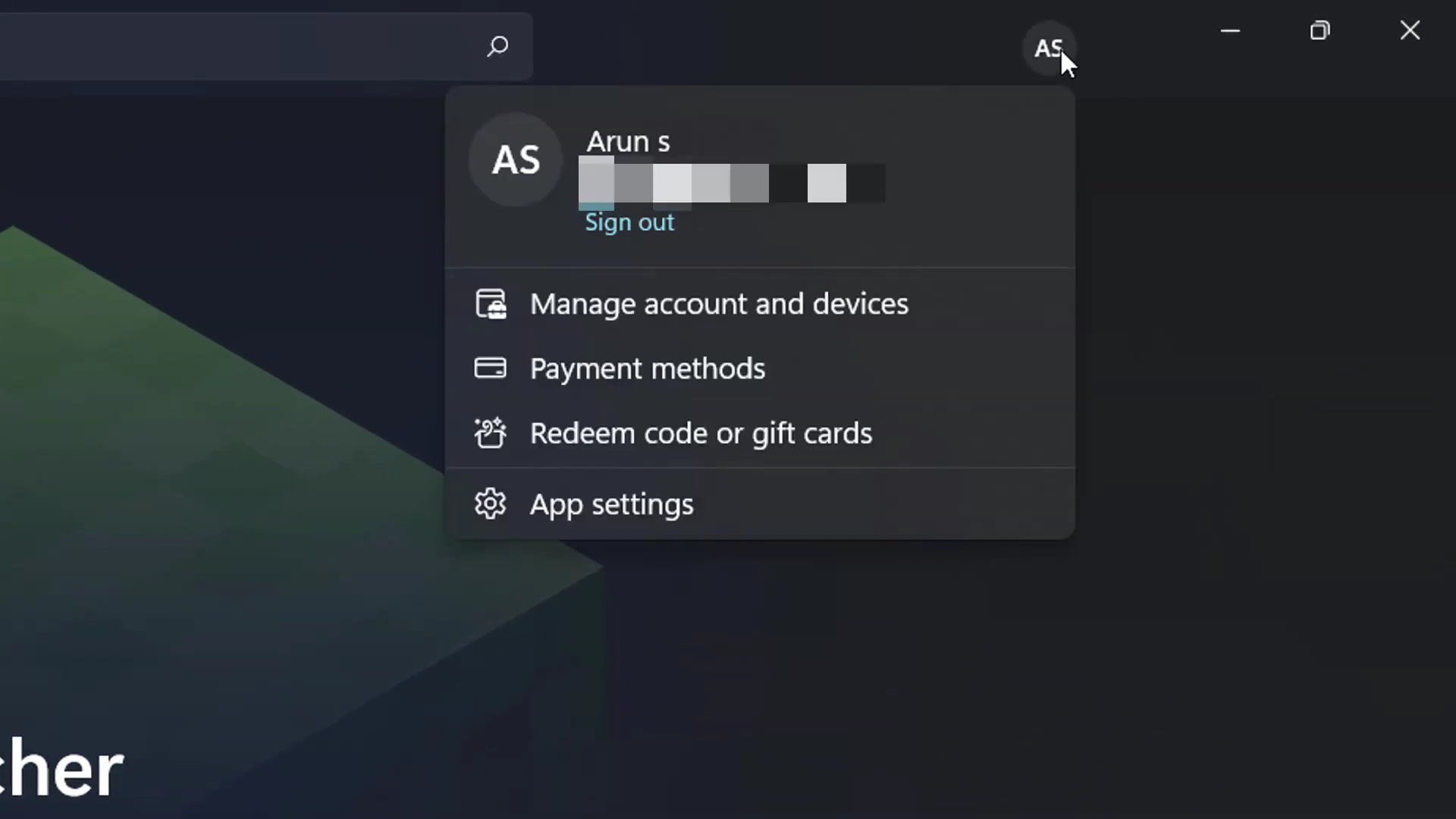
- You will need to Sign in & Sign out of your account.
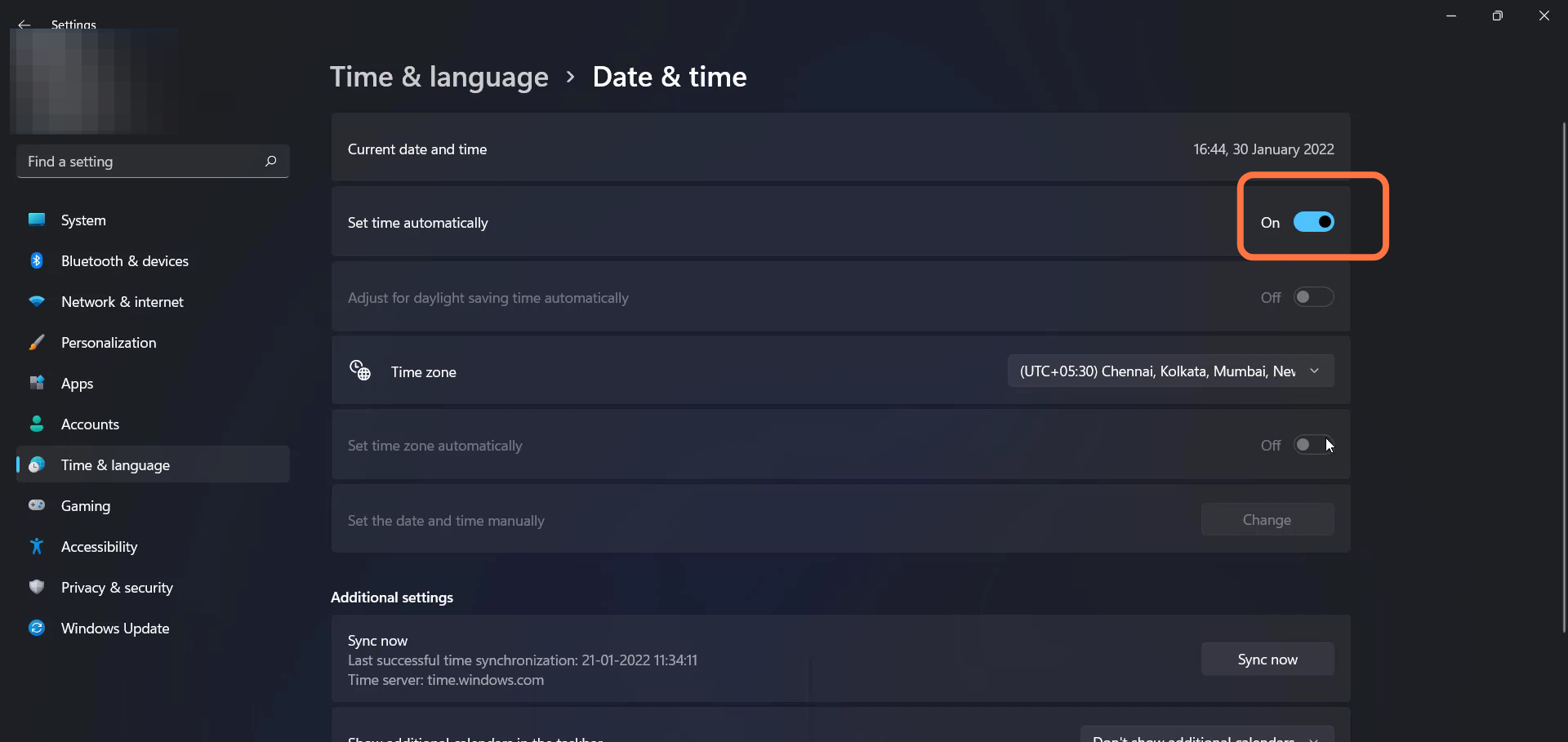
- Enter Into Settings, navigate to Date & Time and turn on the "Set time automatically" settings.
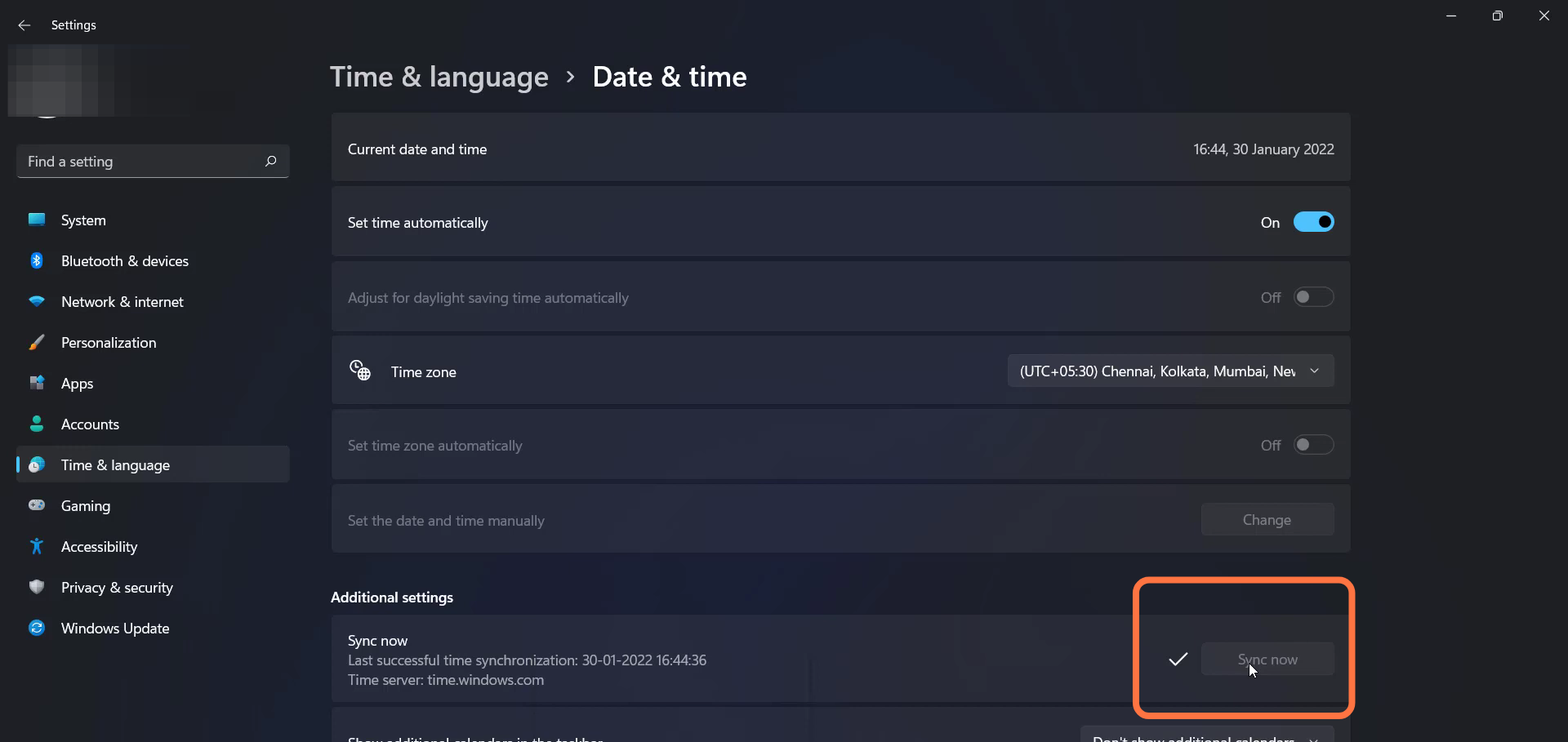
- After that, sync the account by tapping on the "Sync now" button.
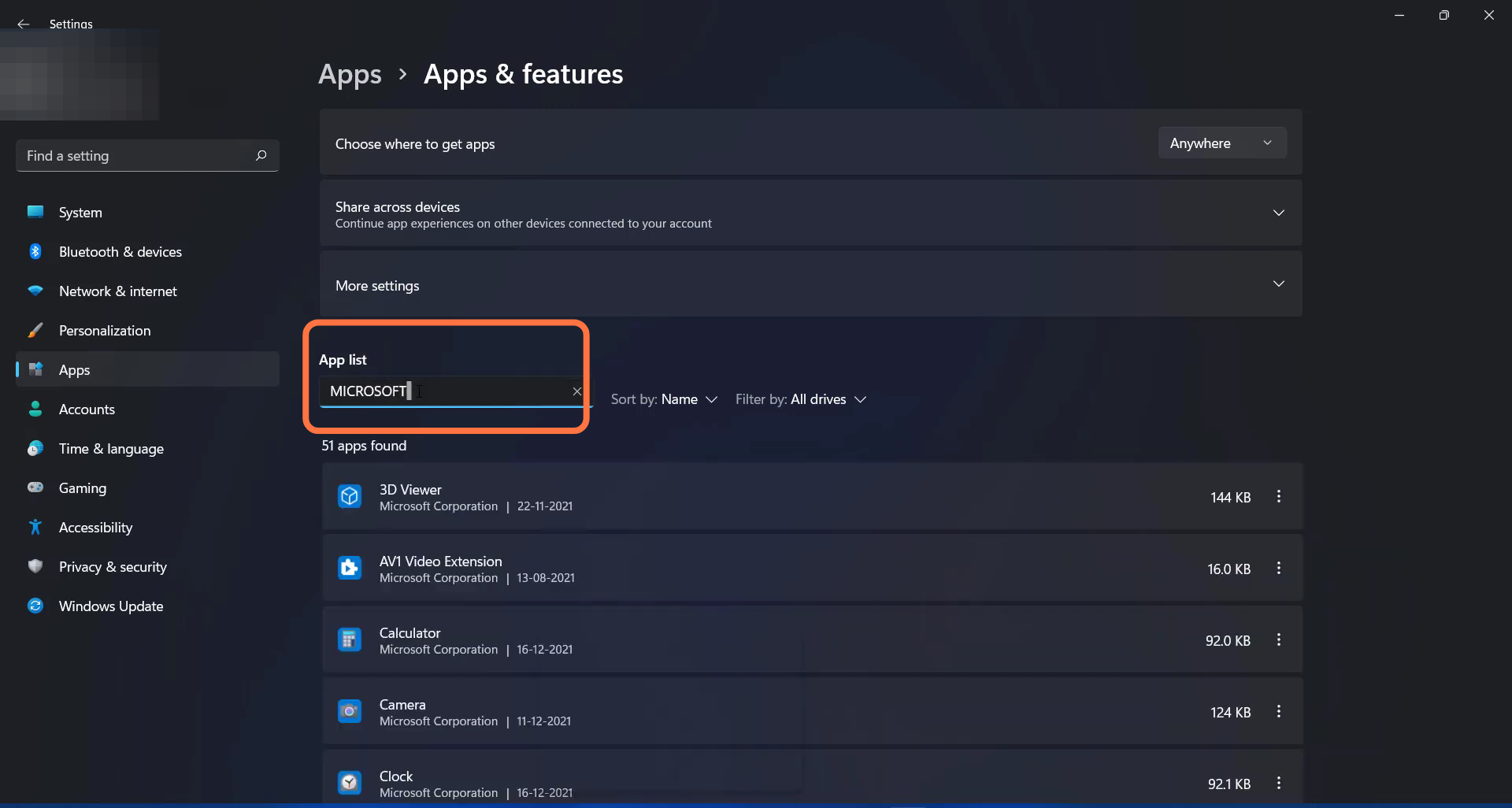
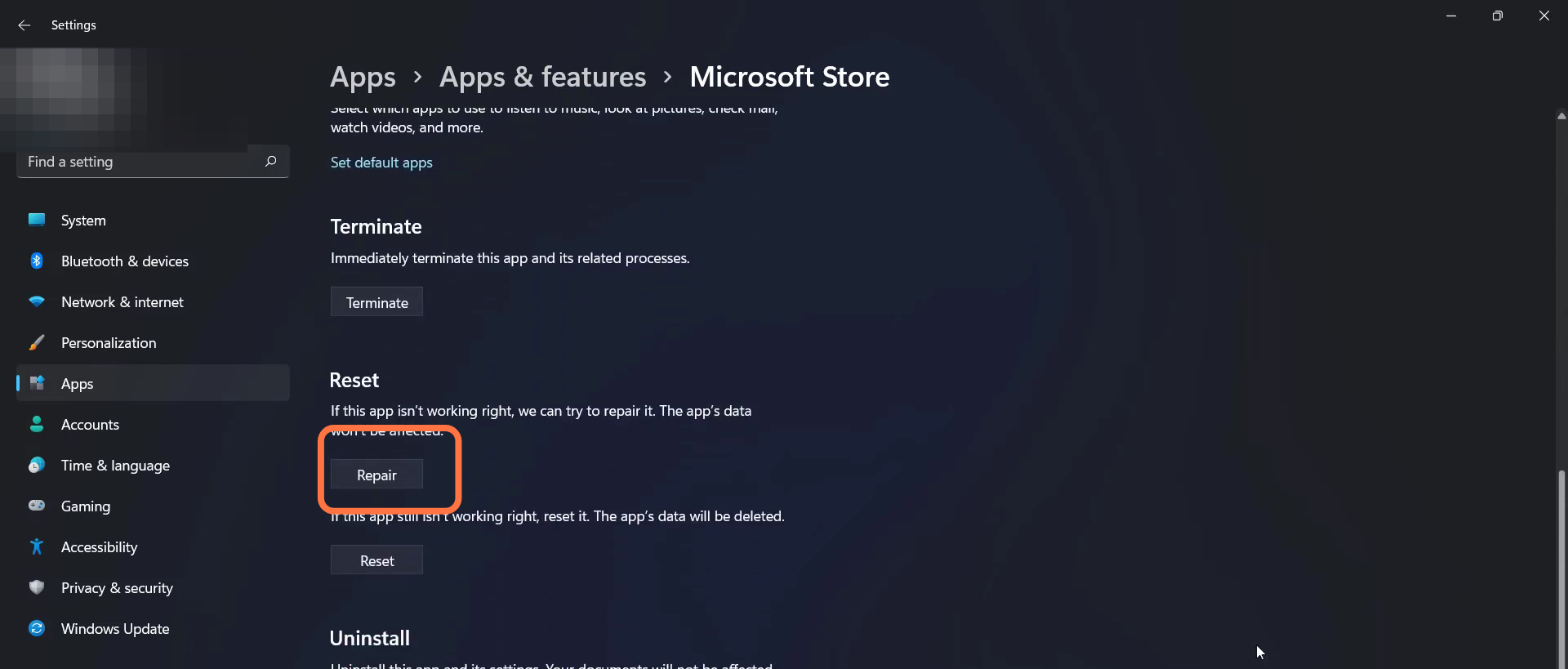
- Enter into setting, go to Apps and search Microsoft store in the App list.
- Then you have to click on the Repair button.
- Now restart your PC to resolve the error.