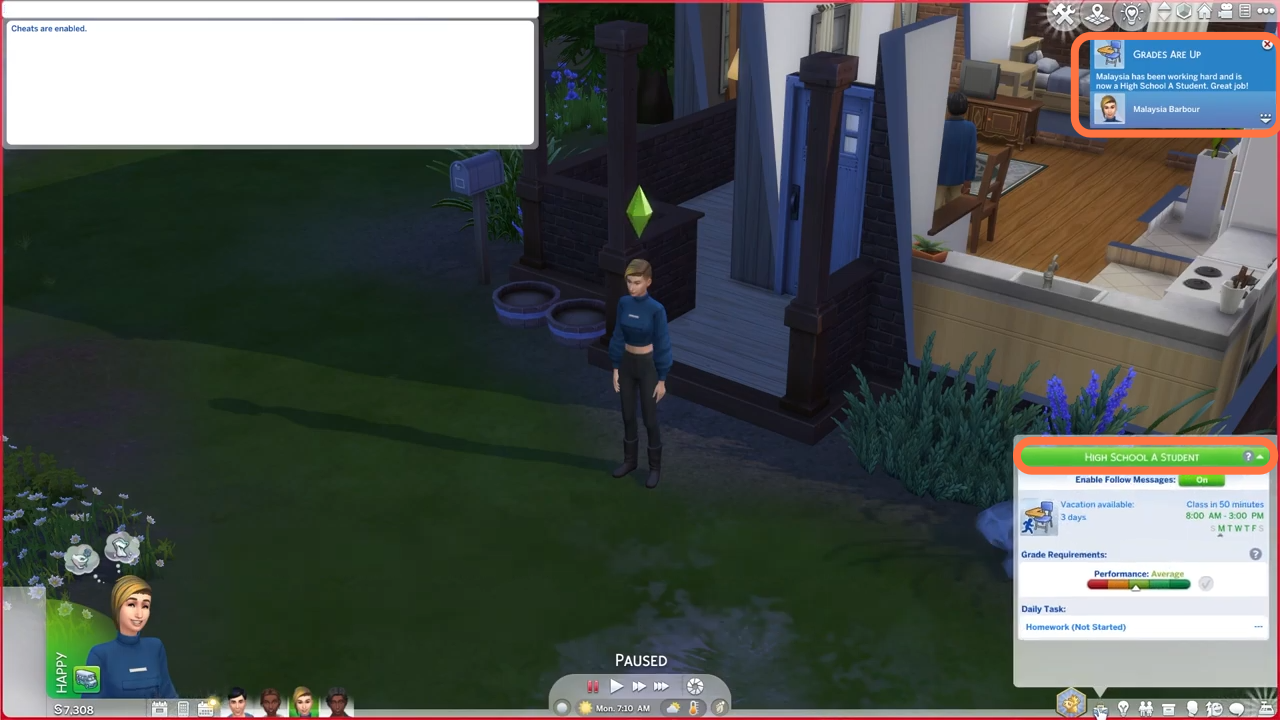
How to Use High School Years Grade Cheat (Increase Grades Cheats) - The Sims 4
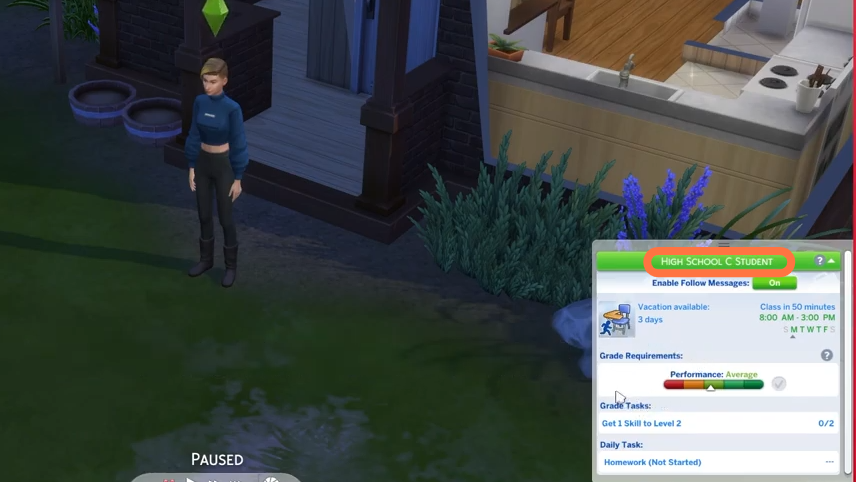
- First you need to enable cheats so Press 'CTRL + Shift + C' simultaneously on your keyboard to open the cheat box. A white box will appear at the top left corner of the screen.
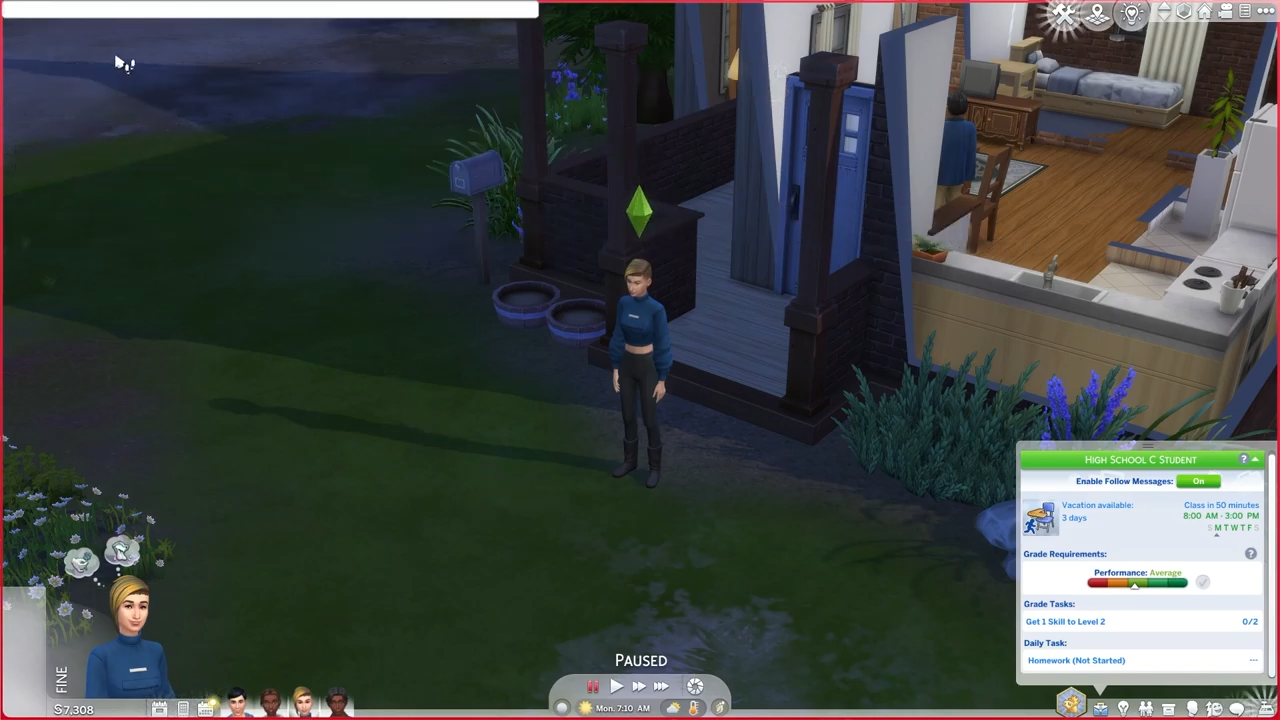
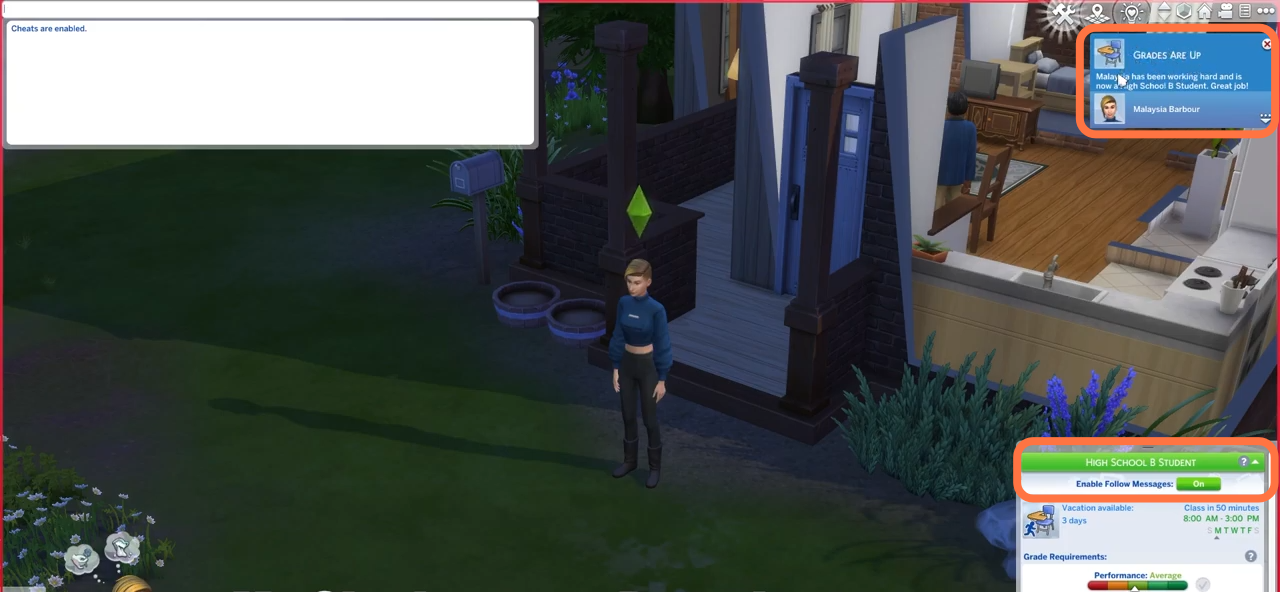
- Now Type in 'testingcheats true' and hit enter on your keyboard to enable cheats. After cheats get enabled type in this cheat "careers.promote career_teen_highschool and hit enter on your keyboard. You can see my sim became a 'B Grade' student.
- Now to increase your teen to A grade student, run the same cheat once more!