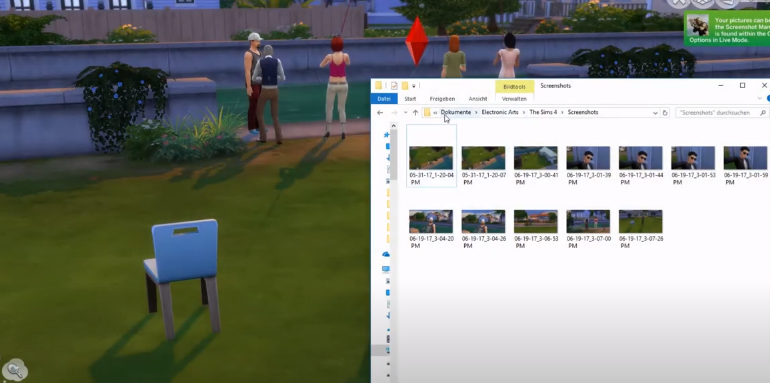
How to Take a Selfie - Sims 4
This guide will let you know how to take a selfie, photos, or pictures in Sims 4. You have to follow the simple steps to do so.
Step 1
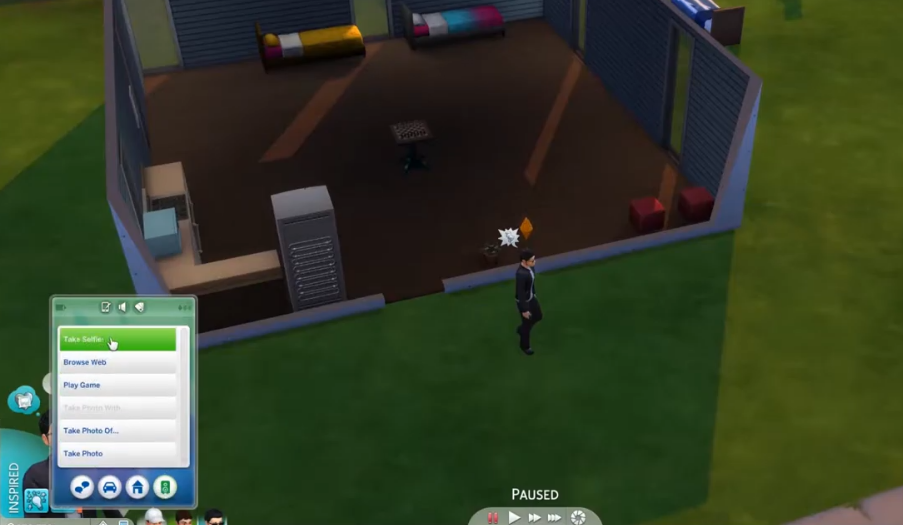
If you want to take a selfie in sims 4, all you have to do is use your phone and click on “Take a selfie”.
Step 2
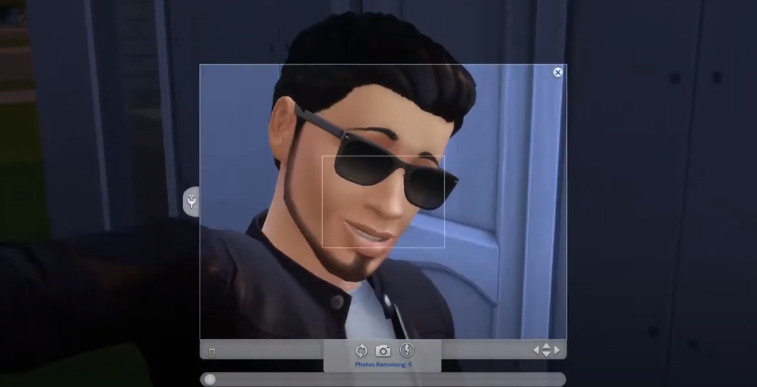
After that, adjust the perspective of the selfie and click on the camera symbol to take a photo.
Step 3
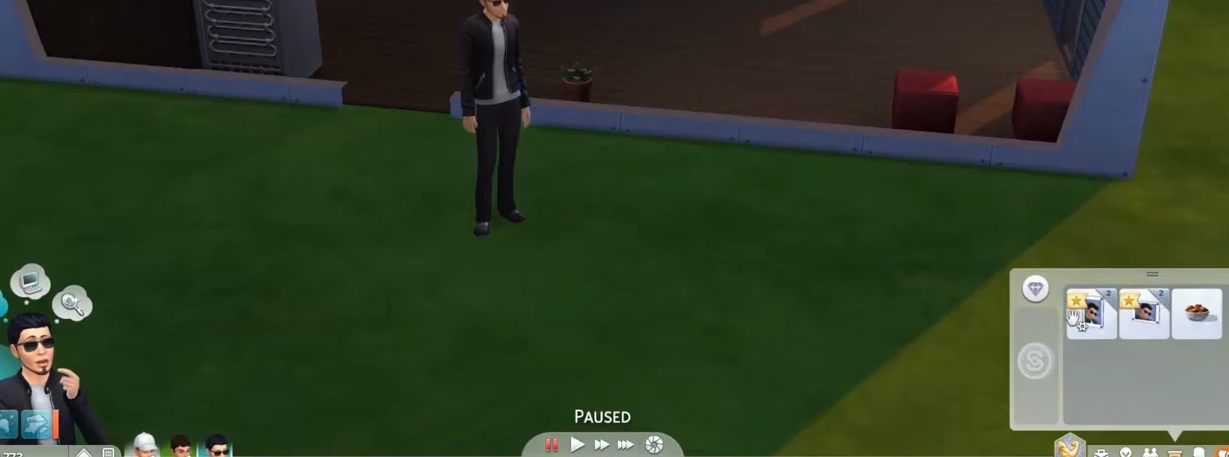
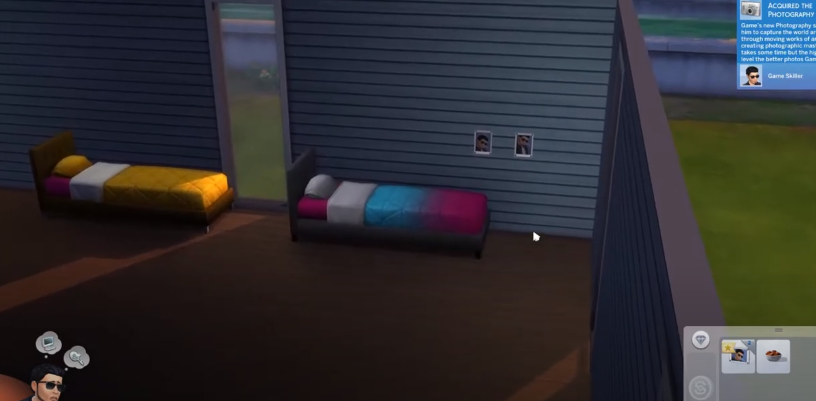
You can find selfies in your inventory.
Step 4
You will need to take the pictures and move them to the house wall!
Step 5
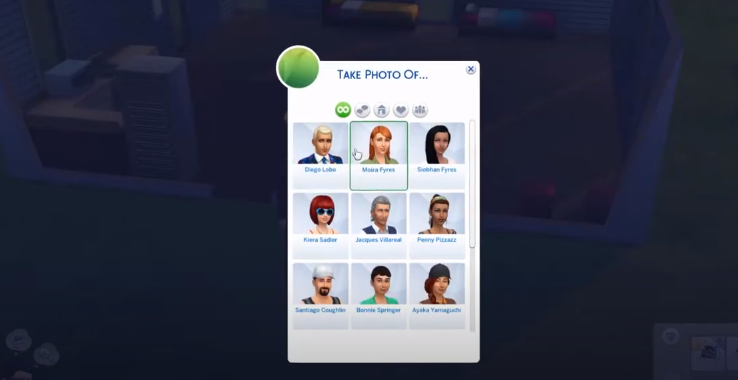
And you can take photos of other people, click on “take a photo of”.
Step 6
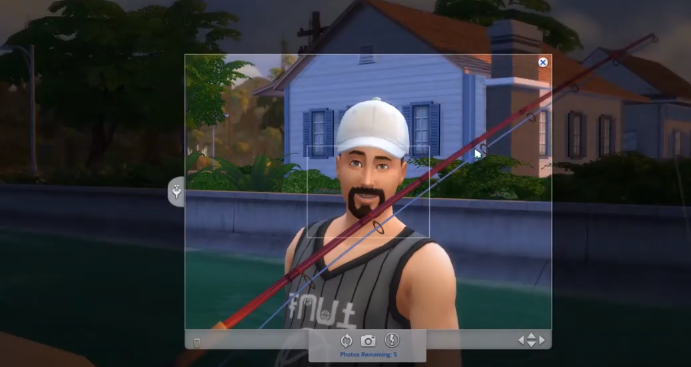
Let’s take a photo of this guy!
Step 7
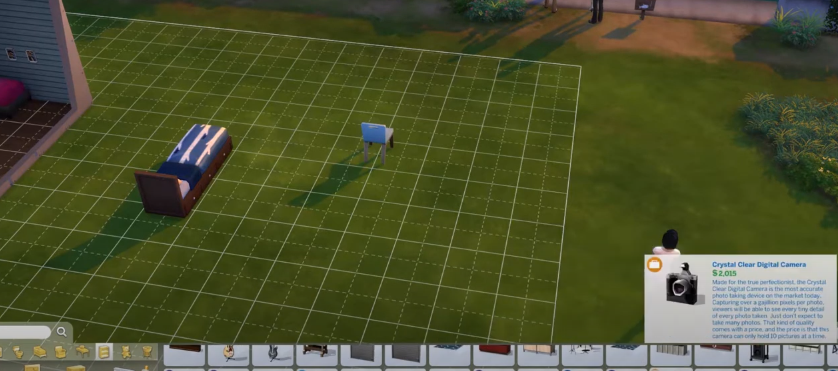
Or you can buy a camera to take other and maybe better photos!
Step 8
You have to put it in your inventory to take photos.
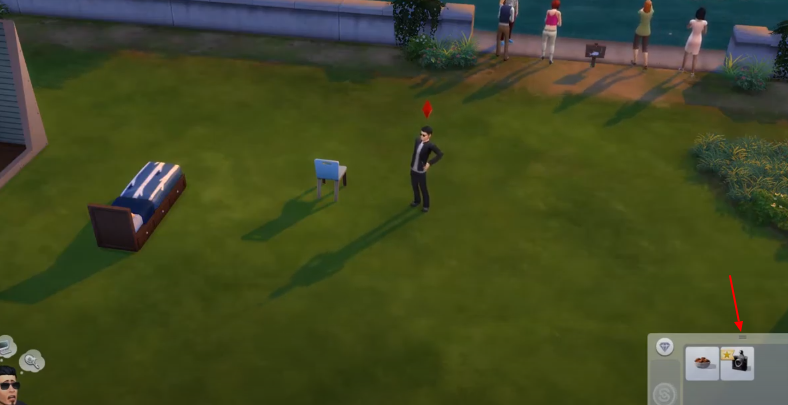
Step 9
If you want to take screenshots, you will need to press “C”.
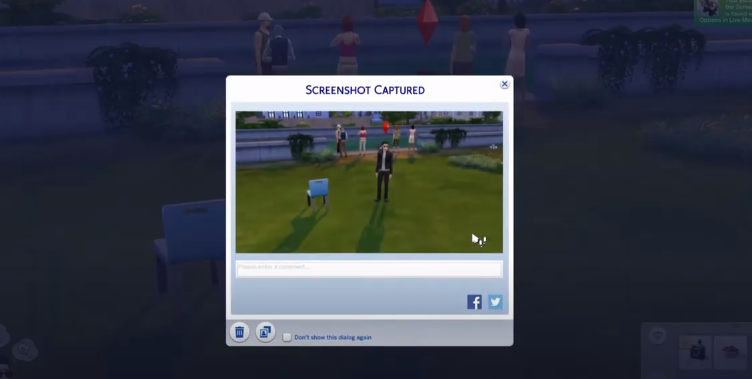
Step 10
Mostly you find the screenshots in “C, Users, “Username”, Documents, Electronic Arts, Sims 4, and Screenshots.