How to Spawn Sims - The Sims 4
- First, you need to press the 'CTRL+Shift+C' simultaneously on your keyboard to open the cheat box. A white box will appear at the top left corner.
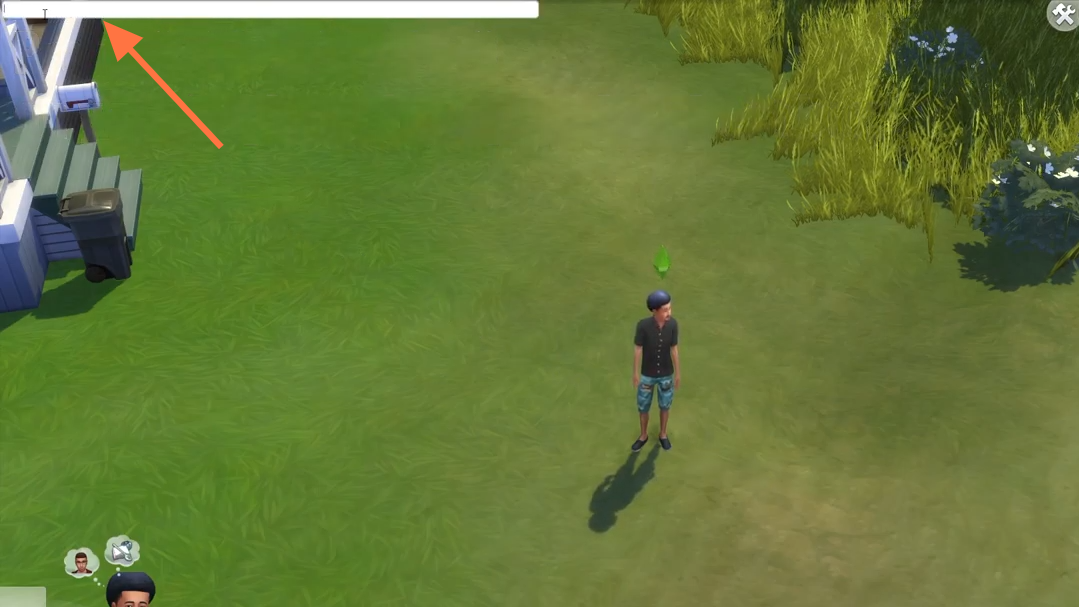
- Type in "testingcheats true" and hit enter on your keyboard to enable cheats.
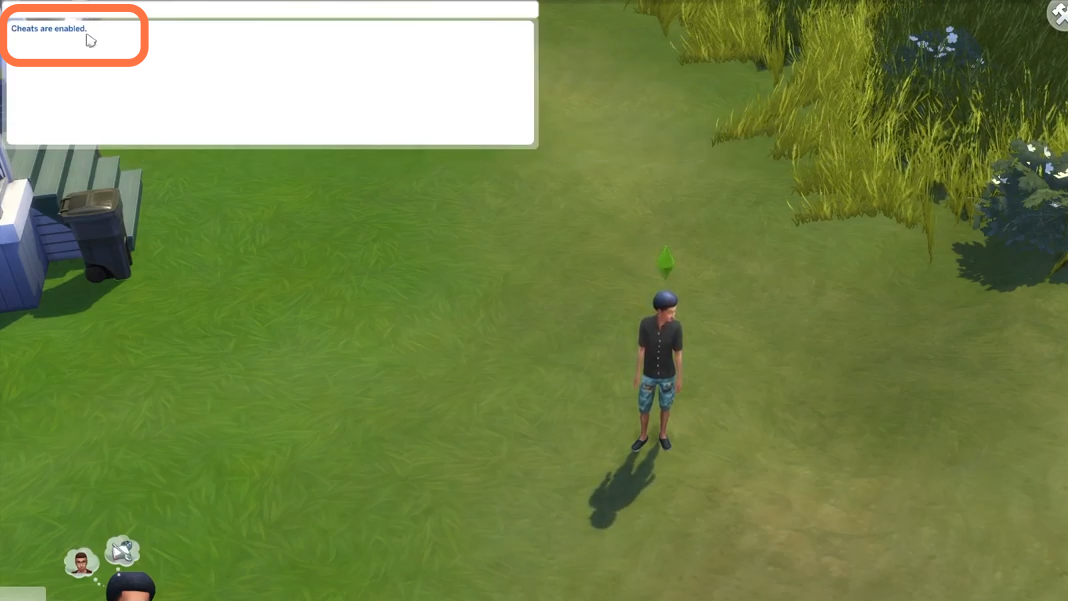
- After that, type in "relationships.create_friends_for_sim" and hit enter on your keyboard to execute the cheat. A sim will spawn in your home and you can spawn as many sims as you want using the same method.
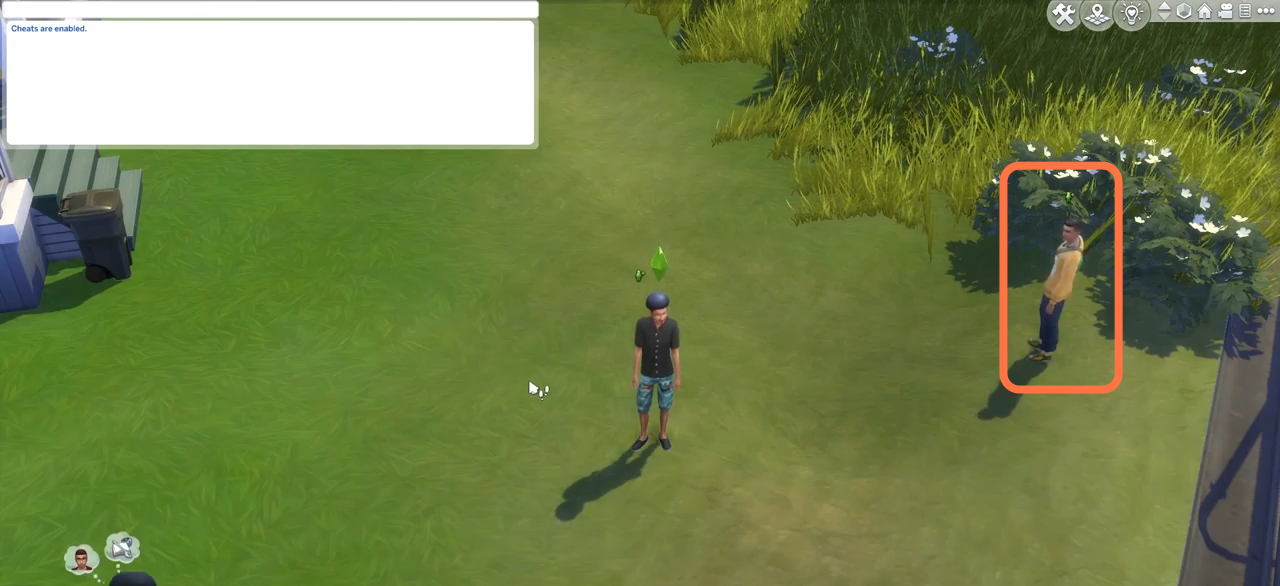
- You just have to repeat the execution of the cheat code and the sims will keep spawning one after another. They will stay with you at your home.