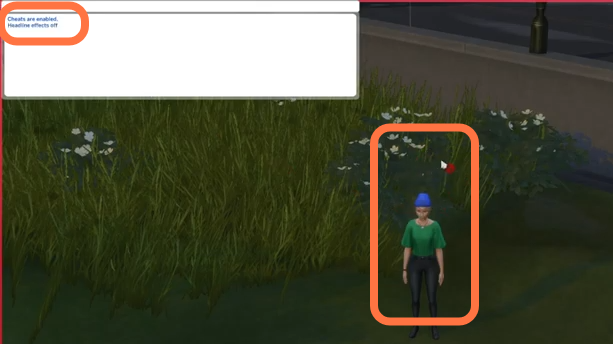
How to Remove Plumbob (Cheat) - The Sims 4
1. First, you will need to press the CTRL+Shift+C simultaneously on your keyboard to open the cheat box. A white box will appear at the top left corner.
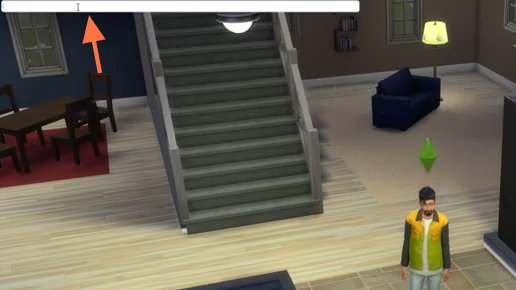
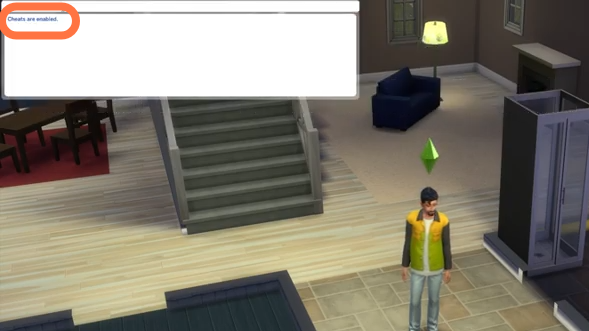
2. Type in "testingcheats true" and hit enter on your keyboard to enable cheats.
3. After that, type in "headlineeffects off" and hit enter on your keyboard to execute the cheat. Plumbob will not appear over your sim's head anymore.