How to Play As Greg's Human Form - The Sims 4
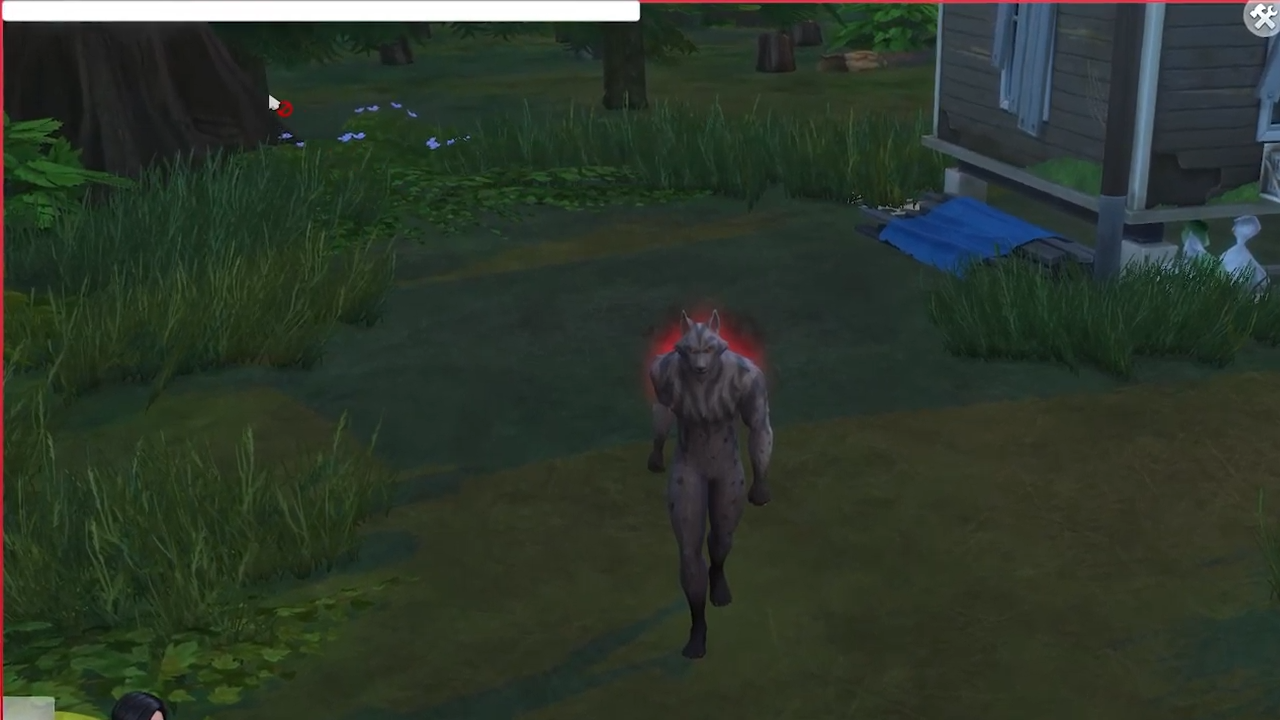
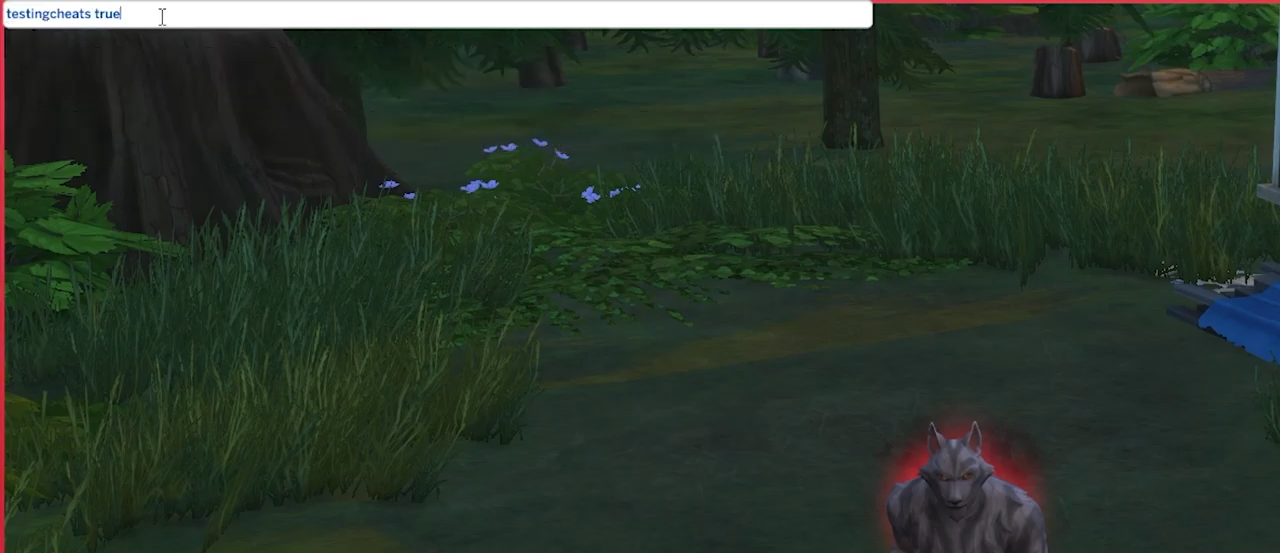
- Type in "testingcheats true" and hit enter to enable cheats.
- After that, go to Greg and click on him while pressing the Shift button on your keyboard.
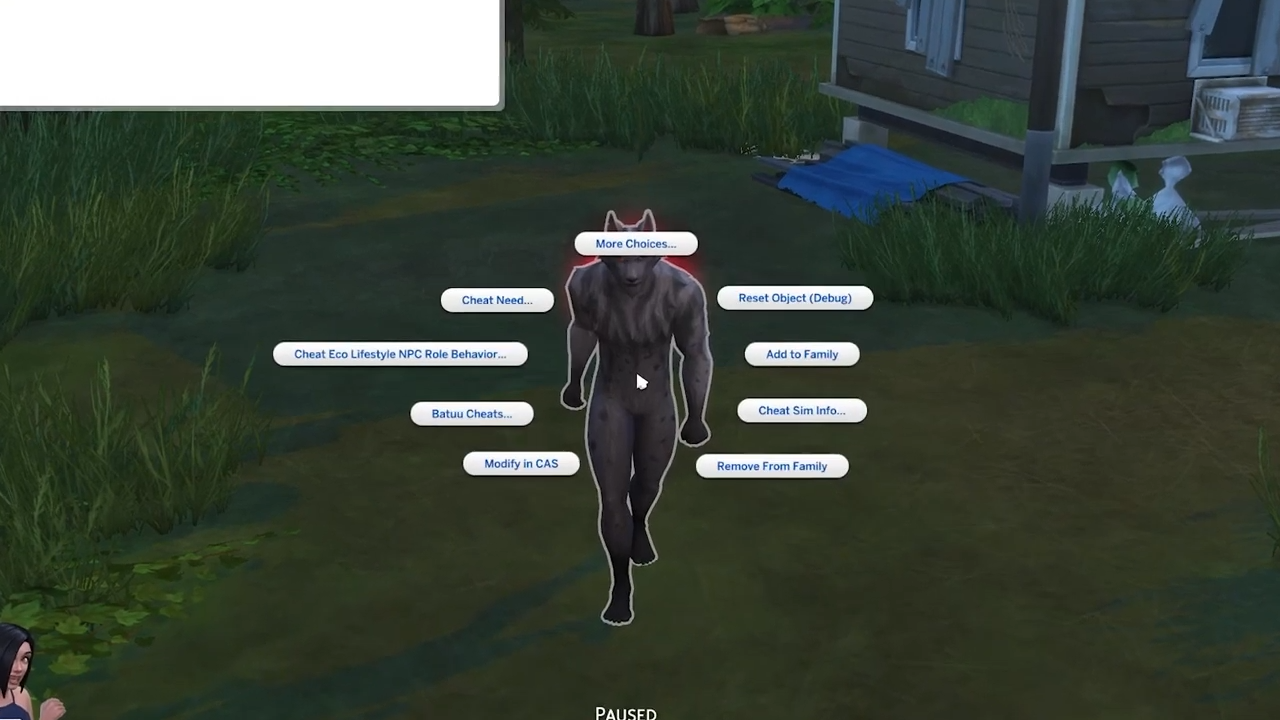
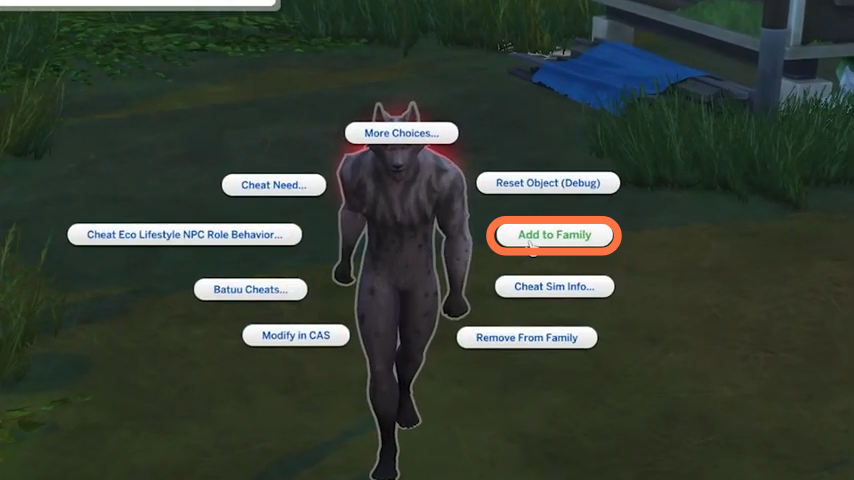
- Select the "Add to Family" option from the given options.
- You can find Greg on the left bottom side with family members.
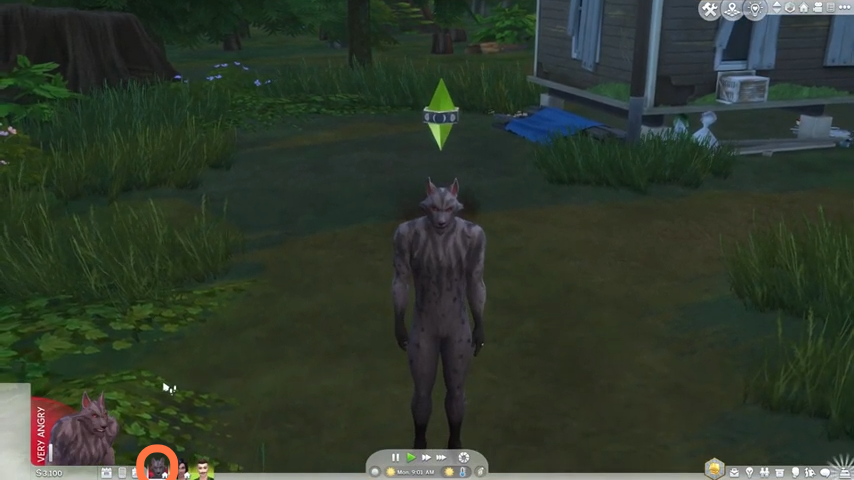
- As Greg is part of your family, you can play as Greg and control him. You can also transform Greg into a human form. Click on Greg and choose the Werewolf option.
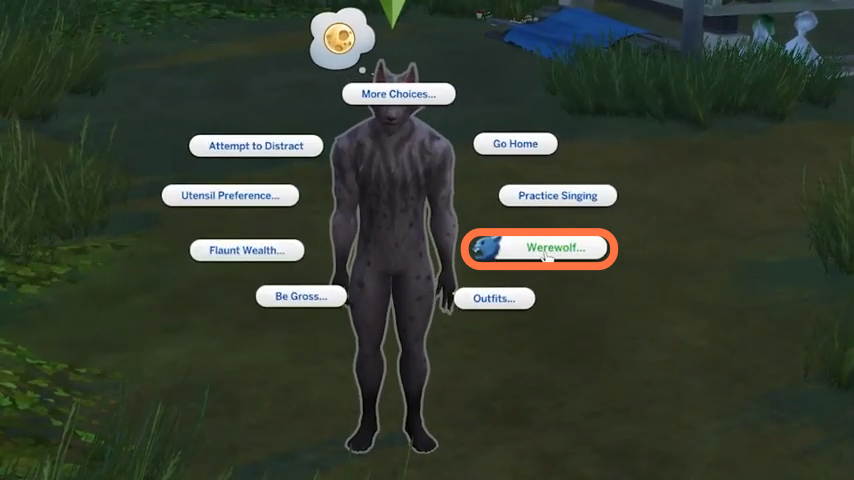
- Then further within Werewolf sub-options, you need to select 'Return to Normal.
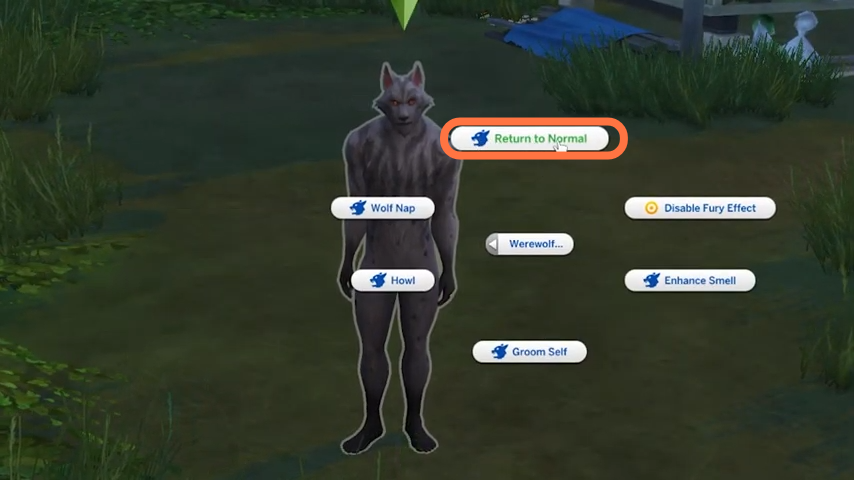
- Now you can play as the Human form of Greg.