How to Install Volkswagen Amarok V6 Pickup Truck Mod in Gta 5
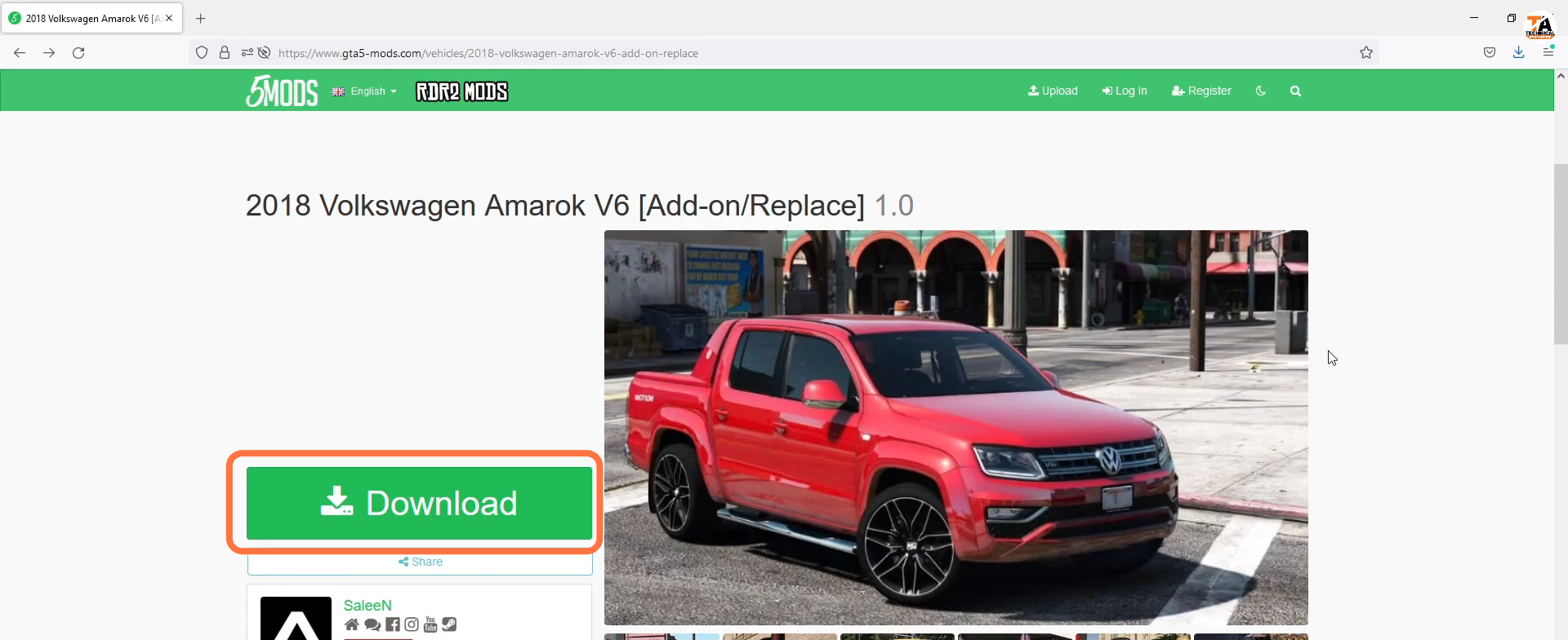
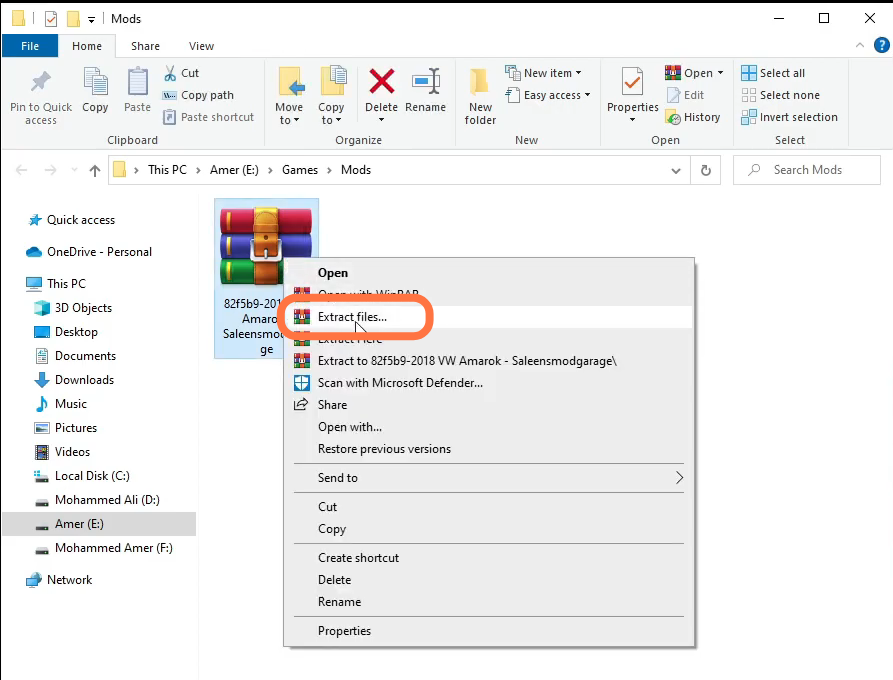
- The next step is to extract the downloaded file.
- After that, enter into extracted file, then go to add-on and open GTA5 main directory on another side.
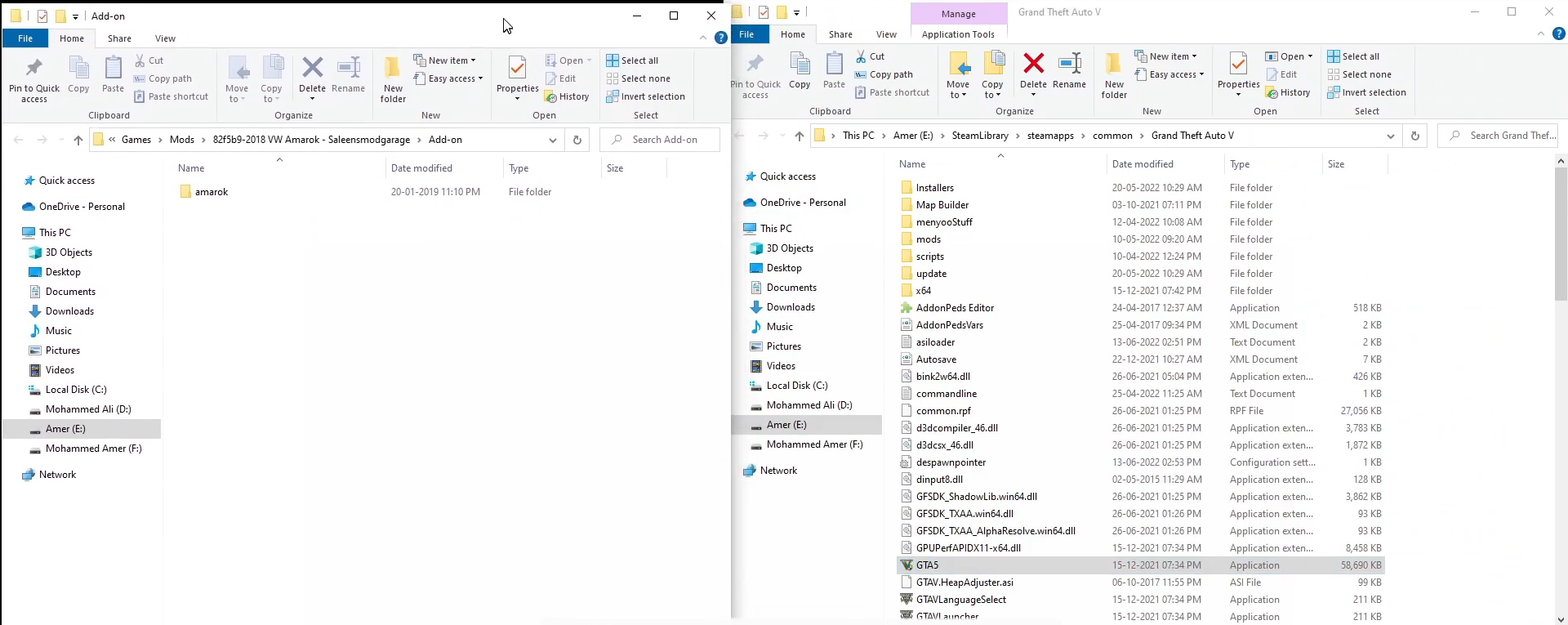
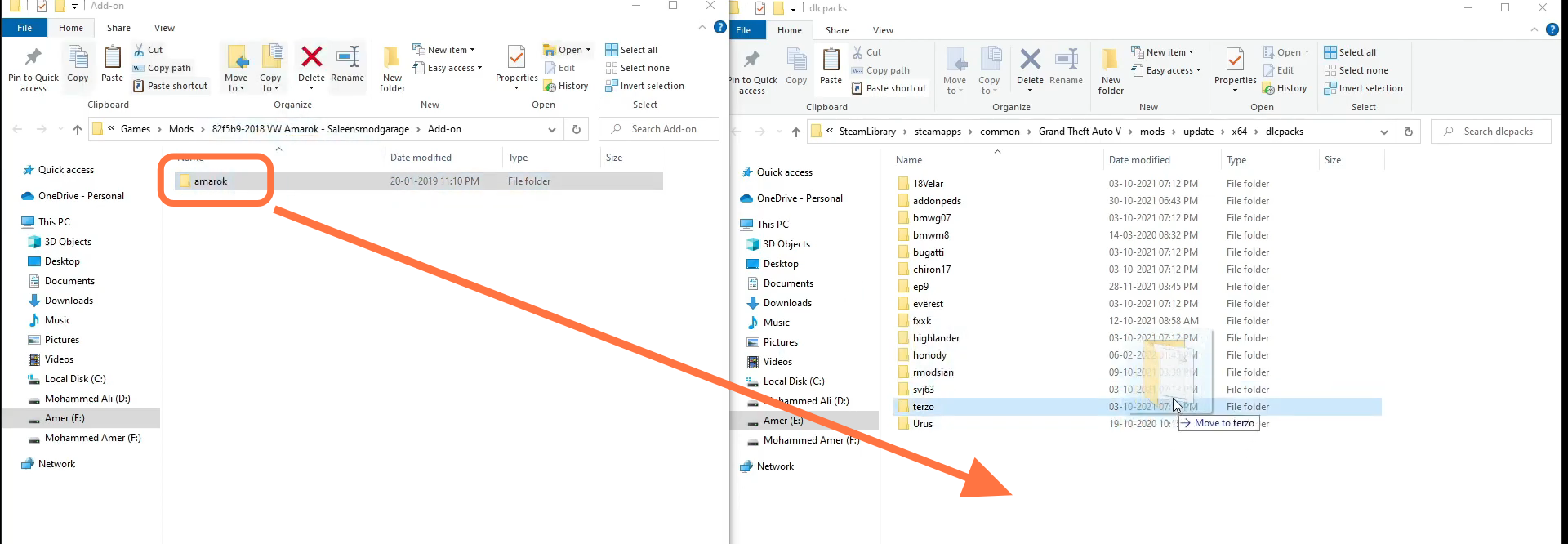
- Now copy the Update folder and paste it into the mods folder. After that, you have to enter into mods > Update > x64 > dlcpacks and drag amarok from downloads to dlcpacks.
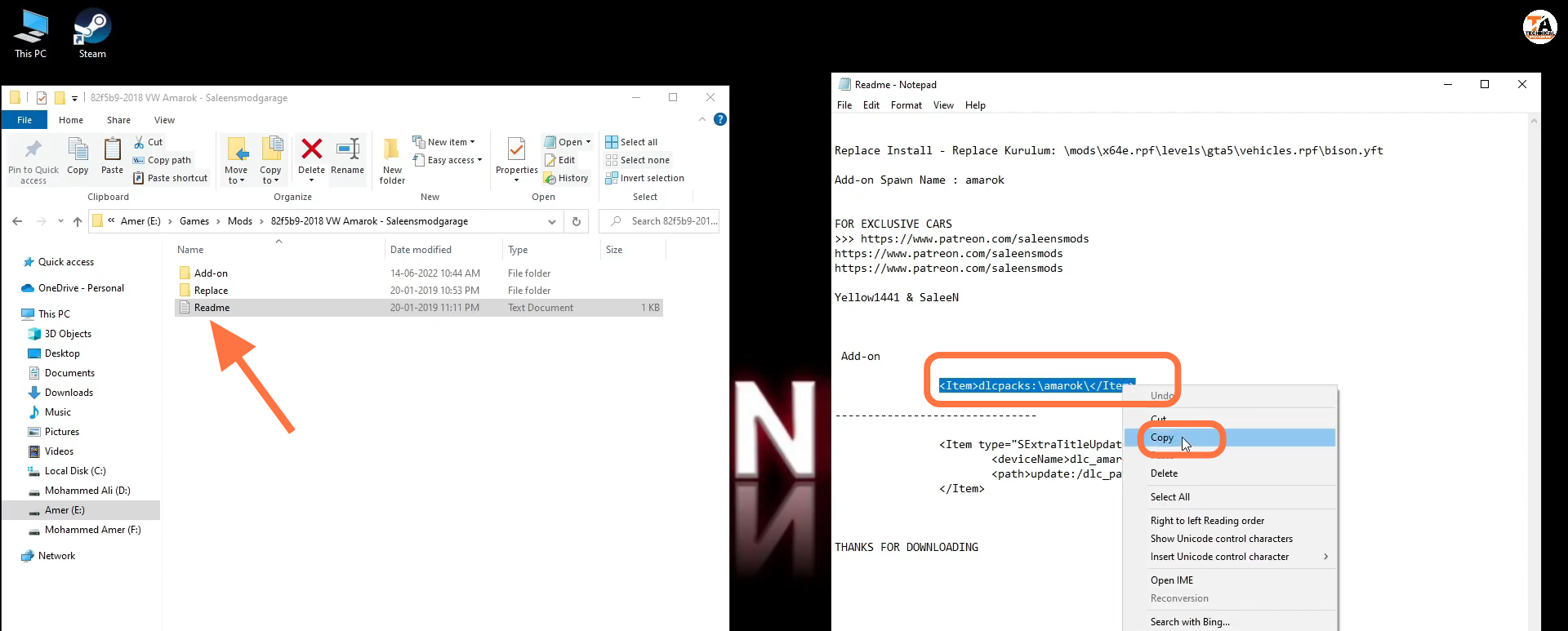
- After that, open the "Read me" file from downloads and copy the line "RTmepar ks: \mersk\e/Tiwm".
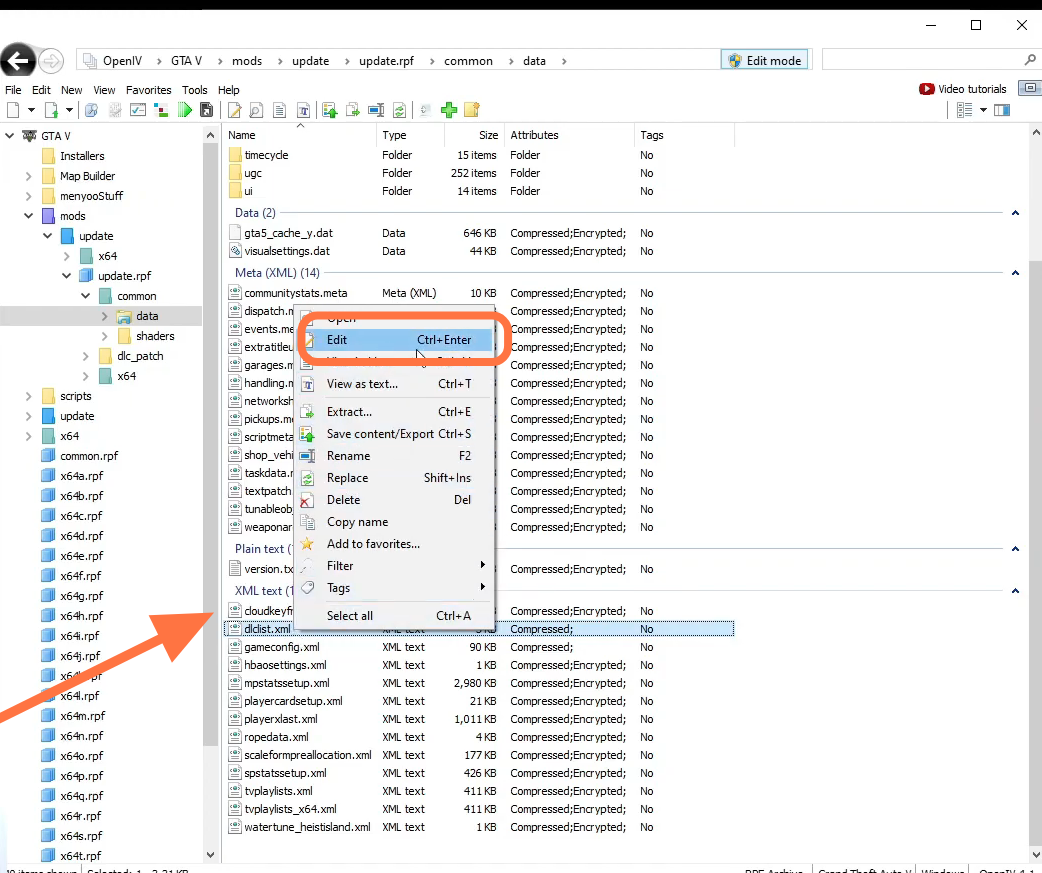
- Now open your open IV and enable the edit mode. Then you have to go to mods > update > update.rpf > common > data and left click on dlclist.xml. Then you need to tap on the Edit option.
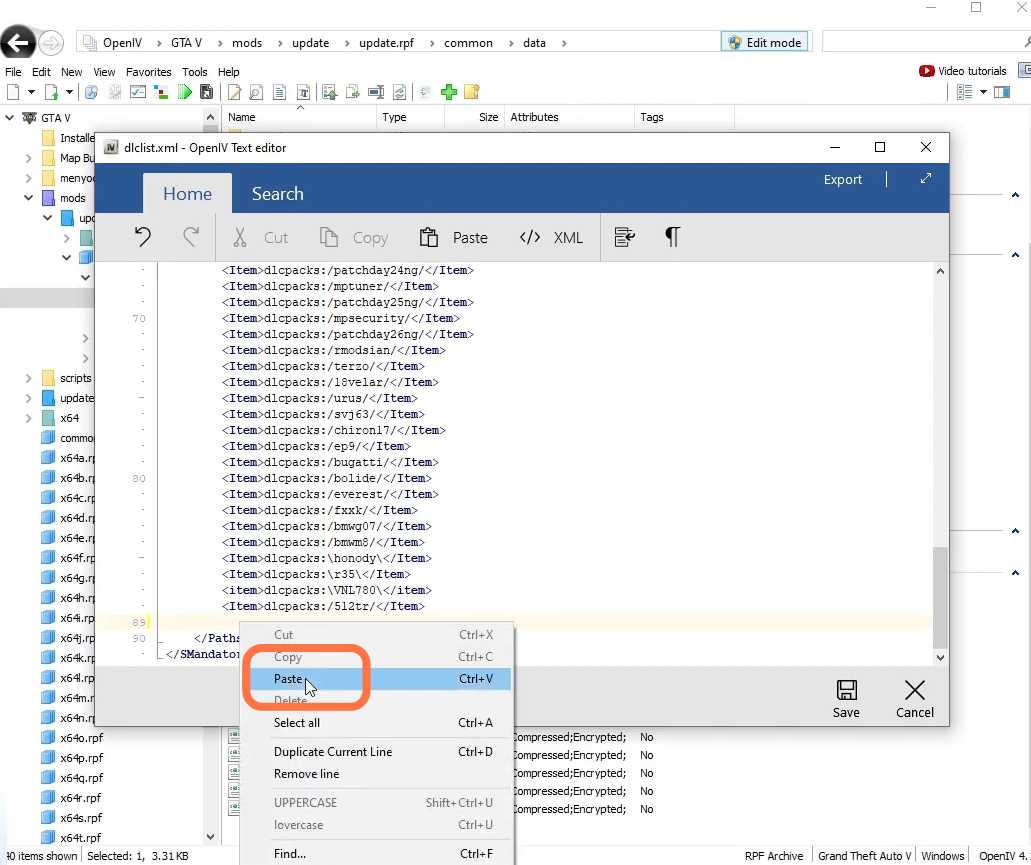
- Press enter button in the last line of the dlclist.xml file to create a new line. Paste the copied line there.
- Congratulations, the mod is successfully installed.