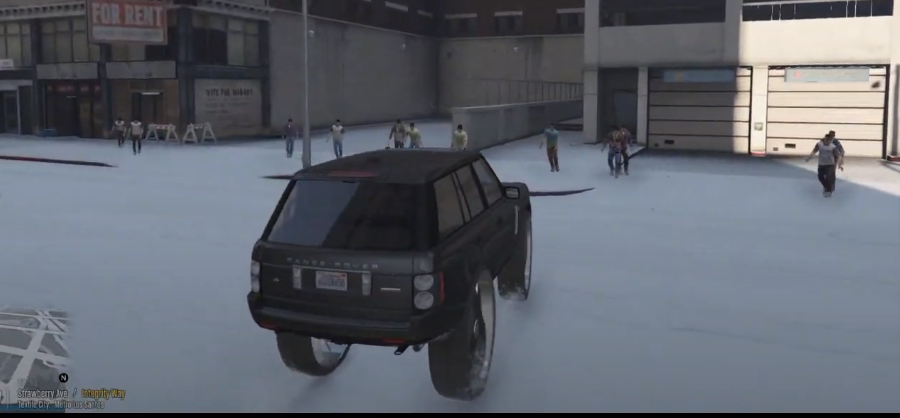
How To Install Undead Streets (Zombie Apocalypse) Mod In GTA 5?
Undead Streets is a Zombie Apocalypse modification for Grand Theft Auto 5. In this mod, the players will find themselves in a world full of zombies. Make use of your weapons to kill them and try to survive as long as you can.
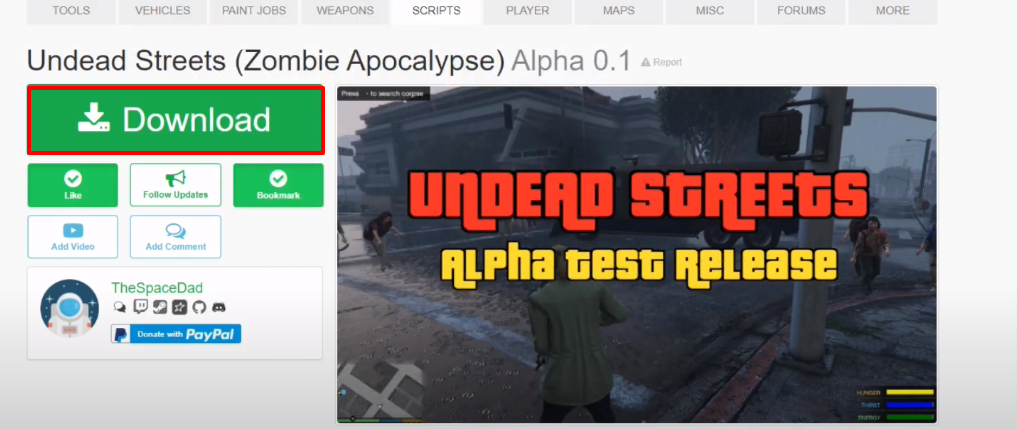
- Open the following link and download Undead Streets (Zombie Apocalypse).
https://www.gta5-mods.com/scripts/undead-streets-alpha-test-release-v0-1
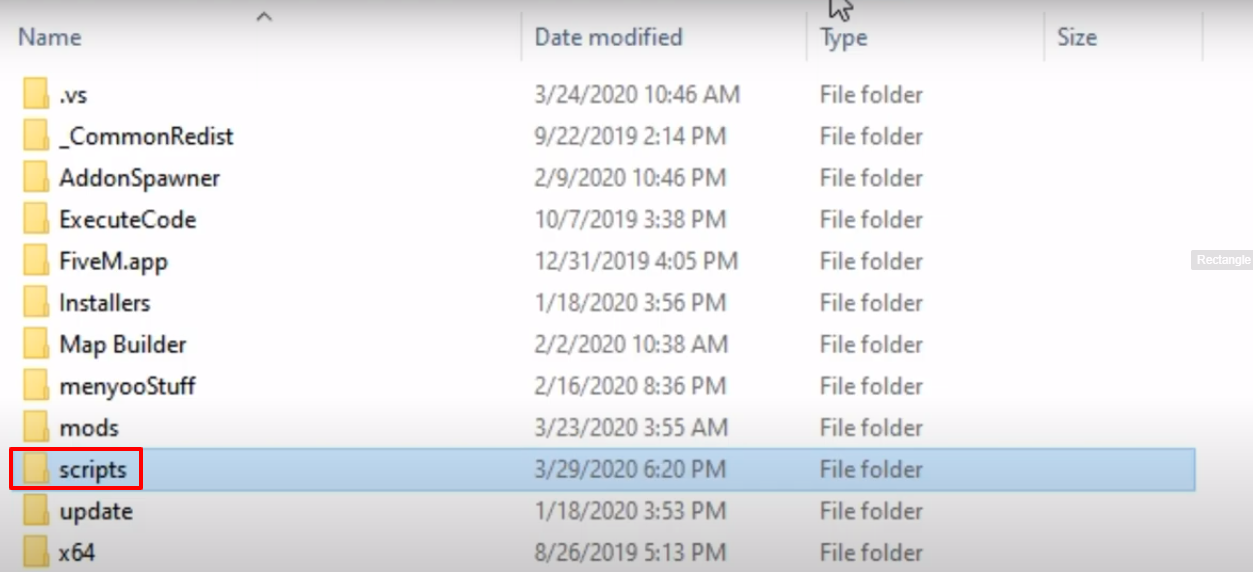
- Open the Grand Theft Auto directory and create the scripts folder, if it's not there.
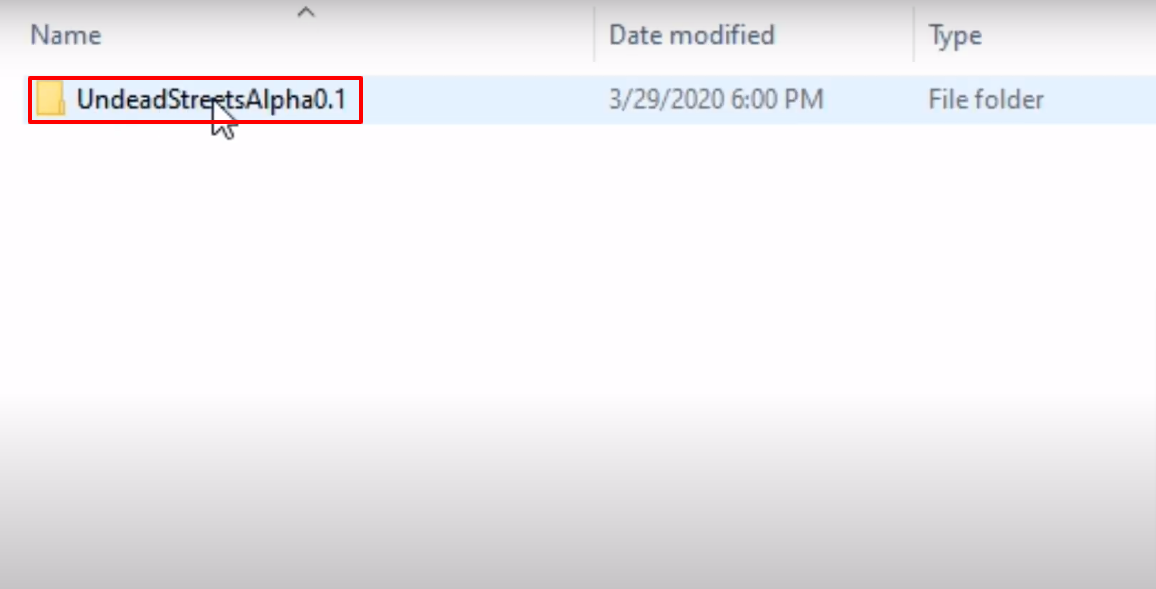
- Then open the UndeadStreetsAlpha0.1 folder.
- Copy the UndeadStreets.dll folder.
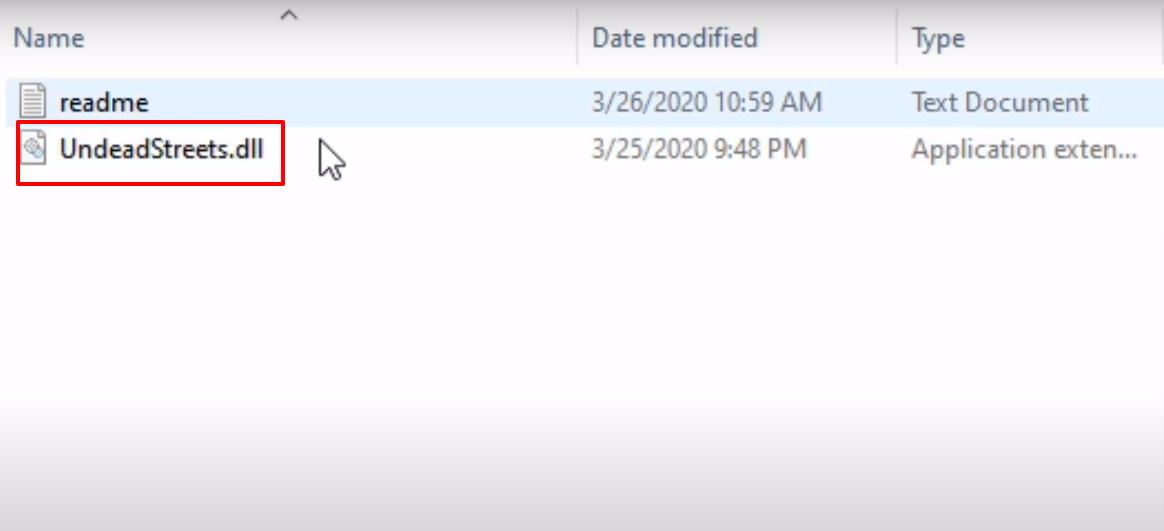
- Paste the copied file in the scripts folder.
- Launch, explore and enjoy the game.