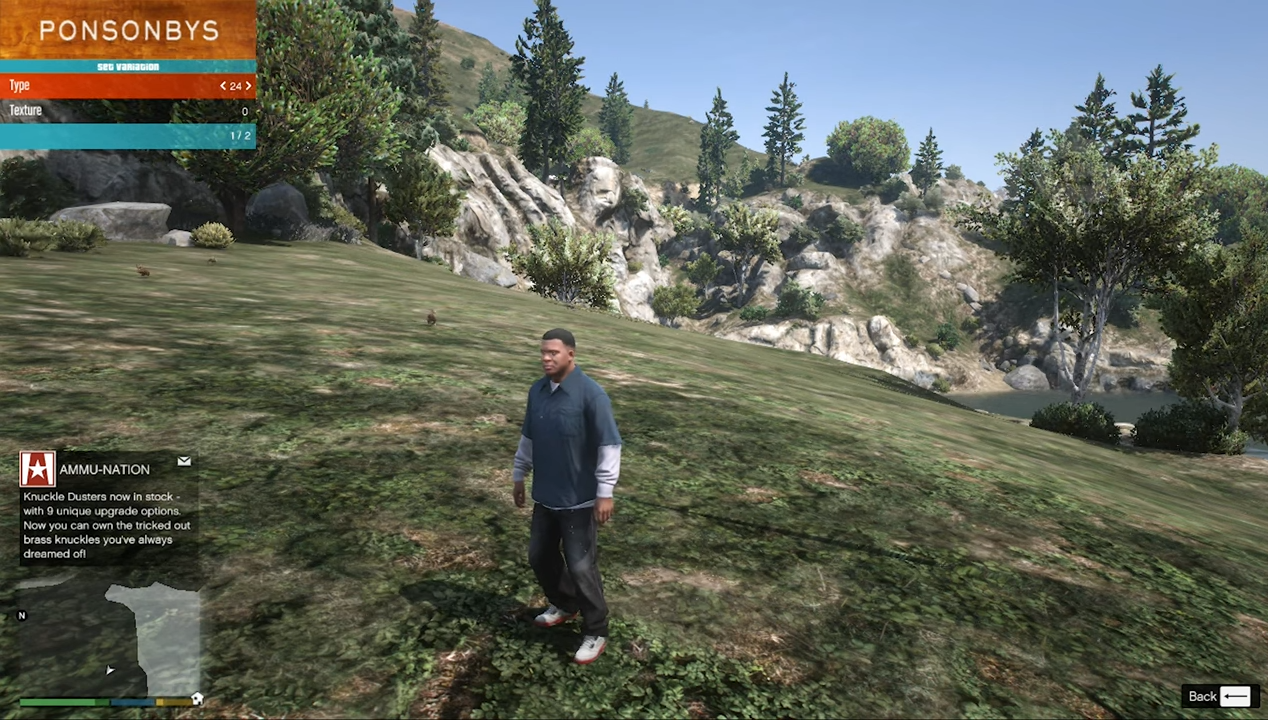
How to Install Ultimate Shoes Pack Mod In GTA 5
To install Ultimate Shoes Pack MOD in GTA 5, follow the steps written below:
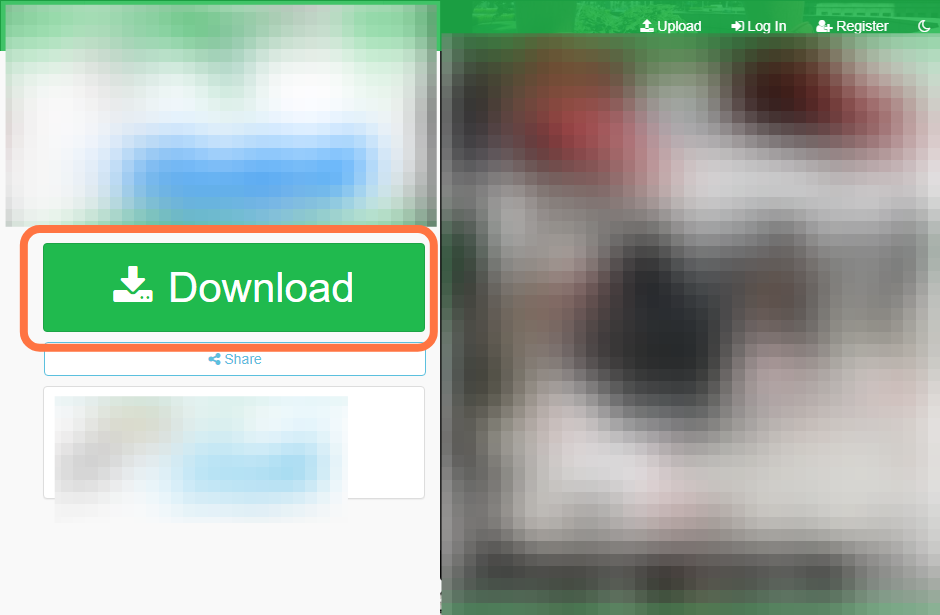
- First, you will need to download the "Ultimate Shoes Pack" MOD from this link.
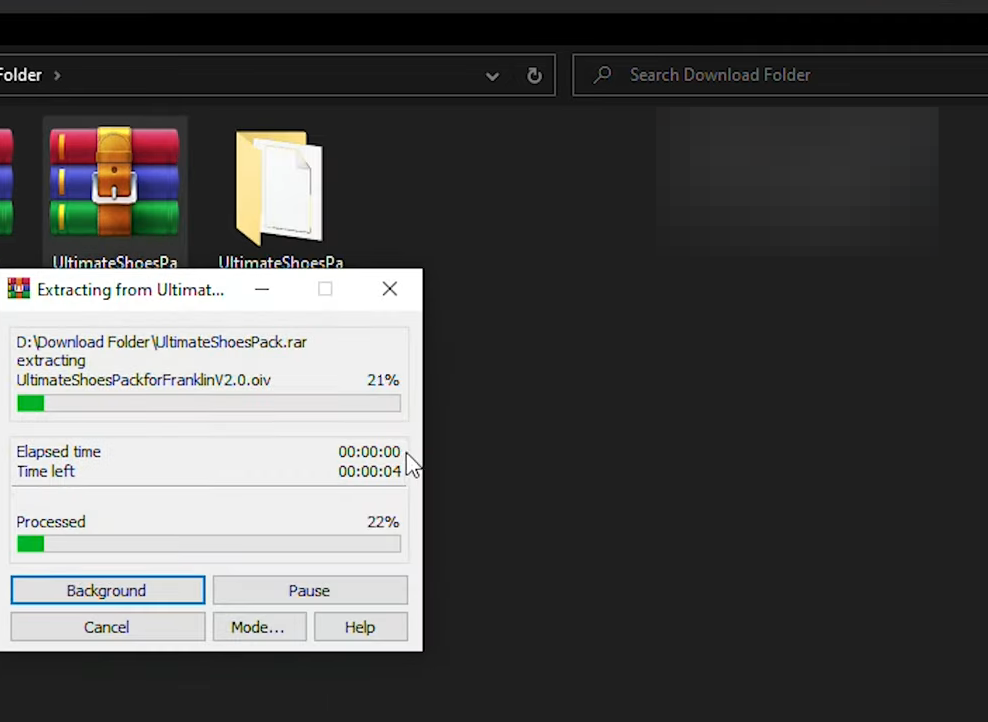
- And then extract the downloaded file.
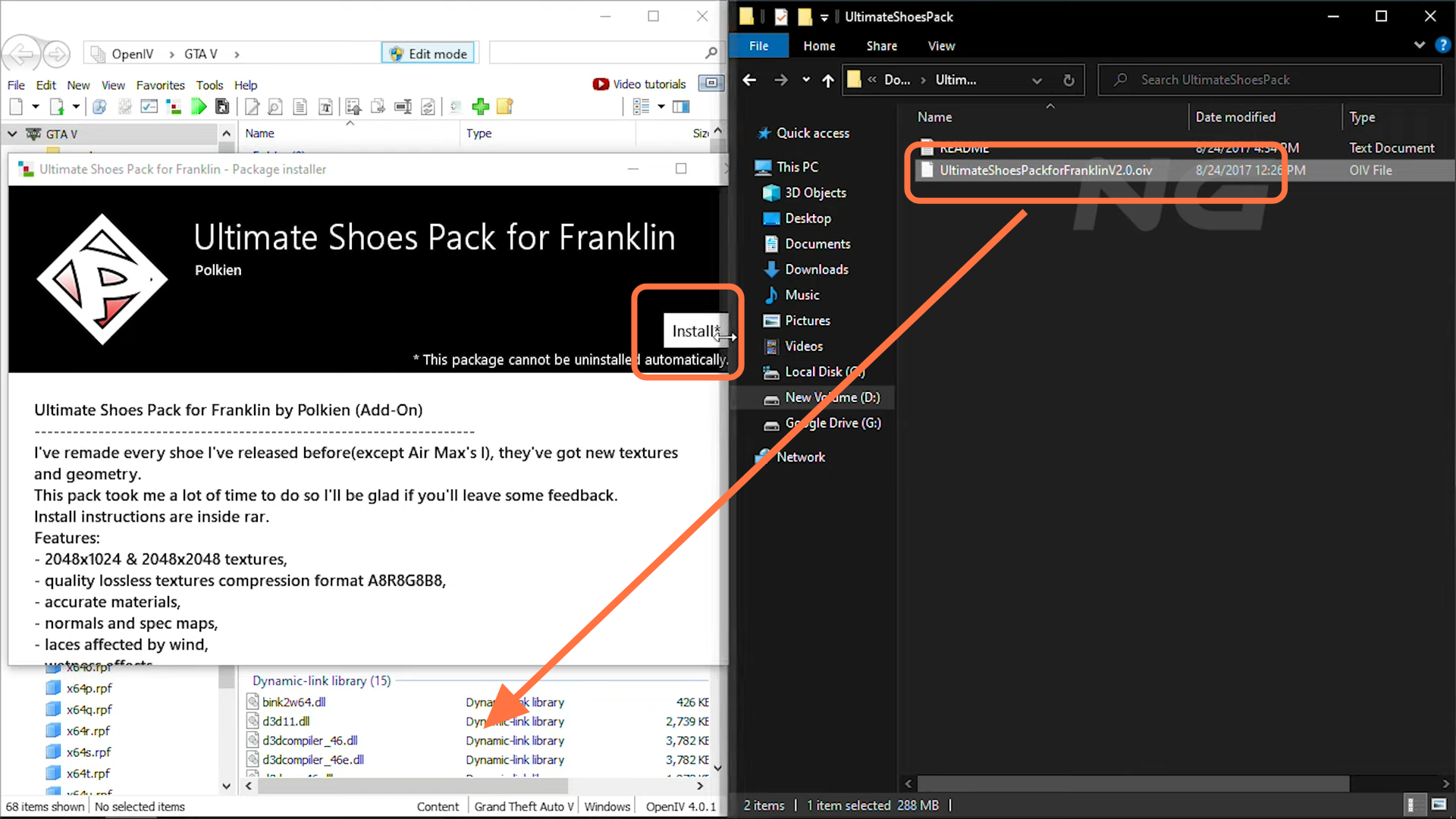
- Now open the "Open IV" and downloaded file directory windows side by side for your ease.
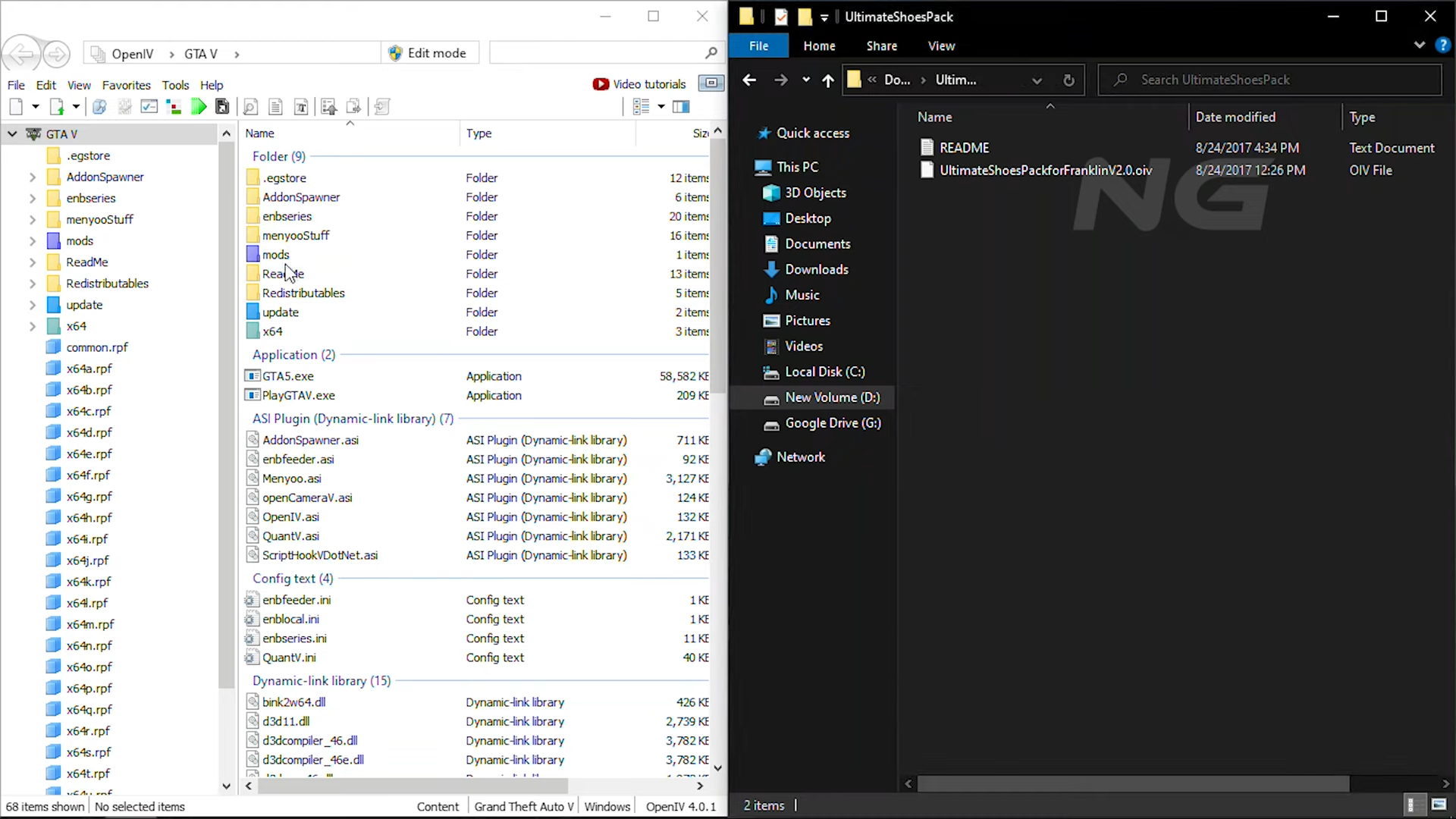
- You have to enable "Edit mode" in the "Open IV" then open the "UltimateShoesPack" downloaded folder and drag this file into "Open IV" to install it.
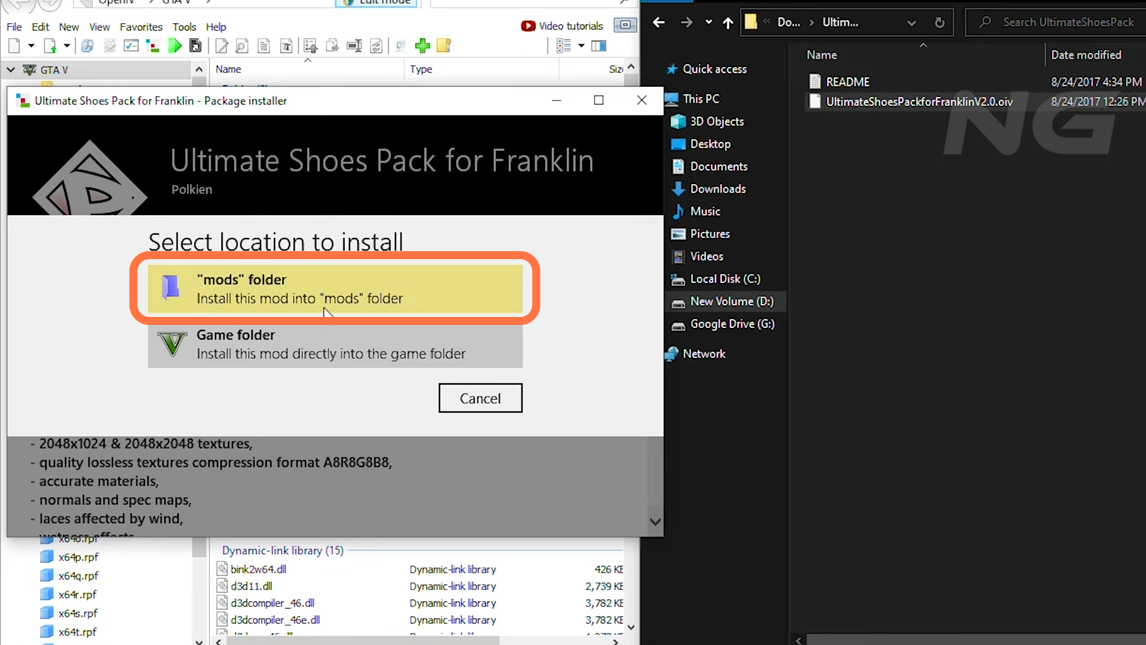
- Remember to select the mods folder when asked where to install it.
- Mod has been installed successfully in GTA V. Open the game and press F8 to go into Menu options then go to Player Options > Wardrobe > Shoes > Type Folder and choose the shoe type for your player.