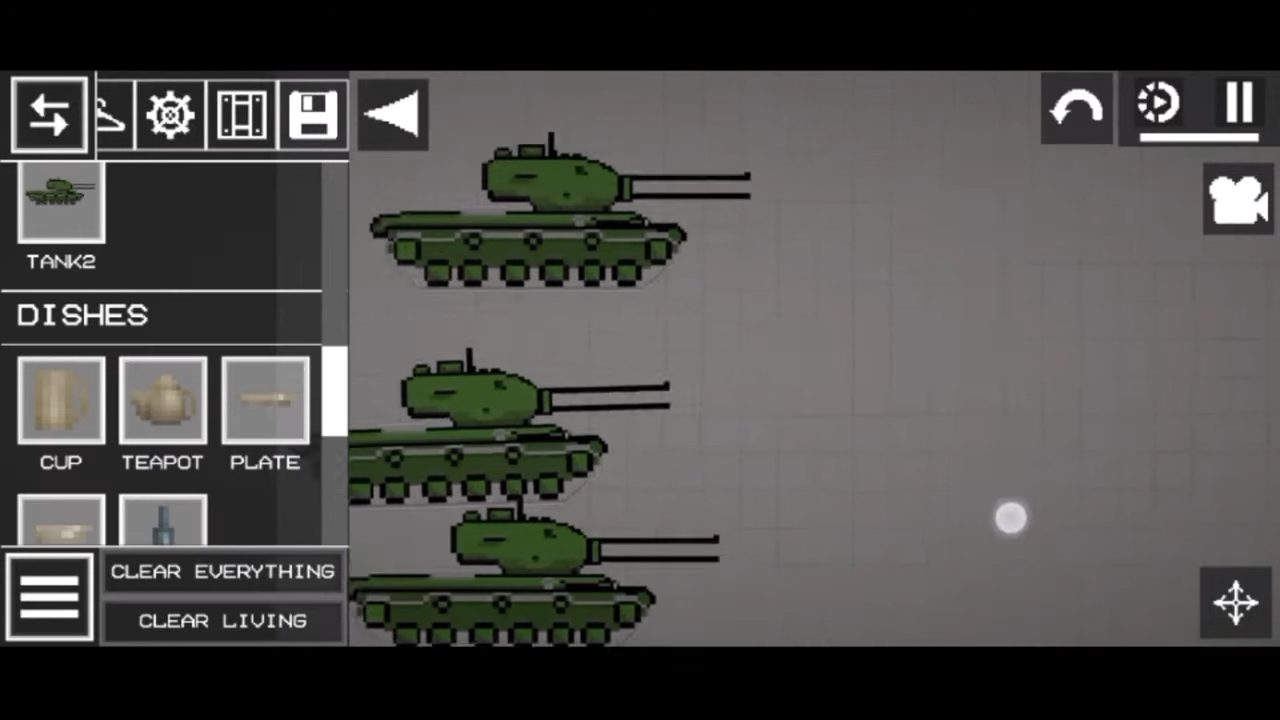
How to Install the Mod in Melon Playground
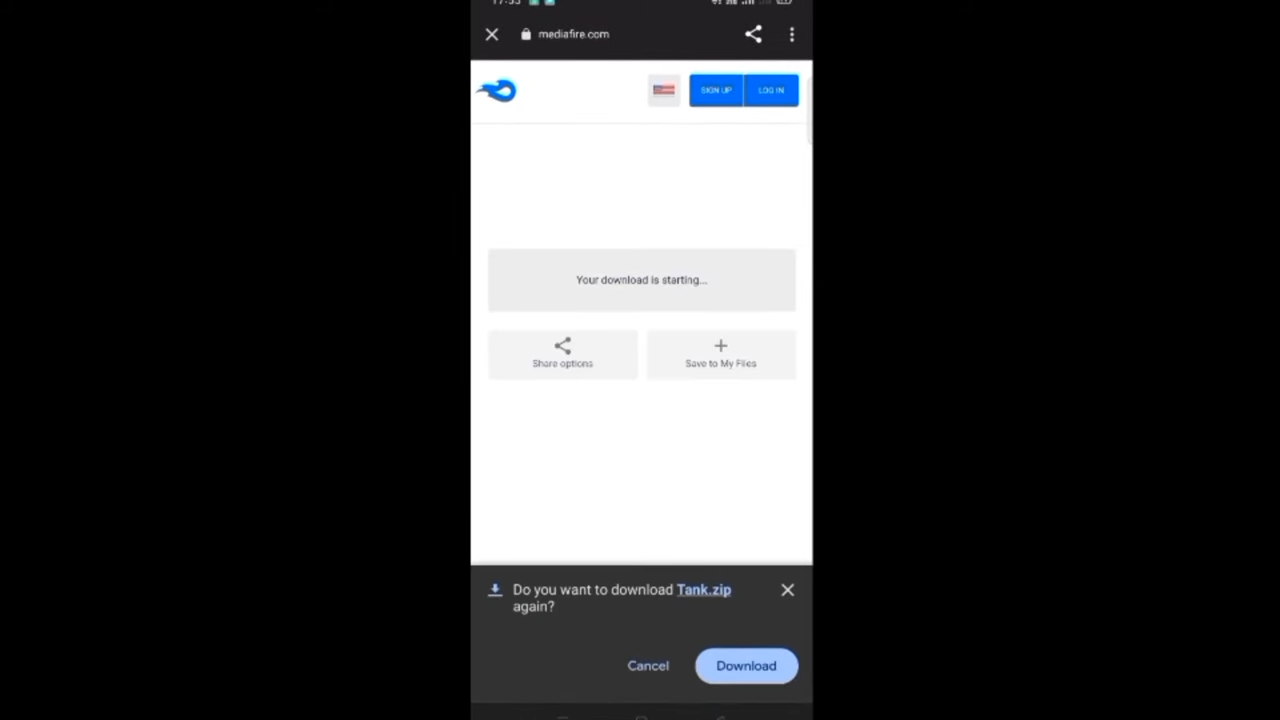
First, you have to download the mod for Melon Playground from "https://www.mediafire.com/file/ly68mjxsf7fgfkh/Tank.zip/file". Click on the blue "Download" button to get a zip file.
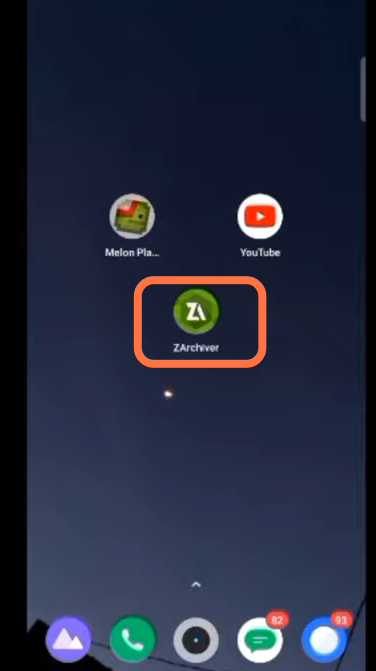
- Now download the ZArchiver app from the play store and open it.
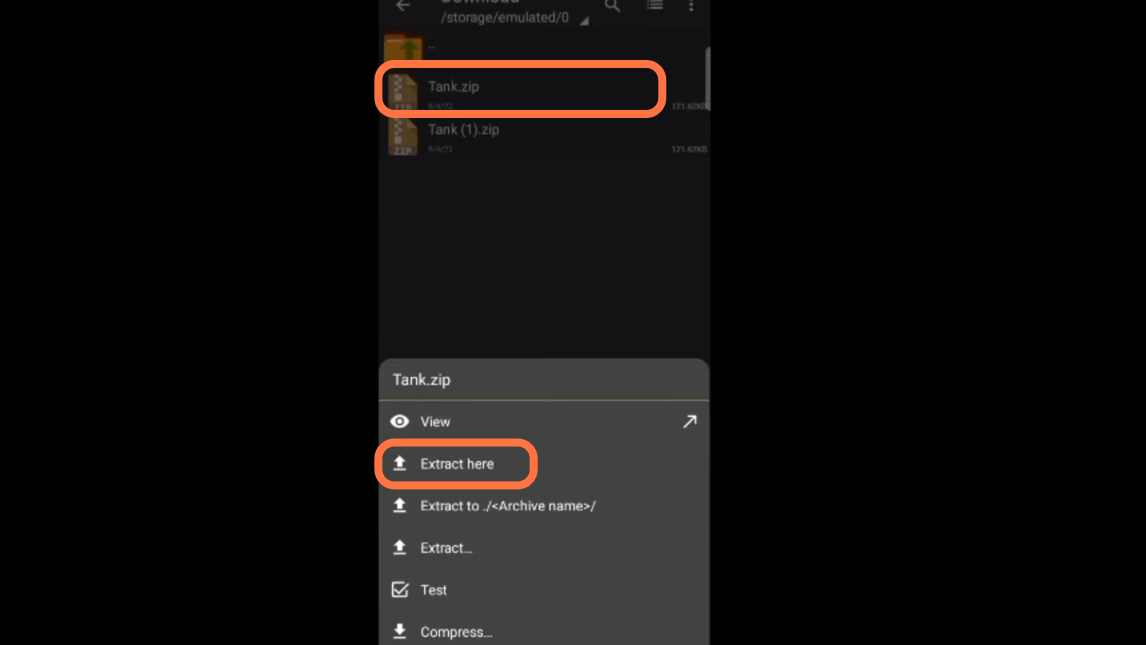
- After that, go to the Download folder, click on the Tank.zip file and then select Extract Here.
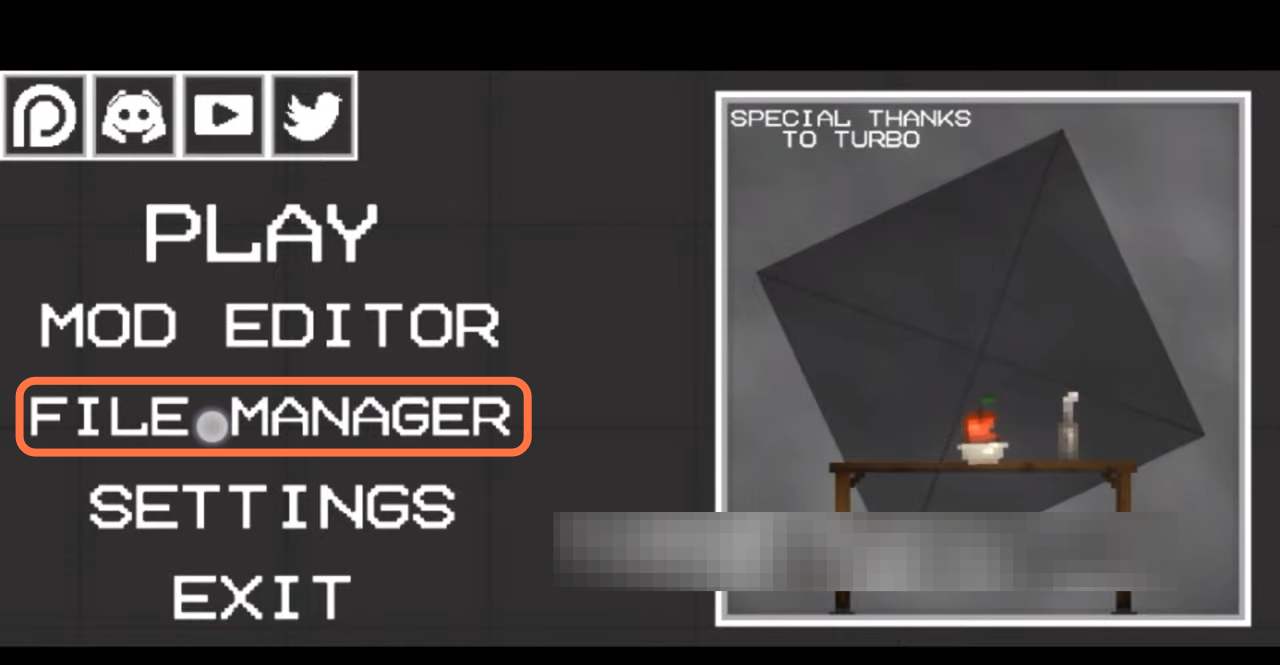
- After that, open the melon playground, and to add a mod to the game, you need to click on the 'File Manager' from the game menu.
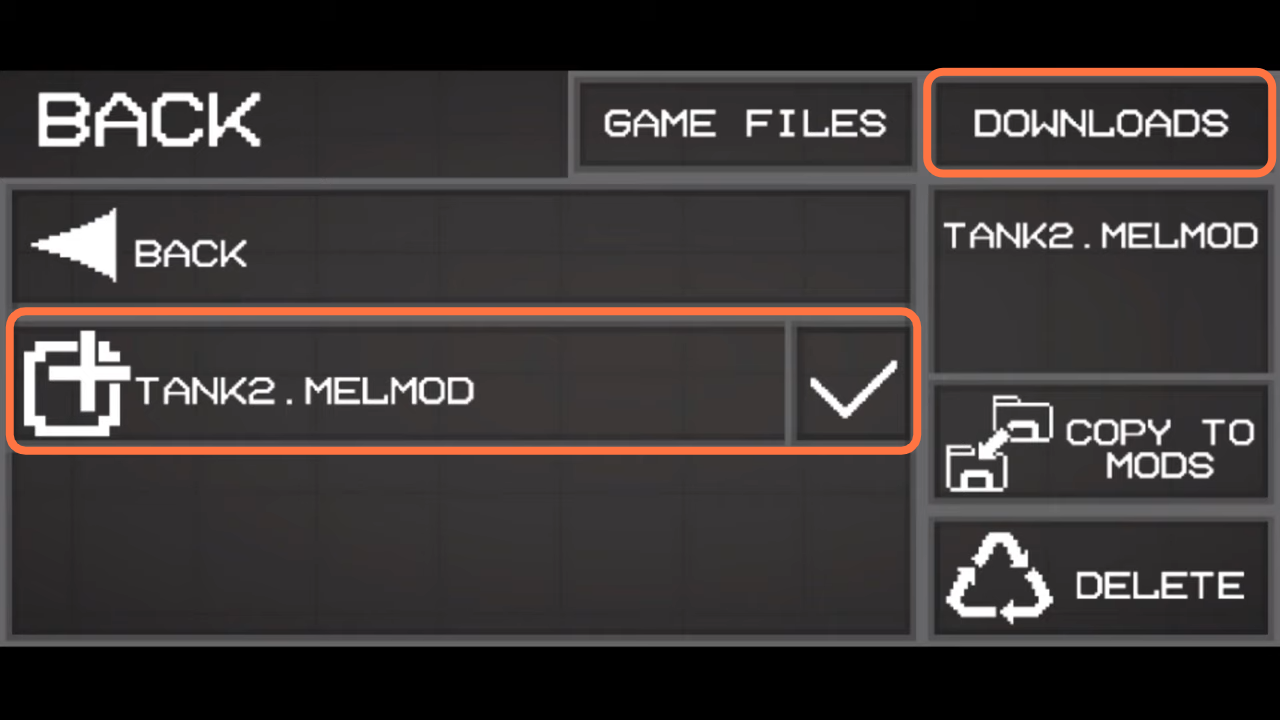
- Next, click on the Downloads and open the Tank folder, and checkmark the file inside it.
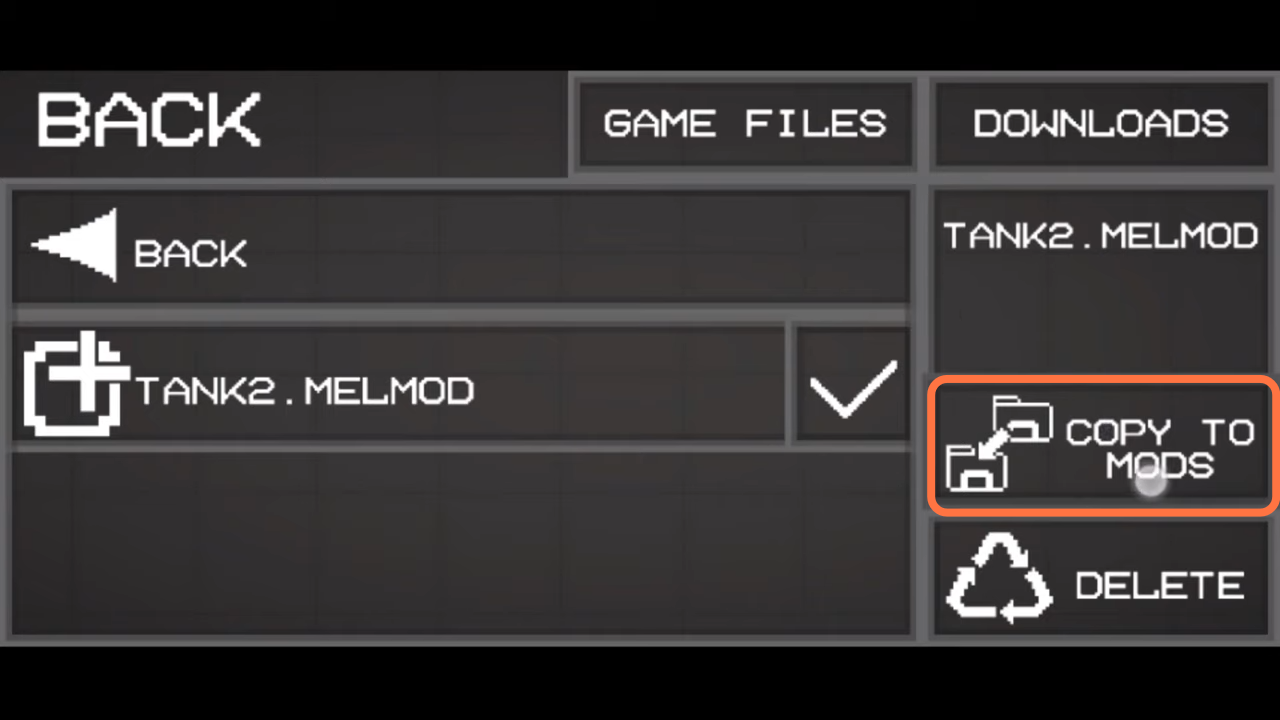
- After that click on Copy To Mods and then go back to the menu to test the mod.
- Now click on the Play button then choose a map and you can choose a tank which means the mod is working.