How To Install SPG - Single Player Garage Mod In GTA 5 ?
SPG - Single Player Garage mod will add new garages in your game. You will be able to store unlimited vehicles in these garages.
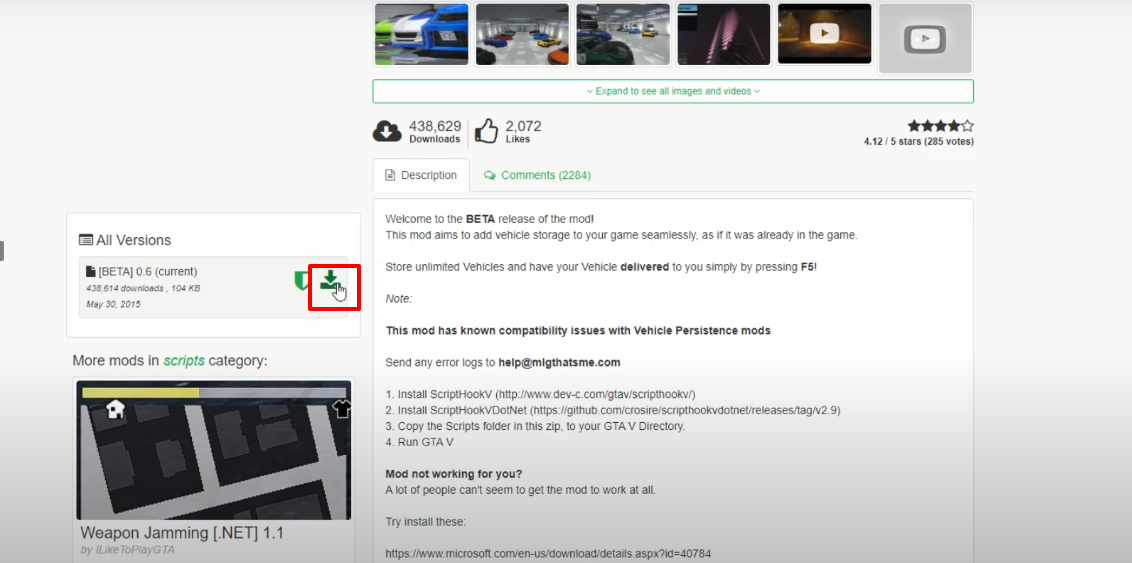
- Open the link below and download the mod file.
https://www.gta5-mods.com/scripts/single-player-garage
- Open the link below and click on download.
http://www.dev-c.com/gtav/scripthookv/

- Open the following link and click on download.
https://www.gta5-mods.com/tools/scripthookv-net

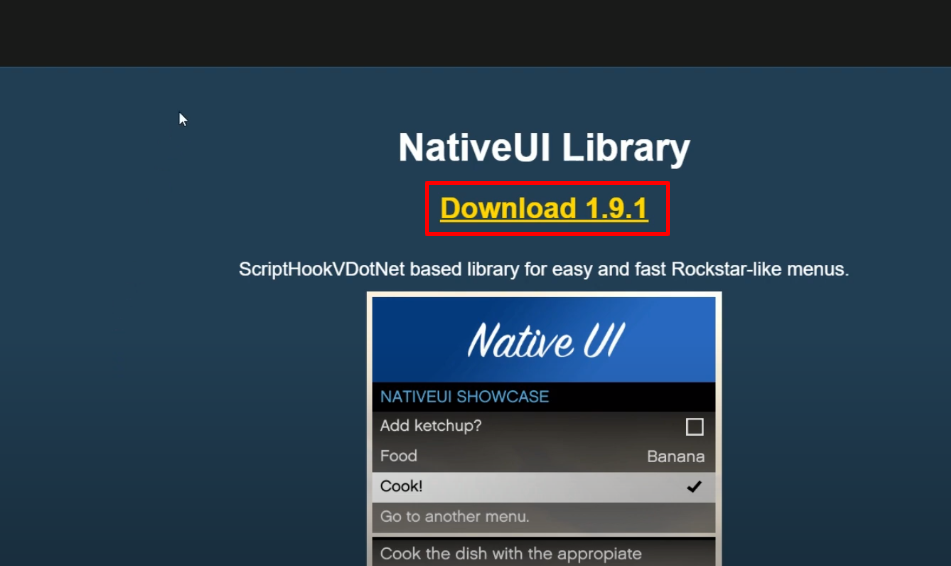
- Open the link below and click on download.
https://gtaforums.com/topic/809284-net-nativeui/
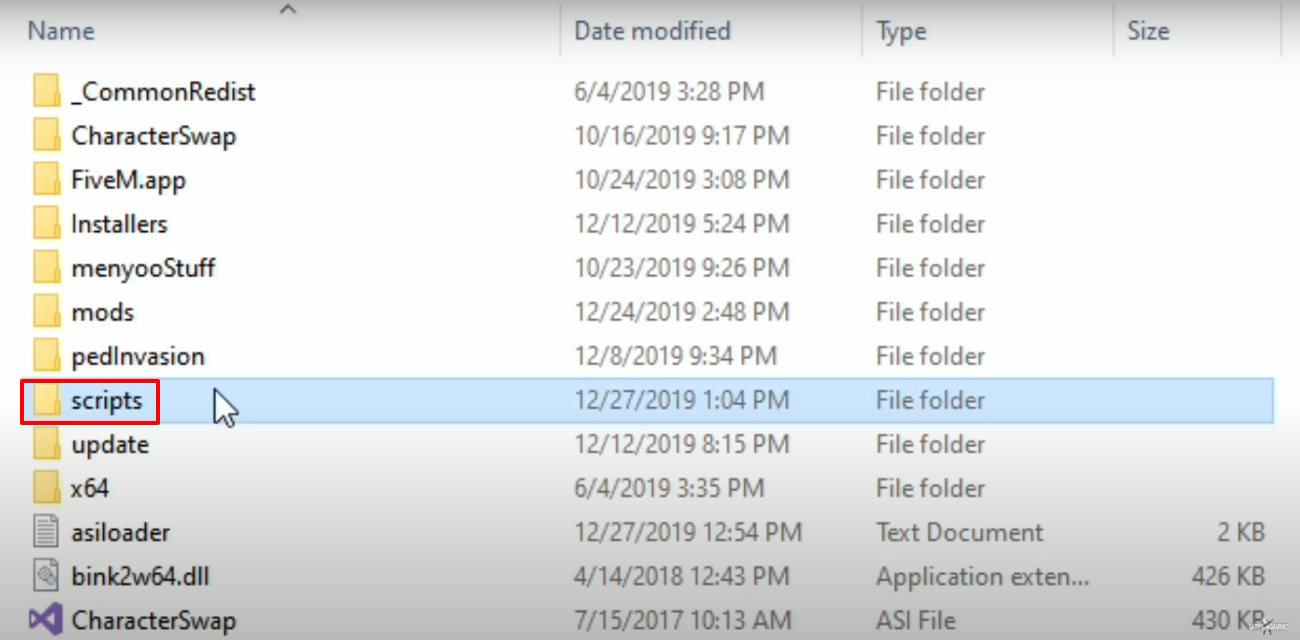
- Open Grand Theft Auto V directory, create scripts folder if it’s not there.
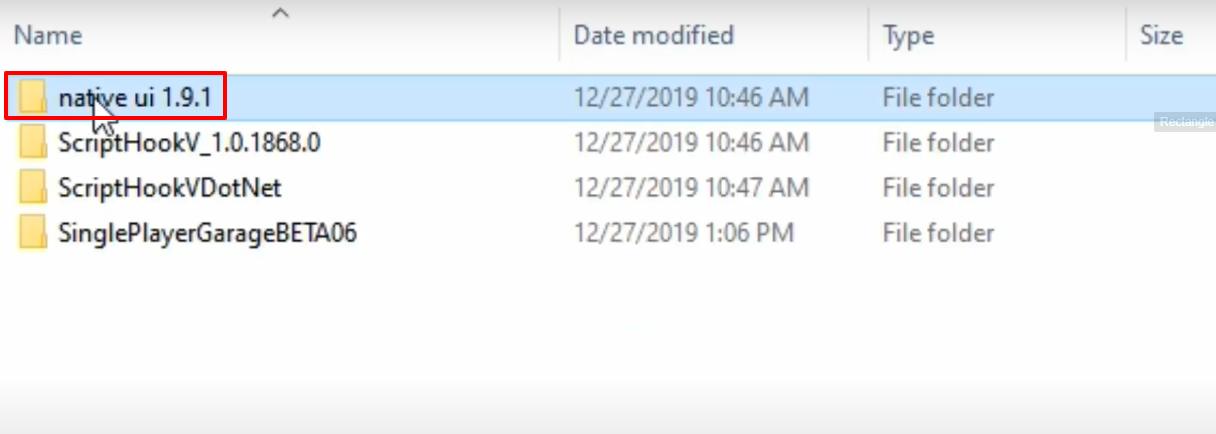
- Open the download native ui 1.9.1 folder.
- Copy the "NativeUI.dll" file.
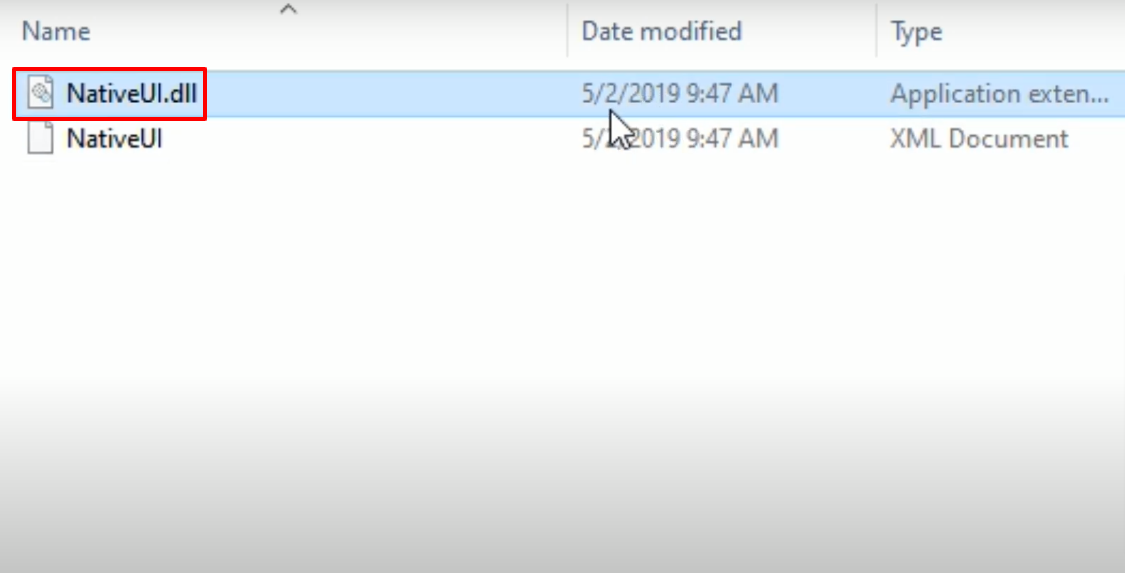
- Pate the copied file into the Grand Theft Auto V directory.

- Open the download SinglePlayerGarageBETA06 folder.
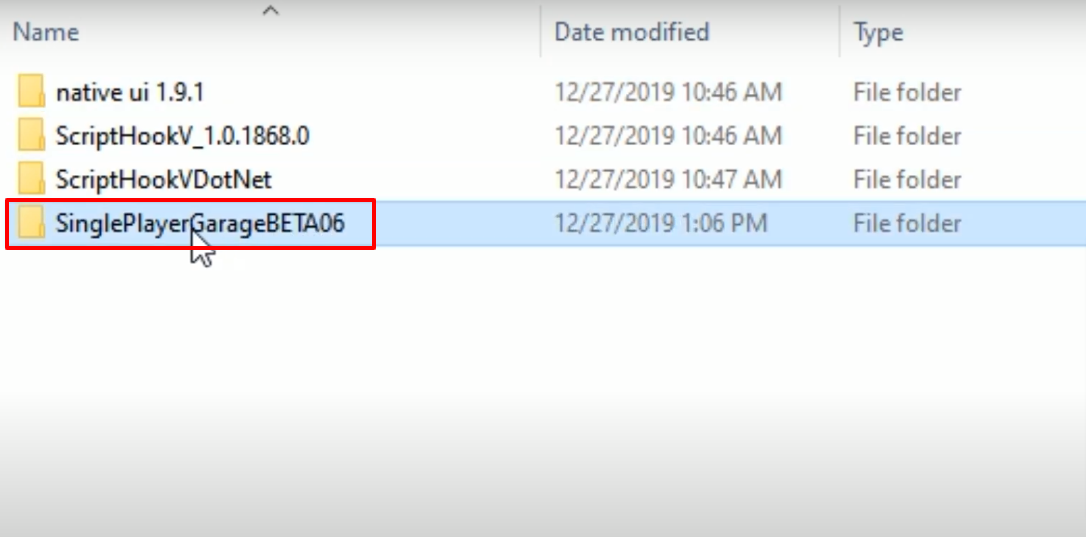
- Open the scripts folder.
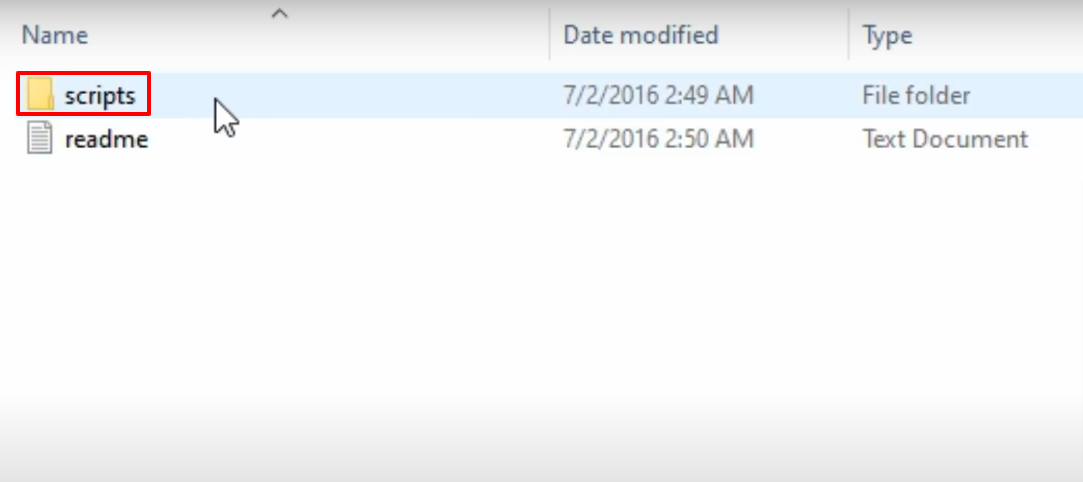
- Copy the "SinglePlayerGarage" and "SinglePlayerGarage.dll" files.
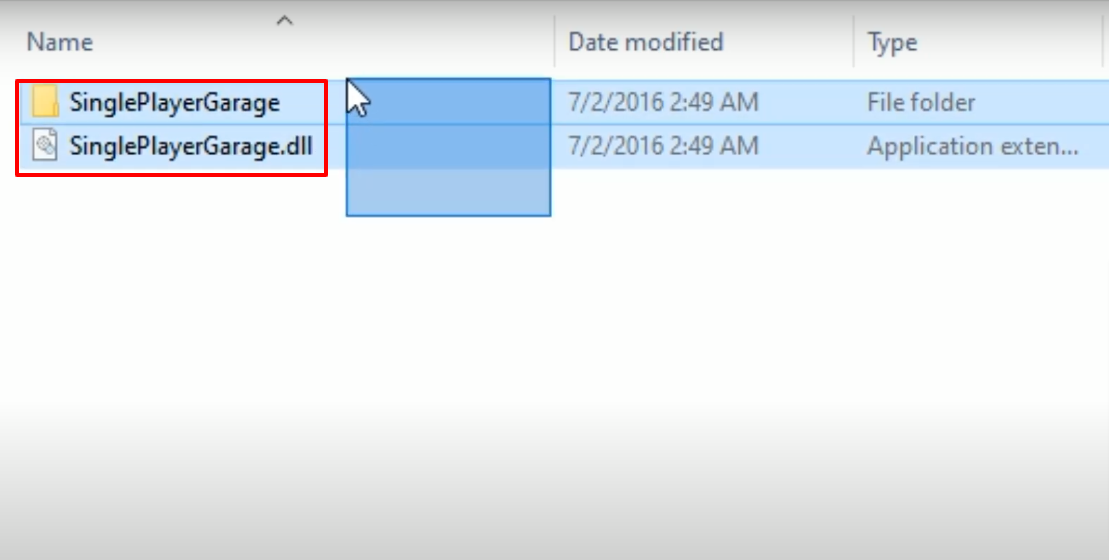
- Paste the copied files into the scripts folder.

- Open the download ScriptHookV_1.0.1868.0 folder.
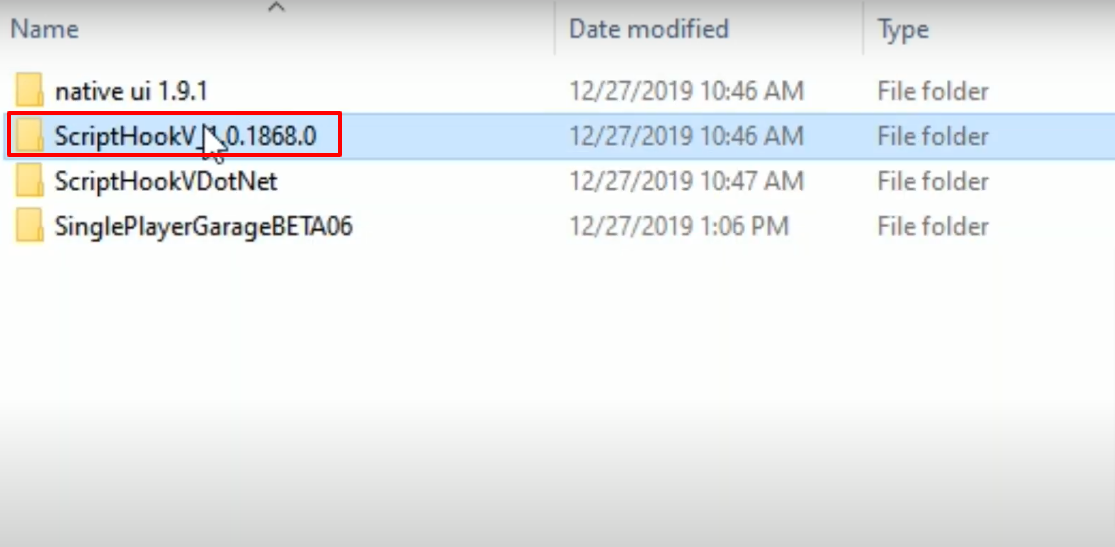
- And then open the bin folder.
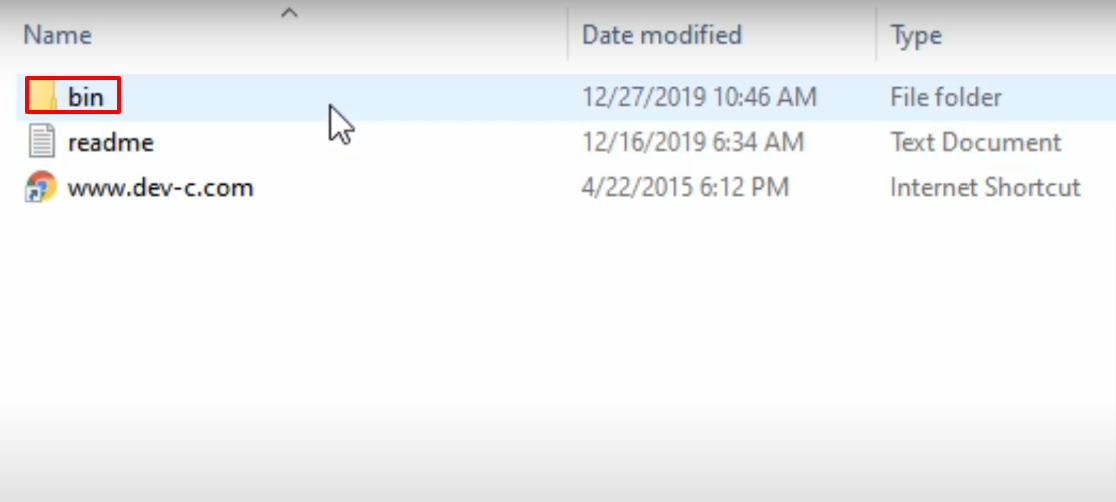
- Copy the "dinput8.dll" and "ScriptHookV.dll" files.
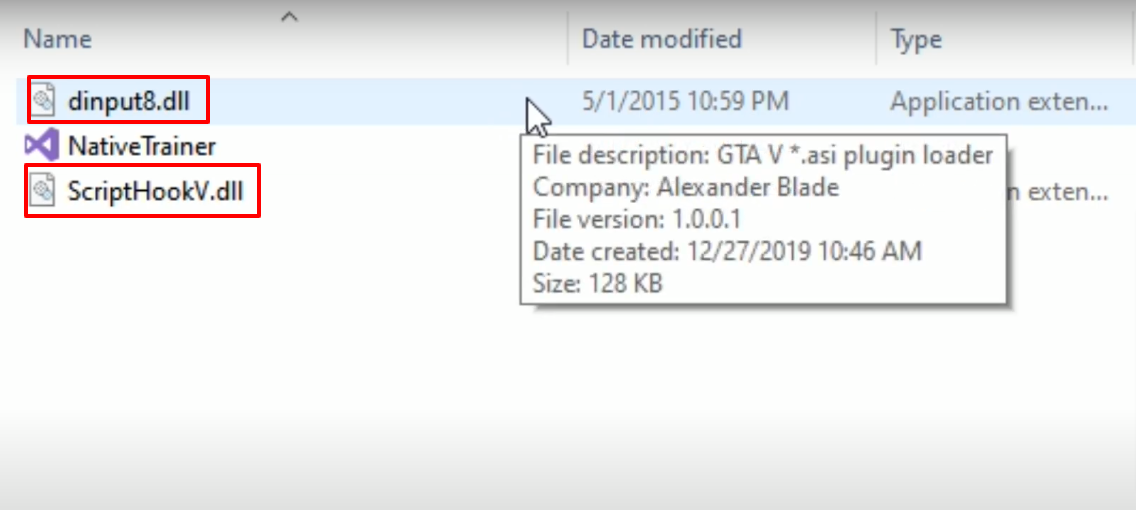
- Paste the copied files into the Grand Theft Auto V directory.

- Open the download ScriptHookVDotNet folder.
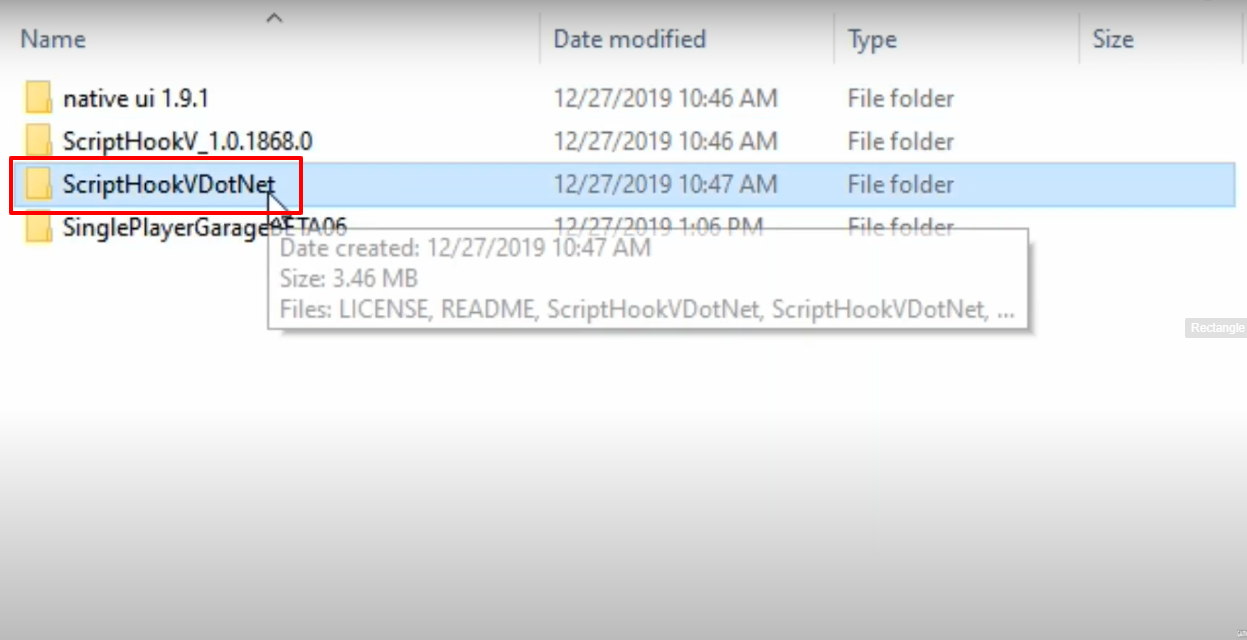
- Copy the ScriptHookVDotNet, ScriptHookVDotNet2.dll and ScriptHookVDotNet3.dll files.
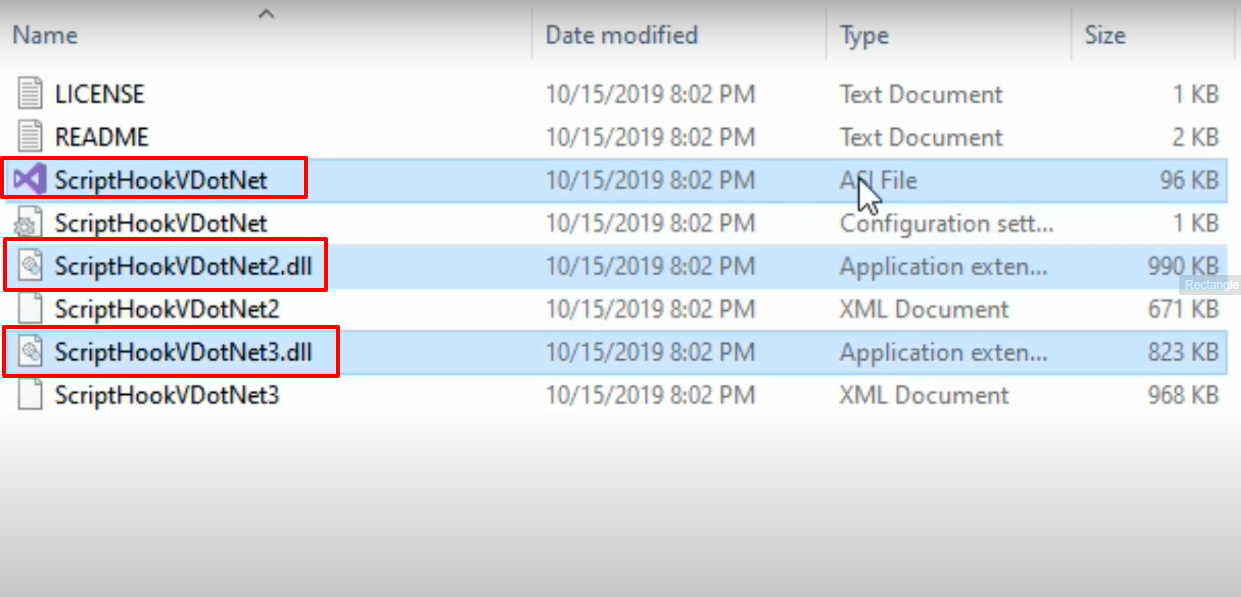
- Paste the copied files into the Grand Theft Auto V directory.

- Launch the game , explore and enjoy.
