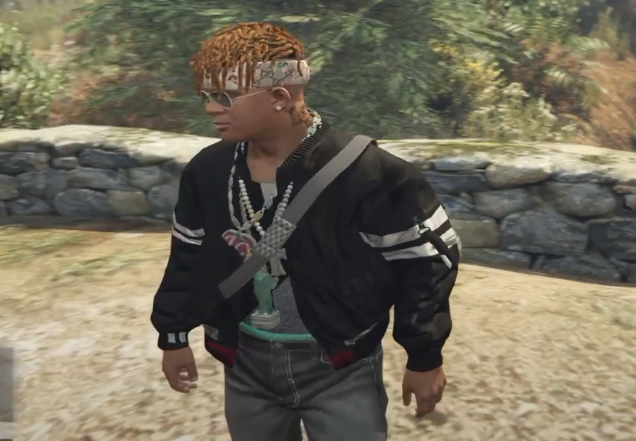
How To Install Real Life Mods(Clothing Mod) In GTA 5
The REAL LIFE MODS (CLOTHING MOD) will bring new clothes into the game. You will be able to wear a bomber jacket on your character.
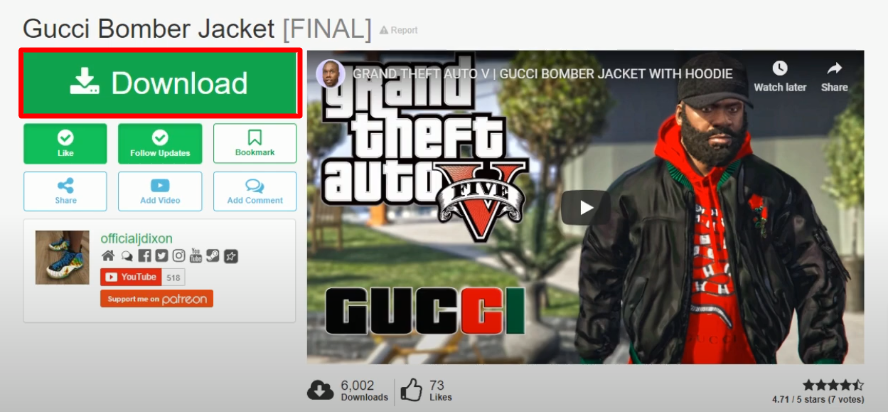
- Open the following link and click on Download.
https://www.gta5-mods.com/player/gucci-bomber-jacket
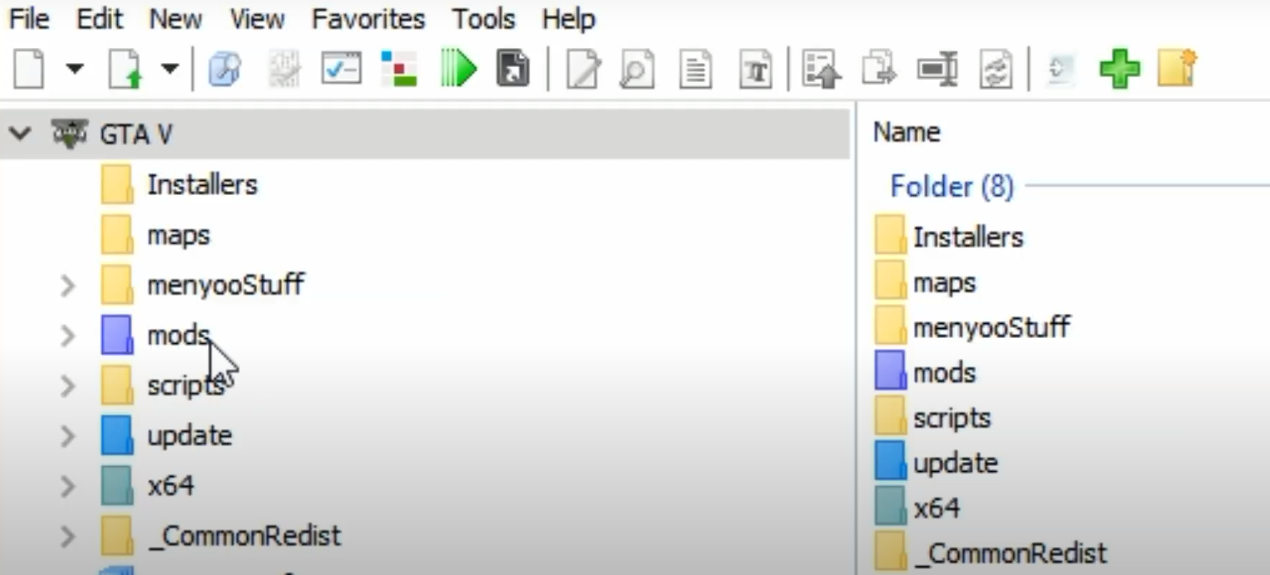
- Download the OpenIV software and install it in your pc as this is required in installation of mod.
https://openiv.com/?cat=3

- OpenIV software and create a mods folder if it’s not there.
- Open the downloaded mod folder.
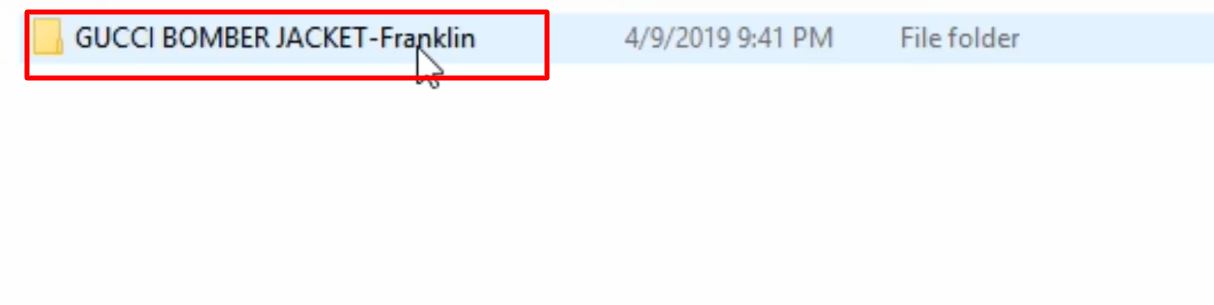
- As you open the GUCCI BOMBER JACKET - Franklin folder, open the readme file as this will help in ease of installation.
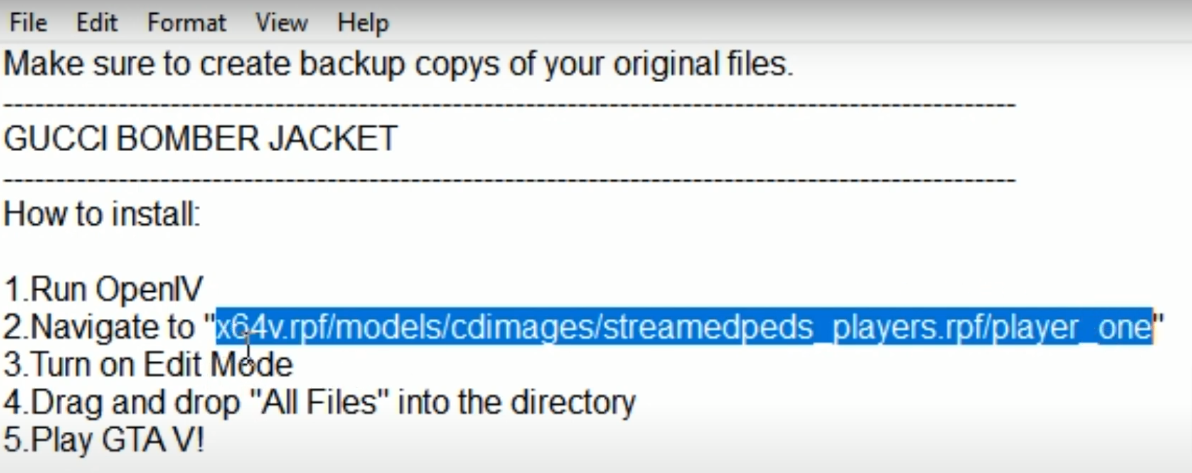
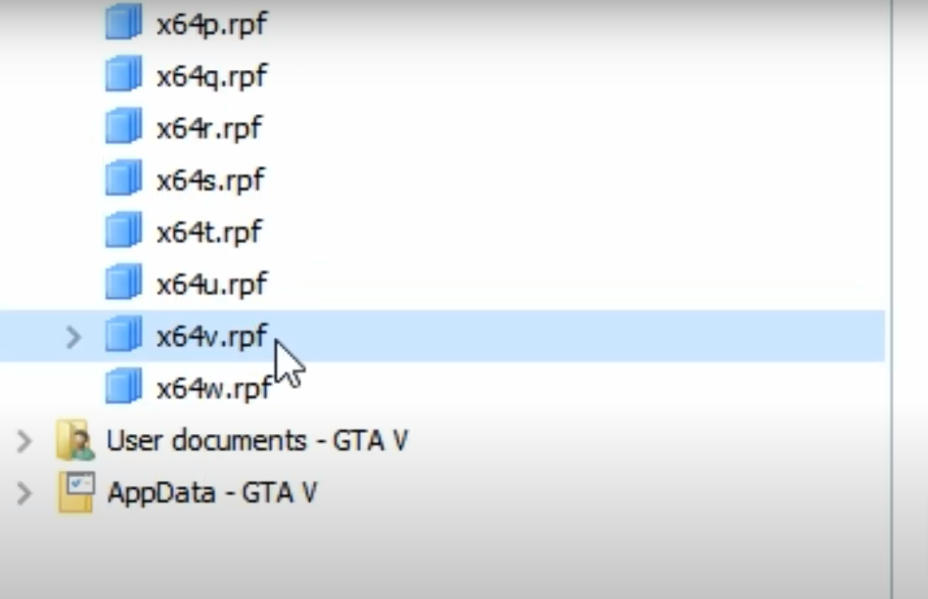
- Now first open the OpenIV program, look for x64v.rpf in the directory and click on it.
- Click on Copy to the “mod” folder.
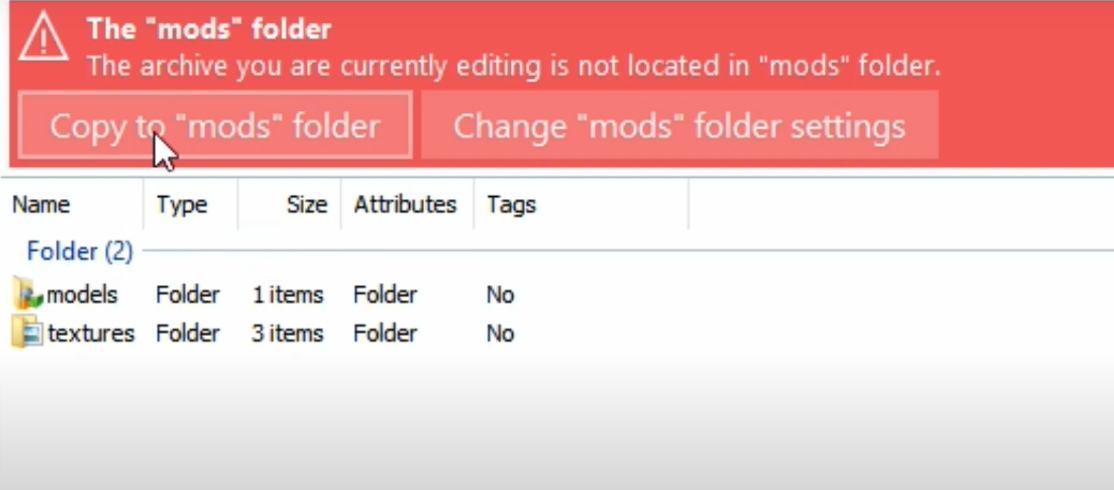
- The file is copied into the mods folder.

- Now, move to the location below.
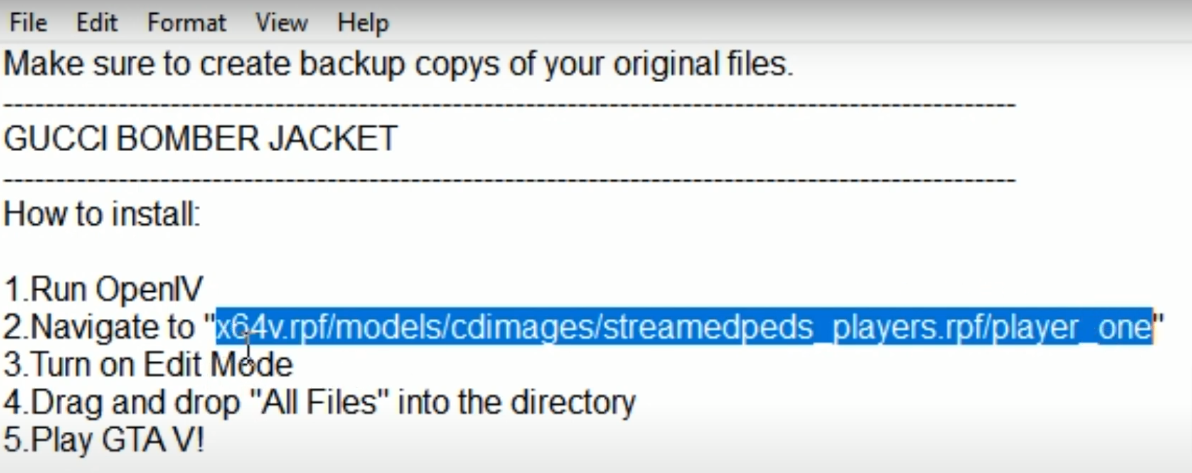
- Click on Edit mode

- After move onto the GUCCI BOMBER JACKET - Franklin folder, locate the files below, select with the cursor and drag them into “player_one” on OpenIV program.
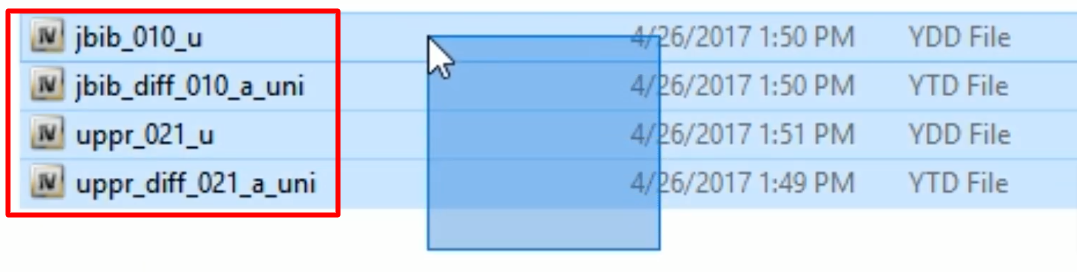
- Load into the game, the jacket can be found from the wardrobe or you can put it on by using a simple trainer. Enjoy the game.