How To Install Quicksilver And Powers Mod In GTA 5
The QuickSilver and Powers allow you to travel much faster than the speed of light. And escape the bullets from enemies in a very little to no effort.
- The first thing you will need to do is to open the link below and download Quicksilver [.NET] 1.0.5.
https://www.gta5-mods.com/scripts/quick-silver-net
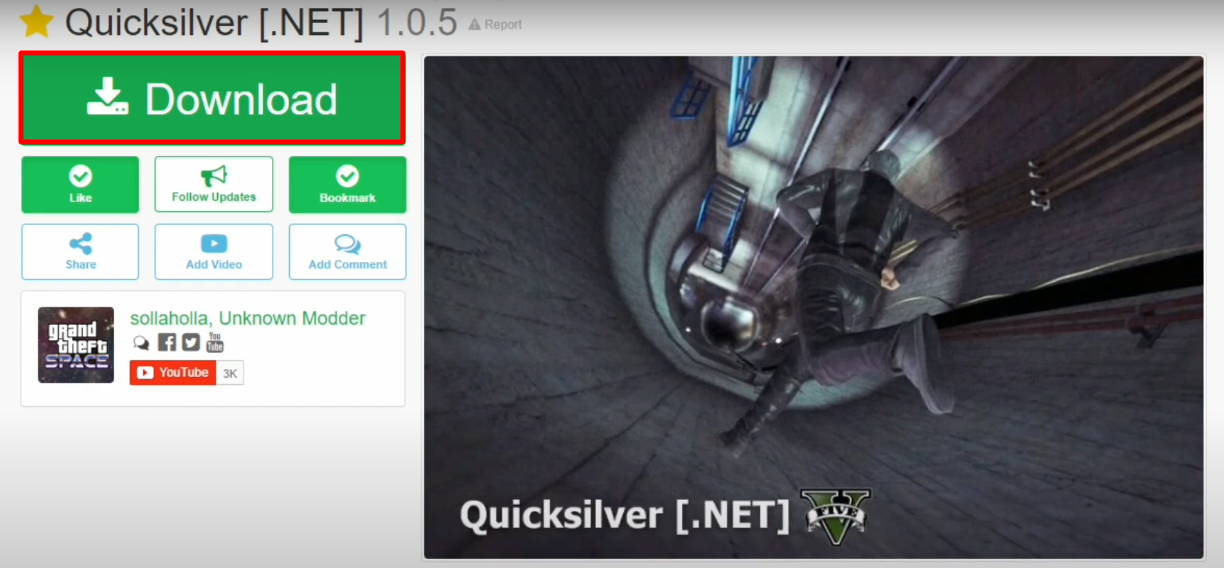
- Open the link below and download Quicksilver [.NET] 1.0.5.
https://www.gta5-mods.com/player/quicksilver-x-men-apocalypse
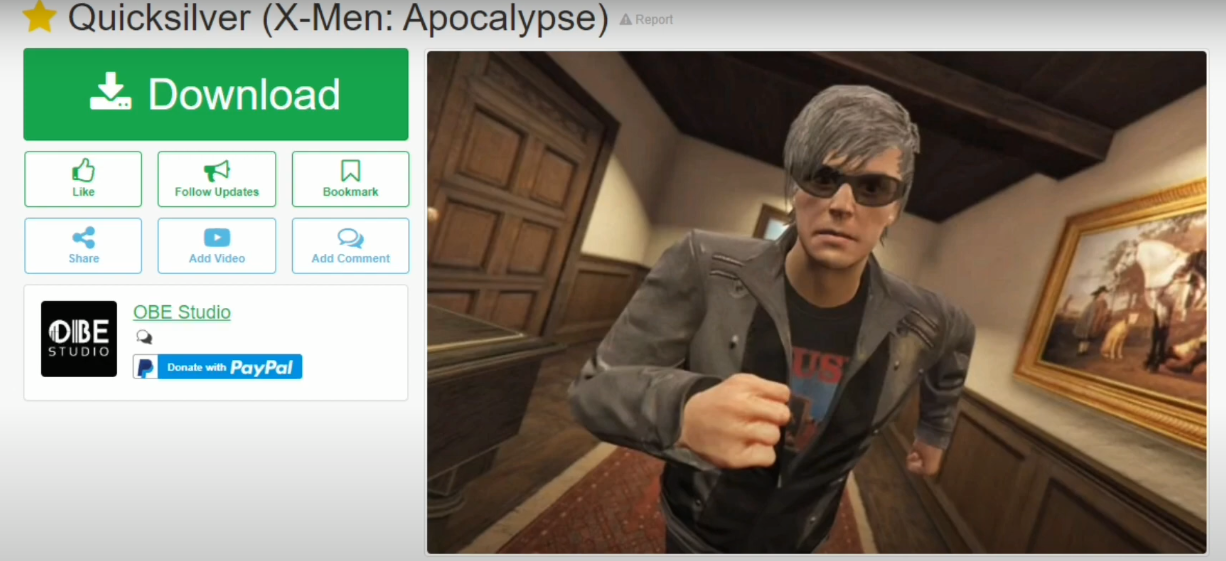
- First make sure that Scripthookv, ScripthookvDotNEt, Native UI and OpenIV are installed in your system. Open the Grand Theft Auto V Folder and then open the script folder.

- While keeping the script file open, you have to open the downloaded QuickSilver file.

- Open the scripts folder.

- Select all the files and a folder in the scripts folder and paste them into the Grand Theft Auto V’s scripts folder.

- After that, move back to the Grand Theft Auto V folder.
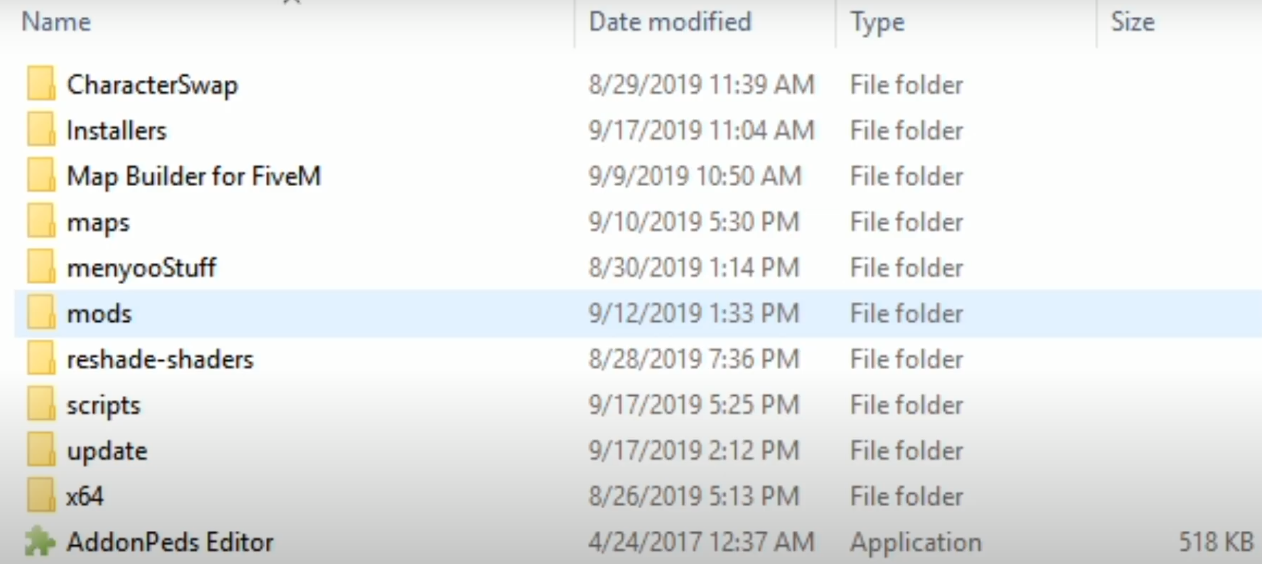
- Copy the file below from QuickSilverLib from the download the QuickSilver file and paste it into the Grand Theft Auto V folder.

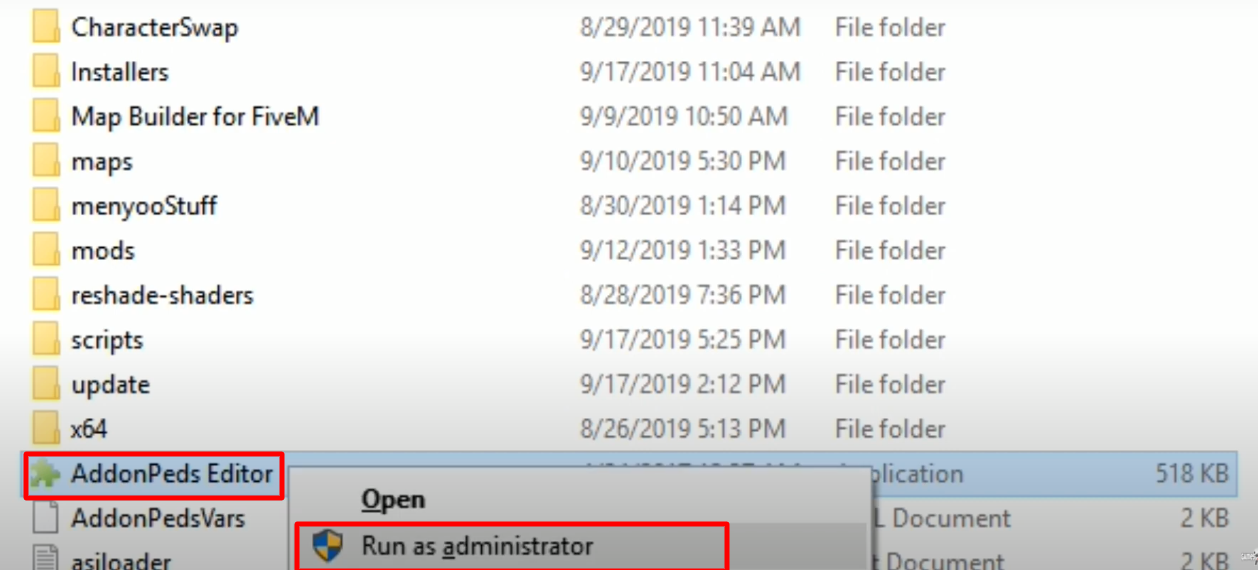
- Make sure that AddonsPeds Editor is also installed. So, again open the Grand Theft Auto V installation folder, right click on AddonPeds Editor and click on “Run as administrator”.
- Minimize the AddonPeds Editor, open the OpenIV click on the mods folder.

- Follow the directory and lastly open the peds.rpf archive.
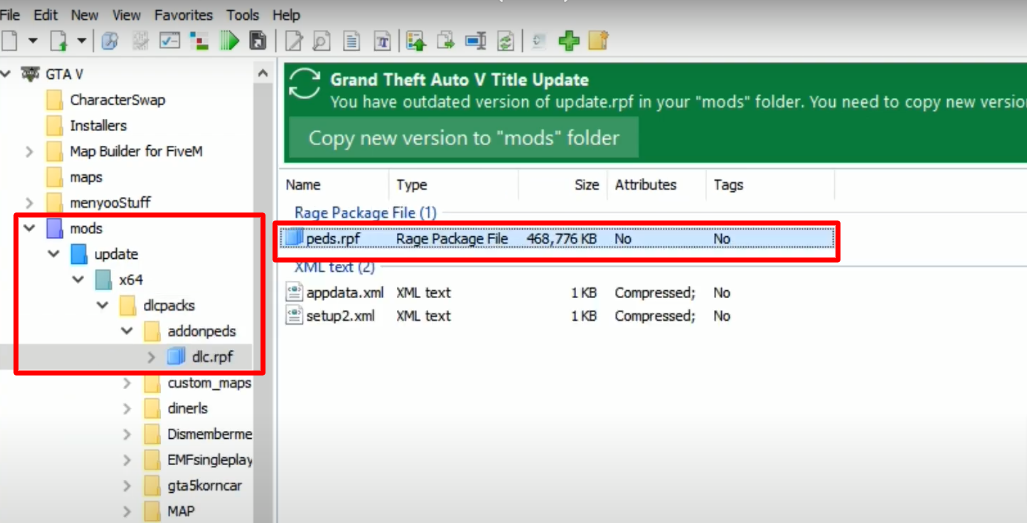
- While keeping the OpenIV opened, open the downloaded Quicksilver (addonped) folder.

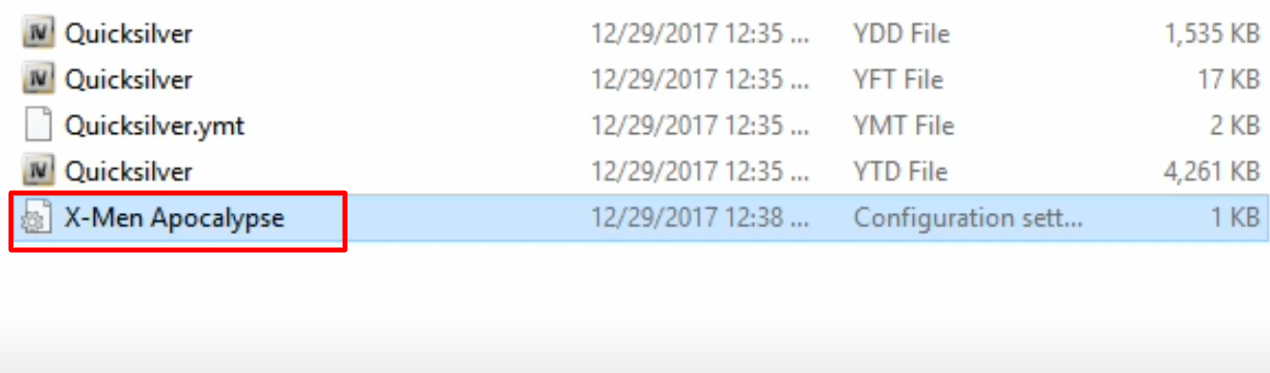
- Select the files below, drag and drop them into the OpenIV (peds.rpf) folder.

- After the open the pre opened AddonPeds Editor and create a new ped.

- Copy the Quicksilver name from OpenIV and paste then into the Model Name.

- Make the changes as below and then click on Add Peds.

- After that click on REBUILD and then click on OK.

- Now open the scripts folder in the Grand Theft Auto V folder.

- Open the Quick Silver Files.

- Open the Profiles folder.

- Again open the downloaded Quicksilver (addonped) folder, copy the selected file and paste it into the Grand Theft Auto V’s Profiles folder.
- Now launch the game, press L from the keyboard, select Addon Peds and click on Quicksilver.

- To open Quicksilver power menu, press F10, select Quick Silver Script and then click on x Men Apocalypse.

- After that click on Activate Powers + Equip Suit and boom it’s done. Explore and enjoy the game.
