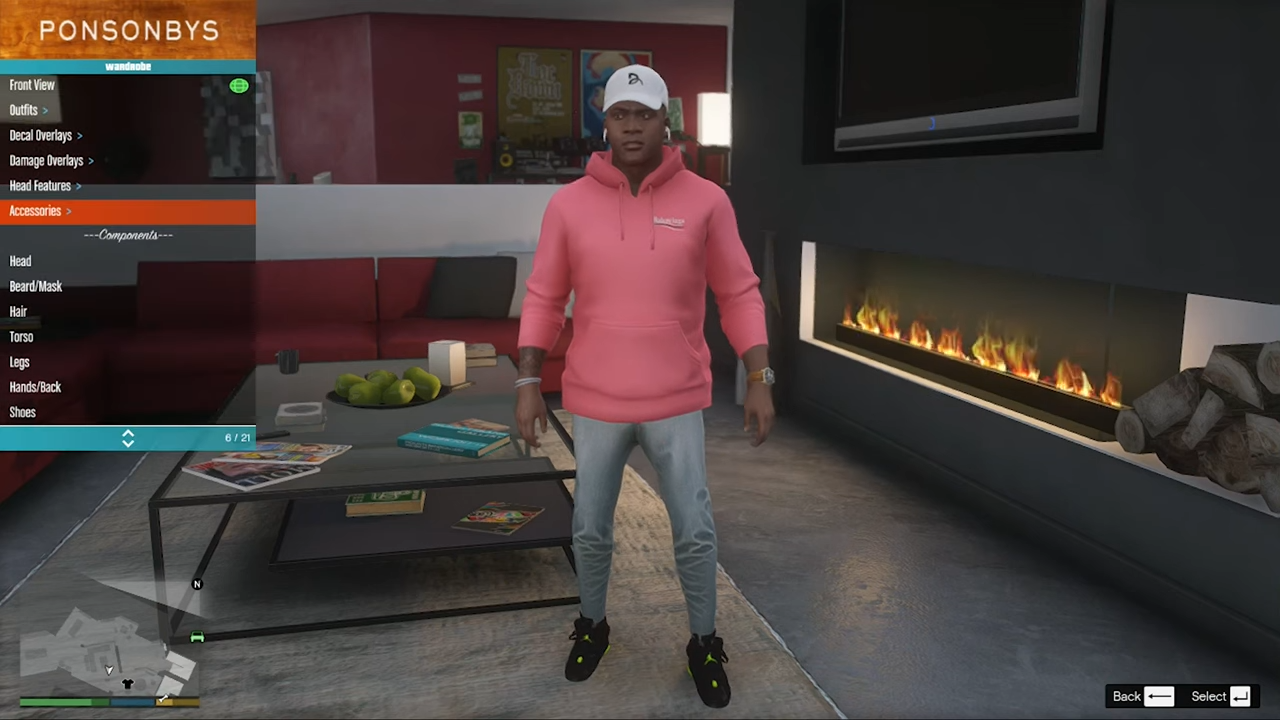
How to install Props in GTA 5
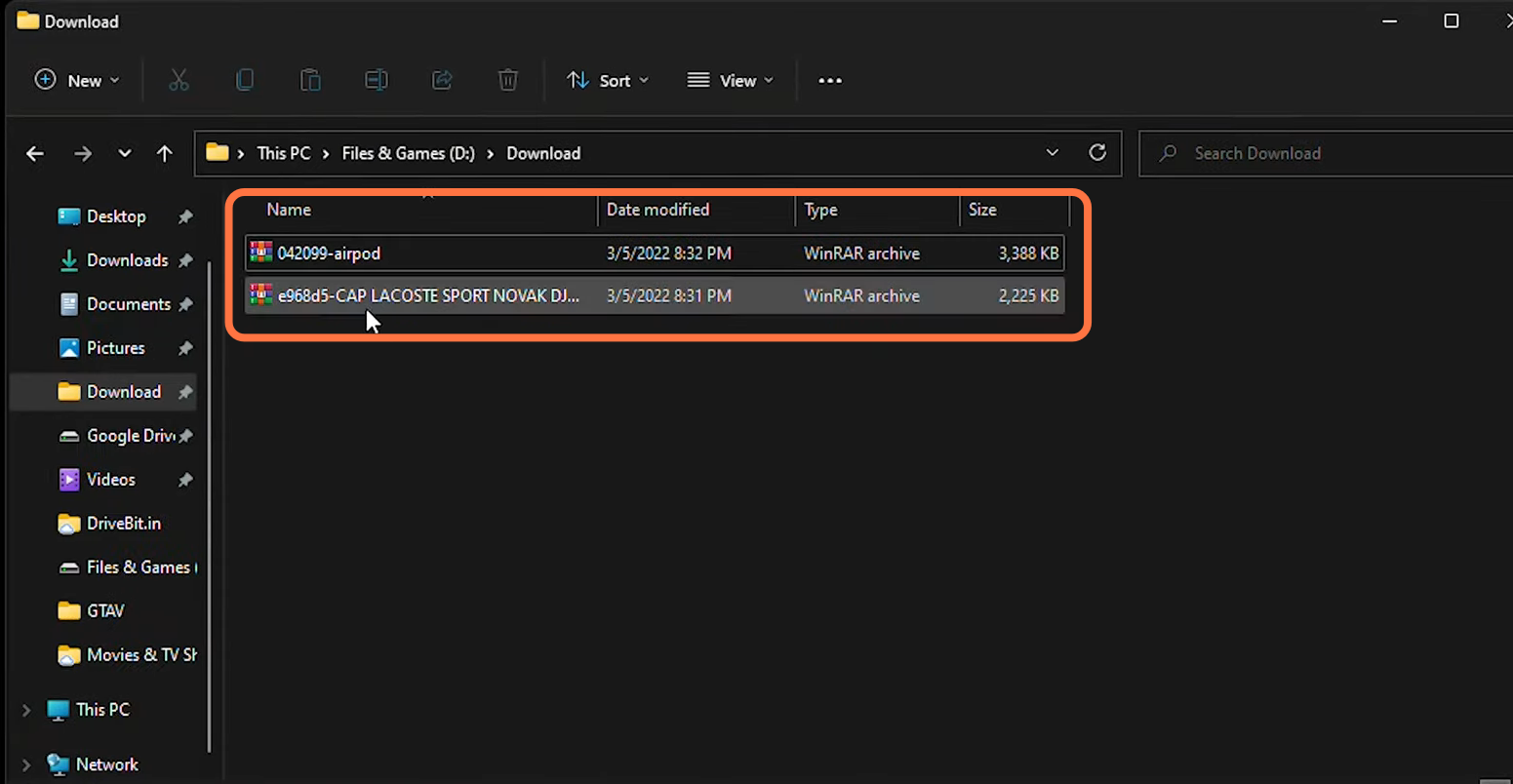
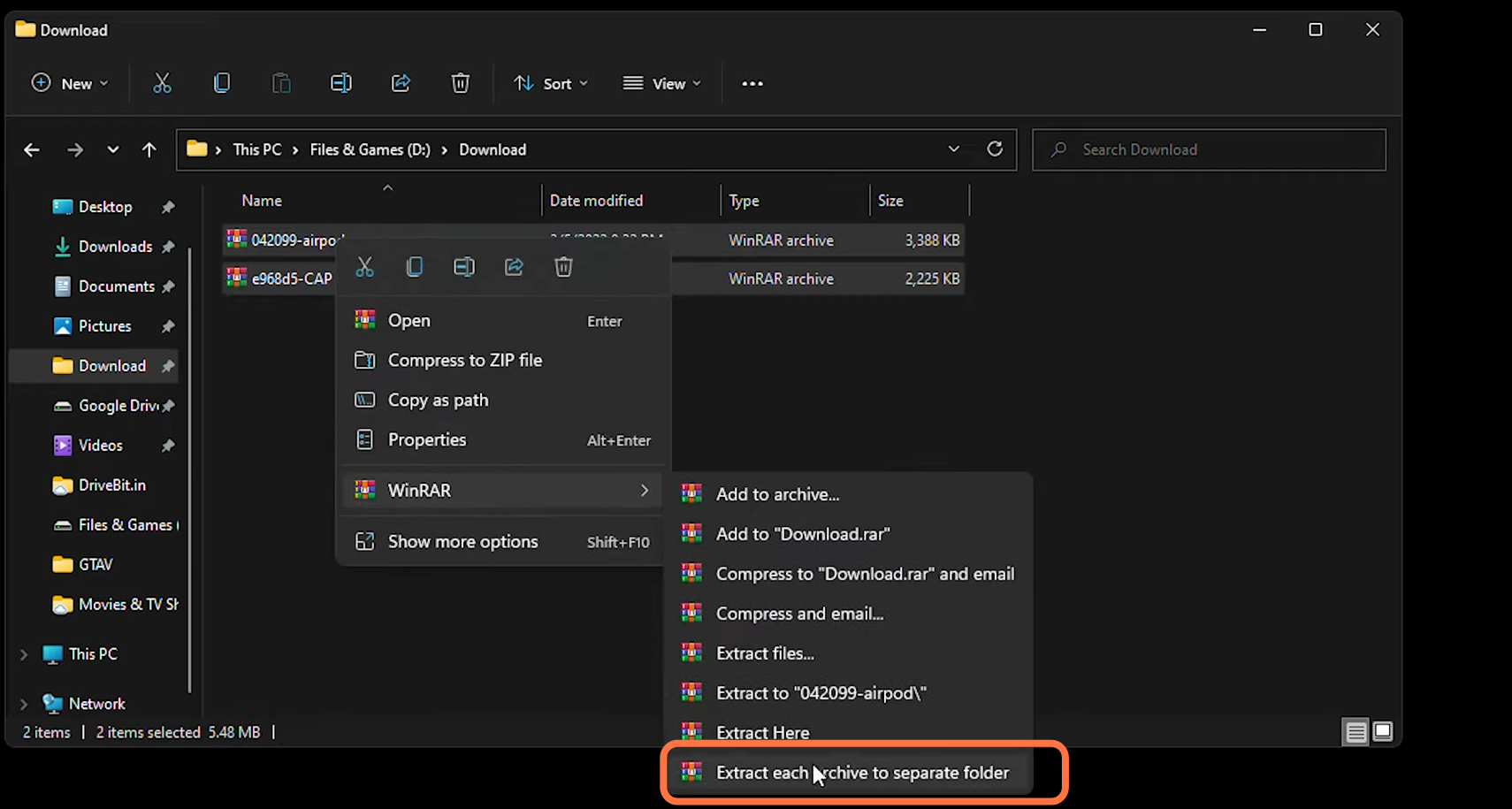
- Now Extract both the downloaded files.
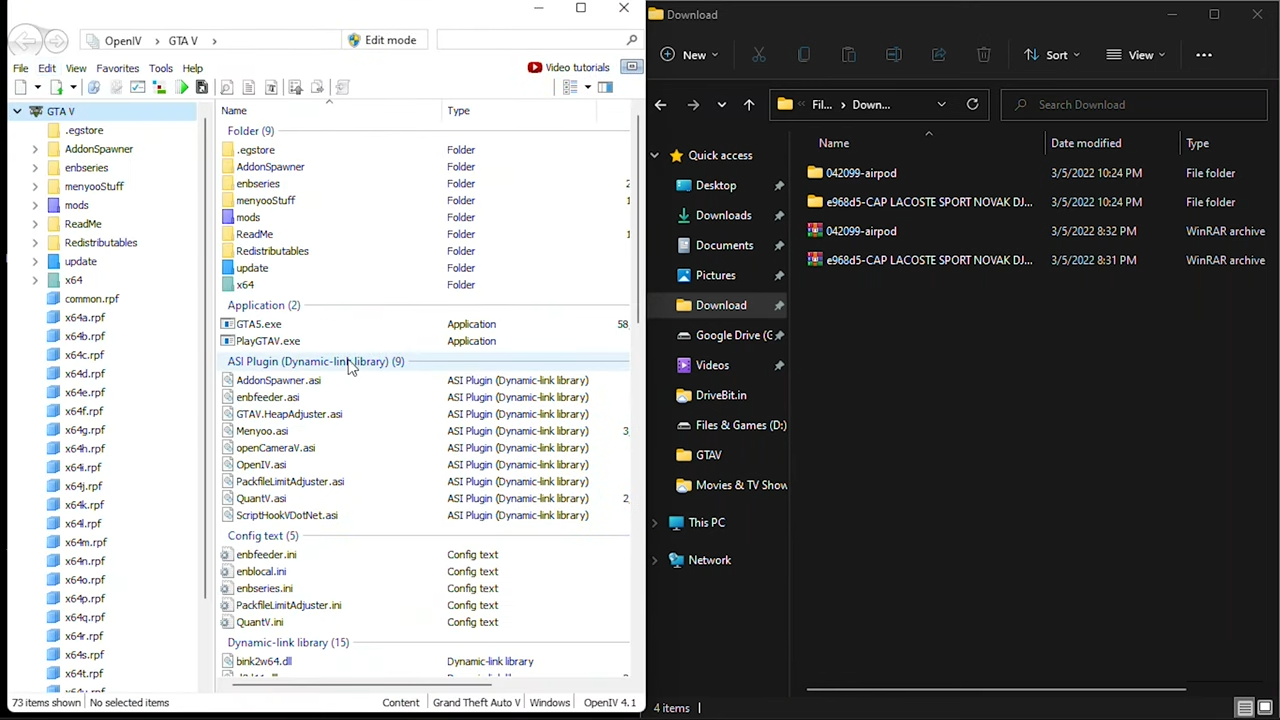
- Then you need to open "Open IV" and downloaded files directory windows side by side for your ease.
- Enable the 'edit Mode' in Open IV and go into Mods > Update > x64 > dlcpacks > EMFsingleplayer > dlc.rpf > x64 > Streamedpedprops.rpf > Player_one_p.
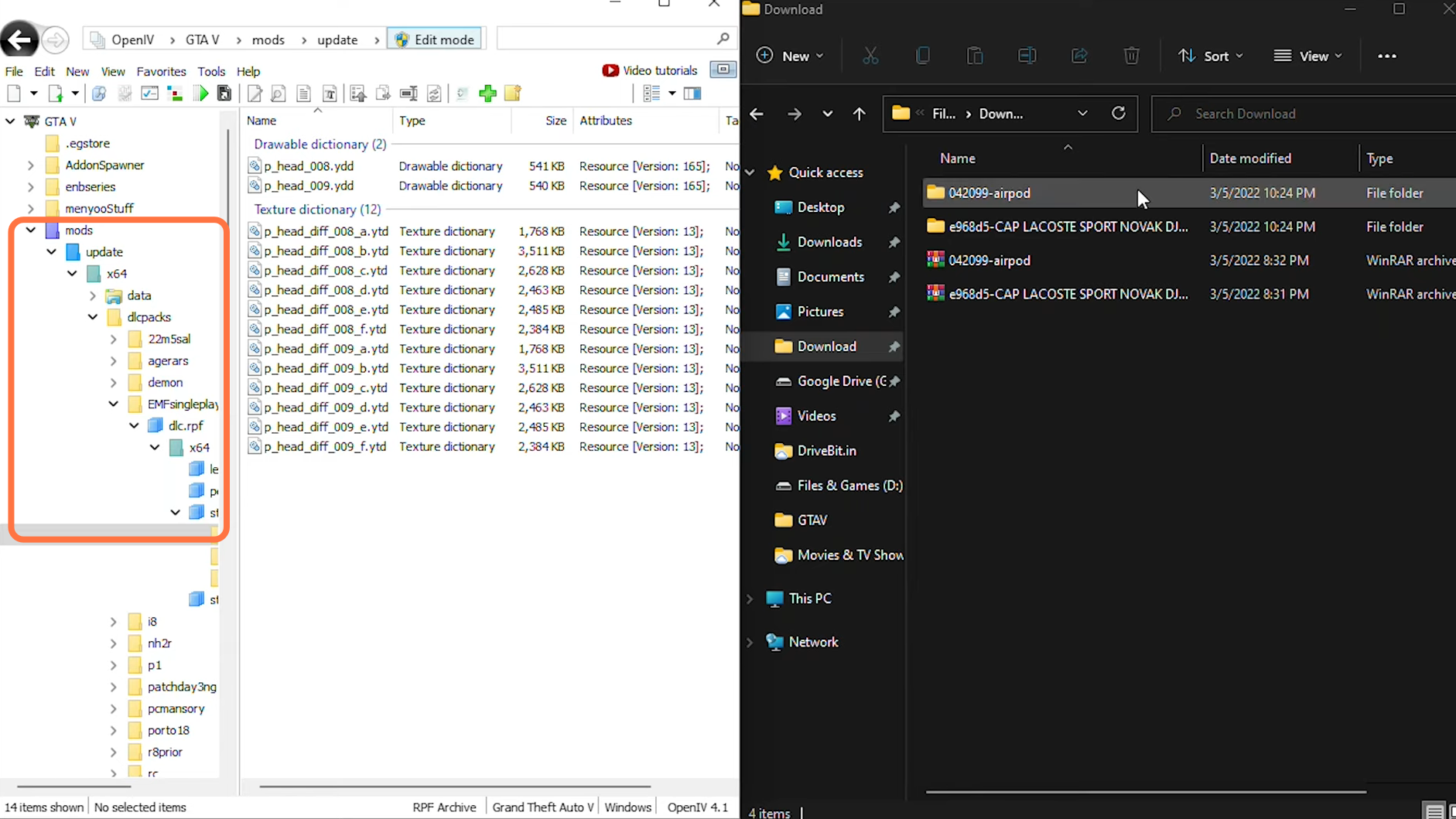
- After that, enter into the "042099-airpod" folder from downloads and select these two files. You need to drag them into the "Open IV" directory.
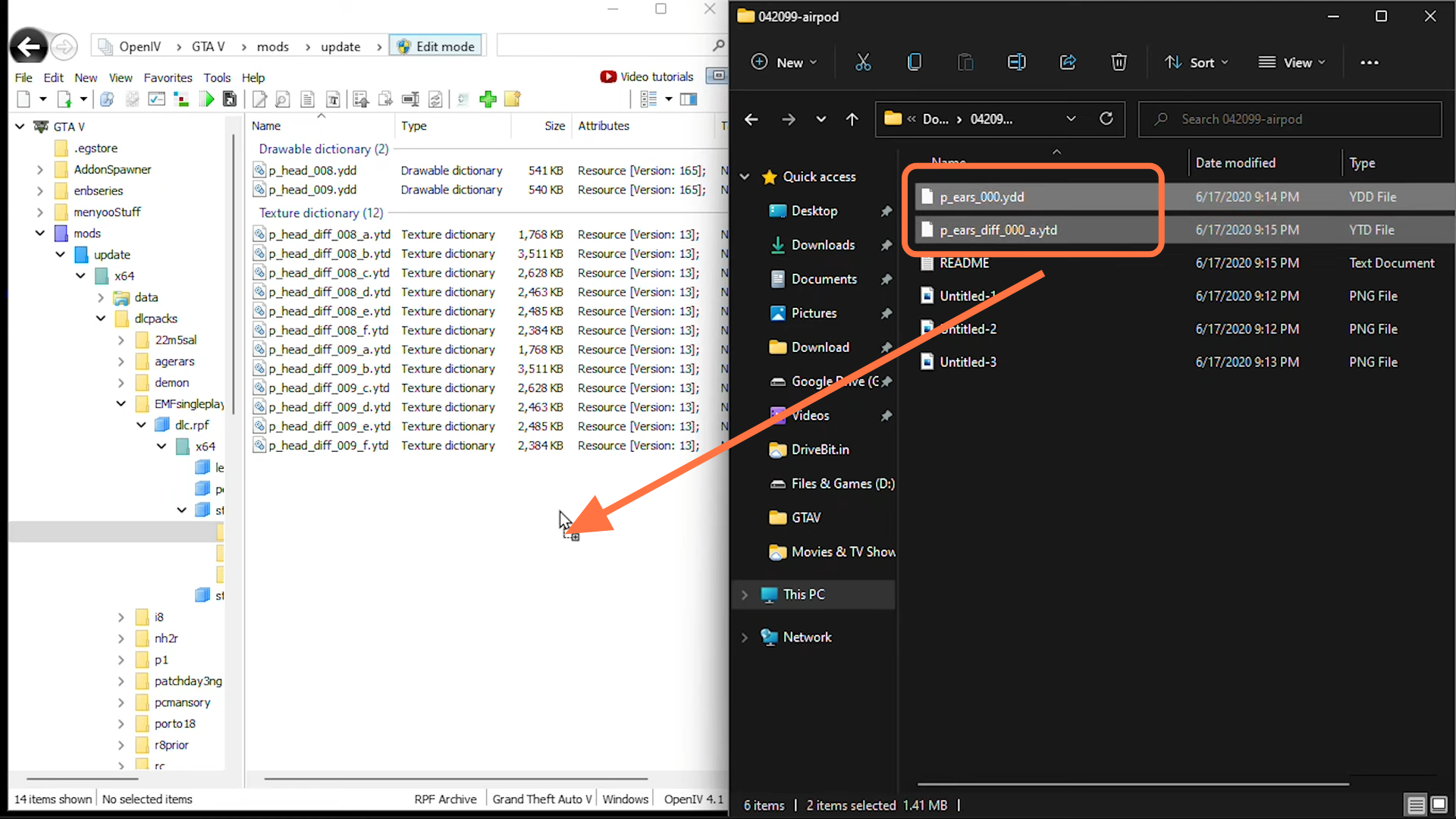
- Now enter into the second folder "e968d5-CAP LACOSTE SPORT NOVAK DJ", open "CAP LACOSTE SPORT NOVAK DJOKOVIC" > "Files" and select both files. After that, drag them into "Open IV" opened directory.
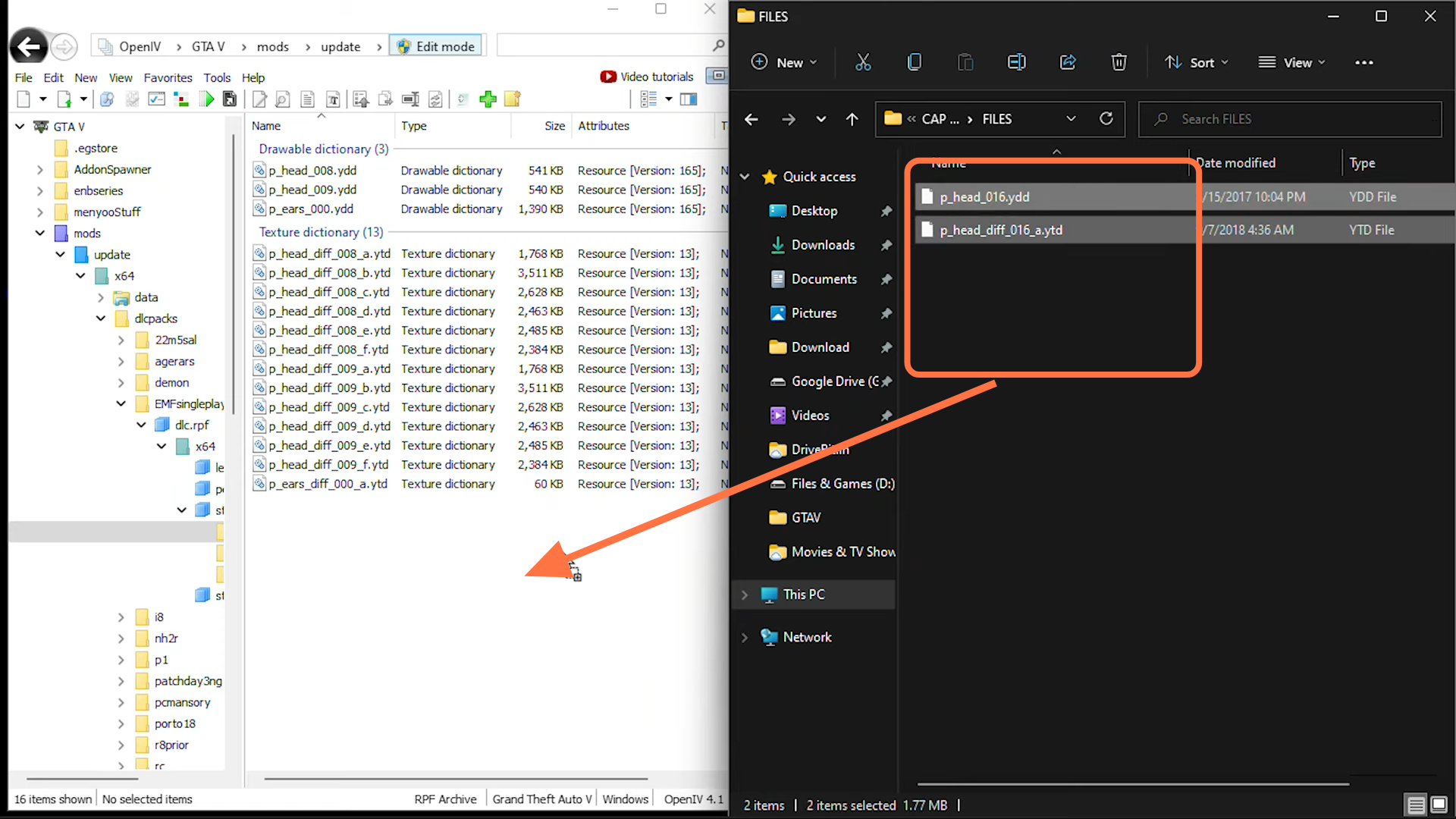
- Both the Mods are successfully installed in GTA V. Open the game and press F8 to go into Menu options, then choose Player options and add the cap & AirPods for your player.