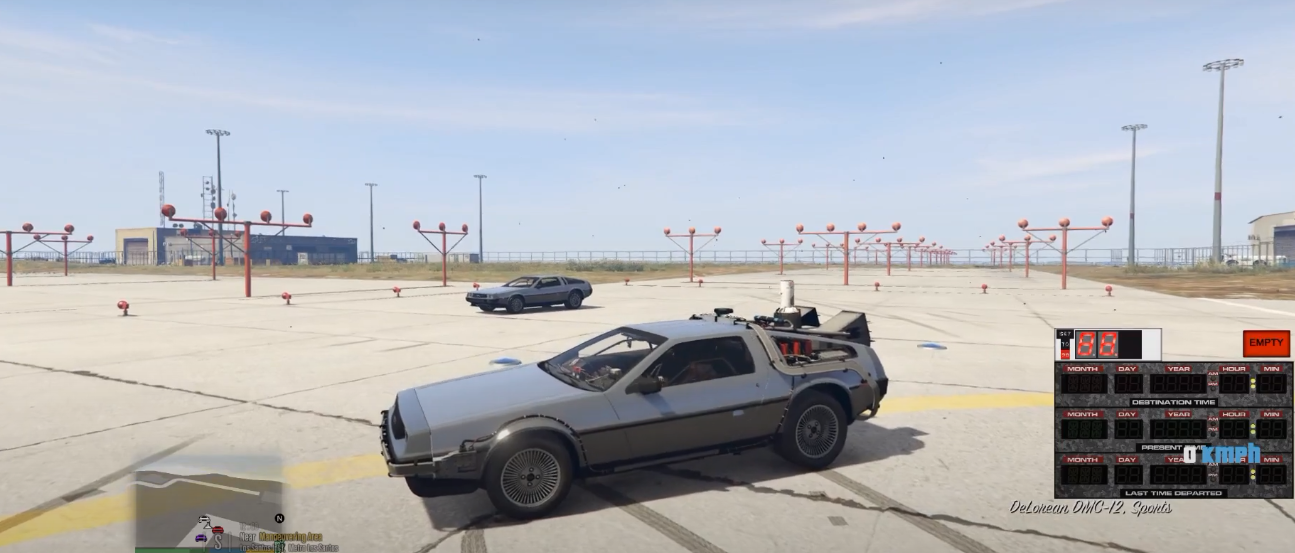
How To Install New Back To The Future V Mod In GTA 5 ?
NEW Back To The Future V (2020) is a modification for GTA 5 game. It allows you to time travel using the time machine. This mod also brings new 3D sounds, animated interiors and exteriors into the game.
- Before the installation of these mods, you need to install these programs.
- ScriptHookVDotNet
- ScriptHookV
- OpenIV
- Gameconfig
- NativeUI
- After that, open the link below and Back to the Future Download.
https://www.gta5-mods.com/scripts/back-to-the-future-v
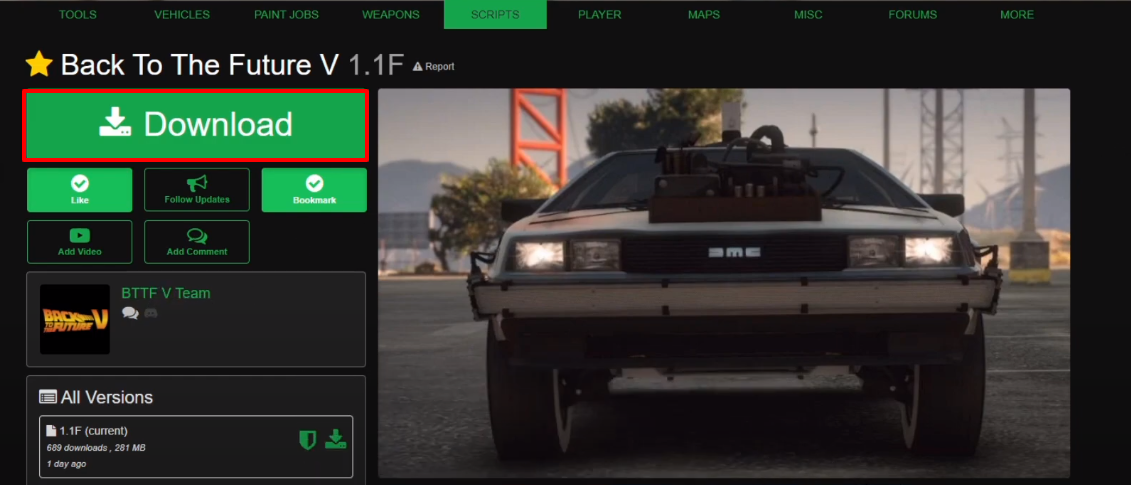
- And then, open the BTTFV downloaded folder.
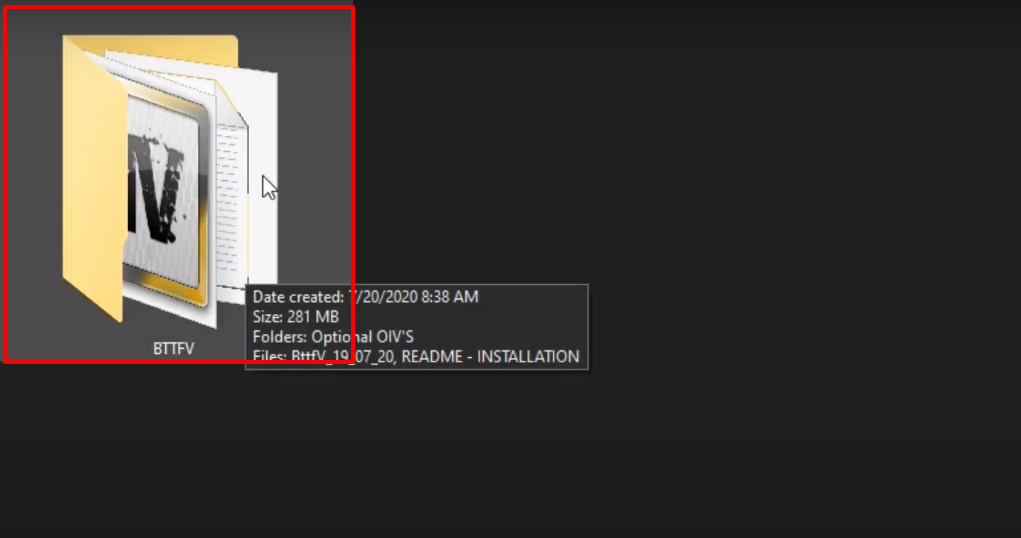
- Open the BttfV_19_07_20 file.
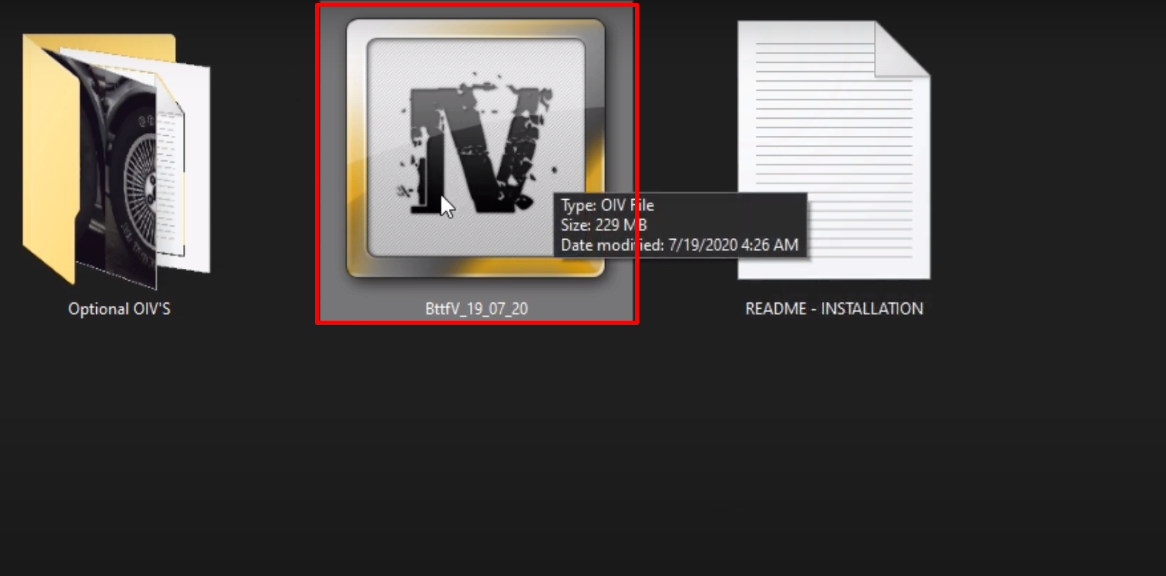
- Click on Install.
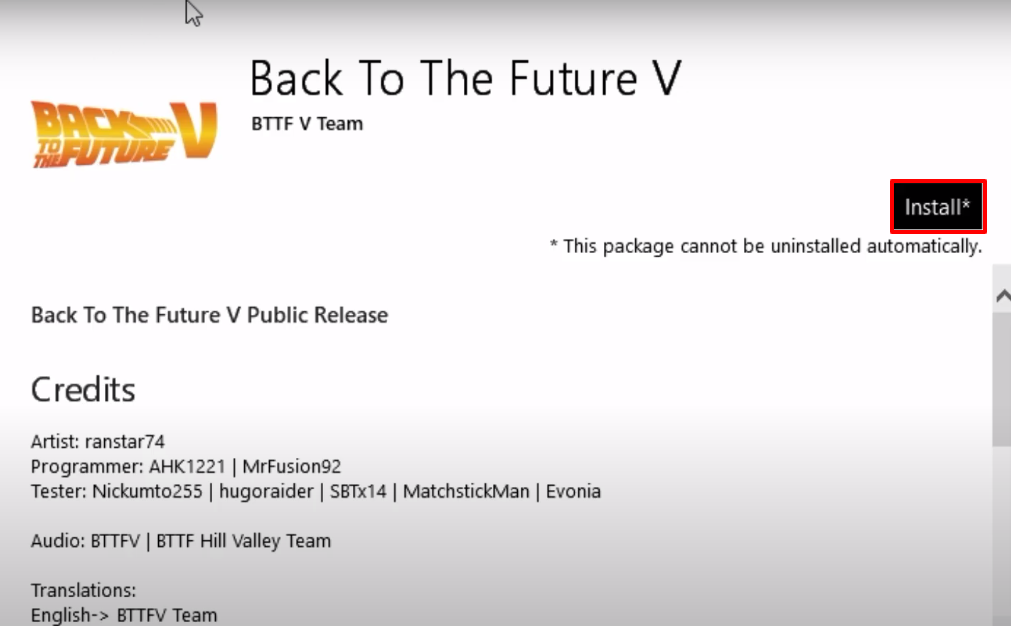
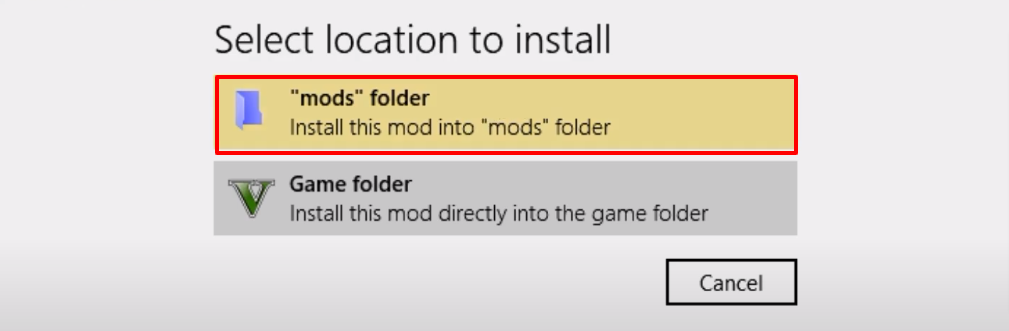
- After that, click on the (“mods” folder).
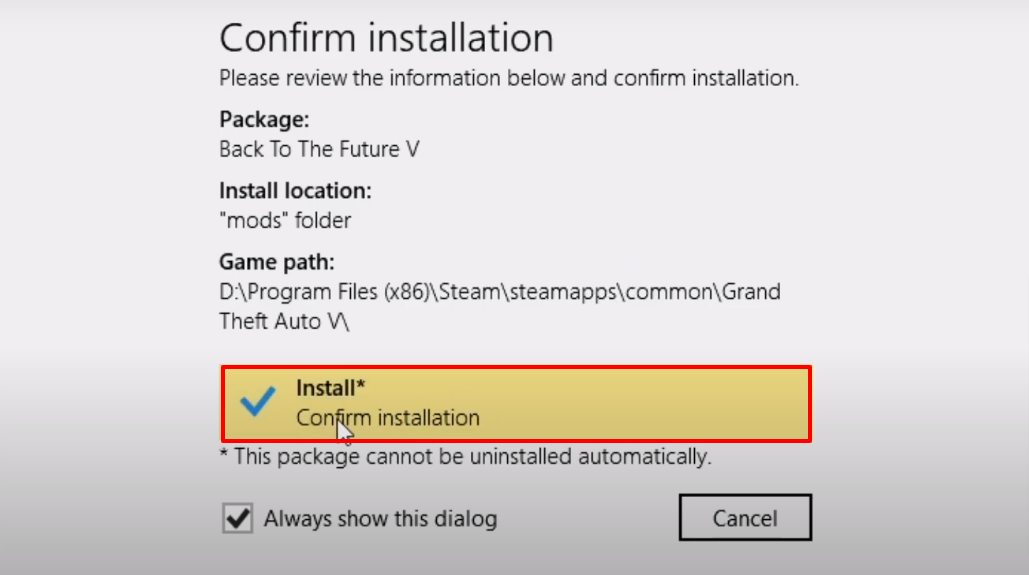
- First make sure to create the mods folder in the Grand Theft Auto V directory (if it's not these) and then click on Confirm installation to install.
- Launch the game, press Ctrl+F8 to open the Back to Future Menu. Explore and enjoy the game.