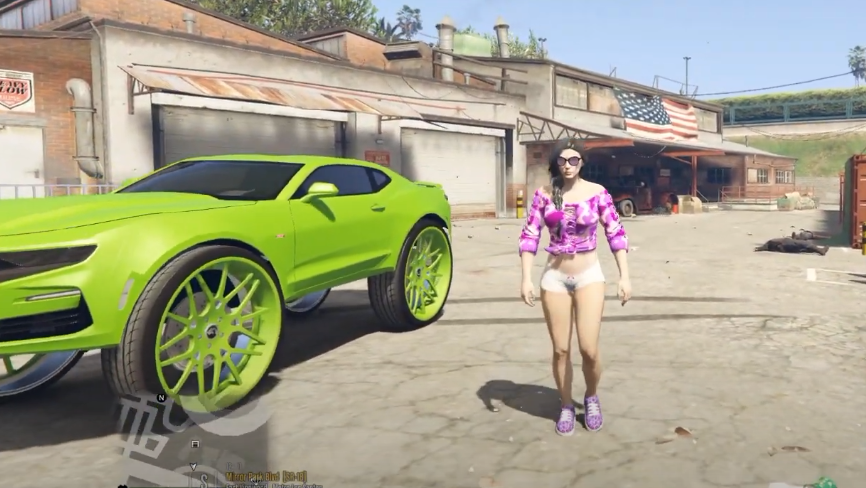
How To Install Mp Female To Franklin Mod In GTA 5
The MP Female to Franklin (2020) brings new clothes, hairstyles, bags and many new textures into your game. This mod also adds some accessories and backpacks.
- Open the link below and download the mod file but before this make sure that [EMFsp] Easy Mod Folder for SP Player Mods 1.2, Menyoo and OpenIV are installed in the system.
https://www.gta5-mods.com/player/mp-female-to-franklin-2018.
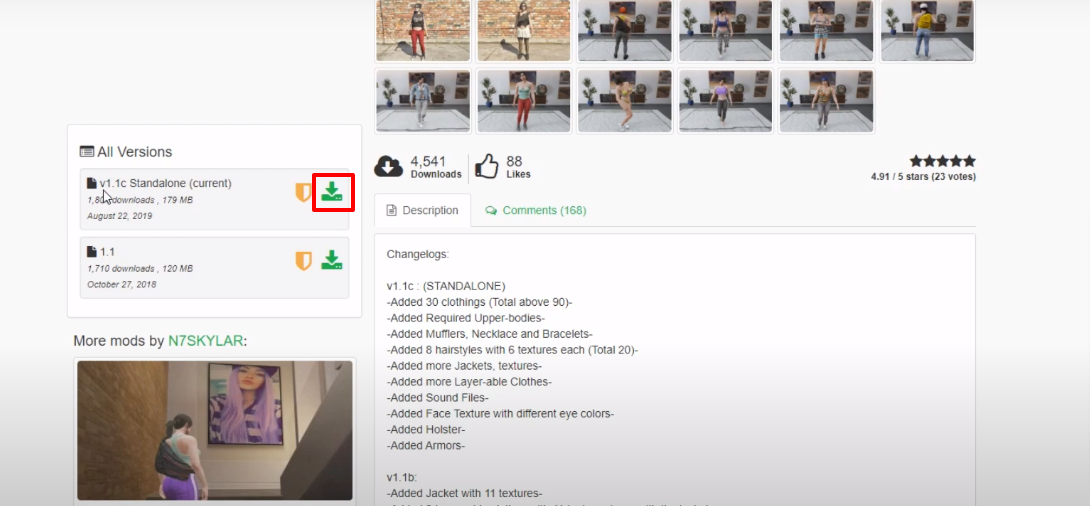
- Open the downloaded folder.

- After that open the OpenIV, follow the path and then open the streamedpeds_players.rpf folder.
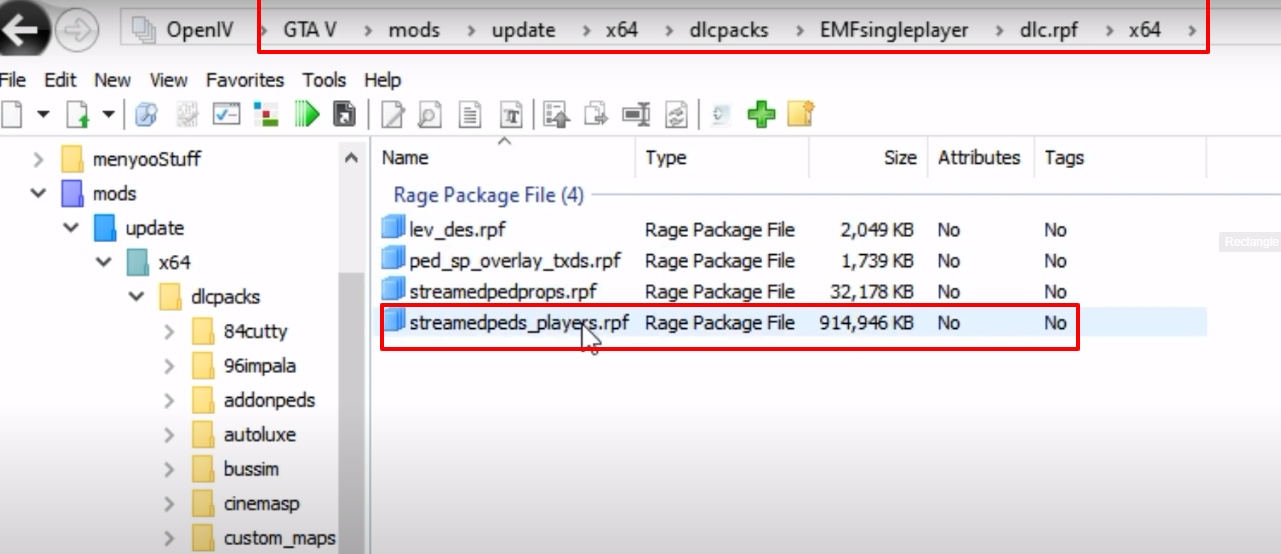
- After that, open the player_one folder.
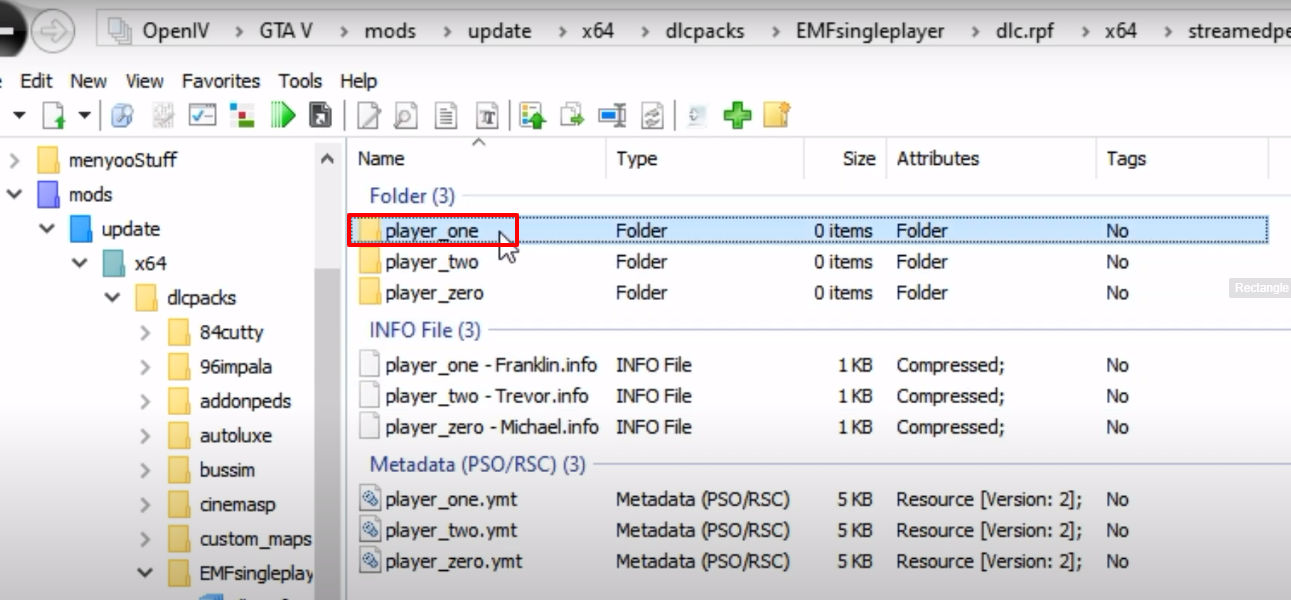
- And then open the player_one folder from the downloaded mod file.
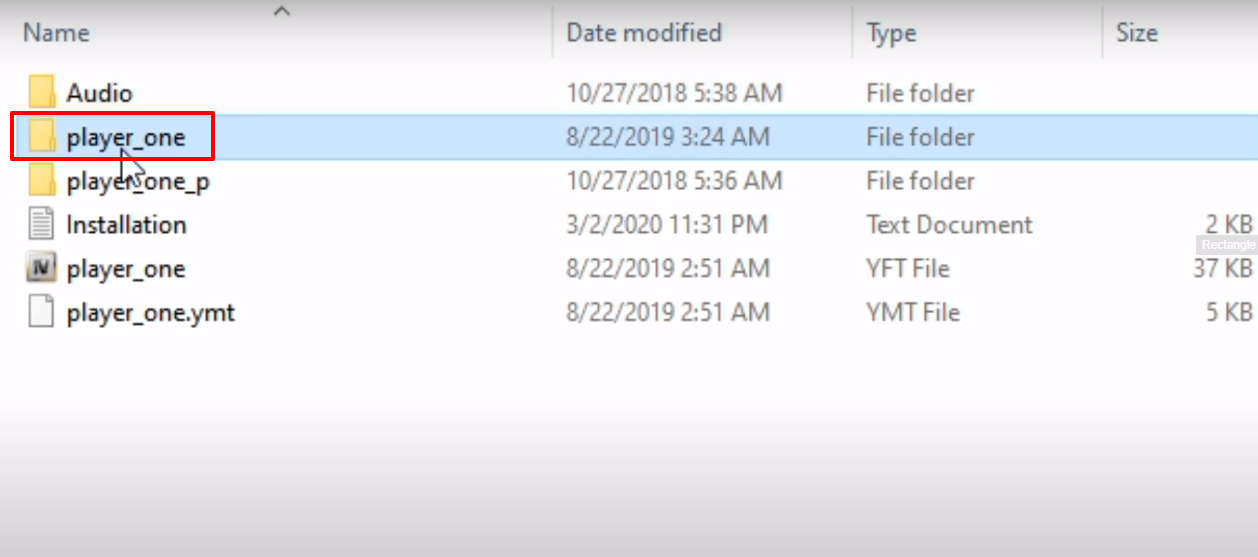
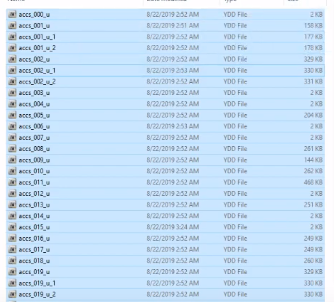
- Copy all the files and paste them into the player_one in OpenIV.
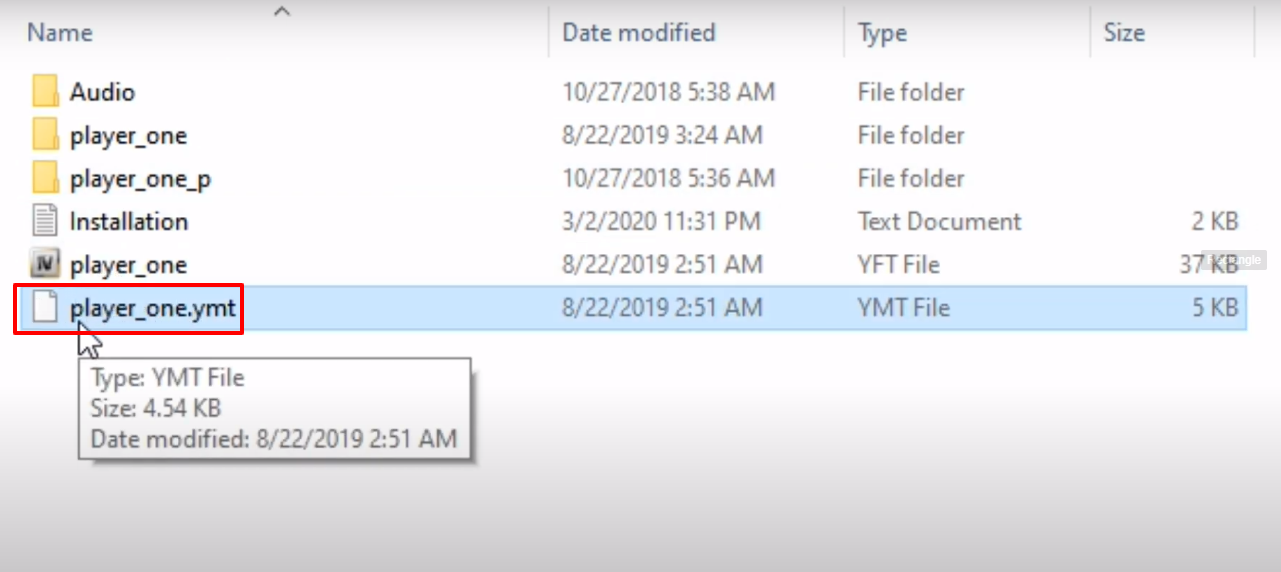
- After that, copy the player_one.ymt file.
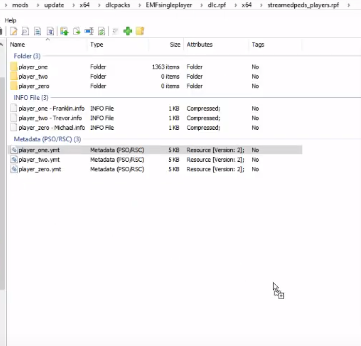
- Move one step back in OpenIV directory and paste the copied file in that location.
- After that copy the player_one file from the downloaded folder and paste it in same location as above step.
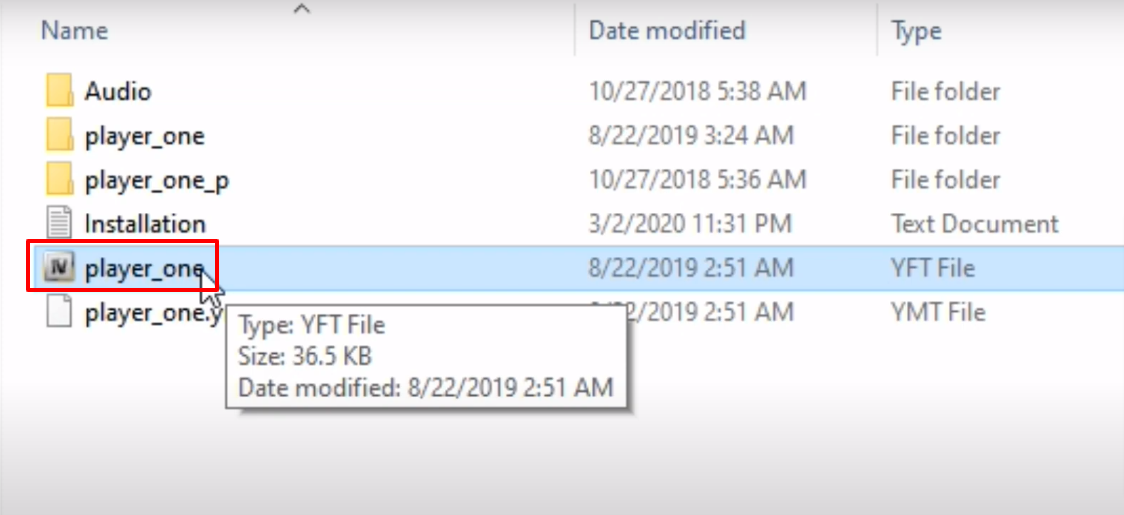
- And then follow the path and then open the streamedpedprops.rpf folder.
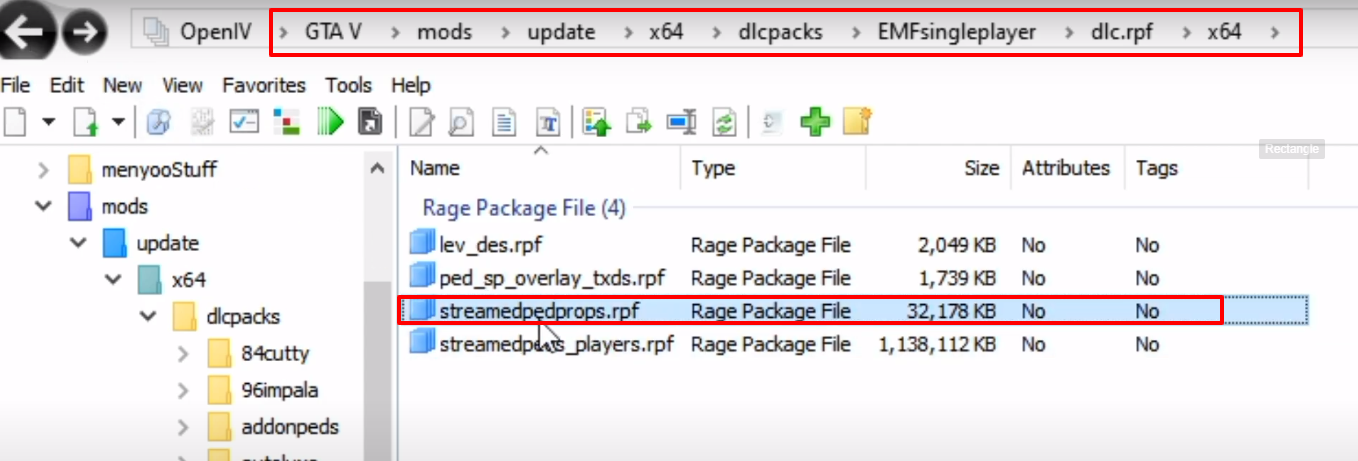
- Then open the player_one_p folder.

- Meanwhile, open the same folder in the download folder.
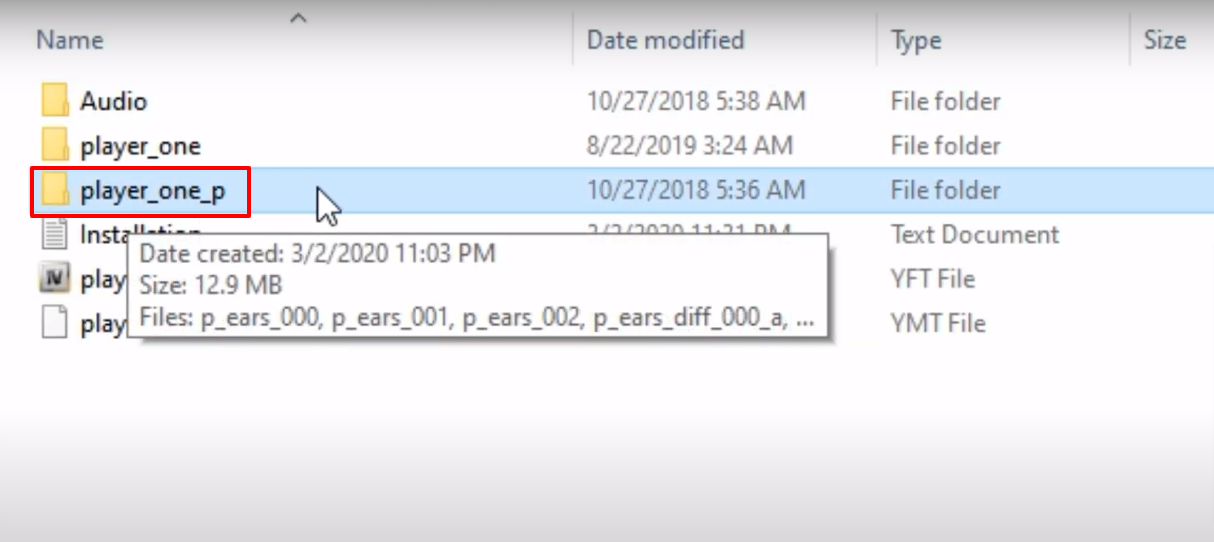
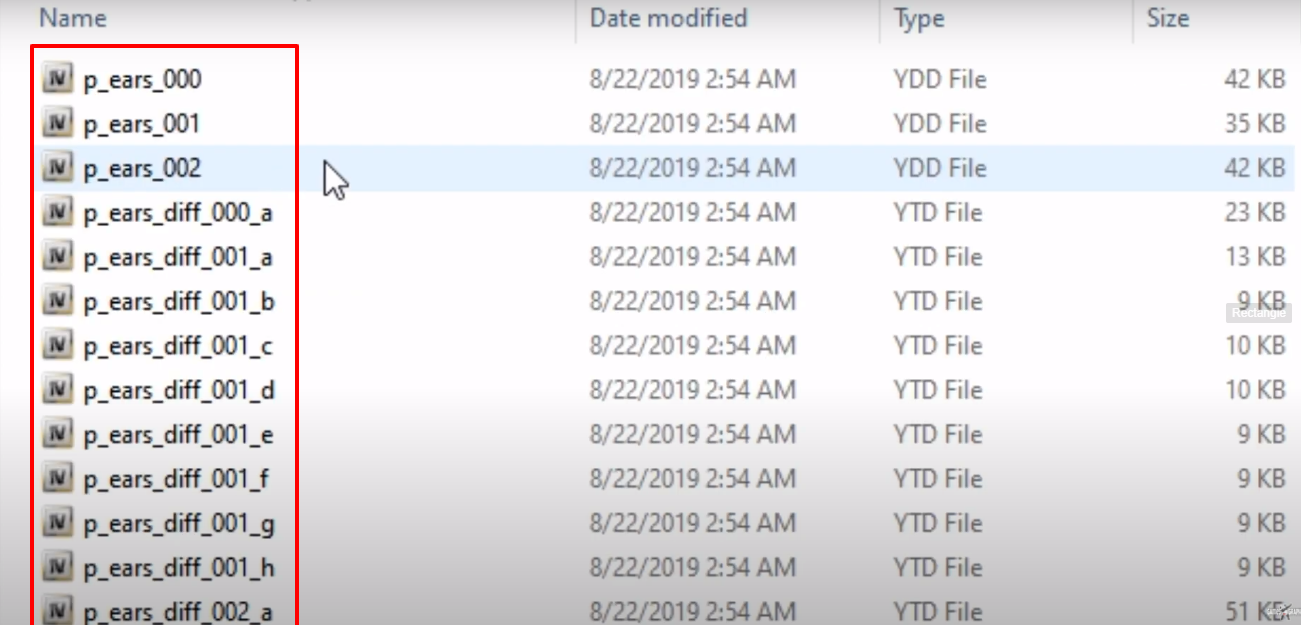
- Copy all the files and paste them into player_one_p (OpenIV).
- After that follow the path and then click on Show in “mods” folder.
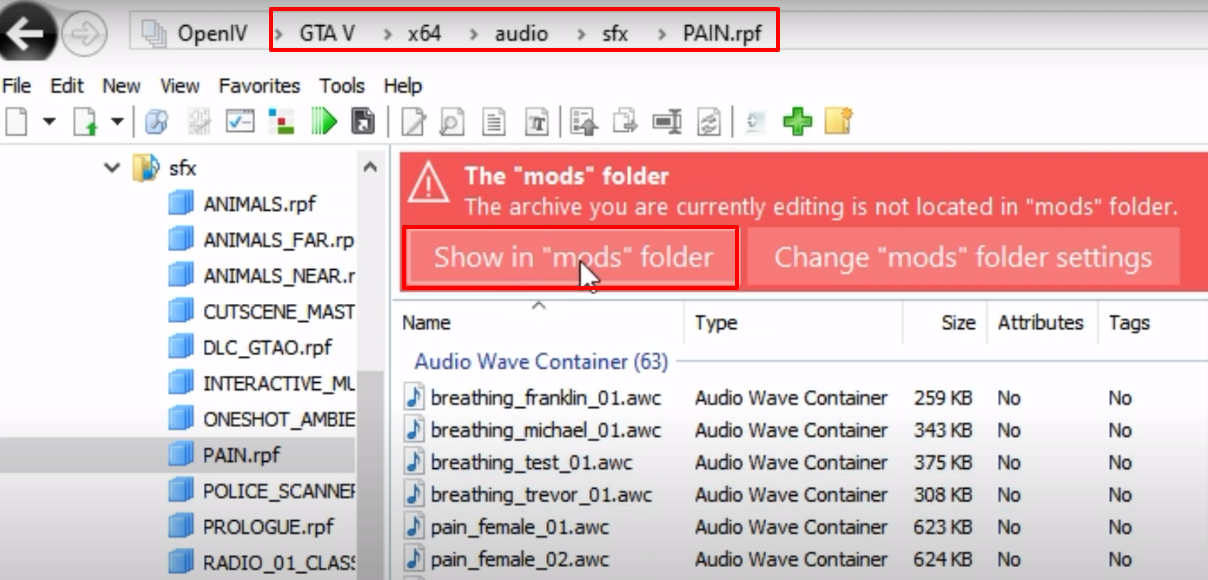
- Open the Audio folder from the download folder.
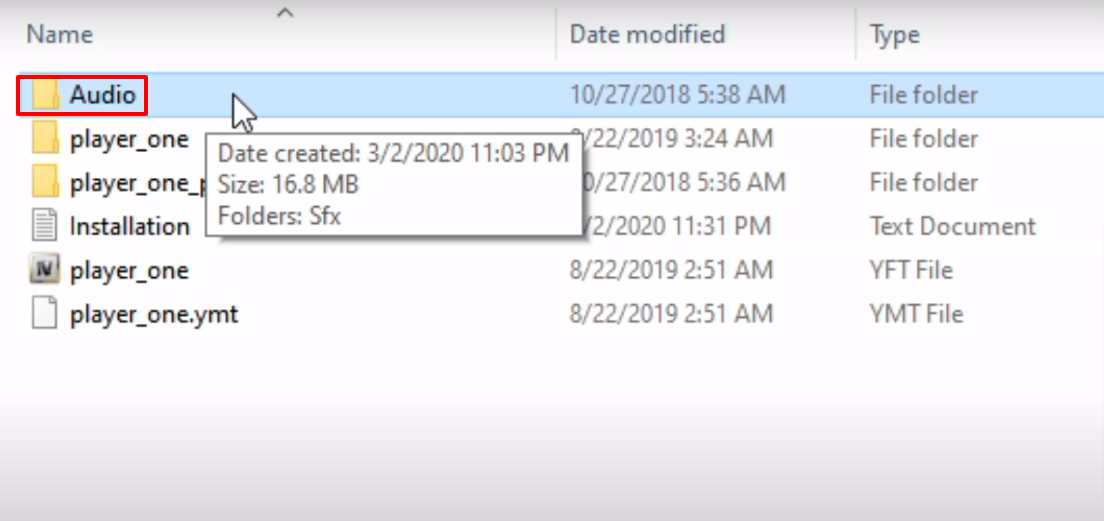
- Open the Sfx folder.
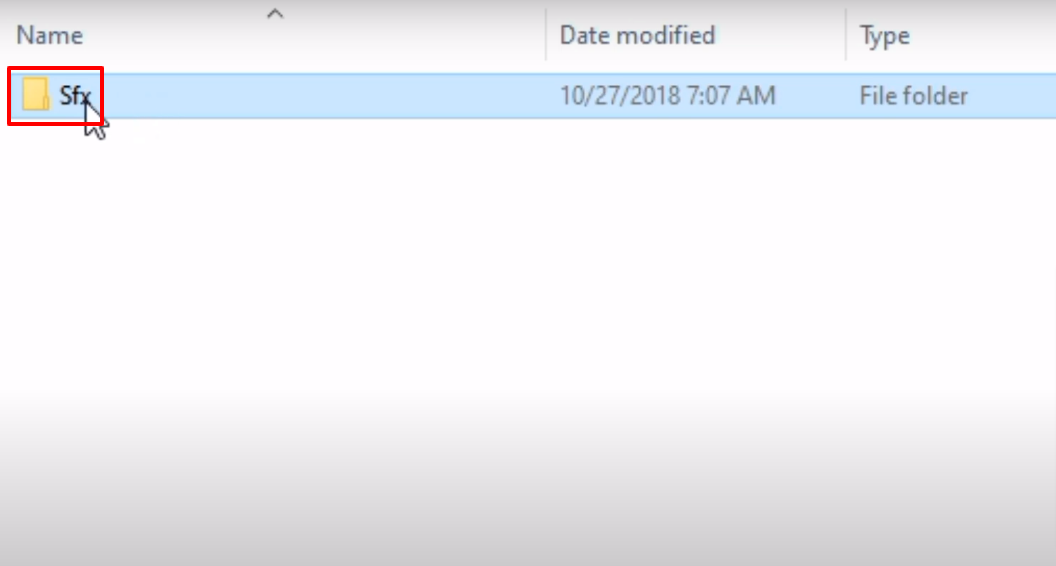
- Open the PAIN.rpf folder.
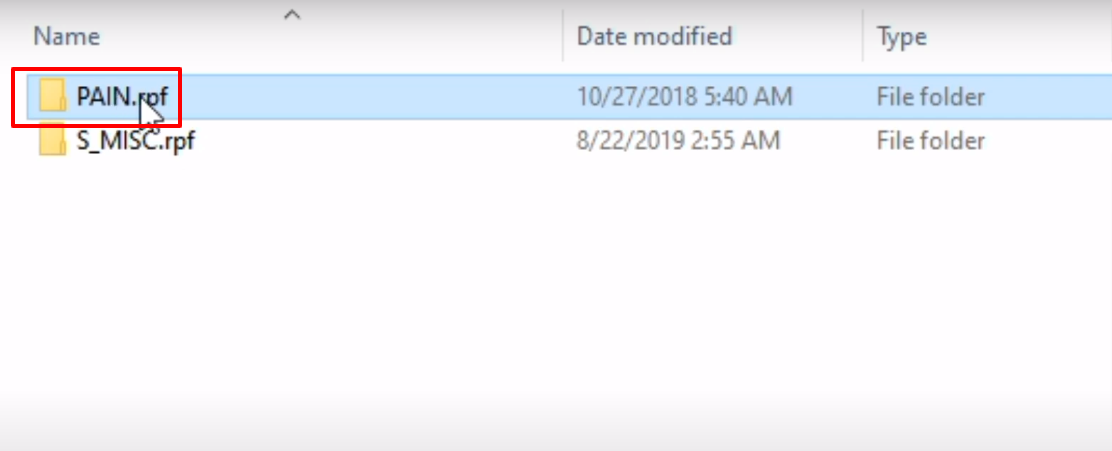
- Copy the breathing_franklin_01 file and paste it into the PAIN.rpf (OpenIV).
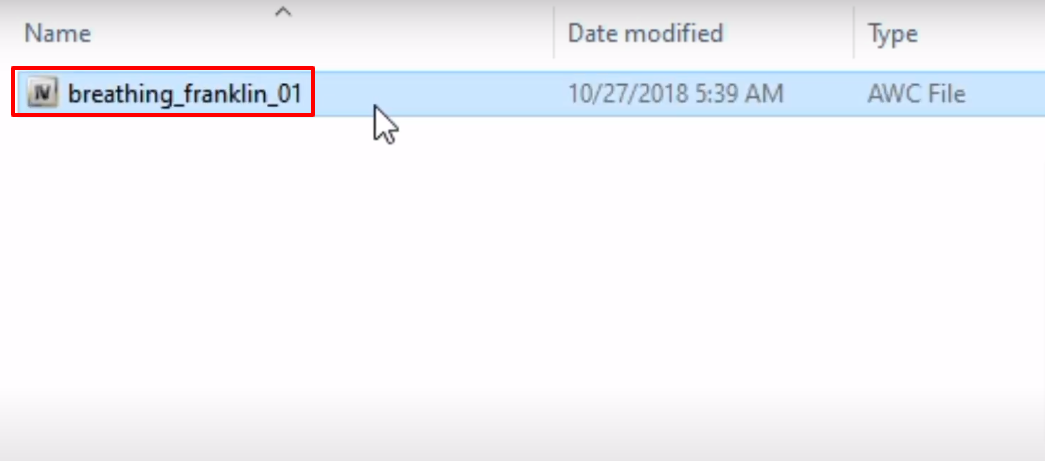
- After that, follow the path and click on Show in “mods” folder.
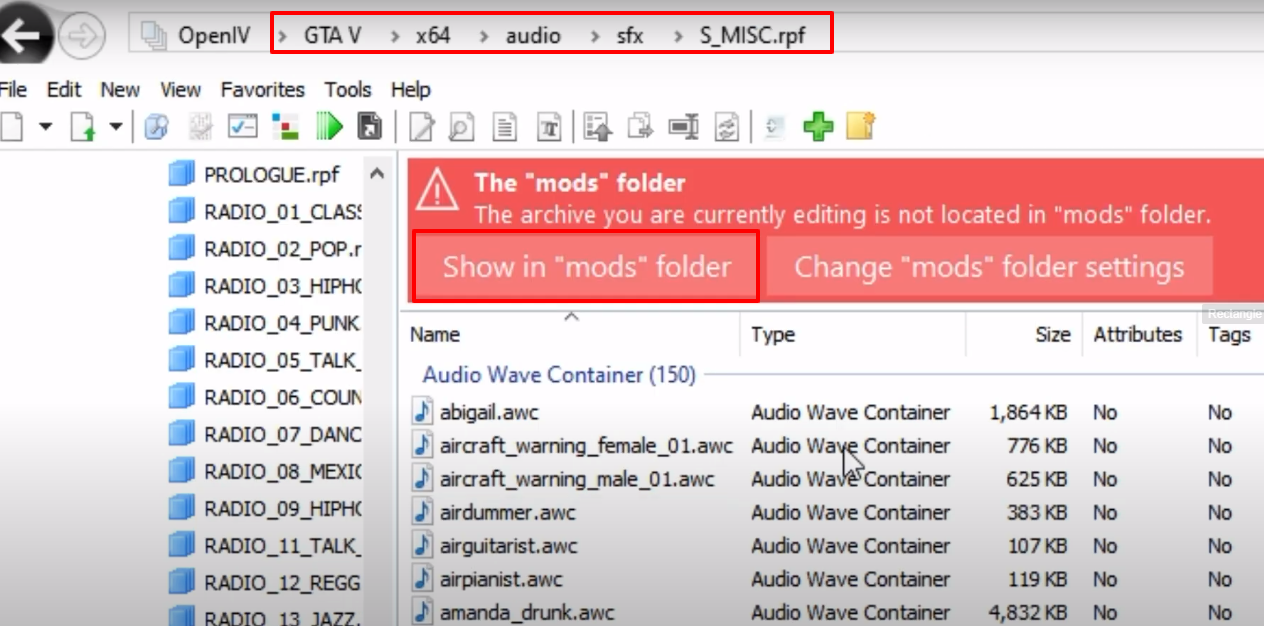
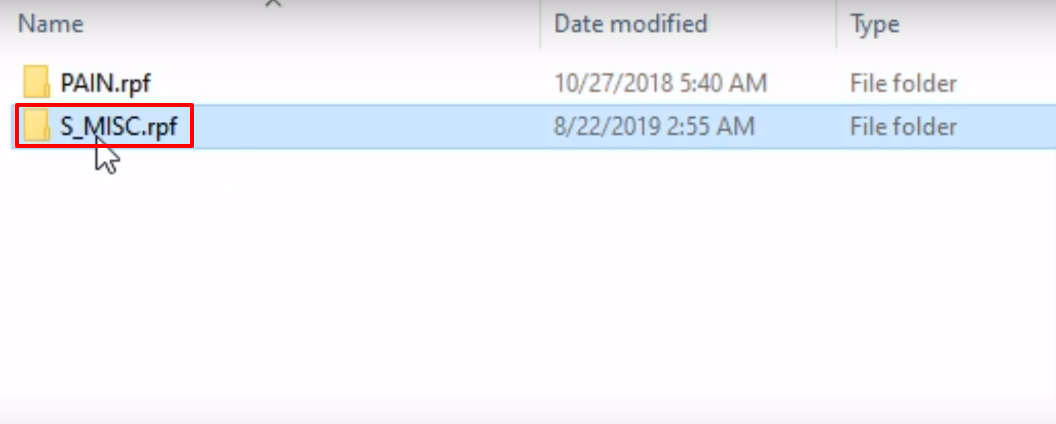
- Open the S_MISC.rpf folder from the downloaded folder.
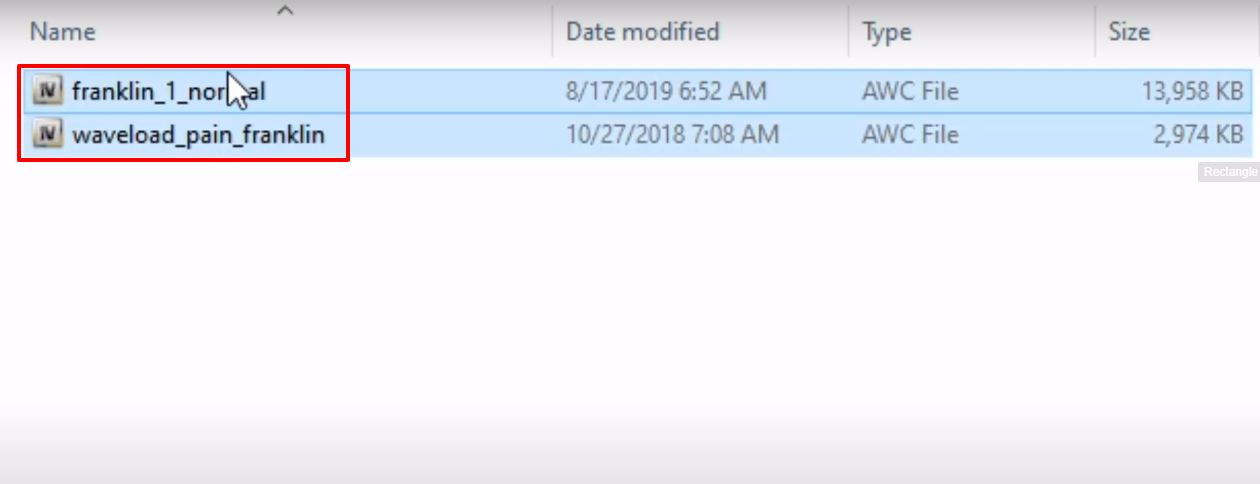
- Copy the files from this folder and paste them into the MISC.rpf (OpenIV).
- Now launch the game, customize the character by using menyoo, explore and enjoy the game.