How To Install Mosley's Auto Shop (MLO) [SP/FiveM] Mod In GTA 5
Mosley's Auto Shop is a car repair or dealership shop just right across the giant mega mall in Davis. It has a showroom and a big garage. This auto shop also features a locker room, main office, utility room, work offices and more.
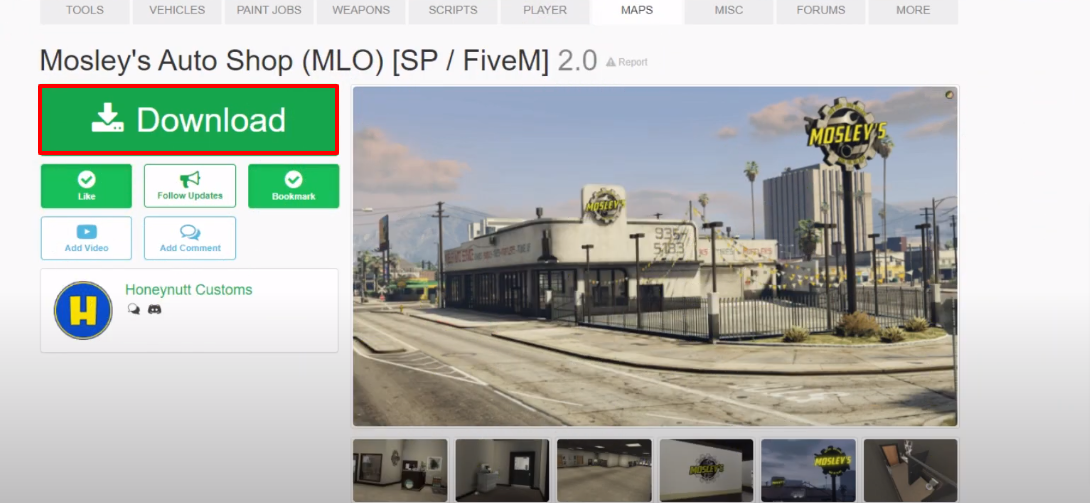
- The first thing you will have to do is to open the link below and then click on Download.
https://www.gta5-mods.com/maps/mosley-s-auto-shop-interior-sp-fivem
- After that, create a mods folder in Grand Theft Auto V directory, if there is not one.

- Copy the update folder from the Grand Theft Auto V directory and paste it in the mods folder.
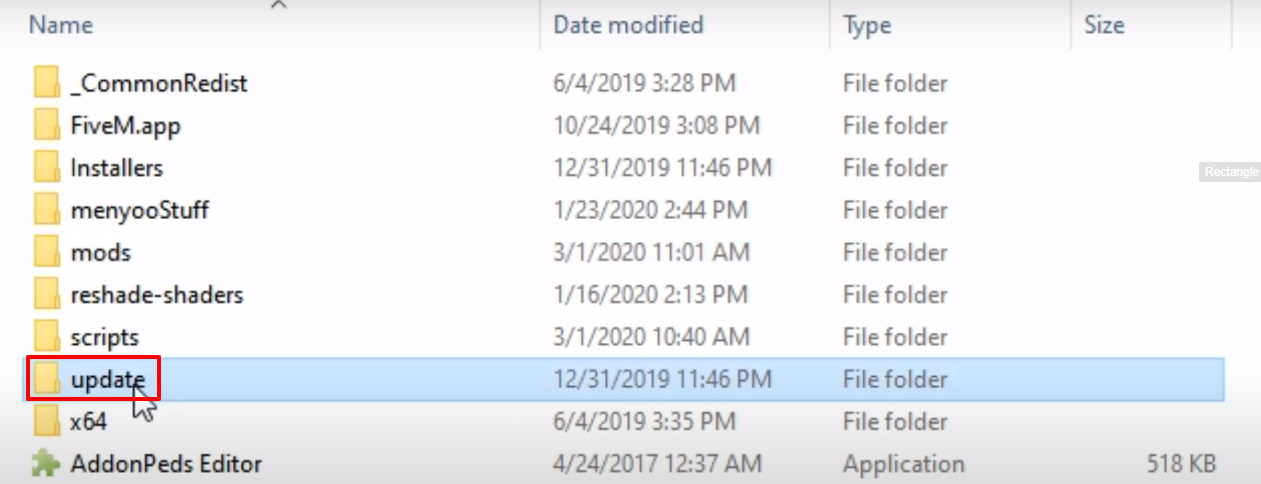
- After that, open the pasted update folder.

- And then open up the x64 folder.
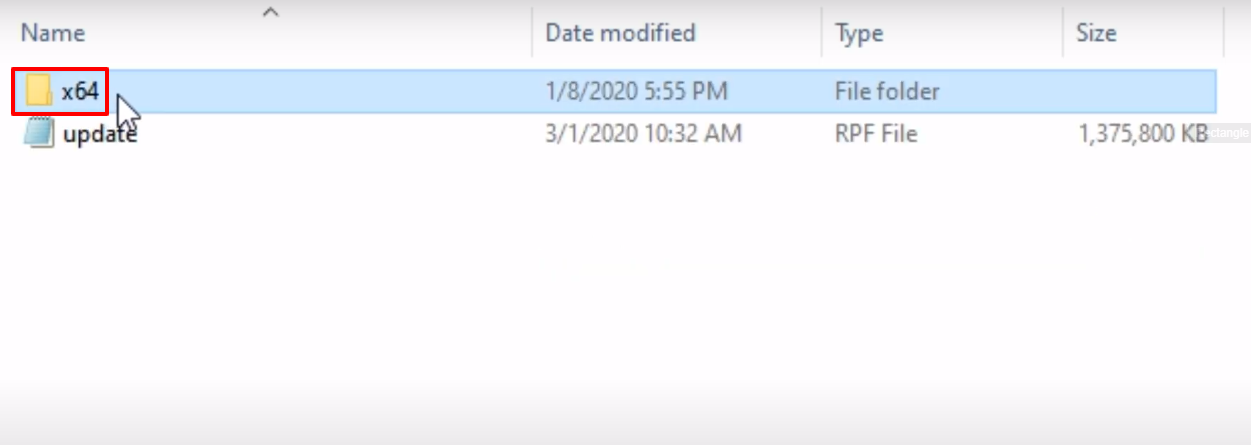
- Then you will need to open the dlcpacks folder.

- Open the downloaded Mosley's Auto Shop folder.
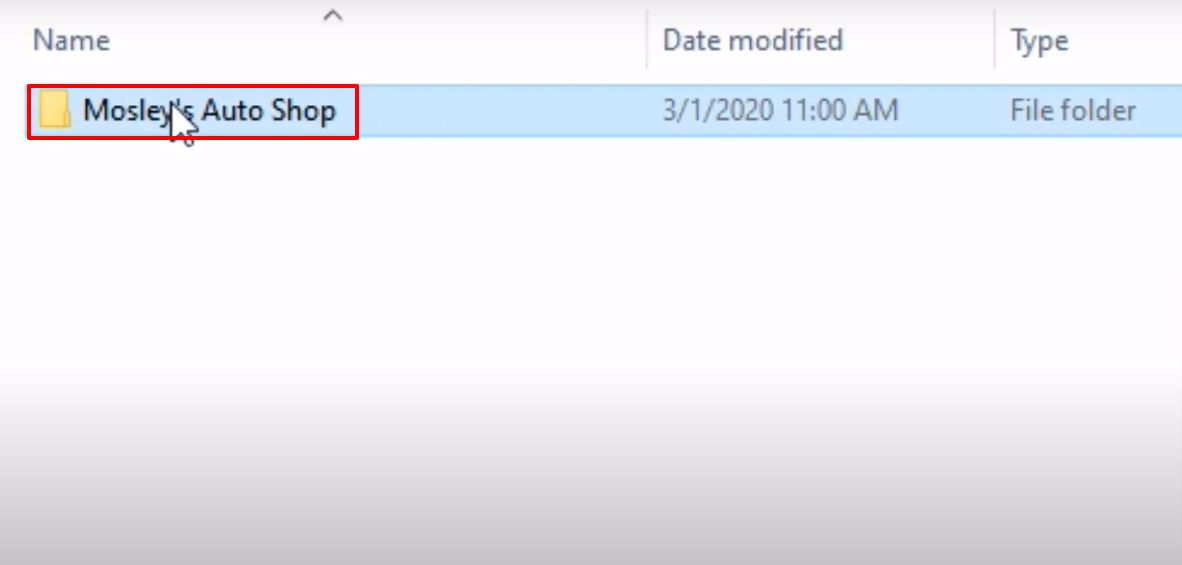
- After that, open the SP folder.
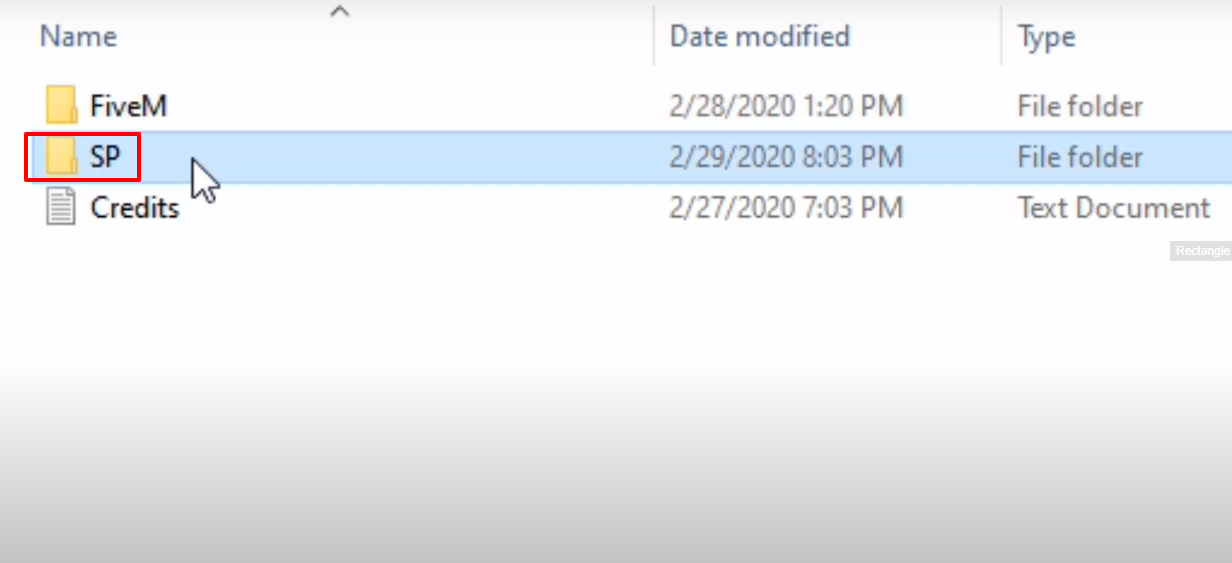
- Create a new folder with the name of mosleynutt.

- Paste the dlc to the mosleynutt created folder.

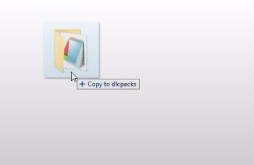
- After that, copy the mosleynutt folder and paste it in the dlcpacks folder (Grand Theft Auto V).
- After that, follow the paste, click on the update.rpf and then click on (Show in “mods” folder).
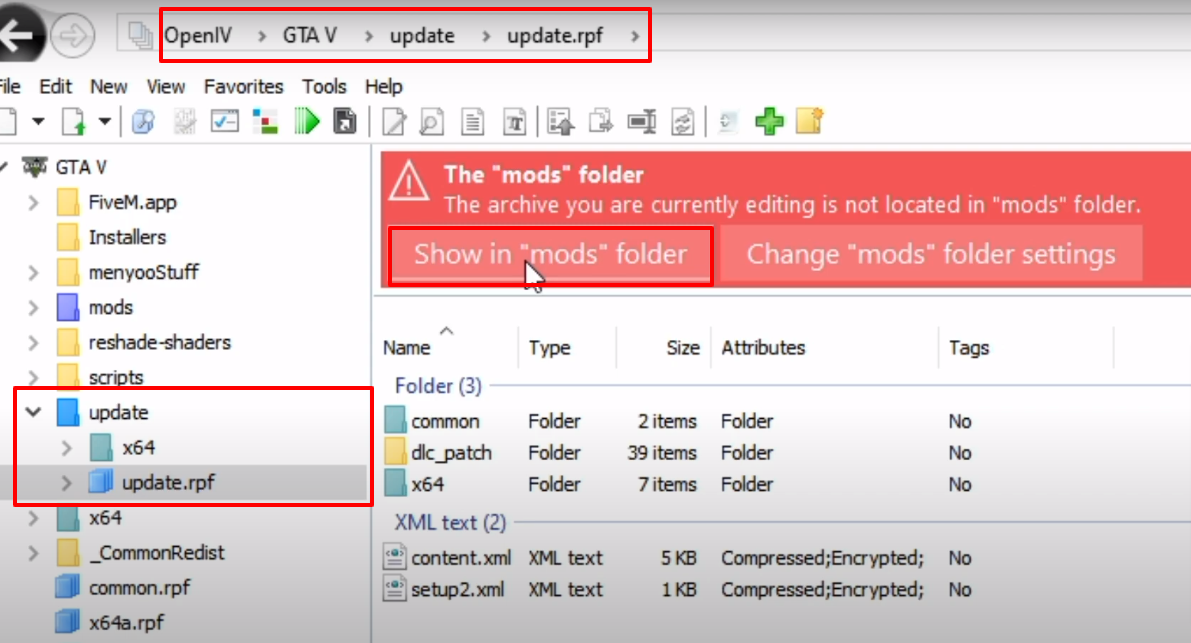
- Follow the path and then open the data folder.

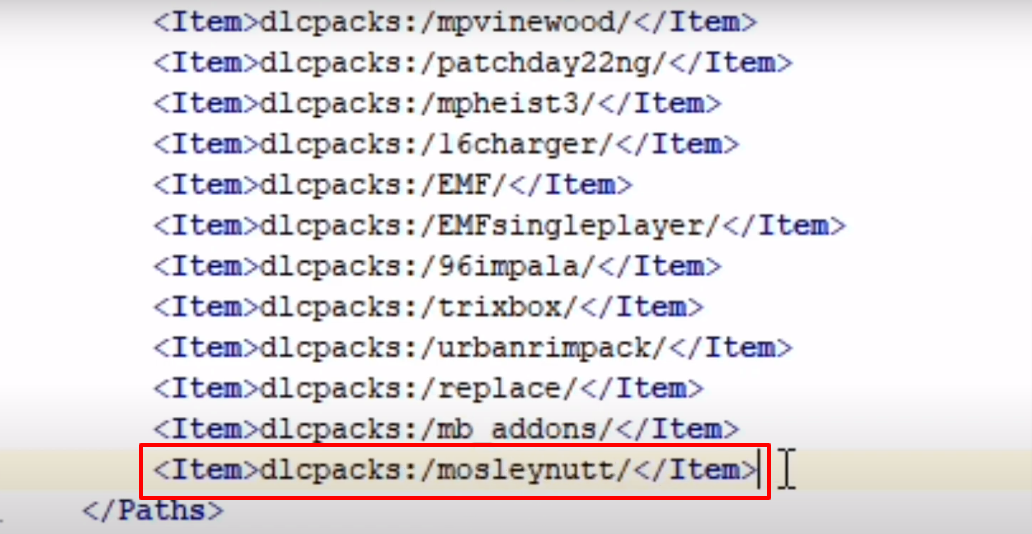
- Right click on the dlclist.xml file and then click on Edit.
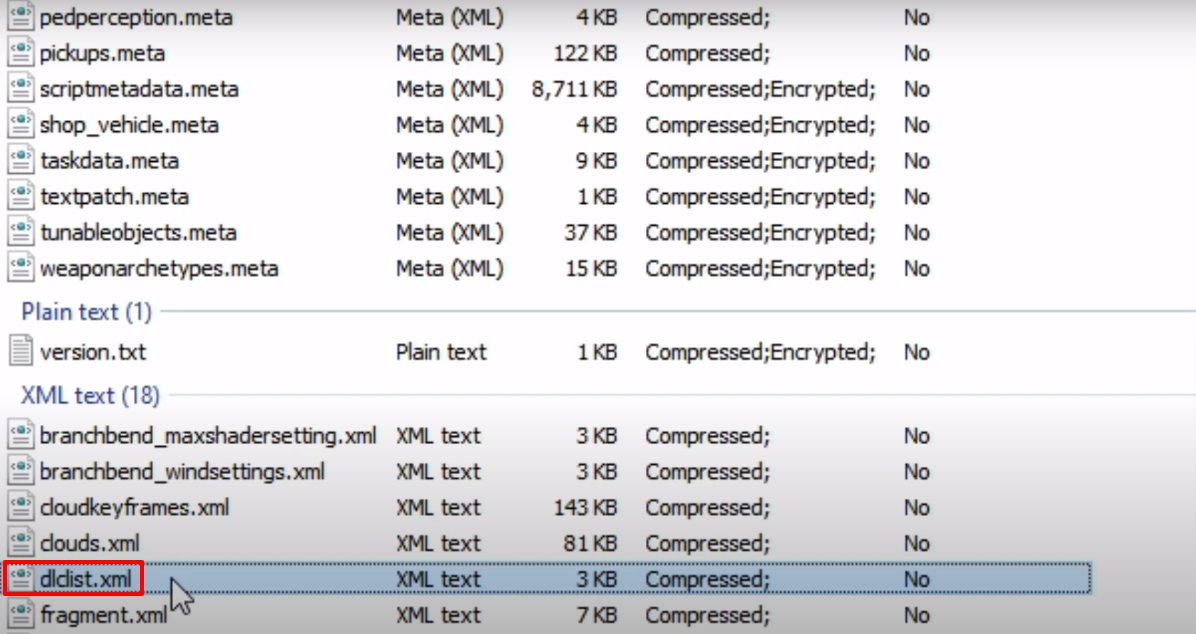
- Scroll to the bottom and copy the highlighted text.

- Paste the copied text just underneath the copied text, change the name to mosleynutt and then save the file.
- That’s it, launch the game, explore and enjoy.
