How To Install Map Builder (For SP and FiveM) Mod In GTA 5 ?
The Map Builder (For SP and FiveM) creates high quality maps using different texture options and blocks like windows, furniture, terrains and more.
- Open the link below and head over to the marked link.
https://www.gta5-mods.com/tools/map-builder

- Click on Map Builder Mod.
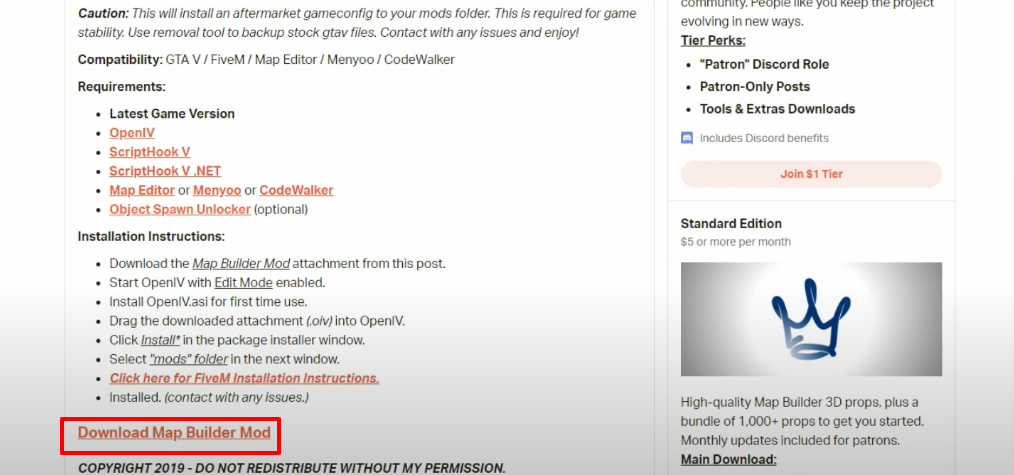
- Then you will have to click on Download.
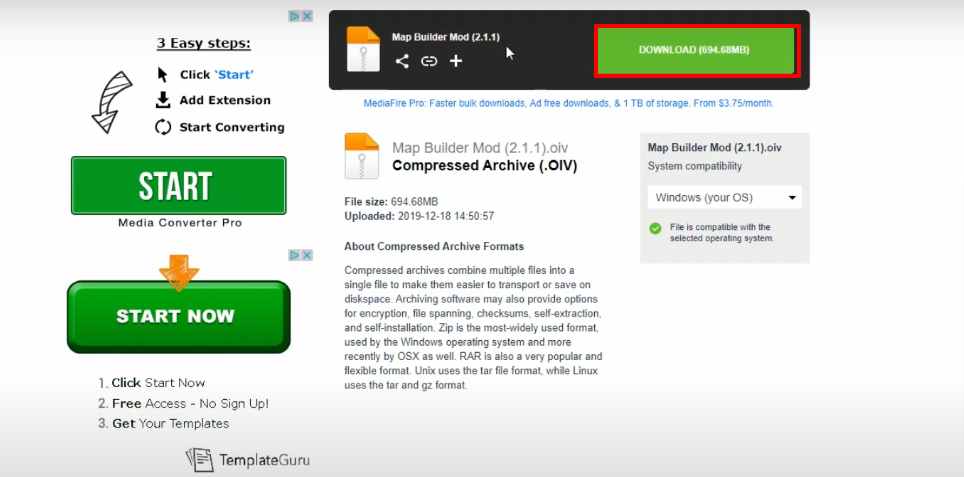
For SinglePlayer
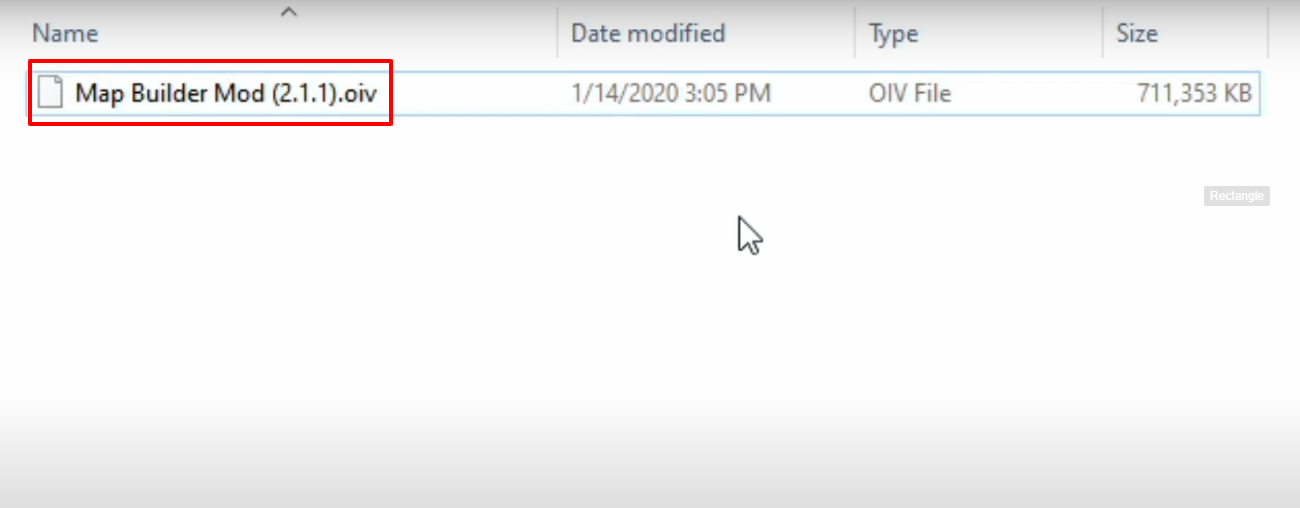
- Open the downloaded folder, select the "Map Builder Mod (2.1.1).oiv" file, drag and drop it on the OpenIV running program.
- Click on Install.

- And then click on the marked option.
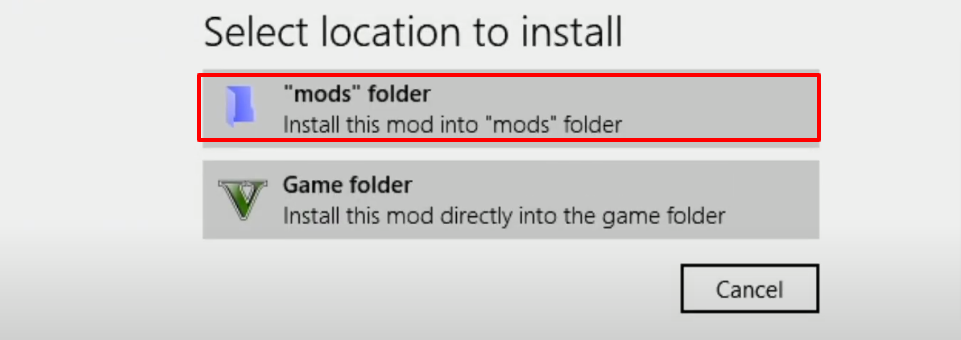
- Now you will need to click on the Install.

For FiveM Server
- Follow the path and open up the "Map Builder for FiveM" folder.
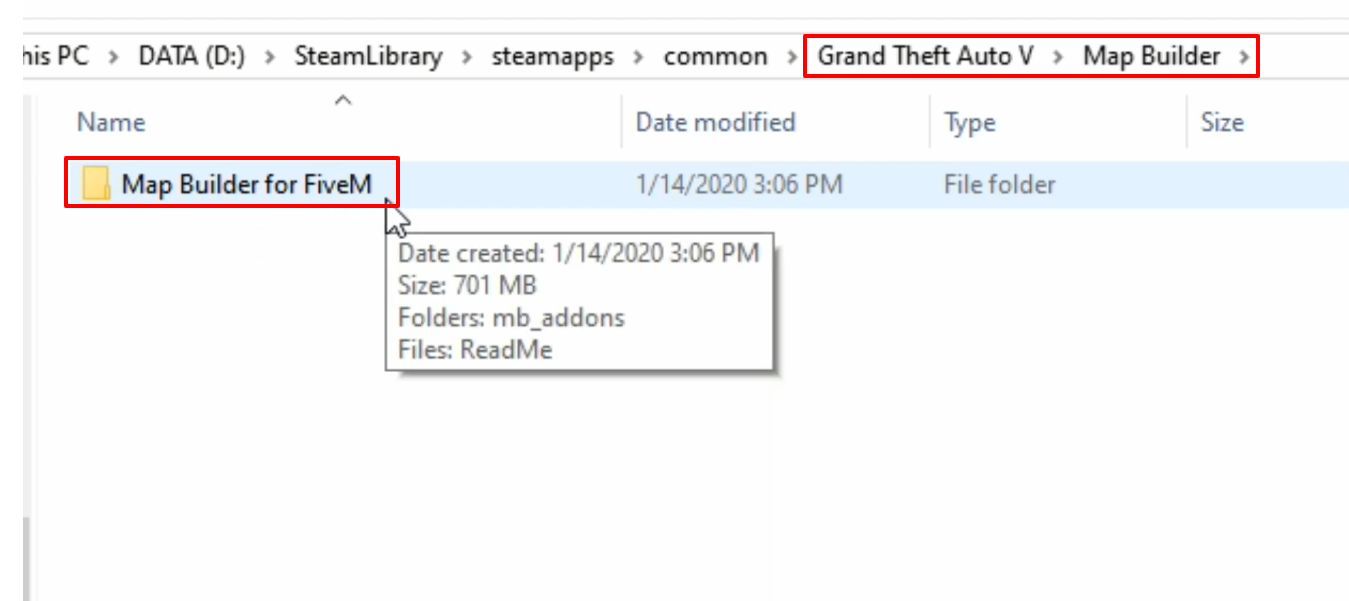
- Copy the "mb_addons" folder.

- Open FiveM folder, then open the resources folder and paste the copied folder in this location.
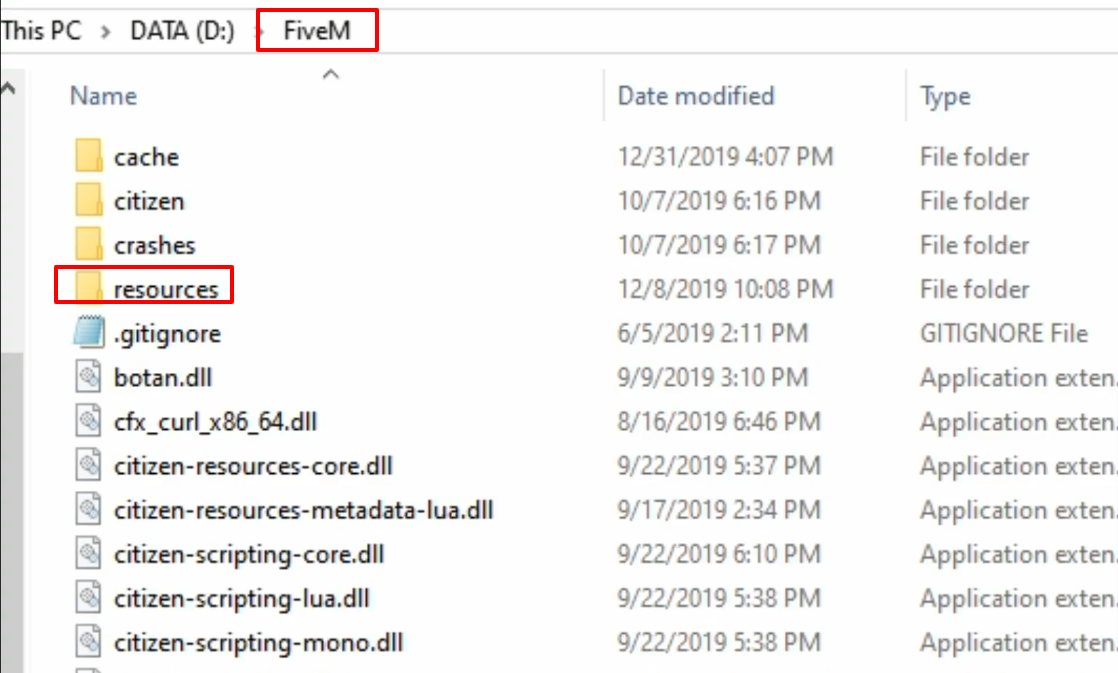
- Copy the folder name.

- Open the server file from the resources folder.

- Type start and the copied text under the start tpplage, then save the file. And enjoy the game now.
