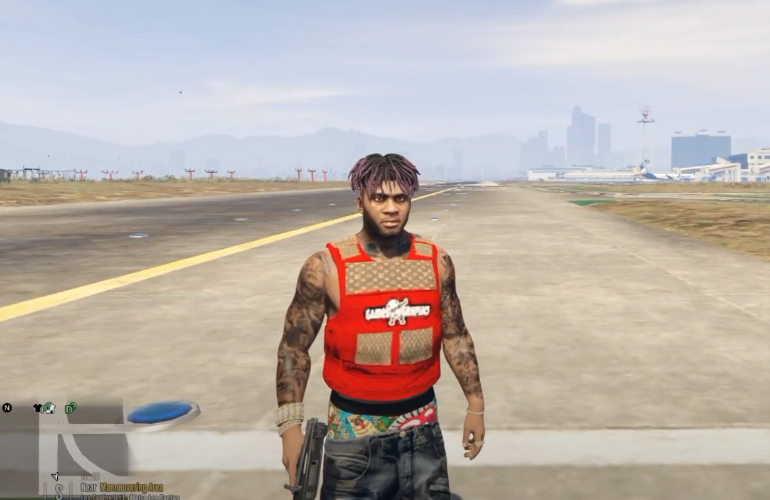
How To Install Lil Uzi Vert Dreads (Hair Mod) Mod In GTA 5 ?
This guide will let you know how to download the Lil Uzi Vert Dreads (Hair Mod) for GTA 5.
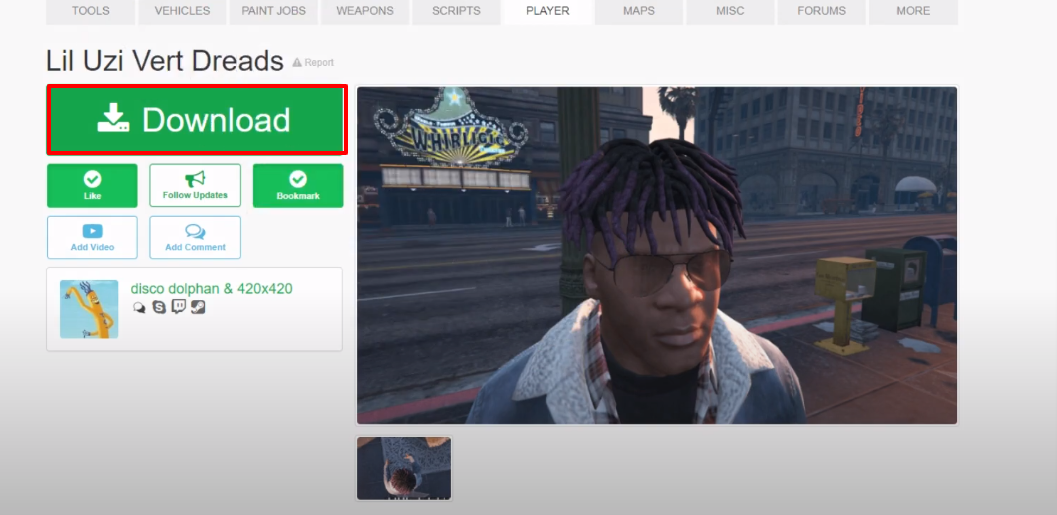
- Open the link below and download Lil Uzi Vert Dreads.
https://www.gta5-mods.com/player/lil-uzi-vert-dreads
- Extract the downloaded folder and then open the extracted folder.
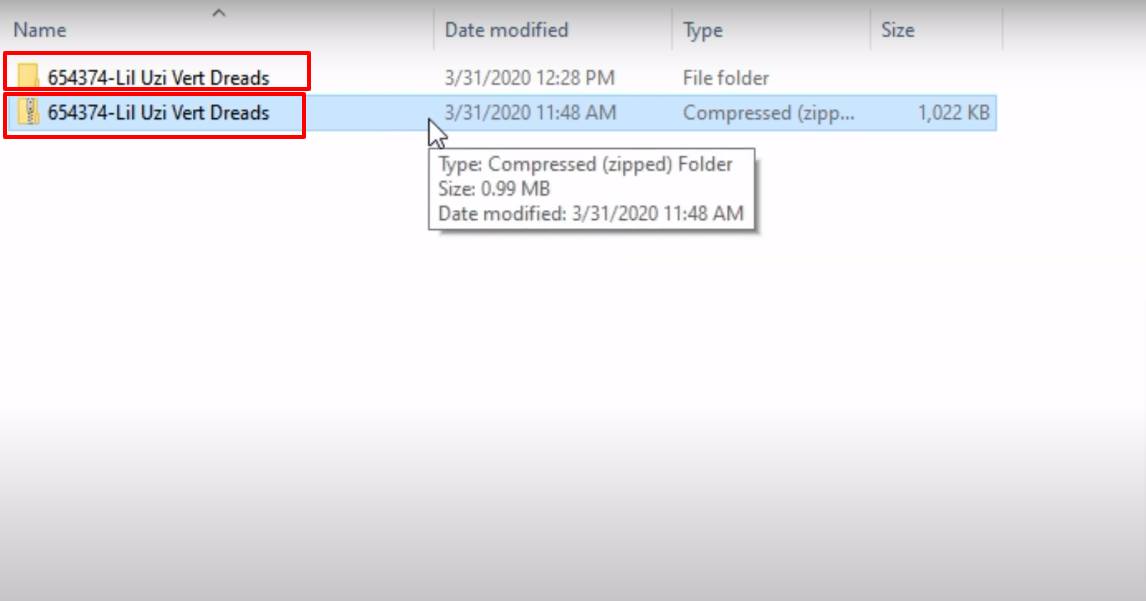
- Open up the 654374-Lil Uzi Vert Dreads folder.
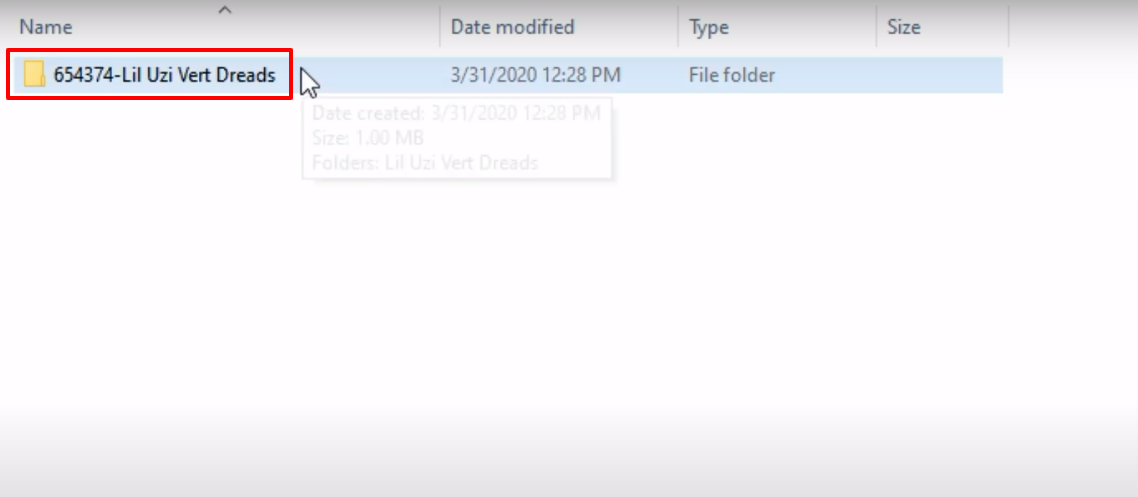
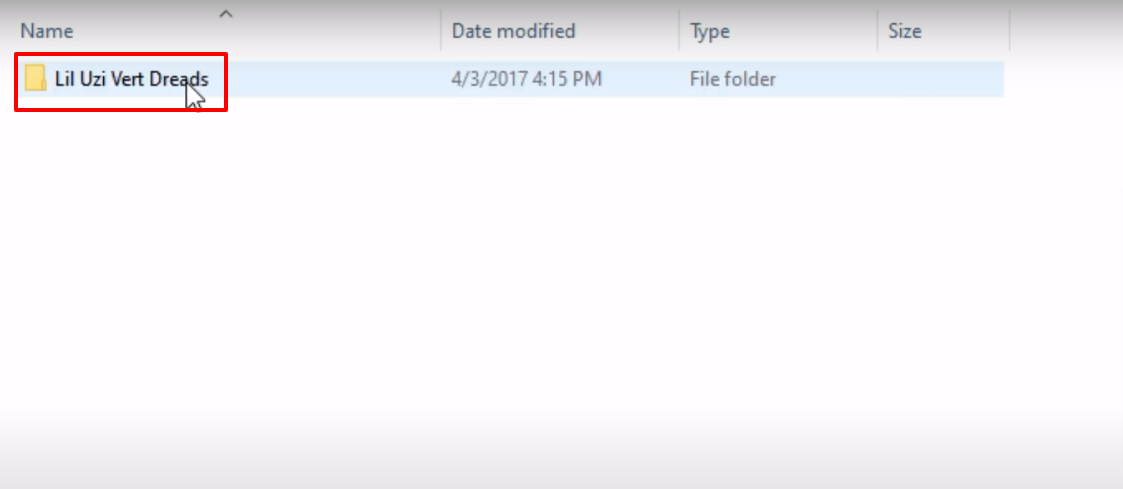
- And then open the “Lil Uzi Vert Dreads” folder.
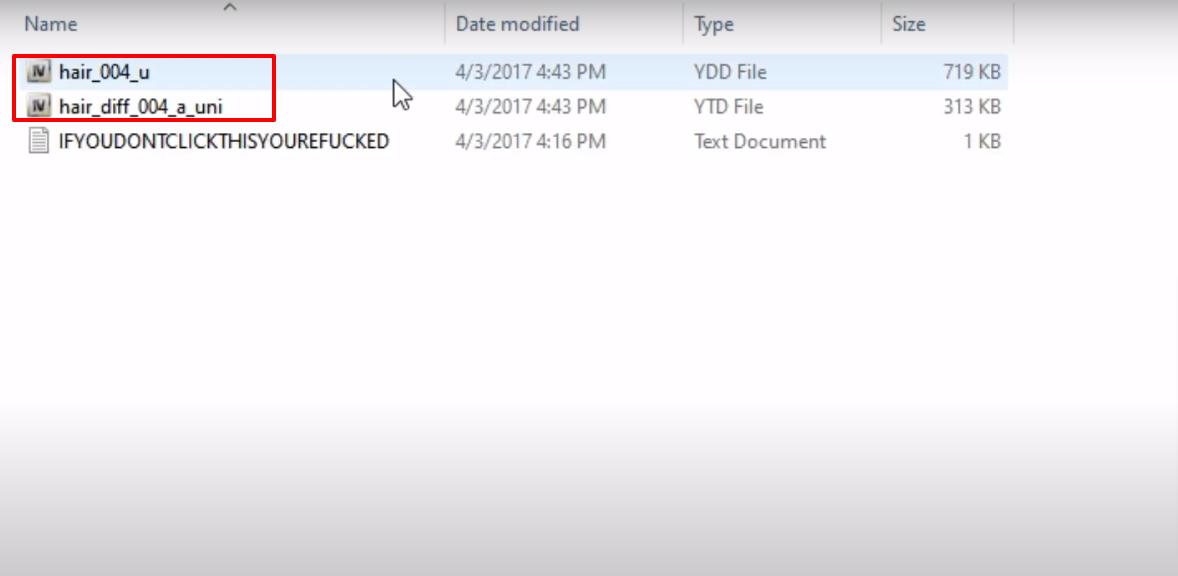
- Copy the "hair_004_u" and "hair_diff_004_a_uni" files.
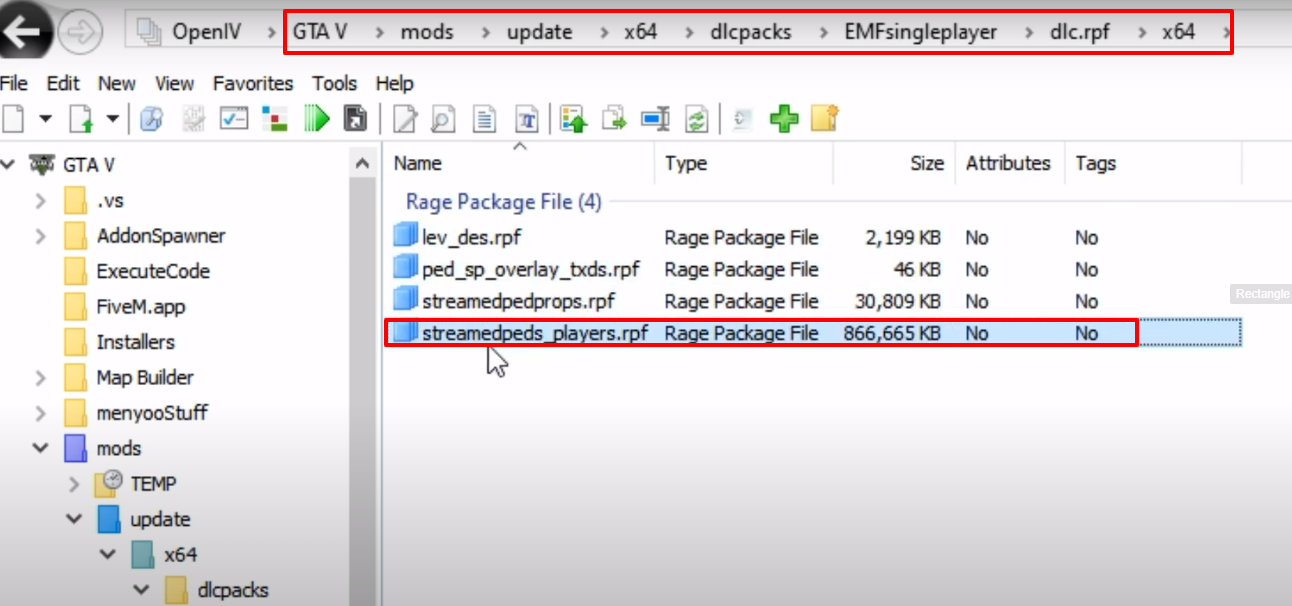
- Launch OpenIV, follow the path and then open the streamedpeds_players.rpf archive.
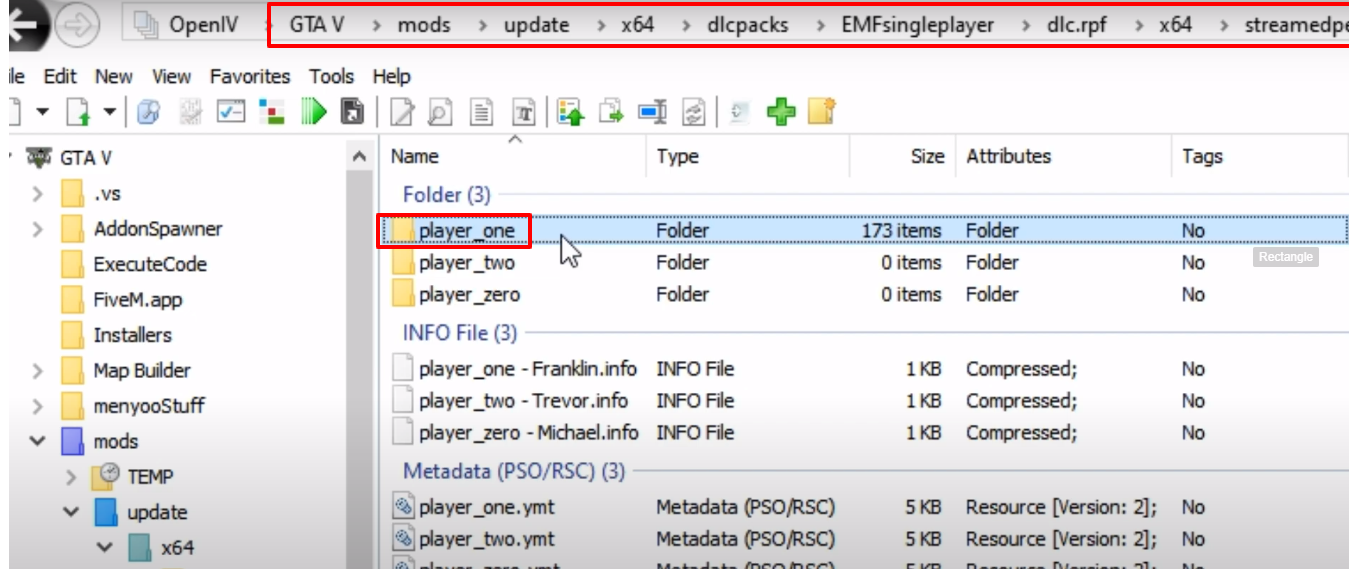
- Open the player_one folder and paste the copied file in this folder.
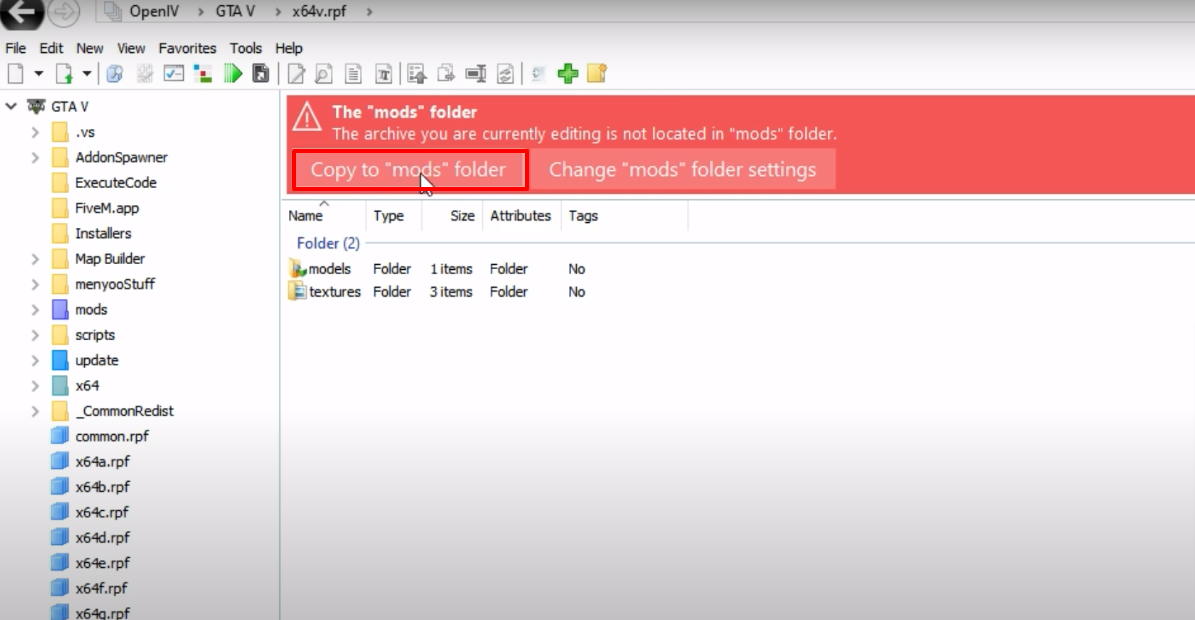
- While going through the path, you might see this window and then click on Copy to mods folder.
- Launch the game, explore and enjoy.