How To Install LA Roads [Addon] Mod In GTA 5 ?
This guide will let you know how to install LA Roads [ADDON] in Grand Theft Auto V.
- The first thing you will need to do is to open the link below and click on Download.
https://www.gta5-mods.com/misc/l-a-roads-patch

- Copy the update folder.

- Paste the copied folder in the mods folder.
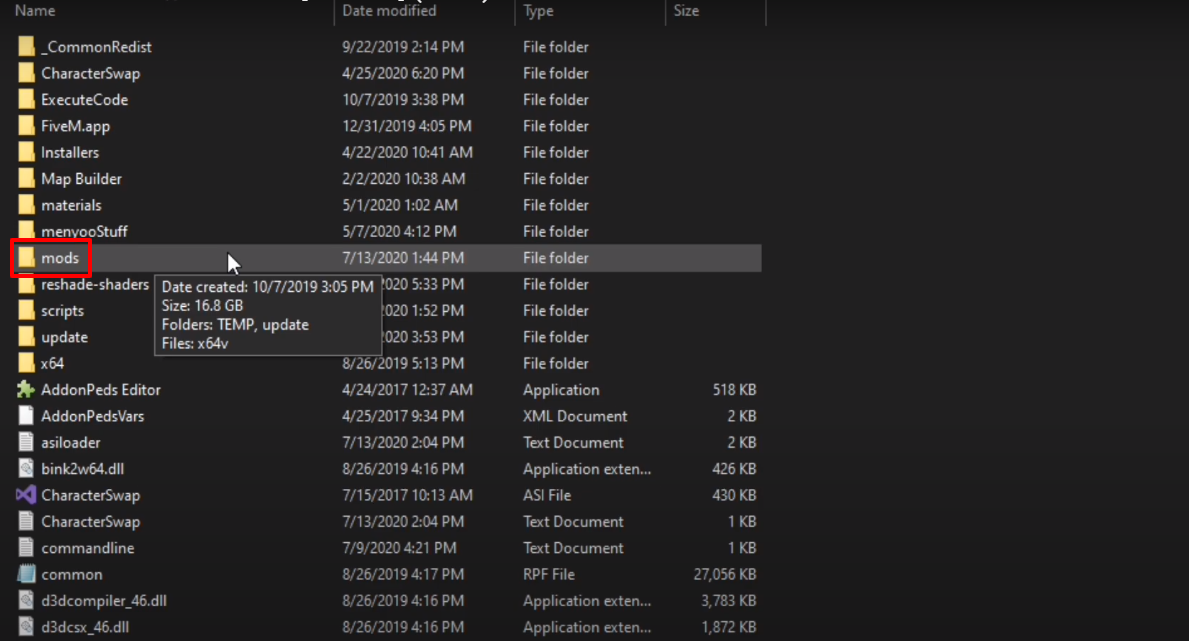
- Open the “update” folder.
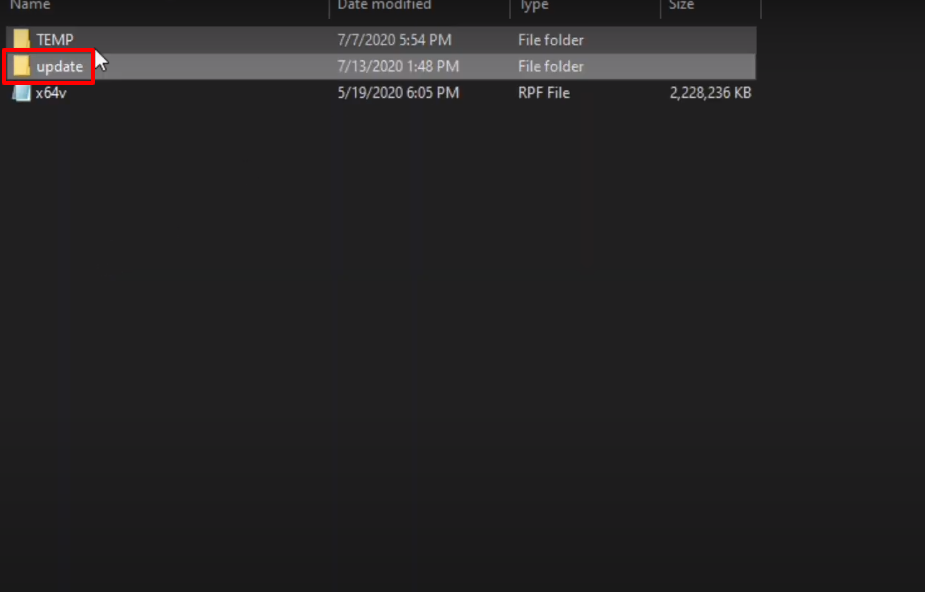
- And then open up the x64 folder.

- After that, you will need to open the "dlcpacks" folder and paste the downloaded mod files in this folder.

- Launch OpenIV, follow the path and then click on (Show in “mods” folder).

- Follow the path.

- Copy the above marked text and then paste them in them underneath with the change of LA_ROADS.

- Launch the game, explore and enjoy.
