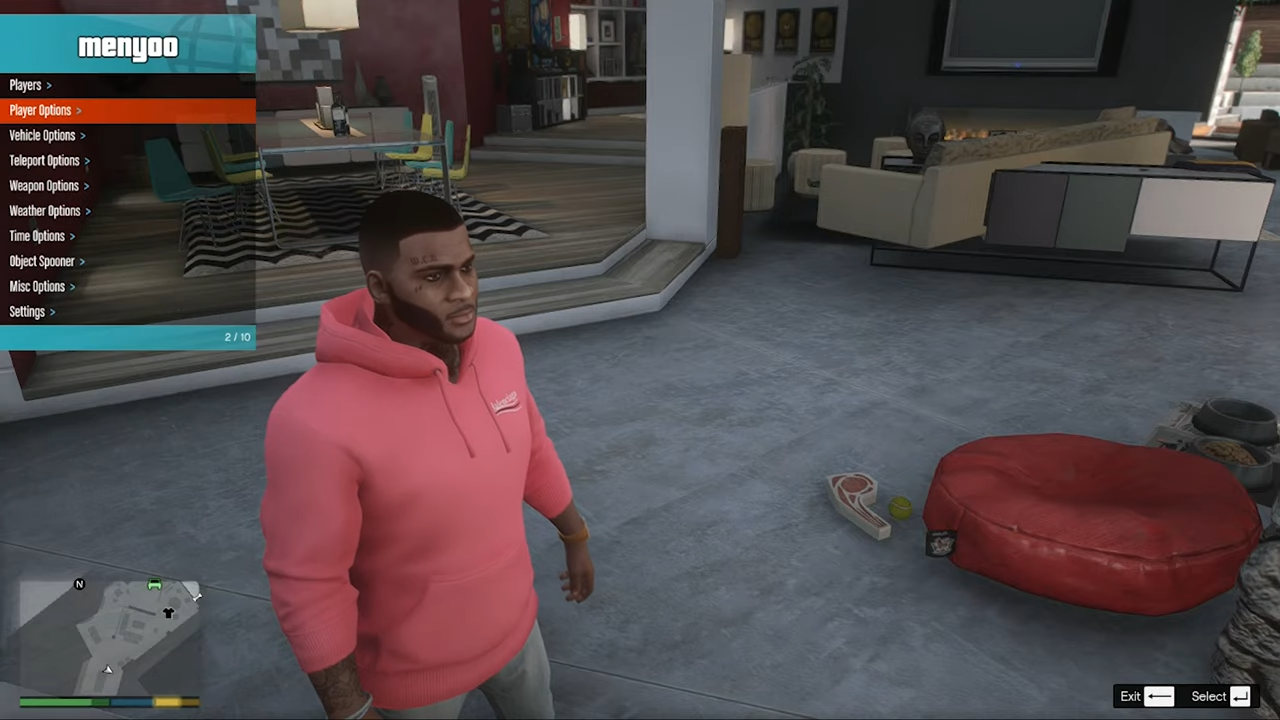
How to Install Hairstyle and New Face in GTA 5
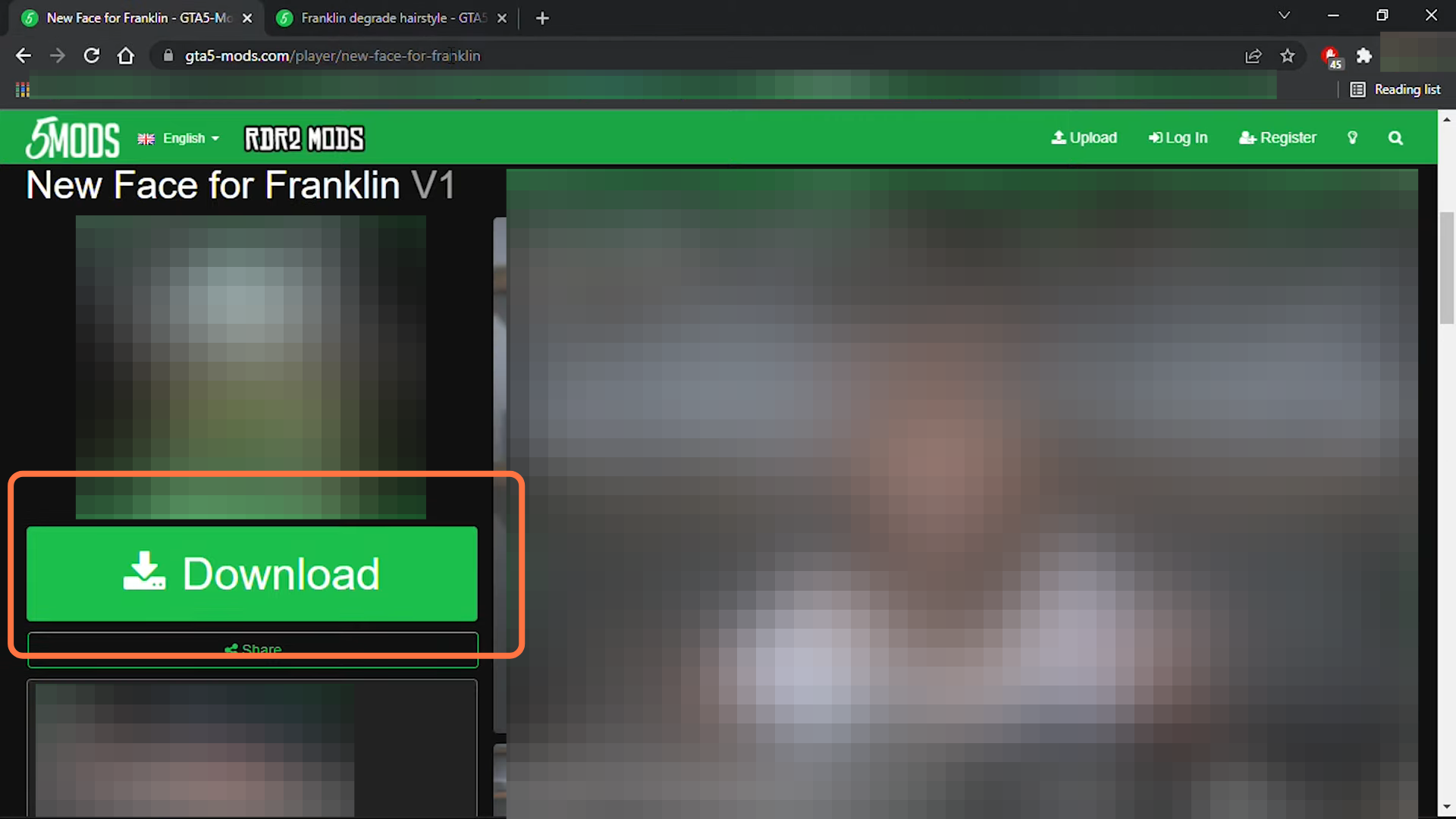
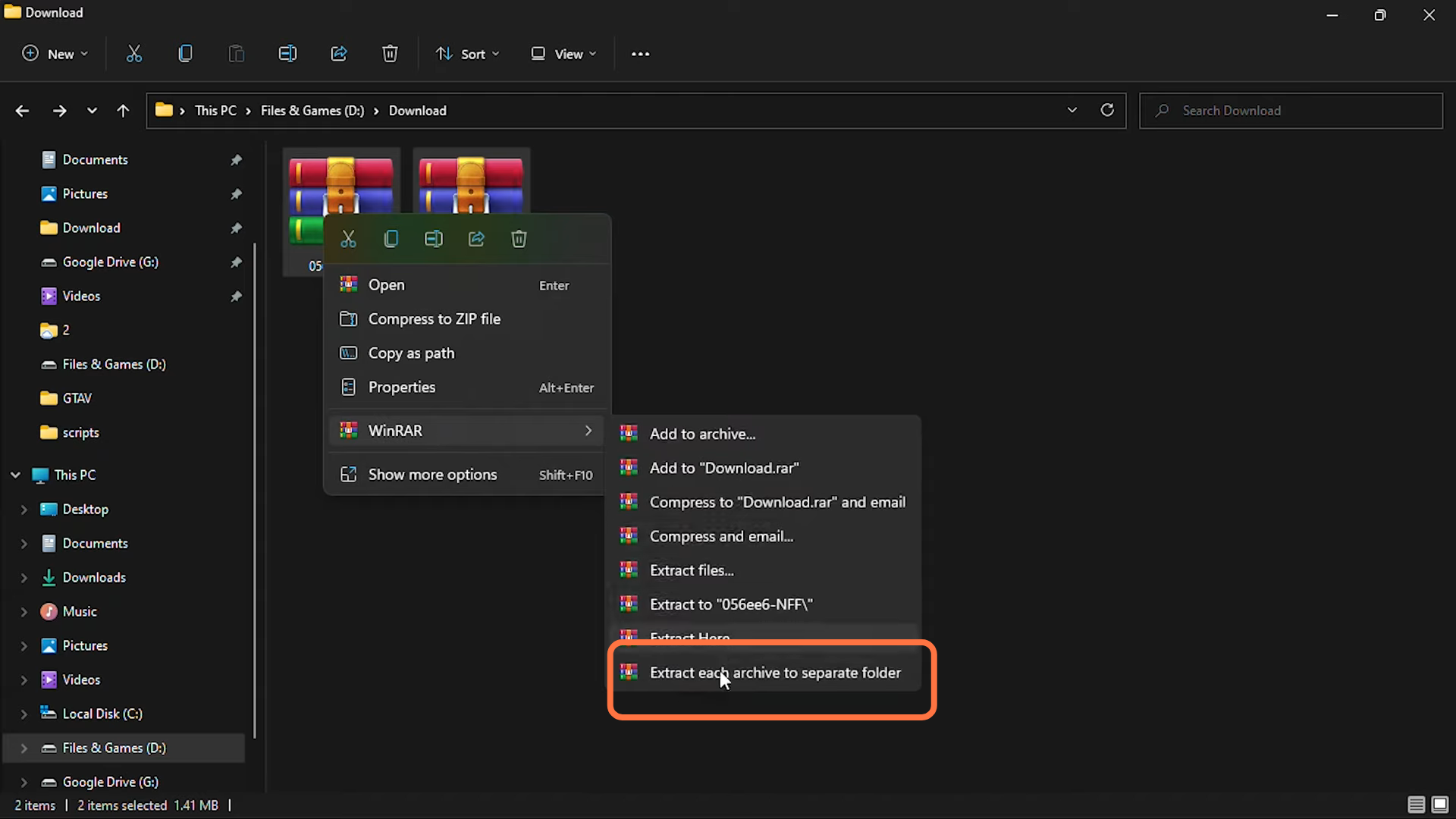
- After that, extract both the downloaded files.
- Now open the "Open IV" and downloaded files directory windows side by side for your ease.
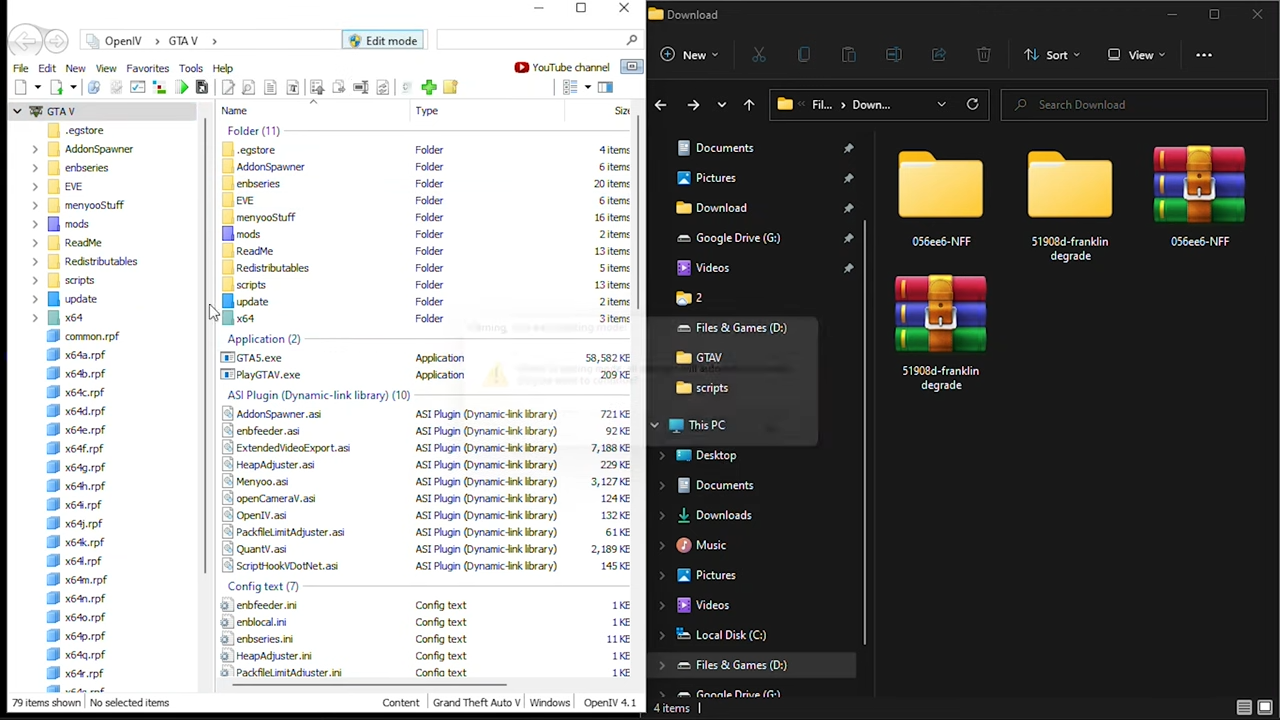
- You need to enable the "Edit mode" in the "Open IV" and then enter into Mods > update > x64 > dlcpacks > EMFsingleplayer > dlc.rpf > x64 > streamedpeds_players.rpf > Player_one.

- On the other side in downloaded files, you have to go to "51908d-franklin degrade" folder and enter into the "degrade" folder. Select both the files and drag them into "Open IV".
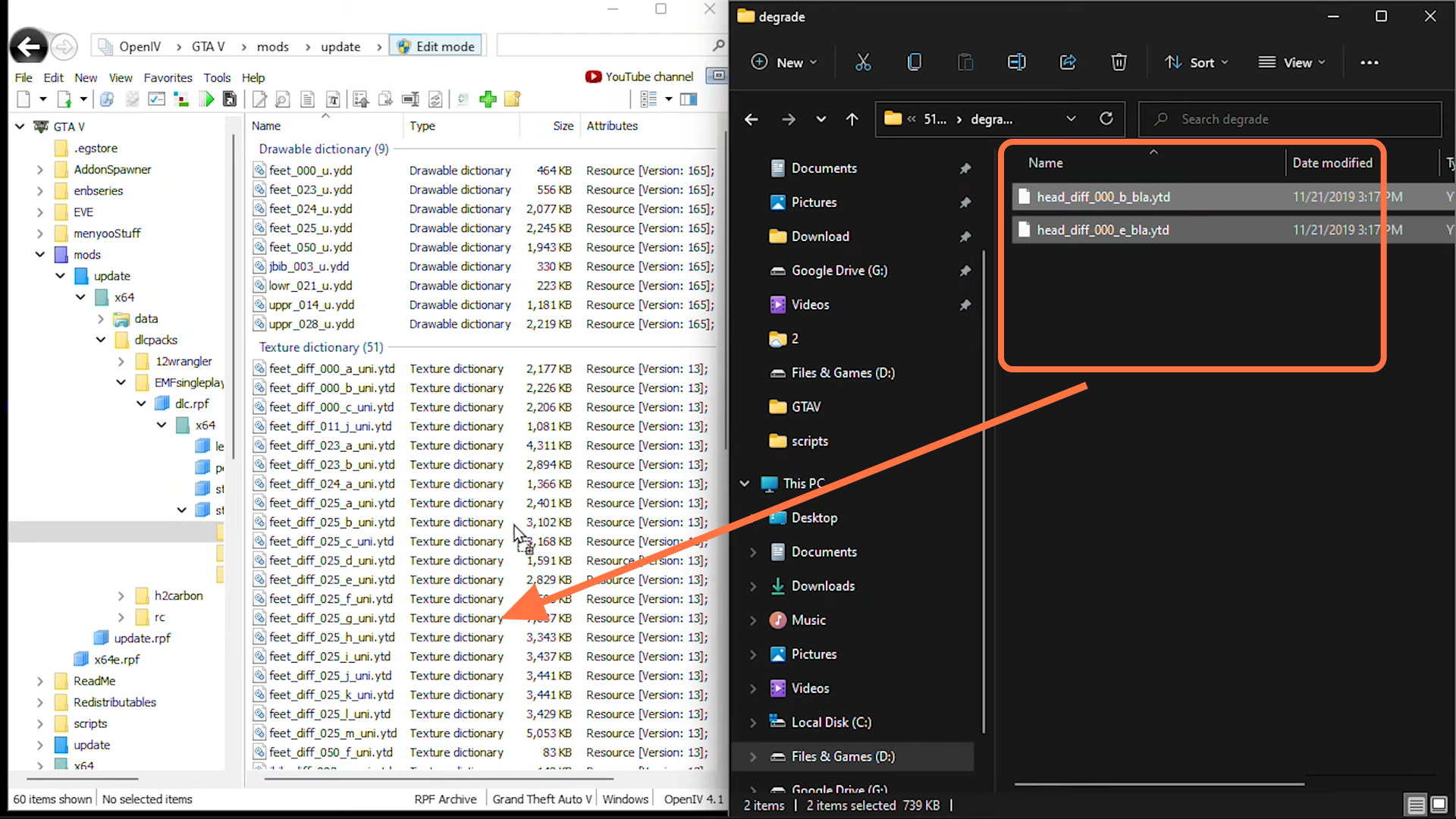
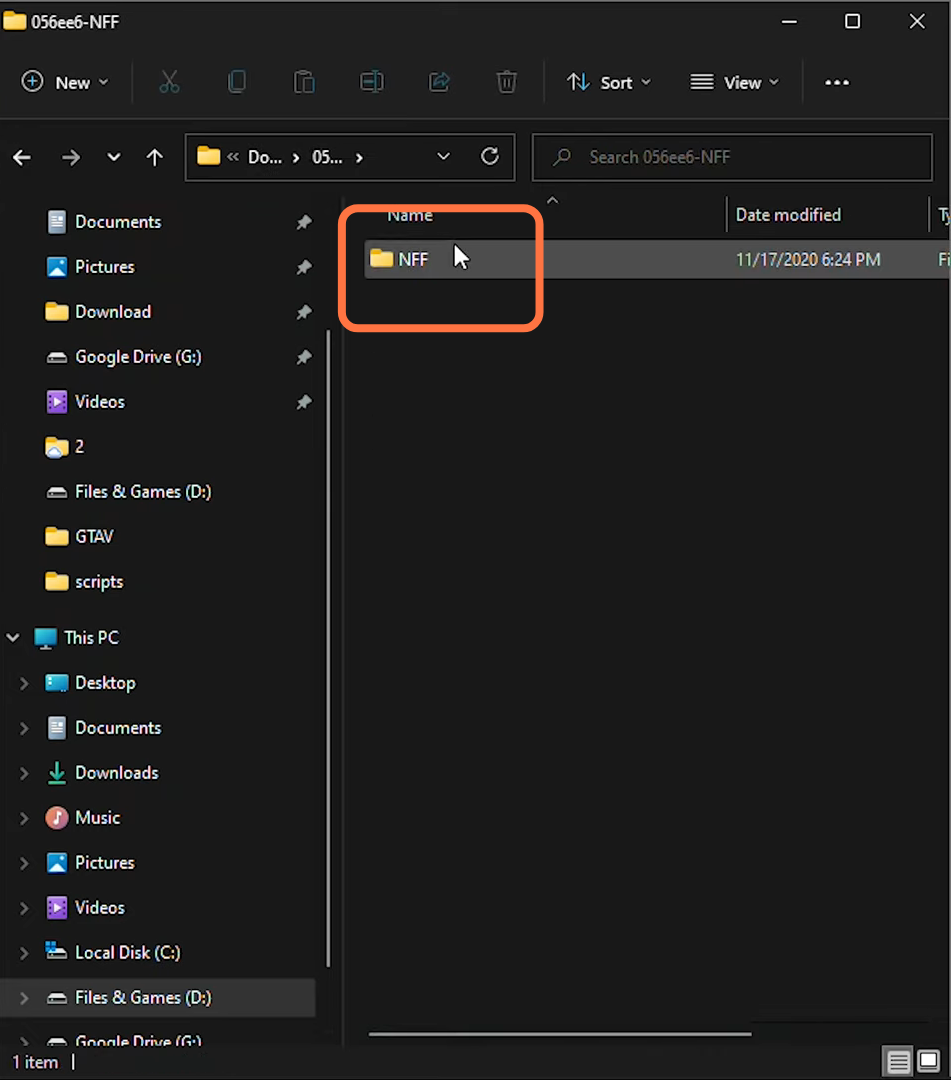
- Now go back to the downloaded file, enter into the second folder "056ee6-NFF" and then open "NFF".
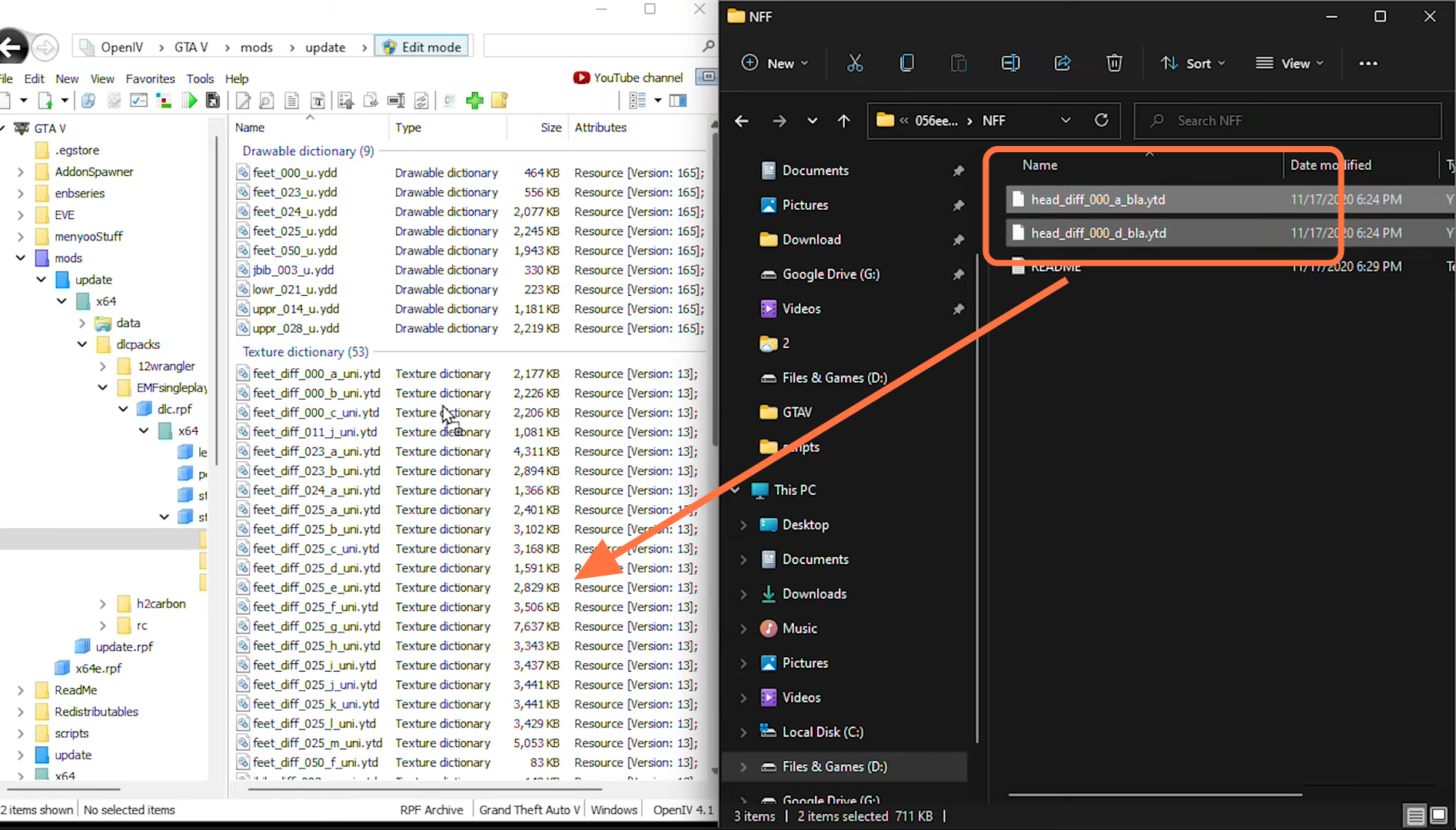
- Drag both the files there into the "Open IV" opened directory.
- Both Mods are successfully installed in GTA V. Open the game and press F8 to go into Menu options and apply the hairstyle on your character.