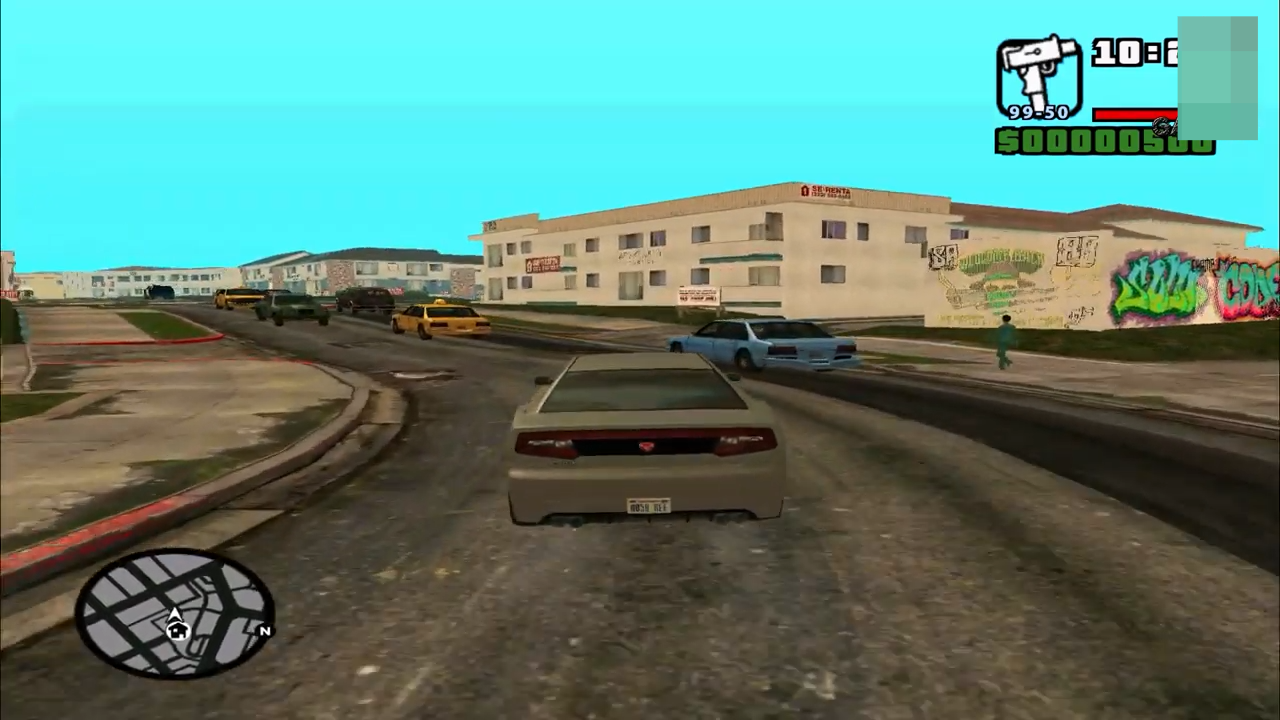
How to Install GTA 5 Map In GTA San Andreas
In this guide, you will find how to install GTA 5 map in GTA San Andreas. You have to follow the steps below to install it.
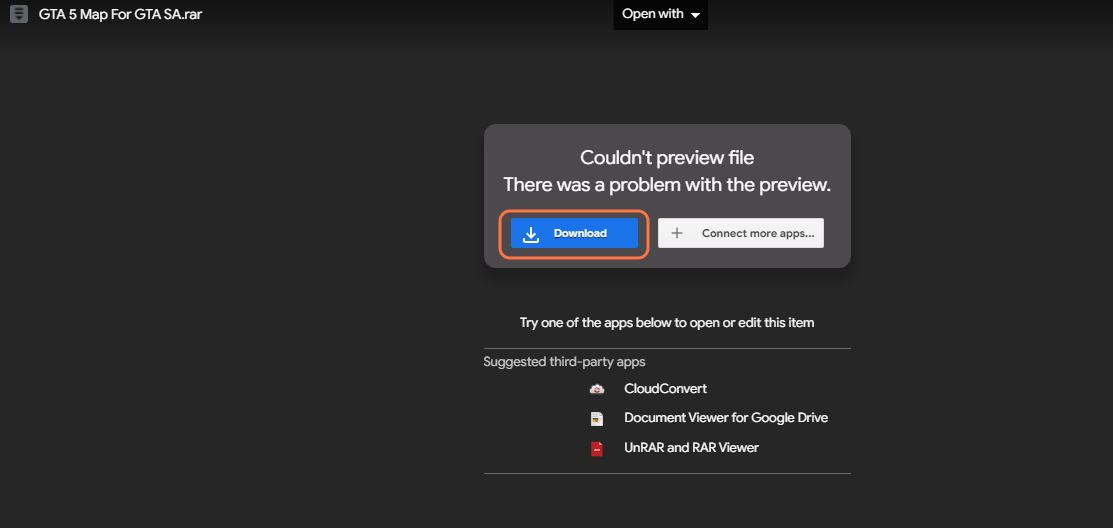
- The first thing you will need to do is download the GTA 5 map for GTA San Andreas Mod from this G-Drive link "https://drive.google.com/file/d/1e_Fvc7tD1TDfAuc8C2w4H6plOh-A0Etb/view". Open the link and click on the blue download button to get the mod.
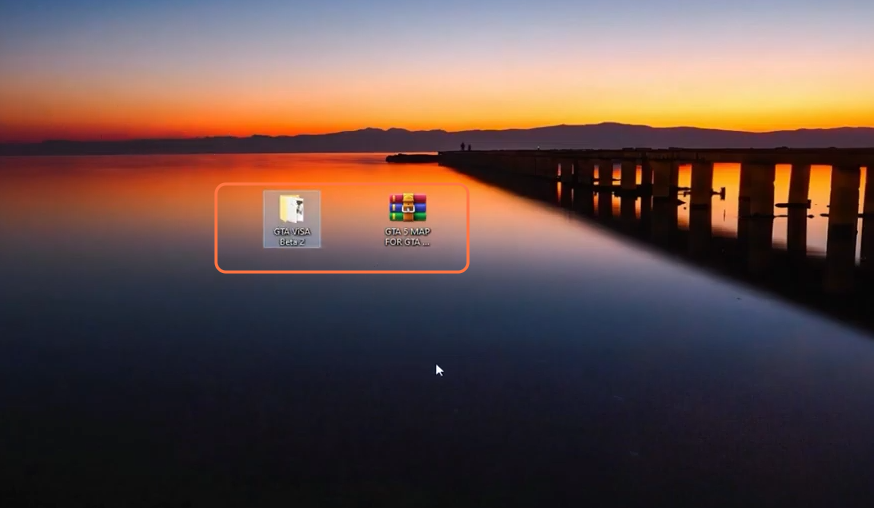
- Once you have downloaded the Mod, you have to go to the downloads folder and paste them on your desktop. Extract the file using WinRAR or 7zip archiver.
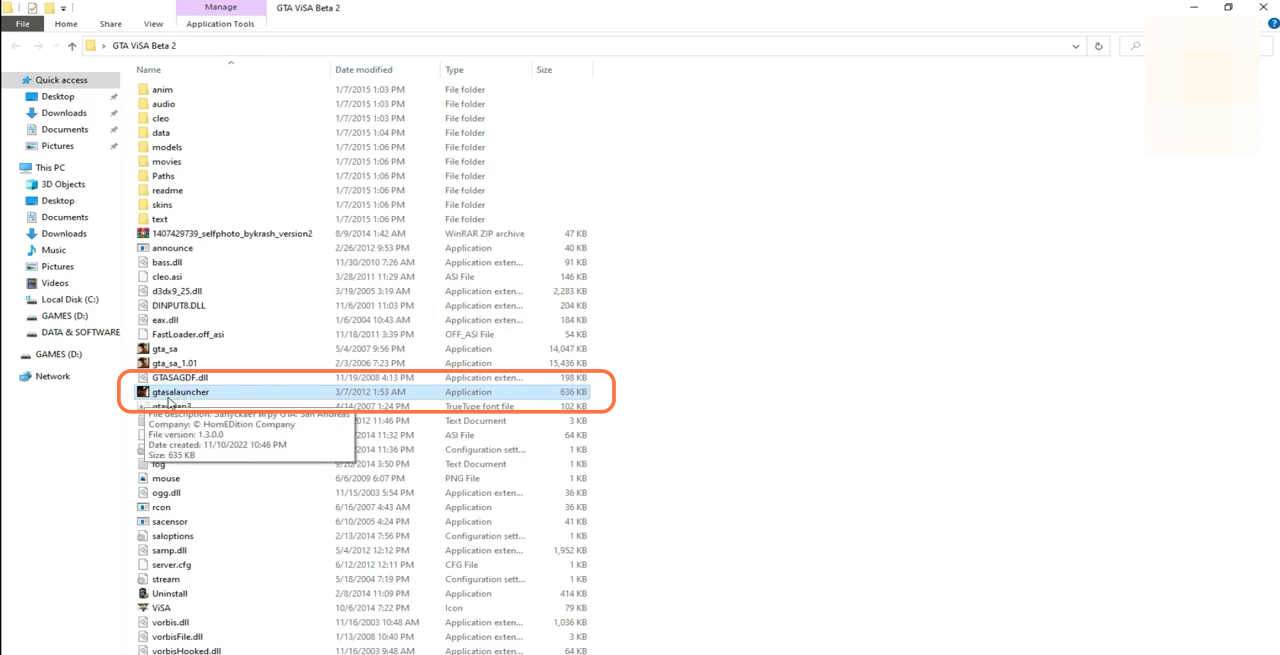
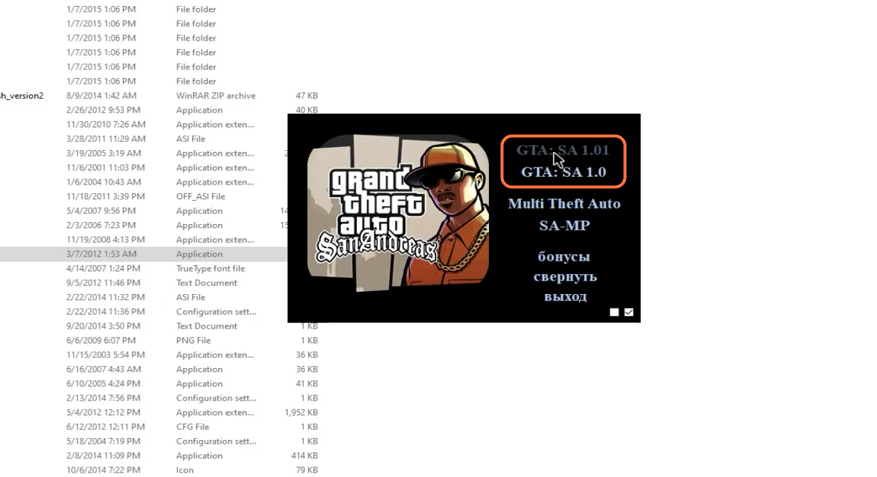
- You can't install GTA San Andreas but only play it by extracting. Open the extracted folder and you will get to see an application file named gtasalauncher. Double-click to open it.
- You will get to see multiple options in the game pop-up window and if your PC is 32 based system, then you need to click on GTA: SA 1.0 and if your system is 64 bit, then go for GTA: SA 1.01.
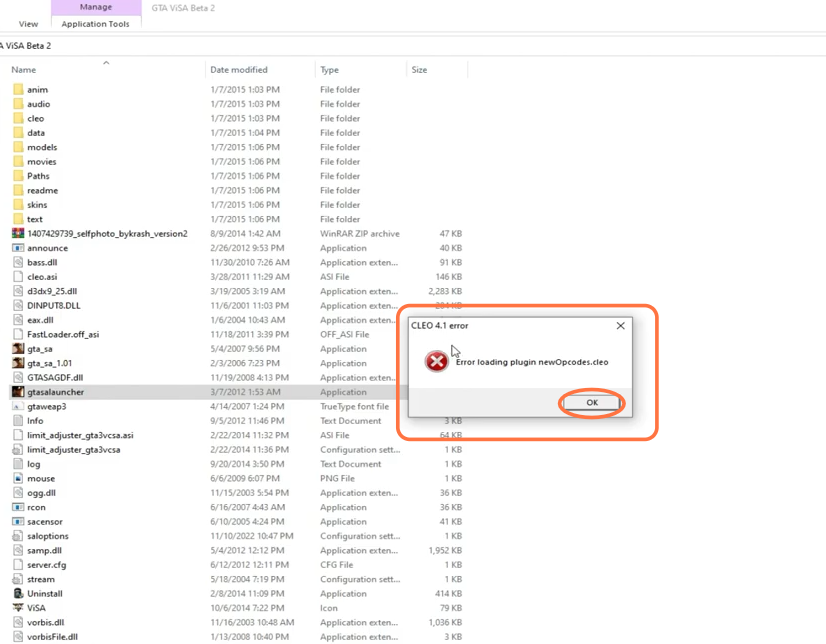
- If you encountered an error, then just click Ok and your game will start anyways.
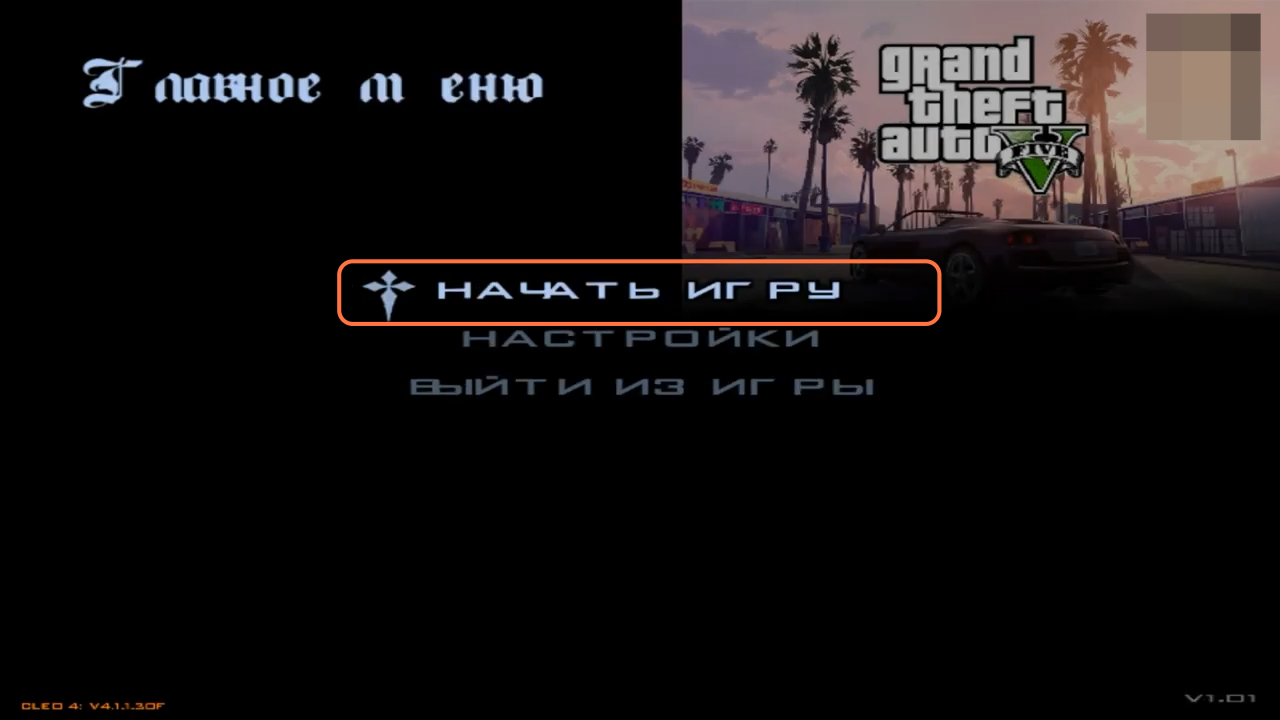
- Once the game loads, click on the first option which is the start game. The game logo and map will be of GTAV.
- The cars and the houses will be the same as were in GTAV.