How To Install Gold Chains, Rings & Gold Teeth Mod In GTA 5 ?
The Gold Chains, Rings, & Gold Teeth will bring gold teeth, rings, necklace, bracelets into the game. This guide will let you know how to download this mod.
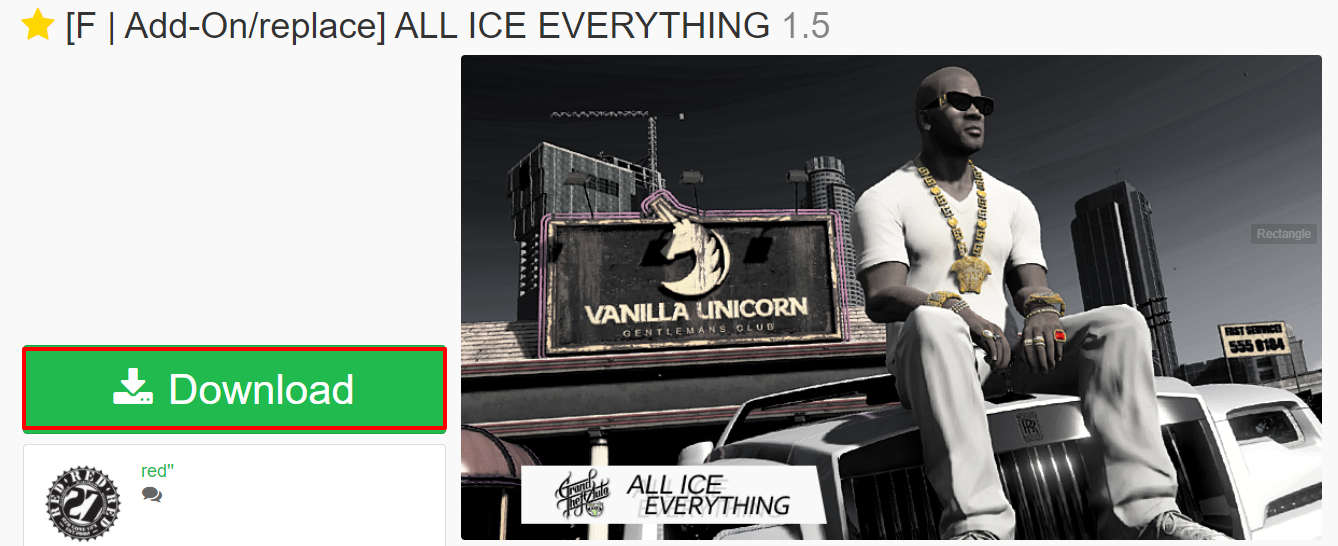
- The first thing you will have to do is to open the link below and click on Download.
https://www.gta5-mods.com/player/franklin-add-on-replace-all-ice-everything
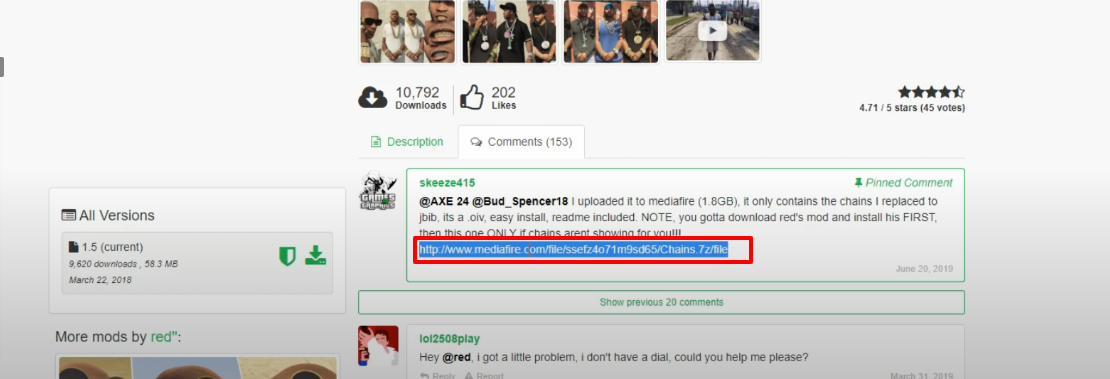
- Open the following link and click on Download.
https://www.gta5-mods.com/player/franklin-add-on-replace-all-ice-everything
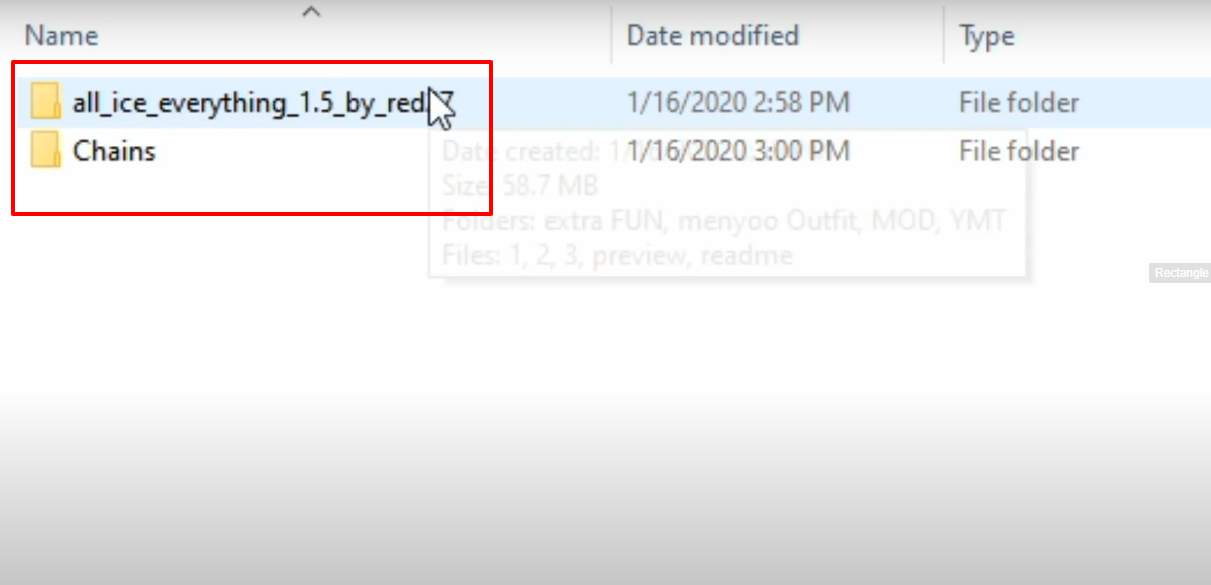
- Here are all the downloaded folders.
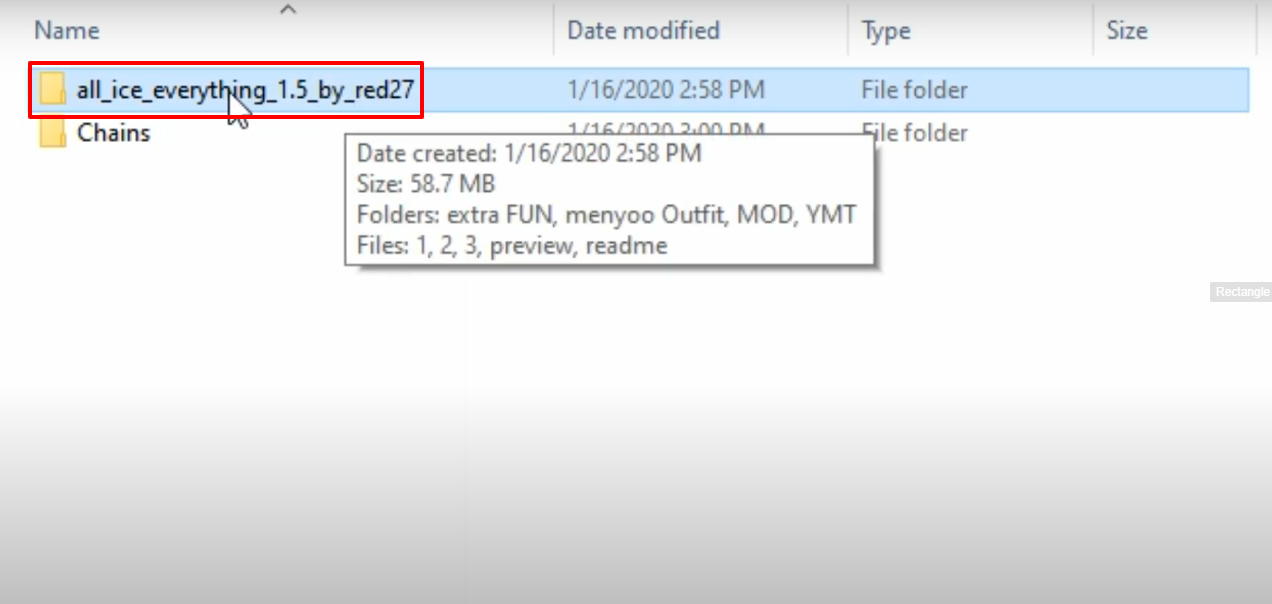
- Open the all_ice_everything_1.5_by_red27 downloaded folder.
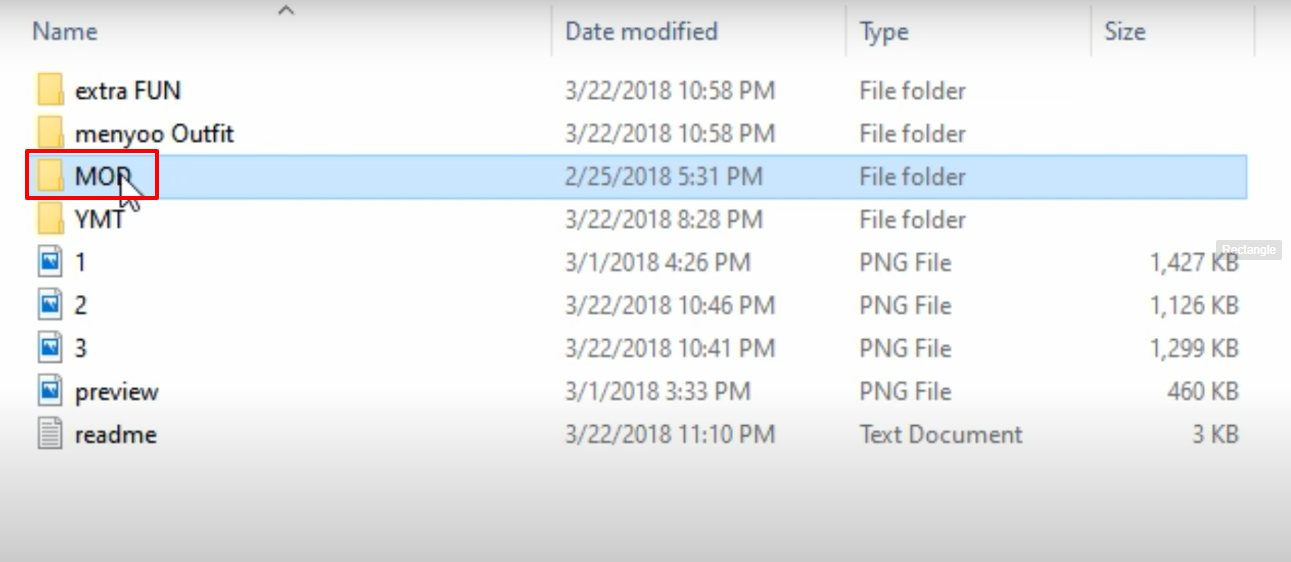
- Then you will need to open up the MOD folder.
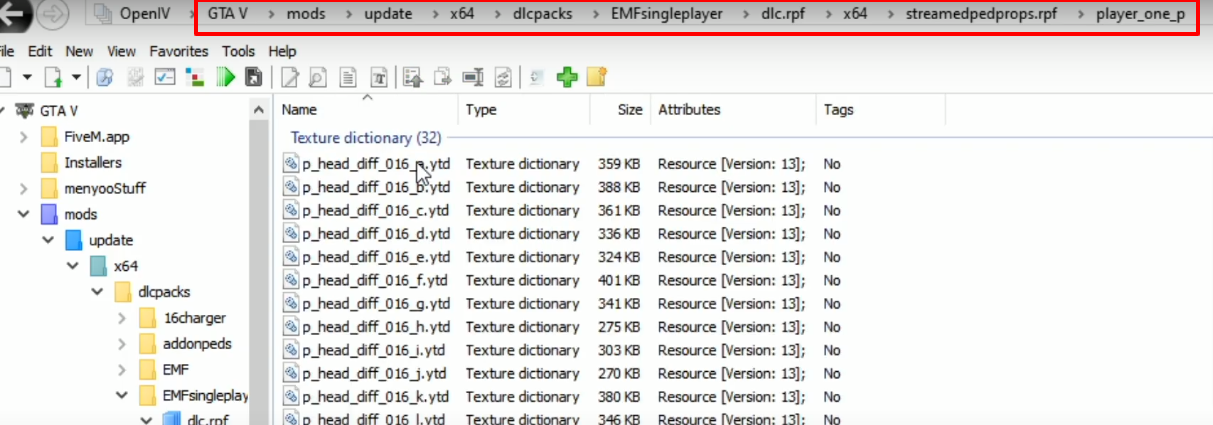
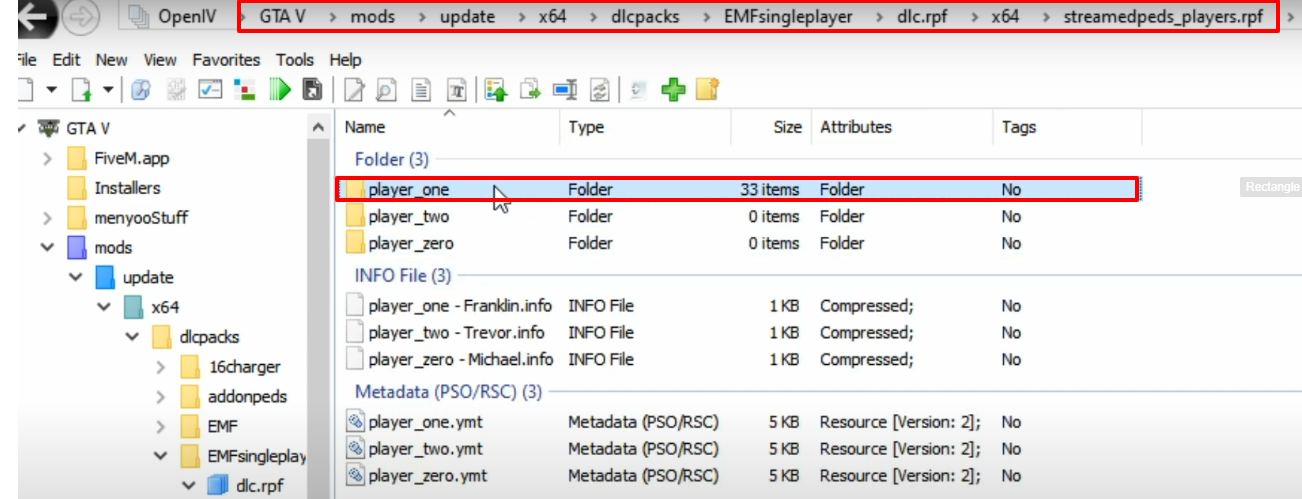
- Launch OpenIV and follow the path.
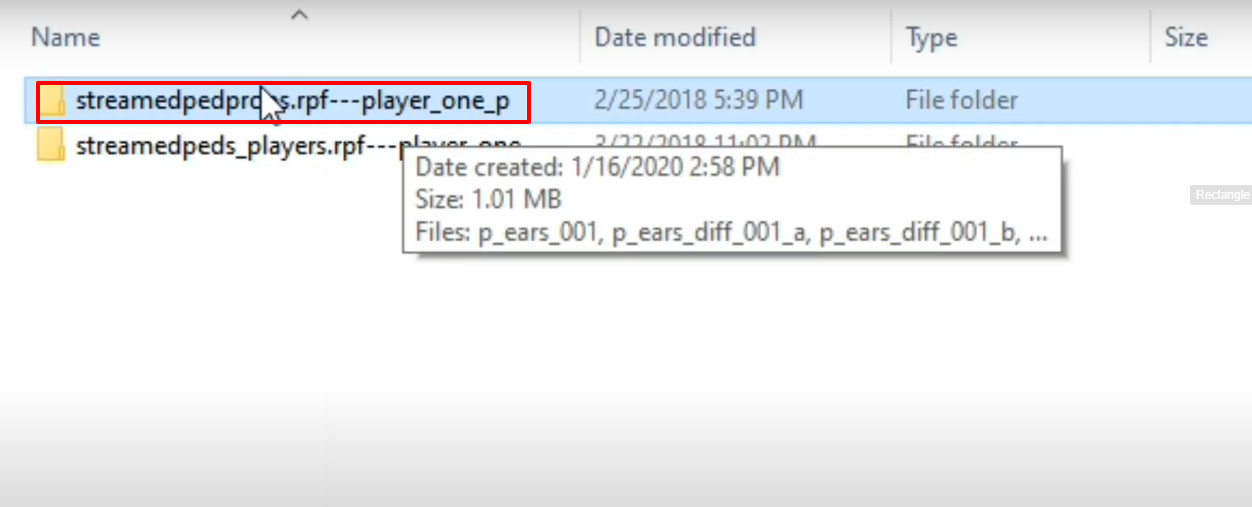
- Open the folder as highlighted in the image below.
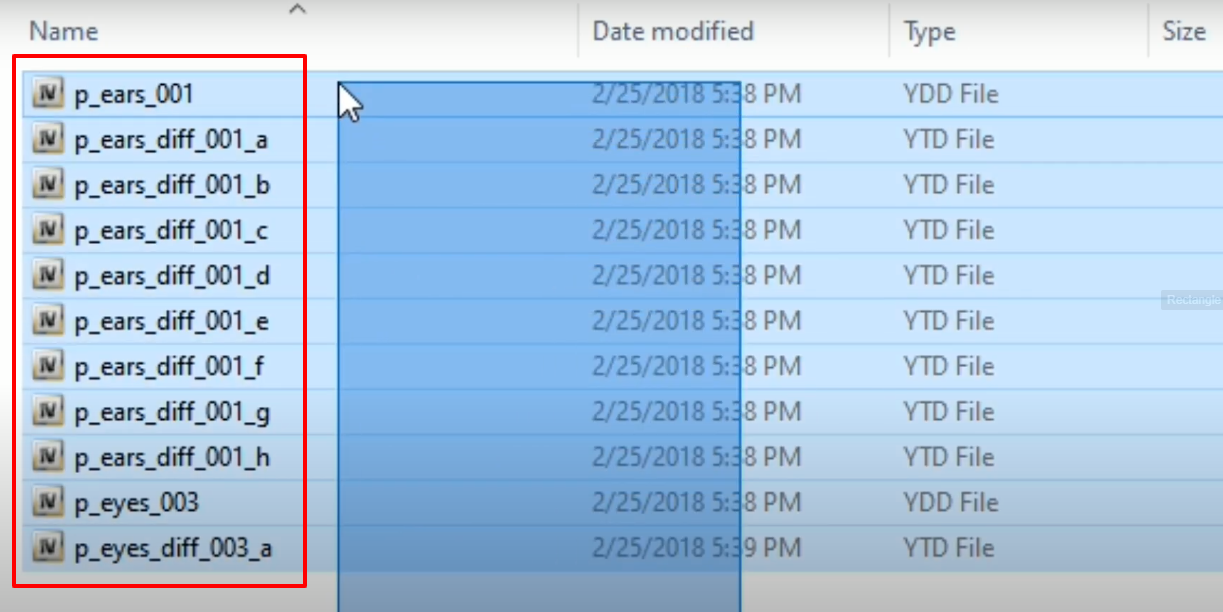
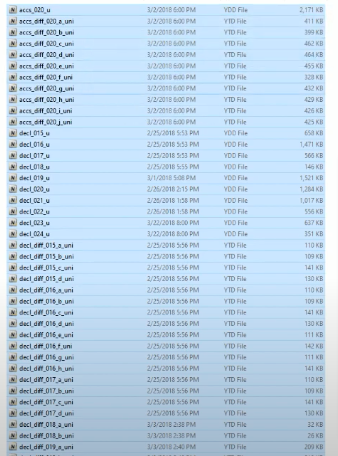
- Copy the below marked files and paste or drag and drop it on the OpenIV opened location
- Open the folder as shown in the image below.
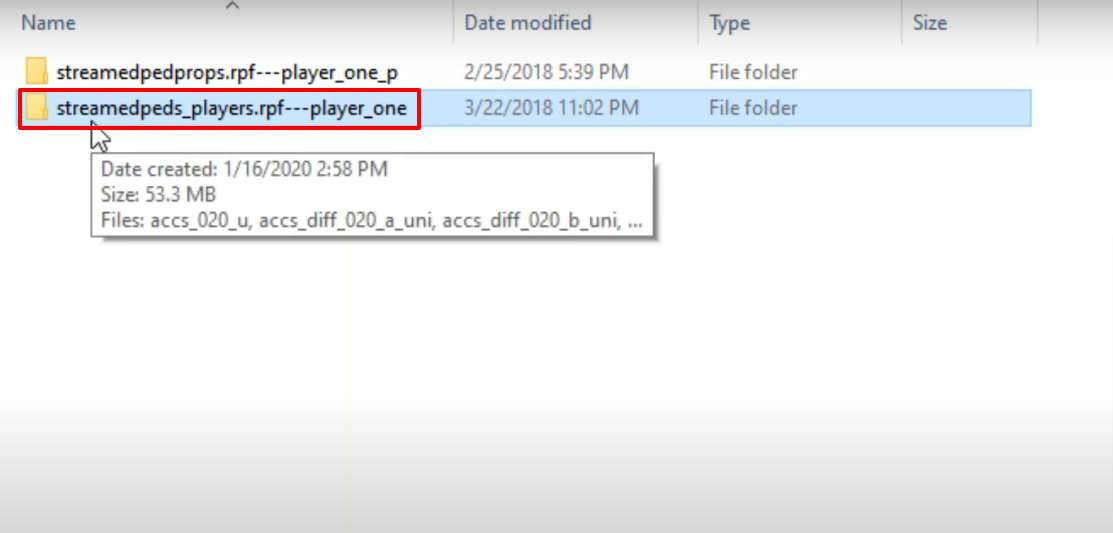
- Launch OpenIV, follow the path and open the player_one folder.
- Copy the marked files and paste in the opened location in OpenIV.
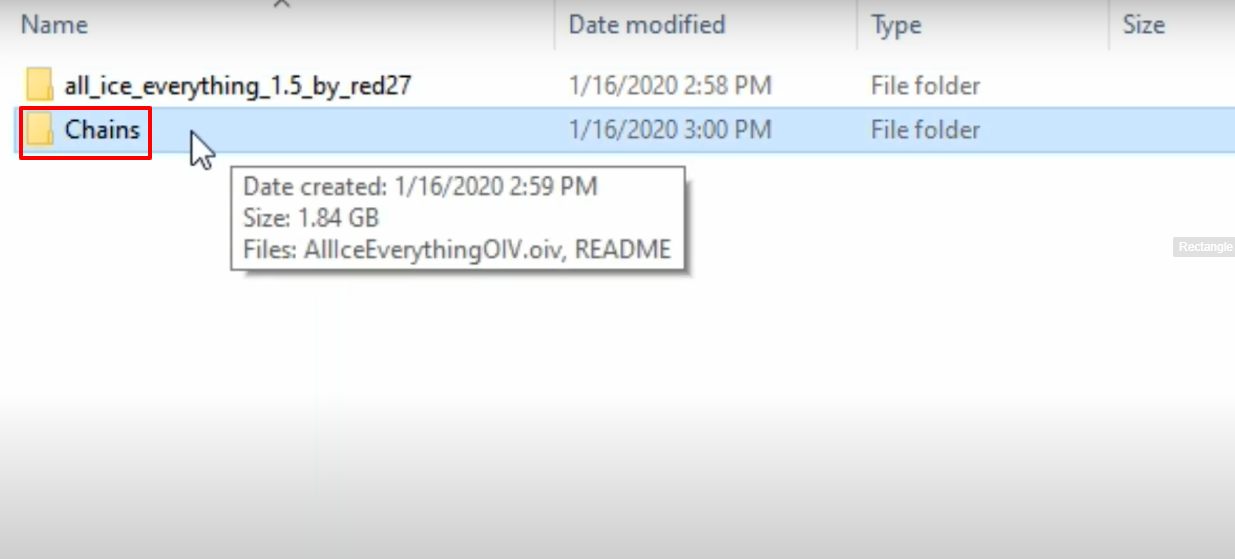
- After that, you have to open up the Chains downloaded folder.
- Select the AllIceEverythingOIV.oive file, drag and drop it on the OpenIV.
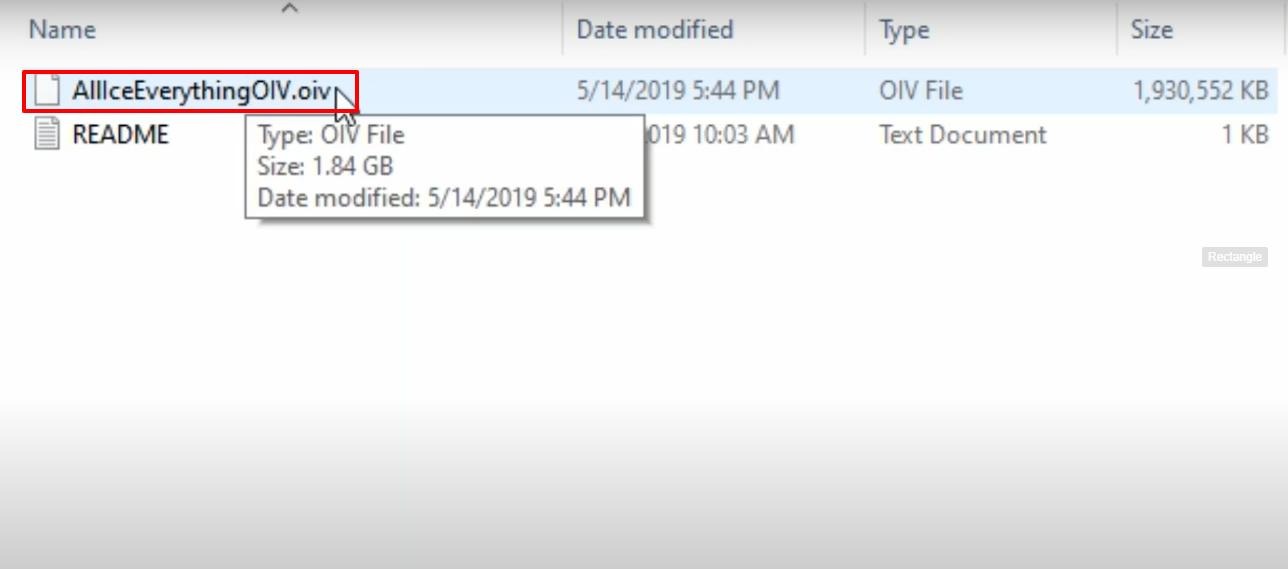
- After that, you have to click on Install.
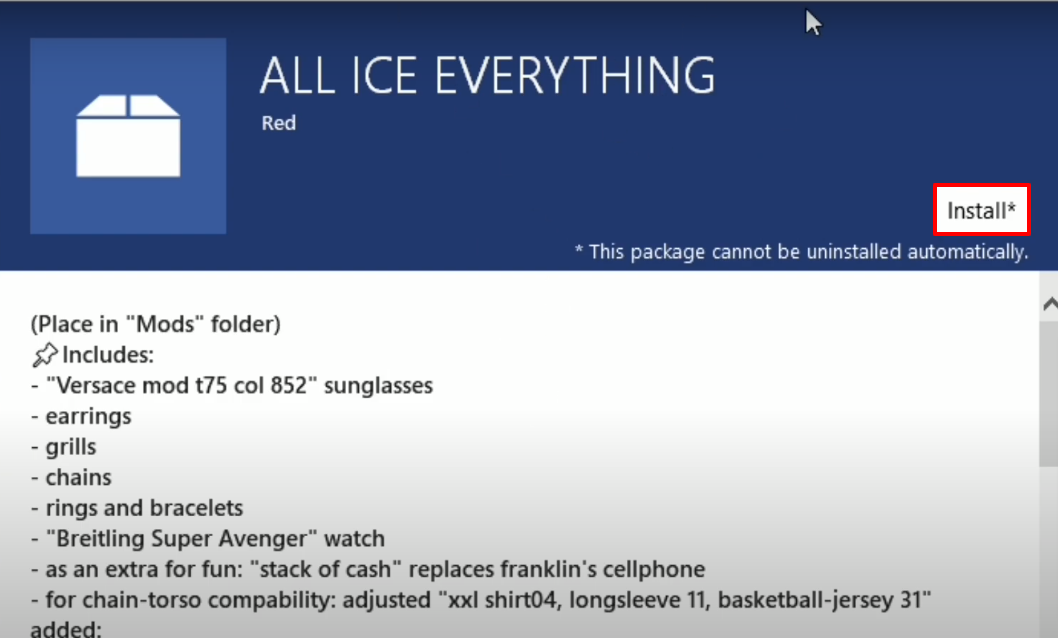
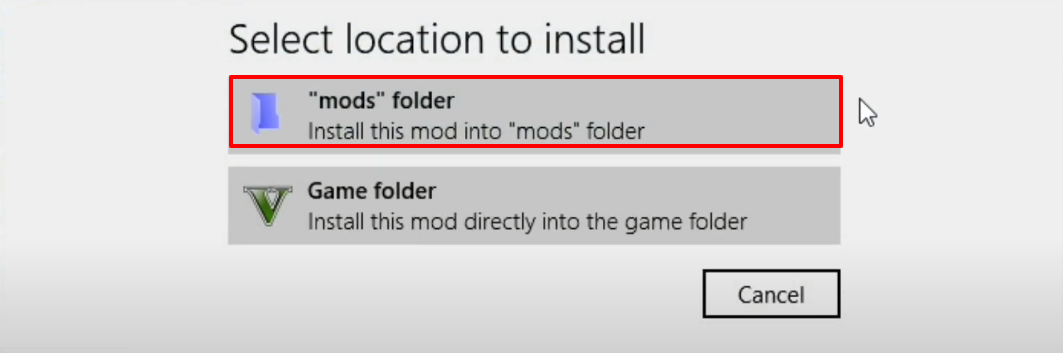
- Click on the (“mods” folder).
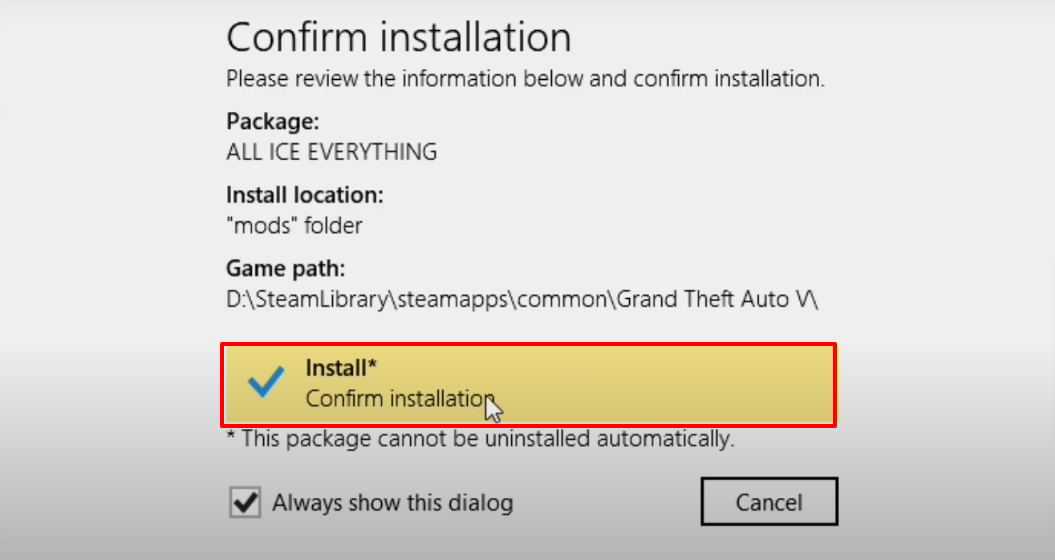
- And then tap on Confirm installation to install.
- Open the "extra FUN" folder.
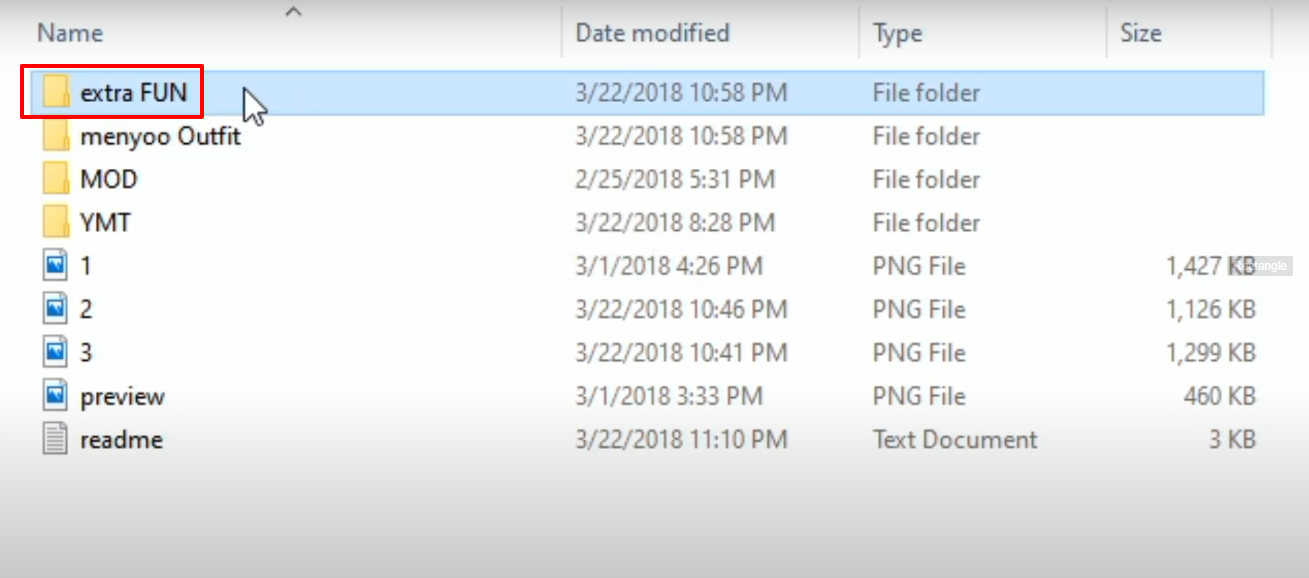
- Copy the prop_phone_ing_03 file.
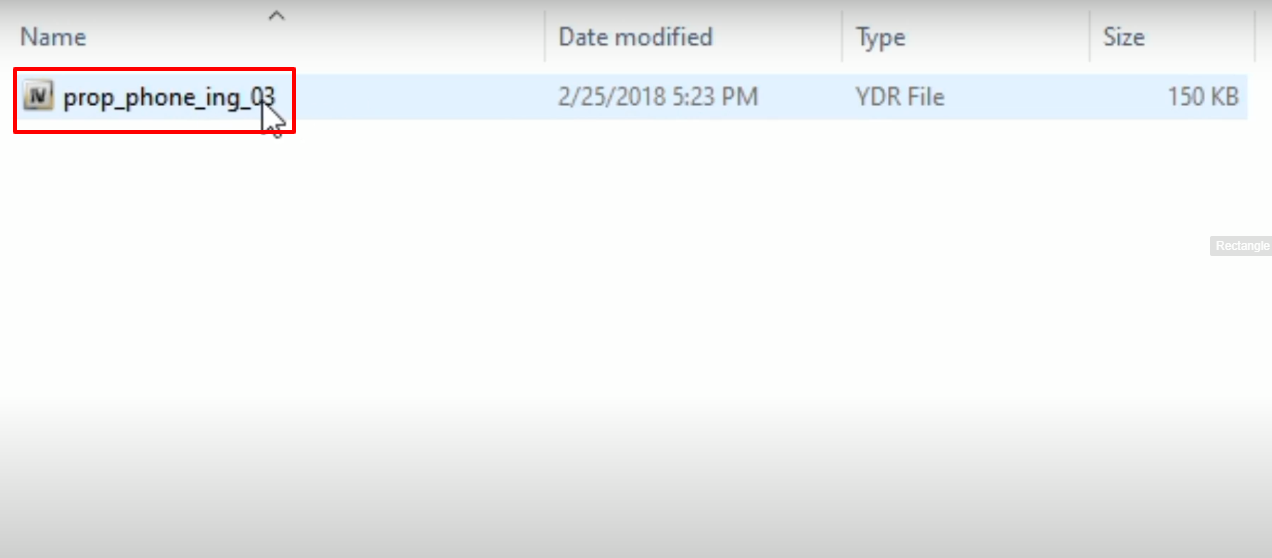
- Follow the path on OpenIV and open the x64 folder.
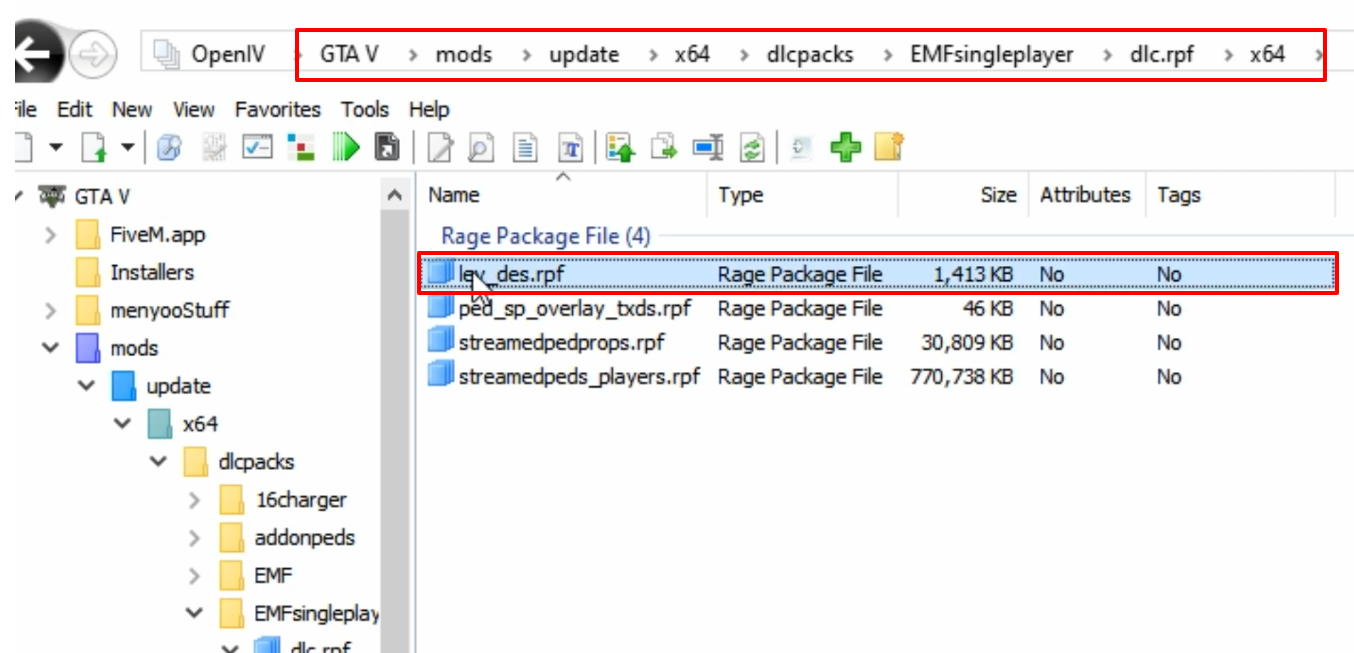
- Cut and Move the selected file elsewhere in your pc at a safe place. And then paste the copied file in this location.
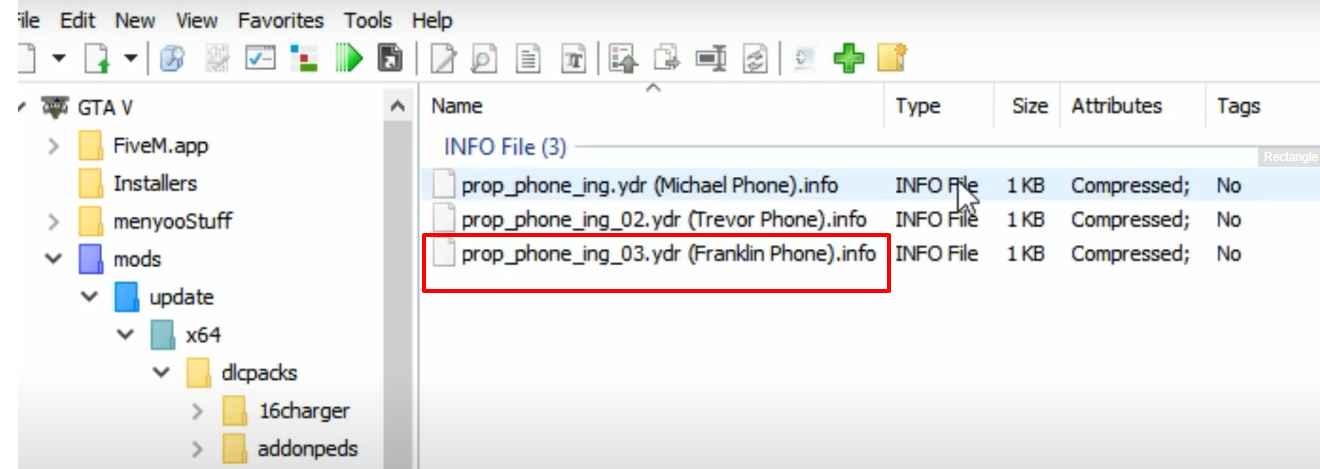
- And then open up the "menyoo Outfit" folder.
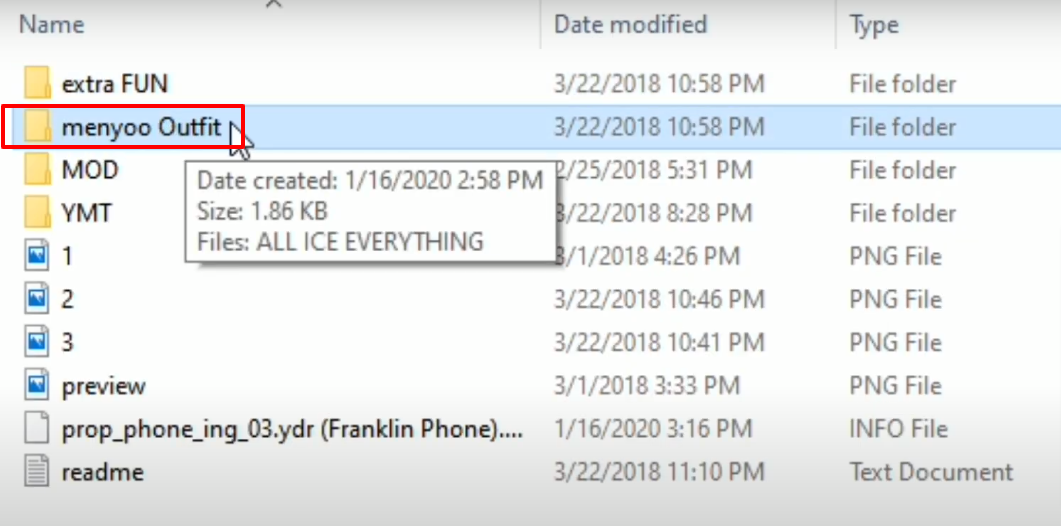
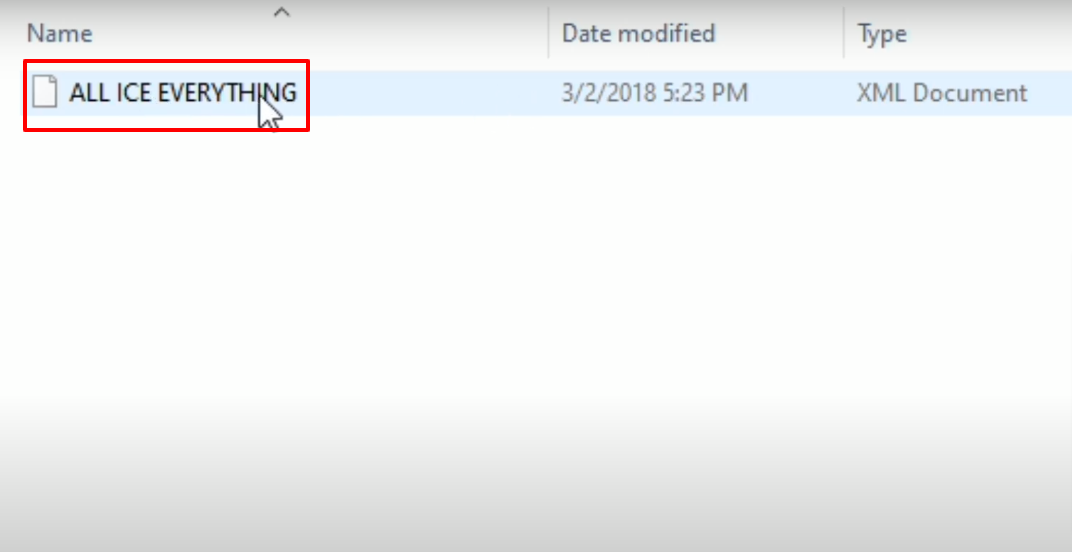
- Copy the ALL ICE EVERYTHING file.
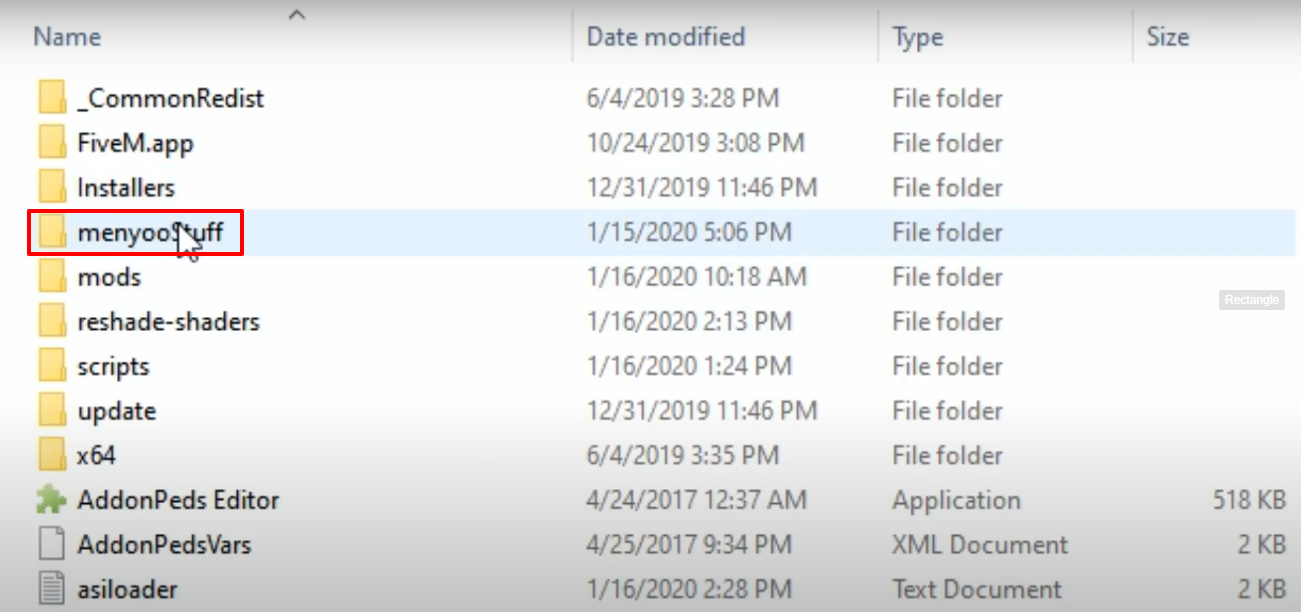
- Open Grand Theft Auto V and then open the menyooStuff folder.
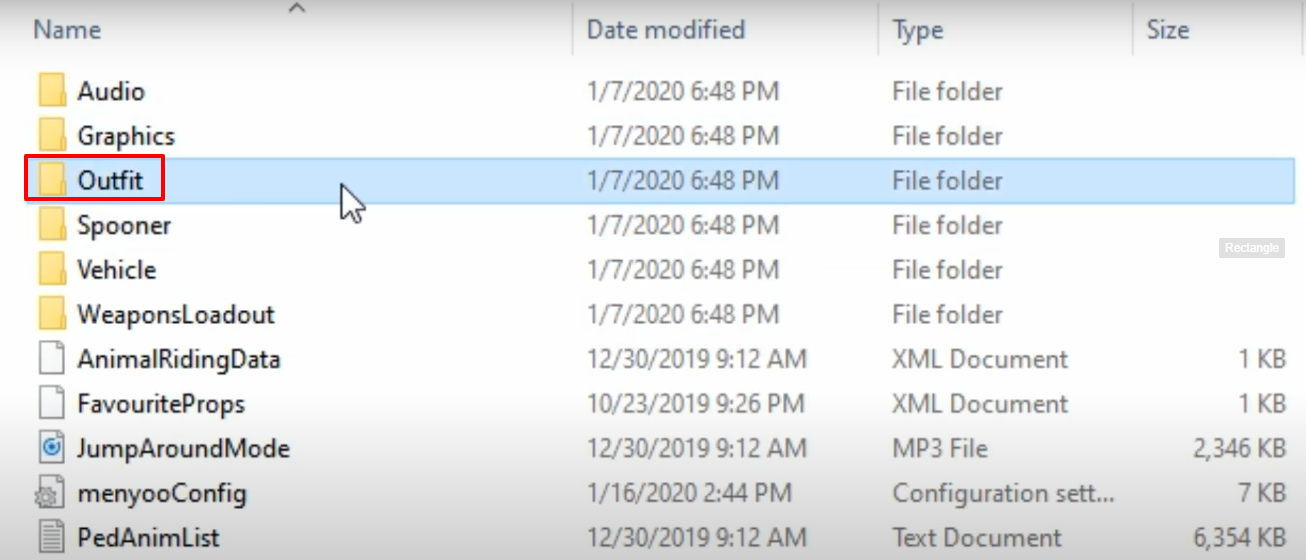
- Open the Outfit folder and copy it in this folder.
- Launch the game, explore and enjoy.