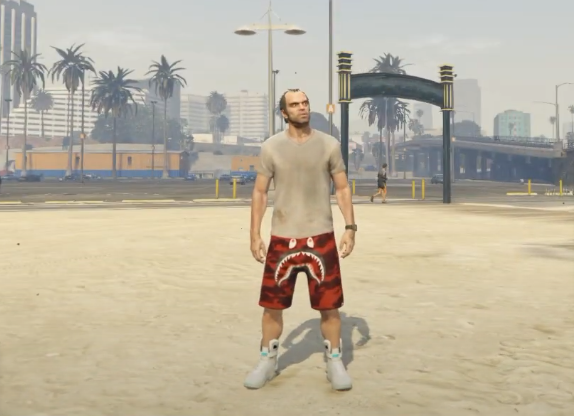
How To Install Clothing, Nike Air Mags, And BathingApe! Mod In GTA 5 ?
The Clothing Mods, Nike Air Mags, and BathingAp mod adds new clothing in the GTA 5 game. This guide will let you know how to install the Clothing Mods, Nike Air Mags, and BathingAp mdo in Grand Theft Auto 5.
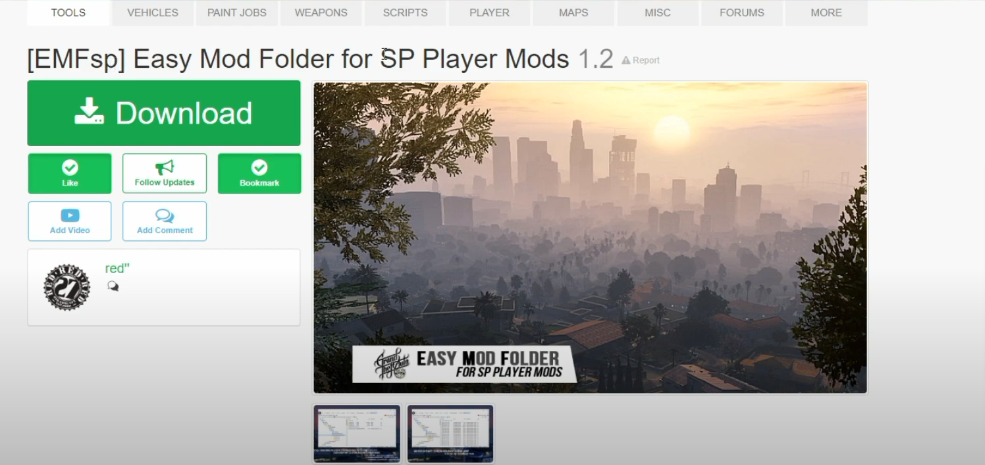
- The first thing you will need to do is to open the link below and click on Download.
https://www.gta5-mods.com/tools/emfsp-easy-mod-folder-for-sp-player-mods
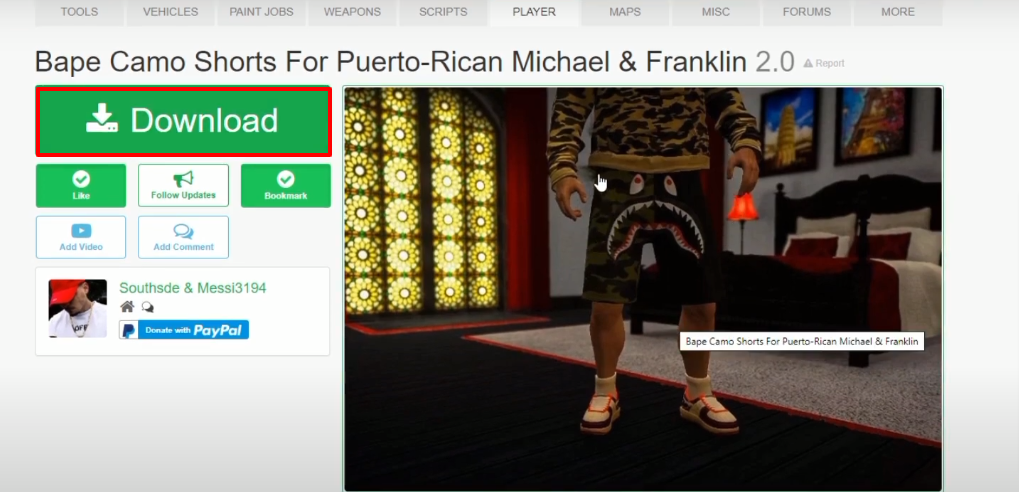
- Then open the following link and click on Download.
https://www.gta5-mods.com/player/bape-camo-shorts-for-puerto-rican-michael
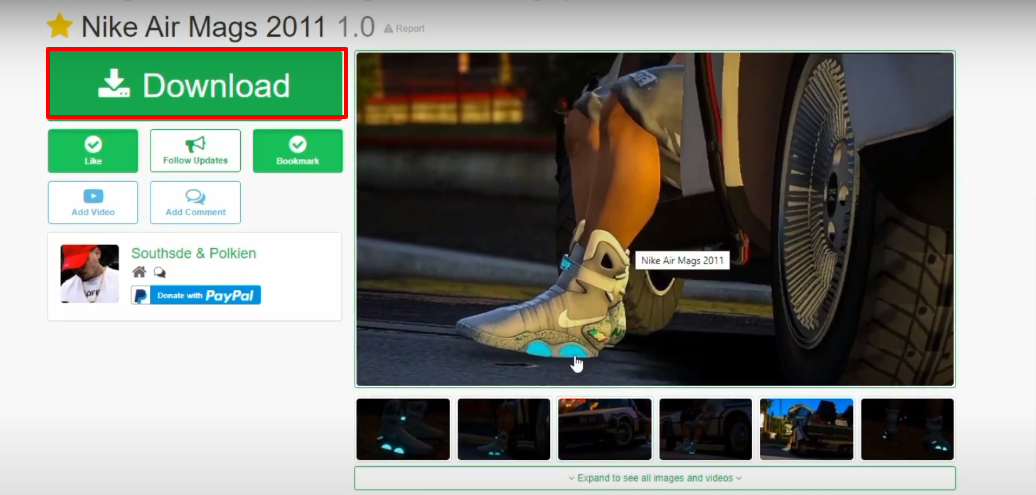
- After that, you have to open the link below and click on Download.
https://www.gta5-mods.com/player/nike-air-mags-2011
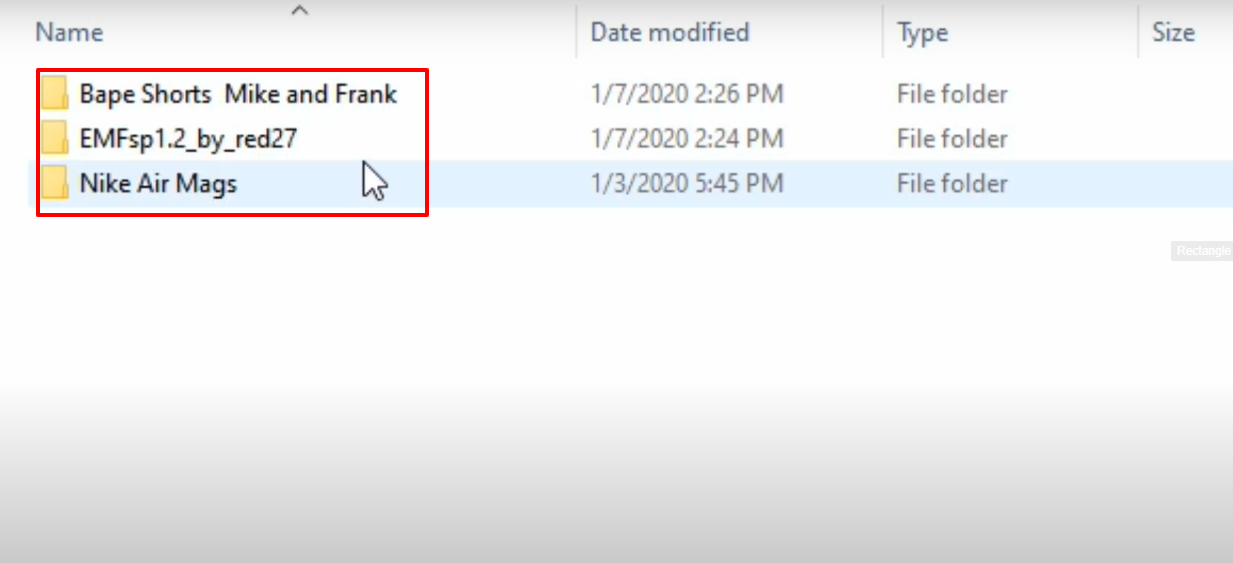
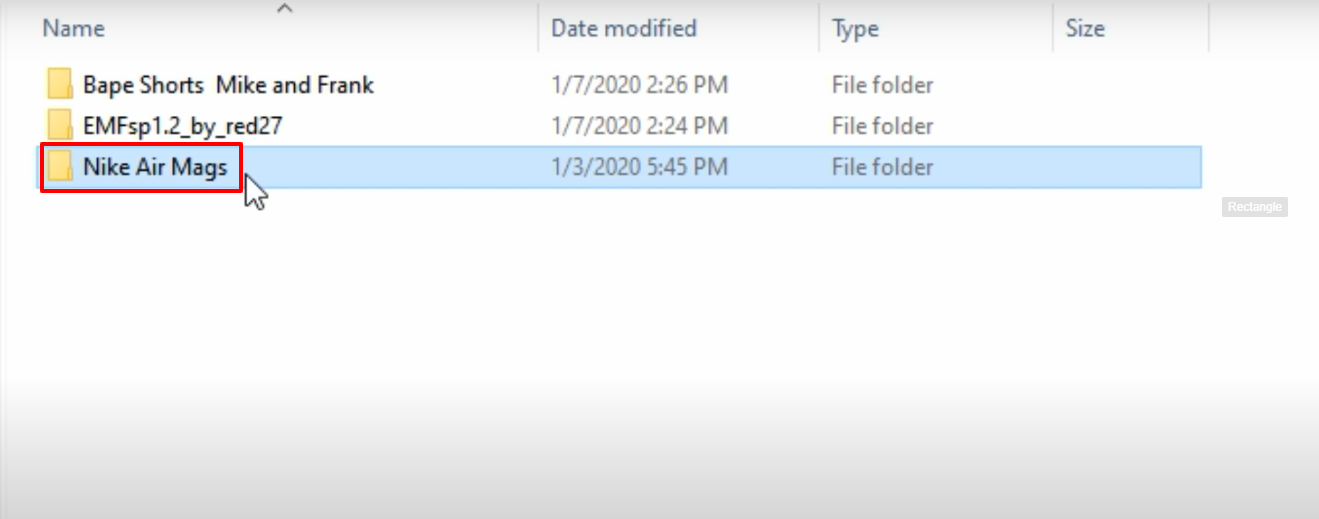
- Here are all the downloaded files.
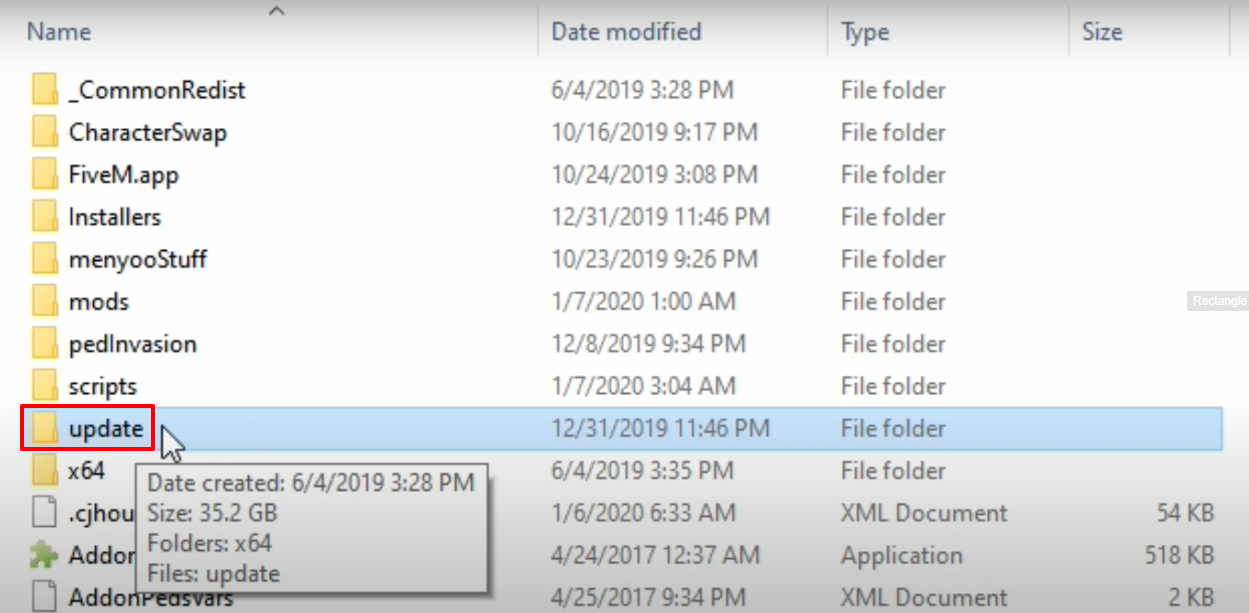
- Open the Grand Theft Auto V directory and copy the update folder.
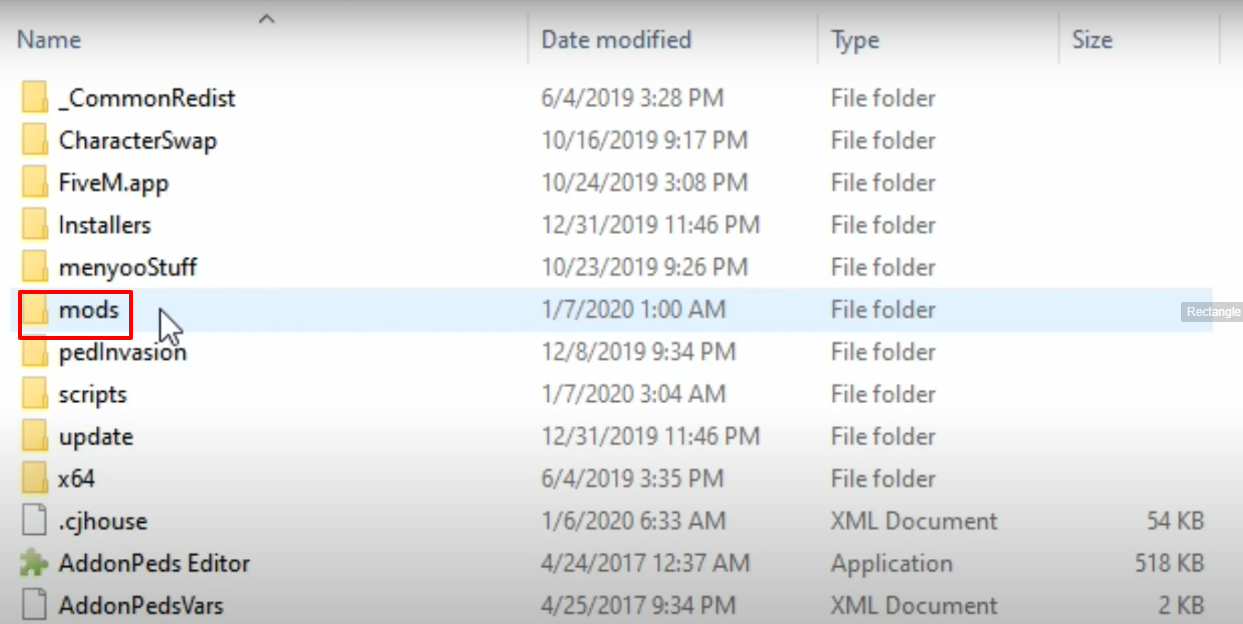
- Paste the update folder in the mods folder.
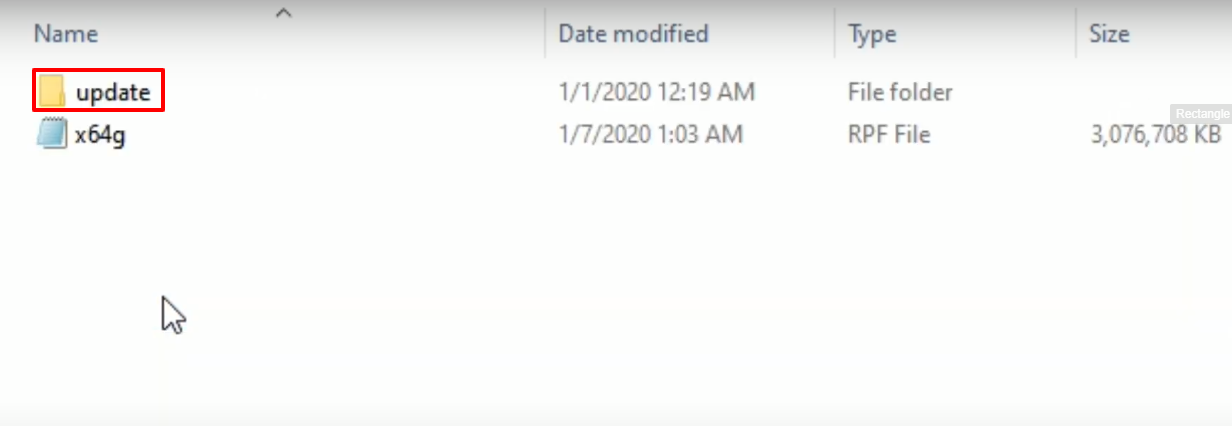
- And then open the copied update folder.
- Open up the x64 folder.
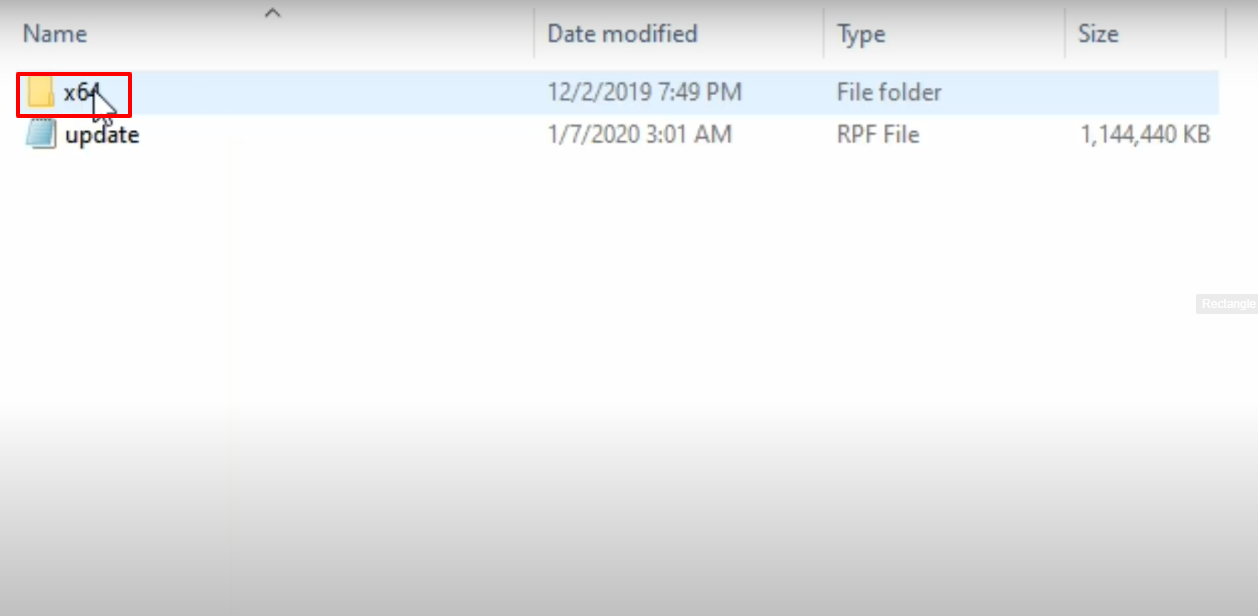
- Open the marked folder.
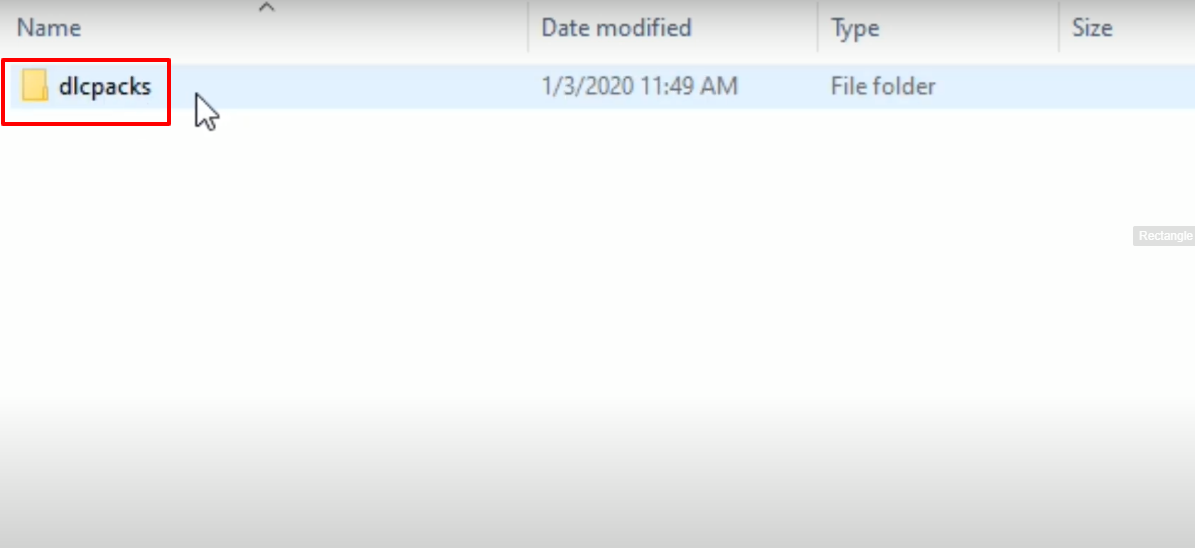
- And then you will need to open the downloaded marked folder.
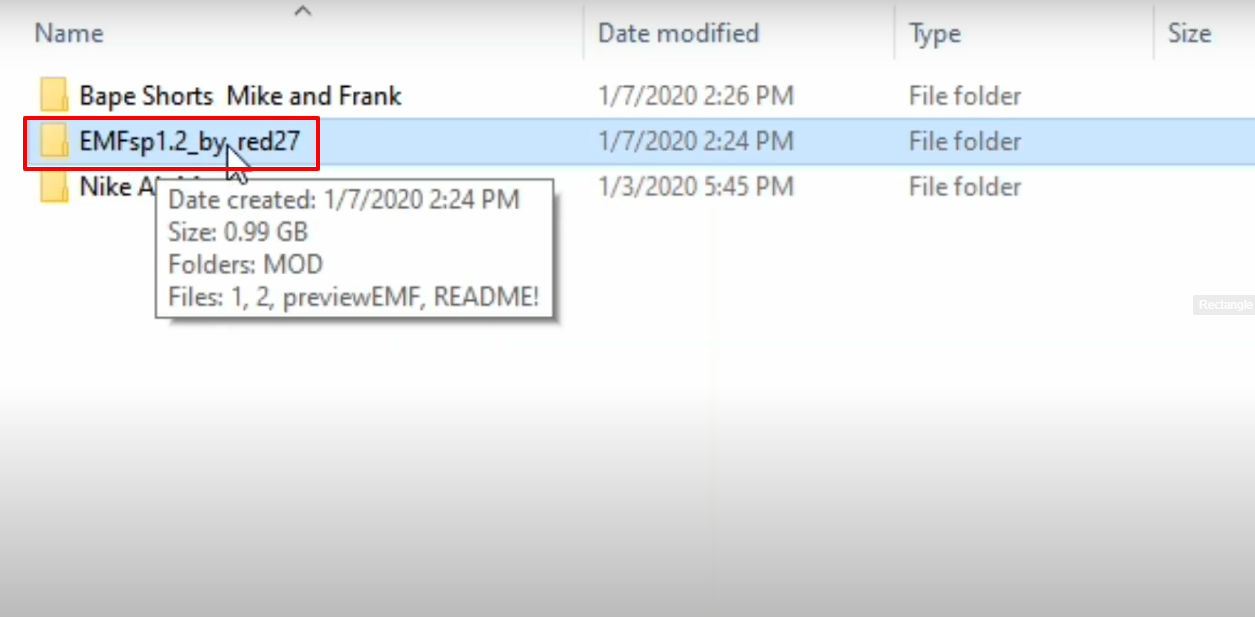
- Open the MOD folder.
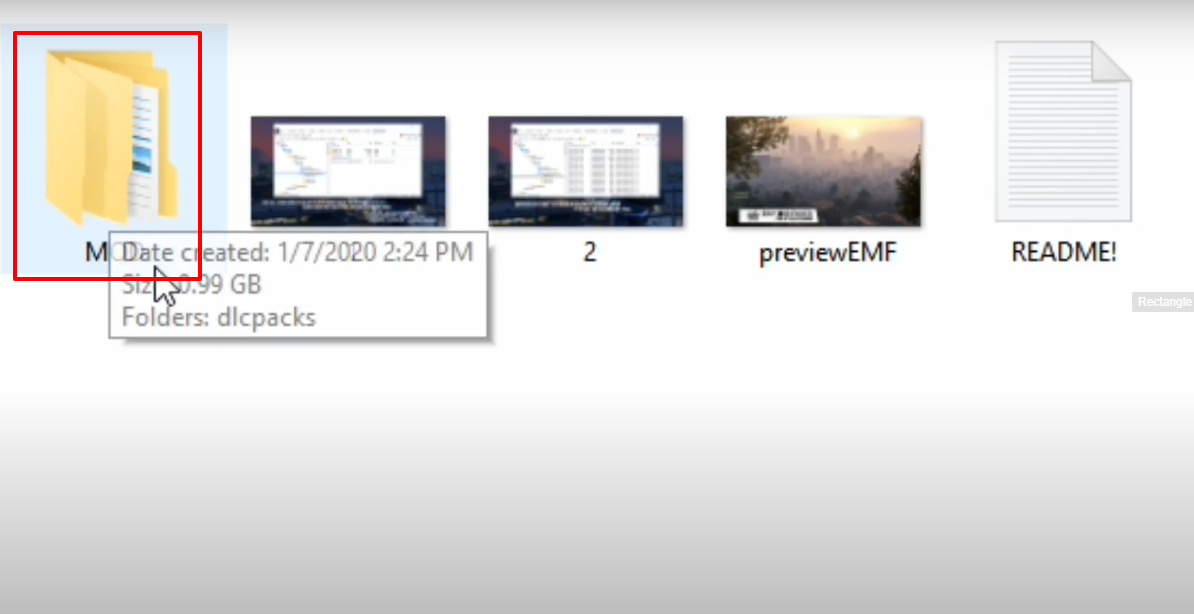
- After that, open up the dlcpacks folder.
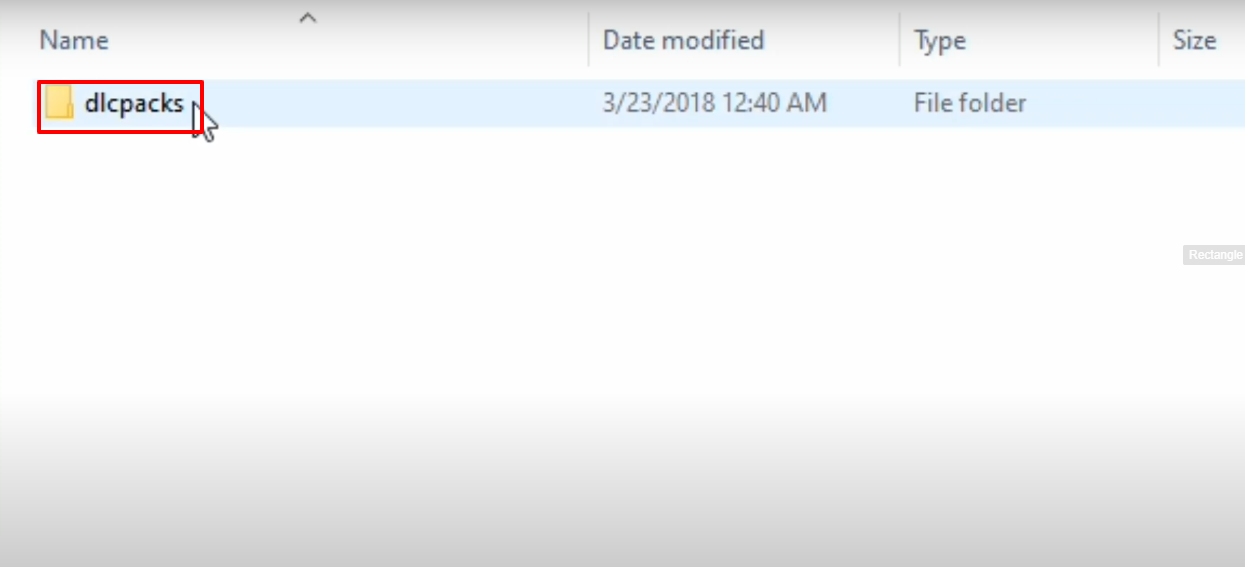
- Copy the marked folder.
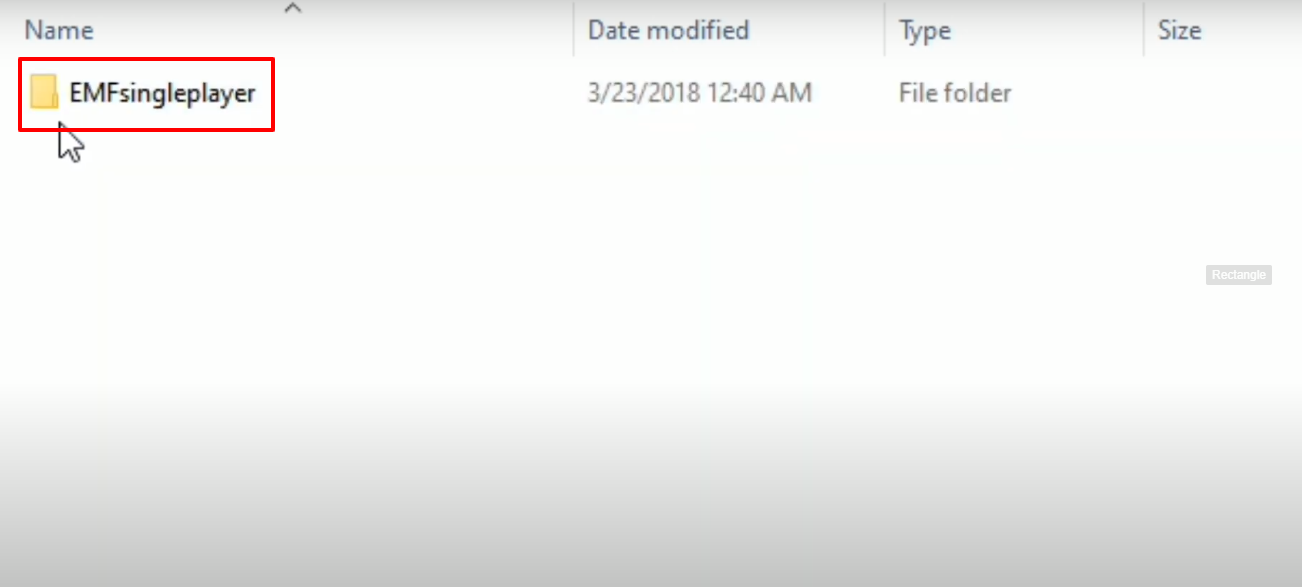
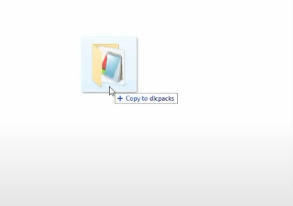
- Paste the copied folder in the dlcpacks folder(Grand Theft Auto V).
- Launch OpenIV, follow the path and then click on Show in mods folder but first make sure to click on Edit mode.
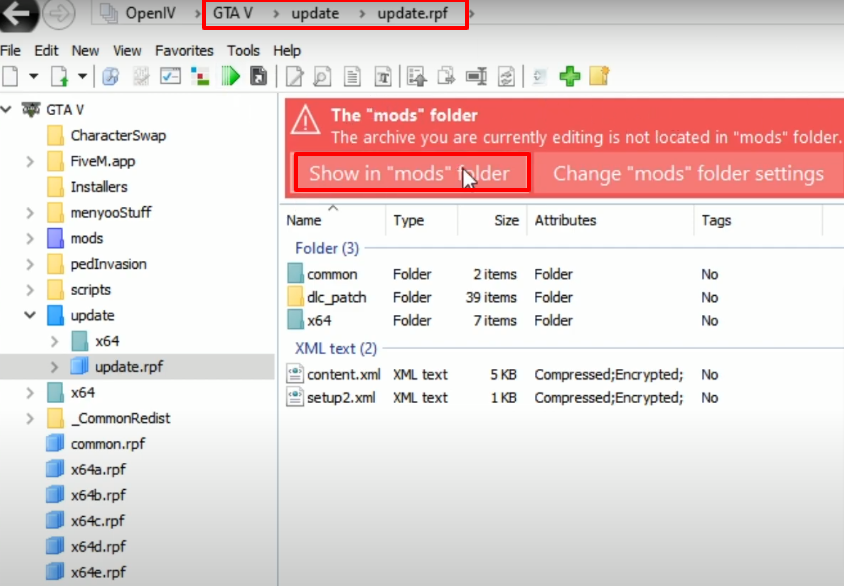
- Follow the path.
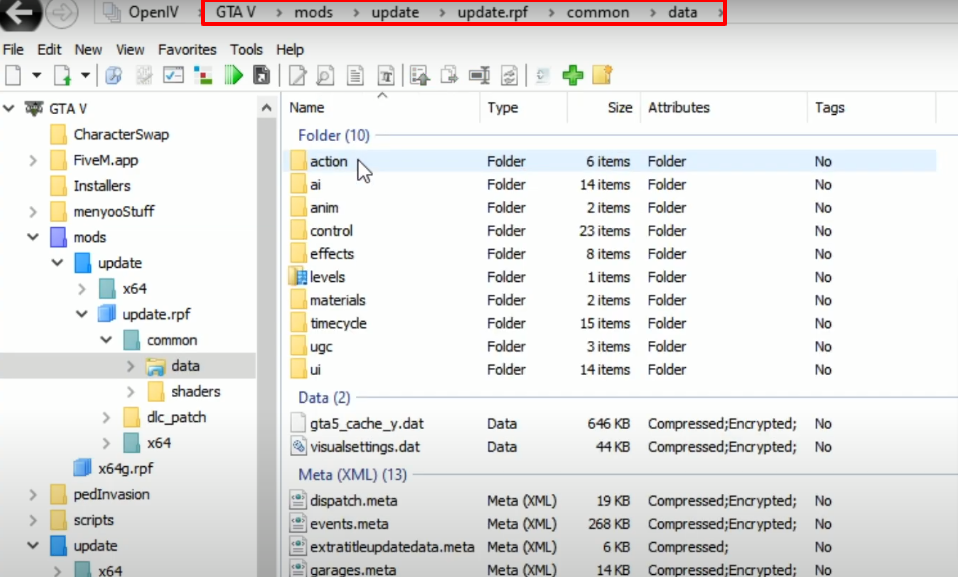
- Right click on the marked file and then navigate to Edit.
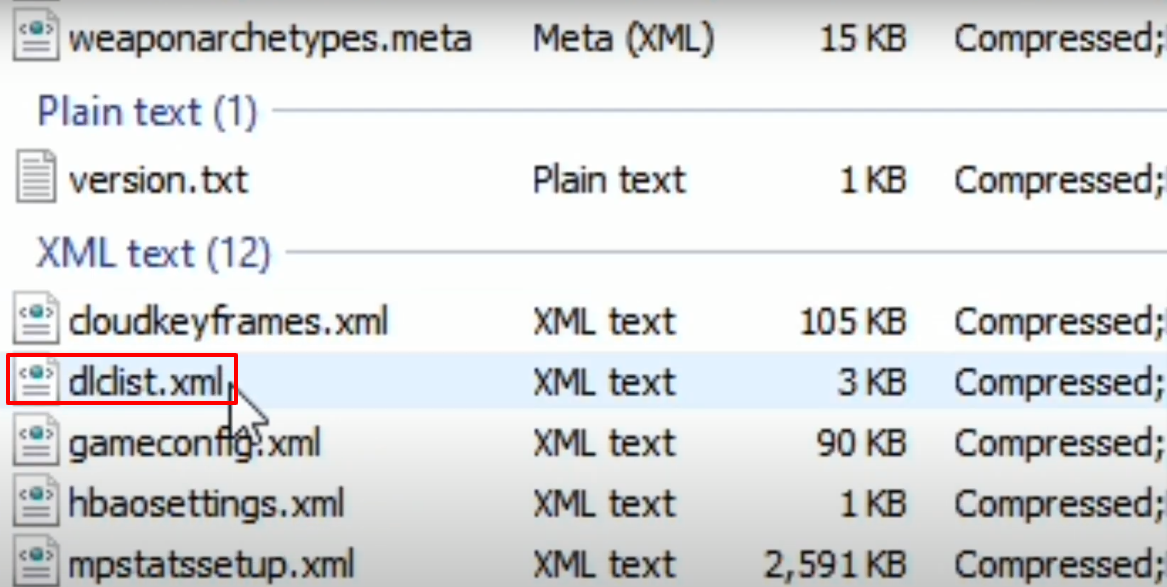
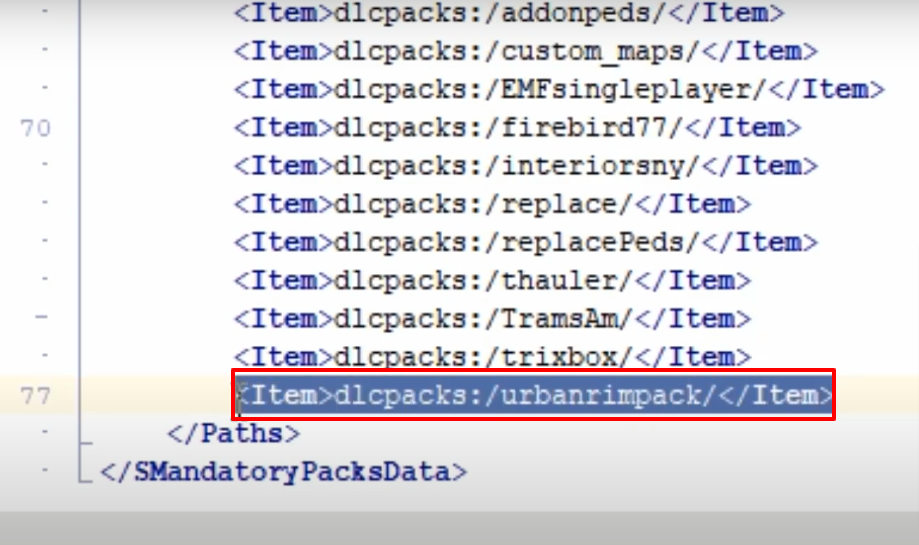
- Scroll to the bottom and copy the highlighted text.
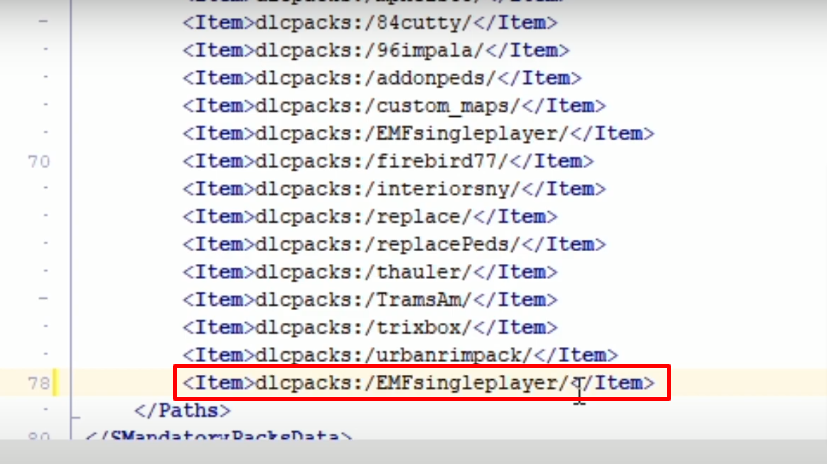
- Paste the highlighted text just underneath the copied text, change the name to EMFsingleplayer and then save the file.
- Follow the path and click on Edit mode.
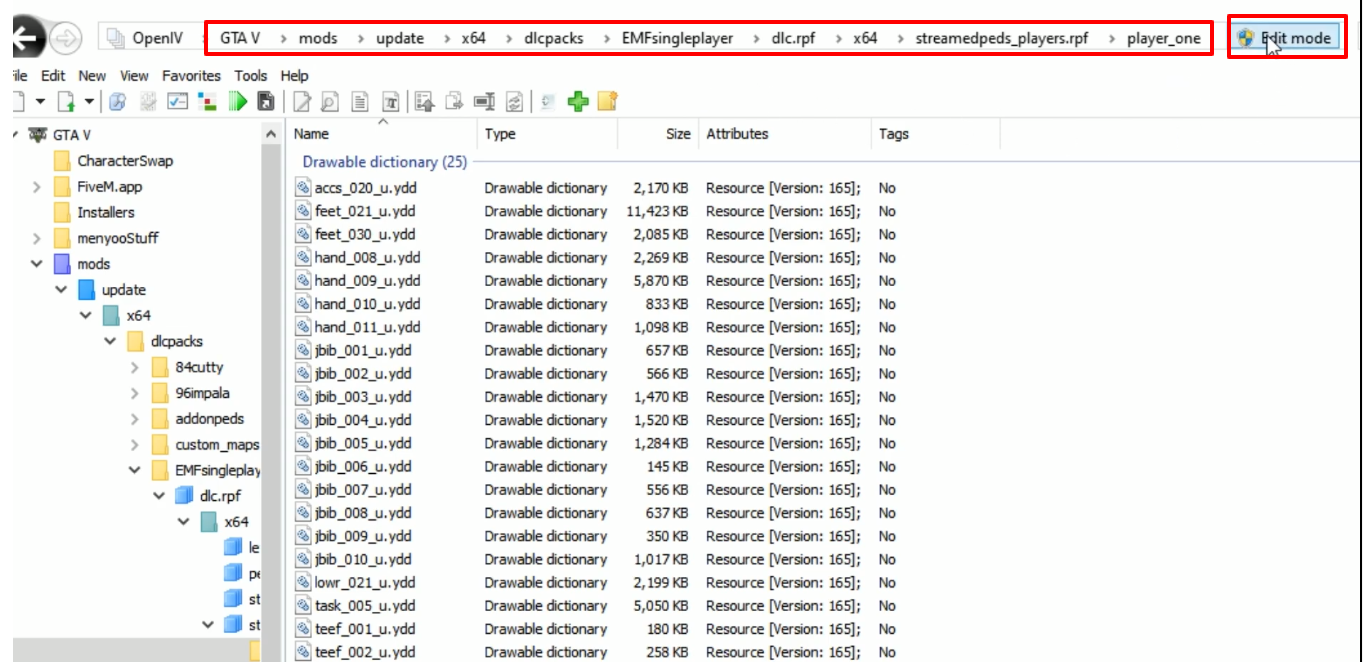
- Open the marked downloaded folder.
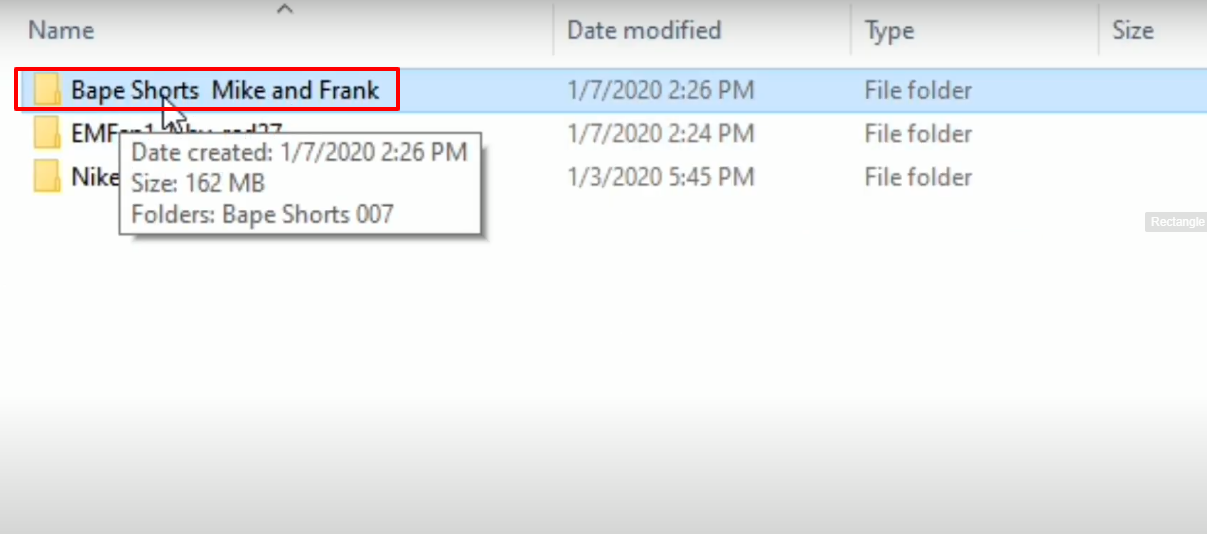
- Then open up the Bape Shorts 007 folder.
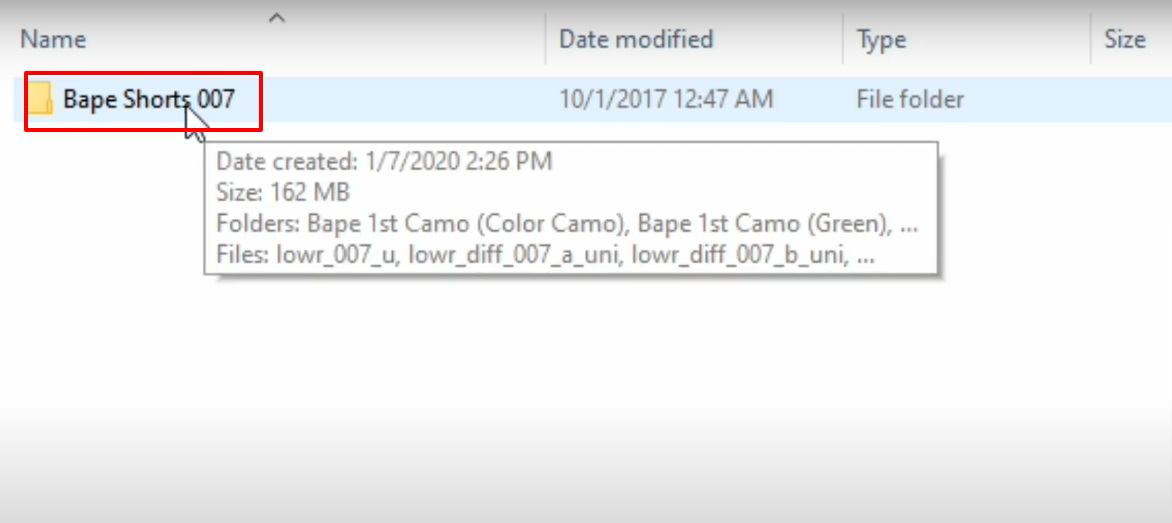
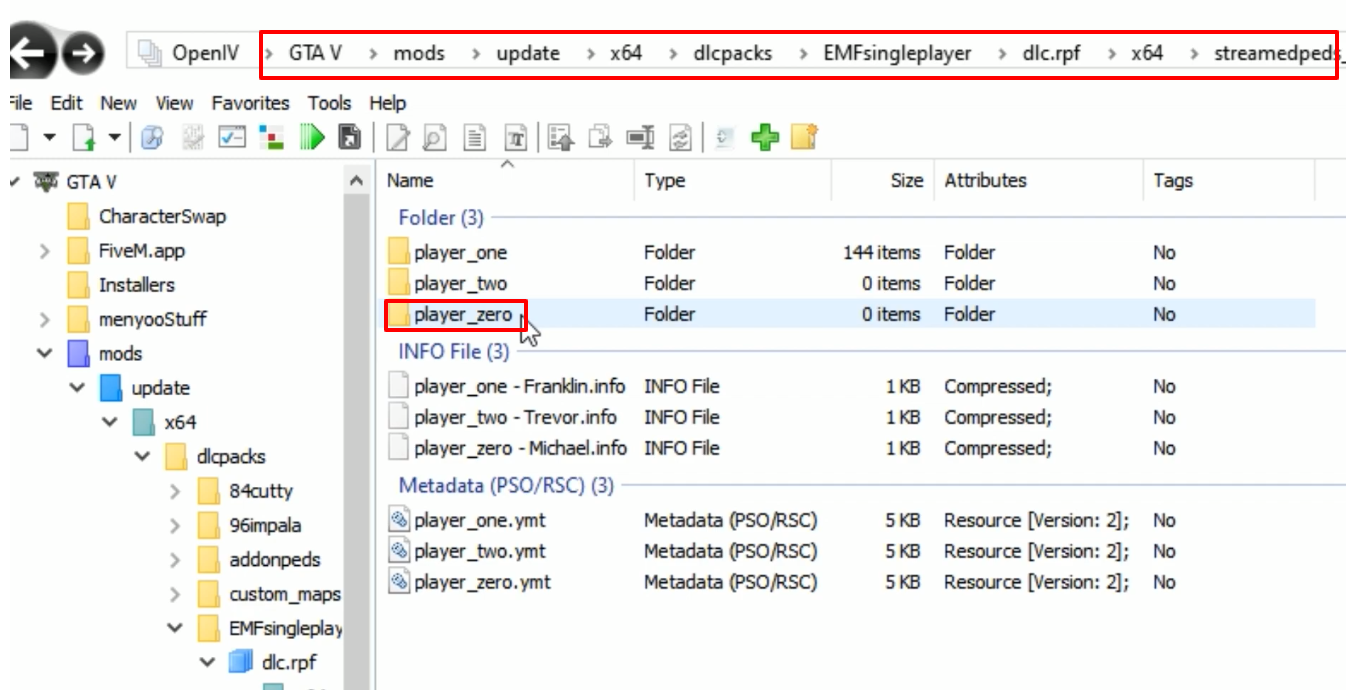
- Copy the YDD files and paste them in the player_one(OpenIV). You can paste the selected YDD files according to your preference.
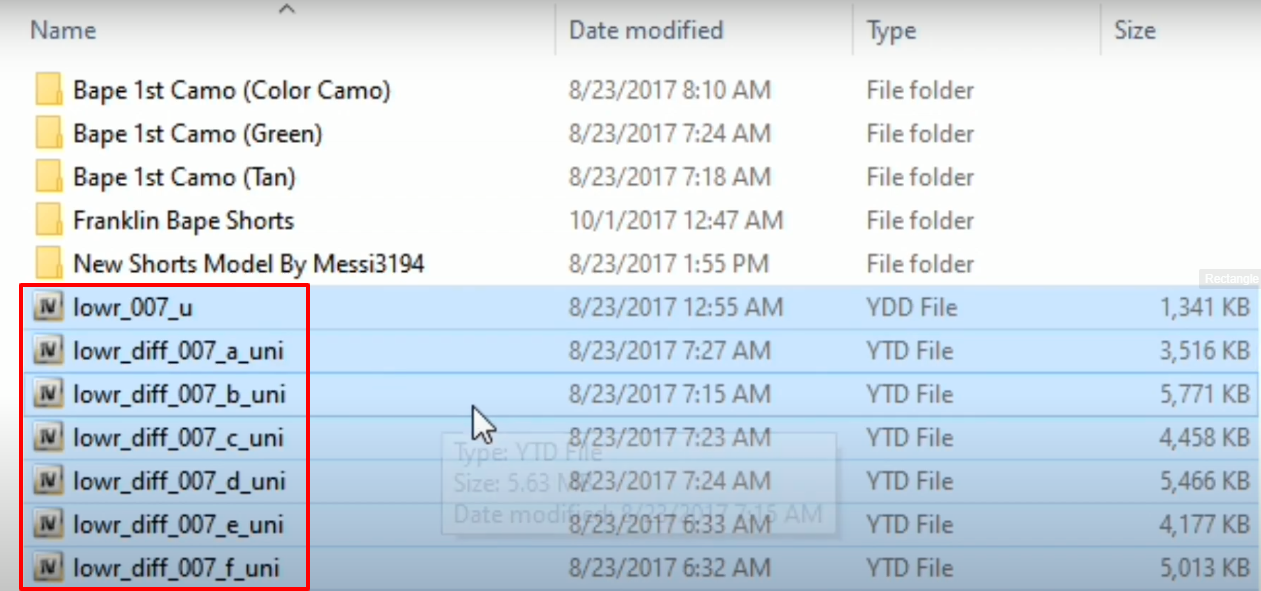
- The YDD files can also be pasted in the player_zero folder as this will be applied to Trevor characters.
- Open the downloaded marked folder.
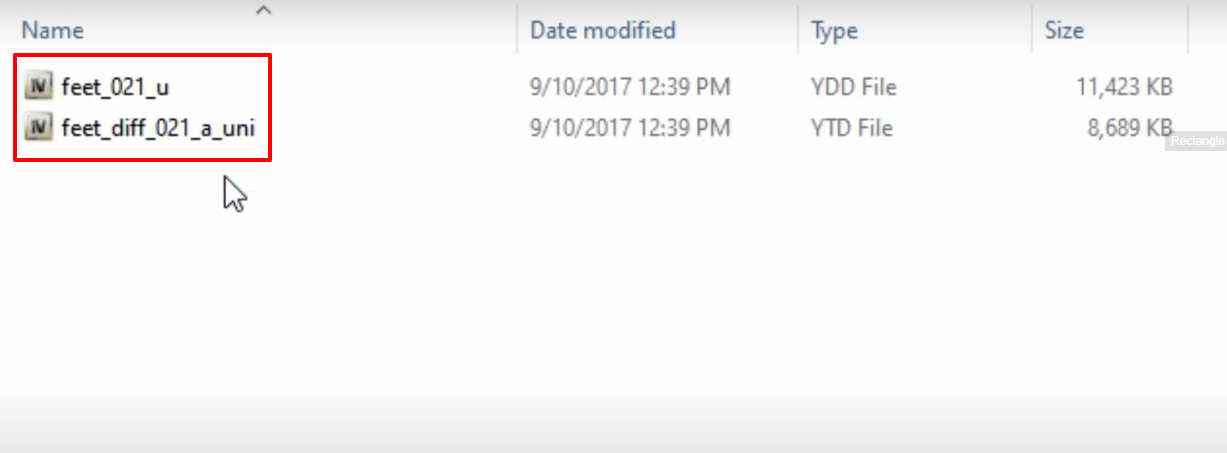
- Select the marked files, drag and drop them in the player_zero folder.
- Launch the game, explore the applied mods by using the simple trainer or any mod menu and enjoy.