How to Install Champion's Ashes - Dark Souls 3
This guide will let you know how to install Champion's Ashes in Dark Soul 3. You have to follow the step-by-step instructions in the guide to install it.
Step 1:
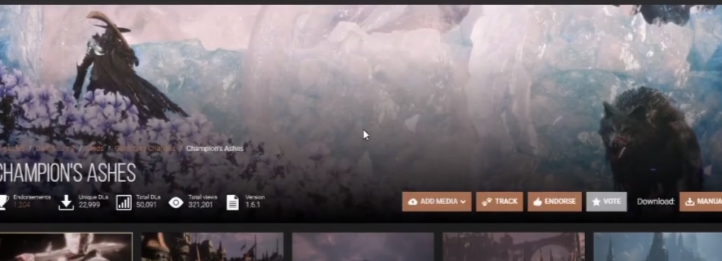
The first thing you will need to do is open up the following Nexus Mods page.
https://www.nexusmods.com/darksouls3/mods/488
Step 2:
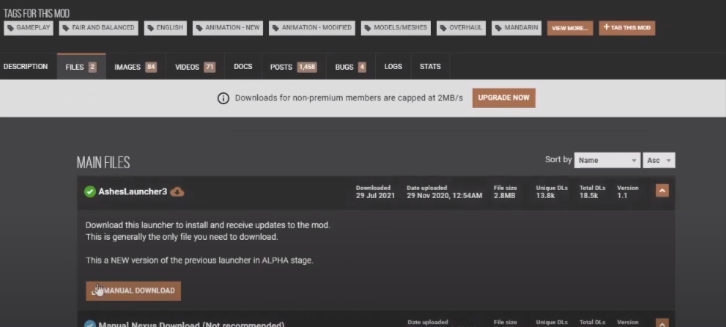
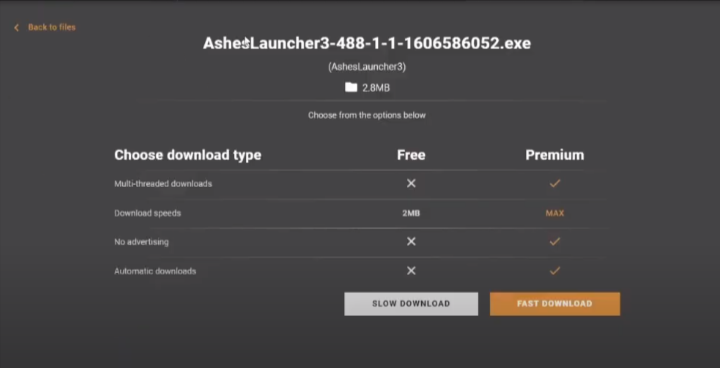
Go to files, and download the launcher.
Step 3:
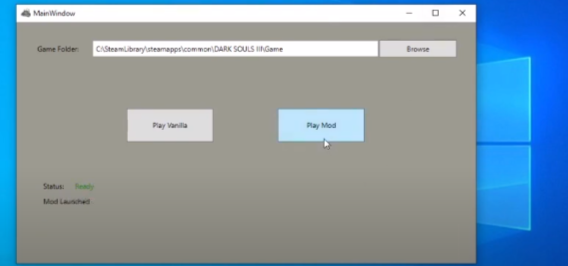
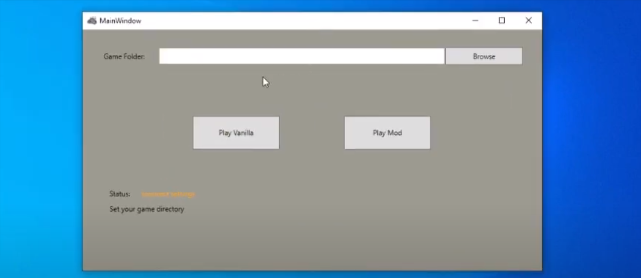
After that, you have to open the launcher.
Step 4:
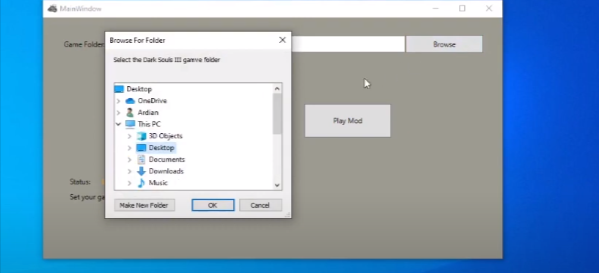
Then select your dark soul SIII game directory, typically C:/program files (x86)/Steam/Steamapps/common/Dark Souls III/Game.
Step 5:
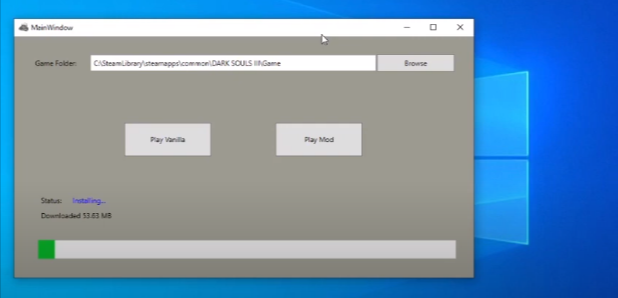
Now you will need to select Play Mod, and it will download the mod files first.
Step 6:
When it's done, you will need to click on Play Mode Again.