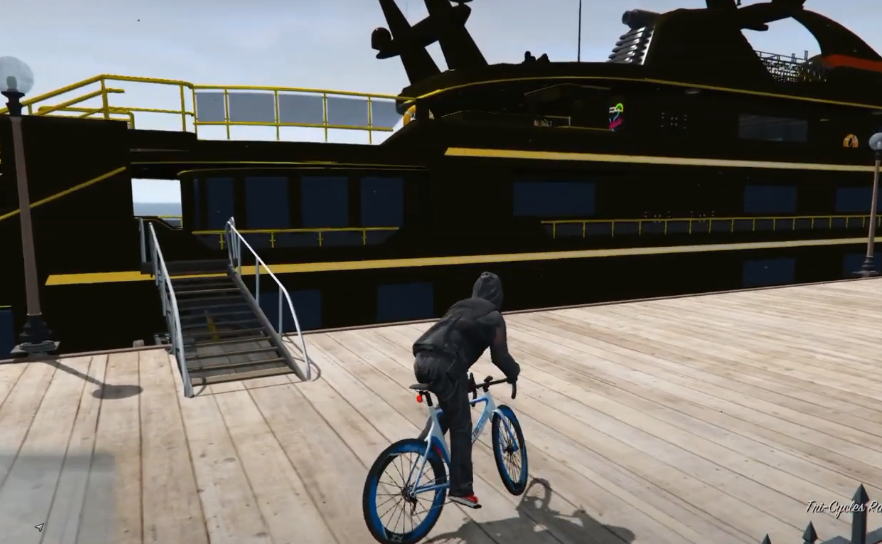
How To Install Addon Maps to FiveM Server Mod In GTA 5 ?
This guide will let you know how to download the Addon Maps to FiveM Server in GTA 5.
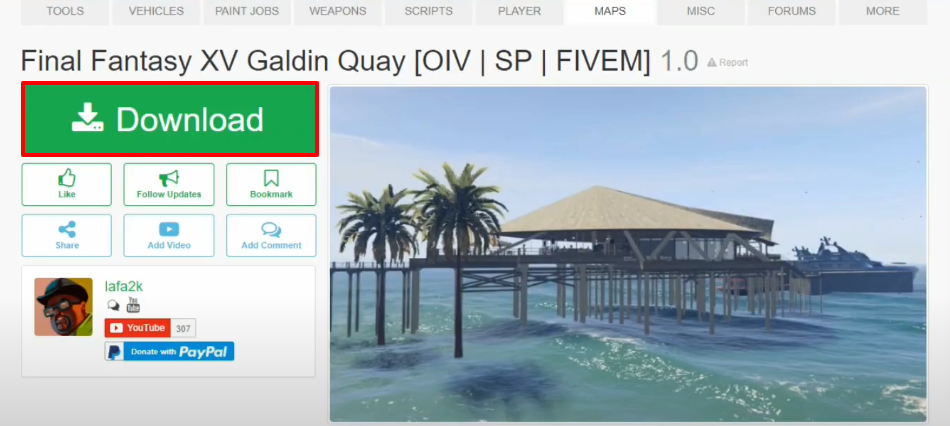
- Open the link below and download the Final Fantasy XV Galdin Quay.
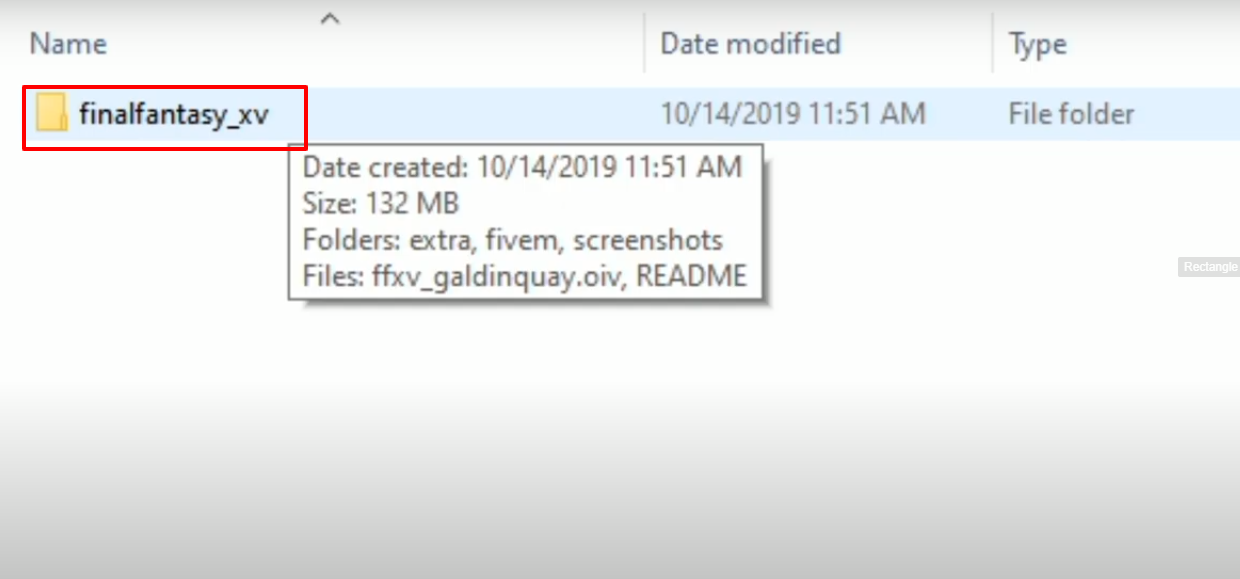
- Open the finalfantasy_xv folder.
- Then open up the fivem folder.
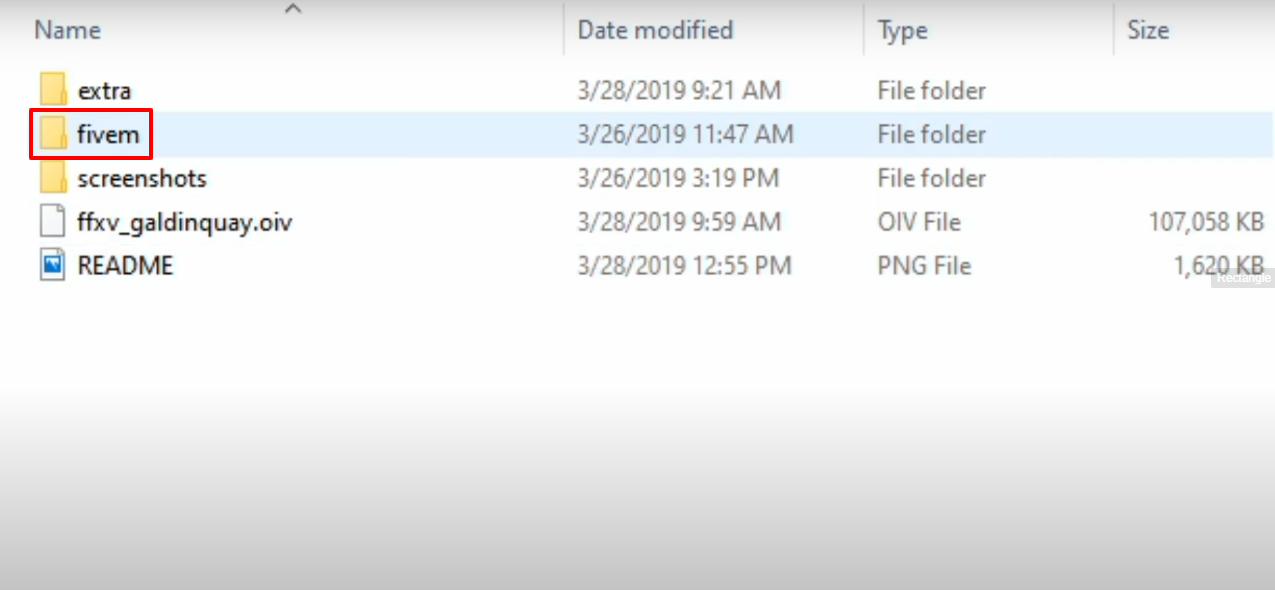
- Now you will need to copy the lafa2k_finalfantasyxv file.
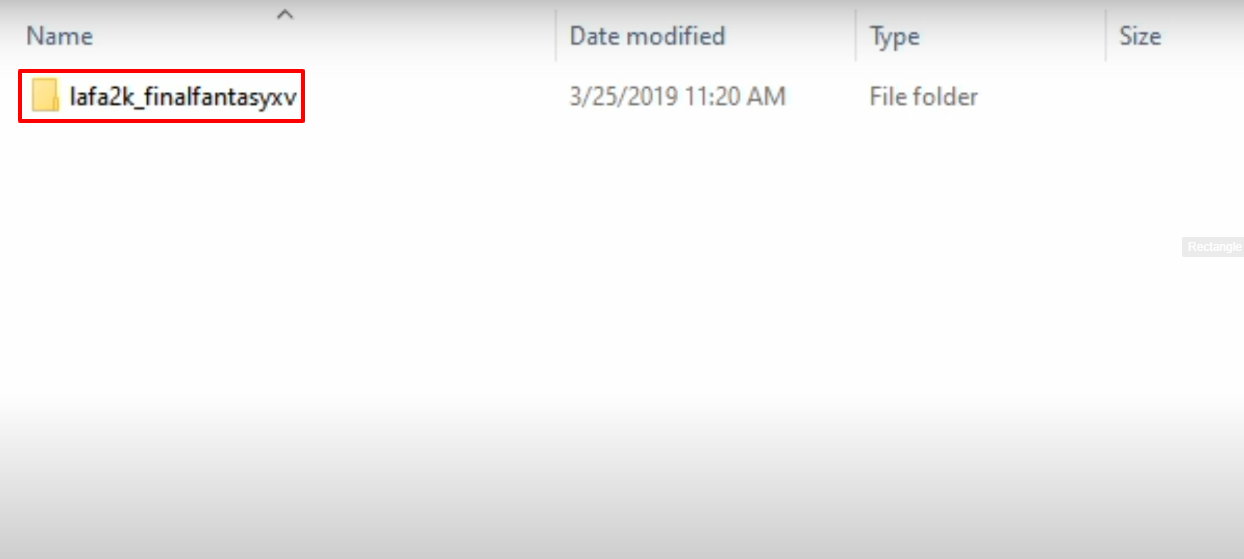
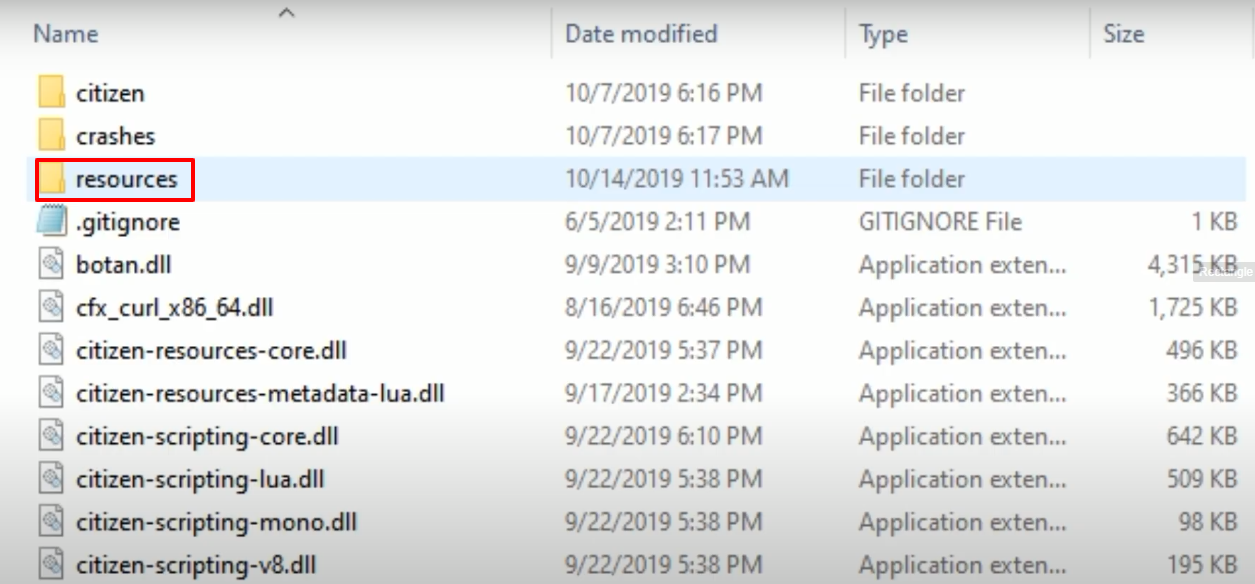
- Open FiveM directory and then open the resources folder. Paste the copied folder in this folder.
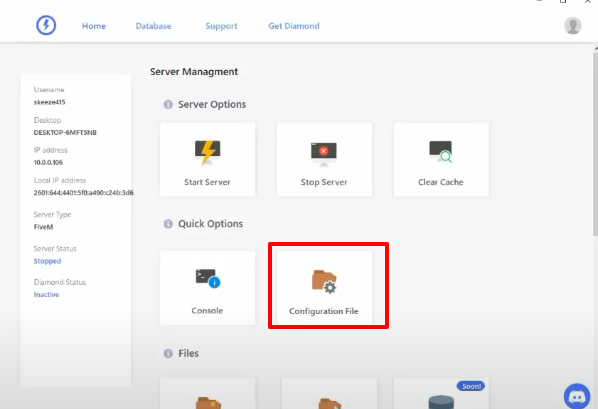
- Open Server Management and then click on Configuration File.
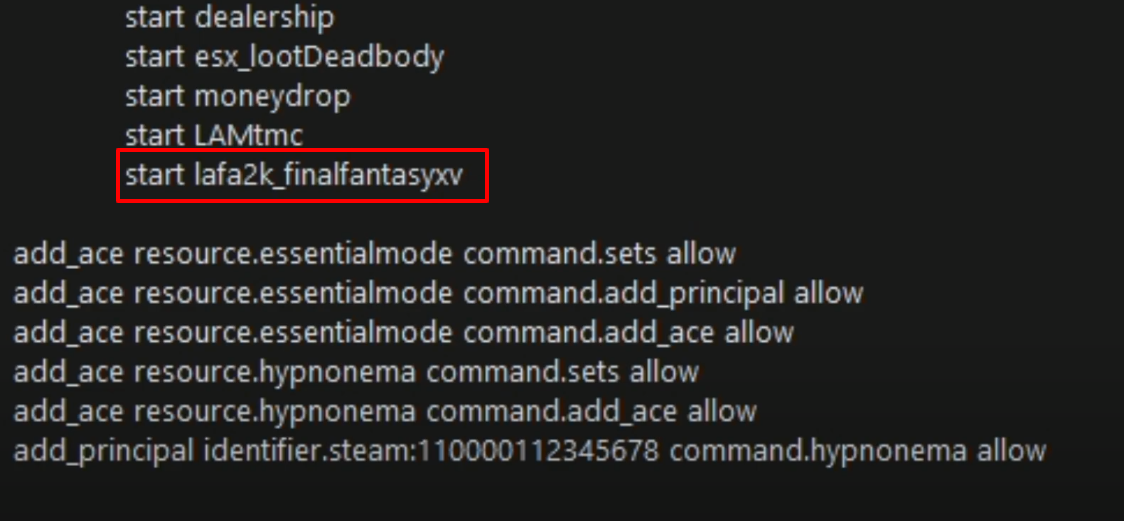
- Scroll down and add the start lafa2k_finalfantasyxc text in the last of “start” name list.
- Launch the game, explore and enjoy.