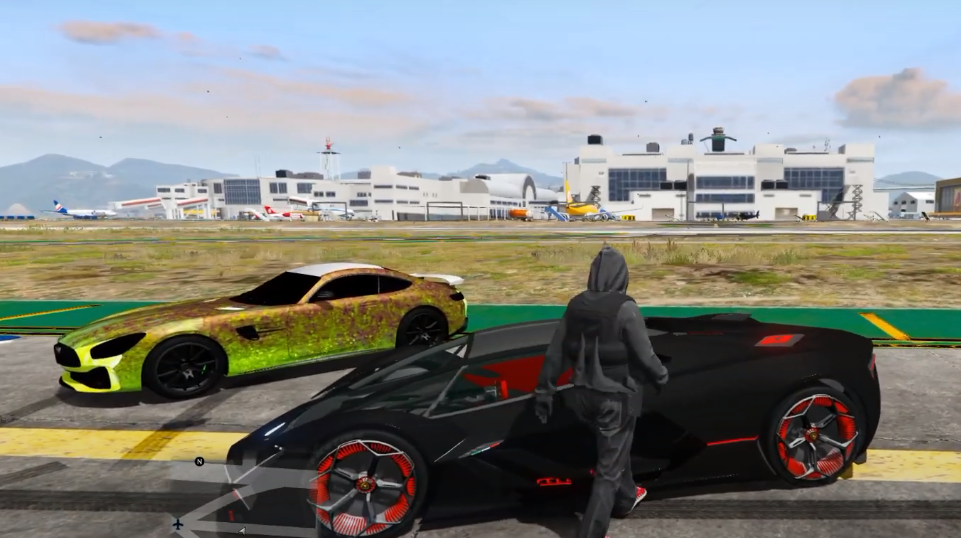
How To Install Addon Cars To FiveM Server In GTA 5 ?
FiveM is a modification for GTA 5 that enables you to play multiplayer on customised dedicated servers. The add on cars mod will add new cars to FiveM server.
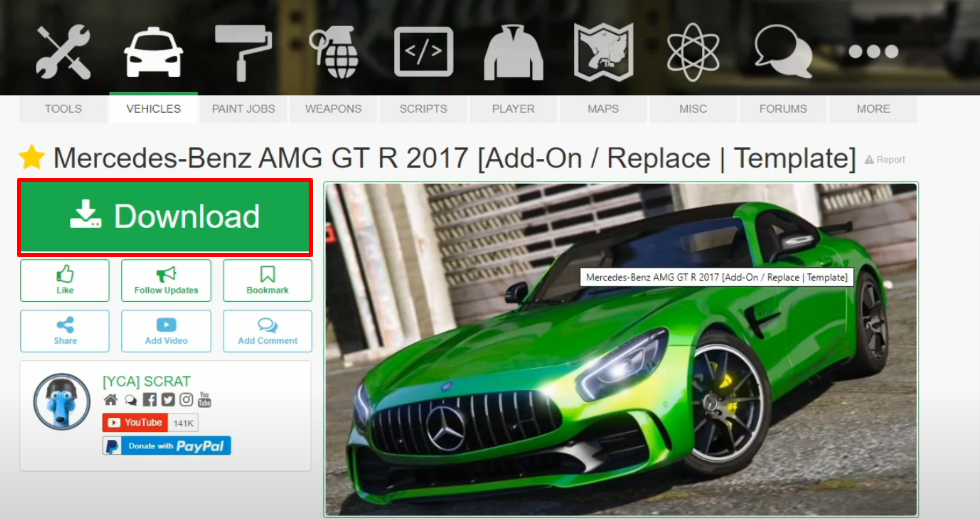
- Open the following link and download the Mercedes-Benz AMG GT R 2017 [Replace | Template] file.
https://www.gta5-mods.com/vehicles/mercedes-benz-amg-gt-r-2017
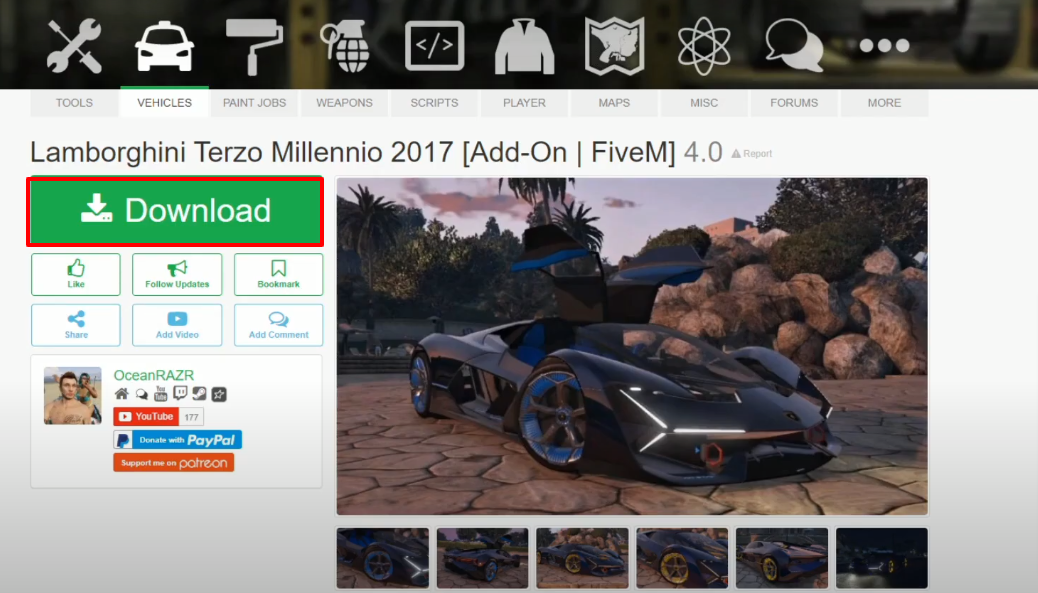
- Open the link below and download the 2017 Lamborghini Terzo Millennio [Add-On | FiveM] 4.0 file.
https://www.gta5-mods.com/vehicles/lamborghini-terzo-millennio-2017-addon-fivem
- Here are the downloaded files.

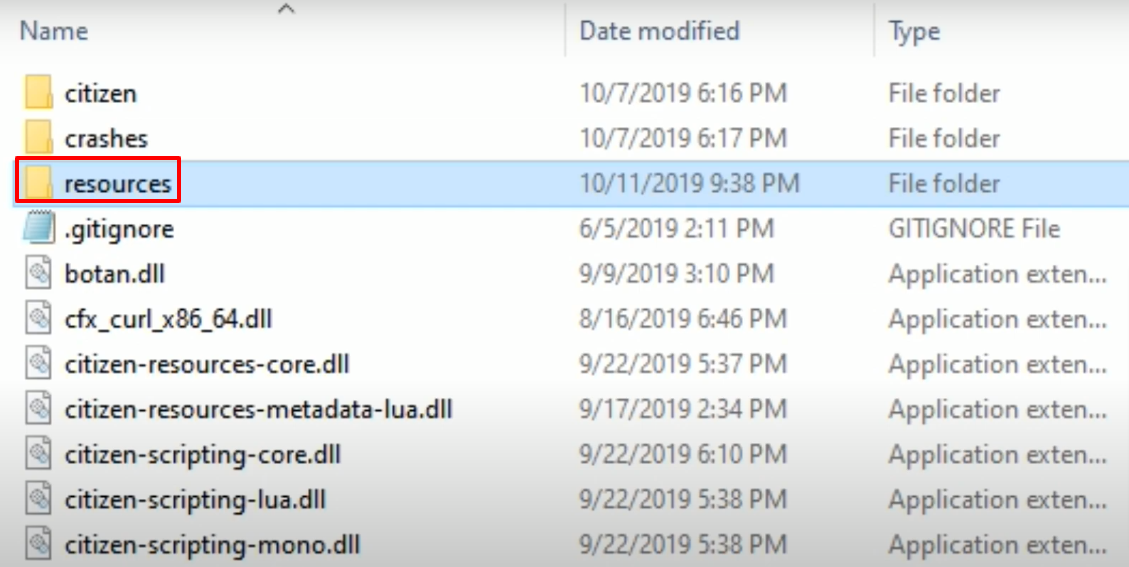
- Now, open the FiveM Server not directory and then open the resource folder.
- After that, open the Lamborghin named mod folder.
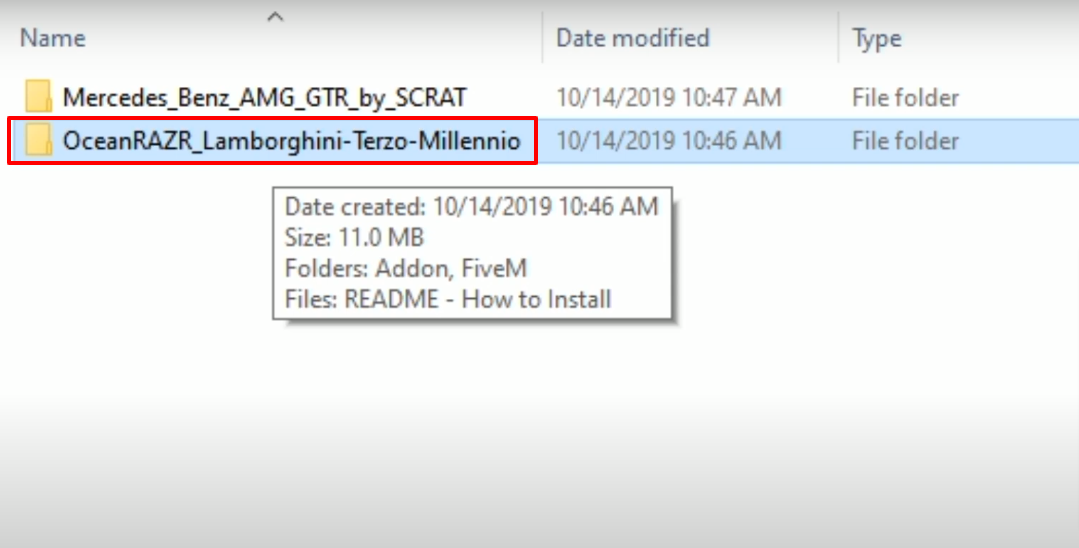
- Now you have to open the FiveM folder.
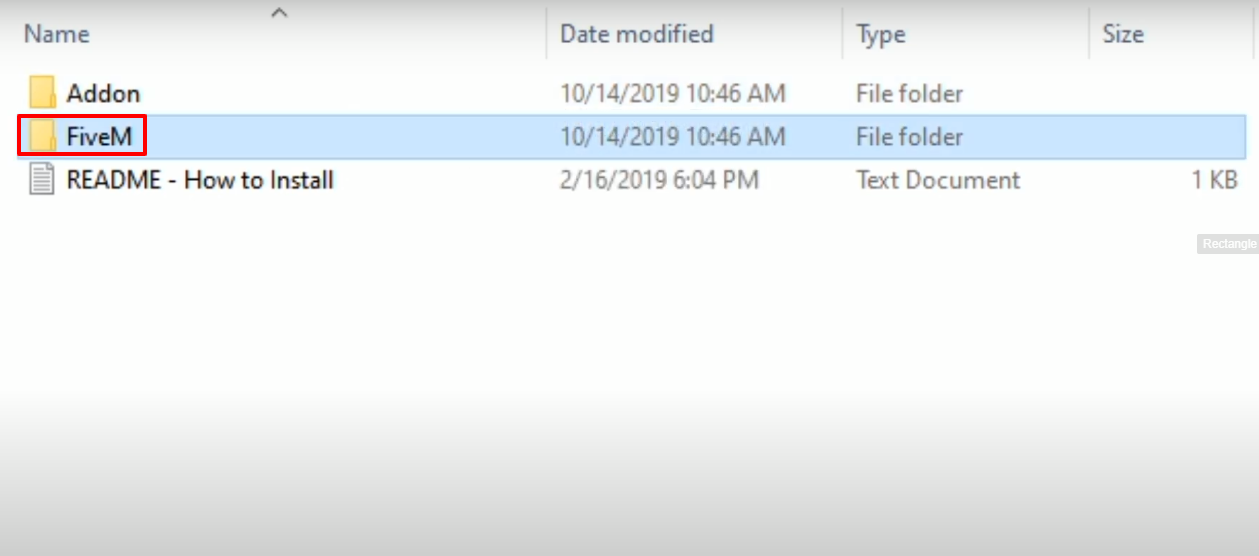
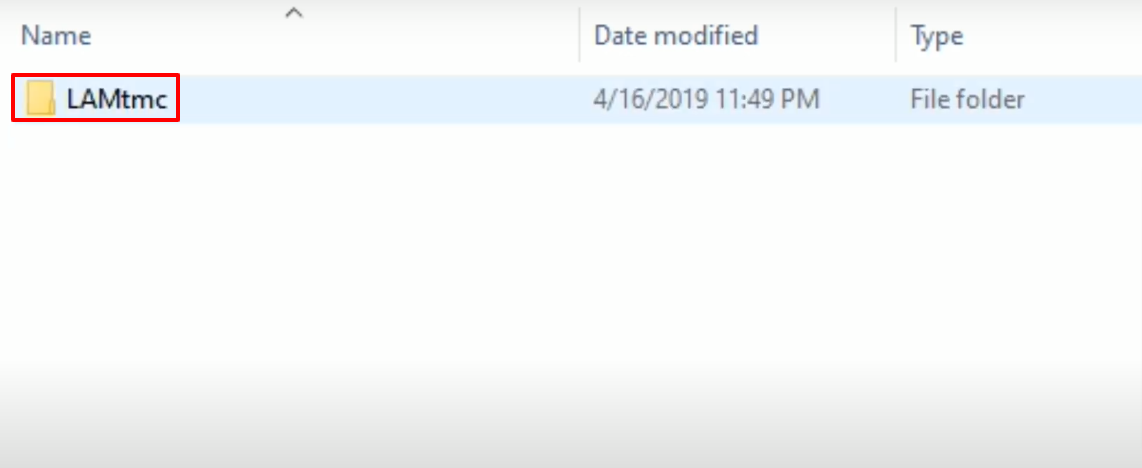
- After that, copy the LAMtmc folder.
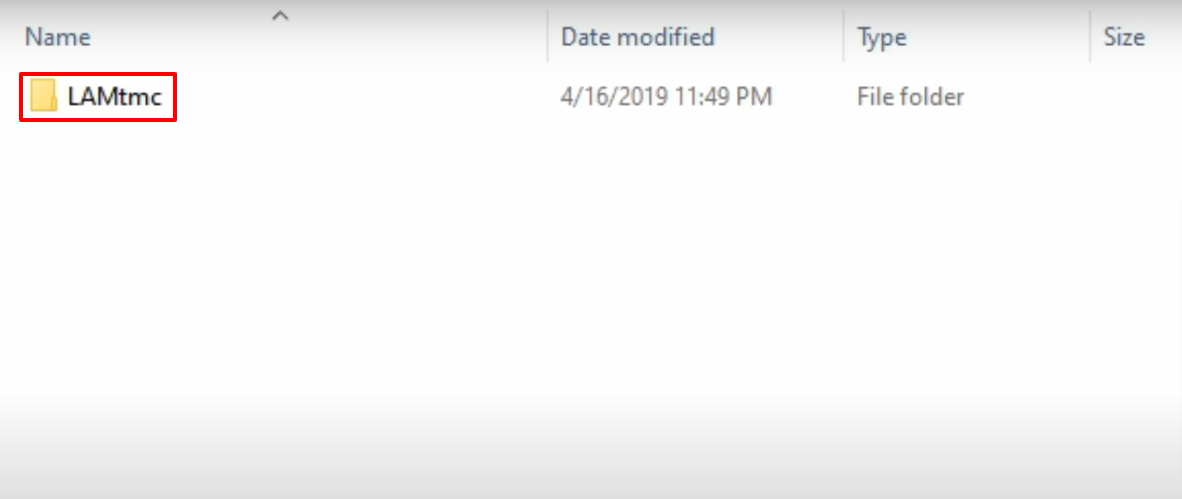
- Paste the copied folder in the resources folder that is opened in previous steps.

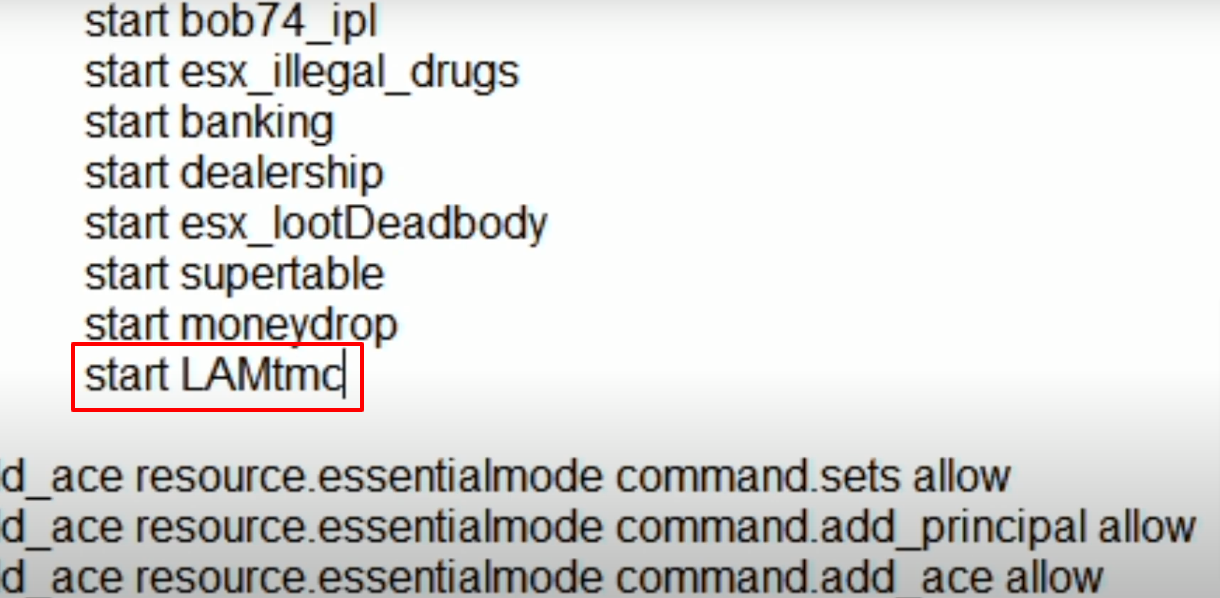
- After that, open up the server file within the resources folder.
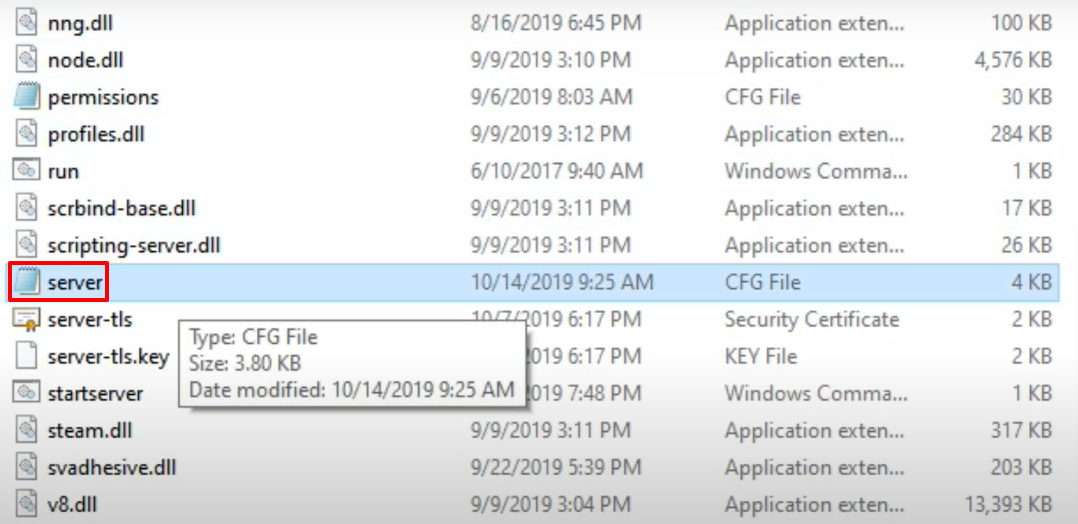
- Add the start LAMtmc text below the start moneydrop, then save and close the file.
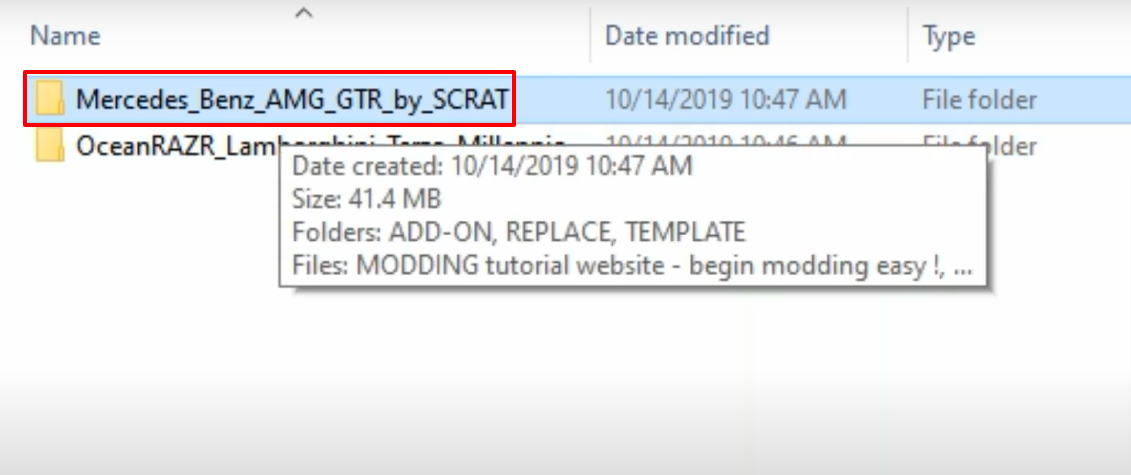
- After that, open Mercedes named folder.
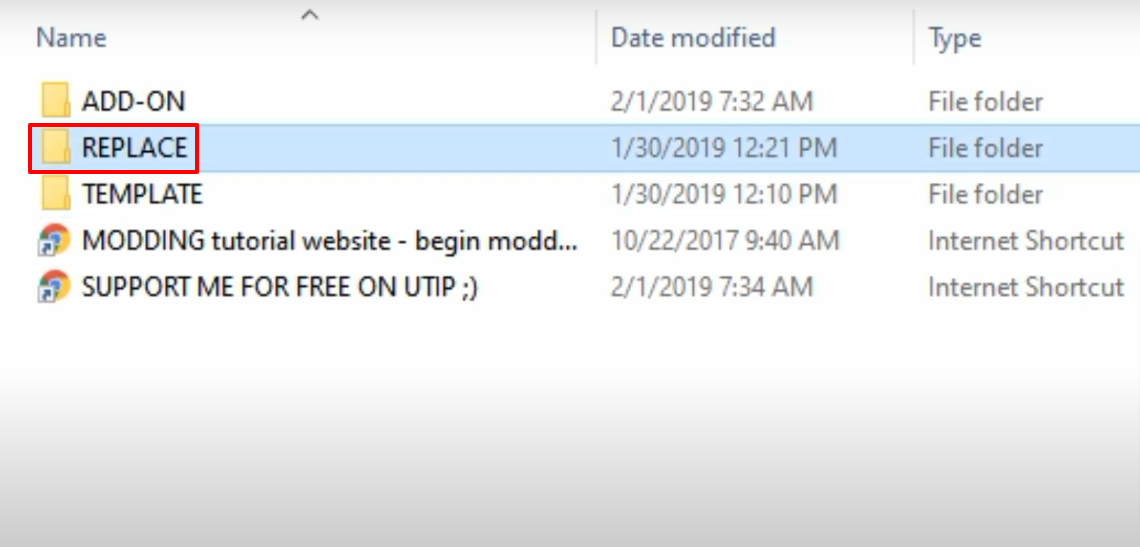
- Open the replace folder.
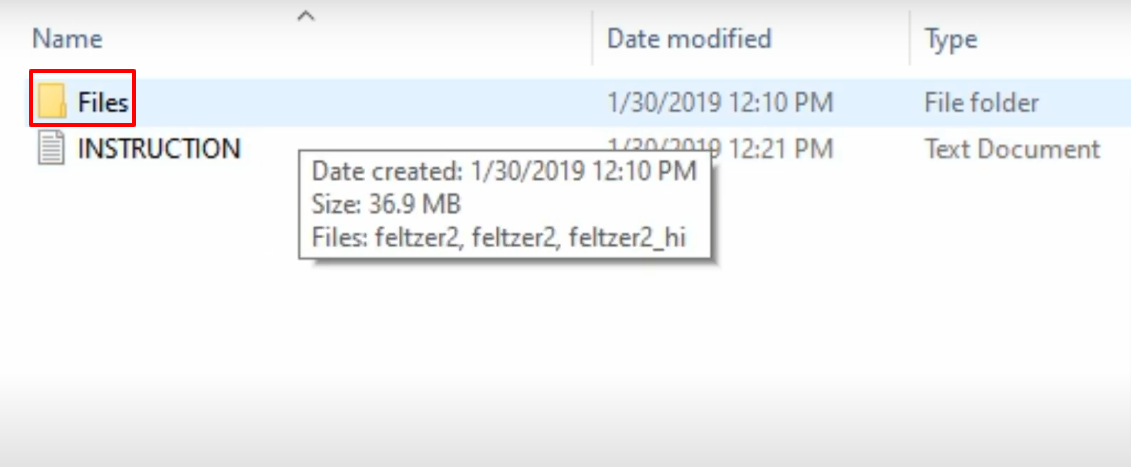
- Then open the Files folder and keep this folder open.
- After that, open the FiveM folder from your computer and then open the resources folder.
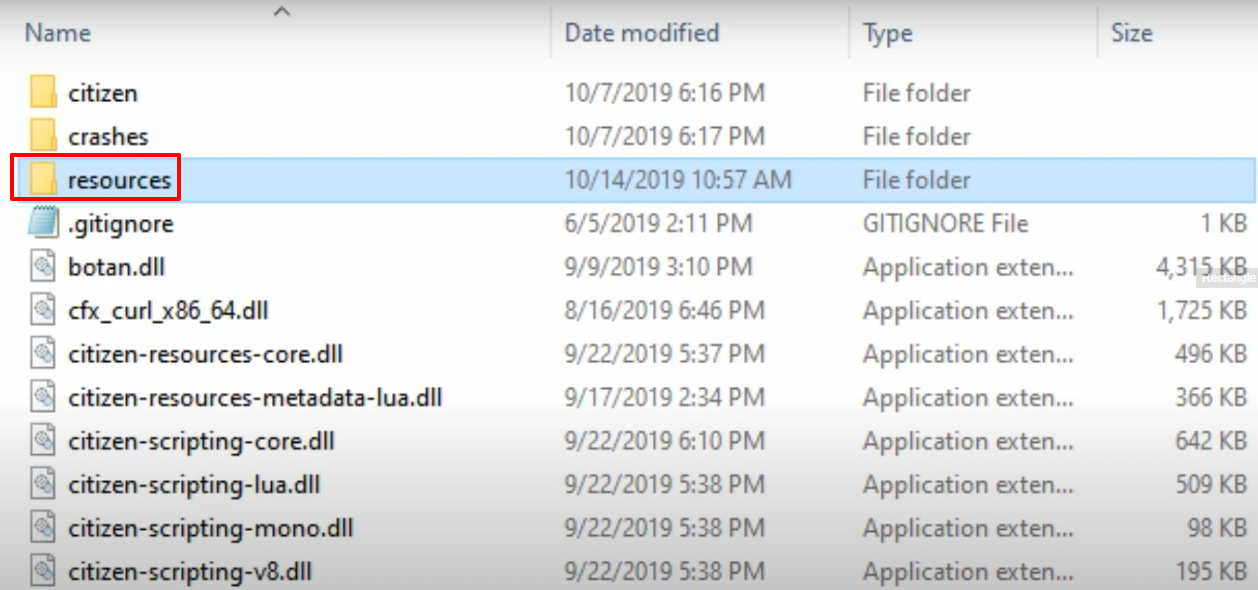
- Open up the mods folder.

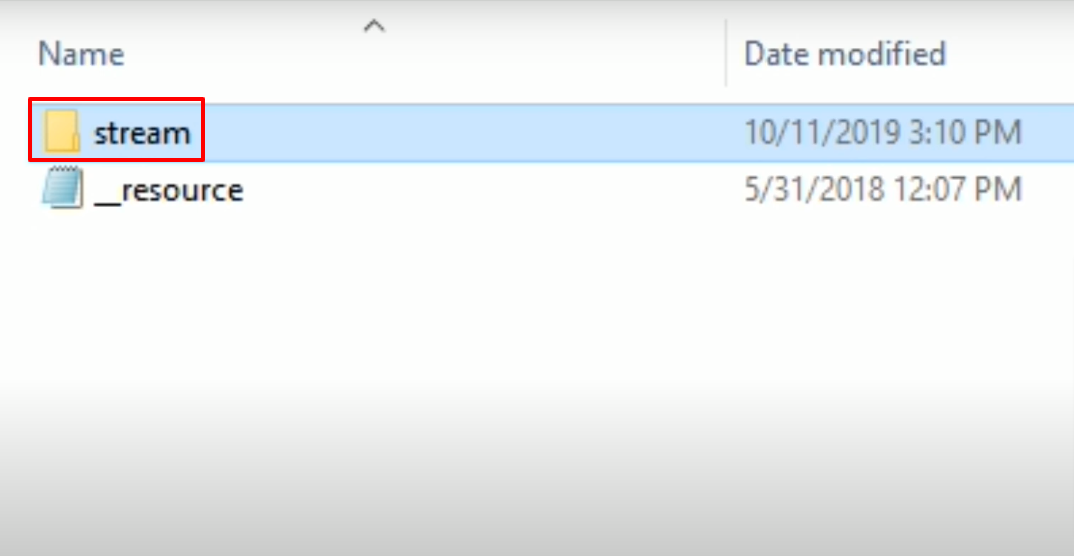
- After that, you will need to open the stream folder.
- Create a new folder in the stream folder and name it as AMG.
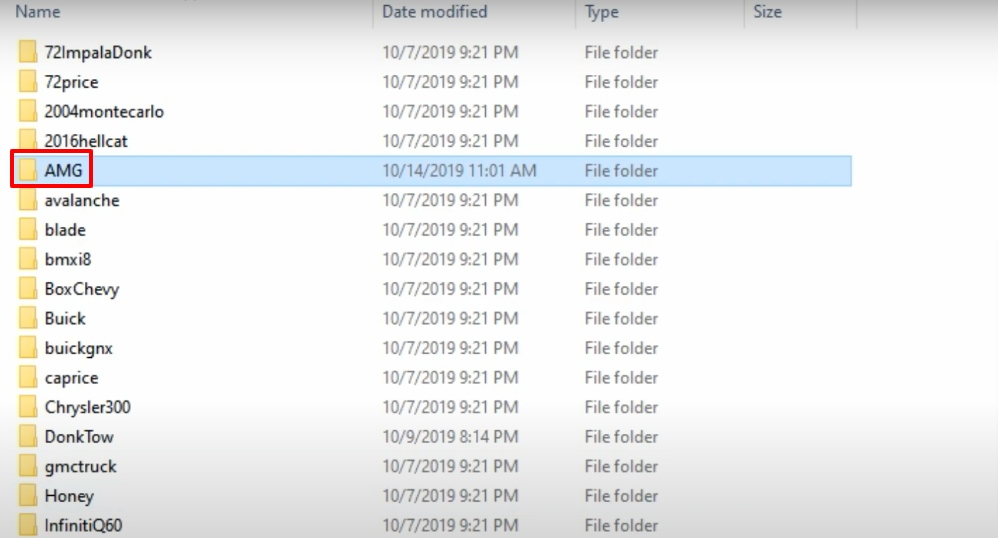
- Copy the files from the previously opened Files folder and then paste them in the newly created AMG folder.

- After that, you will need to open the below Lamborghini named downloaded folder,
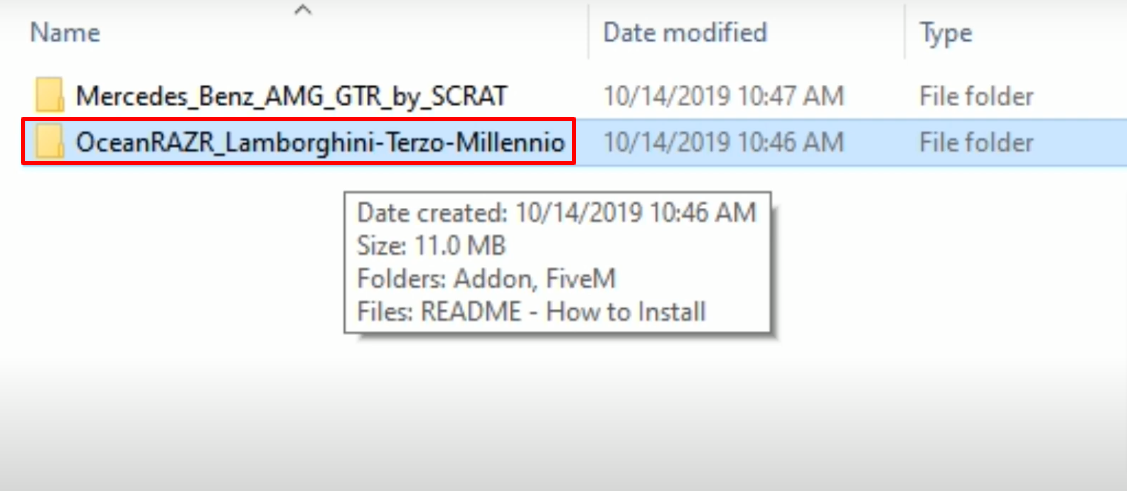
- Then open the FiveM folder.
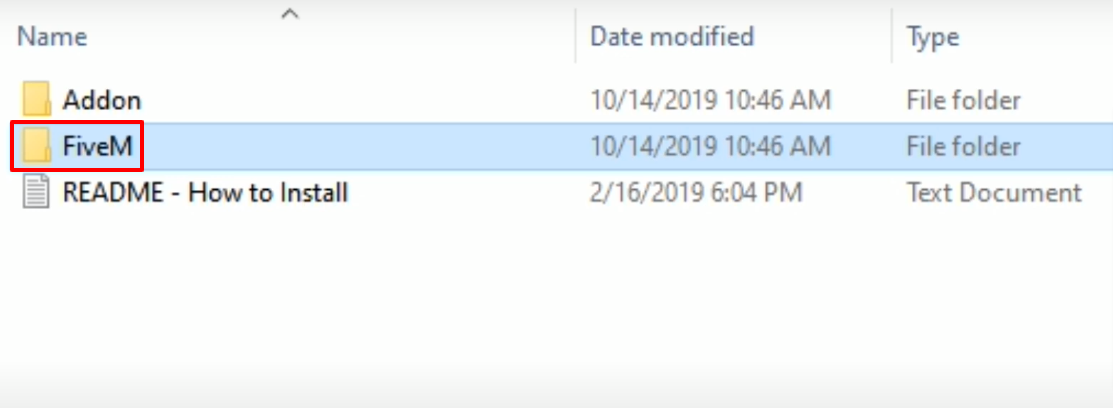
- After that, open up the LAMtmc folder.
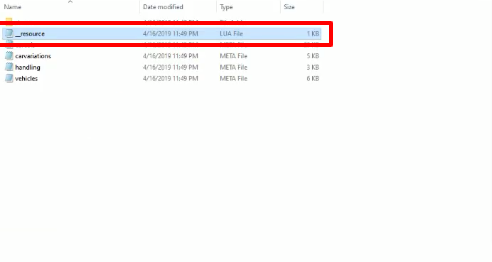
- Copy the _resources file from it.
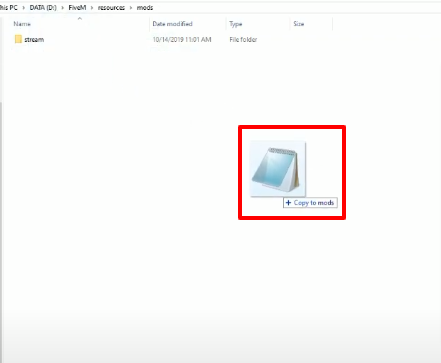
- Paste the copied file into mods (FiveM/resources/mods) folder.
- Launch the game, spawn the car using a simple trainer, explore and enjoy the game.