How to Hire A Maid (Clean Your House) - The Sims 4
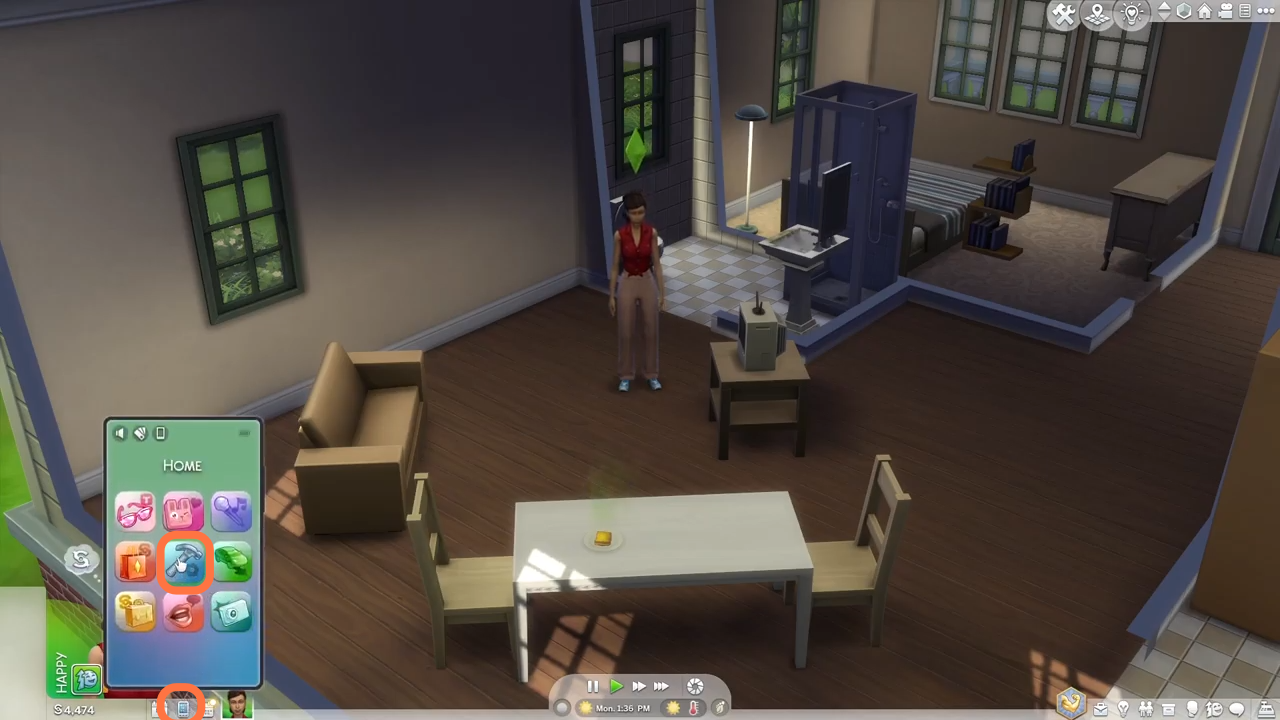
2. You have to click on the phone icon from the action list at the bottom left corner of the screen and then choose the Home option from the menu.
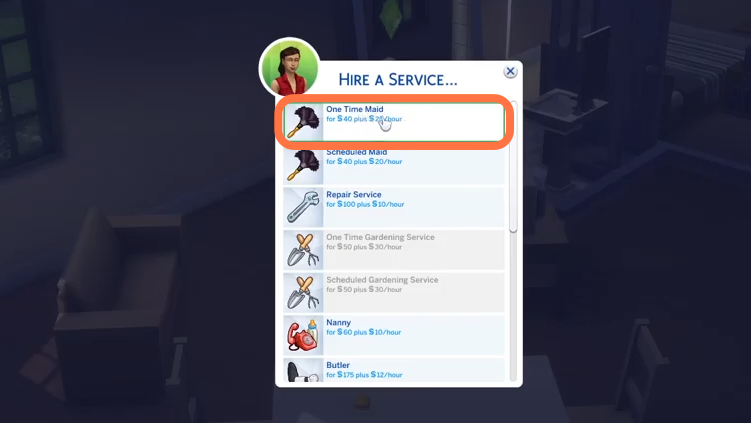
3. After that, click on hire service and then choose the "One time Maid option".
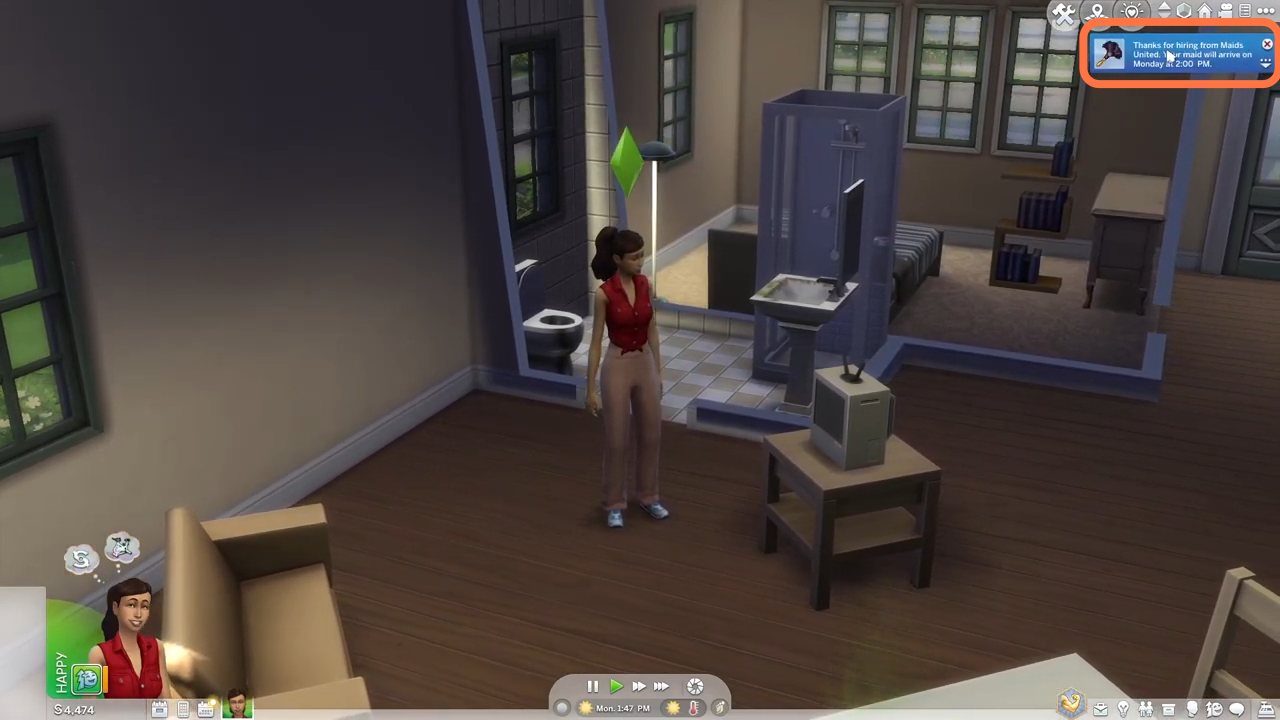
4. You will get a notification at the top right corner when you have confirmed hiring a maid. The time of arrival for the maid will also be displayed there.
5. The maid will start working once she enters your house even if you leave your home for your work.

6. Once she completes her day's duty, you will find a notification at the top right corner about her wage.