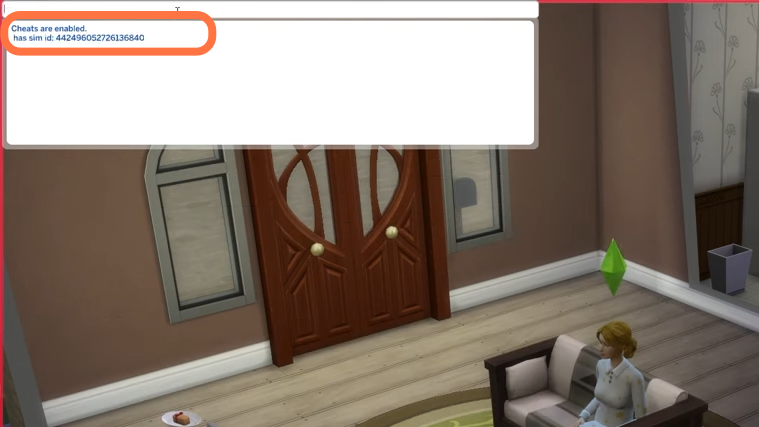
How to Get Your Sims ID - The Sims 4

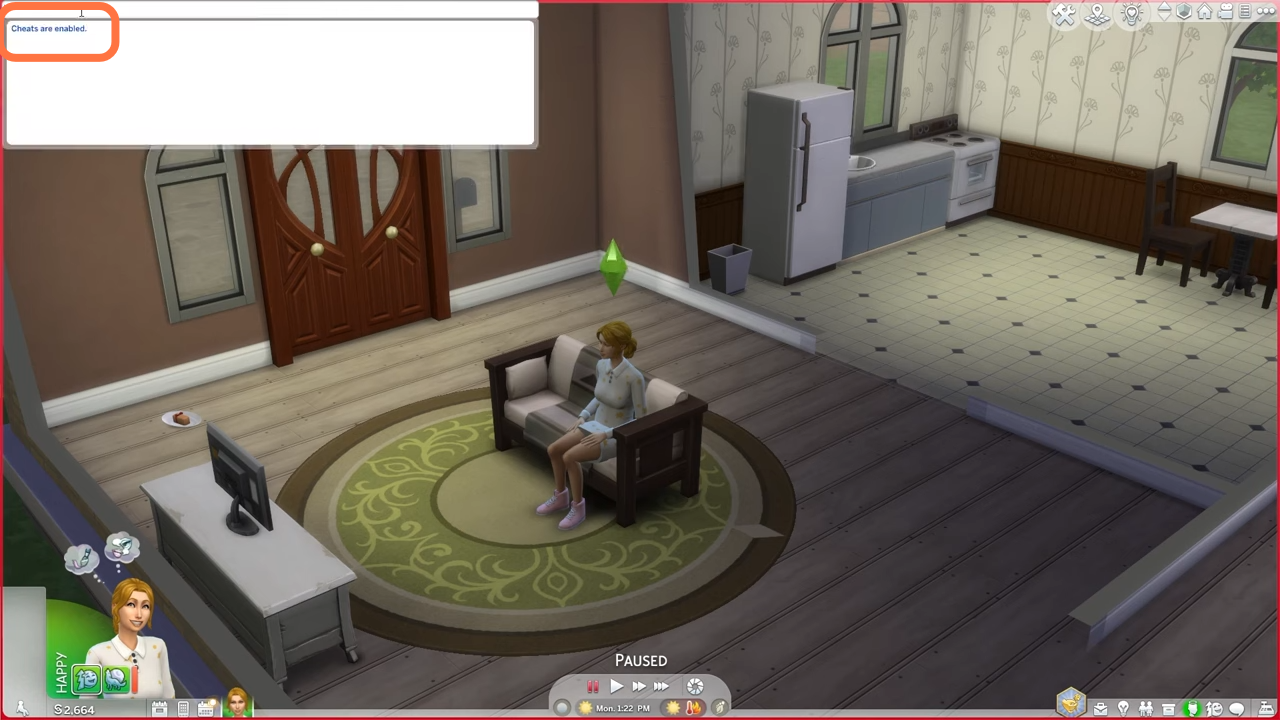
2. Now type in "testingcheats true" and hit enter on your keyboard to enable cheats.
3. After that, type in "sims.get_sim_id_by_name FirstName LastName" and hit enter on your keyboard to execute the cheat. FirstName and LastName are the first and last names of your sim. You'll be able to find the names of your Sims when you hover your cursor over them. You will get to see the Id of your sim as a result of the cheat code.