How to Get Booth in Catalog Avatar Creator
This guide will let you know how to get the booth in the Catalog Avatar Creator. Go through the guide and follow the simple instructions to do so.
- First, open the Catalog Avatar Creator on your computer.
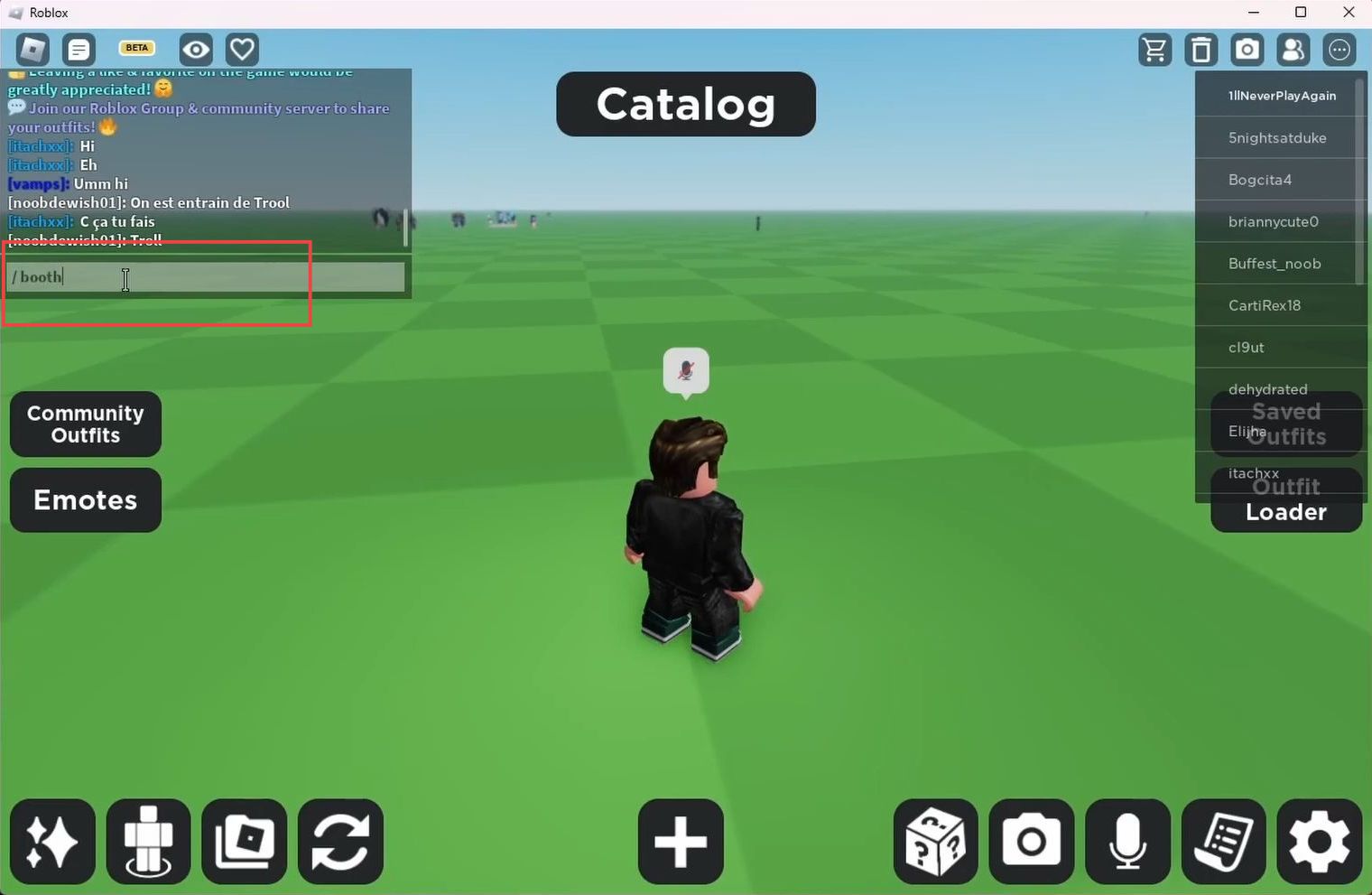
- Now you need to click the chat box from the left side, type in ''/ booth'' in this box and hit the enter key from your keyboard.
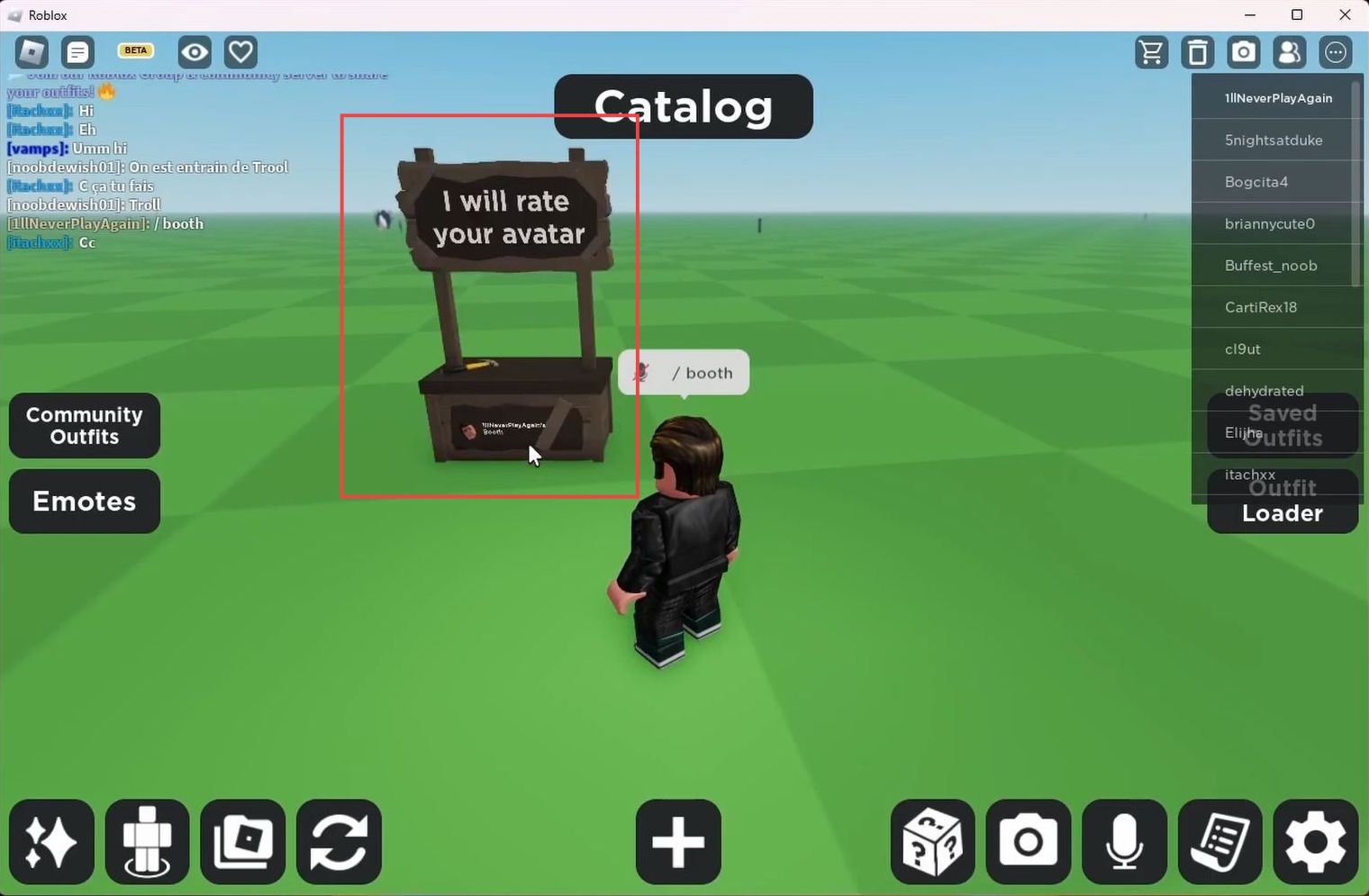
Now if you move your cursor around, the booth will also move around.
- You need to go ahead and place it somewhere on the ground.
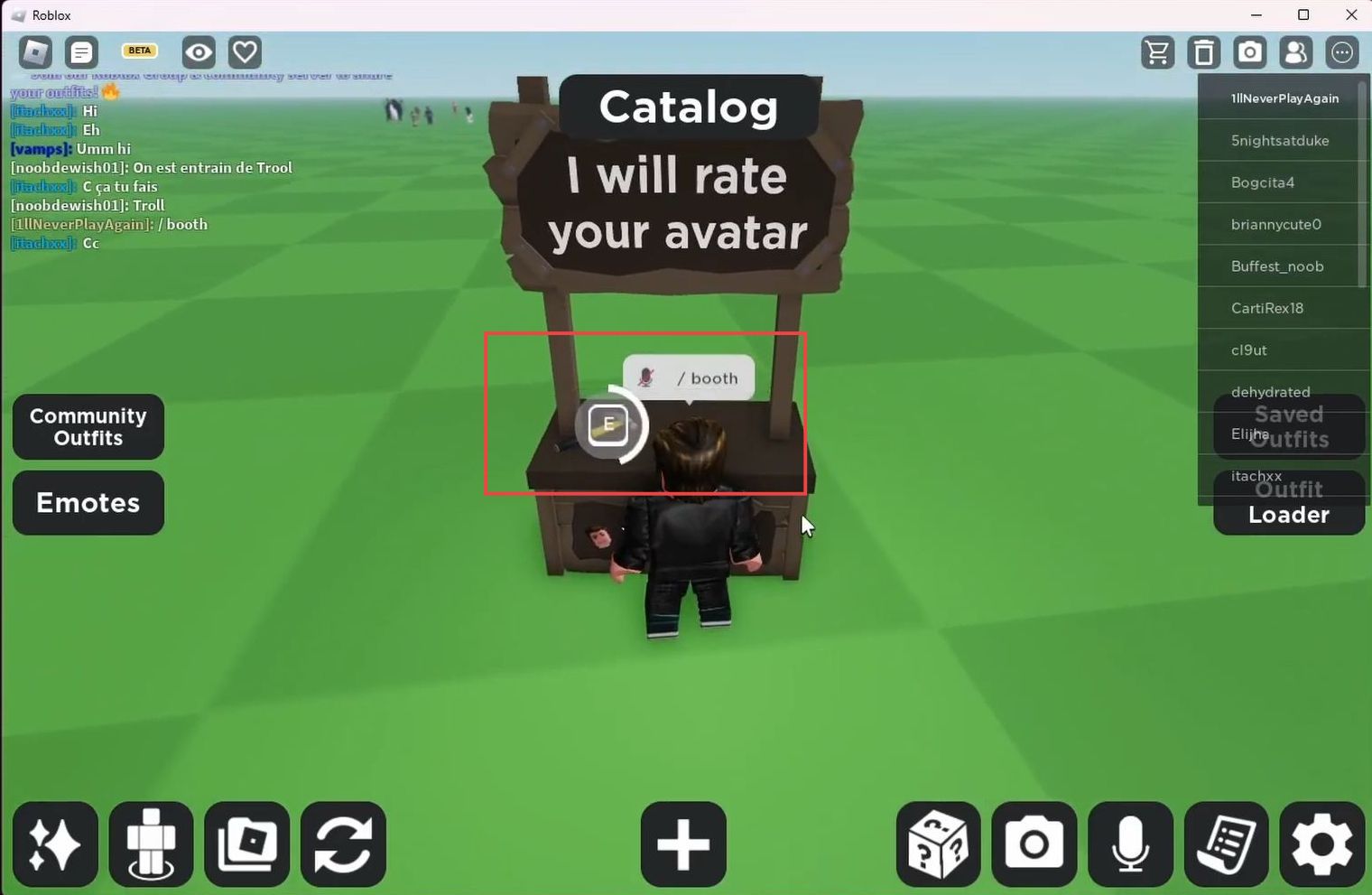
- You have to edit your booth by coming up to it and then holding down the E key to customize it as your preference.
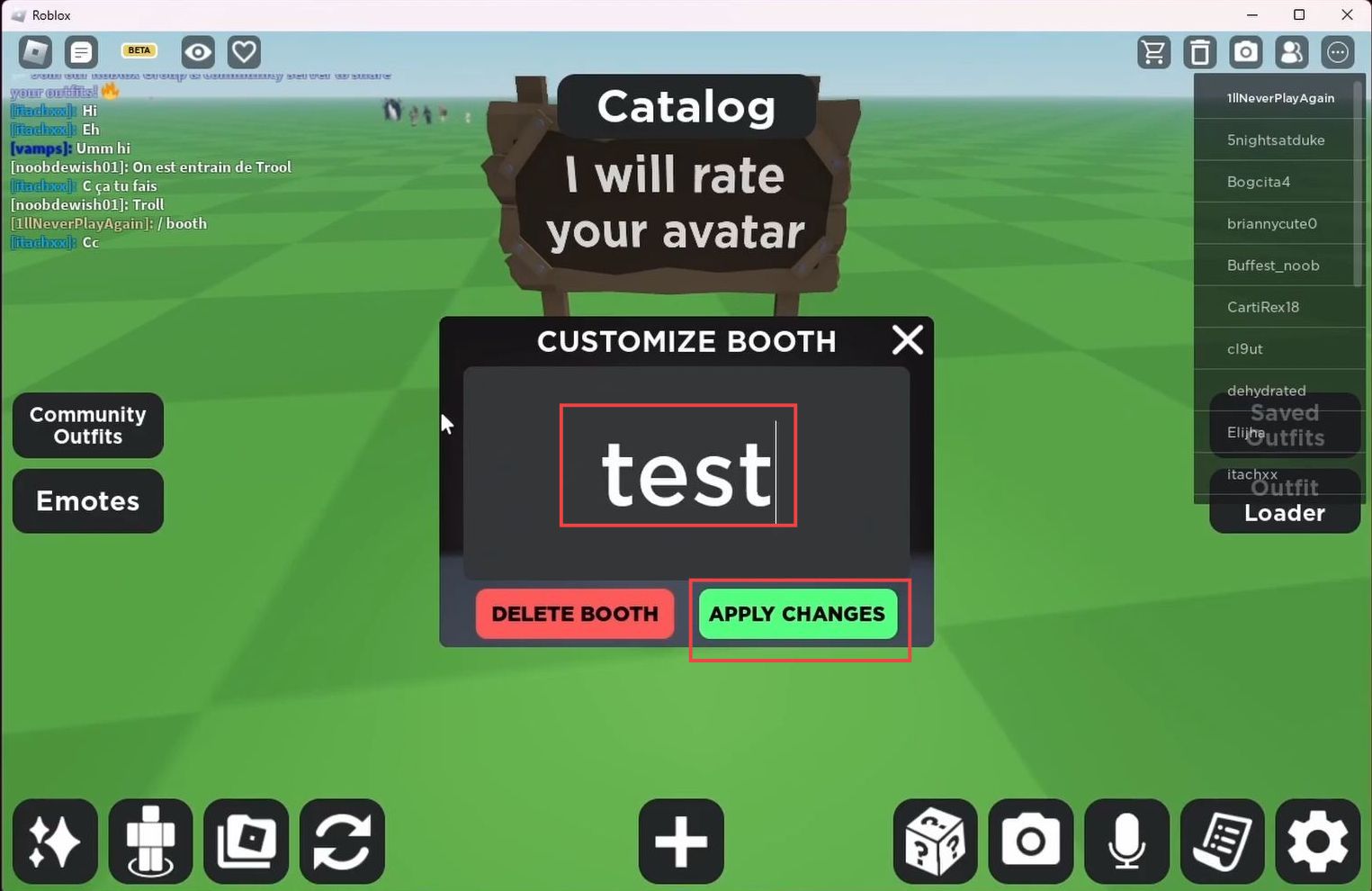
- After that, input whatever you want and then click Apply changes button from the menu.