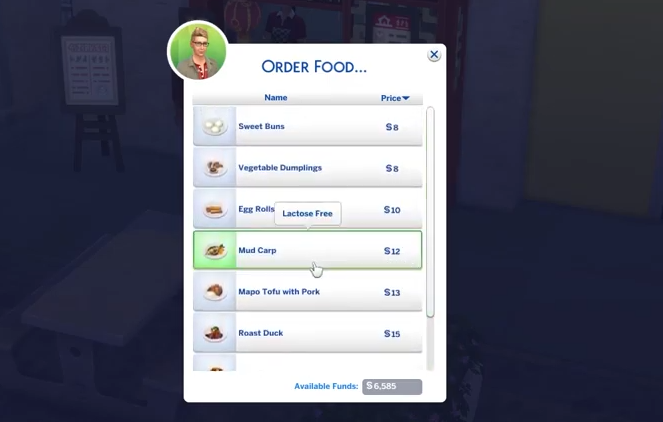
How to Get Asian Food - The Sims 4
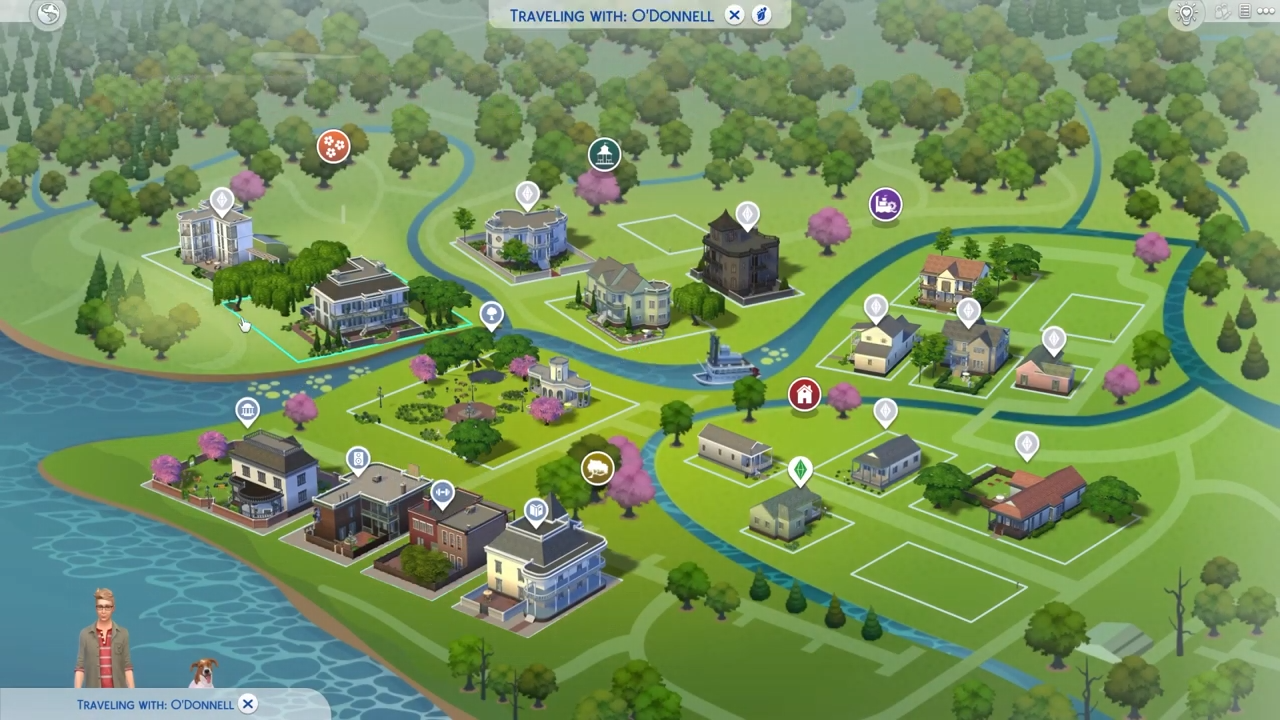
- Then click on the World icon at the top left corner of the screen

- After that, select the Tartosa world from the available worlds.
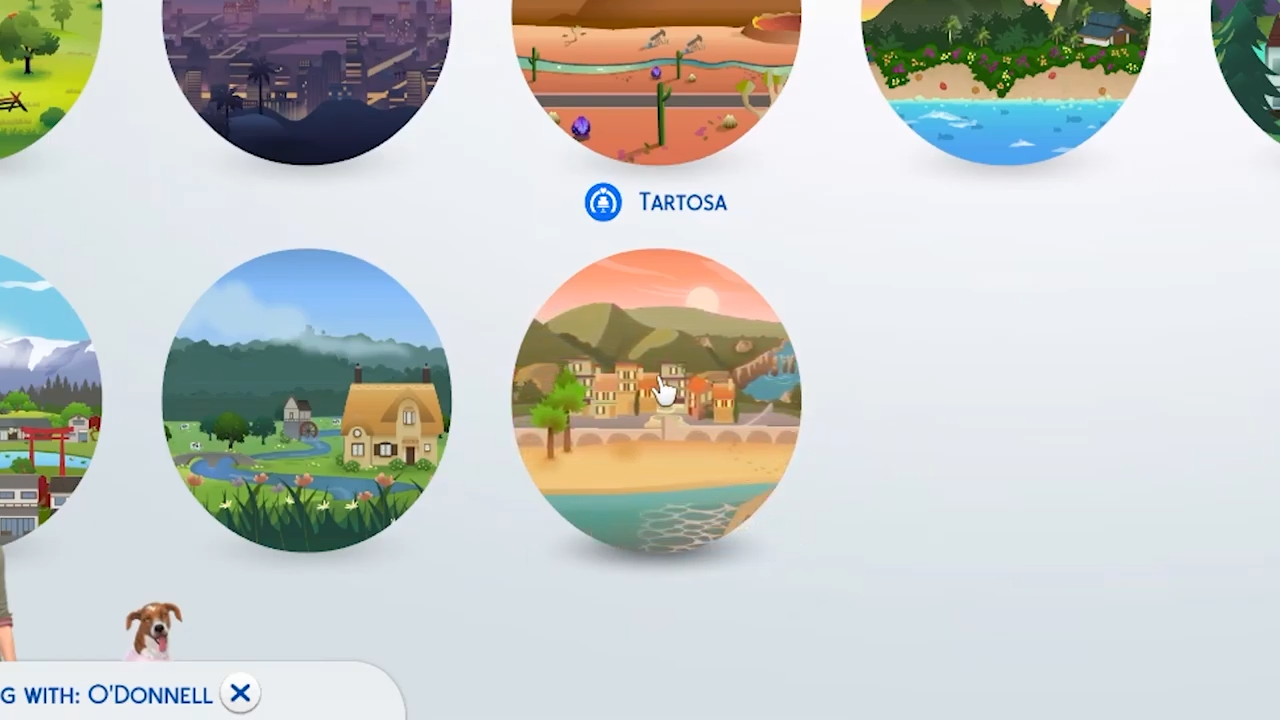
- Now select 'Celebrazioni D'AMore' lounge and click on the Car icon to confirm your visit there.

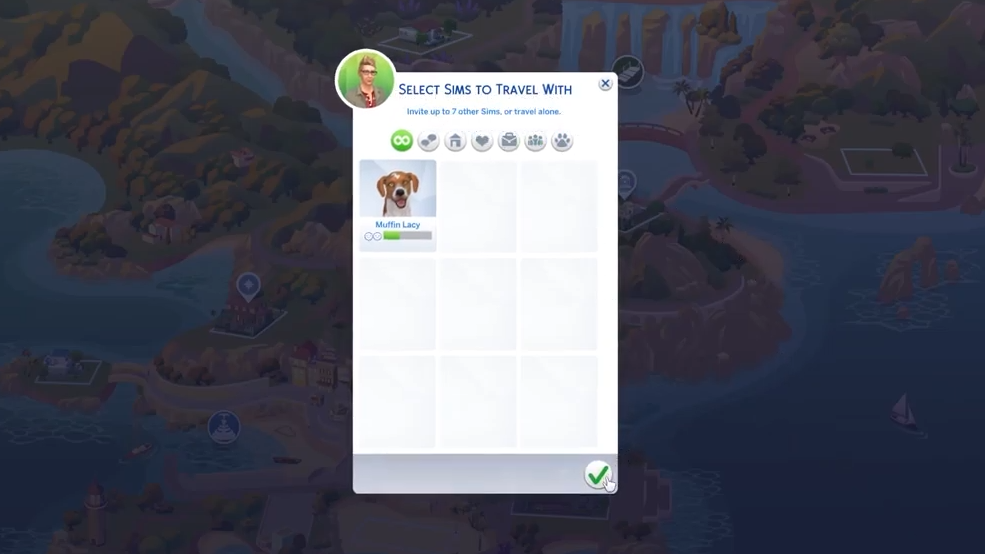
- You can select sims to travel with you to this location.
- After that, zoom out a camera and find a red shop near the fountain at this location.

- From this red shop, you can get Asian food. Click on the menu at the shop and choose "Order Food".

- And select any Asian dish from the menu list.