How to Get A Computer - The Sims 4
In this guide, you will find out how to get a Personal Computer/Laptop in the Sims 4.
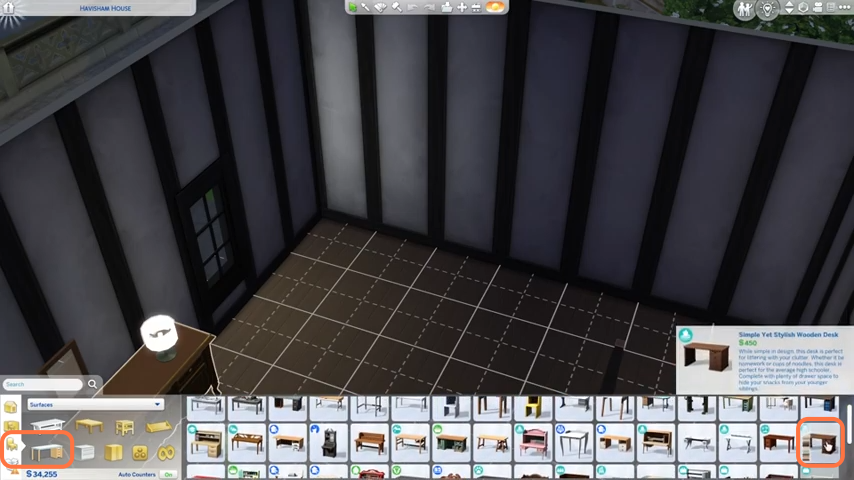
- The first thing you will need to do is to have some simoleons to buy a desk & chair for PC. So go to build mode and get a desk first.
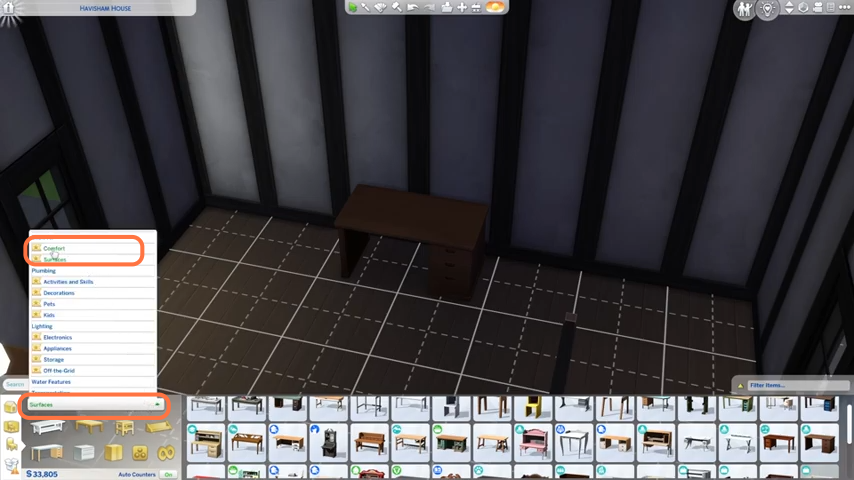
- Now click on the dropdown arrow and choose the Comfort option from the list to get a chair.
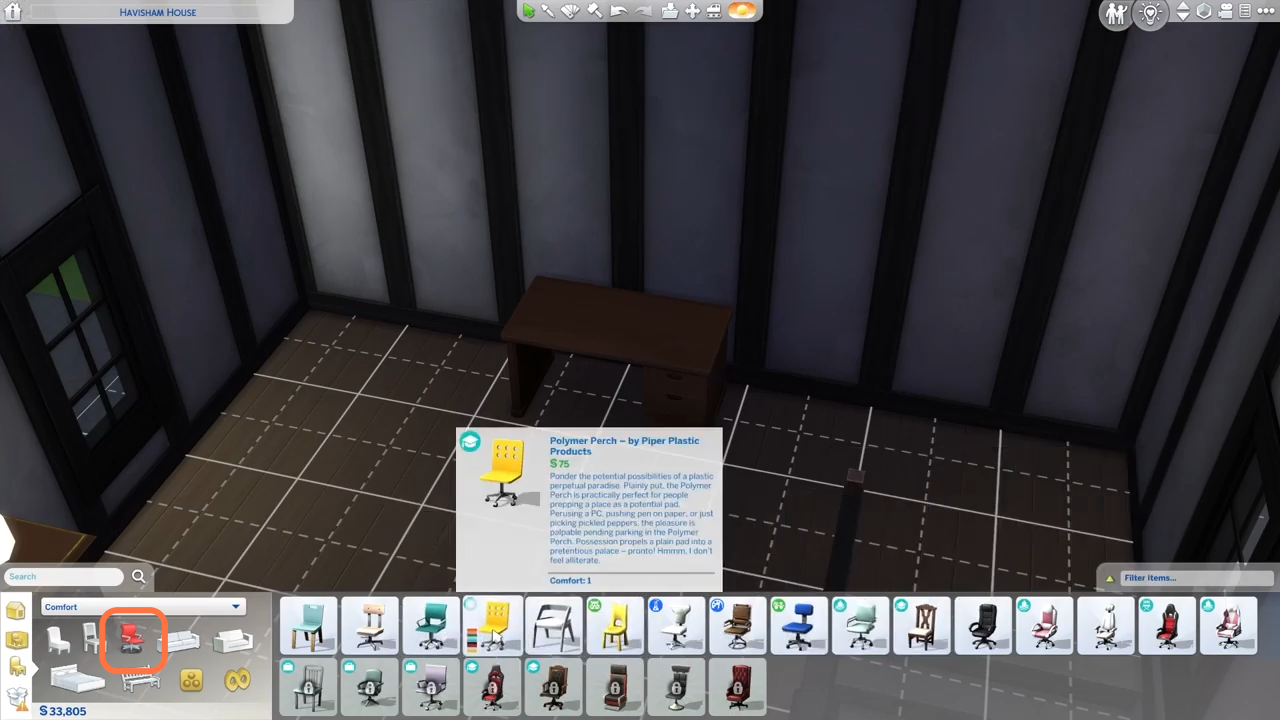
- Then you can select a chair you like and even can change the colors of your selected chair. After that, place it in front of the table.
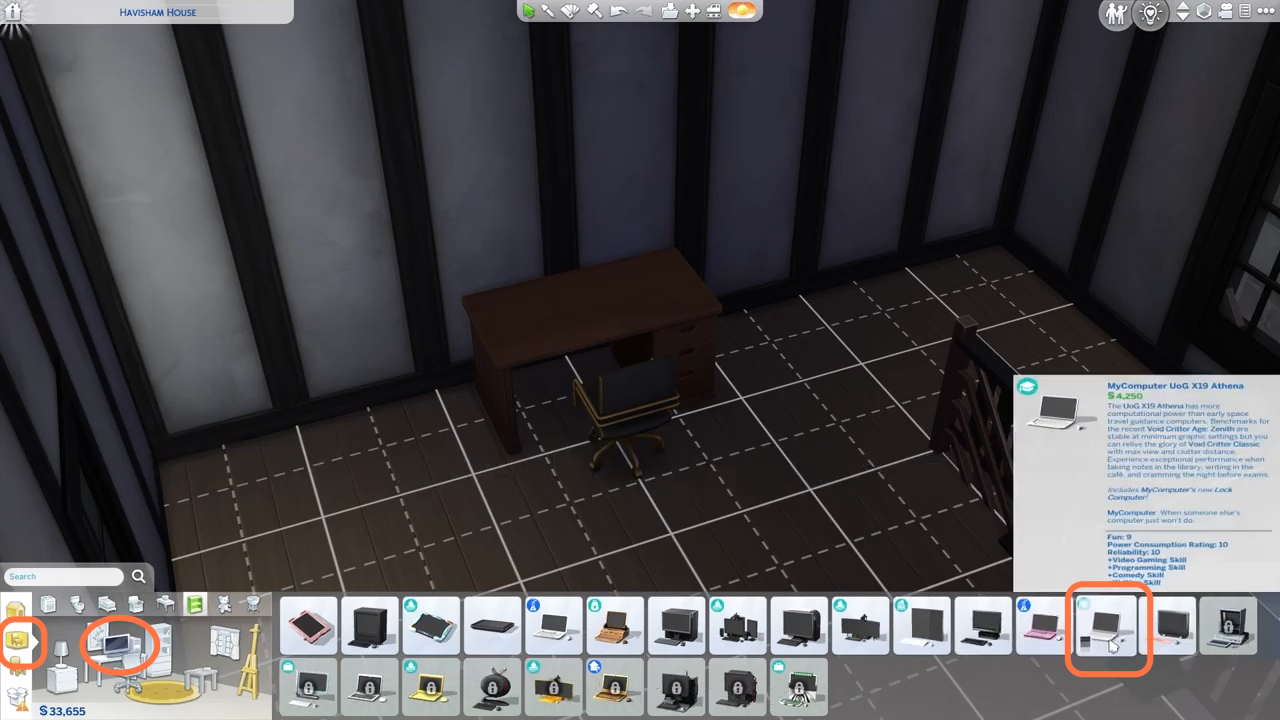
- Now let's buy a computer and for that, you need to go to the tab under the home tab. Click on the computer icon and choose a laptop or PC of your choice. You can also place a lamp on the tables if you have simoleons left.
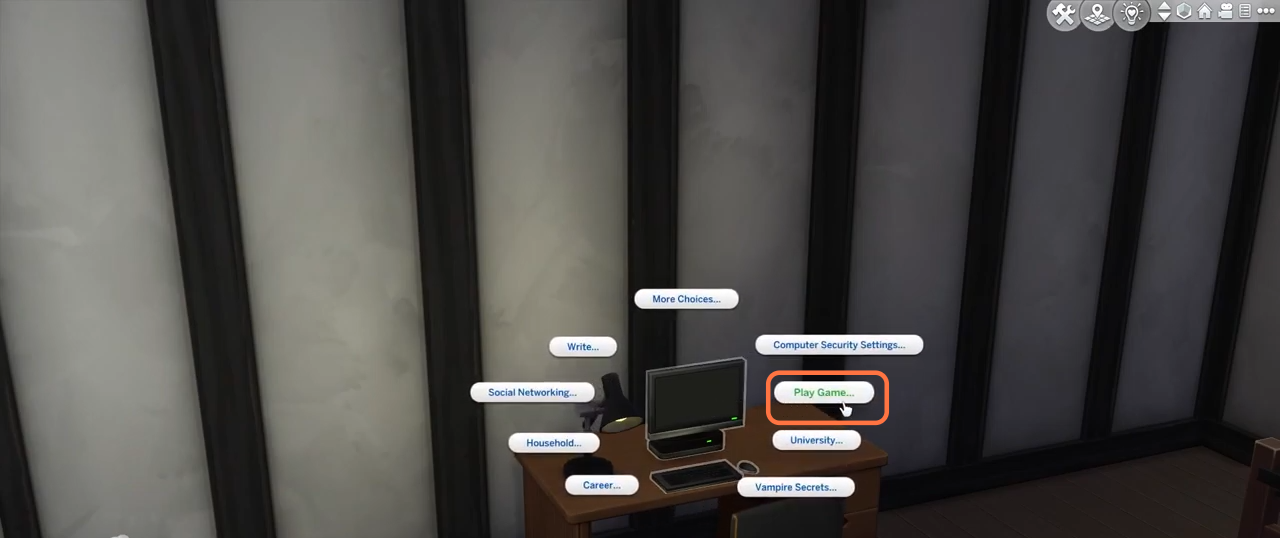
- After that, go back to the live mode from the top right corner. Then click on the computer and play a game or do a task.