How To Fix Valorant Error Van 81
You have to follow the simple instructions below to fix this error.
1. The first thing you will need to do is open the Task Manager.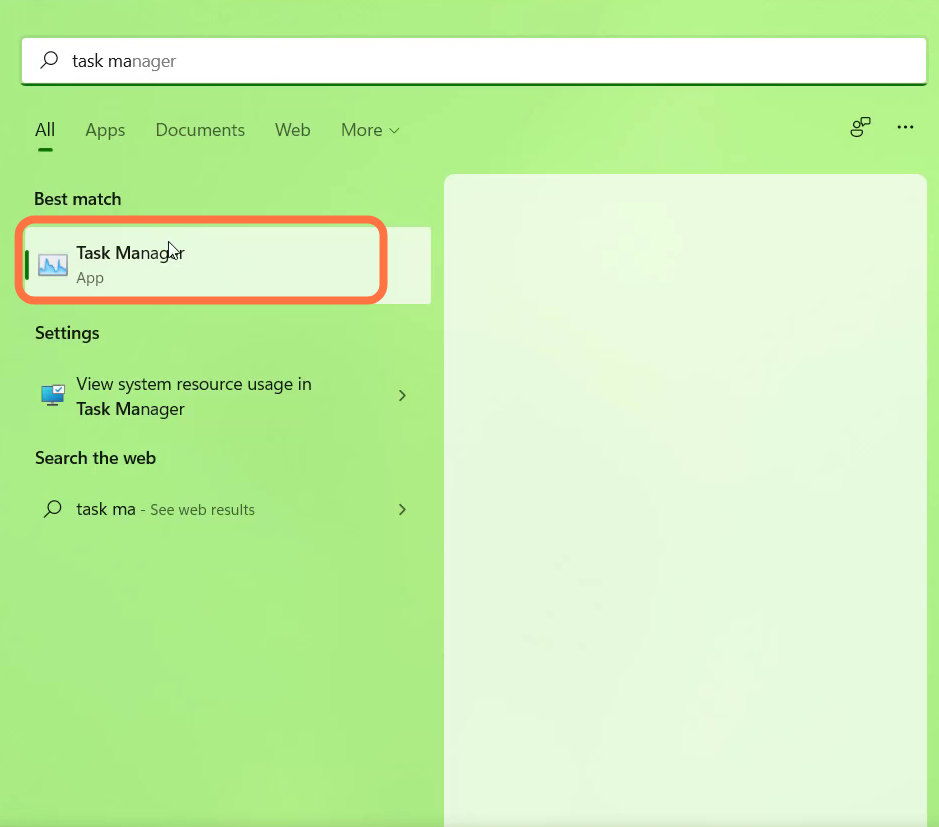
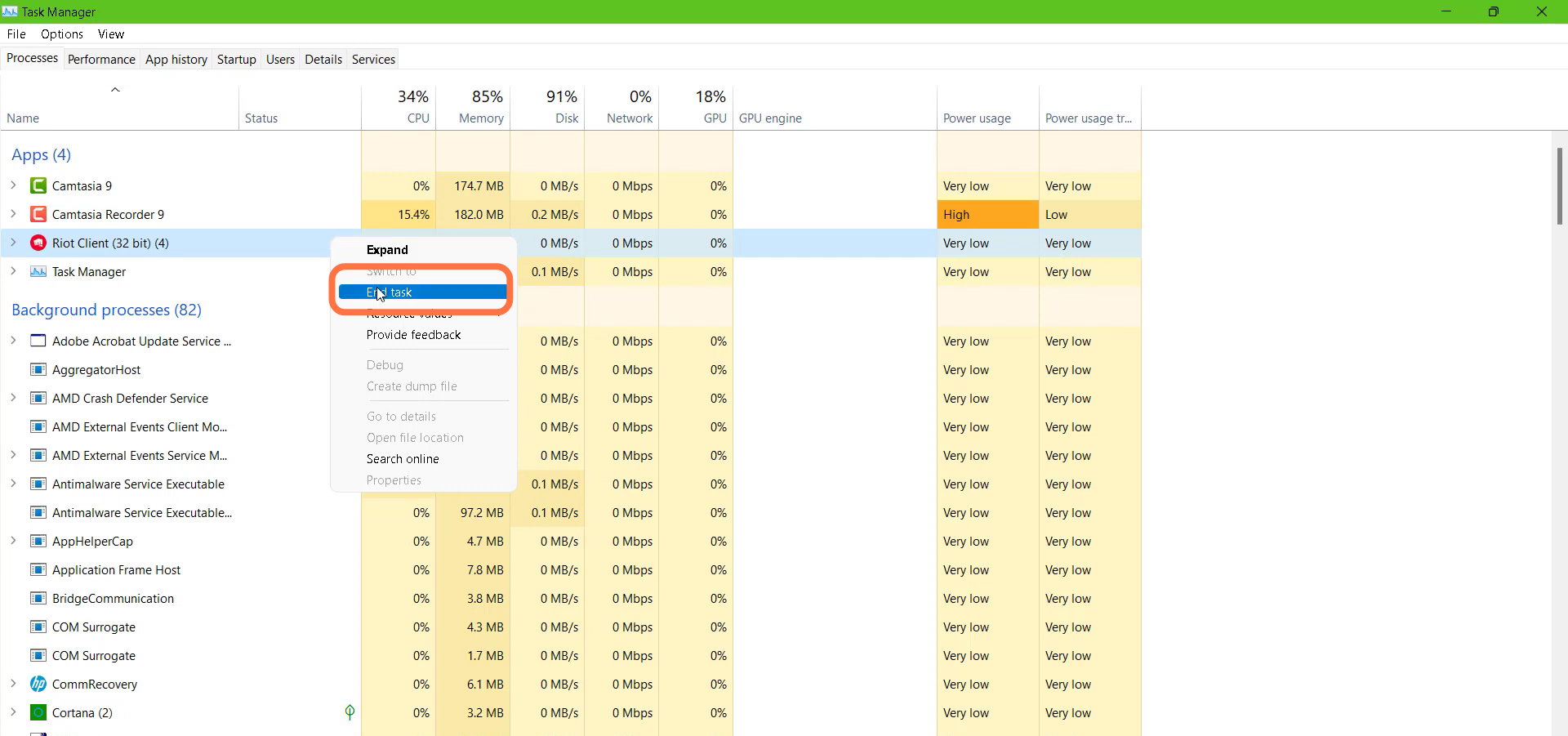
- Left click on the Riot client (32bit) and end the task.
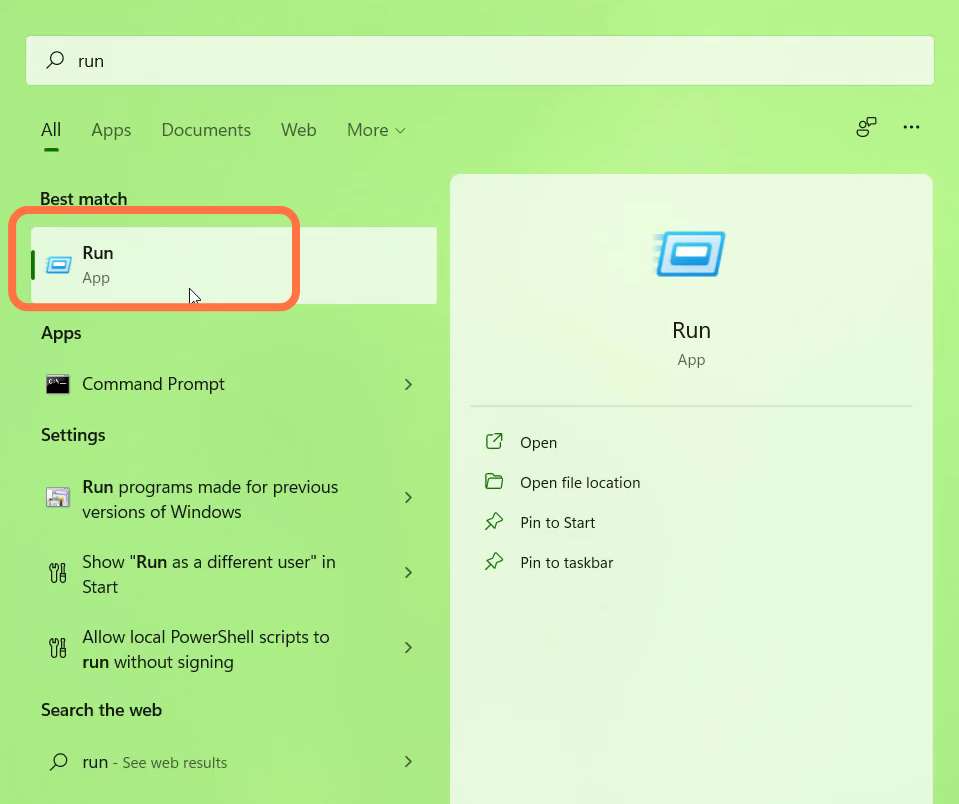
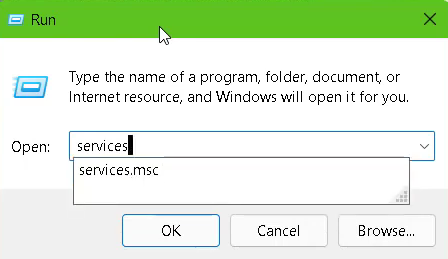
- After that, you have to open Run.
- Type "Services.msc" and hit the OK button.
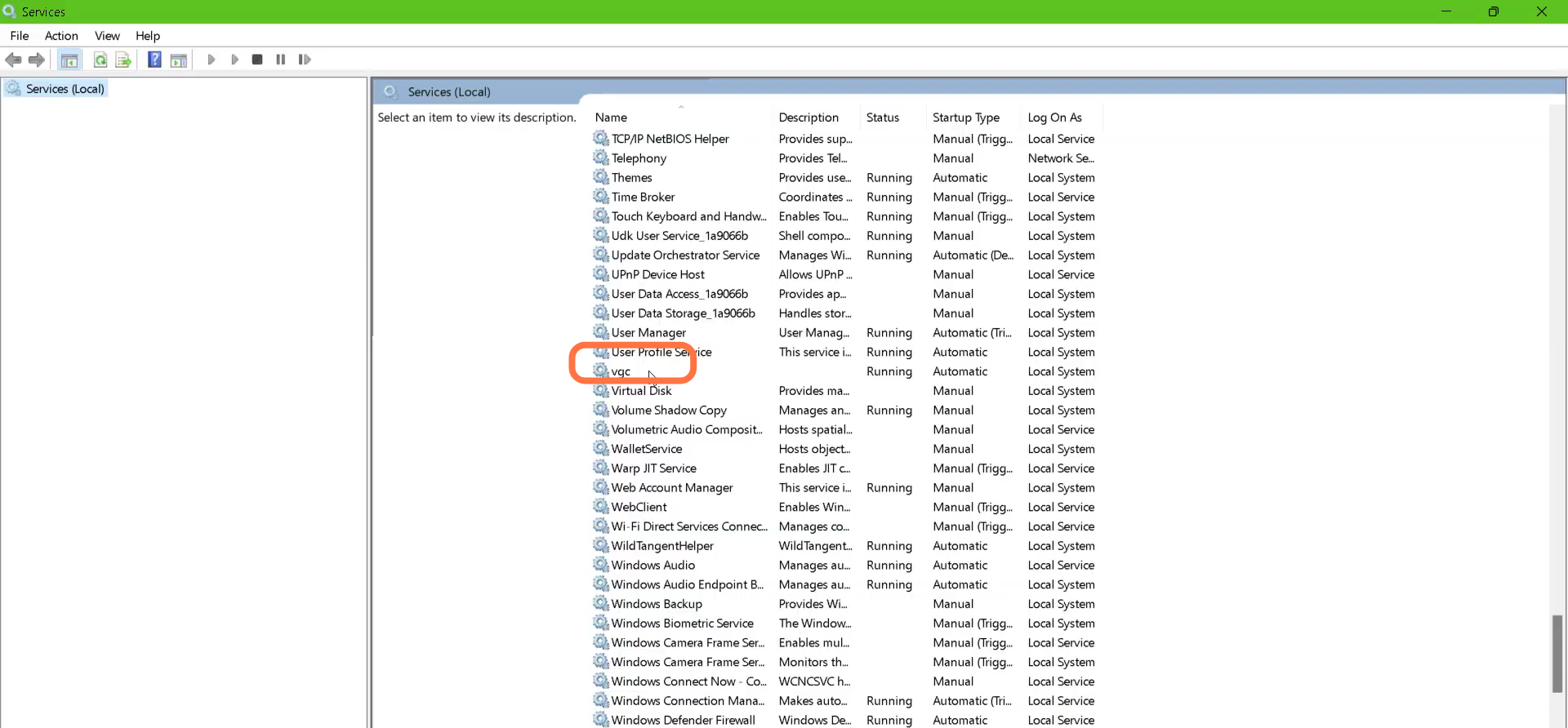
- Then you need to left click on the vgc and go to its properties.
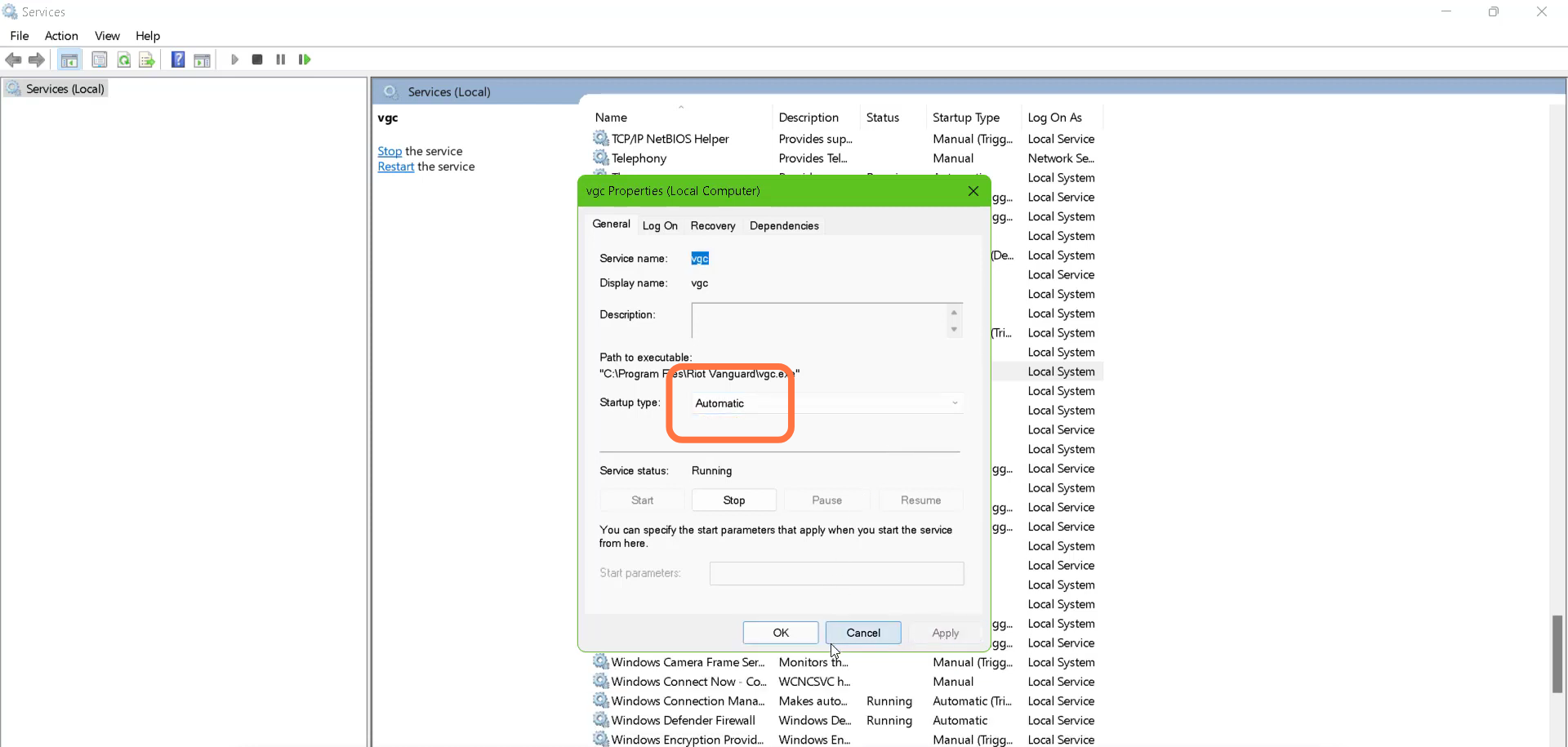
- Change the Startup type to Automatic.
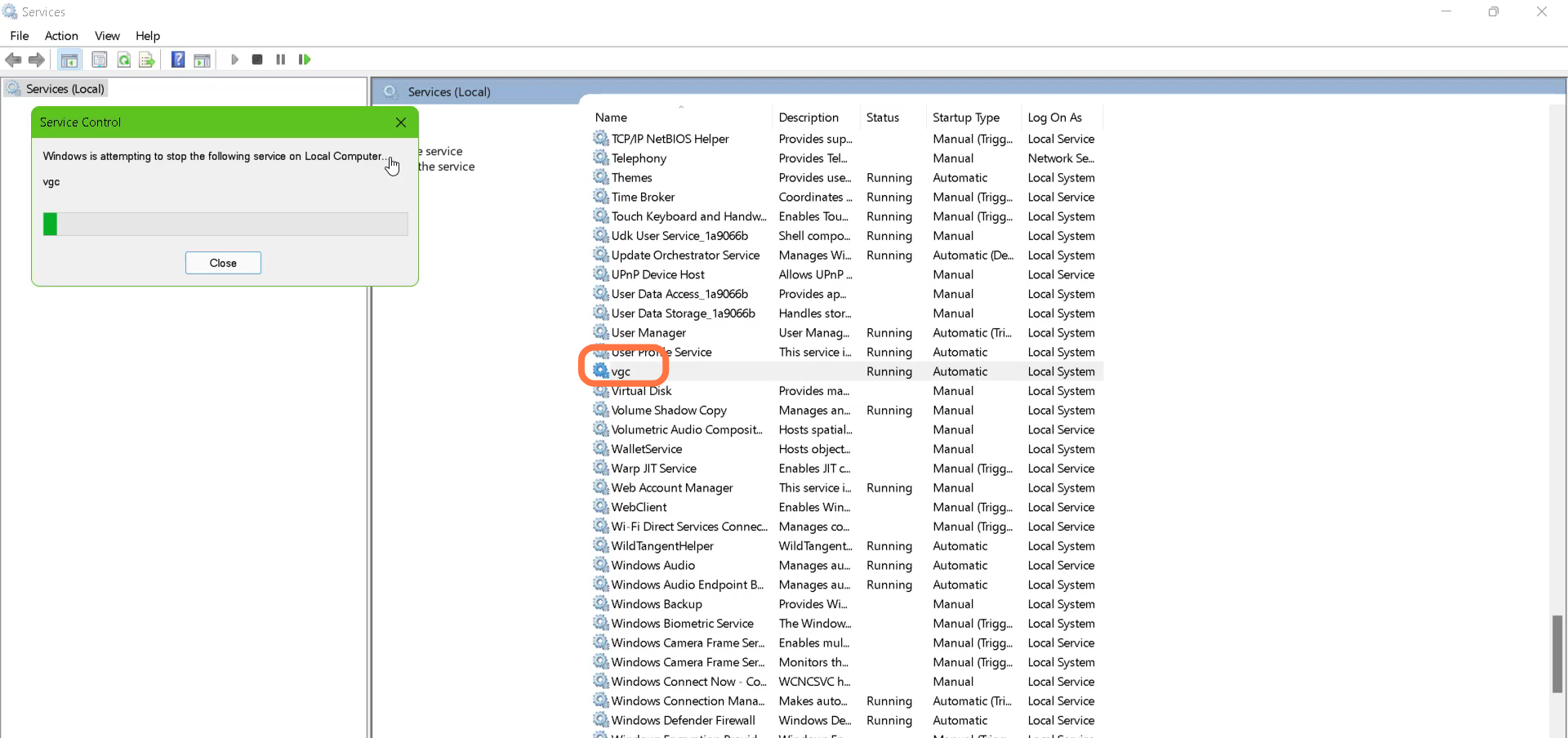
- And then stop the Services.
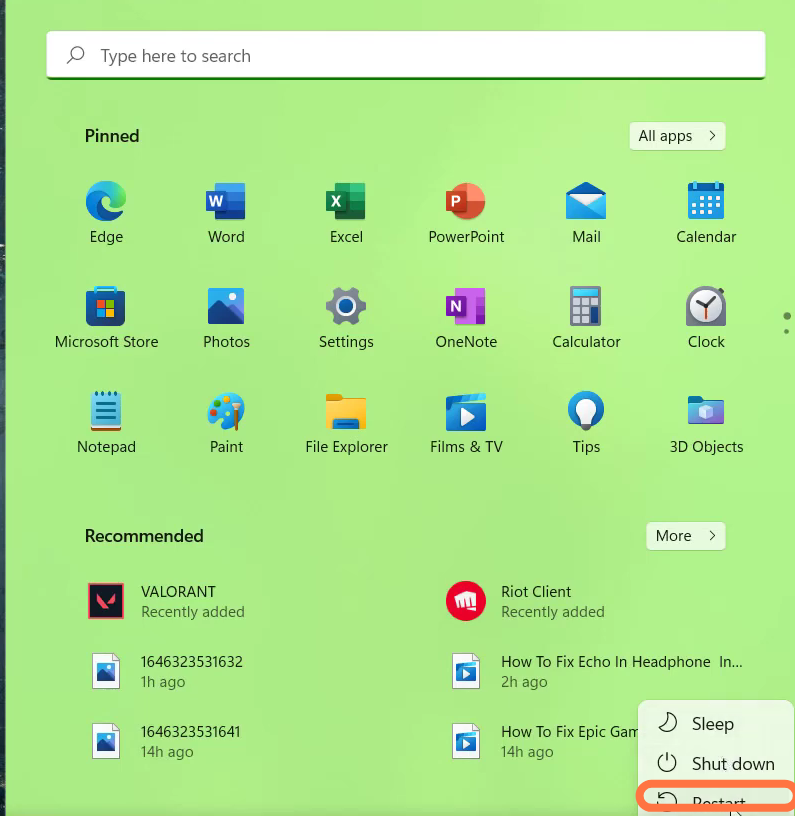
- Finally restart your PC to check if the error is resolved.