How to Fix Valorant Error Code 138 Connection Error
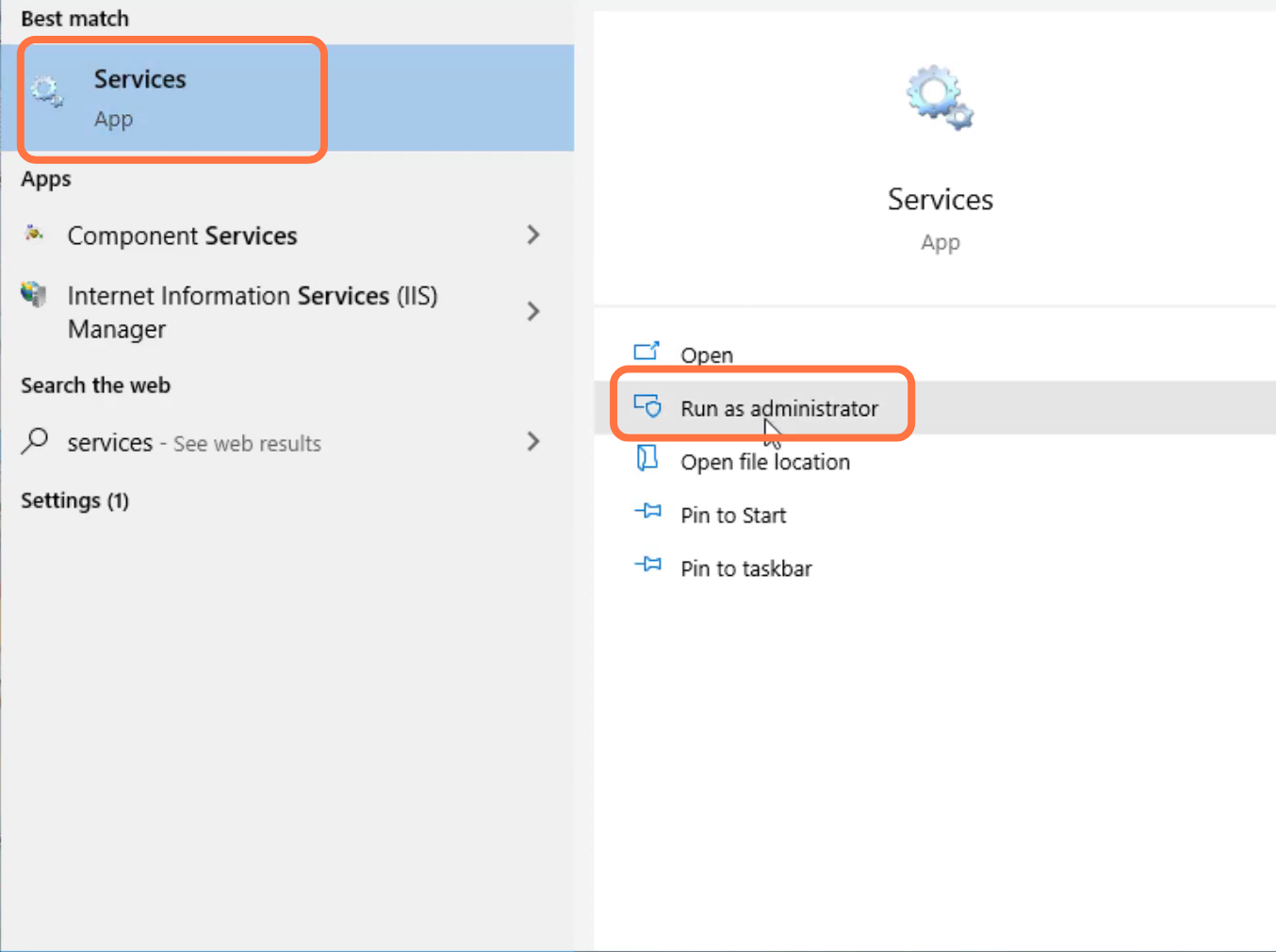
- First, you will need to search for services and tap on "Run as administrator".
- After that, left click on visual disk and go to properties.

- Select automatic and press the OK button.

- After that, left click on Windows update and tap on properties.
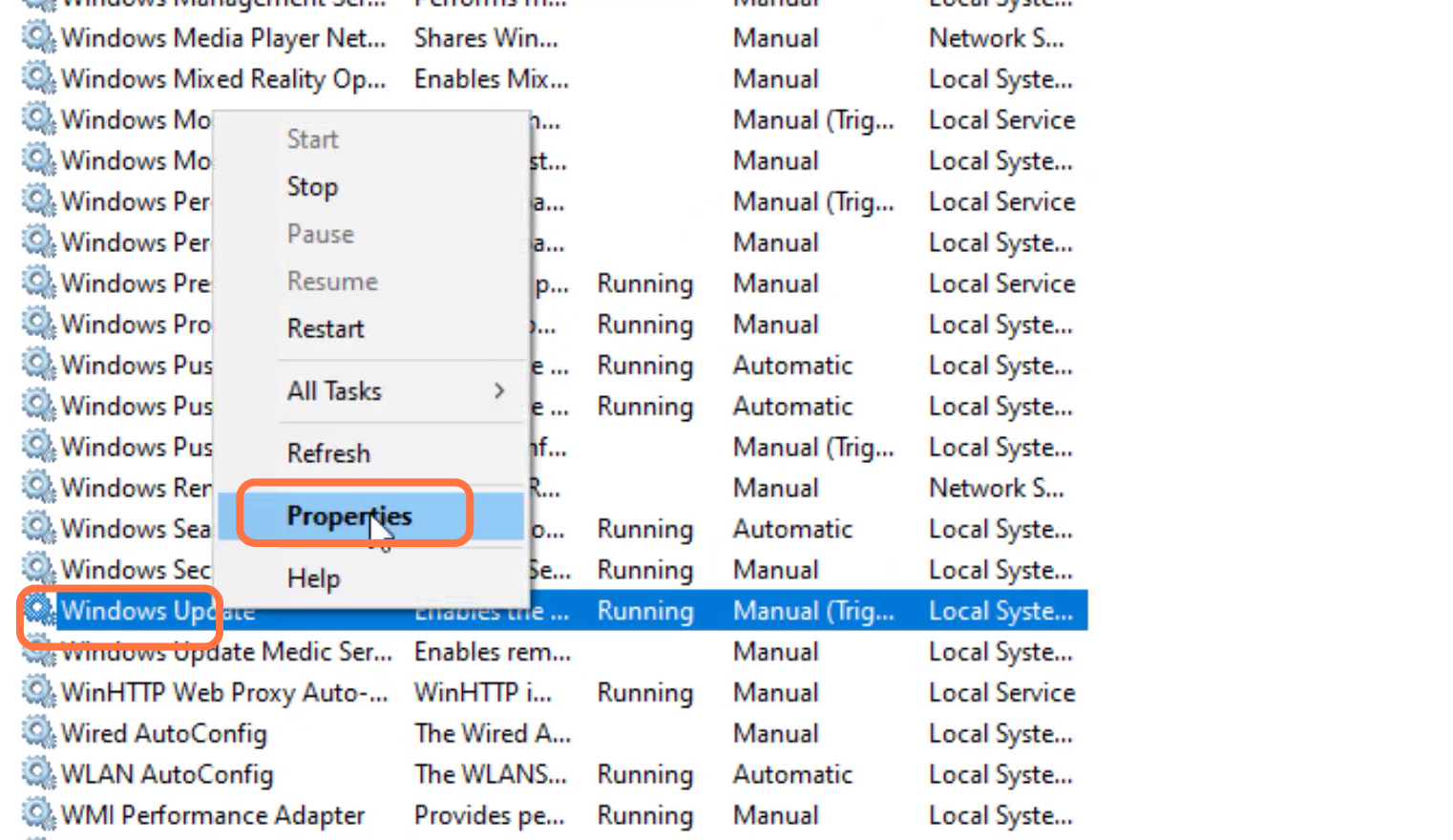
- Then you have to select automatic and press the OK button.

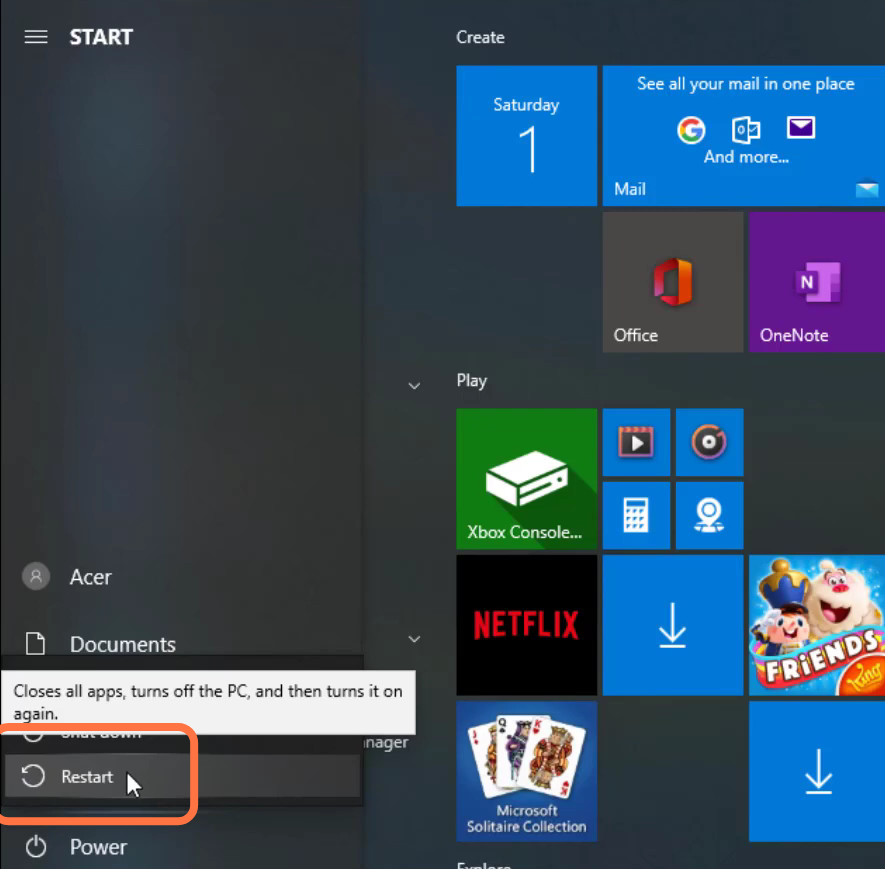
- Finally, restart the PC to resolve the problem.