How to Fix Valorant Error 57 Vanguard (Updated)
Error code 57 usually appears in computers with low memory. It occurs when VALORANT's anti-cheat software fails to function correctly.
Follow the step-by-step instructions carefully to fix this error.
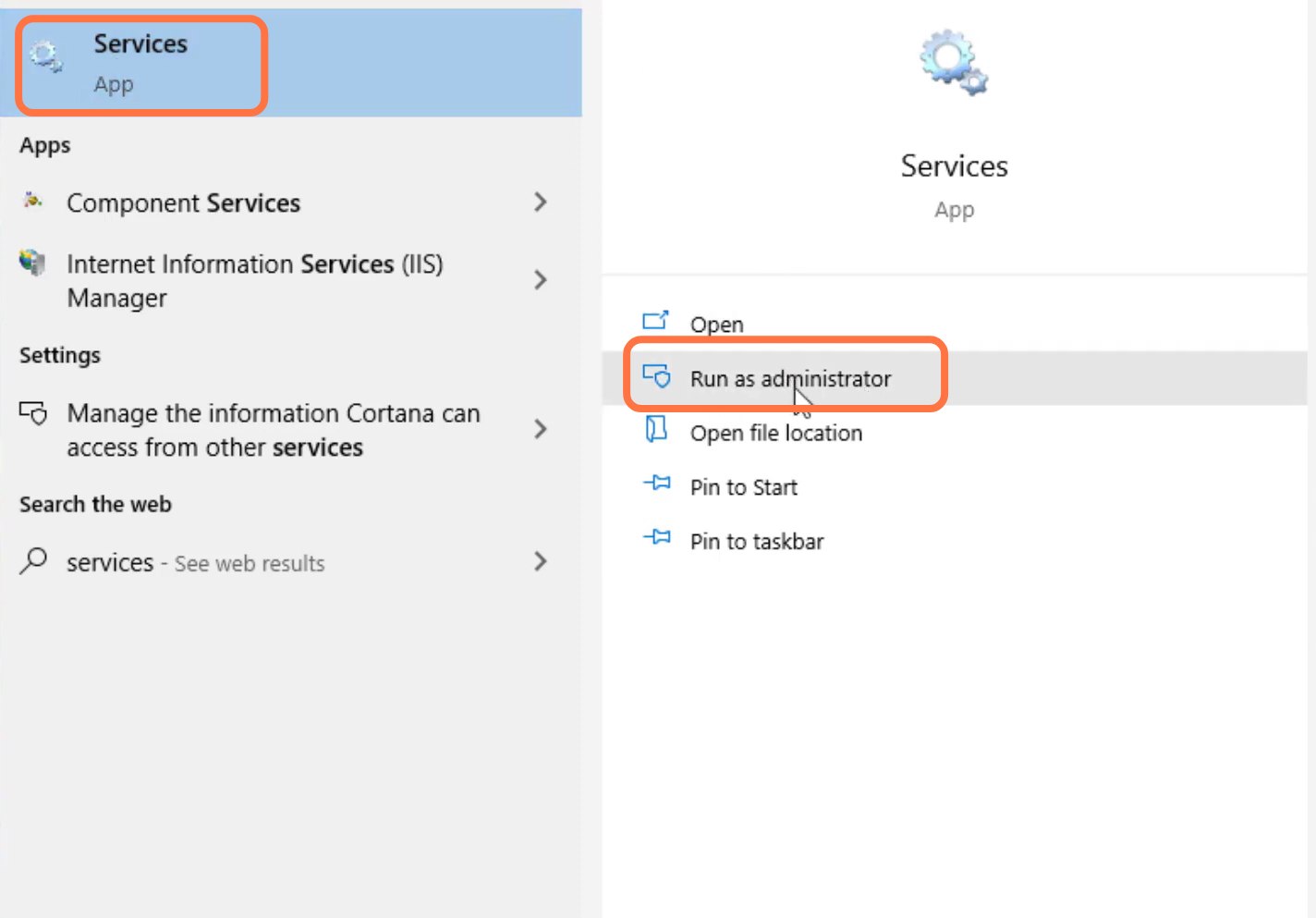
- You have to search for services and tap on "Run as administrator".
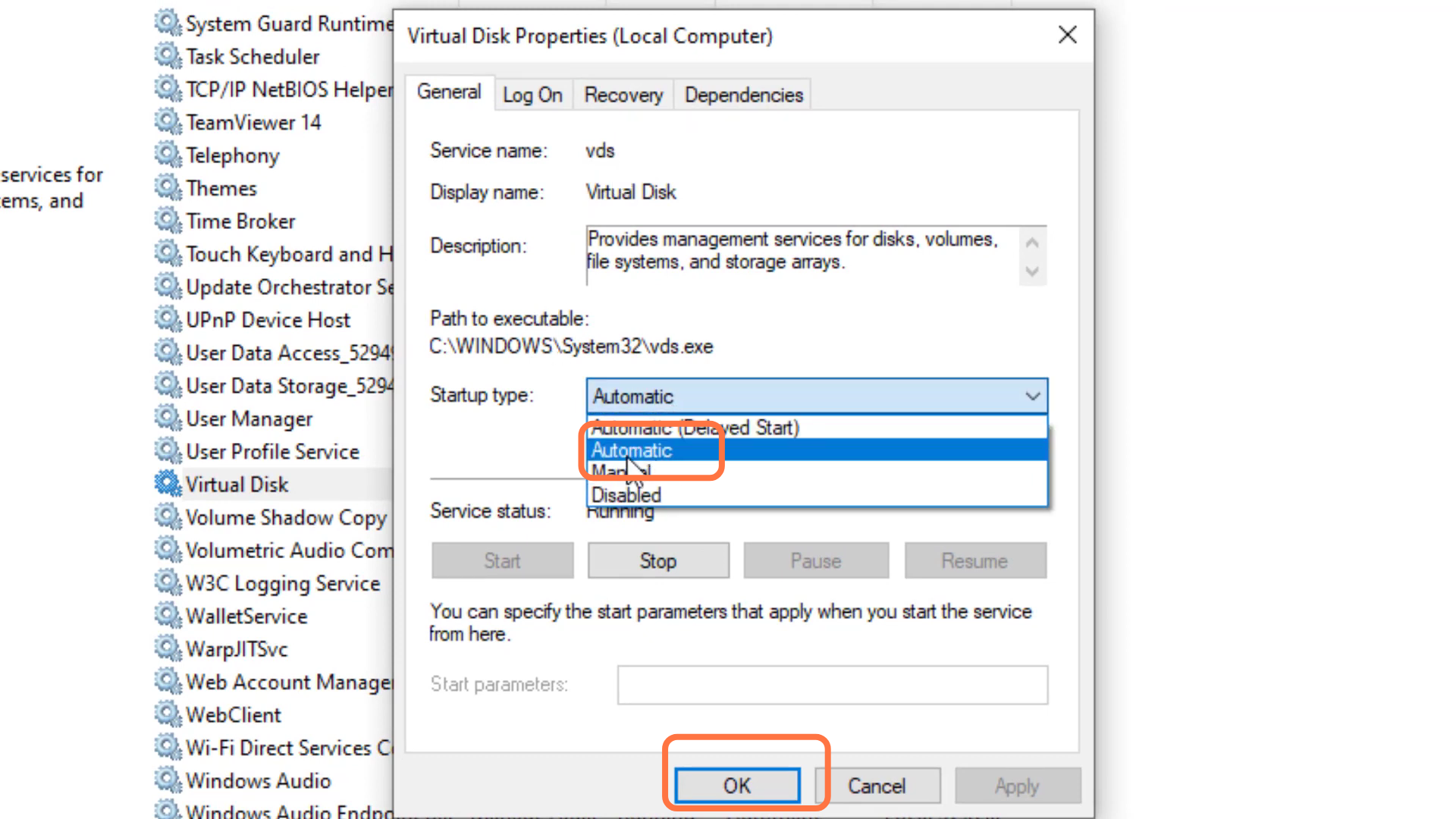
- After that, left click on the virtual disk and go to properties.

- Select automatic and press the OK button.
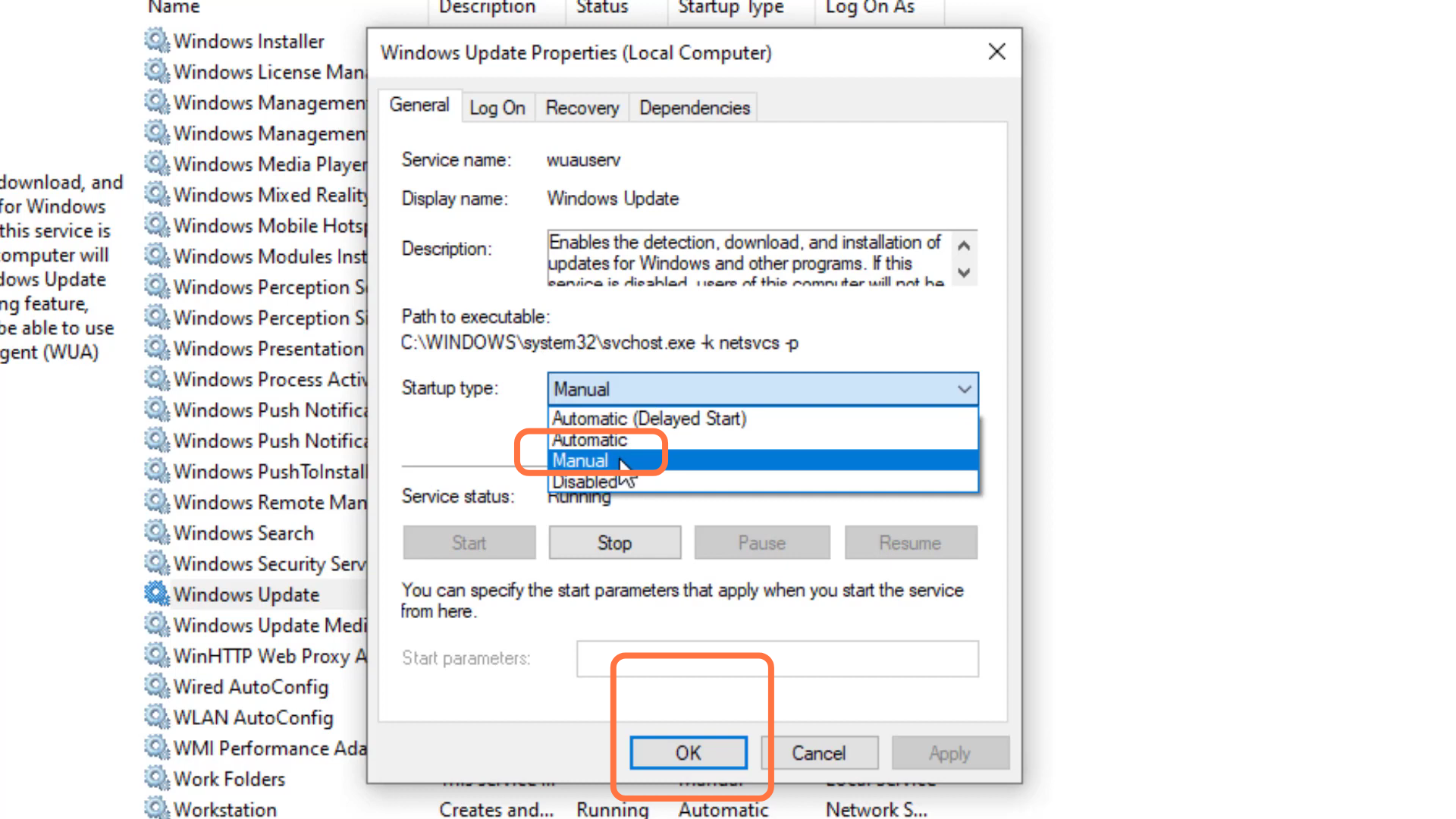
- Then you have to left-click on Windows update and go to properties.
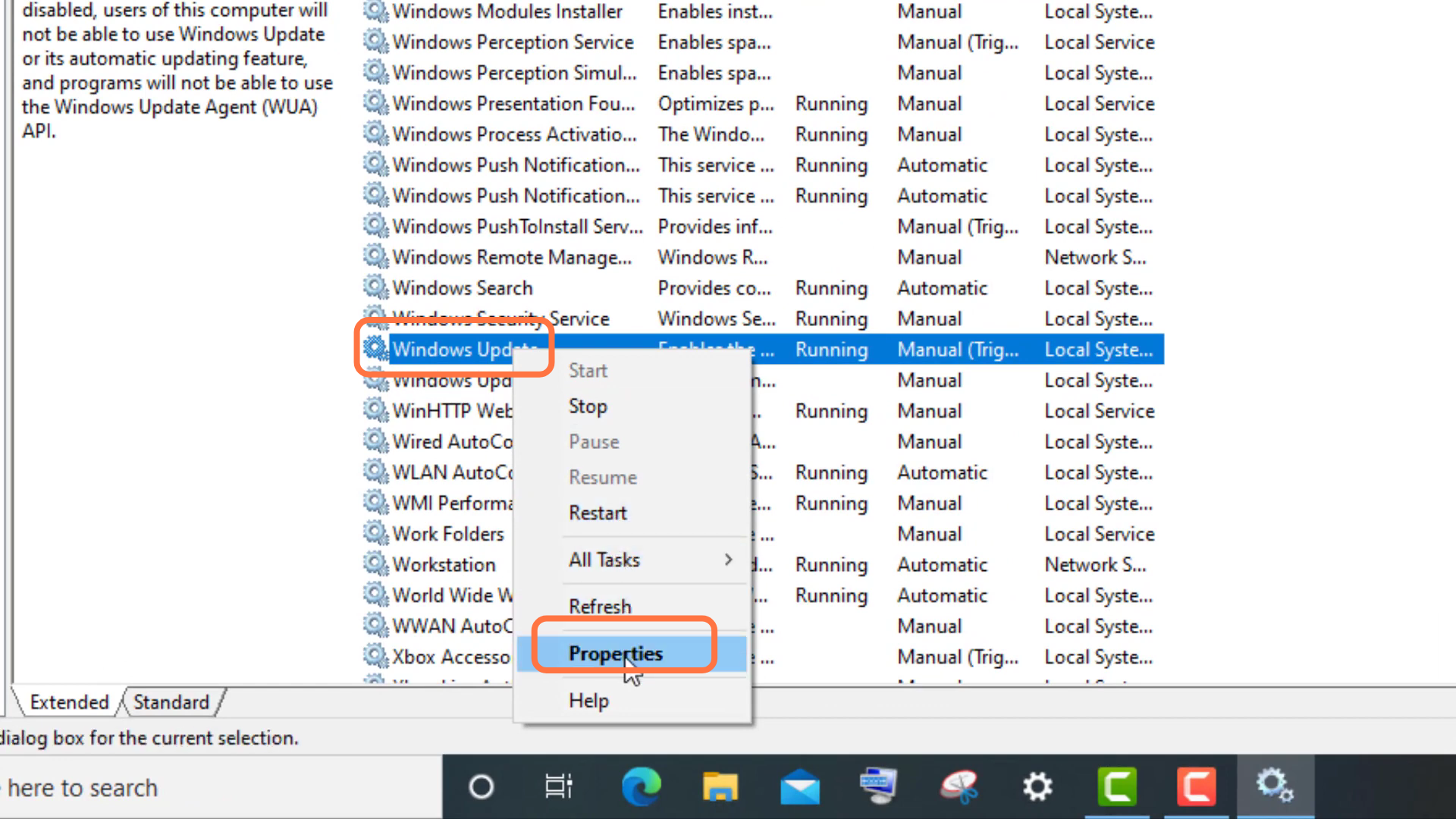
- Select automatic and press the OK button.
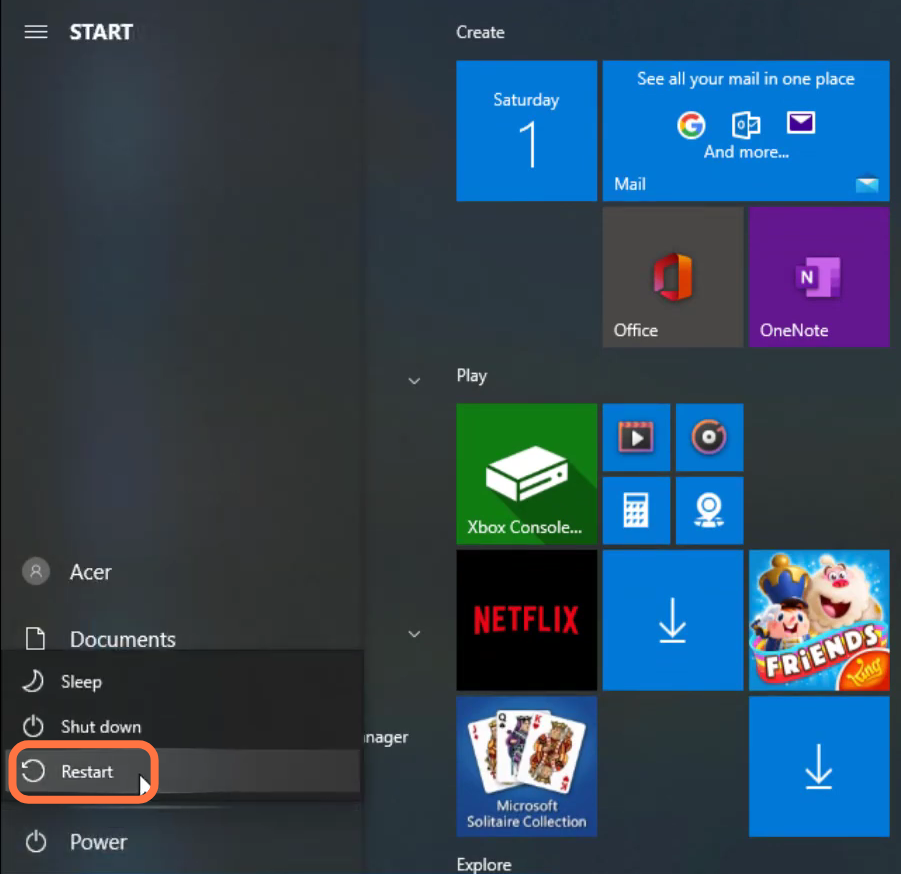
- After that, restart your PC to resolve the error.