How to Fix Unsupported Mafia Error 4214
Error 4214 Unsupported Mafia Error occurs when you try to start the game on windows 10.
You have to follow the step-by-step instructions below to get rid of this error.
- You will need to search for "Run" in the search bar and Click on "open".
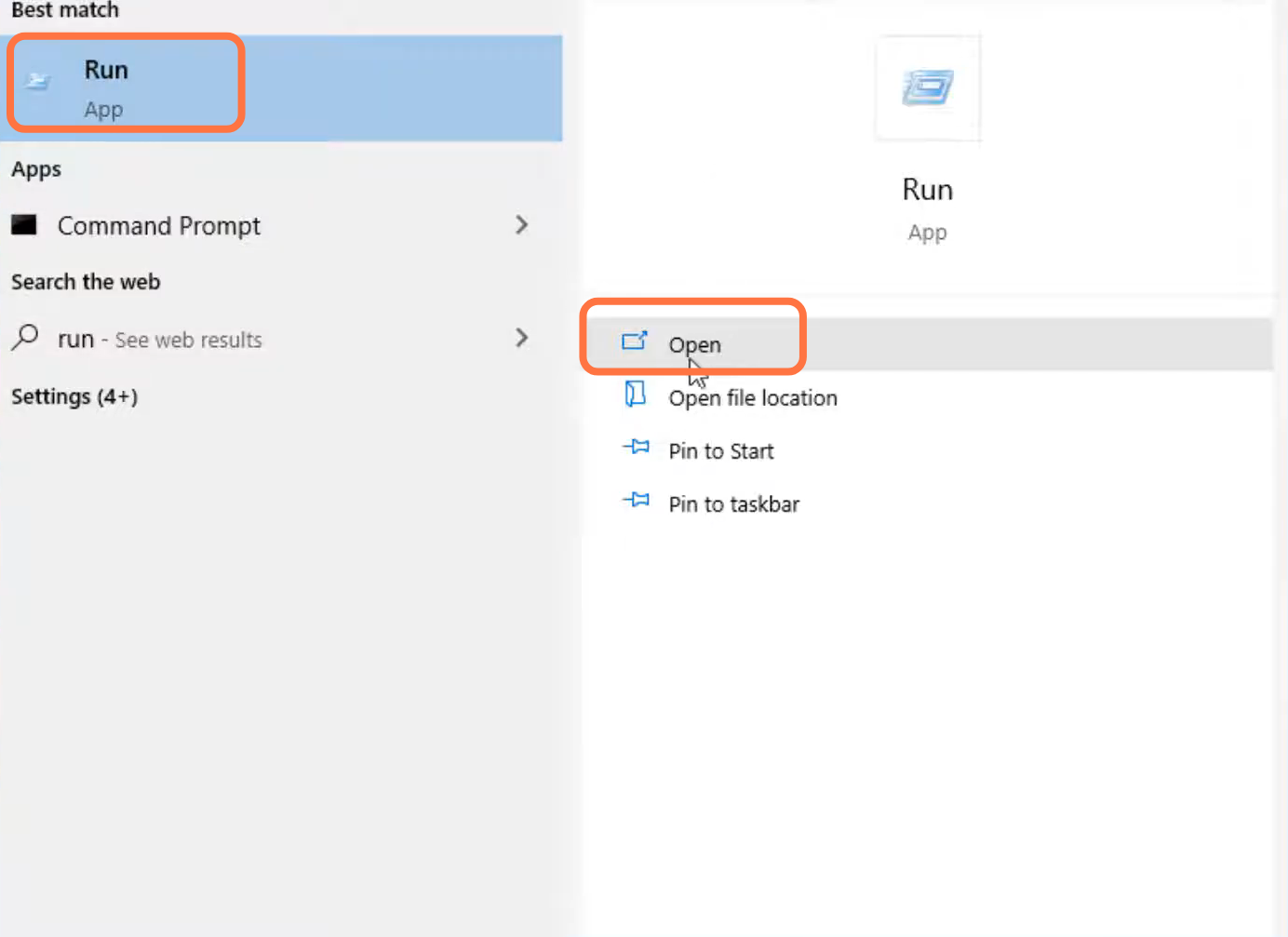
- Type "systemRoot/SYSWOW64" and Click on the "OK" button.

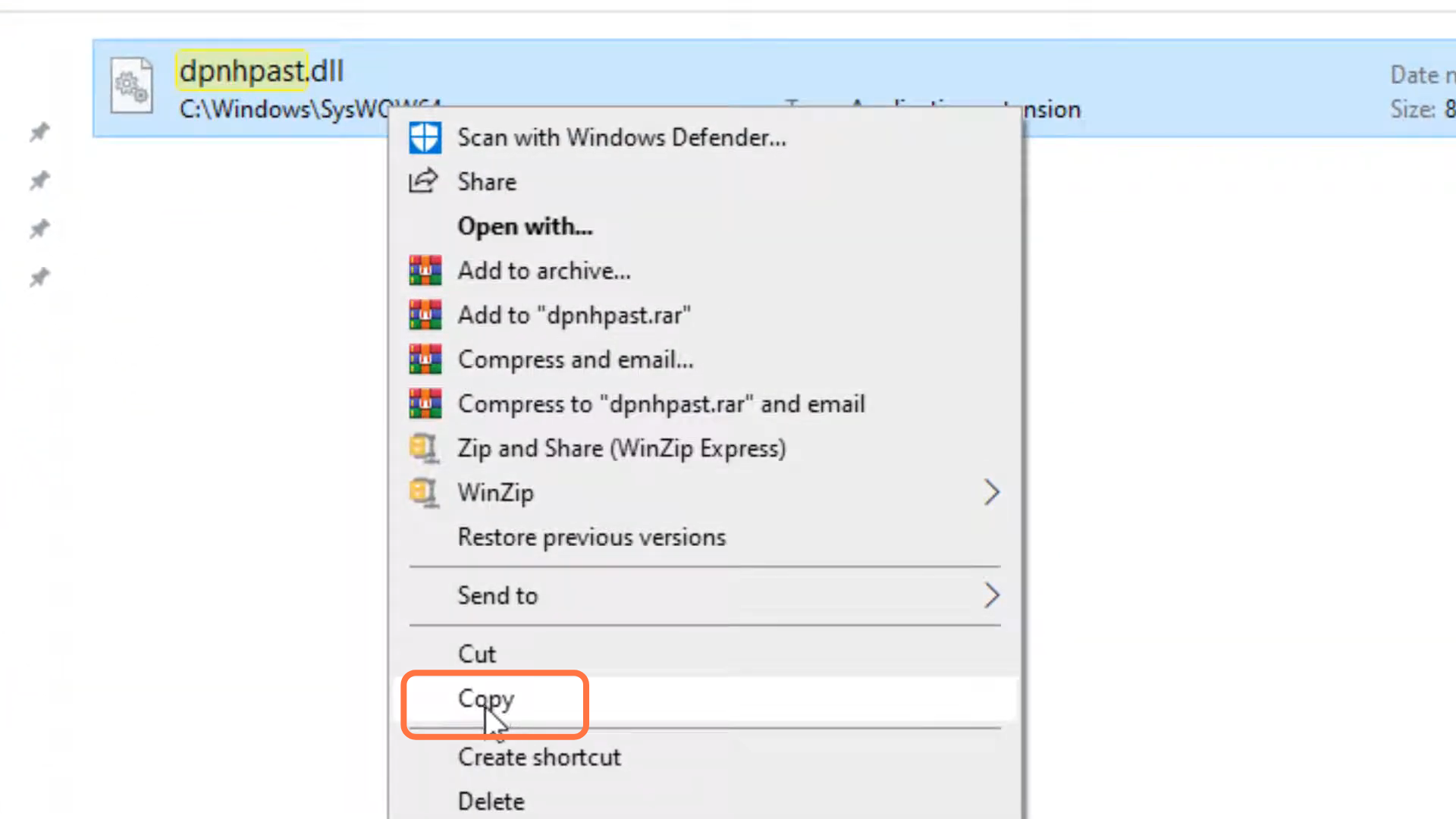
- After that, search- dpnhpast.dll.

- And copy the selected file.
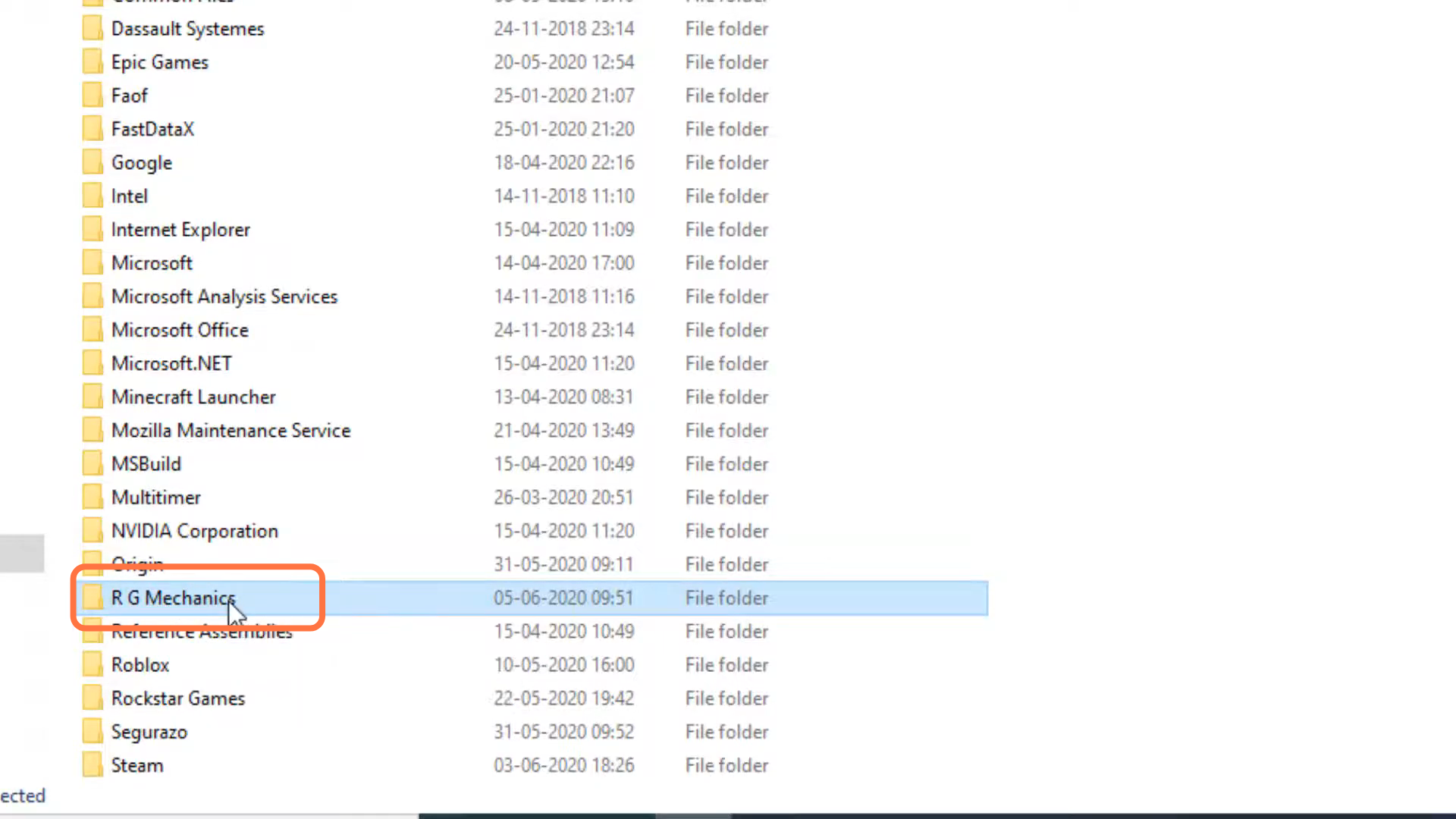
- Then you need to go to Windows drive.

- Enter into Program file x86.

- And then navigate to into R G mechanics.
- After that, enter into the Mafia folder.
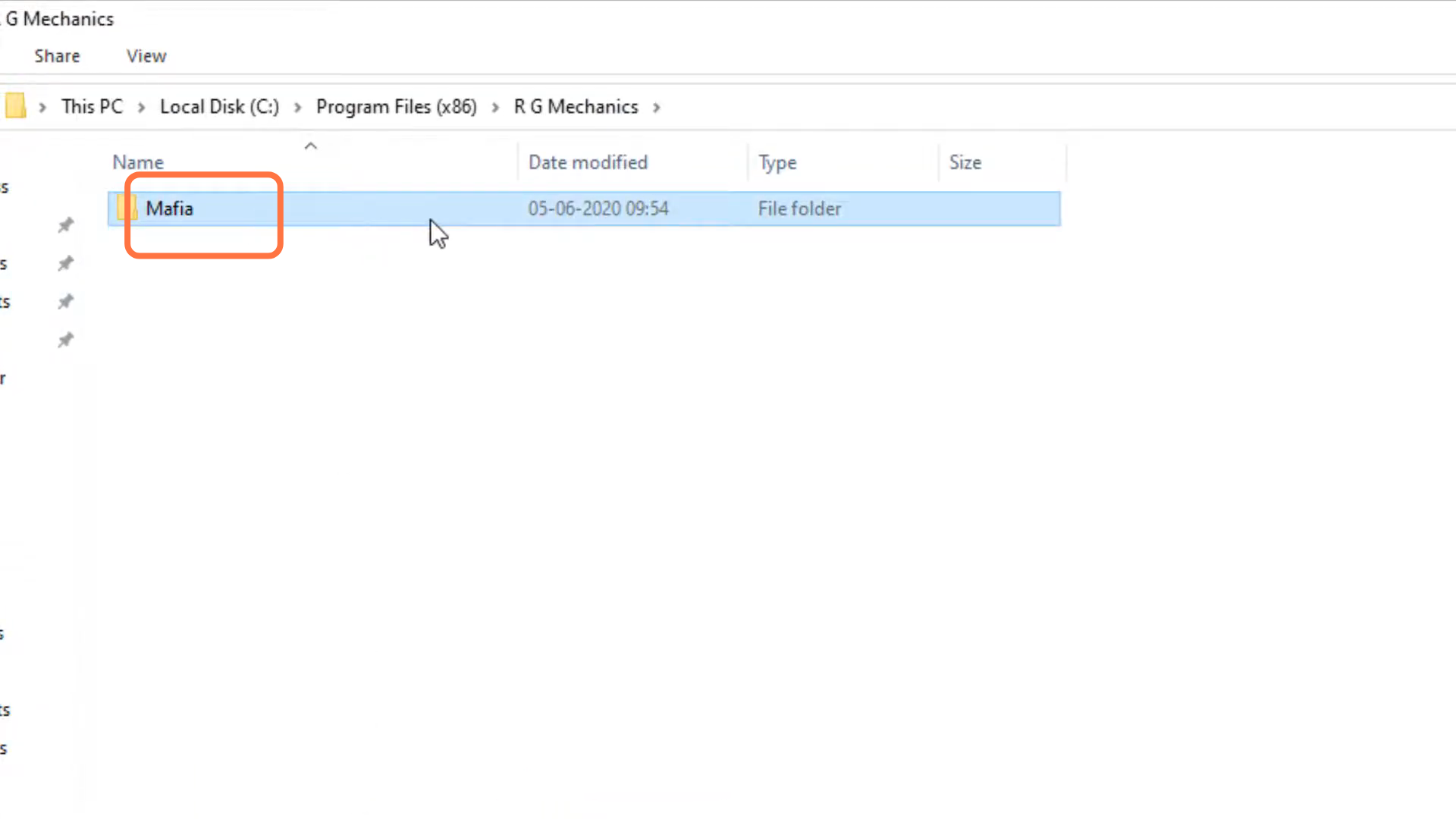
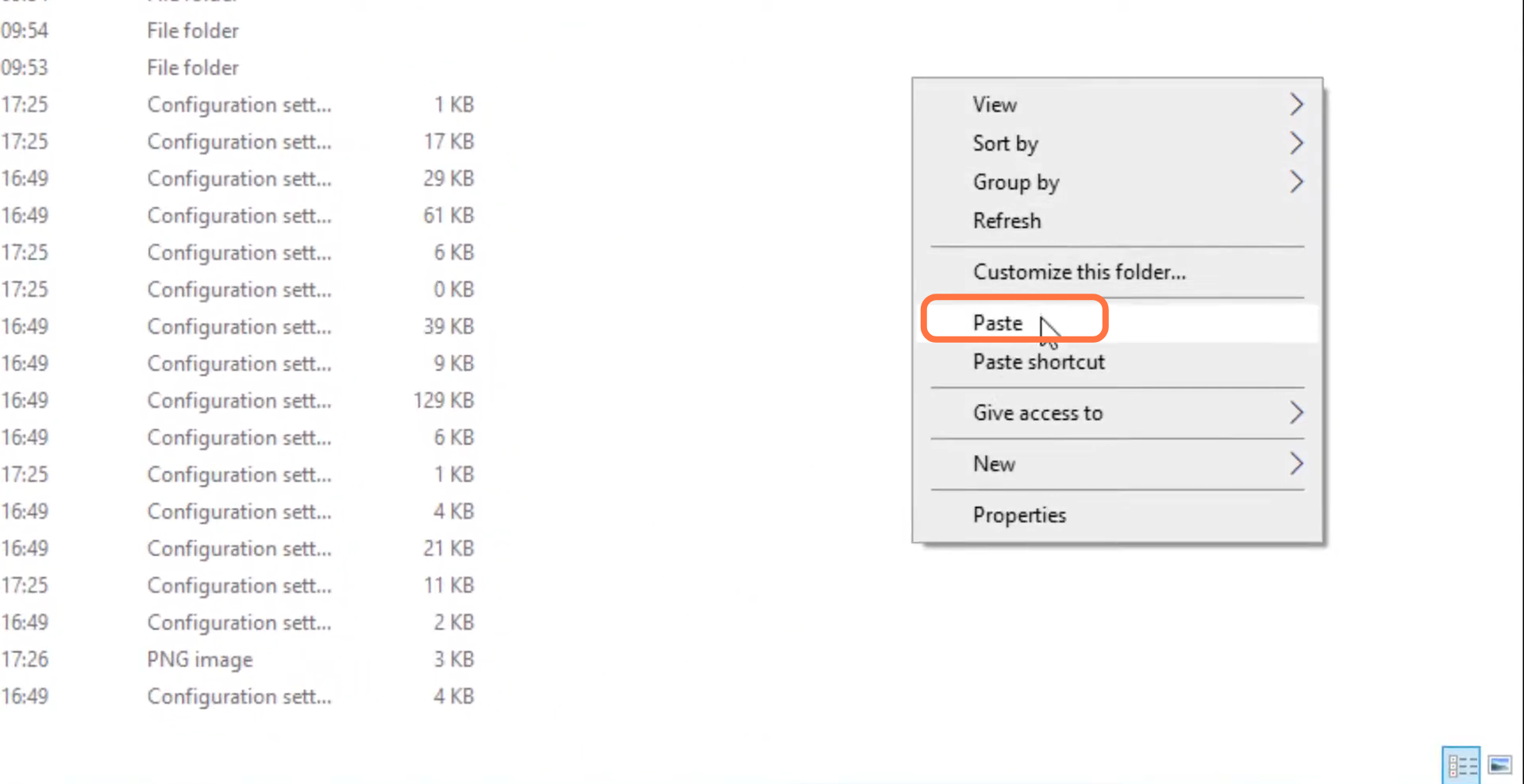
- You will need to press the left click and paste it into that folder.
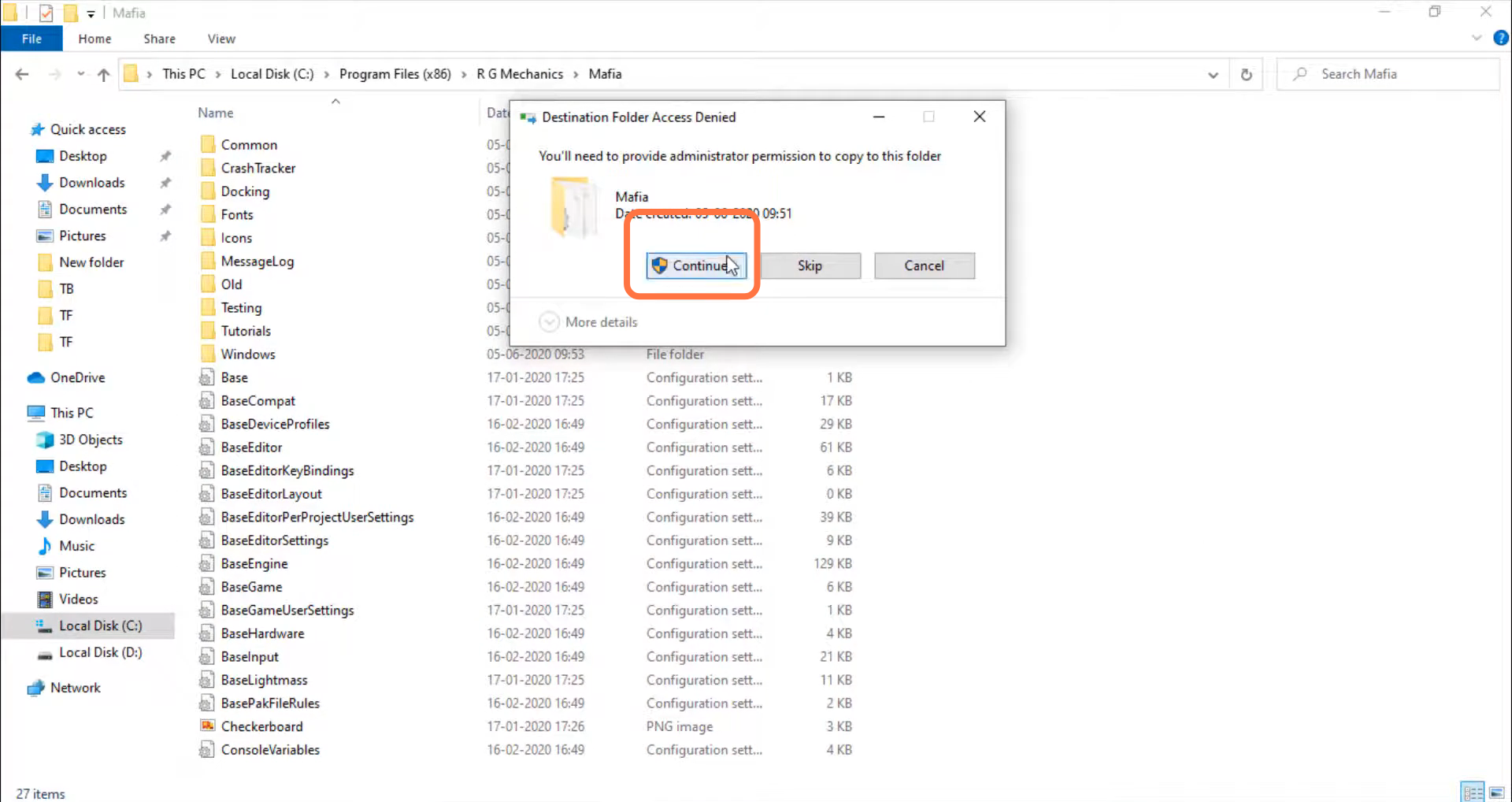
- After that, click on Continue.
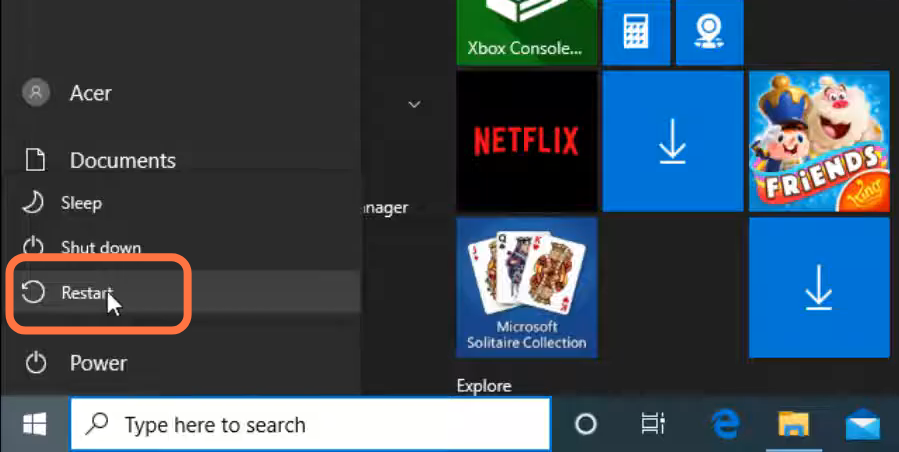
- And restart your PC to resolve the issue.